Understanding the relationship between inches and pixels (px) is crucial when dealing with LED displays, whether for digital signage, televisions, or computer monitors. This article delves into the technical aspects of LED displays, explaining how size, resolution, and pixel density interact to produce the vibrant images we see. By the end, readers will have a clear grasp of how to convert inches to pixels and why this knowledge matters in selecting and optimizing LED display technology.
What Is an LED Display?
LED, or Light Emitting Diode, displays are a popular technology used in screens of all sizes, from small wearable devices to massive outdoor billboards. Unlike traditional LCDs that rely on backlighting, LED displays use individual diodes to emit light, which results in brighter images, better contrast, and energy efficiency.
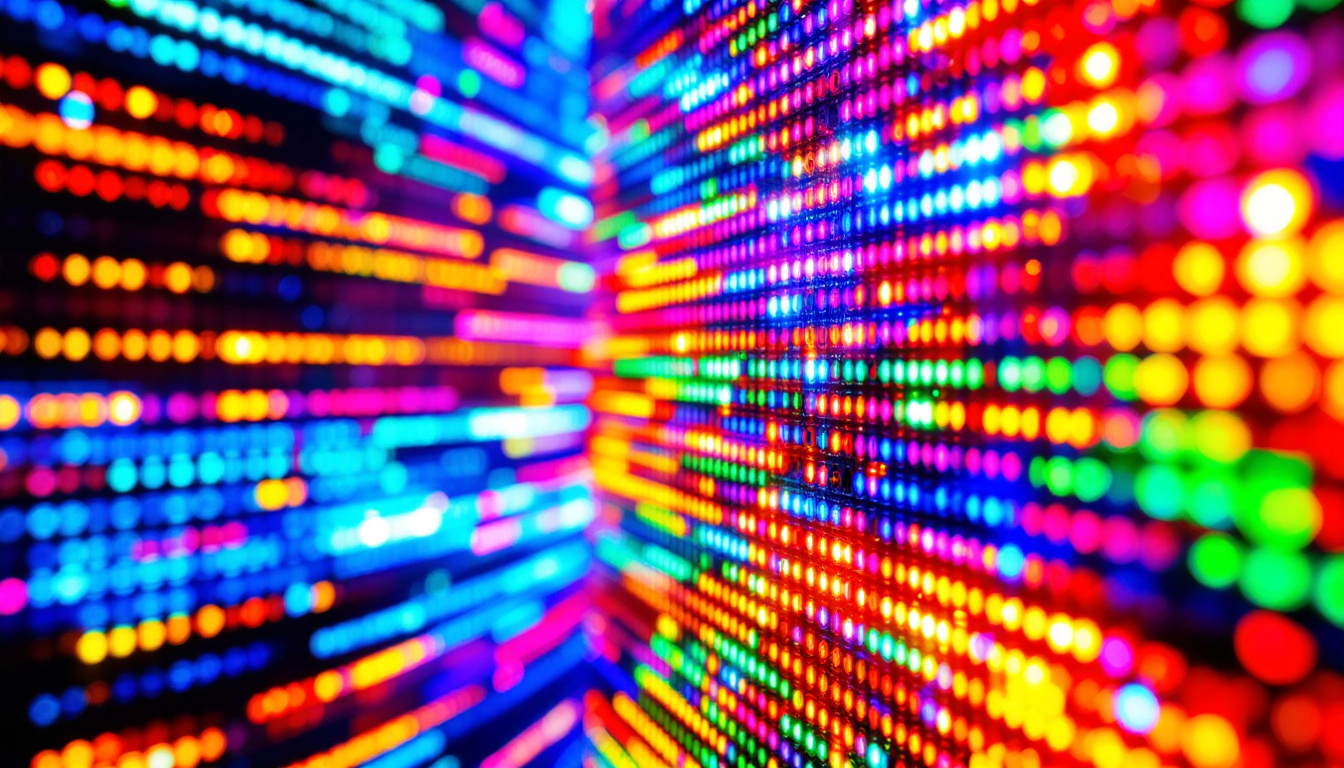
There are two main types of LED displays: direct-view LED and LED-backlit LCD. In direct-view LED displays, each pixel is made up of tiny LEDs that directly emit light. This technology is commonly used in large-scale video walls and stadium screens. LED-backlit LCDs, on the other hand, use LEDs as a backlight behind an LCD panel, which is typical in consumer TVs and monitors.
Why LED Displays Are Preferred
LED displays have become the standard for many applications because they offer superior brightness and color accuracy. They perform well in various lighting conditions, including bright sunlight, making them ideal for outdoor use. Additionally, LEDs can be designed to be ultra-thin and lightweight, which is advantageous for modern device aesthetics and portability.
Another significant advantage of LED displays is their longevity. LEDs have a much longer lifespan compared to traditional display technologies, often lasting tens of thousands of hours before dimming significantly. This durability translates to lower maintenance costs and less frequent replacements, making them a cost-effective choice for businesses and consumers alike. Furthermore, advancements in LED technology have led to improved energy efficiency, with many modern displays consuming less power than their predecessors, thereby contributing to reduced carbon footprints.
Moreover, LED displays are highly versatile and can be used in a variety of settings, from retail environments showcasing vibrant advertisements to conference rooms equipped with high-definition screens for presentations. The flexibility in design allows for creative installations, such as curved or transparent displays, which can enhance the visual experience in innovative ways. As the technology continues to evolve, we can expect even more exciting applications and enhancements in the realm of LED displays, further solidifying their role in our daily lives.
Understanding Inches and Pixels
When discussing screen size and resolution, two fundamental units come into play: inches and pixels. Inches measure the physical size of the display, typically the diagonal length of the screen. Pixels, short for picture elements, represent the smallest controllable element of a digital image on the screen.
Screen Size in Inches
The size of a screen is usually given in inches, measured diagonally from one corner to the opposite corner. For example, a 55-inch LED TV has a screen diagonal of 55 inches. This measurement helps consumers gauge the physical space the display will occupy and is a straightforward way to compare sizes across different devices.
Pixels and Resolution
Resolution refers to the number of pixels displayed on the screen, usually expressed as width × height (e.g., 1920×1080). The total number of pixels determines the detail and clarity of the image. More pixels generally mean a sharper and more detailed picture, assuming the screen size remains constant.
For instance, a 24-inch monitor with a resolution of 1920×1080 will have a higher pixel density than a 55-inch TV with the same resolution, resulting in a crisper image on the smaller screen.
Pixel Density: The Crucial Link Between Inches and Pixels
Pixel density, measured in pixels per inch (PPI), is the key metric that connects physical screen size and resolution. It indicates how many pixels are packed into each inch of the display, influencing image sharpness and clarity.
Calculating Pixel Density (PPI)
To calculate PPI, you need to know the screen resolution and the diagonal size in inches. The formula is:
PPI = √(width² + height²) / diagonal size
For example, a 27-inch monitor with a resolution of 2560×1440 pixels has a PPI calculated as follows:
Diagonal pixels = √(2560² + 1440²) ≈ 2932 pixelsPPI = 2932 / 27 ≈ 108.6 PPI
This means there are approximately 109 pixels packed into each inch of the screen.
Why PPI Matters
Higher PPI values translate to sharper images and finer detail. This is especially important for applications requiring precision, such as graphic design, video editing, and gaming. Conversely, lower PPI displays may appear pixelated or blurry when viewed up close.
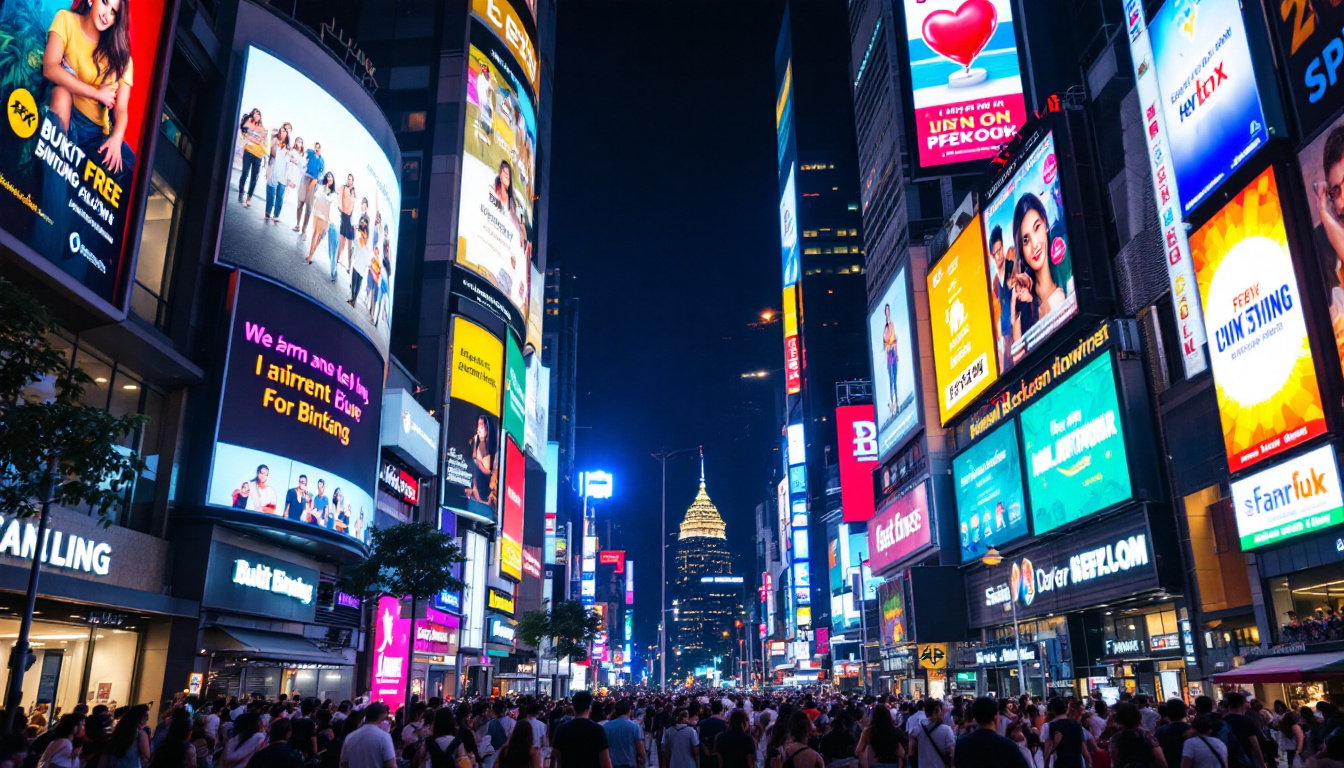
In LED displays, pixel density also affects viewing distance. Large outdoor LED billboards often have lower PPI because they are viewed from far away, where individual pixels are indistinguishable. Conversely, smartphones and tablets have very high PPI to ensure crisp visuals at close range.
Converting Inches to Pixels for LED Displays
Converting inches to pixels is essential for designers, engineers, and content creators who need to match digital content to specific LED display sizes. The conversion depends on the pixel density of the display.
Step-by-Step Conversion Process
1. Determine the display’s diagonal size in inches.
2. Identify the screen resolution (width × height in pixels).
3. Calculate the pixel density (PPI) using the formula above.
4. Multiply the number of inches in width or height by the PPI to get the pixel count for that dimension.
For example, consider a 40-inch LED display with a resolution of 3840×2160 pixels (4K UHD). First, calculate the PPI:
Diagonal pixels = √(3840² + 2160²) ≈ 4404 pixelsPPI = 4404 / 40 ≈ 110.1 PPI
If the screen width is approximately 34.9 inches (calculated using the aspect ratio), the pixel width is:
Pixel width = 34.9 inches × 110.1 PPI ≈ 3840 pixels
This confirms the resolution width matches the pixel count, illustrating how inches convert to pixels based on PPI.
Practical Applications of Inch-to-Pixel Conversion
Understanding this conversion helps in several ways:
- Content Creation: Ensuring graphics and videos are created at the correct resolution to avoid distortion or pixelation.
- Display Selection: Choosing an LED display that meets the required sharpness and size for a particular application.
- Installation Planning: Calculating pixel pitch and density to optimize viewing distance and image quality.
Pixel Pitch and Its Role in LED Displays
Pixel pitch is another critical factor in LED display technology. It refers to the distance between the centers of two adjacent pixels, usually measured in millimeters. Pixel pitch directly influences the display’s resolution and image clarity, especially in large-format LED screens.
How Pixel Pitch Affects Image Quality
A smaller pixel pitch means pixels are closer together, resulting in higher resolution and finer detail. For example, indoor LED displays often have pixel pitches as small as 1.2mm to 2.5mm, providing crisp images at close viewing distances.
Conversely, outdoor LED billboards typically have larger pixel pitches, ranging from 6mm to 20mm or more. This is because they are viewed from much farther away, where individual pixels blend together to form a coherent image.
Calculating Pixel Pitch from Inches and Pixels
Pixel pitch can be derived by converting the screen’s physical width or height from inches to millimeters (1 inch = 25.4 mm) and dividing by the number of pixels in that dimension:
Pixel Pitch (mm) = (Screen Width in inches × 25.4) / Number of Pixels in Width
For example, a 55-inch LED display with a width of approximately 47.9 inches and a resolution width of 3840 pixels has a pixel pitch of:
Pixel Pitch = (47.9 × 25.4) / 3840 ≈ 0.317 mm
This very small pixel pitch indicates a high-resolution display suitable for close viewing.
Choosing the Right LED Display: Balancing Size, Resolution, and Pixel Density
Selecting an LED display involves balancing several factors to meet specific needs. Screen size, resolution, pixel density, and pixel pitch all interplay to determine the final image quality and usability.
Consider Viewing Distance
Viewing distance is one of the most important considerations. A display with a high pixel density is essential for close-up viewing, such as computer monitors or smartphones. For large venues or outdoor advertising, a lower pixel density with a larger pixel pitch is acceptable because viewers are farther away.
Match Resolution to Content
Content resolution must align with the display’s native resolution to avoid scaling issues that can degrade image quality. For example, displaying 1080p content on a 4K LED screen without proper scaling can result in blurriness or artifacts.
Energy Efficiency and Brightness
While not directly related to inch-to-pixel conversion, energy consumption and brightness are also crucial. LED displays offer excellent brightness levels, often exceeding 1,000 nits for outdoor use, ensuring visibility in direct sunlight. Energy-efficient LEDs reduce operational costs and environmental impact.
Future Trends in LED Display Technology
LED display technology continues to evolve rapidly. Emerging trends include microLED and miniLED displays, which offer even higher pixel densities and improved color accuracy. MicroLEDs use microscopic LEDs to create pixels, enabling ultra-high resolution and brightness with lower power consumption.
Flexible and transparent LED displays are also gaining traction, expanding the possibilities for innovative applications in architecture, automotive, and wearable tech. As these technologies mature, understanding the relationship between inches and pixels will remain fundamental for designing and deploying cutting-edge displays.
Conclusion
Converting inches to pixels in LED displays is more than a simple measurement task; it is a foundational concept that influences image quality, user experience, and device functionality. By understanding screen size, resolution, pixel density, and pixel pitch, professionals and consumers alike can make informed decisions about LED display selection and content creation.
Whether designing a digital billboard, selecting a new television, or developing content for a high-resolution monitor, mastering the inch-to-pixel relationship ensures optimal performance and visual excellence in LED display technology.
Discover LumenMatrix LED Display Solutions
Ready to experience the pinnacle of LED display technology? LumenMatrix is at the forefront of creating immersive and dynamic visual displays that truly stand out. From the clarity of our Indoor LED Wall Displays to the robustness of our Outdoor LED Wall Displays, and the innovation of our Custom and All-in-One LED Display solutions, we have the perfect fit for every need. Elevate your visual communication and captivate your audience with LumenMatrix’s cutting-edge LED display modules. Check out LumenMatrix LED Display Solutions today and transform your space into a vibrant canvas of possibilities.