In today’s fast-paced digital world, touch screen monitors have become an integral part of both professional and personal environments. Among the various sizes available, the 43-inch touch screen monitor stands out for its versatility, offering a perfect balance between screen real estate and usability. This article delves into the specifics of 43-inch touch screen monitors with LED displays, explaining their technology, applications, advantages, and what to consider before making a purchase.
Understanding the Basics: What is a 43 Touch Screen Monitor?
A 43 touch screen monitor is a display device with a 43-inch diagonal screen size that incorporates touch-sensitive technology, allowing users to interact directly with the screen using fingers or a stylus. Unlike traditional monitors that require peripherals like a mouse or keyboard for navigation, touch screen monitors enable intuitive and direct input, enhancing user experience and productivity.
The 43-inch size is especially popular because it offers ample viewing space without overwhelming a typical desk or wall setup. This size is widely used in various sectors such as education, retail, corporate environments, and healthcare, where interactive displays can significantly improve workflow and engagement.
Why Choose a 43-Inch Size?
The 43-inch diagonal measurement strikes a balance between portability and visibility. It is large enough to display detailed content clearly, such as spreadsheets, presentations, or multimedia, yet compact enough to fit in meeting rooms, classrooms, or kiosks. This size is also ideal for collaborative work, allowing multiple users to interact simultaneously without crowding.
Moreover, the 43-inch touch screen monitor is often the sweet spot for digital signage and interactive kiosks, providing clear visuals and responsive touch capabilities that attract and retain user attention.
LED Display Technology: The Heart of Modern Touch Screens
LED (Light Emitting Diode) technology has revolutionized display screens, offering brighter images, better energy efficiency, and longer lifespans compared to older technologies like LCD with CCFL backlighting. Understanding how LED displays work is crucial to appreciating their advantages in touch screen monitors.
How LED Displays Work
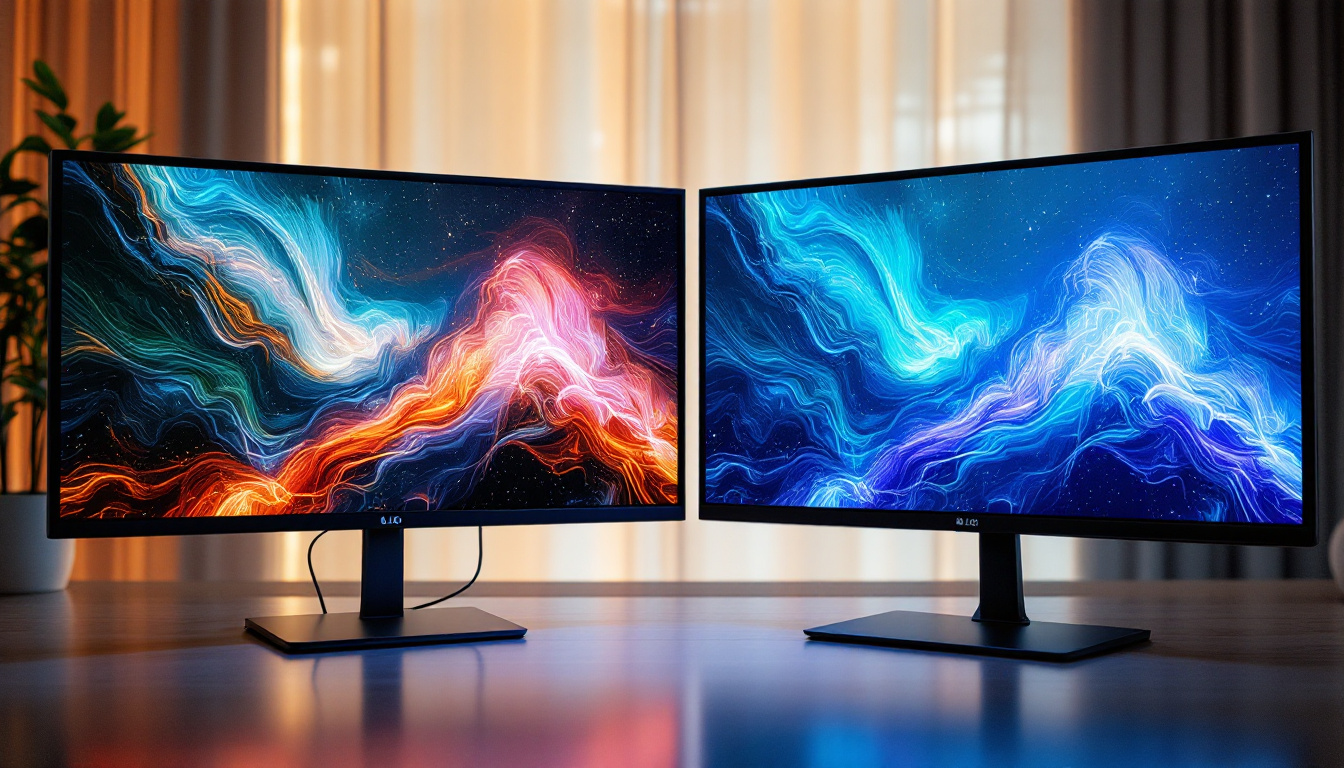
LED displays use an array of light-emitting diodes as the backlight source behind the LCD panel. These diodes illuminate the pixels on the screen, producing vibrant colors and sharp images. Unlike traditional fluorescent backlights, LEDs can be turned on and off individually or in zones, allowing for better contrast ratios and deeper blacks.
In a 43-inch touch screen monitor, the LED backlighting enhances visibility in various lighting conditions, including bright office spaces or retail environments with ambient light. This ensures that the display remains clear and readable, which is essential for interactive use where detail and clarity matter.
Advantages of LED Displays in Touch Monitors
- Energy Efficiency: LED backlights consume less power, reducing operational costs and environmental impact.
- Slim Design: LEDs allow for thinner and lighter monitors, making installation and portability easier.
- Improved Brightness and Contrast: Enhanced picture quality supports better user interaction and visual appeal.
- Longevity: LEDs have a longer lifespan, meaning fewer replacements and lower maintenance costs.
Touch Screen Technologies Used in 43-Inch Monitors
Not all touch screen monitors are created equal. The technology used to detect touch input can vary, affecting responsiveness, accuracy, and durability. The two most common touch technologies in 43-inch monitors are projected capacitive (PCAP) and infrared (IR) touch.
Projected Capacitive (PCAP) Touch
PCAP technology is widely regarded as the gold standard for touch screens. It uses a grid of microcapacitors embedded in the glass layer to detect changes in the electrical field caused by a finger or conductive stylus. This technology supports multi-touch gestures, such as pinch-to-zoom and swipe, and offers high accuracy and responsiveness.
PCAP touch screens are highly durable and resistant to scratches and contaminants, making them suitable for both indoor and outdoor use. Their glass surface also provides a smooth, natural touch experience similar to smartphones and tablets.
Infrared (IR) Touch
Infrared touch technology uses an array of IR LEDs and photodetectors around the edges of the screen to create an invisible grid of light beams. When a finger or object interrupts these beams, the system calculates the touch point. IR touch screens are highly durable because they do not rely on a glass layer for touch detection, making them resistant to scratches and wear.
However, IR touch screens may be less precise than PCAP and can be affected by dirt or direct sunlight, which may interfere with the IR sensors. They are often used in environments where ruggedness is a priority, such as industrial settings or public kiosks.
Applications of 43 Touch Screen Monitors with LED Displays
The combination of a large 43-inch screen, touch capability, and LED display technology makes these monitors highly versatile across industries. Here are some of the most common applications:
Corporate and Educational Environments
In offices and classrooms, 43-inch touch screen monitors serve as interactive whiteboards or presentation displays. They facilitate collaborative work by allowing multiple users to annotate, highlight, and manipulate content directly on the screen. This enhances engagement during meetings, training sessions, and lectures.
Modern software platforms integrate seamlessly with touch monitors, enabling easy sharing of content and remote collaboration. The LED display ensures that visuals are crisp and visible to everyone in the room, even under varying lighting conditions.
Retail and Hospitality
Retailers use 43-inch touch screen monitors as interactive kiosks or digital signage to attract customers and provide self-service options. Customers can browse products, check prices, or place orders directly through the screen, enhancing the shopping experience and reducing the need for staff intervention.
In hospitality, such as hotels and restaurants, these monitors serve as digital concierge stations or menu displays. The responsive touch interface allows guests to access information or customize orders quickly and intuitively.
Healthcare and Medical Facilities
Touch screen monitors in healthcare settings improve patient interaction and streamline workflows. A 43-inch touch screen can be used for patient check-in kiosks, digital charting, or telemedicine consultations. The LED display ensures that medical images, charts, and data are displayed with high clarity, which is critical for accurate diagnosis and treatment planning.
Key Features to Consider When Choosing a 43 Touch Screen Monitor
Selecting the right 43-inch touch screen monitor requires careful consideration of several factors to ensure it meets your specific needs. Here are the key features to evaluate:
Resolution and Display Quality
Resolution determines the sharpness and clarity of the display. A Full HD (1920×1080) resolution is standard for 43-inch monitors, providing clear images and text. However, some models offer 4K UHD (3840×2160) resolution for even greater detail, which is beneficial for design, medical imaging, and multimedia applications.
Additionally, look for monitors with high brightness (measured in nits) and good color accuracy, especially if the display will be used in bright environments or for color-critical tasks.
Touch Technology and Responsiveness
Choose a touch technology that suits your environment and usage patterns. PCAP is ideal for smooth, multi-touch interactions and a premium feel, while IR touch is better for rugged or public settings where durability is paramount.
Check the touch response time and accuracy specifications to ensure the monitor can handle your intended applications smoothly.
Connectivity Options
Modern touch screen monitors come with a variety of ports such as HDMI, DisplayPort, USB-C, and USB-A for touch input. Some models also support wireless connectivity like Bluetooth or Wi-Fi, which can be useful for integrating with other devices or networks.
Ensure the monitor’s connectivity options are compatible with your existing hardware and software environment.
Durability and Build Quality
Since touch screens are subject to frequent physical interaction, durability is crucial. Look for features such as tempered glass, IP ratings for dust and water resistance, and robust casing materials. These factors contribute to the longevity of the device, especially in high-traffic or industrial environments.
Software Compatibility and Support
Verify that the monitor supports the operating systems and applications you plan to use. Some monitors come with built-in software or drivers that enhance touch functionality and customization. Manufacturer support and warranty terms are also important considerations for long-term reliability.
Future Trends in 43 Touch Screen Monitor Technology
The touch screen monitor market continues to evolve rapidly, driven by advances in display technology, user interface design, and integration with emerging technologies.
Integration with AI and IoT
Future 43-inch touch screen monitors are expected to incorporate artificial intelligence (AI) and Internet of Things (IoT) capabilities. This could enable smarter user interfaces that adapt to individual preferences, predictive touch responses, and seamless connectivity with other smart devices in the workspace or home.
Enhanced Multi-Touch and Gesture Recognition
Advancements in touch technology will likely improve multi-touch accuracy and introduce more sophisticated gesture recognition. This will enable more natural and efficient interactions, such as 3D gestures or pressure-sensitive inputs, expanding the range of possible applications.
Flexible and Transparent Displays
Emerging display technologies like OLED and microLED may lead to thinner, lighter, and more flexible touch screen monitors. Transparent displays could also become more common, allowing for innovative uses in retail, automotive, and augmented reality environments.
Conclusion
The 43 touch screen monitor with an LED display represents a powerful tool for interactive computing, combining ample screen size with responsive touch technology and vibrant visuals. Whether used in corporate settings, education, retail, or healthcare, these monitors enhance user engagement and streamline workflows.
Understanding the underlying LED technology, touch screen types, and key features ensures that buyers can select the right monitor tailored to their needs. As technology advances, 43-inch touch screen monitors will continue to evolve, offering even more innovative and immersive user experiences.
For businesses and individuals looking to invest in a versatile, high-quality interactive display, the 43-inch touch screen monitor with LED display technology is a compelling choice that balances performance, durability, and cost-effectiveness.
Discover LumenMatrix’s Interactive LED Solutions
Ready to elevate your interactive display capabilities? Explore LumenMatrix’s wide range of innovative LED display solutions, designed to bring your content to life. From dynamic indoor and outdoor LED walls to specialized displays for vehicles, sports, and custom applications, LumenMatrix is at the forefront of creating immersive environments that captivate and engage. Experience the future of visual communication with our LED technology. Check out LumenMatrix LED Display Solutions today and transform your space into a hub of interaction and impact.