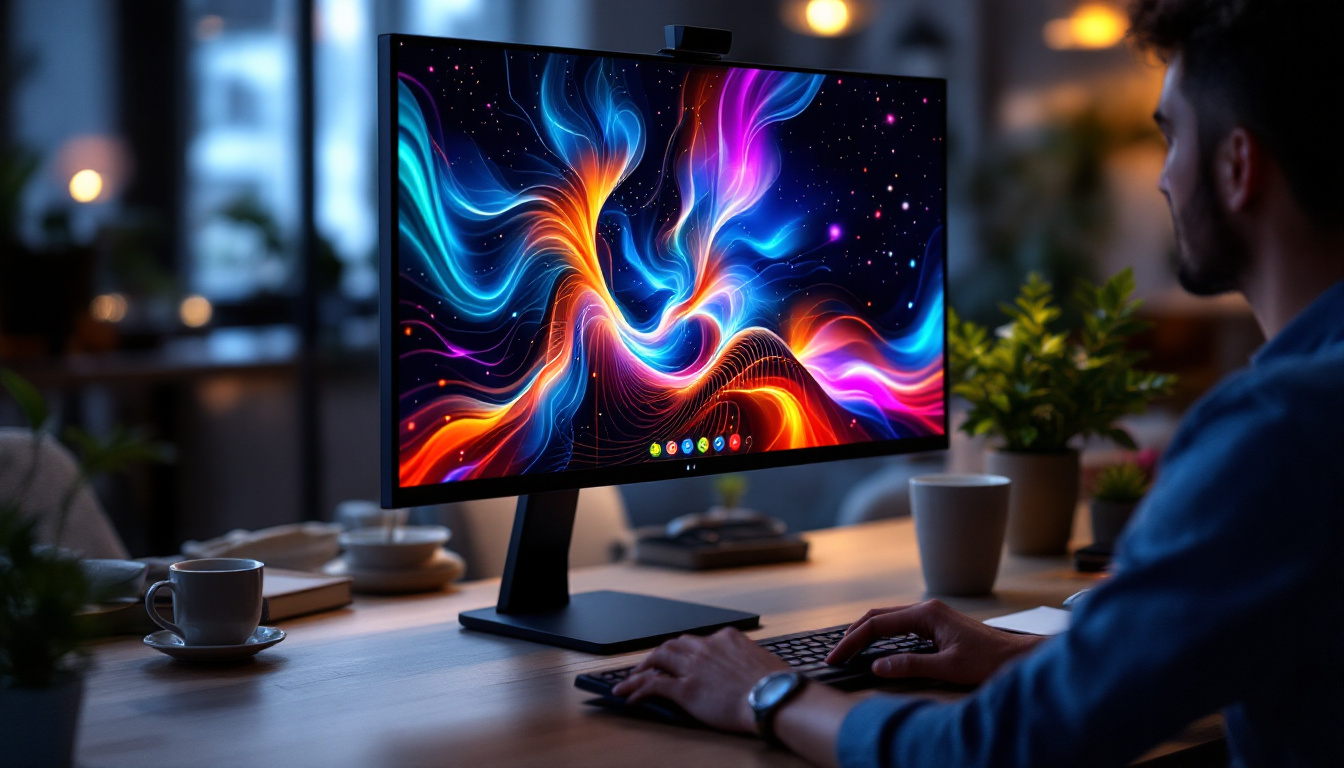
In today’s fast-paced digital environment, the demand for efficient and visually compelling display solutions has never been higher. Whether in corporate offices, retail environments, control rooms, or home setups, dual-screen stands combined with LED displays offer a powerful way to enhance productivity and visual communication. This article delves into the concept of 2 screen stands, explores the technology behind LED displays, and explains how these elements come together to create versatile and impactful display setups.
Understanding the 2 Screen Stand Concept
What Is a 2 Screen Stand?
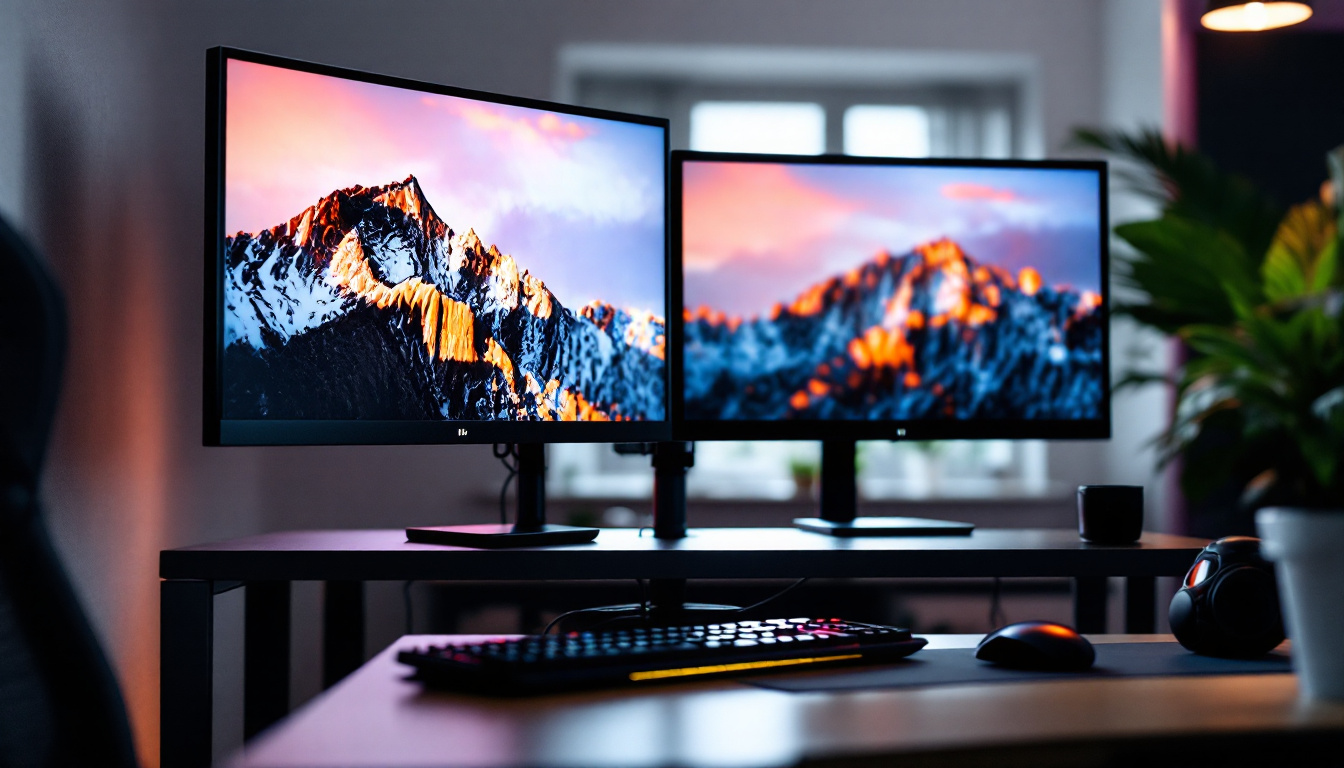
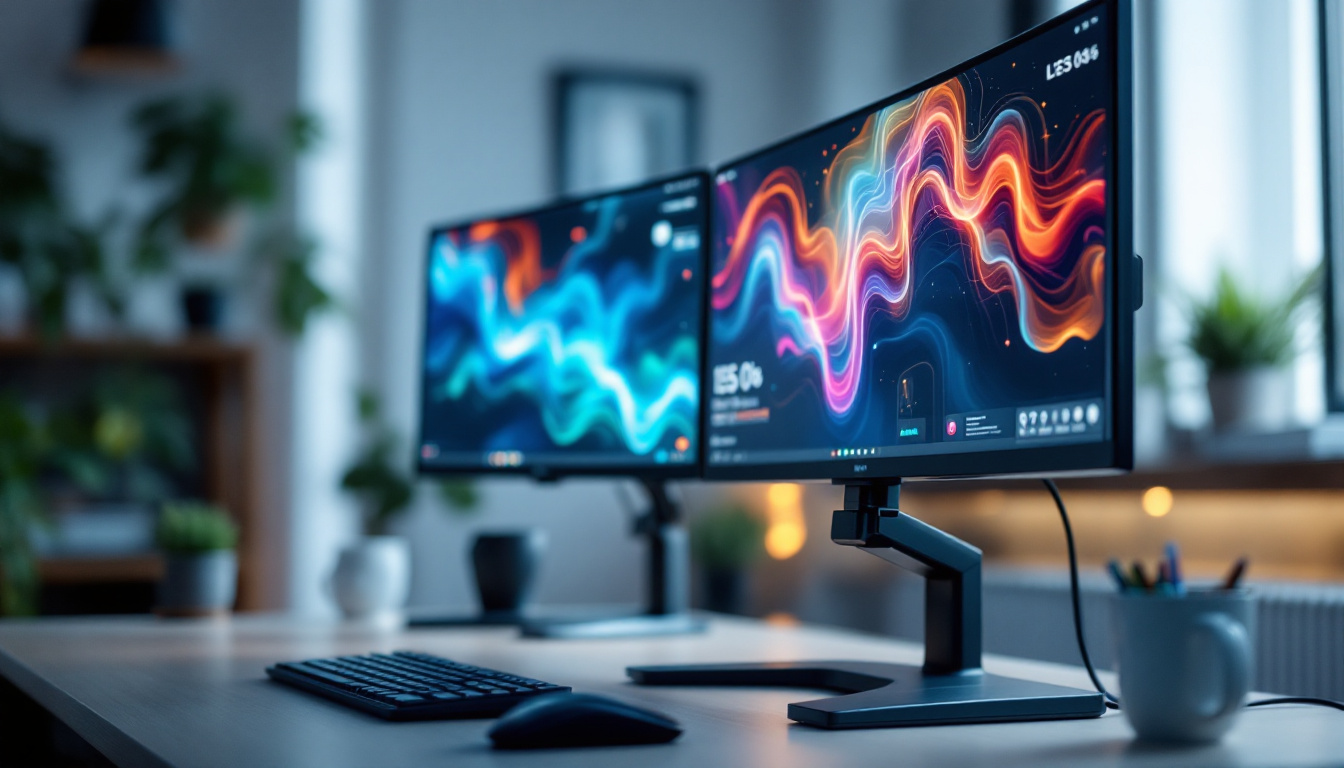
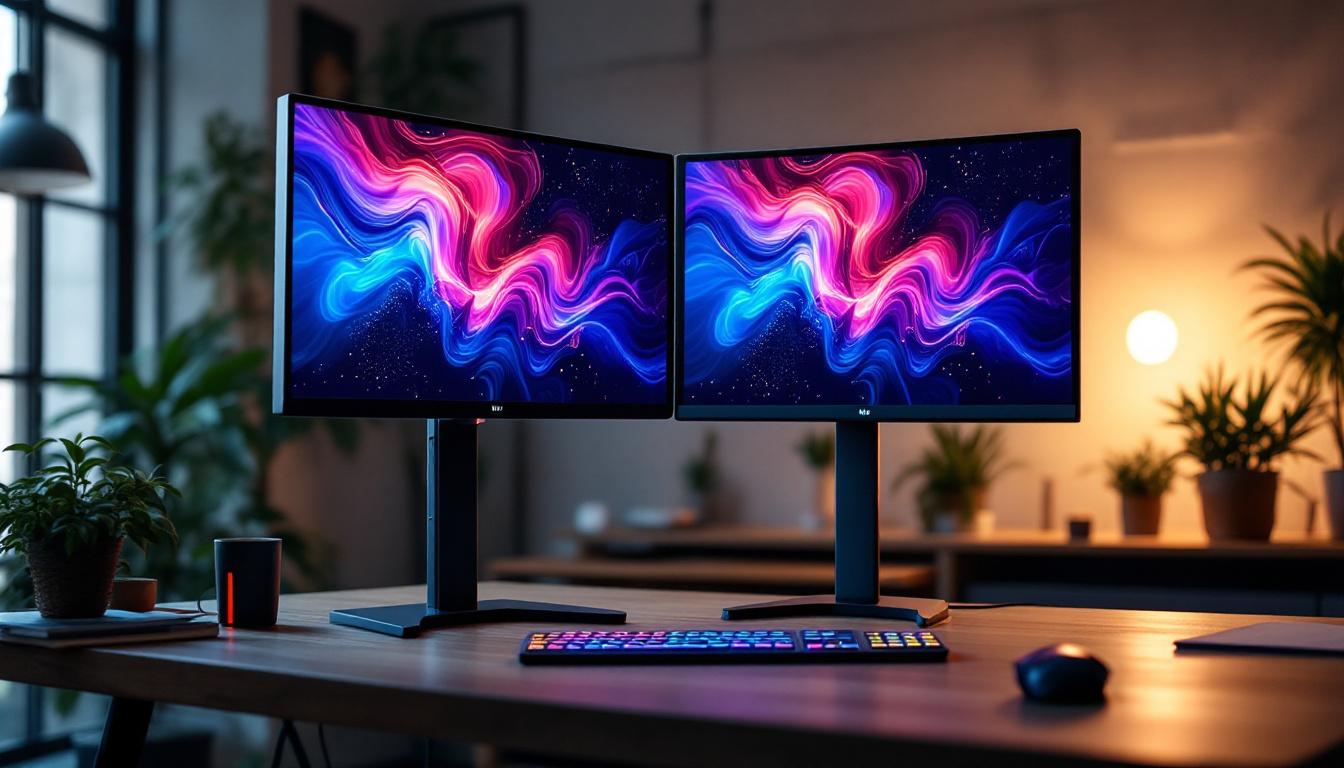
A 2 screen stand is a mounting solution designed to hold two monitors or screens side by side or in various configurations. Unlike traditional single-monitor stands, these dual stands provide ergonomic benefits by allowing users to adjust height, tilt, and rotation of both screens simultaneously or independently. This flexibility supports better posture, reduces neck and eye strain, and maximizes desk space.
Dual screen stands are widely used in professional environments where multitasking is essential. For example, financial traders often monitor multiple data streams, while graphic designers may use one screen for editing and the other for reference materials. The 2 screen stand facilitates seamless workflow by keeping both displays within the user’s natural field of vision.
Benefits of Using a 2 Screen Stand
The advantages of dual screen stands extend beyond simple convenience. Ergonomically, they promote a healthier working posture, which can reduce the risk of repetitive strain injuries. From a productivity standpoint, studies have shown that dual monitors can increase efficiency by up to 30%, as users spend less time switching between windows and can view more information simultaneously.
Additionally, dual screen stands help maintain a clean and organized workspace. By elevating monitors off the desk surface, they free up valuable space for other tools, documents, or devices. This is especially important in environments where desk real estate is limited or where a minimalist aesthetic is desired.
The Role of LED Displays in Dual Monitor Setups
What Are LED Displays?
LED (Light Emitting Diode) displays have become the standard in modern screen technology due to their superior brightness, energy efficiency, and color accuracy. Unlike older LCD screens that use cold cathode fluorescent lamps (CCFL) for backlighting, LED displays utilize an array of LEDs to illuminate the screen, resulting in thinner panels and better contrast ratios.
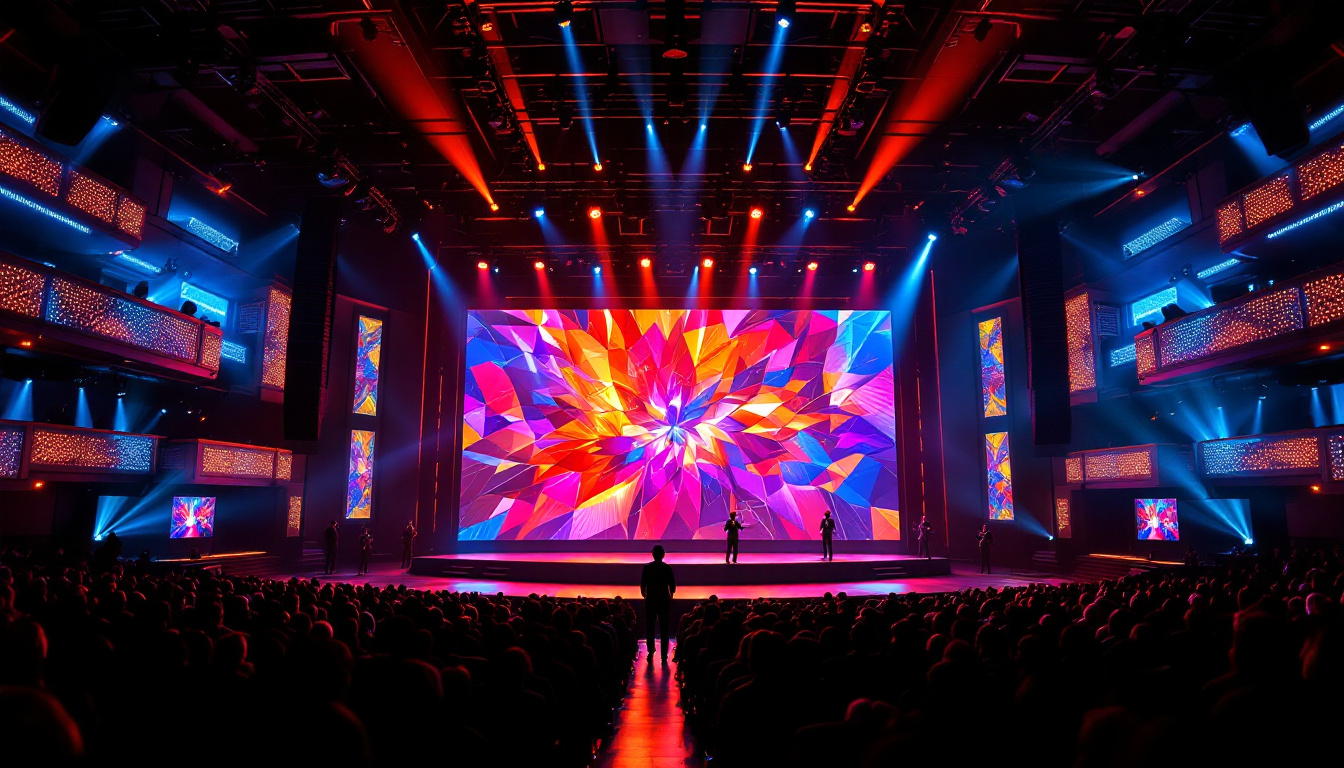
LED technology is used in a wide range of devices, from computer monitors and televisions to large-scale digital signage. The ability to produce vibrant colors and deep blacks makes LED displays especially popular for professional applications where image quality is paramount.
Advantages of LED Displays for Dual Screen Use
When paired with a 2 screen stand, LED displays offer several key benefits. Their slim profile and lightweight design make them easier to mount and adjust on dual stands. Moreover, LED screens typically consume less power than their CCFL-backlit predecessors, which can reduce energy costs in environments with multiple monitors.
In addition, LED displays provide consistent brightness and color uniformity across the screen, ensuring that content looks clear and vivid on both monitors. This consistency is crucial for tasks such as photo editing, video production, and data analysis, where accurate color representation and detail are essential.
Choosing the Right 2 Screen Stand for LED Displays
Compatibility and Weight Capacity
Not all dual screen stands are created equal, and selecting the right one depends on the size and weight of the LED monitors being used. Most stands specify a maximum weight capacity per arm, so it’s important to verify that the stand can safely support the monitors without risk of tipping or damage.
For example, a typical LED monitor might weigh between 5 to 15 pounds, but larger professional-grade displays can exceed this. Ensuring compatibility prevents mechanical failure and prolongs the lifespan of both the stand and the screens.
Adjustability and Ergonomics
Ergonomic adjustability is a critical factor when choosing a 2 screen stand. Look for stands that offer height adjustment, tilt, swivel, and rotation. This allows users to position each monitor at the optimal viewing angle, reducing eye strain and neck discomfort during extended use.
Some advanced stands also provide cable management features to keep cords organized and out of sight, contributing to a tidy workspace. For users who frequently switch between sitting and standing desks, stands with easy height adjustment mechanisms can significantly enhance comfort and productivity.
Mounting Standards: VESA Compatibility
Most LED monitors and screens are designed to be compatible with VESA (Video Electronics Standards Association) mounting patterns. These standardized hole patterns on the back of monitors allow easy attachment to stands and wall mounts. When selecting a 2 screen stand, ensure it supports the VESA size of your LED displays, commonly 75×75 mm or 100×100 mm.
VESA compatibility simplifies installation and ensures a secure fit, reducing the risk of accidental falls or damage.
Applications of 2 Screen Stands with LED Displays
Professional Workspaces
In corporate offices, dual LED monitor setups mounted on 2 screen stands have become a staple for enhancing productivity. Employees can manage multiple applications simultaneously, such as spreadsheets, email, and video conferencing, without constantly toggling between windows.
Moreover, industries such as finance, engineering, and software development benefit from the expanded digital real estate. For instance, software developers can code on one screen while referencing documentation or testing applications on the other.
Creative and Design Industries
Graphic designers, video editors, and photographers rely heavily on color accuracy and screen real estate. Dual LED monitors on adjustable stands allow them to view high-resolution images and timelines side by side, facilitating precise edits and efficient workflows.
Many creative professionals use one screen for tool palettes and the other for the main canvas, optimizing their workspace and reducing the need for constant window switching.
Control Rooms and Command Centers
In environments such as security monitoring, utilities management, and transportation control centers, operators must monitor multiple data streams and video feeds simultaneously. Dual LED displays mounted on robust 2 screen stands provide the flexibility to arrange screens for maximum visibility and quick access to critical information.
The durability and reliability of LED technology ensure that displays remain bright and clear even during long shifts, supporting sustained situational awareness.
Home Offices and Gaming Setups
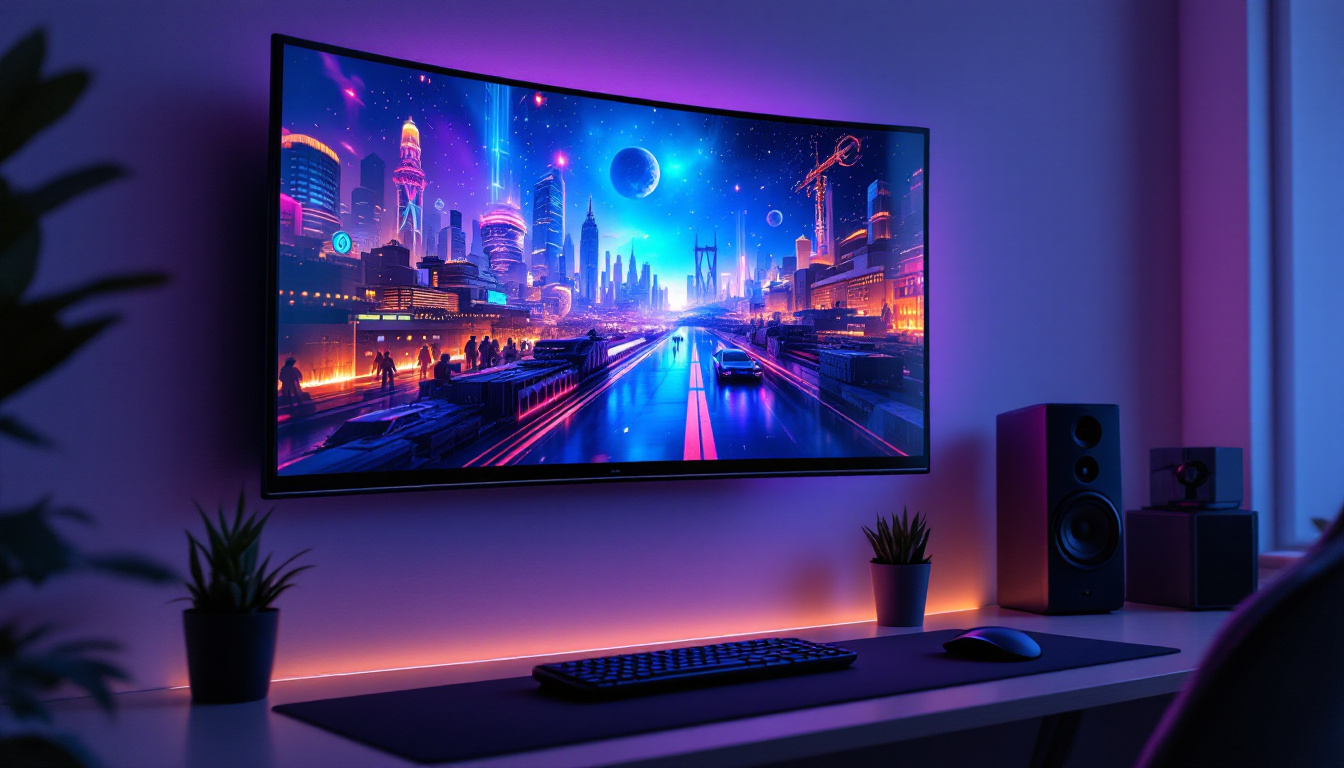
The rise of remote work and home offices has increased demand for dual monitor setups. A 2 screen stand with LED displays can transform a home workspace into a professional-grade environment, enabling multitasking and improving comfort.
Gamers also benefit from dual LED monitors, using one screen for gameplay and the other for streaming, chat, or strategy guides. The vibrant colors and fast response times of LED displays enhance the gaming experience.
Maintaining and Optimizing Your Dual LED Display Setup
Proper Calibration and Color Accuracy
To get the most out of LED displays, especially in professional and creative contexts, regular calibration is essential. Calibration tools and software help ensure that colors are accurate and consistent across both screens, preventing discrepancies that can affect work quality.
Many LED monitors come with factory calibration, but environmental factors such as lighting conditions can impact display performance over time. Periodic recalibration maintains optimal visual fidelity.
Cable Management and Workspace Organization
Dual screen stands often include built-in cable management systems, but users should take additional steps to keep cables tidy. Using cable ties, sleeves, or clips reduces clutter, prevents accidental disconnections, and improves the overall aesthetics of the workspace.
Organized cables also make it easier to troubleshoot or upgrade equipment without disrupting the entire setup.
Cleaning and Maintenance
LED displays require gentle cleaning to avoid damaging the screen surface. Use microfiber cloths and screen-safe cleaning solutions to remove dust and fingerprints. Avoid harsh chemicals or abrasive materials that can scratch or degrade the display.
Regular maintenance of the 2 screen stand, including tightening screws and checking adjustment mechanisms, ensures long-term stability and safety.
Future Trends in Dual Screen and LED Display Technology
Advancements in Display Resolution and Refresh Rates
As LED display technology evolves, higher resolutions such as 4K and 8K are becoming more accessible for dual monitor setups. These ultra-high-definition screens provide sharper images and more detailed visuals, benefiting professionals in design, video editing, and data analysis.
Additionally, increased refresh rates—up to 240 Hz and beyond—are enhancing the experience for gamers and users requiring smooth motion rendering.
Integration with Smart Technologies
Emerging smart features, such as built-in webcams, microphones, and ambient light sensors, are being integrated into LED monitors. Combined with dual screen stands, these innovations support hybrid work environments and seamless video conferencing experiences.
Voice control and AI-powered display adjustments may soon become standard, further enhancing usability and customization.
Flexible and Curved Displays
Curved and flexible LED displays are gaining popularity, offering immersive viewing experiences and reducing eye strain. Dual curved monitors mounted on adjustable stands can create a panoramic workspace, ideal for immersive gaming or complex multitasking.
The development of bendable OLED and microLED technologies may soon lead to even more versatile dual screen configurations.
Conclusion
The combination of 2 screen stands and LED displays represents a significant advancement in how users interact with digital content. By providing ergonomic flexibility, enhanced visual quality, and efficient workspace organization, these setups cater to a broad spectrum of professional and personal needs.
Choosing the right dual screen stand and LED monitors requires careful consideration of compatibility, ergonomics, and intended use. With proper maintenance and calibration, users can maximize the benefits of their dual display setups for years to come.
As technology continues to evolve, dual LED monitor configurations will likely become even more integral to productivity, creativity, and entertainment, making them a smart investment for anyone looking to optimize their digital environment.
Discover LumenMatrix’s Advanced LED Display Solutions
Ready to elevate your digital environment with the latest in LED display technology? LumenMatrix offers a comprehensive range of innovative solutions tailored to your needs, from Indoor and Outdoor LED Wall Displays to specialized options like Vehicle, Sports, and Floor LED Displays. Embrace the future of visual communication with our Custom, All-in-One, and Transparent LED Displays designed to captivate and engage. Check out LumenMatrix LED Display Solutions today and transform your space into a dynamic and visually stunning experience.