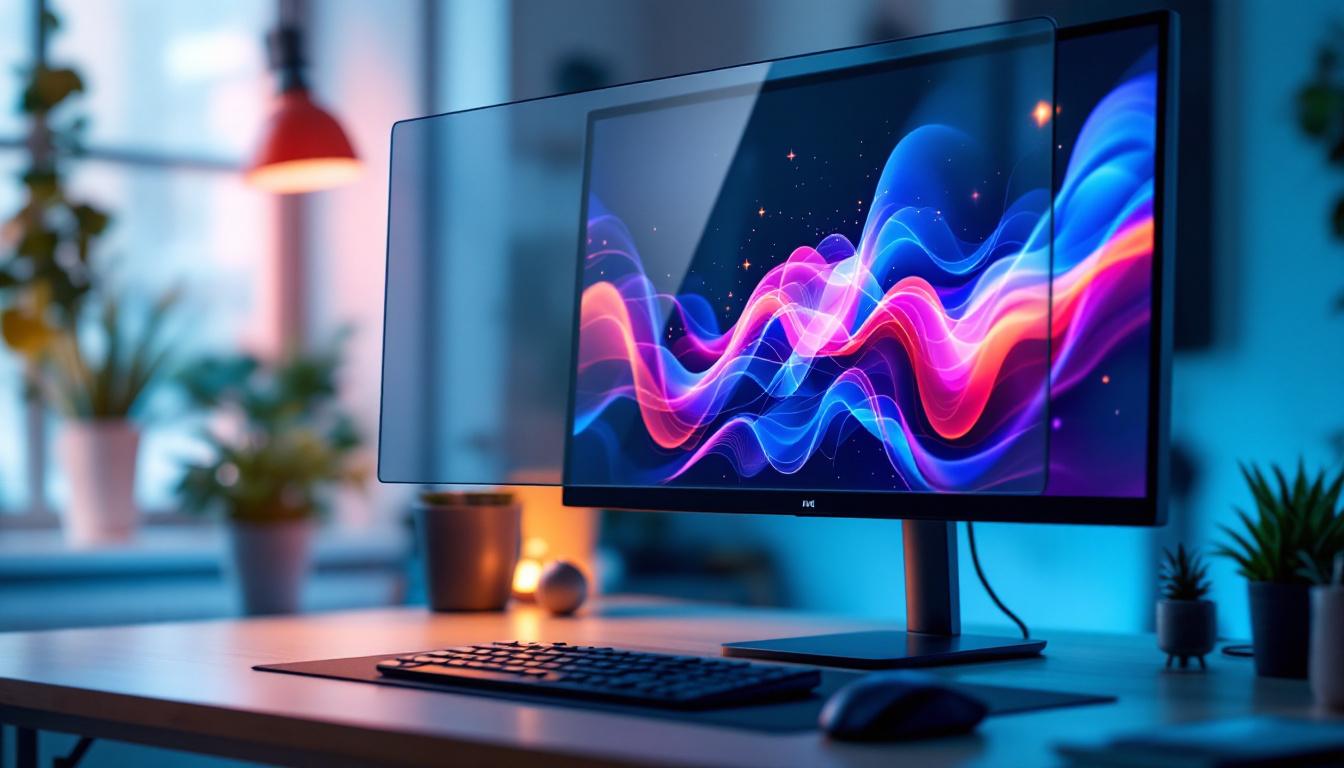
Choosing the right monitor can be a complex task, especially when it comes to understanding pixel dimensions and display technology. Among the most popular sizes on the market, 24 inch monitors strike a balance between screen real estate and desk space, making them ideal for a wide range of users—from gamers and professionals to casual users. This article dives deep into the pixel dimensions of 24 inch monitors, focusing on LED display technology, to help you make an informed decision.
Understanding Pixel Dimensions: What Do They Mean?
When discussing monitors, pixel dimensions refer to the number of individual pixels arranged horizontally and vertically on the screen. These pixels are the tiny dots that collectively form the images you see. The resolution, commonly expressed as width × height (for example, 1920×1080), determines the clarity and detail of the display.
For a 24 inch monitor, the pixel dimensions are crucial because they directly impact image sharpness and workspace. A higher pixel density means more pixels per inch (PPI), resulting in crisper images and finer detail. Conversely, a lower resolution might make images appear pixelated or blurry, especially when viewed up close.
Common Resolutions for 24 Inch Monitors
Most 24 inch monitors on the market come with one of several standard resolutions:
- 1920×1080 (Full HD): The most common resolution for 24 inch displays, offering a good balance between image clarity and performance.
- 2560×1440 (Quad HD or 2K): Provides significantly higher pixel density, ideal for professionals who need detailed visuals such as graphic designers and video editors.
- 3840×2160 (4K Ultra HD): Less common in 24 inch monitors due to the extremely high pixel density, but available for users who demand the utmost clarity.
Each resolution choice affects not only image quality but also the performance demands on your computer’s graphics card and the price of the monitor itself.
How Pixel Dimensions Affect User Experience
Pixel dimensions influence several aspects of how you interact with your monitor, including text readability, workspace size, and gaming or multimedia performance.
Text and Image Clarity
Higher pixel density means sharper text and images. For instance, a 24 inch monitor with a 1920×1080 resolution has about 92 PPI, which is sufficient for everyday tasks such as browsing, office work, and casual media consumption. However, professionals who work with high-resolution images or detailed spreadsheets might prefer a 2560×1440 resolution, which offers approximately 122 PPI, making text and graphics noticeably crisper.
Screen Real Estate and Productivity
More pixels translate to more screen space. On a 24 inch monitor, upgrading from Full HD to Quad HD allows you to fit more windows and content on the screen without overlapping. This is particularly advantageous for multitasking, coding, or content creation. However, it’s important to note that higher resolutions may require scaling adjustments in the operating system to keep text and icons legible.
Gaming and Multimedia Impact
Gamers often debate the ideal resolution for a 24 inch monitor. While 1920×1080 is the standard and widely supported resolution for competitive gaming due to its lower demand on hardware and higher frame rates, some gamers prefer 2560×1440 for its enhanced detail and immersive experience. 4K gaming on a 24 inch screen is less common, as the small screen size limits the visible benefits of such high resolution, and the hardware requirements are substantial.
LED Display Technology: What Makes It Stand Out?
LED (Light Emitting Diode) technology has revolutionized monitor displays, offering several advantages over older technologies like CCFL (Cold Cathode Fluorescent Lamp) backlighting.
How LED Backlighting Works
Unlike traditional LCD monitors that use fluorescent backlights, LED monitors employ light-emitting diodes to illuminate the screen. These LEDs can be arranged either along the edges of the display (edge-lit) or directly behind the screen (direct-lit or full-array). This difference affects brightness uniformity, contrast ratios, and overall picture quality.
Advantages of LED Displays in 24 Inch Monitors
LED technology offers several key benefits:
- Improved Energy Efficiency: LED backlights consume less power compared to CCFL, which is beneficial for both the environment and your electricity bill.
- Better Brightness and Contrast: LEDs can achieve higher brightness levels and deeper blacks, enhancing image quality and making colors more vibrant.
- Thinner and Lighter Designs: LED backlighting allows manufacturers to produce slimmer monitors, which are easier to fit into modern workspaces.
- Longer Lifespan: LEDs generally last longer and are more durable than traditional backlighting methods.
Pixel Density and Viewing Distance: Finding the Sweet Spot
Understanding pixel density is only part of the equation. Viewing distance plays a critical role in how your eyes perceive image sharpness on a 24 inch monitor.
What Is Pixel Density (PPI)?
Pixel density, measured in pixels per inch (PPI), indicates how many pixels are packed into each inch of the display. A higher PPI means finer detail. For example:
- 24 inch Full HD (1920×1080) monitor: ~92 PPI
- 24 inch Quad HD (2560×1440) monitor: ~122 PPI
- 24 inch 4K UHD (3840×2160) monitor: ~184 PPI
While 4K provides the highest pixel density, the benefits may not be fully appreciated on a 24 inch screen unless you sit very close to it.
Optimal Viewing Distance for 24 Inch Monitors
Experts recommend sitting about 20 to 30 inches away from a 24 inch monitor. At this distance, a Full HD resolution generally looks sharp and comfortable for most users. For higher resolutions like Quad HD or 4K, you can sit closer without noticing pixelation, which can be advantageous for detailed work.
Scaling and User Interface Considerations
Higher resolutions on a 24 inch screen often require scaling adjustments in the operating system to maintain readability. Without scaling, text and interface elements can appear too small. Modern operating systems like Windows and macOS offer scaling options that balance sharpness and usability, but it’s important to test these settings to find what works best for your eyes and workflow.
Choosing the Right 24 Inch Monitor: Resolution and LED Display Factors
When selecting a 24 inch monitor, several factors related to pixel dimensions and LED technology should be considered to ensure the display meets your specific needs.
Use Case: Office Work and General Use
For typical office tasks such as word processing, spreadsheets, and web browsing, a 24 inch Full HD monitor with LED backlighting is often sufficient. It offers clear text and vibrant colors without demanding excessive graphics power. The affordability and energy efficiency of LED displays also make them an excellent choice for everyday use.
Creative Professionals and Content Creators
Those working in graphic design, video editing, or photography benefit from higher resolutions like 2560×1440. The increased pixel density allows for more precise editing and better color accuracy. Additionally, LED monitors with IPS (In-Plane Switching) panels provide wider viewing angles and more consistent colors, which are critical for professional work.
Gamers and Multimedia Enthusiasts
Gamers often prioritize refresh rates and response times alongside resolution. A 24 inch Full HD LED monitor with a high refresh rate (120Hz or more) and low input lag is typically preferred for competitive gaming. However, casual gamers who enjoy immersive visuals might opt for a Quad HD display to enhance the gaming experience. LED technology contributes to faster pixel response times and better contrast, improving overall gameplay visuals.
Budget and Performance Balance
While 4K 24 inch monitors exist, they tend to be more expensive and require powerful hardware to run efficiently. For most users, the balance between price, performance, and pixel dimensions is best struck with Full HD or Quad HD LED monitors. It’s important to consider your computer’s graphics capabilities and intended use before investing in a high-resolution display.
Technical Insights: How Pixel Dimensions Relate to LED Display Construction
Understanding the relationship between pixel dimensions and LED display construction sheds light on why certain monitors perform better than others.
Pixel Structure and Subpixel Layout
Each pixel on an LED-backlit LCD monitor consists of three subpixels—red, green, and blue—that combine to produce the full spectrum of colors. The arrangement and quality of these subpixels impact color accuracy and sharpness. Higher resolution monitors pack more pixels into the same physical space, requiring precise manufacturing to maintain image quality.
LED Backlight Uniformity and Pixel Performance
LED backlighting affects how evenly the screen is illuminated. Edge-lit LED monitors may suffer from uneven brightness or “hot spots,” whereas full-array LED backlighting with local dimming provides more uniform light distribution and improved contrast. This uniformity enhances the perceived sharpness of the pixel dimensions by ensuring consistent brightness across the screen.
Refresh Rate and Response Time Considerations
While pixel dimensions determine static image clarity, refresh rate and response time influence motion clarity. LED monitors typically offer faster response times compared to older technologies, reducing motion blur and ghosting. This is particularly important for gaming and fast-paced video content, where clear motion representation complements high pixel density.
Future Trends in 24 Inch Monitor Pixel Dimensions and LED Technology
The monitor industry continues to evolve rapidly, with innovations that will shape the future of 24 inch displays.
Mini-LED and Micro-LED Backlighting
Emerging technologies like Mini-LED and Micro-LED promise even better brightness control, contrast ratios, and energy efficiency. Mini-LED uses thousands of tiny LEDs to provide precise local dimming zones, while Micro-LED integrates microscopic LEDs directly into the display panel, potentially eliminating the need for backlighting altogether. These advancements will enhance how pixel dimensions translate into real-world image quality.
Higher Refresh Rates at Higher Resolutions
Manufacturers are increasingly offering 24 inch monitors that combine Quad HD or even 4K resolutions with refresh rates of 144Hz or higher. This trend benefits gamers and professionals alike, delivering both sharp visuals and smooth motion. The challenge remains balancing hardware requirements and cost, but progress in graphics processing units (GPUs) is making these monitors more accessible.
Adaptive Sync Technologies
Technologies like NVIDIA G-Sync and AMD FreeSync synchronize the monitor’s refresh rate with the GPU’s output, reducing screen tearing and stuttering. These features are becoming standard even in 24 inch LED monitors, enhancing the overall viewing experience without compromising pixel clarity.
Conclusion: Making the Most of Your 24 Inch LED Monitor
Understanding pixel dimensions and LED display technology is essential when selecting a 24 inch monitor that fits your needs. The choice between Full HD, Quad HD, and 4K resolutions depends largely on your use case, budget, and hardware capabilities. LED technology enhances image quality through better brightness, contrast, and energy efficiency, making it the standard for modern monitors.
By considering factors such as pixel density, viewing distance, and display construction, users can optimize their setup for productivity, entertainment, or professional work. As display technology continues to advance, 24 inch monitors will become even more versatile and capable, offering sharper images and richer colors than ever before.
Explore Cutting-Edge LED Displays with LumenMatrix
Ready to experience the ultimate in display technology? LumenMatrix is at the forefront of LED innovation, offering a wide array of LED display solutions tailored to your needs. Whether you’re looking to enhance your workspace with an Indoor LED Wall Display, captivate passersby with an Outdoor LED Wall Display, or create dynamic visual experiences with our Custom LED Displays, LumenMatrix has you covered. Elevate your visual communication and engage your audience like never before. Check out LumenMatrix LED Display Solutions today and transform your space with unparalleled clarity and vibrancy.