In today’s fast-paced digital world, multi-screen setups have become increasingly popular across various industries. From trading floors to control rooms, and from creative studios to corporate offices, the ability to view multiple streams of information simultaneously is crucial. One of the most effective ways to achieve this is through a 3 screen stand equipped with LED displays. This article dives deep into what a 3 screen stand is, the technology behind LED displays, and why this combination is a game-changer for productivity and visual clarity.
Understanding the 3 Screen Stand: What It Is and Why It Matters
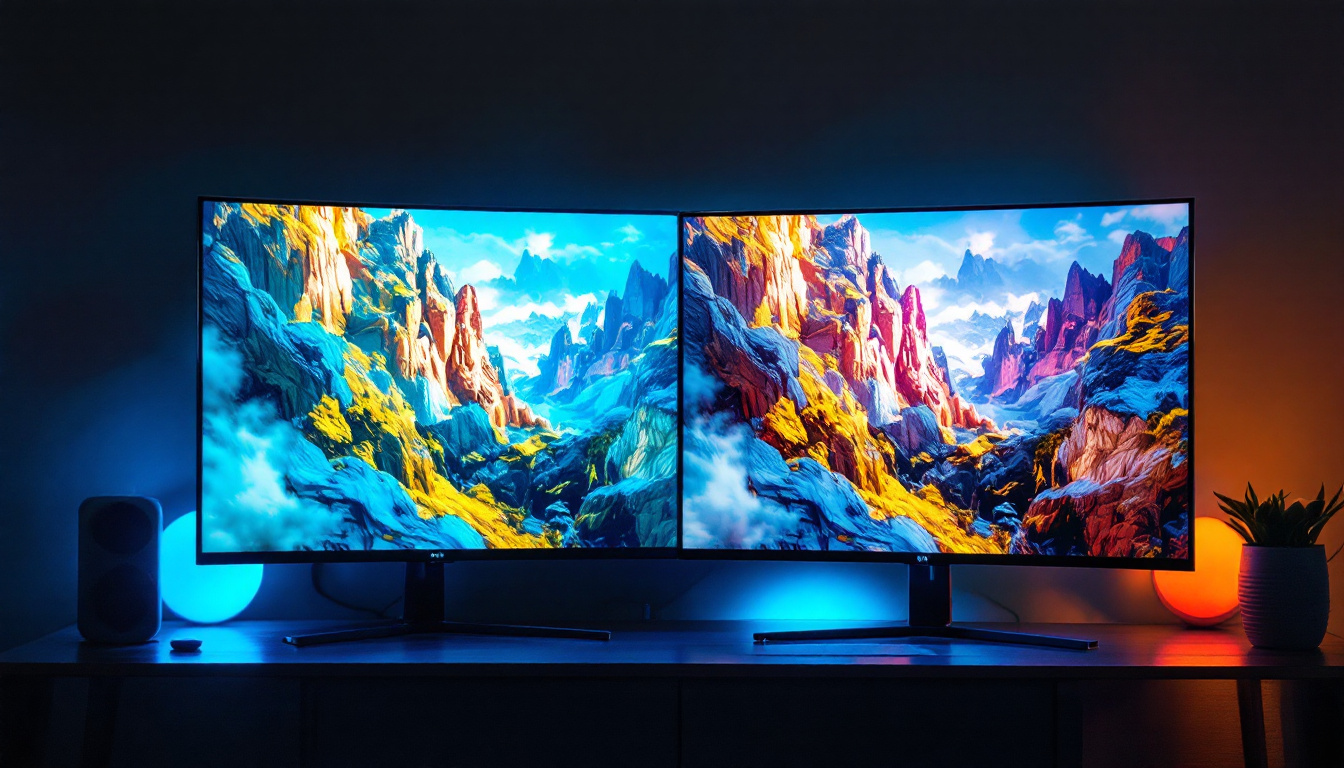
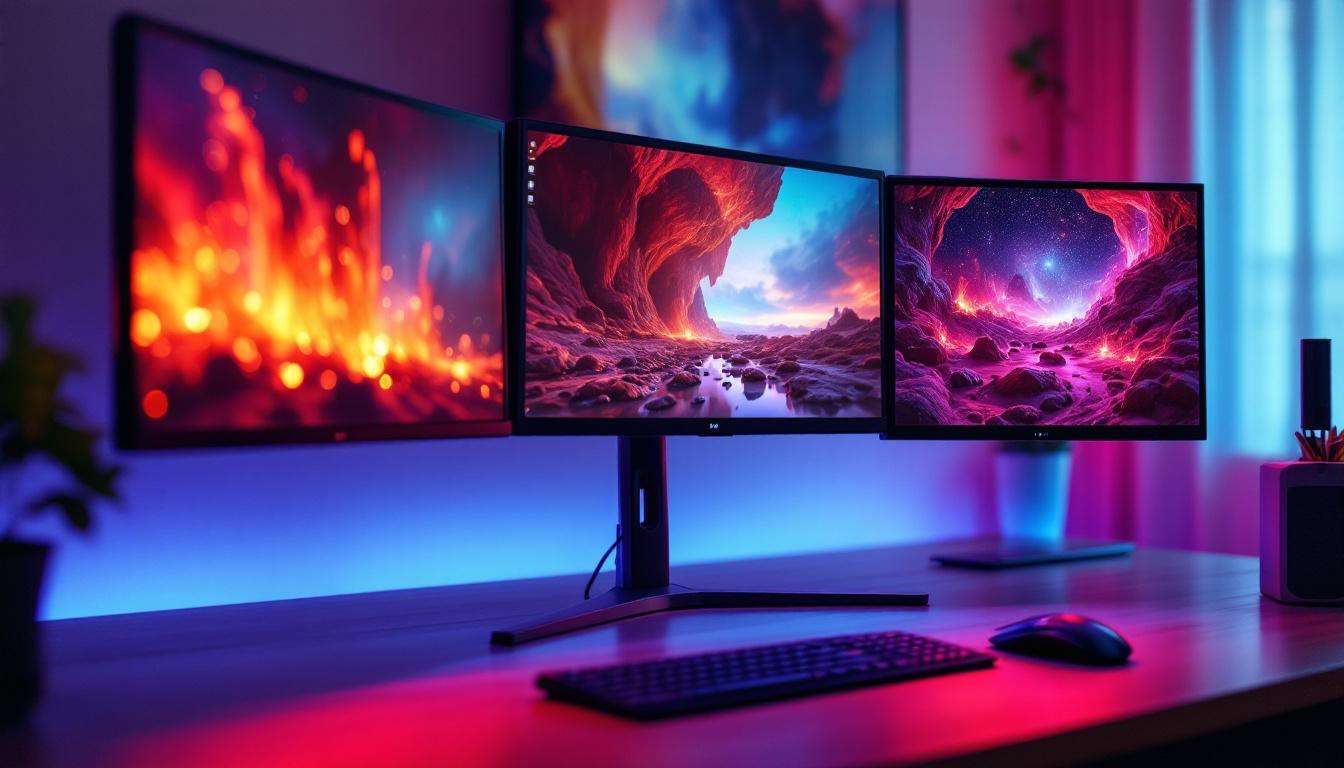
A 3 screen stand is a mounting solution designed to hold three monitors in a single, organized setup. Unlike traditional single-monitor setups, these stands allow users to position three screens side-by-side or in a stacked configuration, enabling seamless multitasking and enhanced workflow management.
For professionals who rely on extensive data analysis, graphic design, or real-time monitoring, having multiple screens is not just a luxury but a necessity. According to a study by Jon Peddie Research, multi-monitor setups can increase productivity by up to 42%, as users spend less time switching between tabs and windows.
Benefits of Using a 3 Screen Stand
One of the primary advantages of a 3 screen stand is ergonomic efficiency. Instead of cluttering a desk with multiple monitor bases, a stand consolidates the screens into a single, stable structure. This helps reduce neck and eye strain by allowing users to adjust the height, tilt, and angle of each screen independently.
Additionally, a 3 screen stand enhances workspace aesthetics and organization. Cable management features integrated into many stands help keep cords tidy, reducing clutter and potential hazards. For businesses, this means a cleaner, more professional environment that can impress clients and visitors.
Common Use Cases for 3 Screen Stands
Industries such as finance, software development, video editing, and gaming have embraced multi-monitor setups extensively. For example, stock traders use three screens to monitor market trends, news feeds, and trading platforms simultaneously. Similarly, video editors benefit from having their timeline, preview window, and editing tools open at once, streamlining the creative process.
Even in home office environments, a 3 screen stand can significantly improve productivity by allowing users to separate work tasks — such as emails, spreadsheets, and video conferencing — across different displays.
LED Display Technology: The Backbone of Modern Monitors
At the heart of every high-quality monitor on a 3 screen stand is the LED display technology. LED, which stands for Light Emitting Diode, has revolutionized the way screens render images by offering brighter, sharper, and more energy-efficient displays compared to older technologies like LCD with CCFL backlighting.
How LED Displays Work
LED displays operate by using an array of tiny diodes that emit light when an electric current passes through them. This light passes through liquid crystals to create images on the screen. Unlike traditional LCD panels that use cold cathode fluorescent lamps (CCFL) for backlighting, LED panels employ LEDs, which are smaller, more durable, and consume less power.
This technology allows for thinner screen designs, improved color accuracy, and better contrast ratios. For example, LED displays can achieve contrast ratios of up to 100,000:1, which means deeper blacks and more vibrant colors — essential for tasks requiring precise color grading or detailed visuals.
Types of LED Displays
There are several types of LED displays, each with unique characteristics:
- Edge-Lit LED: LEDs are placed along the edges of the screen, providing a thinner profile but sometimes less uniform brightness.
- Direct-Lit LED: LEDs are positioned directly behind the screen, offering better brightness uniformity but a thicker panel.
- Full-Array LED: A more advanced form of direct-lit LED with local dimming zones, enhancing contrast and black levels dramatically.
- Mini-LED: Uses thousands of tiny LEDs for even more precise backlighting control, approaching OLED levels of contrast and color accuracy.
Choosing the right LED type depends on the user’s needs, budget, and desired display performance.
Why Combine a 3 Screen Stand with LED Displays?
The synergy between a 3 screen stand and LED displays creates a powerful setup that maximizes both physical workspace and visual quality. Here’s why this combination is particularly effective:
Enhanced Visual Performance Across Multiple Screens
LED displays provide consistent brightness and color reproduction, which is crucial when working across three monitors. Disparities in color or brightness between screens can cause eye fatigue and reduce the accuracy of visual tasks. High-quality LED panels ensure that each screen delivers uniform image quality, making it easier to focus and compare content side-by-side.
Space Optimization and Flexibility
Using a 3 screen stand designed for LED monitors allows users to optimize their desk space efficiently. Many stands support adjustable arms that enable users to tilt, swivel, and rotate each screen independently. This flexibility helps create a comfortable viewing angle tailored to individual preferences and reduces the risk of musculoskeletal issues caused by poor posture.
Energy Efficiency and Cost Savings
LED displays consume significantly less power than older LCD or plasma monitors. For businesses running multiple workstations with triple monitors, the energy savings can be substantial. According to the U.S. Department of Energy, LED monitors use up to 30% less energy than CCFL-backlit LCDs, translating into lower electricity bills and a reduced carbon footprint.
Choosing the Right 3 Screen Stand and LED Displays
Selecting the ideal 3 screen stand and LED displays requires careful consideration of several factors to ensure compatibility, comfort, and performance.
Monitor Size and Resolution Compatibility
The size of the monitors you plan to mount significantly impacts the choice of stand. Most 3 screen stands support monitors ranging from 17 to 32 inches, but it’s essential to verify the maximum weight and size capacity of the stand. Additionally, matching the resolution across all three screens is important for a seamless visual experience. For example, mixing 1080p and 4K monitors on the same stand can lead to inconsistent scaling and awkward transitions between screens.
Ergonomic Features
Look for stands that offer height adjustment, tilt, swivel, and rotation capabilities. These features allow users to customize their setup for optimal comfort. Some advanced stands also include quick-release mechanisms for easy monitor installation and removal, as well as integrated cable management systems to keep the workspace tidy.
Build Quality and Stability
A sturdy, well-built stand is essential to support the combined weight of three LED monitors securely. Materials such as steel or aluminum provide durability and stability. Avoid stands with flimsy joints or weak clamps, as these can lead to wobbling or accidental falls, risking damage to expensive equipment.
Connectivity and Additional Features
While the stand itself doesn’t handle connectivity, it’s important to consider how the monitors connect to your computer or workstation. USB-C, DisplayPort, and HDMI are common interfaces for LED displays. Some stands come with built-in USB hubs or charging ports, adding convenience by centralizing cable connections.
Installation and Maintenance Tips for 3 Screen LED Setups
Proper installation and maintenance are key to maximizing the lifespan and performance of a 3 screen stand with LED displays.
Installation Best Practices
Before mounting the monitors, ensure the stand is securely attached to the desk or a stable surface. Follow the manufacturer’s instructions carefully, especially for weight limits and mounting procedures. When attaching the monitors, use the VESA mounting holes standardized at 75x75mm or 100x100mm to guarantee compatibility.
Arrange the cables neatly using the stand’s built-in management system or external clips. This not only improves aesthetics but also prevents accidental disconnections or damage.
Regular Maintenance
Keep the LED screens clean by gently wiping them with a microfiber cloth and a screen-safe cleaner. Avoid harsh chemicals or abrasive materials that can damage the display surface. Periodically check the stand’s joints and clamps to ensure they remain tight and secure.
Updating the monitor’s firmware, if applicable, can also improve performance and compatibility with new devices or software.
Future Trends: What’s Next for 3 Screen Stands and LED Displays?
Technology continues to evolve rapidly, and the future of multi-screen setups looks promising. Some emerging trends include:
- Curved and Ultra-Wide Displays: Combining three curved LED monitors can create an immersive panoramic workspace that reduces eye movement and enhances focus.
- Mini-LED and Micro-LED Technology: These advancements promise even better contrast ratios, brightness, and energy efficiency, pushing LED displays closer to OLED quality.
- Smart Stands with Integrated Sensors: Future stands may include sensors to monitor posture and suggest ergonomic adjustments, improving user health and comfort.
- Wireless Connectivity and Power Delivery: Reducing cable clutter further by enabling wireless video transmission and charging capabilities.
As these innovations become mainstream, the synergy between 3 screen stands and LED displays will only strengthen, offering users unparalleled productivity and visual experience.
Conclusion
A 3 screen stand paired with LED displays offers a compelling solution for those seeking to enhance productivity, ergonomics, and visual quality in their workspace. Whether for professional applications like trading, design, or software development, or for personal use in gaming and multitasking, this setup provides significant advantages.
Understanding the technology behind LED displays and the benefits of a well-designed 3 screen stand is crucial when investing in a multi-monitor configuration. With the right combination, users can enjoy improved workflow efficiency, reduced physical strain, and a visually stunning environment that supports their daily tasks.
As LED technology and ergonomic design continue to advance, the future of multi-screen setups looks brighter than ever, promising even more immersive and efficient workspaces.
Discover the Future of LED Displays with LumenMatrix
Ready to elevate your workspace with the ultimate visual setup? LumenMatrix is at the forefront of LED display innovation, offering a wide range of solutions tailored to meet your needs. From immersive Indoor LED Walls to dynamic Outdoor Displays and beyond, our cutting-edge technology is designed to enhance productivity and captivate your audience. Experience the difference with our All-in-One LED Displays, LED Sports Displays, and more. Don’t just take our word for it—see for yourself how LumenMatrix is revolutionizing visual communication. Check out LumenMatrix LED Display Solutions today and transform your environment into a hub of efficiency and inspiration.