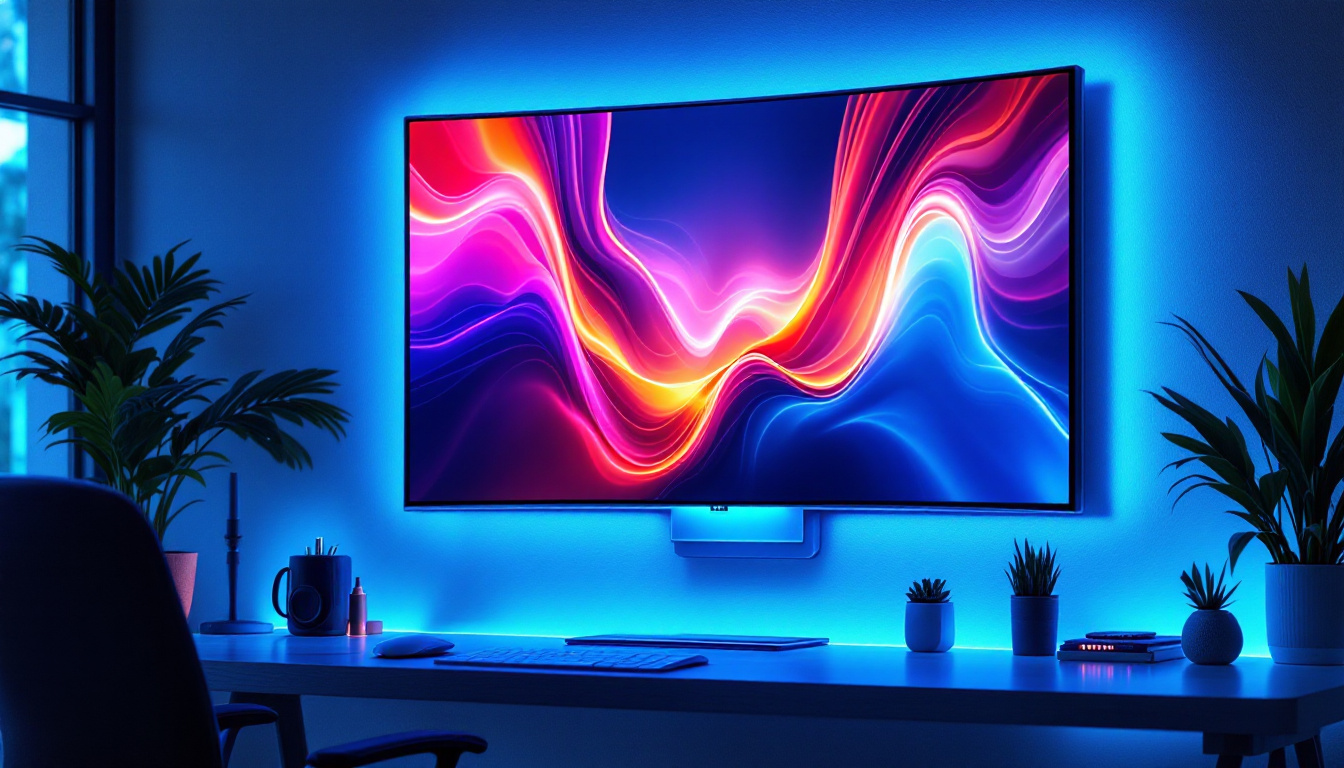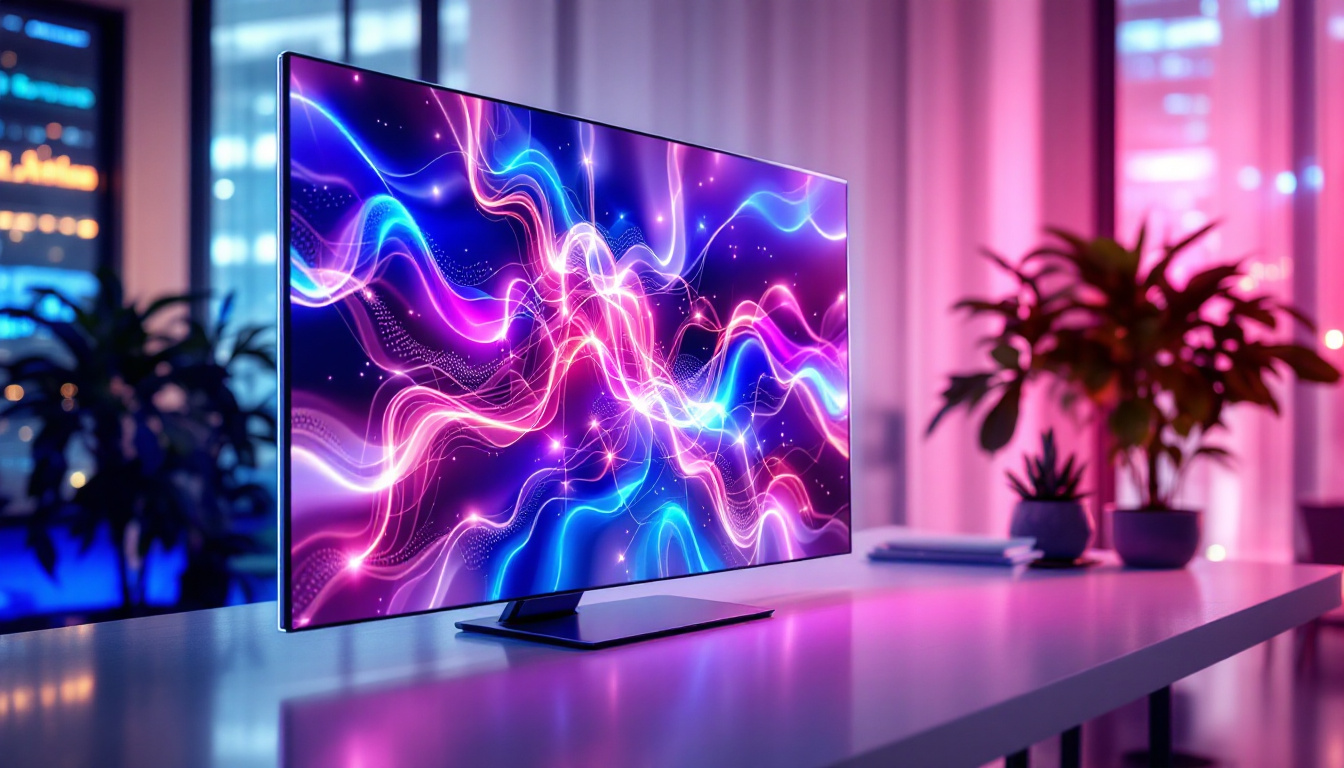
Choosing the right monitor is a crucial decision for professionals, gamers, and everyday users alike. With a vast array of options available, understanding the technology behind the display is essential to make an informed purchase. This article focuses on 32-inch LED monitors currently available for sale, breaking down the LED display technology, its advantages, and what to look for when selecting a monitor of this size.
Understanding LED Display Technology
LED stands for Light Emitting Diode, a technology that has revolutionized the way screens are illuminated. Unlike older LCD monitors that used cold cathode fluorescent lamps (CCFLs) for backlighting, LED monitors employ a series of tiny light-emitting diodes to illuminate the screen. This shift has brought significant improvements in image quality, energy efficiency, and design flexibility.
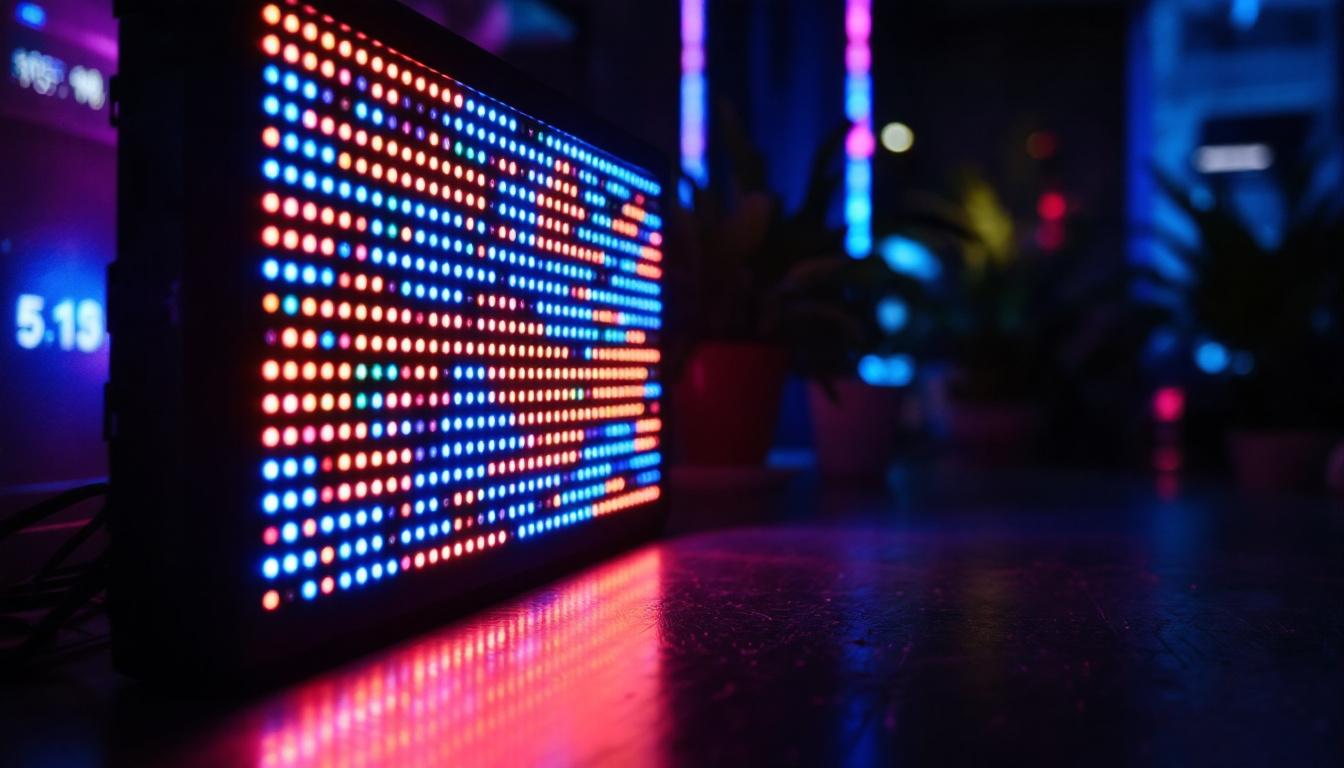
LED monitors are essentially LCD panels with LED backlighting, which allows for thinner screens and better control over brightness and contrast. The LED backlighting can be arranged in two primary ways: edge-lit and full-array. Edge-lit LED monitors place the LEDs along the edges of the screen, while full-array LED monitors have LEDs distributed evenly behind the entire panel, often with local dimming capabilities for enhanced contrast.
Types of LED Backlighting
Edge-Lit LED: This design enables slimmer monitors and is generally more affordable. However, it may suffer from uneven brightness and less precise contrast control compared to full-array models.
Full-Array LED: These monitors feature LEDs spread across the back of the screen, often paired with local dimming zones. This allows for deeper blacks and improved contrast ratios, making them ideal for professional photo and video editing or immersive gaming experiences.
In addition to these two primary types of backlighting, there is also a growing interest in OLED (Organic Light Emitting Diode) technology, which offers even more vibrant colors and true blacks since each pixel emits its own light. Unlike traditional LED displays, OLED screens do not require a backlight, allowing for even thinner designs and greater flexibility in screen shapes. As a result, OLED technology is becoming increasingly popular in high-end televisions and smartphones, providing consumers with an unparalleled viewing experience.
Moreover, the environmental impact of LED technology cannot be overlooked. LED displays consume significantly less power compared to their predecessors, which not only reduces electricity bills but also contributes to a lower carbon footprint. As manufacturers continue to innovate, we can expect to see even more energy-efficient designs and sustainable practices in the production of LED displays, making them a more environmentally friendly choice for consumers and businesses alike.
Why Choose a 32-Inch Monitor?
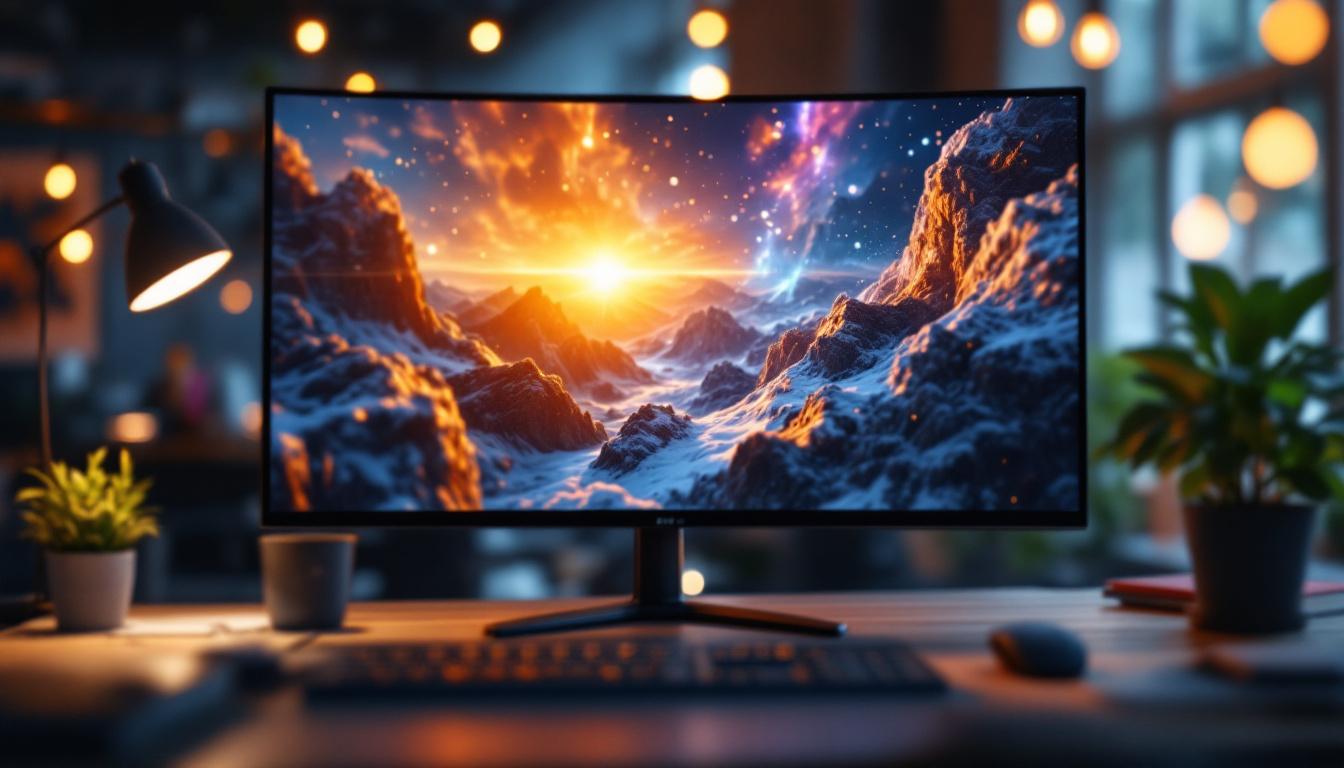
The 32-inch monitor size strikes a balance between screen real estate and desk space, making it a popular choice for a variety of users. Whether for productivity, entertainment, or creative work, a 32-inch display offers ample viewing area without overwhelming the workspace. This size is particularly advantageous for those who may not have the luxury of a large office or dedicated gaming setup, as it can comfortably fit on most desks while still providing an expansive viewing experience.
For professionals working with detailed content, such as graphic designers, video editors, or CAD engineers, the larger screen size facilitates multitasking and precision. Gamers benefit from the immersive experience a 32-inch monitor provides, especially when paired with high refresh rates and low response times. The enhanced field of view allows gamers to spot enemies and navigate expansive game worlds more effectively, making it a significant upgrade from smaller displays. Additionally, the larger screen can reduce eye strain during long sessions, as users can maintain a comfortable distance while still enjoying crisp visuals.
Resolution Considerations
When selecting a 32-inch monitor, resolution plays a critical role in image clarity. Common resolutions for this size include:
- Full HD (1920×1080): While still prevalent, Full HD may appear less sharp on a 32-inch screen due to pixel density. This resolution is often sufficient for casual users who primarily engage in web browsing and streaming, but those seeking finer detail might find it lacking.
- Quad HD (2560×1440): Often considered the sweet spot, offering a sharper image and more workspace without the hardware demands of 4K. This resolution strikes a balance between performance and quality, making it ideal for both gamers and professionals who need to view intricate details without sacrificing frame rates.
- 4K UHD (3840×2160): Provides exceptional detail and is ideal for professional use and high-end gaming, though it requires a powerful graphics card to run smoothly. With four times the pixel count of Full HD, 4K monitors deliver stunning visuals that can make a significant difference in tasks such as video editing, where color accuracy and detail are paramount.
Moreover, the choice of resolution also impacts the monitor’s color reproduction and viewing angles. Many 32-inch monitors come equipped with advanced panel technologies, such as IPS or VA, which enhance color accuracy and provide wider viewing angles. This is particularly beneficial for collaborative work environments where multiple people may need to view the screen simultaneously. Additionally, features such as HDR (High Dynamic Range) support can further elevate the visual experience, allowing for richer colors and improved contrast, making content look more lifelike and engaging.
Key Features to Look for in 32-Inch LED Monitors
Beyond size and resolution, several features can significantly impact the user experience. Understanding these can help buyers select the best monitor for their needs.
Panel Type
The panel technology affects color accuracy, viewing angles, and response times. The most common panel types include:
- IPS (In-Plane Switching): Known for excellent color reproduction and wide viewing angles, making it ideal for creative professionals.
- VA (Vertical Alignment): Offers higher contrast ratios and deeper blacks, suitable for watching movies and general use.
- TN (Twisted Nematic): Typically has faster response times but poorer color accuracy and viewing angles, favored by competitive gamers.
Refresh Rate and Response Time
A higher refresh rate (measured in Hz) results in smoother motion, which is especially important for gaming and video playback. Standard monitors often have a 60Hz refresh rate, but many 32-inch monitors now offer 75Hz, 120Hz, 144Hz, or even 165Hz.
Response time, measured in milliseconds (ms), indicates how quickly a pixel can change color. Lower response times reduce motion blur and ghosting effects, enhancing the clarity of fast-moving images.
Connectivity Options
Modern monitors typically offer multiple ports to connect various devices:
- HDMI: The most common interface for video and audio, compatible with most computers, consoles, and media players.
- DisplayPort: Preferred for higher resolutions and refresh rates, especially in gaming and professional setups.
- USB-C: Increasingly popular for its ability to transmit video, data, and power through a single cable.
- USB Hubs: Some monitors include USB ports to connect peripherals directly.
Ergonomics and Design
Adjustability features like height, tilt, swivel, and pivot are important for comfort during extended use. A monitor with VESA mount compatibility offers flexibility to use custom stands or wall mounts.
Additionally, bezel size and overall aesthetics might influence the choice for multi-monitor setups or office environments.
Popular 32-Inch LED Monitors Available for Sale
To illustrate the variety and features available, here are some notable 32-inch LED monitors currently on the market, catering to different needs and budgets.
1. Dell UltraSharp U3223QE
This 32-inch 4K UHD monitor features an IPS panel with excellent color accuracy, making it a favorite among professionals. It offers USB-C connectivity with power delivery, a wide color gamut, and factory calibration.
2. LG 32UN880-B
Known for its ergonomic design, this 32-inch 4K monitor includes a fully adjustable arm stand, making it ideal for users who prioritize comfort. It supports HDR10 and has an IPS panel for vibrant colors.
3. Samsung Odyssey G7 LC32G75TQSNXZA
A 32-inch curved gaming monitor with a 2560×1440 resolution, 240Hz refresh rate, and 1ms response time. Its VA panel offers high contrast, and it supports NVIDIA G-SYNC and AMD FreeSync for tear-free gaming.
4. ASUS ProArt PA32UCX
Designed for creators, this 32-inch 4K HDR monitor boasts exceptional color accuracy, HDR support, and a wide color gamut. It is factory calibrated and supports multiple professional color standards.
5. BenQ EW3270U
A more budget-friendly 32-inch 4K monitor with VA panel technology, HDR support, and eye-care features such as low blue light and flicker-free technology, suitable for general use and media consumption.
How to Choose the Right 32-Inch LED Monitor for Your Needs
With so many options available, narrowing down the choices requires assessing your priorities and use cases. Here are some guidelines to help:
For Professionals
Focus on color accuracy, resolution, and panel quality. IPS panels with factory calibration and wide color gamut support are essential. Consider monitors with 4K resolution or higher for detailed work.
For Gamers
Prioritize refresh rates (120Hz or higher), low response times, and adaptive sync technologies like G-SYNC or FreeSync. A 2560×1440 resolution is often preferred for balancing performance and visuals.
For General Use and Entertainment
A 32-inch monitor with a VA panel provides good contrast and vibrant colors for movies and everyday tasks. Full HD or Quad HD resolution can suffice depending on viewing distance and budget.
Budget Considerations
Prices for 32-inch LED monitors vary widely, from under $300 for basic models to over $1,500 for professional-grade displays. Determine which features are essential and allocate budget accordingly.
Conclusion
Understanding the nuances of LED display technology and the specific features of 32-inch monitors empowers buyers to make confident decisions. Whether for professional work, gaming, or general use, the right monitor can enhance productivity, entertainment, and overall user experience.
When shopping for a 32-inch LED monitor, consider panel type, resolution, refresh rate, connectivity, and ergonomics. By aligning these factors with your needs and budget, you can find a monitor that delivers excellent performance and value.
With the growing availability of advanced LED monitors, now is an excellent time to upgrade your display and enjoy the benefits of modern screen technology.
Discover LumenMatrix’s Advanced LED Display Solutions
Ready to take your visual experience to the next level? LumenMatrix offers a wide range of innovative LED display solutions that cater to all your needs. Whether you’re looking to enhance your brand’s visibility with an Indoor LED Wall Display, captivate passersby with an Outdoor LED Wall Display, or create dynamic visual experiences with Custom LED Displays, LumenMatrix has the technology to bring your vision to life. Embrace the future of visual communication with our cutting-edge digital signage and LED displays. Check out LumenMatrix LED Display Solutions today and see how we can help you make a lasting impression.