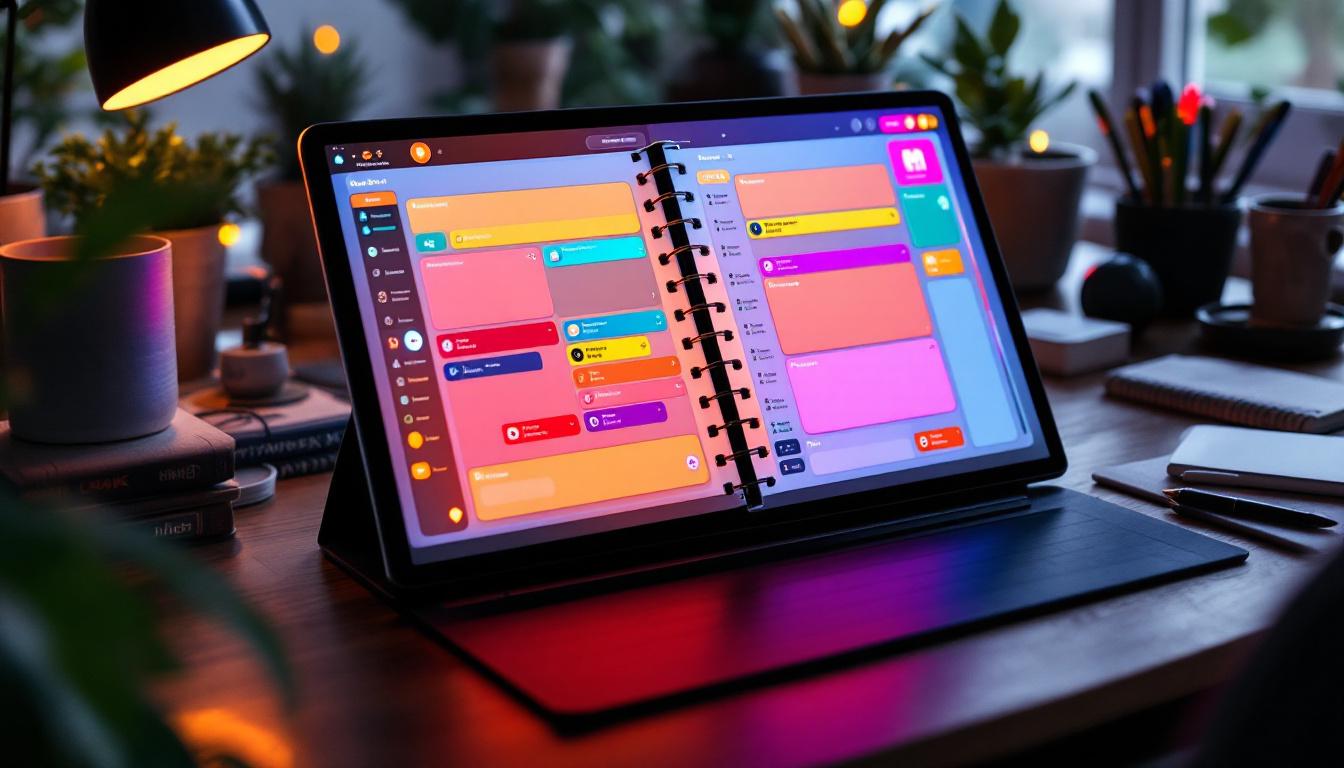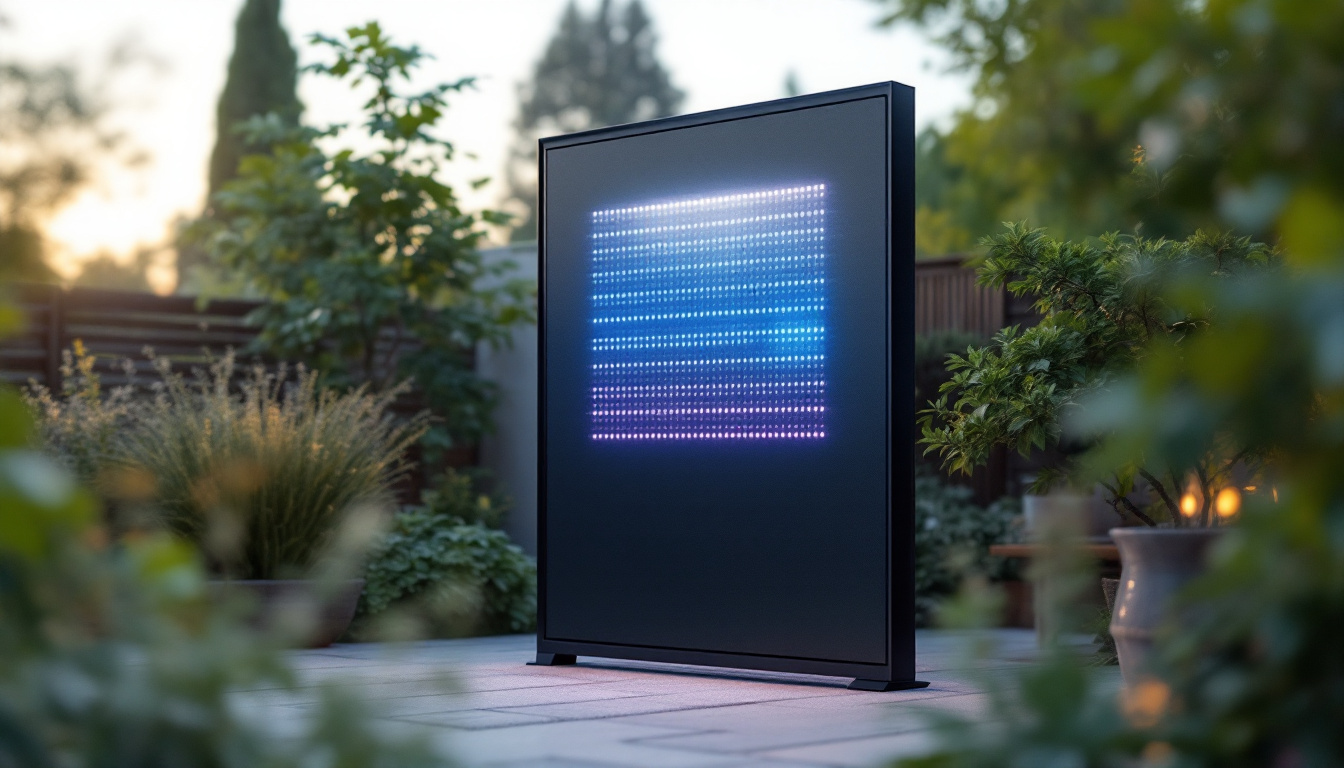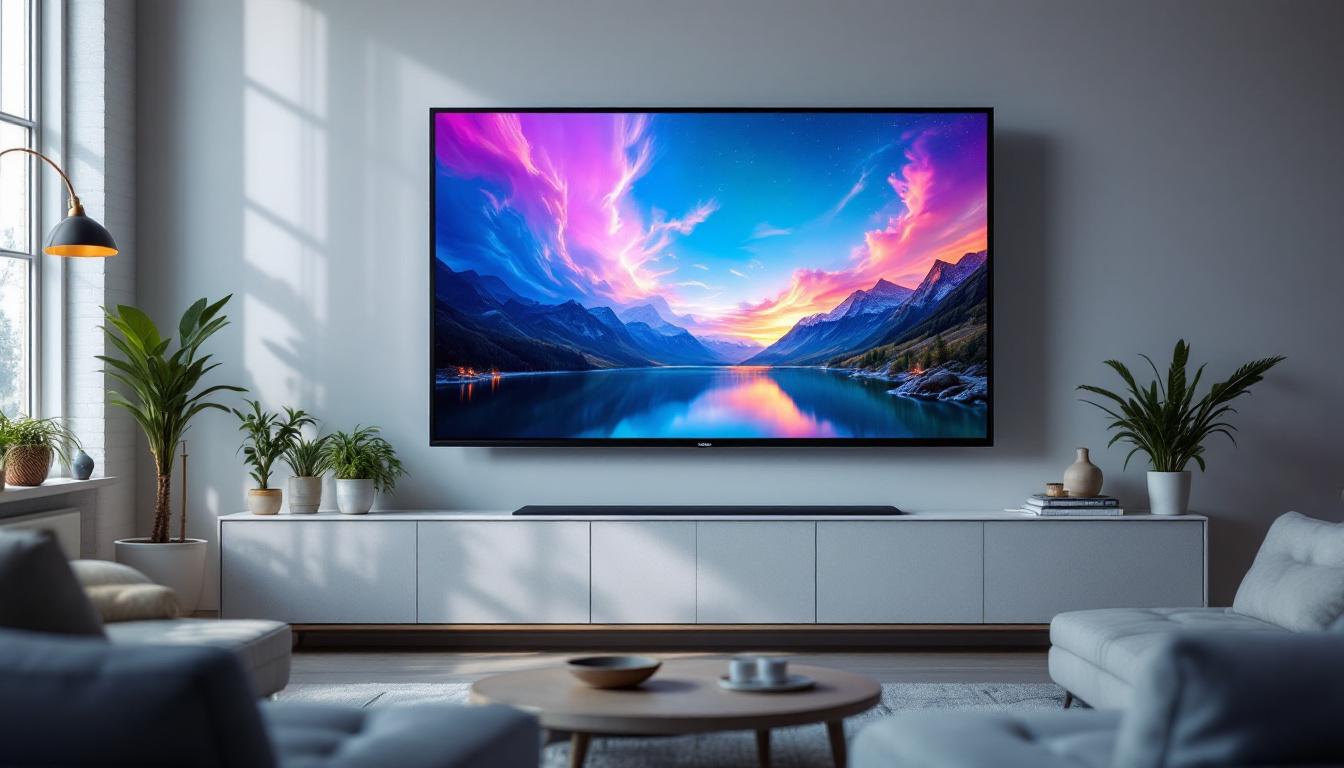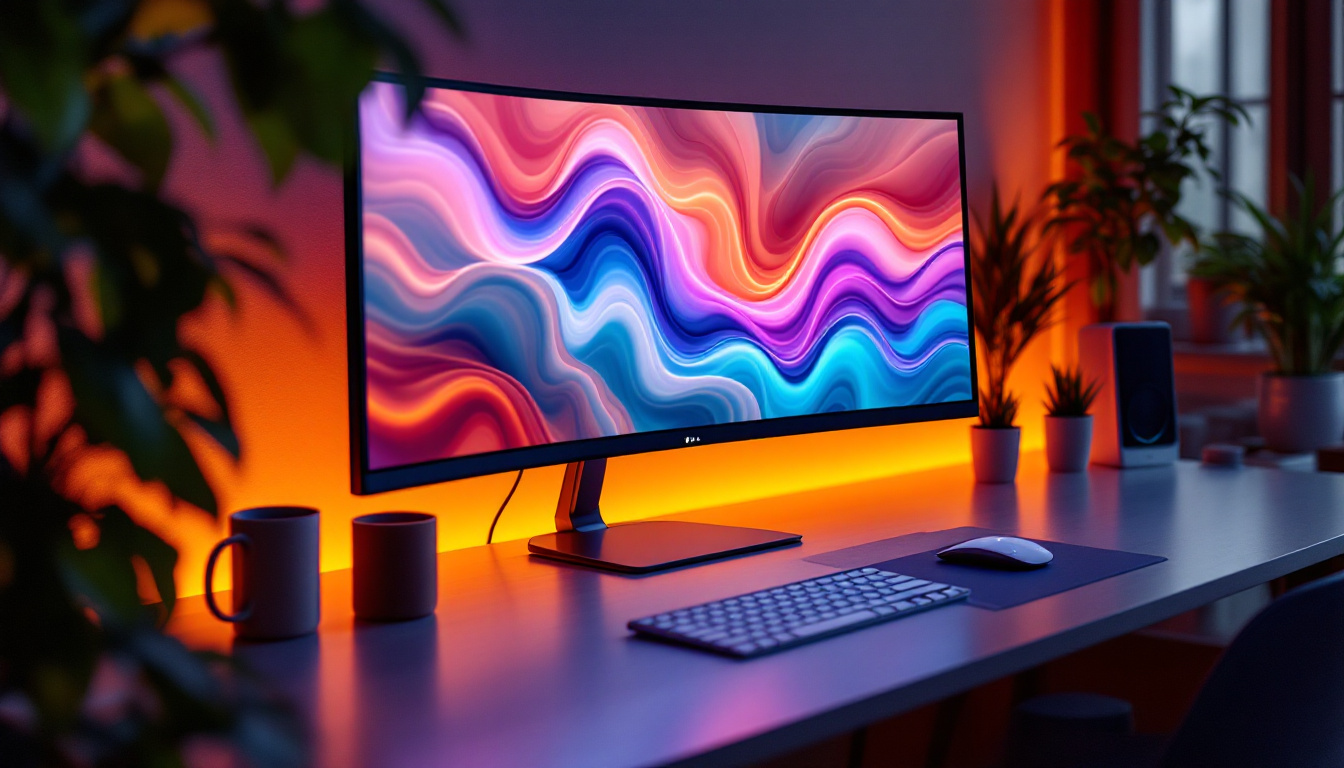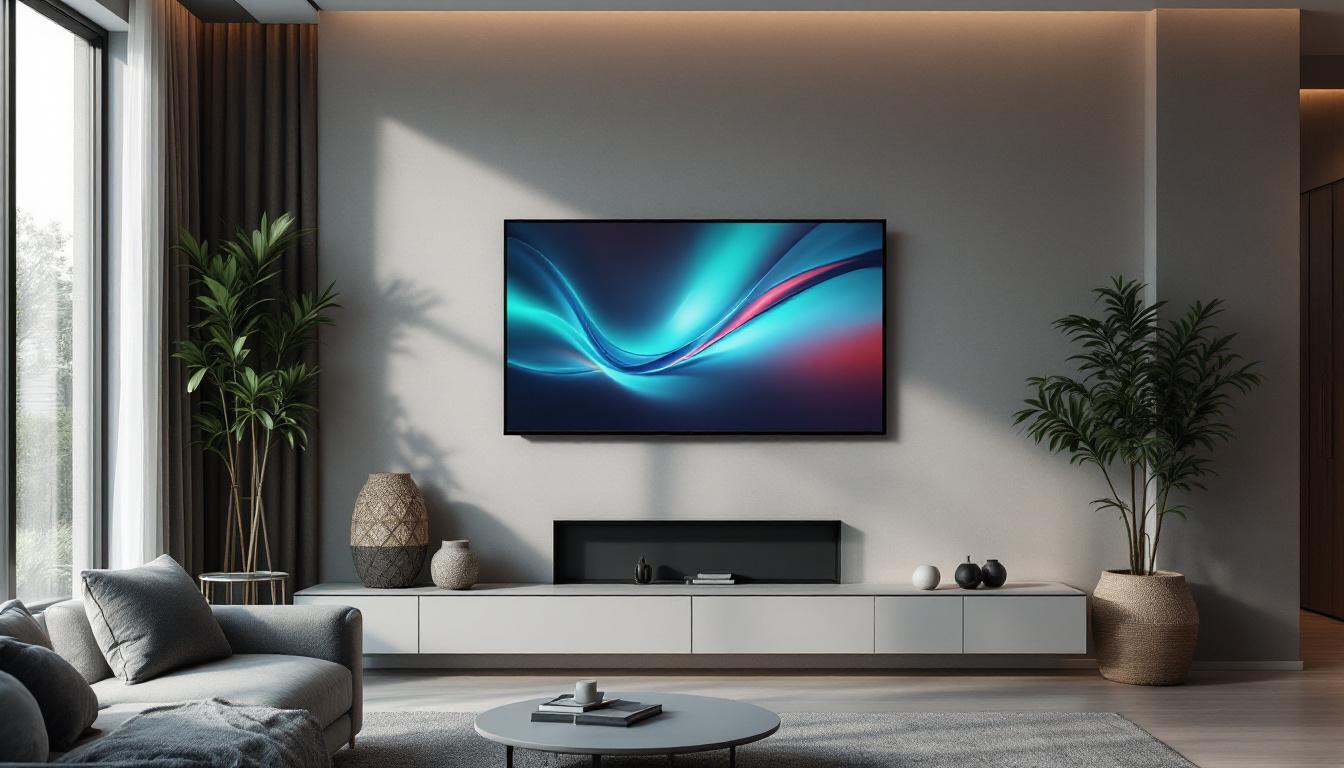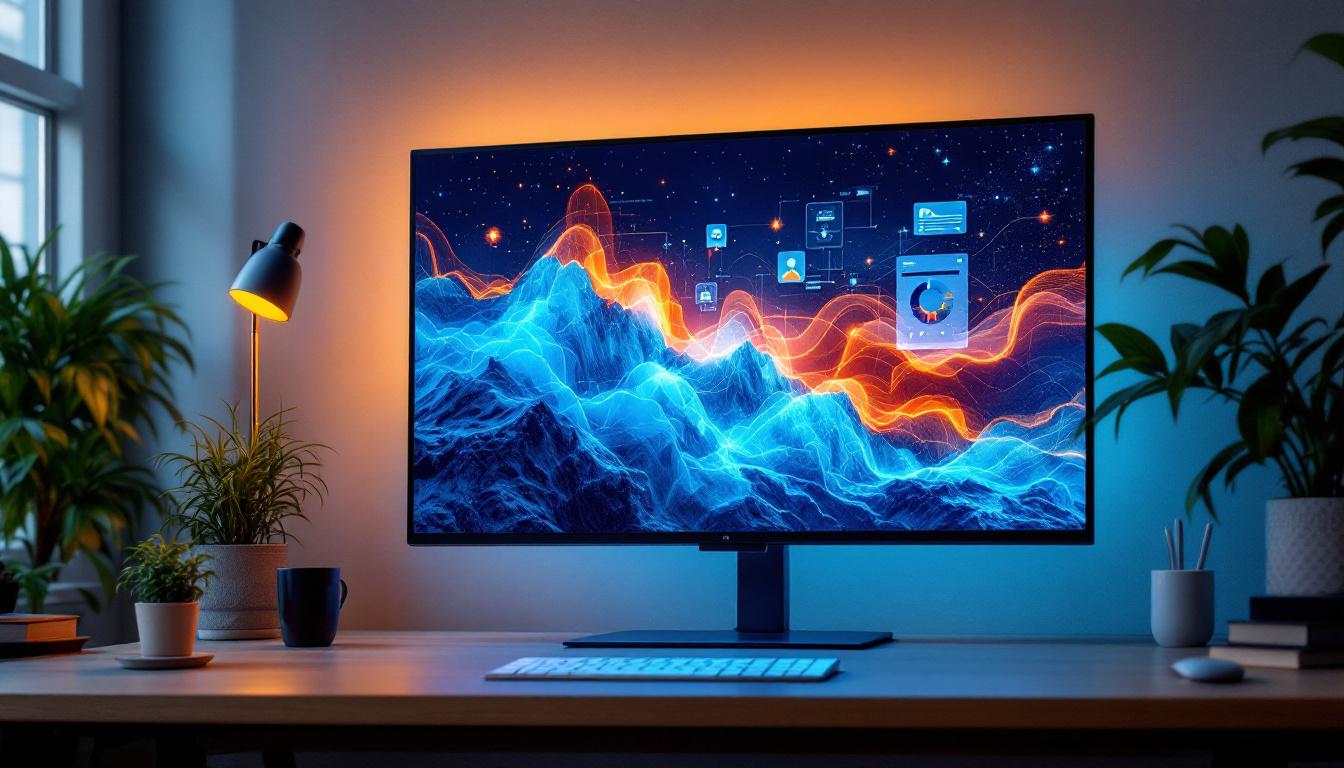
In the rapidly evolving world of display technology, large-format touch screen monitors have become essential tools across industries. Among these, the 55-inch touch screen monitor with LED display stands out for its blend of size, responsiveness, and visual clarity. This article delves into the key aspects of 55-inch touch screen monitors, focusing on their LED display technology, applications, advantages, and what to consider when selecting one.
Understanding the Basics: What is a 55 Touch Screen Monitor?
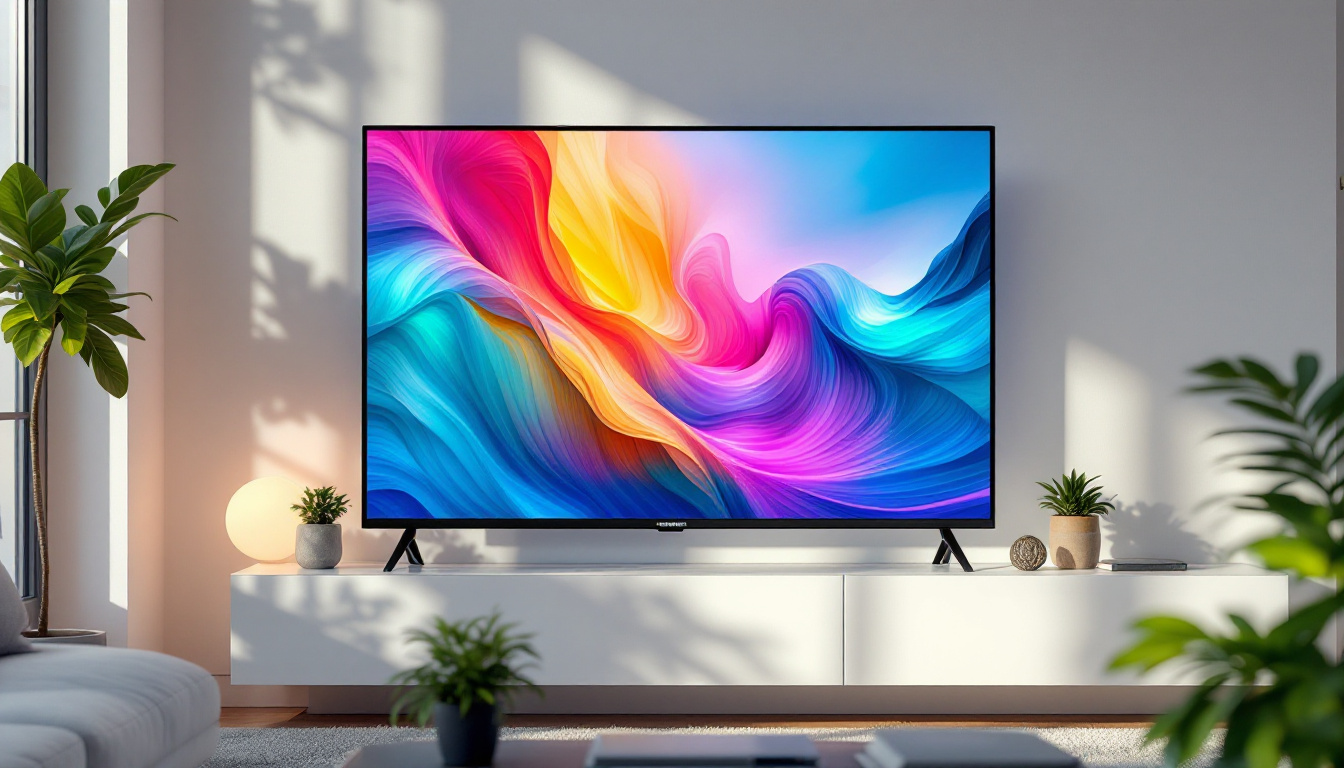
A 55 touch screen monitor is a large display device measuring 55 inches diagonally, equipped with touch-sensitive technology that allows users to interact directly with the screen using fingers or styluses. Unlike traditional monitors that rely on external input devices like a mouse or keyboard, touch screen monitors provide an intuitive, hands-on experience.
The 55-inch size is particularly popular because it strikes a balance between visibility and space efficiency. It is large enough to be used in conference rooms, retail environments, classrooms, and public information kiosks, yet compact enough to fit comfortably in many office or commercial settings.
Why LED Displays?
LED (Light Emitting Diode) technology has become the standard for modern monitors due to its superior brightness, energy efficiency, and color accuracy. LED displays use an array of light-emitting diodes as a backlight source or in some cases as individual pixels, which results in sharper images and better contrast compared to older LCD technologies that relied on fluorescent backlighting.
For touch screen monitors, LED displays offer several advantages, including thinner panels, lower power consumption, and enhanced durability. These qualities make LED-based 55-inch touch screens ideal for environments where the display is in constant use and must maintain high image quality over extended periods.
How LED Technology Enhances Touch Screen Performance
The integration of LED technology in touch screen monitors significantly impacts both the visual experience and the device’s responsiveness. Understanding these benefits helps clarify why LED is preferred for large-format touch screens.
Brightness and Visibility
LED displays provide higher brightness levels than traditional LCDs, often reaching 400 to 700 nits or more. This increased luminance ensures that the screen remains clearly visible even in brightly lit environments, such as retail stores or conference rooms with large windows. For a 55-inch touch screen monitor, this means users can interact with the display without struggling to see content, enhancing usability and engagement.
Color Accuracy and Contrast
Color accuracy is crucial for applications like digital signage, graphic design, and video conferencing. LED technology allows for a wider color gamut and deeper blacks, resulting in more vibrant and true-to-life images. This is especially important on larger screens, where imperfections or washed-out colors become more noticeable.
High contrast ratios, often exceeding 3000:1 on LED monitors, improve the distinction between light and dark areas on the screen, making text easier to read and images more dynamic.
Energy Efficiency and Longevity
Compared to older CCFL-backlit LCDs, LED displays consume significantly less power, which translates to lower operating costs and reduced environmental impact. This efficiency is particularly beneficial for 55-inch touch screen monitors used in commercial settings where the display may be active for many hours daily.
Additionally, LED backlights have a longer lifespan, often rated for 50,000 hours or more, meaning the monitor will maintain consistent brightness and performance over many years without the need for costly replacements.
Applications of 55 Touch Screen Monitors with LED Displays
The versatility of 55-inch touch screen monitors equipped with LED displays has led to their adoption across a wide range of industries and use cases. Their size and interactive capabilities make them especially suited for collaborative and customer-facing environments.
Corporate and Educational Environments
In corporate settings, these monitors serve as interactive whiteboards or presentation tools in meeting rooms. The large screen size allows multiple participants to view and interact with content simultaneously, fostering collaboration and improving communication.
Educational institutions utilize 55-inch touch screens to create engaging learning experiences. Teachers can display multimedia content, annotate directly on the screen, and encourage student participation through interactive lessons. The LED display ensures that visuals remain clear and vibrant, even in well-lit classrooms.
Retail and Hospitality
Retailers use 55-inch touch screen monitors as digital signage and self-service kiosks. Customers can browse product catalogs, customize orders, or access information without assistance, improving service efficiency and customer satisfaction. The bright LED display ensures visibility under various lighting conditions, including outdoor or window-facing installations.
In hospitality, these monitors enhance guest experiences by providing interactive maps, check-in services, and entertainment options in lobbies and waiting areas.
Healthcare and Public Information
Healthcare facilities employ large touch screens for patient check-in, wayfinding, and telemedicine consultations. The accuracy and responsiveness of the touch interface, combined with the clarity of the LED display, help streamline operations and improve patient engagement.
Public spaces such as airports, museums, and government buildings use 55-inch touch screen monitors to deliver interactive information, ticketing services, and educational content to visitors.
Key Features to Consider When Choosing a 55 Touch Screen Monitor
Selecting the right 55-inch touch screen monitor involves evaluating several critical features beyond just screen size and LED technology. These factors influence usability, durability, and overall satisfaction with the device.
Touch Technology Types
There are several touch technologies used in monitors, including:
- Capacitive Touch: Offers high sensitivity and multi-touch capability, commonly used in smartphones and tablets. It provides a smooth and responsive experience but may require direct skin contact or a special stylus.
- Infrared (IR) Touch: Uses an array of IR sensors around the screen edges to detect touch. It supports multi-touch and works with any input object, including gloves or styluses, making it suitable for industrial or medical environments.
- Resistive Touch: Detects pressure applied to the screen. It is less sensitive and supports single touch, but can be used with any object. This technology is less common in large-format monitors due to lower clarity and responsiveness.
Choosing the appropriate touch technology depends on the intended use case and environment.
Resolution and Image Quality
A 55-inch monitor typically offers Full HD (1920×1080) or 4K UHD (3840×2160) resolution. Higher resolution provides sharper images and more screen real estate for multitasking or detailed content. For professional applications such as design or video editing, 4K is often preferred, while Full HD may suffice for general presentations and signage.
Connectivity Options
Modern 55-inch touch screen monitors come with a variety of input ports, including HDMI, DisplayPort, USB, and sometimes VGA or DVI. USB ports are particularly important for connecting touch interface controllers and peripherals. Additionally, some models offer wireless connectivity options like Wi-Fi and Bluetooth, enabling seamless integration with other devices and networks.
Durability and Build Quality
In environments where the monitor will be subject to frequent use or public interaction, durability is paramount. Look for features such as tempered glass with anti-glare coatings, IP ratings for dust and water resistance, and robust casing materials. These factors ensure the monitor maintains performance and appearance over time.
Installation and Maintenance Tips for Optimal Performance
Proper installation and maintenance are vital to maximize the lifespan and functionality of a 55 touch screen monitor with an LED display.
Mounting and Placement
Due to their size and weight, 55-inch monitors often require wall mounting or specialized stands. Ensure the mounting solution supports the monitor’s weight and allows for ergonomic viewing angles to reduce user fatigue. Placement should consider ambient lighting to minimize glare and reflections on the screen.
Calibration and Software Updates
Regular calibration of the touch interface and display color settings helps maintain accuracy and image quality. Many monitors come with built-in calibration tools or software that can be used to adjust settings as needed. Additionally, keeping firmware and drivers up to date ensures compatibility with connected devices and improves security.
Cleaning and Care
Use a soft, lint-free cloth and appropriate screen cleaning solutions to avoid damaging the LED panel or touch sensors. Avoid abrasive materials and excessive moisture. Regular cleaning prevents buildup of dust and fingerprints, which can interfere with touch sensitivity and image clarity.
The Future of 55-Inch Touch Screen Monitors and LED Technology
As display technology continues to advance, 55-inch touch screen monitors are poised to become even more versatile and powerful. Emerging innovations such as OLED (Organic LED) displays promise even better contrast ratios and color reproduction, while microLED technology offers the potential for brighter, more energy-efficient screens without burn-in issues.
On the touch interface front, developments in haptic feedback and gesture recognition are enhancing user interaction, making touch screens more intuitive and responsive. Integration with AI-driven software and cloud services is also expanding the functionality of these monitors in collaborative and public settings.
For businesses and organizations investing in large-format touch screens today, understanding LED technology and its benefits ensures they select devices that will meet current needs and adapt to future demands.
Conclusion
The 55 touch screen monitor with an LED display represents a powerful convergence of size, interactivity, and visual excellence. Its applications span corporate, educational, retail, healthcare, and public sectors, making it a versatile tool for enhancing communication, engagement, and productivity.
LED technology underpins the superior brightness, color accuracy, and energy efficiency that define these monitors, while touch screen capabilities provide intuitive user interaction. By carefully considering touch technology, resolution, connectivity, and durability, users can select the ideal 55-inch touch screen monitor to suit their specific needs.
With proper installation and maintenance, these monitors offer reliable, long-lasting performance. Looking ahead, ongoing innovations in display and touch technologies promise to further elevate the role of 55-inch touch screen monitors in the digital landscape.
Discover LumenMatrix’s Advanced LED Display Solutions
Ready to take your visual communication to the next level? Explore LumenMatrix’s comprehensive range of LED display solutions, designed to captivate your audience and amplify your message. From dynamic Indoor and Outdoor LED Wall Displays to innovative options like Vehicle LED Displays, LED Posters, and Transparent LED Displays, LumenMatrix is at the forefront of creating immersive experiences. Whether for advertising, education, retail, or any sector in need of impactful engagement, our cutting-edge technology is tailored to your unique needs. Check out LumenMatrix LED Display Solutions today and see how our commitment to excellence can revolutionize your space.