All-in-One (AIO) PCs have revolutionized the way users interact with their computers by combining sleek design, space-saving features, and advanced technology. Among the most significant components that define the user experience in an AIO PC is the touchscreen LED display. Understanding how these displays work, their advantages, and what to look for when choosing an AIO PC can help consumers and professionals alike make informed decisions.
What is an AIO PC Touchscreen LED Display?
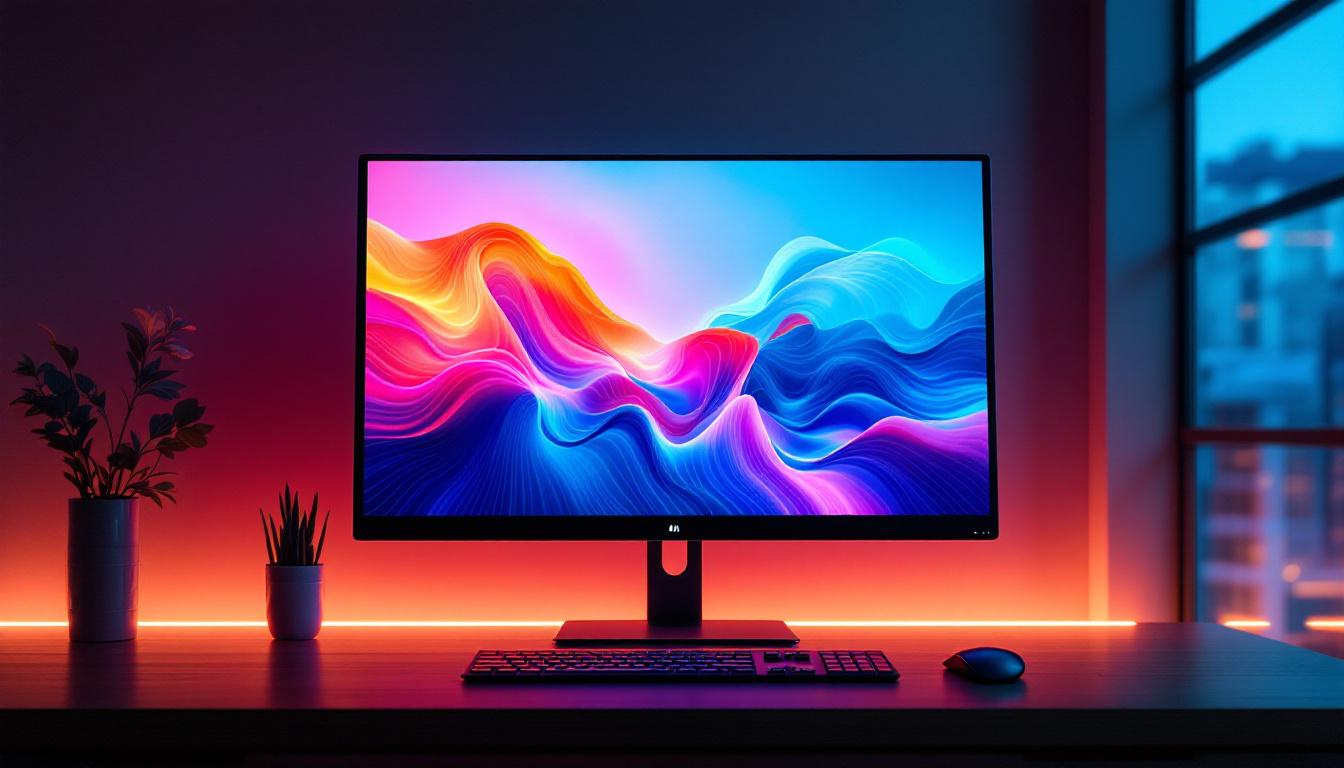
An All-in-One PC integrates the computer’s internal components into the same case as the monitor, eliminating the need for a separate tower. The touchscreen LED display is the primary interface through which users interact with the device. Unlike traditional monitors, these displays combine touch sensitivity with LED backlighting technology, offering both visual clarity and intuitive control.
LED, or Light Emitting Diode, displays use an array of tiny diodes to illuminate the screen. This technology has largely replaced older LCD displays that used cold cathode fluorescent lamps (CCFLs) for backlighting. The touchscreen functionality allows users to control the PC by tapping, swiping, or using multi-touch gestures directly on the screen, similar to smartphones and tablets. This seamless interaction enhances productivity and makes navigating through applications and documents much more efficient, particularly in educational or collaborative environments.
Key Components of an AIO Touchscreen LED Display
The touchscreen LED display in an AIO PC consists of several layers working together:
- LED Backlight: Provides the illumination necessary for the display. LEDs are energy-efficient and enable thinner screen designs.
- LCD Panel: The liquid crystal display creates the images by controlling light passage through pixels.
- Touch Sensor Layer: Detects touch inputs using technologies such as capacitive or resistive sensing.
- Protective Glass: A durable glass layer protects the screen from scratches and damage while maintaining touch sensitivity.
Each of these components plays a critical role in delivering a responsive, vibrant, and reliable user experience. The integration of these technologies not only enhances the visual experience but also contributes to the overall functionality of the device. For instance, the capacitive touch sensor layer allows for multi-touch capabilities, enabling users to perform complex gestures such as pinch-to-zoom or rotate, which can be particularly useful in graphic design or gaming applications.
Moreover, the advancements in touchscreen technology have led to increased durability and responsiveness. Many AIO touchscreen displays now feature anti-glare coatings, which reduce reflections and improve visibility in bright environments, making them suitable for both home and office use. Additionally, some models incorporate advanced features like palm rejection, which ensures that accidental touches are ignored while users are writing or drawing on the screen. This level of sophistication not only enhances user comfort but also opens up new possibilities for creative applications, making AIO PCs with touchscreen LED displays an attractive option for artists and professionals alike.
Advantages of LED Touchscreen Displays in AIO PCs
LED touchscreen displays offer several benefits that make them ideal for AIO PCs, especially in environments where space, aesthetics, and interactivity are priorities.
Enhanced Visual Quality and Energy Efficiency
LED backlighting provides brighter and more vivid images compared to older display technologies. This results in better color accuracy and contrast ratios, which are essential for tasks ranging from graphic design to video conferencing. Additionally, LED displays consume less power, contributing to energy savings and longer device lifespan. The longevity of LED technology means that users can enjoy high-quality visuals for years without the need for frequent replacements, making it a cost-effective choice in the long run.
Improved User Interaction
The touchscreen interface allows for more natural and direct interaction with the computer. Users can navigate applications, zoom in on images, and execute commands with simple gestures. This is particularly beneficial in educational settings, retail environments, and creative studios where intuitive control enhances productivity. Moreover, the tactile feedback provided by touchscreen displays can facilitate a more engaging experience, encouraging users to explore and interact with content in ways that traditional input devices may not allow. This level of engagement can lead to improved learning outcomes in educational contexts and greater customer satisfaction in retail scenarios.
Space-Saving and Sleek Design
By integrating the display and computing components, AIO PCs with touchscreen LED displays reduce clutter and free up desk space. The thin profile of LED screens also contributes to a modern, minimalist aesthetic that fits well in both professional and home settings. This sleek design not only enhances the visual appeal of the workspace but also allows for greater versatility in placement. For instance, these devices can easily be mounted on walls or placed in tight corners, making them suitable for various environments, from small home offices to bustling retail floors. Additionally, the ability to customize the display settings and orientations can further enhance user comfort and accessibility, catering to diverse preferences and needs.
Types of Touchscreen Technologies in AIO PCs
Understanding the different touchscreen technologies used in AIO PCs can help users select a device that best suits their needs.
Capacitive Touchscreens
Capacitive touchscreens are the most common in modern AIO PCs. They detect touch by measuring changes in electrical charge when a finger or conductive stylus comes into contact with the screen. These screens support multi-touch gestures, offer high sensitivity, and provide excellent clarity since they do not require an additional layer over the display.
Resistive Touchscreens
Resistive touchscreens work by detecting pressure applied to the screen, which causes two conductive layers to make contact. While they are generally less sensitive and do not support multi-touch, resistive screens can be used with gloves or any stylus, making them suitable for industrial or medical environments where users may wear protective gear.
Infrared and Optical Touchscreens
Less common in consumer AIO PCs, infrared and optical touchscreens use an array of sensors or cameras around the screen edges to detect touch. These technologies can support multi-touch and work with any input method but are typically more expensive and used in specialized applications.
Choosing the Right AIO PC Touchscreen LED Display
Selecting an AIO PC with the right touchscreen LED display involves considering several factors based on usage scenarios, budget, and performance requirements.
Screen Size and Resolution
Screen size impacts both usability and comfort. Common sizes for AIO PCs range from 21.5 inches to 27 inches. Larger screens provide more workspace and better visibility, which is crucial for tasks like video editing or multitasking. Resolution is equally important; Full HD (1920×1080) is standard, but 4K UHD (3840×2160) displays are becoming more affordable and offer sharper images and finer detail.
Touchscreen Responsiveness and Accuracy
Responsiveness affects how smoothly the screen registers touch inputs. High-quality capacitive touchscreens generally offer the best experience with minimal lag. Accuracy is critical for precision tasks such as drawing or handwriting recognition. Reading user reviews and testing devices in-store can provide insight into touchscreen performance.
Brightness and Viewing Angles
Brightness, measured in nits, determines screen visibility in various lighting conditions. For users working near windows or in bright rooms, a display with at least 250-300 nits is recommended. Wide viewing angles ensure that colors and brightness remain consistent when viewed from different positions, which is important for collaborative work.
Durability and Build Quality
Since the touchscreen is the primary interaction point, it should be durable and resistant to scratches and fingerprints. Many AIO PCs use Gorilla Glass or similar hardened glass for protection. Additionally, consider the device’s overall build quality and warranty options to ensure longevity.
Applications and Use Cases of AIO PC Touchscreen LED Displays
The versatility of AIO PCs with touchscreen LED displays makes them suitable for a variety of environments and tasks.
Education and Training
Interactive touchscreens enhance learning experiences by enabling students and educators to engage directly with content. Features like digital whiteboards, annotation tools, and collaborative apps make AIO PCs valuable in classrooms and training centers.
Retail and Customer Service
In retail settings, touchscreen AIO PCs serve as point-of-sale terminals, information kiosks, and digital signage. Their intuitive interface speeds up transactions and improves customer interaction.
Creative and Design Work
Graphic designers, photographers, and video editors benefit from the high-resolution LED displays and precise touch input for tasks such as photo retouching and digital drawing. Many AIO PCs support stylus input, further enhancing creative workflows.
Healthcare and Medical Environments
Touchscreen AIO PCs are used for patient check-ins, medical imaging review, and telemedicine. Their ease of use and hygienic glass surfaces make them suitable for clinical settings.
Future Trends in AIO PC Touchscreen LED Displays
As technology advances, AIO PC touchscreen LED displays continue to evolve, incorporating new features and improvements.
Higher Refresh Rates and HDR Support
While traditional AIO PCs have refresh rates around 60Hz, newer models are adopting higher refresh rates (up to 120Hz or more) to deliver smoother visuals. High Dynamic Range (HDR) support is also becoming more common, enhancing color depth and contrast for a more immersive viewing experience.
Flexible and Foldable Displays
Emerging display technologies may soon bring flexible or foldable touchscreen panels to AIO PCs, allowing for more versatile form factors and improved portability without sacrificing screen size.
Integration of AI and Gesture Controls
Artificial intelligence is being integrated to optimize display settings based on ambient light and user preferences automatically. Gesture recognition technologies may complement touchscreens, allowing users to control their AIO PCs through hand movements without physical contact.
Conclusion
The touchscreen LED display is a cornerstone of the modern AIO PC experience, blending advanced display technology with intuitive user interaction. Whether for professional use, creative work, or everyday computing, understanding the features and benefits of these displays empowers users to select the right device for their needs. As innovations continue, AIO PCs will become even more versatile, efficient, and engaging, solidifying their place in the future of personal and professional computing.
Discover the Future of Touchscreen Technology with LumenMatrix
Embrace the cutting-edge of AIO PC touchscreen LED displays with LumenMatrix. As a leader in LED display innovation, we offer a wide range of solutions tailored to meet your needs. From captivating Indoor and Outdoor LED Wall Displays to versatile All-in-One LED Displays, our products are designed to revolutionize your visual experience. Elevate your professional workspace, enhance your creative projects, and engage with your audience like never before. Check out LumenMatrix LED Display Solutions today and step into a world of unparalleled clarity and interactivity.