In today’s fast-paced digital world, the way we set up our workstations can significantly impact productivity, comfort, and overall user experience. One popular trend among professionals, gamers, and creatives alike is the use of a computer monitor double stand paired with LED displays. This setup not only maximizes desk space but also enhances visual ergonomics and multitasking capabilities.
This article delves into the essentials of computer monitor double stands and LED displays, exploring their benefits, technical aspects, and how to choose the right combination for your needs. Whether you’re upgrading your home office or designing a high-performance gaming rig, understanding these components can help you make informed decisions.
Understanding Computer Monitor Double Stands
What Is a Computer Monitor Double Stand?
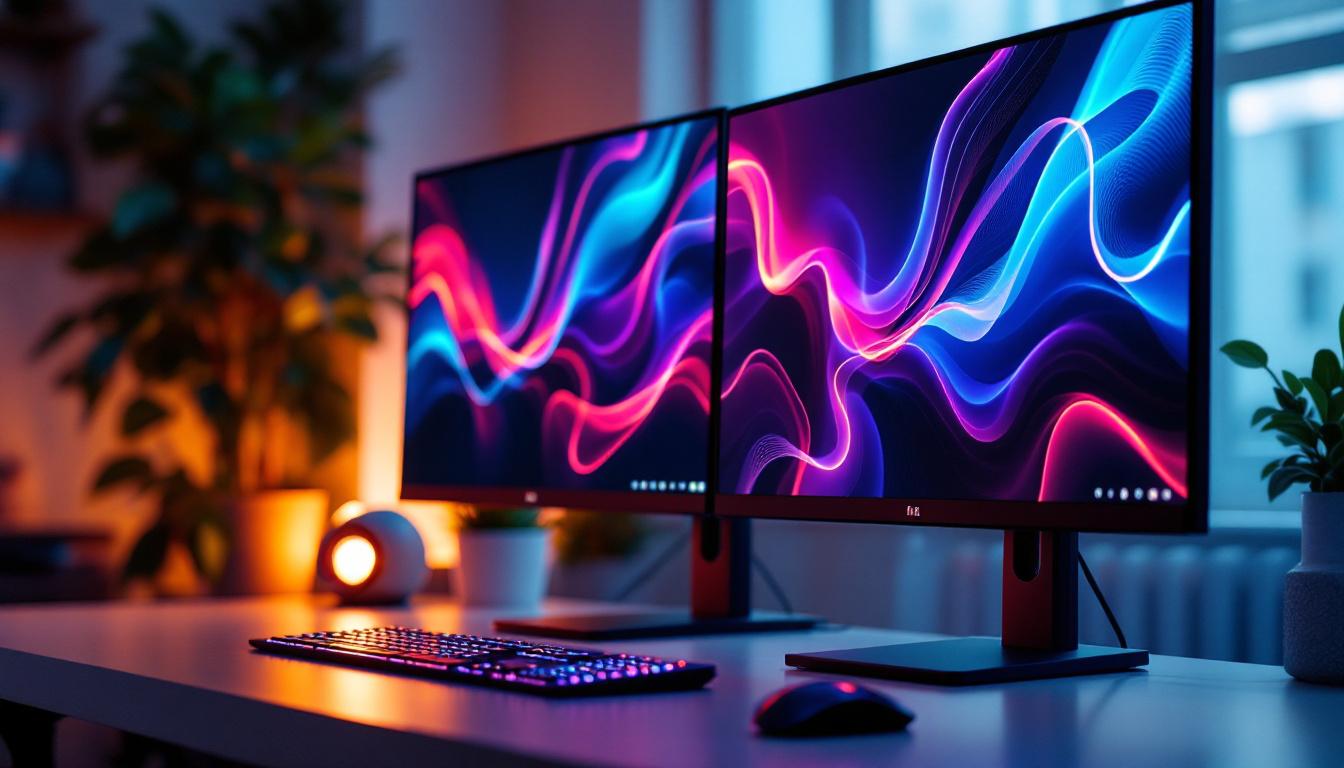
A computer monitor double stand is a mounting solution designed to hold two monitors simultaneously on a single base or arm system. Unlike traditional single monitor stands, these double stands allow users to position two screens side by side, stacked vertically, or at custom angles to optimize viewing comfort and desk organization.
Double stands come in various designs, including freestanding bases, clamp mounts that attach to the edge of a desk, and wall-mounted options. The primary goal is to provide stable, adjustable support for dual monitors without the clutter of multiple stands. This versatility not only enhances productivity but also contributes to a more aesthetically pleasing workspace, as the streamlined appearance of a double stand can significantly reduce visual clutter.
Moreover, many modern double stands are designed with user-friendly features such as gas spring mechanisms, which allow for effortless height adjustments and tilt angles. This adaptability is particularly beneficial for users who may share their workspace with others, as it enables quick reconfiguration to suit different preferences or tasks. The ability to easily switch between portrait and landscape orientations can also be a game-changer for professionals who work with various types of content, from coding to graphic design.
Why Choose a Double Stand Over Separate Stands?
Using a double stand offers several advantages compared to having two individual monitor stands:
- Space Efficiency: A double stand consolidates the footprint of two monitors into one, freeing up valuable desk space for other essentials.
- Improved Ergonomics: Adjustable arms allow for precise positioning of both screens, reducing neck and eye strain by maintaining consistent viewing angles.
- Cable Management: Many double stands feature integrated cable routing systems, helping to keep wires organized and out of sight.
- Cost-Effectiveness: Investing in a single double stand can be more economical than purchasing two separate stands, especially when considering build quality and adjustability features.
Additionally, the enhanced productivity that comes with a double stand cannot be overstated. With two monitors at your disposal, multitasking becomes significantly easier, allowing users to reference documents, conduct research, and manage tasks simultaneously without the need to constantly switch between screens. This capability can lead to improved workflow efficiency, making double stands particularly appealing for professionals in fast-paced environments, such as finance, software development, and creative industries.
Popular Types of Double Stands
Double monitor stands vary primarily by their mounting style and adjustability features:
- Freestanding Double Stands: These come with a sturdy base that sits on the desk surface. They are easy to install and move but take up some desk space.
- Clamp Mount Double Stands: These attach securely to the edge of a desk, saving surface space. They often offer greater adjustability and stability.
- Wall-Mounted Double Stands: Ideal for permanent setups, these stands free up desk space entirely but require wall installation.
In addition to these types, there are also hybrid models that combine features from different designs, offering users even more flexibility. For example, some stands may provide both clamp and freestanding options, allowing users to switch between them based on their current needs or workspace configuration. Furthermore, many double stands are constructed from durable materials such as aluminum or steel, ensuring long-lasting support for even the heaviest monitors. This durability, combined with stylish designs, makes them not only functional but also a stylish addition to any modern office environment.
LED Displays: The Modern Standard for Monitors
What Is an LED Display?
LED stands for Light Emitting Diode, and in the context of computer monitors, LED displays refer to LCD screens that use LED backlighting instead of older CCFL (cold cathode fluorescent lamp) technology. This shift has revolutionized monitor performance, delivering brighter images, better energy efficiency, and slimmer designs.
LED displays are now the industry standard for computer monitors, offering a wide range of sizes, resolutions, and panel types to suit different user needs.
Advantages of LED Displays
LED technology brings several benefits that enhance the viewing experience:
- Improved Brightness and Contrast: LED backlighting provides more uniform brightness and higher contrast ratios, resulting in vivid images and deeper blacks.
- Energy Efficiency: LEDs consume less power than CCFL backlights, reducing electricity costs and environmental impact.
- Thinner and Lighter Designs: LED backlighting allows for slimmer monitor profiles, making setups more aesthetically pleasing and easier to manage.
- Better Color Accuracy: Many LED monitors support wide color gamuts and advanced calibration, essential for creative professionals.
Types of LED Panels
The quality and characteristics of an LED display depend largely on the panel type used. The three most common panel technologies are:
- TN (Twisted Nematic): Known for fast response times and affordability, TN panels are popular among gamers but have narrower viewing angles and less accurate colors.
- IPS (In-Plane Switching): IPS panels offer superior color accuracy and wide viewing angles, making them ideal for designers, photographers, and general productivity.
- VA (Vertical Alignment): VA panels provide high contrast ratios and good color reproduction, striking a balance between TN and IPS panels.
Combining Double Stands with LED Displays: Benefits and Considerations
Enhancing Productivity with Dual LED Monitors
Using two LED monitors mounted on a double stand can significantly boost productivity. Studies show that dual-monitor setups can increase efficiency by up to 20-30% for tasks involving multitasking, data analysis, and creative workflows.
Professionals such as software developers, financial analysts, and graphic designers benefit from having multiple windows visible simultaneously, reducing the need to switch between tabs or applications constantly.
Ergonomics and Comfort
Proper ergonomics are critical to prevent repetitive strain injuries and maintain comfort during long work sessions. A double stand allows users to adjust the height, tilt, and rotation of each LED monitor independently, ensuring that screens are aligned with eye level and at optimal viewing distances.
Positioning screens correctly can reduce neck and shoulder tension, minimize eye fatigue, and promote better posture.
Choosing the Right LED Monitors for Your Double Stand
When selecting LED monitors to pair with a double stand, consider the following factors:
- Size and Resolution: Matching the size and resolution of both monitors ensures a seamless visual experience. Common dual setups include two 24-inch 1080p monitors or two 27-inch 1440p monitors.
- Panel Type: Choose a panel type that matches your primary use case, balancing color accuracy, response time, and viewing angles.
- Connectivity: Ensure the monitors have compatible ports (HDMI, DisplayPort, USB-C) with your computer and double stand’s cable management capabilities.
- VESA Compatibility: Verify that the monitors support VESA mounting standards (typically 75x75mm or 100x100mm) to fit securely on the double stand.
Installation and Setup Tips for Double Monitor Stands with LED Displays
Preparing Your Workspace
Before installing a double monitor stand, clear your desk and measure the available space. Consider the depth and width of your desk to ensure the stand and monitors fit comfortably without overcrowding.
Also, check the weight capacity of the stand to confirm it can support the combined weight of both LED monitors.
Mounting and Adjusting the Monitors
Most double stands come with clear instructions for mounting. Typically, the process involves:
- Attaching VESA mounting brackets to the back of each monitor.
- Securing the monitors to the stand’s arms or base.
- Adjusting the height, tilt, and swivel to achieve ergonomic alignment.
Take time to fine-tune the positioning to minimize glare and ensure comfortable viewing angles.
Cable Management and Maintenance
Effective cable management is essential for a clean and organized setup. Use the built-in cable routing channels on the double stand to guide power, video, and peripheral cables neatly along the arms.
Regularly check connections and clean the monitors and stand to maintain optimal performance and appearance.
Popular Double Monitor Stand and LED Display Combinations in 2024
Top Double Monitor Stands
Several double monitor stands have gained popularity for their build quality, adjustability, and value:
- Ergotron LX Dual Stacking Arm: Known for its robust construction and wide range of motion, this stand supports both side-by-side and stacked configurations.
- AmazonBasics Premium Dual Monitor Stand: A budget-friendly option with solid adjustability and cable management features.
- VIVO Dual LCD Monitor Desk Mount: Offers versatile mounting options and smooth adjustments suitable for most LED monitors.
Recommended LED Displays for Dual Setups
Depending on your use case, these LED monitors are highly rated for dual configurations:
- Dell UltraSharp U2723QE: A 27-inch 4K IPS monitor with excellent color accuracy, ideal for professionals.
- ASUS VG248QG: A 24-inch 1080p TN panel with a 165Hz refresh rate, perfect for gamers.
- LG 27QN600-B: A 27-inch 1440p IPS monitor balancing price and performance for general productivity.
Conclusion: Maximizing Your Workspace with Double Stands and LED Displays
Integrating a computer monitor double stand with LED displays can transform your workspace into an efficient, ergonomic, and visually appealing environment. The combination supports enhanced productivity, reduces physical strain, and offers flexibility to adapt to various professional and recreational needs.
By understanding the types of double stands, the advantages of LED technology, and the best practices for setup, users can create dual-monitor configurations tailored to their unique requirements. Whether upgrading a home office or designing a gaming station, investing in quality components and thoughtful arrangement pays dividends in comfort and performance.
As technology continues to evolve, staying informed about the latest monitor and mounting innovations ensures that your workstation remains future-proof and optimized for success.
Discover the Future of Visual Display with LumenMatrix
Ready to elevate your workspace and experience the pinnacle of LED display technology? LumenMatrix is at the forefront of innovation, offering a diverse range of LED display solutions that cater to every need, from dynamic indoor and outdoor environments to specialized applications like vehicle displays and transparent screens. Embrace the future of visual communication with our cutting-edge LED displays that promise to enhance engagement and bring your content to life. Check out LumenMatrix LED Display Solutions and transform your space today.