In the evolving world of display technology, understanding the nuances of different input types and screen technologies is essential for making informed decisions. Among the various connection standards, S-Video remains a notable legacy interface, especially when paired with modern LED displays. This article delves into the relationship between computer monitors equipped with S-Video inputs and LED display technology, explaining their compatibility, advantages, and practical applications.
Understanding S-Video: A Legacy Connection Standard
S-Video, short for Separate Video, was introduced in the late 1980s as an improvement over composite video connections. It carries video signals by separating the black-and-white (luminance) and color (chrominance) components into two distinct channels. This separation reduces color bleeding and improves picture clarity compared to composite video, which combines all video information into a single signal.
Although S-Video does not carry audio signals, it was widely used for connecting devices such as DVD players, older gaming consoles, and camcorders to televisions and monitors. Its maximum resolution typically supports standard definition video (480i or 576i), making it less suitable for high-definition content but still relevant for legacy devices. Many enthusiasts and collectors of vintage technology appreciate S-Video for its ability to deliver a more refined image than composite video, especially when playing classic games or watching older films that were not originally produced in high definition.
Technical Specifications and Signal Quality
The S-Video connector is a 4-pin mini-DIN plug, designed to transmit two separate signals: luminance (Y) and chrominance (C). By transmitting these signals separately, S-Video reduces the interference and artifacts common in composite video connections. However, it remains an analog format, meaning the signal quality can degrade over longer cable runs or due to interference. Users often find that shorter cables yield better results, ensuring that the integrity of the signal is maintained for a clearer picture.
Compared to component video, which splits the signal into three components (Y, Pb, Pr), S-Video offers lower resolution and color fidelity. Despite this, it was a significant step up from composite video and remains useful for certain applications where digital connections are unavailable. For instance, many video editing professionals still utilize S-Video to capture footage from older analog sources, as it provides a more stable image than composite connections. Additionally, S-Video connectors can often be found on older televisions and projectors, making it a valuable tool for those looking to preserve and enjoy classic media formats without the need for extensive upgrades to modern digital equipment.
LED Displays: Modern Monitor Technology
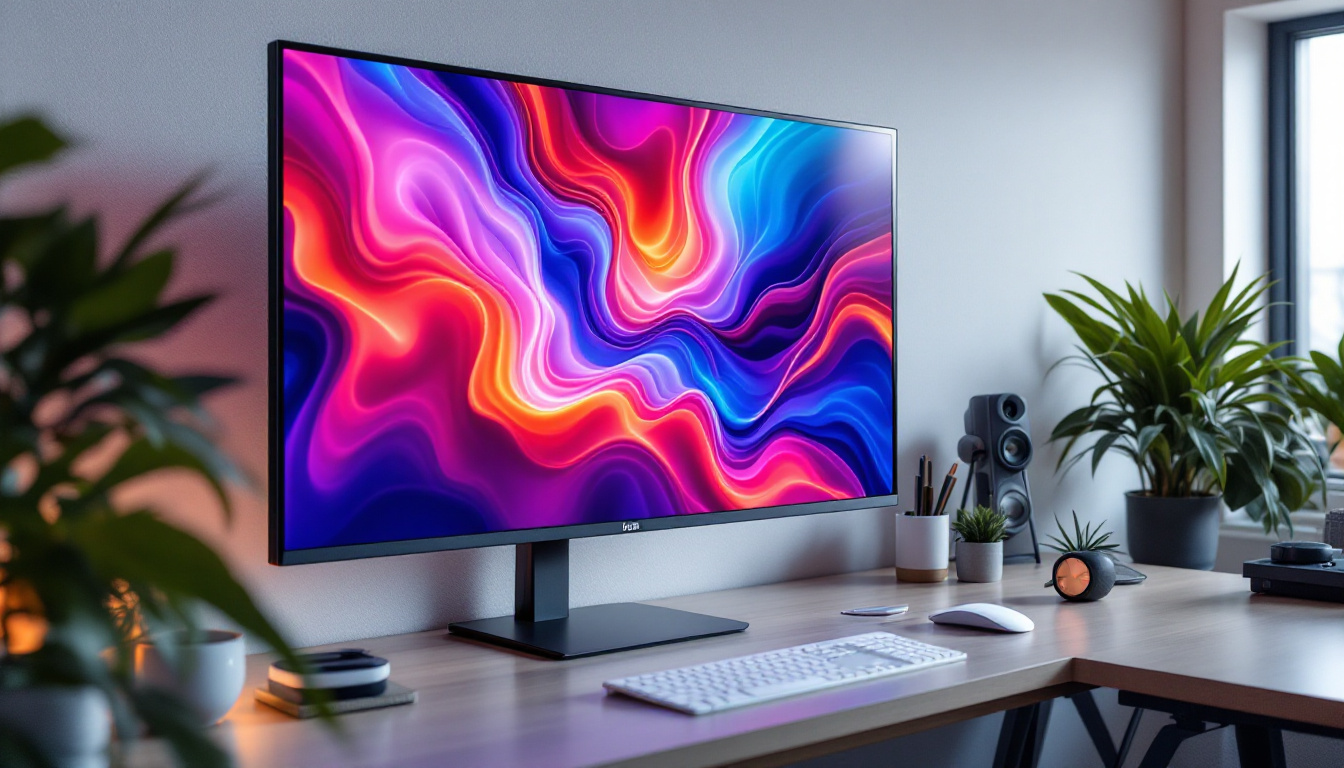
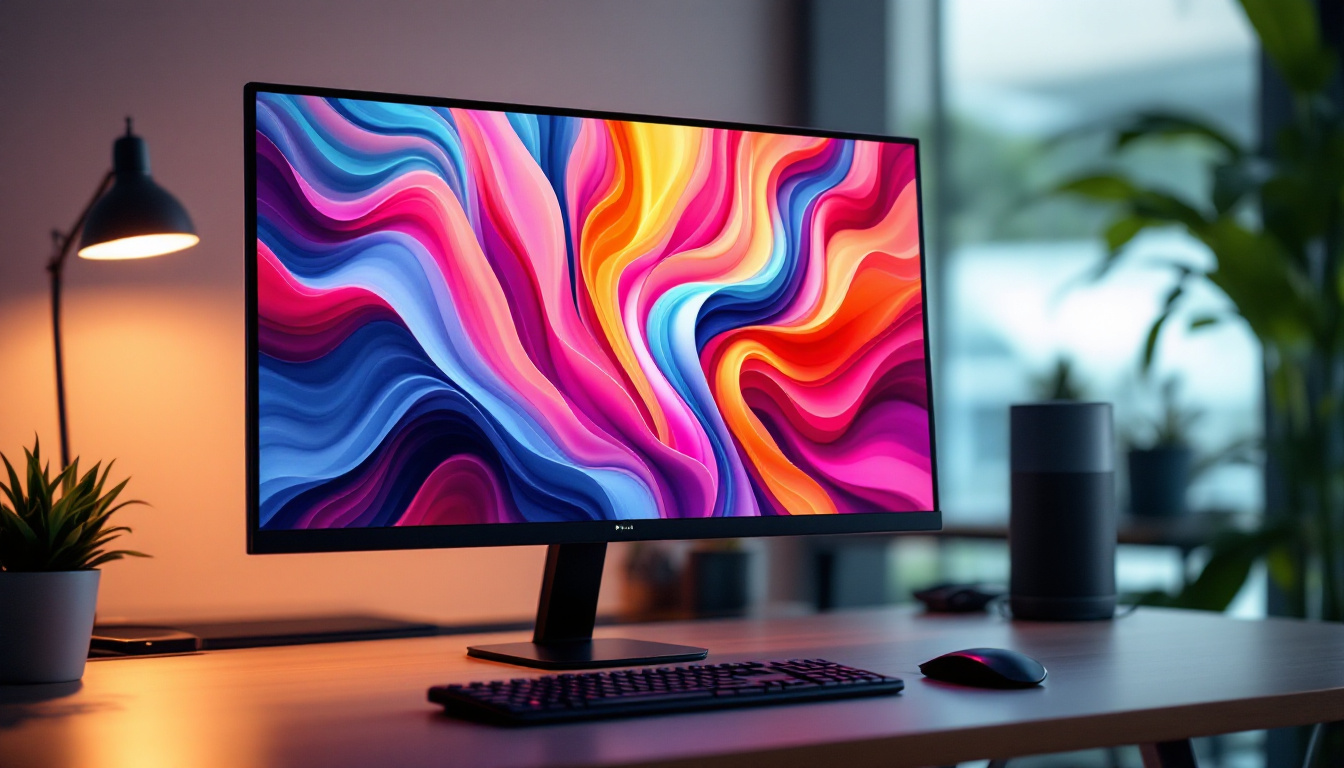
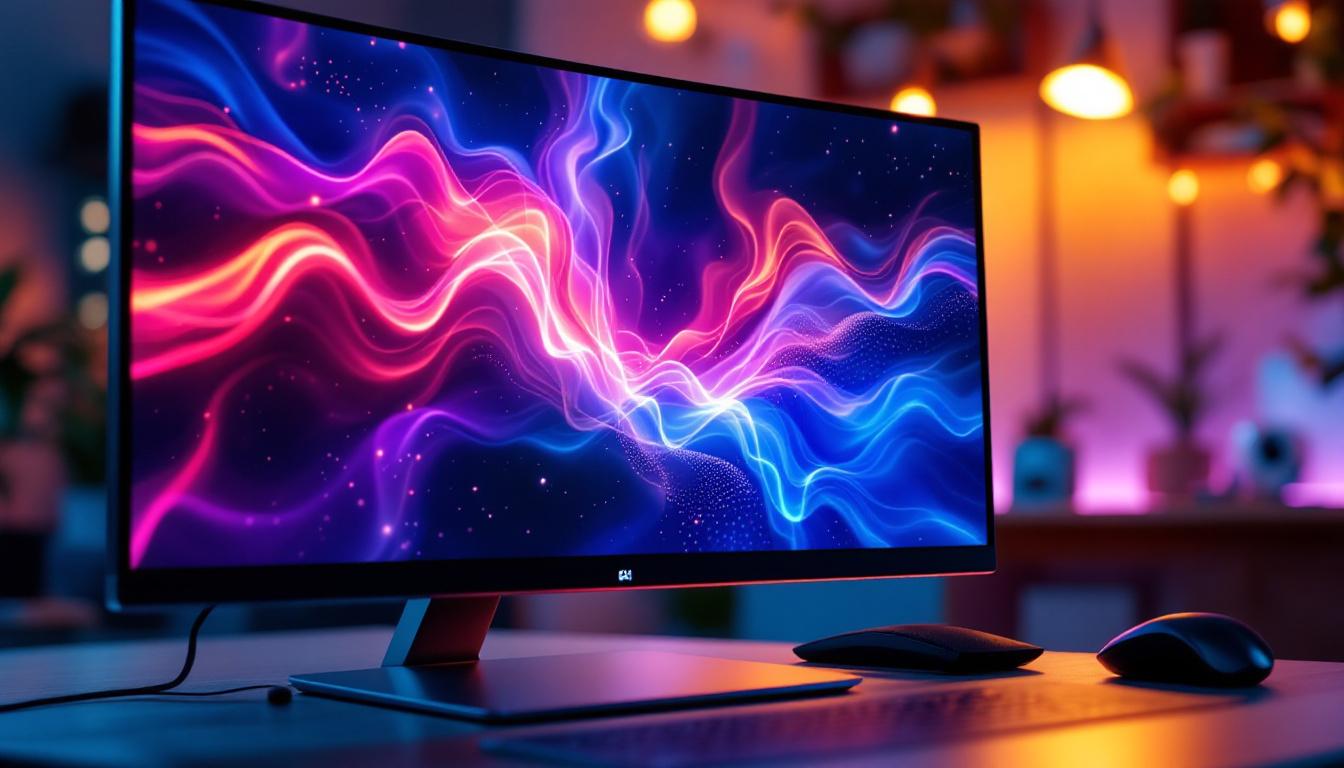
LED displays have become the standard for computer monitors and televisions due to their energy efficiency, slim profiles, and superior image quality. The term “LED display” typically refers to LCD panels that use LED backlighting instead of older CCFL (cold cathode fluorescent lamp) backlights.
LED backlighting enhances brightness, contrast, and color accuracy while enabling thinner and lighter monitor designs. These displays support a wide range of resolutions, from standard HD (720p) to ultra-high-definition 4K and beyond. The transition to LED technology has revolutionized the viewing experience, allowing for more immersive and engaging content consumption, whether it be for gaming, streaming movies, or professional graphic design work.
How LED Displays Work
At the core, LED displays use a liquid crystal display (LCD) panel that modulates light to create images. The LED backlight provides the illumination source behind the LCD layer. By controlling the intensity of each pixel via liquid crystals, the monitor can display detailed and vibrant images. This technology not only improves the visual experience but also significantly reduces power consumption compared to traditional display technologies, making it an environmentally friendly choice.
Modern LED monitors often include advanced features such as HDR (High Dynamic Range), wide color gamuts, and fast refresh rates, catering to gamers, professionals, and general users alike. HDR technology allows for a broader range of colors and contrasts, enhancing the depth and realism of images, while high refresh rates provide smoother motion, which is particularly beneficial for fast-paced gaming or action-packed films. Furthermore, many LED displays now incorporate features like adaptive sync technologies, which help eliminate screen tearing and stuttering, ensuring a seamless viewing experience. As the technology continues to evolve, we can expect even more innovations that will further enhance the capabilities of LED displays, such as improved energy efficiency and even thinner designs, pushing the boundaries of what is possible in monitor technology.
Why Combine S-Video with LED Monitors?
Given that S-Video is an analog, standard-definition input and LED monitors are designed for high-resolution digital signals, the question arises: why would one want to connect an S-Video source to an LED display?
Legacy Device Compatibility
Many users still possess legacy devices such as VHS players, older gaming consoles, or camcorders that output video exclusively through S-Video. Connecting these devices to modern monitors can be challenging because most contemporary displays lack native S-Video inputs.
Some LED monitors, particularly those designed for professional or industrial use, include S-Video inputs to maintain compatibility with older equipment. This feature allows users to view and digitize analog content without needing additional converters.
Use Cases in Professional and Industrial Settings
In fields such as video production, surveillance, and broadcasting, S-Video remains relevant for monitoring and troubleshooting legacy video feeds. LED monitors with S-Video inputs provide a convenient solution for previewing analog signals alongside digital workflows.
Moreover, some educational and training environments use legacy media for instructional purposes. Having an LED monitor that supports S-Video inputs ensures these materials remain accessible without investing in costly equipment upgrades.
Connecting S-Video to an LED Monitor: Practical Considerations
When connecting an S-Video source to an LED monitor, several factors must be considered to ensure optimal performance and compatibility.
Native S-Video Input vs. Adapters and Converters
Most modern LED monitors do not include native S-Video inputs. In such cases, users must rely on external adapters or converters to bridge the analog S-Video signal to a digital input such as HDMI or DisplayPort.
Adapters typically convert the analog S-Video signal into a composite video format or directly into HDMI. However, these conversions may introduce latency, signal degradation, or compatibility issues depending on the quality of the converter.
For the best results, choosing a high-quality active converter that supports the desired resolution and frame rate is essential. Passive adapters are generally insufficient because S-Video and HDMI use fundamentally different signaling methods.
Resolution and Aspect Ratio Limitations
Since S-Video supports only standard-definition video, the maximum resolution is limited to 480i (NTSC) or 576i (PAL). When displayed on a high-resolution LED monitor, the image will not fill the screen natively and may appear stretched or pixelated if scaled improperly.
To maintain image quality, users should configure the monitor or converter to preserve the original aspect ratio and avoid excessive upscaling. Some monitors offer built-in scaling options to optimize the display of standard-definition content.
Audio Considerations
Because S-Video carries video signals only, audio must be transmitted separately. Users should ensure that their setup includes appropriate audio connections, such as RCA or 3.5mm jacks, to deliver synchronized sound.
Advantages and Limitations of Using S-Video with LED Monitors
Advantages
- Legacy Device Support: Enables continued use of older video equipment without replacing or upgrading devices.
- Cost-Effective: Avoids the need to purchase new digital devices or media players.
- Convenience: Monitors with native S-Video inputs simplify connections and reduce the need for additional adapters.
- Preservation of Analog Content: Facilitates digitizing and archiving analog video for future use.
Limitations
- Lower Image Quality: Standard-definition video signals cannot match the clarity of modern HD or 4K content.
- Compatibility Issues: Many LED monitors lack native S-Video inputs, requiring external converters.
- Separate Audio Required: Additional cables and connections are necessary for sound.
- Scaling Artifacts: Upscaling SD content on HD displays can result in blurry or distorted images.
Future Outlook: Is S-Video Still Relevant?
While digital standards such as HDMI, DisplayPort, and USB-C dominate the current landscape, S-Video retains niche relevance. The gradual phase-out of analog video connections is inevitable, but legacy devices and content ensure that S-Video will not disappear overnight.
Manufacturers continue to produce converters and adapters, and some specialized monitors maintain S-Video inputs to cater to professional markets. For most consumers, however, transitioning to fully digital workflows is advisable to benefit from superior image quality and simplified connectivity.
Alternatives to S-Video for Analog Sources
For users seeking to connect analog devices to modern displays, component video (YPbPr) offers higher resolution and better color fidelity than S-Video. Composite video remains an option but with lower quality. Converters that digitize analog signals to HDMI are increasingly affordable and offer improved compatibility.
Conclusion
Computer monitors with S-Video inputs bridge the gap between legacy analog video sources and modern LED display technology. Understanding the technical aspects of S-Video and LED displays helps users make informed choices when integrating older devices into contemporary setups.
While S-Video offers improved quality over composite video, its standard-definition limitations and analog nature mean it is best suited for specific use cases rather than everyday computing or gaming. For those needing to connect S-Video sources to LED monitors, high-quality converters and attention to scaling and audio integration are key to achieving the best possible experience.
As display technology continues to advance, embracing digital standards will provide users with enhanced image quality, simplified connections, and future-proof compatibility. Nevertheless, the legacy of S-Video and its role in bridging past and present video technologies remains an important chapter in the evolution of computer monitors and display interfaces.
Explore Cutting-Edge LED Display Solutions with LumenMatrix
If you’re looking to integrate legacy video sources with the latest in display technology or seeking to elevate your visual communication, LumenMatrix has the innovative solutions you need. Our extensive range of LED display modules, from Indoor and Outdoor LED Walls to Custom and All-in-One LED Displays, is designed to bring your content to life with unparalleled clarity and impact. Embrace the future of digital signage with LumenMatrix and create experiences that captivate and engage. Check out LumenMatrix LED Display Solutions today and see how we can transform your visual storytelling.