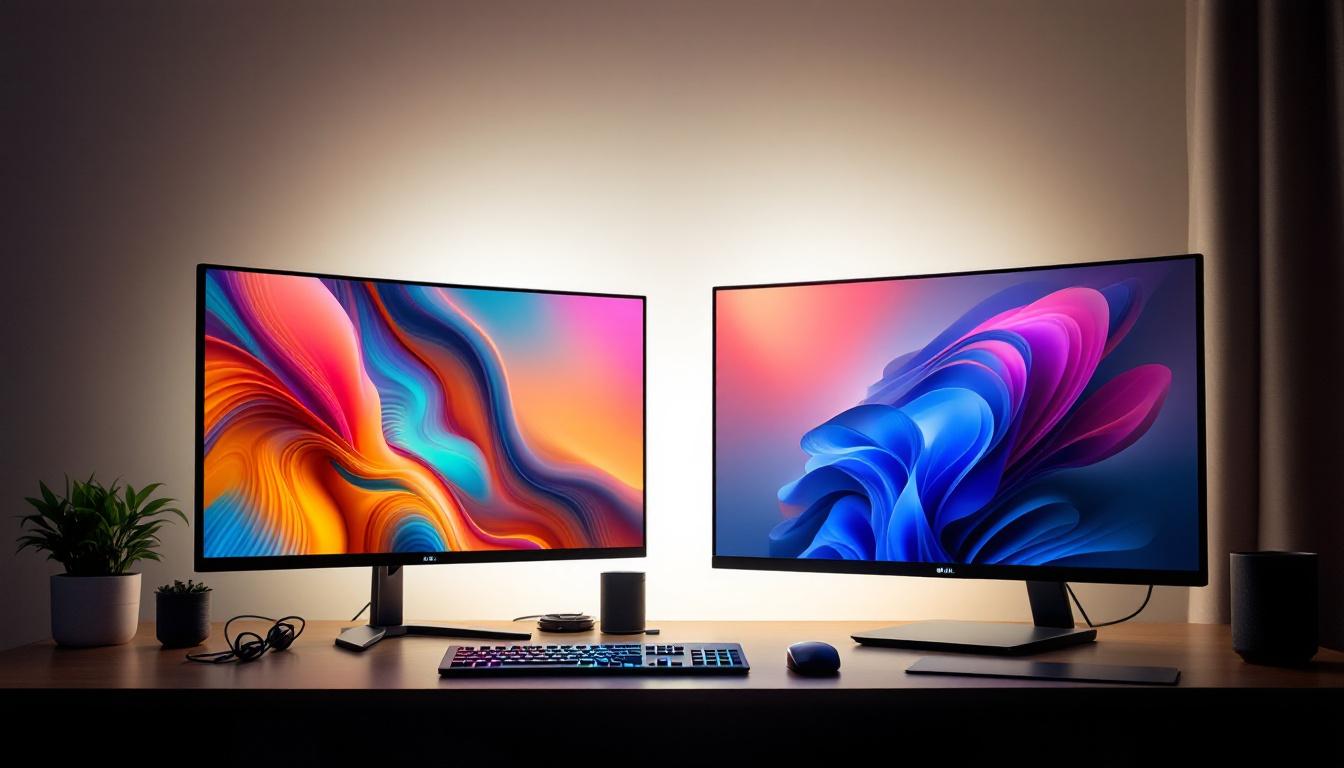
In the rapidly evolving world of display technology, LED screens have become a dominant force, especially in computer monitors. From gaming setups to professional workstations, LED displays offer a blend of performance, efficiency, and visual quality that makes them a preferred choice for many users. This article explores the fundamentals of LED displays, their advantages, types, and what makes them stand out in the competitive market of computer screens.
Understanding LED Technology in Computer Screens
LED, or Light Emitting Diode, technology is at the heart of many modern computer screens. Unlike traditional LCDs that rely on cold cathode fluorescent lamps (CCFLs) for backlighting, LED displays use light-emitting diodes to illuminate the screen. This fundamental difference brings several benefits in terms of brightness, color accuracy, and energy consumption.
LED displays are essentially LCD panels that use LEDs for backlighting. This hybrid approach combines the sharpness and resolution capabilities of LCDs with the efficiency and brightness control of LEDs. The result is a screen that can deliver vivid images with deeper blacks and more vibrant colors compared to older technologies.
How LED Backlighting Works
In an LED-backlit LCD screen, the LEDs are positioned behind or along the edges of the LCD panel. These LEDs emit light that passes through the liquid crystal layer, which modulates the light to form images. The key advantage is that LEDs can be turned on or off quickly and with precision, enabling better contrast ratios and more dynamic lighting effects.
There are two main types of LED backlighting: edge-lit and direct-lit (or full-array). Edge-lit LEDs are placed around the edges of the screen, making the display thinner and lighter, while direct-lit LEDs are spread evenly behind the panel, allowing for more uniform brightness and local dimming capabilities.
Moreover, the advancements in LED technology have led to the development of various subtypes, including OLED (Organic Light Emitting Diode) and Mini-LED displays. OLED screens offer the advantage of each pixel emitting its own light, resulting in true blacks and an infinite contrast ratio, which is particularly beneficial for media consumption and gaming. On the other hand, Mini-LED technology utilizes thousands of tiny LEDs for backlighting, providing enhanced control over brightness and contrast, and significantly improving HDR (High Dynamic Range) performance. These innovations continue to push the boundaries of what computer screens can achieve, making them not only more energy-efficient but also capable of delivering an immersive viewing experience.
The impact of LED technology extends beyond just visual performance; it also plays a crucial role in reducing energy consumption and promoting sustainability. LED screens consume significantly less power compared to their CCFL counterparts, which not only helps in lowering electricity bills but also reduces the carbon footprint associated with manufacturing and disposal. As consumers become more environmentally conscious, the shift towards LED technology in computer screens aligns with a broader commitment to sustainable practices in technology. This trend is further supported by manufacturers who are increasingly focusing on eco-friendly designs and materials, ensuring that the benefits of LED technology contribute positively to both performance and the planet.
Types of LED Displays in Computer Screens
When shopping for a computer monitor, understanding the different types of LED displays can help in making an informed decision. The two primary categories are based on the LED backlighting method and panel technology.
Edge-Lit LED Displays
Edge-lit LED monitors position LEDs along the edges of the screen. This design enables manufacturers to produce ultra-thin and lightweight monitors, which are aesthetically pleasing and space-saving. However, edge-lit displays may suffer from uneven brightness and less effective local dimming, which can affect contrast and black levels.
Edge-lit LED screens are common in budget and mid-range monitors, offering a good balance between cost and performance. They are suitable for general office work, browsing, and casual media consumption.
Direct-Lit and Full-Array LED Displays
Direct-lit or full-array LED displays feature LEDs distributed across the entire back panel. This configuration allows for better control of brightness zones, enabling local dimming where specific areas of the screen can be dimmed independently. This results in superior contrast ratios and deeper blacks, which are especially beneficial for watching movies or gaming.
Full-array LED monitors tend to be thicker and more expensive but offer enhanced picture quality. Professional users, photographers, and gamers often prefer these displays for their superior performance.
OLED vs. LED: A Brief Comparison
While LED displays dominate the market, OLED (Organic Light Emitting Diode) technology is gaining traction. Unlike LED-backlit LCDs, OLEDs emit light directly from each pixel, allowing for perfect blacks and exceptional contrast. However, OLED monitors are currently more expensive and less common for computer screens.
LED displays remain the practical choice for most users due to their affordability, longevity, and energy efficiency. Understanding these distinctions helps users select the right technology for their needs.
Advantages of LED Displays for Computers
LED displays offer numerous benefits that have contributed to their widespread adoption in computer screens. These advantages extend beyond just image quality, impacting user experience and device performance.
Energy Efficiency and Environmental Impact
One of the most significant benefits of LED displays is their energy efficiency. LEDs consume less power compared to traditional CCFL backlights, which translates to lower electricity bills and reduced environmental impact. According to the U.S. Department of Energy, LED backlighting can reduce energy consumption by up to 40% compared to CCFLs.
For businesses and individuals conscious about sustainability, choosing LED monitors aligns with greener technology practices. Additionally, LEDs have a longer lifespan, reducing electronic waste over time.
Improved Brightness and Color Accuracy
LED monitors can achieve higher brightness levels, often exceeding 300 nits, which is beneficial in brightly lit environments. This brightness capability ensures that images remain clear and vibrant even in daylight or well-lit rooms.
Moreover, LED backlighting supports a wider color gamut and better color accuracy, essential for graphic designers, video editors, and photographers who require precise color reproduction. Modern LED displays often cover 99% or more of the sRGB color space, with some models supporting Adobe RGB or DCI-P3 standards.
Thin and Lightweight Designs
The compact size of LEDs allows manufacturers to design thinner and lighter monitors. This contributes to sleek aesthetics and easier portability, especially for laptops and portable monitors. A thinner profile also means more desk space and improved ergonomics for users.
Common Applications of LED Computer Screens
LED displays have become versatile tools used in various computing contexts. Their adaptability and performance make them suitable for a wide range of applications.
Gaming Monitors
Gaming demands high refresh rates, low response times, and vibrant visuals. LED monitors, particularly those with full-array local dimming and high dynamic range (HDR) support, meet these requirements effectively. Many gaming monitors offer refresh rates of 144Hz or higher, paired with LED backlighting to ensure smooth, immersive gameplay.
Additionally, LED technology supports features like variable refresh rate (VRR) and adaptive sync, which reduce screen tearing and stuttering, enhancing the gaming experience.
Professional and Creative Workstations
Professionals in graphic design, video production, and photography rely heavily on color accuracy and detail. LED displays with wide color gamuts and high resolutions (such as 4K) are standard in these fields. The ability to calibrate LED monitors precisely ensures that colors remain consistent across different devices and print outputs.
Moreover, the improved contrast and brightness levels help in detailed editing work, making LED monitors indispensable tools for creative professionals.
General Office and Home Use
For everyday computing tasks such as browsing, document editing, and video streaming, LED monitors offer a comfortable and efficient viewing experience. Their energy efficiency and eye-friendly features, like flicker-free technology and blue light filters, contribute to reduced eye strain during extended use.
LED monitors are available in a wide range of sizes and price points, making them accessible for most users.
Key Features to Consider When Choosing an LED Computer Screen
Selecting the right LED monitor involves understanding several technical specifications and features that impact performance and usability.
Resolution and Screen Size
Resolution determines the clarity and detail of the display. Common resolutions include Full HD (1920×1080), Quad HD (2560×1440), and 4K UHD (3840×2160). Larger screen sizes paired with higher resolutions provide more workspace and sharper images, which is beneficial for multitasking and detailed work.
Choosing the appropriate resolution and size depends on the user’s needs and desk space.
Refresh Rate and Response Time
Refresh rate, measured in Hertz (Hz), indicates how many times the screen updates per second. Higher refresh rates (120Hz, 144Hz, or more) result in smoother motion, crucial for gaming and video playback.
Response time measures how quickly a pixel changes color, with lower times (1ms to 5ms) reducing motion blur and ghosting effects. Gamers and video editors should prioritize monitors with fast response times.
Color Accuracy and Gamut
For professionals, color accuracy is paramount. Look for monitors that support wide color gamuts such as Adobe RGB or DCI-P3 and offer factory calibration or calibration tools. These features ensure that colors are true to life and consistent across devices.
Connectivity and Ergonomics
Modern LED monitors come with various connectivity options including HDMI, DisplayPort, USB-C, and sometimes Thunderbolt. USB-C is particularly valuable for laptop users due to its ability to carry video, data, and power through a single cable.
Ergonomic features like adjustable height, tilt, swivel, and pivot enhance comfort during prolonged use, reducing physical strain.
The Future of LED Displays in Computing
LED technology continues to evolve, with innovations aimed at improving image quality, energy efficiency, and user experience. Mini-LED and micro-LED are emerging technologies that promise even better contrast and brightness control by using thousands of tiny LEDs for backlighting.
Mini-LED displays, already appearing in high-end monitors and laptops, offer improved local dimming zones, resulting in better HDR performance and deeper blacks without the burn-in risks associated with OLEDs.
Micro-LED technology, still in development, has the potential to revolutionize displays by combining the benefits of OLED and LED without their drawbacks, such as limited lifespan and burn-in.
Conclusion
LED displays have transformed computer screens by providing enhanced brightness, color accuracy, energy efficiency, and design flexibility. Whether for gaming, professional work, or everyday use, LED technology offers a versatile solution that meets diverse user demands.
Understanding the types of LED displays, their advantages, and key features helps consumers make informed choices that align with their specific needs and budgets. As LED technology advances with innovations like mini-LED and micro-LED, the future of computer screens promises even more impressive visual experiences.
Discover the Future of LED Displays with LumenMatrix
As you consider upgrading your visual experience, whether for gaming, professional creativity, or dynamic advertising, LumenMatrix stands at the forefront of LED display innovation. Embrace the future with our comprehensive range of LED display solutions, including Indoor and Outdoor LED Wall Displays, Vehicle LED Displays, and more. Each product is crafted to bring your vision to life with unparalleled brightness, color accuracy, and energy efficiency. Check out LumenMatrix LED Display Solutions today and see how we’re revolutionizing visual communication to help you make a lasting impression.