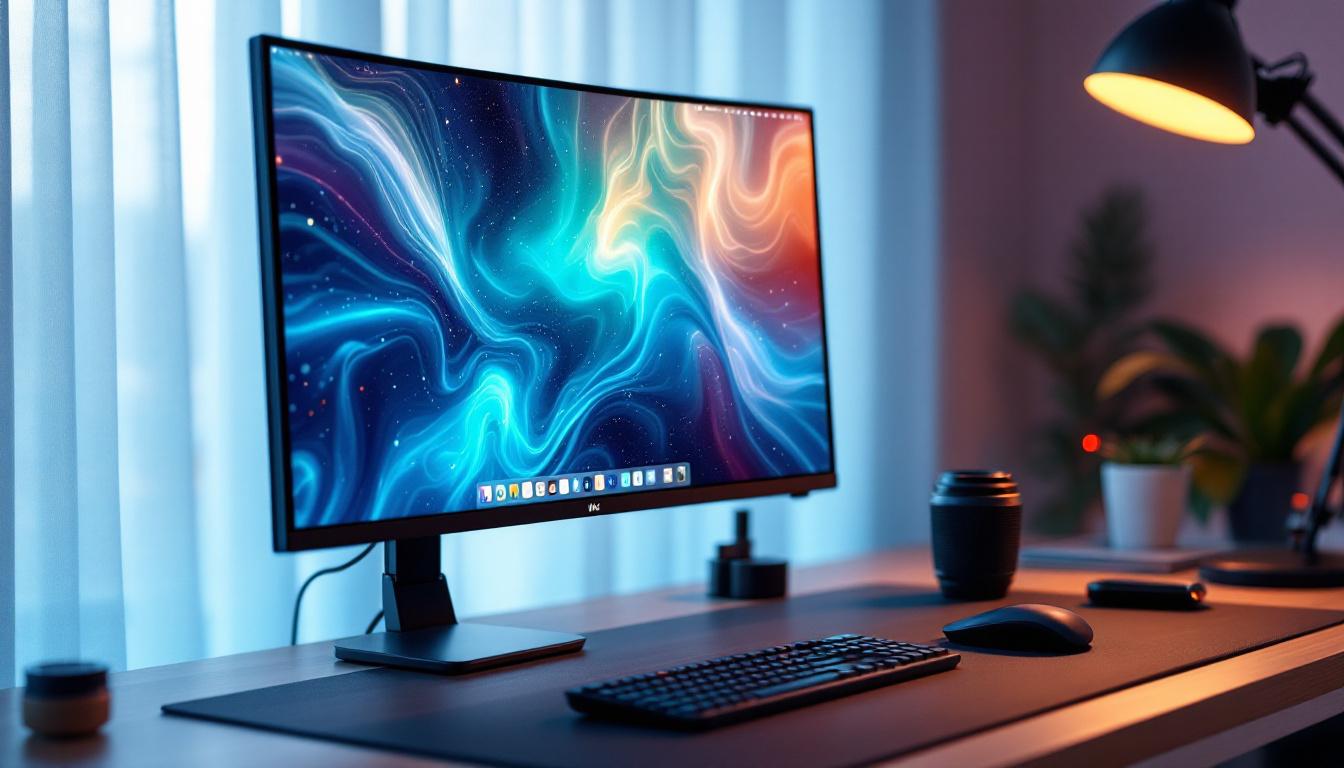
In today’s fast-paced digital world, the quality and ergonomics of your workstation can significantly impact productivity, comfort, and overall health. One crucial yet often overlooked component of an efficient setup is the desktop monitor bracket, especially when paired with LED displays. This article delves into the essentials of desktop monitor brackets, exploring their benefits, types, and how they complement LED display technology to create an optimal working environment.
Understanding Desktop Monitor Brackets
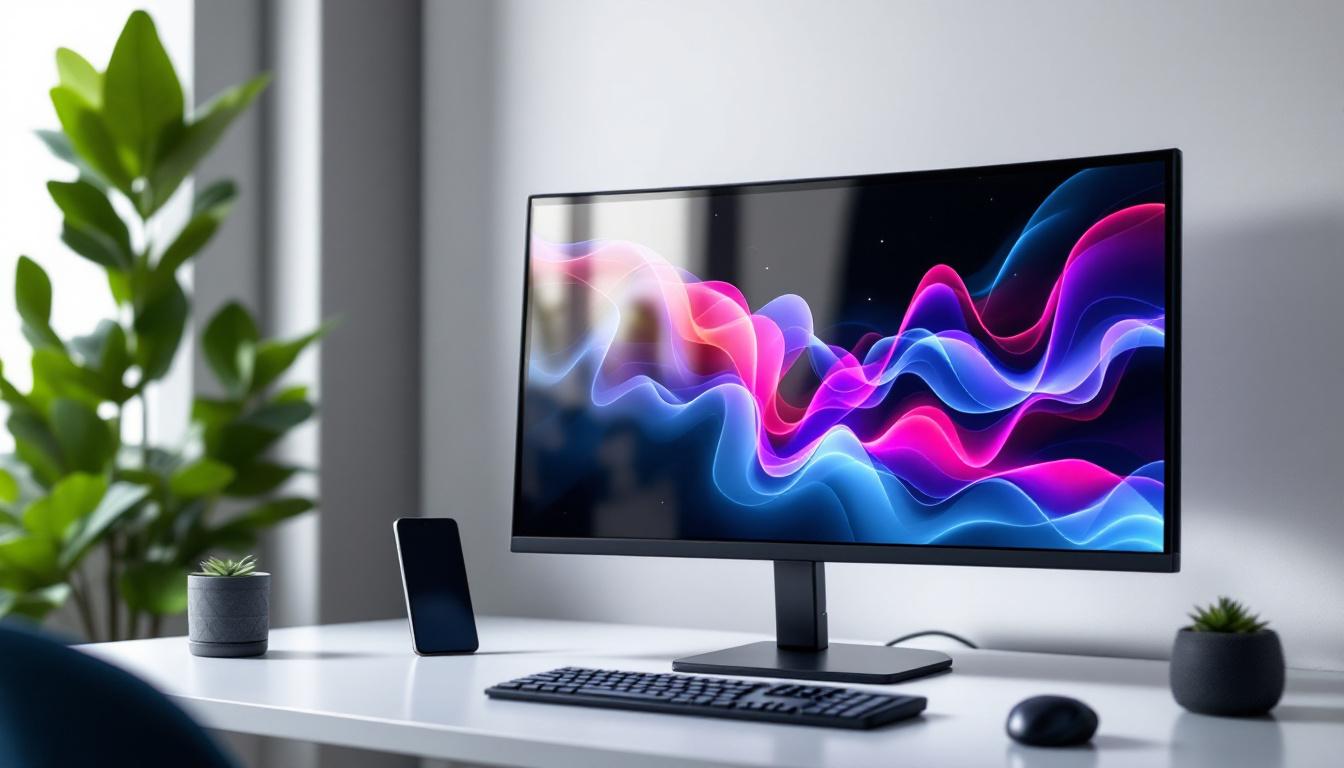
A desktop monitor bracket, also known as a monitor arm or mount, is a device designed to hold and support computer monitors on a desk or wall. Unlike traditional monitor stands, these brackets offer enhanced flexibility, allowing users to adjust the height, angle, and distance of their screens with ease.
With the rise of multi-monitor setups and the increasing popularity of LED displays, the demand for ergonomic and space-saving solutions has surged. According to a 2023 survey by the Human Factors and Ergonomics Society, over 70% of office workers reported improved comfort and reduced neck strain after switching to adjustable monitor mounts.
Why Use a Monitor Bracket?
Monitor brackets offer several advantages over fixed stands:
- Ergonomic Benefits: Adjustable brackets help position the screen at eye level, reducing neck and eye strain.
- Space Efficiency: By elevating the monitor, more desk space becomes available for other tasks or accessories.
- Improved Posture: Proper monitor placement encourages better sitting posture, which can decrease the risk of musculoskeletal issues.
- Flexibility: Users can easily switch between sitting and standing positions or share the screen with colleagues by swiveling or tilting the monitor.
Moreover, many modern monitor brackets come equipped with cable management systems, which help keep cords organized and out of sight. This not only enhances the aesthetic appeal of the workspace but also minimizes the risk of tripping hazards and accidental disconnections. Some models even feature built-in USB hubs, providing convenient access to charging ports and data connections without cluttering the desk.
In addition to their practical benefits, monitor brackets can also contribute to a more personalized workspace. With a variety of styles, colors, and finishes available, users can select a bracket that complements their office decor or reflects their personal taste. This customization aspect can foster a more enjoyable work environment, which is essential for productivity and creativity. As remote work continues to be prevalent, investing in a quality monitor bracket can significantly enhance the home office experience, making it not only more functional but also more visually appealing.
How Desktop Monitor Brackets Enhance LED Display Usage
LED displays are renowned for their vibrant colors, energy efficiency, and slim profiles. When combined with a well-designed desktop monitor bracket, these displays can deliver an exceptional user experience.
Optimizing Visual Comfort
LED monitors often feature high resolutions and wide color gamuts, making them ideal for tasks requiring precision, such as graphic design, video editing, and data analysis. However, the benefits of these displays can only be fully realized if the screen is positioned correctly.
A monitor bracket allows users to adjust the height and tilt to minimize glare and reflections, which are common issues with LED screens due to their glossy surfaces. This adjustment reduces eye fatigue and enhances visual clarity, especially during long working hours.
Moreover, the ability to pivot and rotate the display can facilitate collaborative work environments. For instance, during presentations or team discussions, a quick adjustment of the monitor’s angle can ensure that everyone in the room has a clear view of the content being displayed. This feature not only fosters better communication but also encourages a more interactive and engaging atmosphere, allowing teams to brainstorm and share ideas effectively.
Supporting Multi-Monitor Setups
Many professionals rely on multiple LED monitors to increase productivity. Desktop monitor brackets are indispensable in these scenarios, as they provide the flexibility to arrange screens in various configurations—side-by-side, stacked, or even curved layouts.
According to a study by the University of Utah, users with dual or triple monitor setups can boost productivity by up to 30%. Monitor brackets make these setups more ergonomic and aesthetically pleasing, preventing clutter and allowing seamless transitions between screens.
In addition to enhancing productivity, multi-monitor setups can also improve workflow efficiency. With the right monitor bracket, users can easily switch between different applications or documents without the hassle of minimizing and maximizing windows. This streamlined approach allows for a more fluid work process, particularly for tasks that require constant reference to multiple sources of information, such as coding or research. Furthermore, the ability to customize the arrangement of monitors can lead to a more personalized workspace, catering to individual preferences and work habits, which can significantly impact overall job satisfaction and performance.
Types of Desktop Monitor Brackets
Choosing the right monitor bracket depends on several factors, including desk size, monitor weight, and user preferences. Below is an overview of the most common types available in the market.
Clamp Mounts
Clamp mounts attach to the edge of a desk using a strong clamping mechanism. They are popular for their ease of installation and ability to free up desk space. Clamp mounts typically support a wide range of monitor sizes and weights, making them versatile for most users.
Grommet Mounts
Grommet mounts require a hole in the desk surface, through which the bracket is secured. This type offers a very stable setup and is ideal for users who want a clean, cable-managed workspace. Grommet mounts are especially suitable for heavier monitors or multi-arm configurations.
Wall Mounts
Wall-mounted brackets free up all desk space and are perfect for fixed setups. They are commonly used in offices with limited desk space or in environments where monitors need to be positioned at specific heights or angles. However, installation requires drilling and may not be suitable for all users.
Freestanding Arms
Freestanding arms do not require desk clamping or grommet holes. Instead, they have a weighted base that sits on the desk surface. While they offer flexibility and portability, they take up some desk space and may not support very heavy monitors.
Key Features to Consider When Selecting a Monitor Bracket
To maximize the benefits of a desktop monitor bracket, it’s important to consider several critical features before making a purchase.
Weight Capacity and Compatibility
Ensure the bracket supports the weight and size of your LED monitor. Most brackets specify a maximum weight limit, and exceeding this can compromise stability and safety.
Additionally, check for VESA compatibility. The Video Electronics Standards Association (VESA) defines mounting hole patterns on the back of monitors. Common sizes include 75×75 mm and 100×100 mm. Matching your monitor’s VESA pattern with the bracket ensures secure attachment.
Adjustability and Range of Motion
Look for brackets offering a wide range of motion, including height adjustment, tilt, swivel, and rotation. This flexibility allows users to customize their viewing angle for optimal comfort and productivity.
Cable Management
Integrated cable management systems help keep cords organized and out of sight, contributing to a tidy workspace. This feature is especially important for multi-monitor setups where cable clutter can become overwhelming.
Build Quality and Materials
Durable materials such as steel or aluminum ensure the longevity and stability of the bracket. Cheaper plastic models may save money upfront but often lack the robustness needed for heavier LED monitors.
Installation and Maintenance Tips
Proper installation and maintenance of your desktop monitor bracket are essential for safety and performance.
Step-by-Step Installation Guide
- Check Compatibility: Verify that your monitor and desk are compatible with the chosen bracket.
- Gather Tools: Common tools include screwdrivers, Allen wrenches, and a drill if necessary.
- Attach Bracket to Desk: Secure the clamp, grommet, or base according to the manufacturer’s instructions.
- Mount the Monitor: Align the monitor’s VESA holes with the bracket and fasten securely.
- Adjust Position: Customize height, tilt, and swivel to your preferred ergonomic settings.
- Manage Cables: Use integrated clips or channels to organize cables neatly.
Maintenance Recommendations
Regularly check all screws and clamps to ensure they remain tight and secure. Dust and clean the bracket and monitor to prevent buildup that could affect movement or display quality. If the bracket includes gas springs or tension mechanisms, follow the manufacturer’s guidelines for adjustments and lubrication.
The Future of Desktop Monitor Brackets and LED Displays
As technology evolves, so do the designs and functionalities of monitor brackets and LED displays. Innovations such as motorized arms, smart sensors, and integration with standing desks are becoming more common, enhancing user experience and health benefits.
Moreover, LED technology continues to advance with improvements in resolution, color accuracy, and energy efficiency. The combination of cutting-edge LED displays and versatile monitor brackets will play a pivotal role in shaping the future of workspaces, particularly as remote work and hybrid office models gain traction.
Emerging Trends
- Smart Monitor Arms: Equipped with sensors to automatically adjust height and angle based on user posture and preferences.
- Eco-Friendly Materials: Increasing use of sustainable materials in bracket manufacturing to reduce environmental impact.
- Modular Designs: Allowing users to easily upgrade or customize their setups without replacing entire systems.
Conclusion
Desktop monitor brackets are essential tools for optimizing the use of LED displays in both professional and personal environments. They not only improve ergonomics and comfort but also enhance productivity and workspace aesthetics. By understanding the types, features, and installation processes, users can make informed decisions that align with their needs and preferences.
As LED technology and monitor mounting solutions continue to advance, investing in a high-quality desktop monitor bracket will remain a smart choice for anyone seeking a healthier, more efficient, and visually pleasing workstation.
Discover LumenMatrix’s Innovative LED Solutions
Ready to elevate your workspace with the latest in LED display technology? Look no further than LumenMatrix, a pioneer in creating dynamic visual experiences that captivate and engage. From sleek Indoor LED Wall Displays to versatile All-in-One LED Displays, LumenMatrix offers a comprehensive range of solutions tailored to meet your professional needs. Embrace the future of visual communication and check out LumenMatrix LED Display Solutions today to transform your space and enhance your brand’s impact.