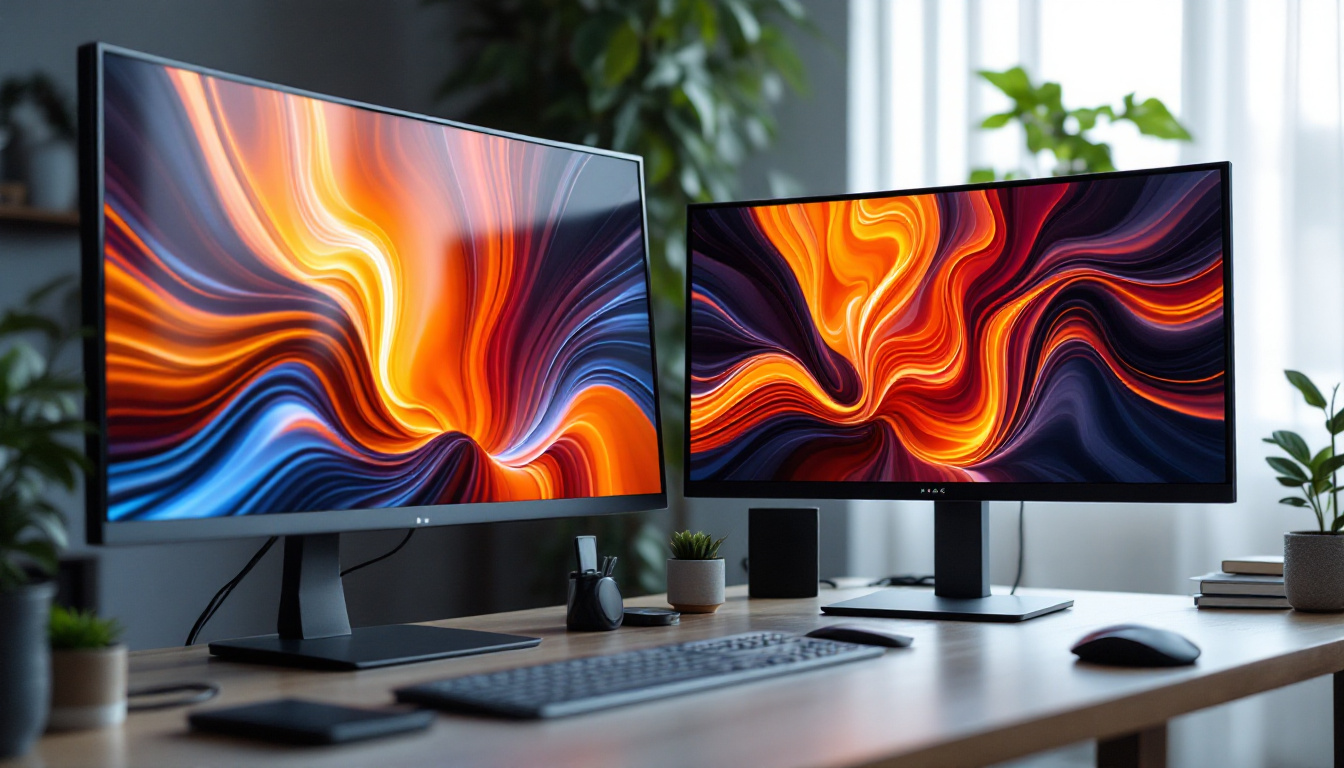
In today’s digital age, the desktop setup is more important than ever, whether for work, gaming, or creative pursuits. Central to this setup is the monitor, and among the various types available, LED displays have become the dominant choice. But what exactly is an LED display, and why has it taken over the market? This article delves deep into the world of desktop monitors, explaining LED technology, its advantages, and what to consider when choosing the perfect monitor for your needs.
Understanding LED Display Technology
What Does LED Mean?
LED stands for Light Emitting Diode, a semiconductor device that emits light when an electric current passes through it. In the context of monitors, LED refers to the type of backlighting used in LCD (Liquid Crystal Display) panels. Unlike older CCFL (Cold Cathode Fluorescent Lamp) backlights, LED backlights are more energy-efficient, thinner, and capable of producing brighter and more vibrant images. This advancement not only enhances the visual experience but also contributes to lower energy consumption, making LED technology an environmentally friendly choice.
How LED Displays Work
It’s important to clarify that LED monitors are essentially LCD screens illuminated by LED backlights. The LCD panel itself doesn’t emit light; instead, it manipulates light passing through it to create images. The LEDs behind the screen provide this light source. There are two main types of LED backlighting: edge-lit and full-array.
Edge-lit LED displays position LEDs along the edges of the screen, allowing for thinner panels and lighter monitors. Full-array LED displays, on the other hand, have LEDs spread evenly behind the entire screen, which enables better local dimming and contrast ratios. This capability is particularly beneficial for viewing content in darker environments, as it allows for deeper blacks and more detailed shadows. Additionally, the contrast enhancement provided by full-array technology makes it a preferred choice for professional graphic designers and photographers who rely on accurate color representation.
Types of LED Monitors
When shopping for a desktop monitor, understanding the different types of LED backlighting can help you make an informed decision:
- Edge-Lit LED: LEDs are placed along the edges. These monitors are usually thinner and more affordable but may suffer from uneven brightness and limited contrast control. They are often suitable for casual users who prioritize space-saving designs over top-notch image quality.
- Full-Array LED: LEDs are distributed evenly behind the screen, allowing for precise control of brightness zones. This results in superior contrast and deeper blacks, especially when combined with local dimming technology. Full-array monitors are ideal for gamers and movie enthusiasts who appreciate immersive visuals.
- Mini-LED: A newer technology where thousands of tiny LEDs provide even more precise local dimming and higher brightness levels, rivaling OLED in some aspects. Mini-LED displays are gaining traction in high-end markets, offering an impressive balance between brightness and contrast, making them suitable for HDR (High Dynamic Range) content.
In addition to these types, it’s worth noting that some monitors now incorporate Quantum Dot technology alongside LED backlighting. Quantum Dots are microscopic semiconductor particles that can emit specific colors when illuminated by a light source. This technology enhances color accuracy and expands the color gamut, resulting in more vibrant and lifelike images. As the demand for high-quality displays continues to grow, innovations like Quantum Dots are becoming increasingly common in the latest LED monitors, providing users with an even richer visual experience.
Advantages of LED Monitors for Desktop Use
Energy Efficiency and Environmental Impact
One of the most significant benefits of LED monitors is their energy efficiency. Compared to older CCFL-backlit LCDs, LED monitors consume up to 30-50% less power. This not only reduces electricity bills but also contributes to a smaller carbon footprint, aligning with growing environmental awareness among consumers and businesses.
Superior Image Quality
LED backlighting enhances image quality by providing brighter displays with better color accuracy and contrast. Full-array LED monitors with local dimming can achieve impressive contrast ratios, making blacks appear deeper and colors more vibrant. This is particularly beneficial for professionals in graphic design, video editing, and photography who require precise color representation.
Thinner and Lighter Designs
The compact nature of LED backlighting allows manufacturers to produce thinner and lighter monitors. This not only saves desk space but also improves aesthetics and portability. For users with multi-monitor setups, slimmer bezels and lighter panels make it easier to arrange and adjust their displays.
Longevity and Durability
LED monitors generally have longer lifespans than CCFL-backlit models. LEDs can last upwards of 50,000 hours, meaning a typical user can expect several years of reliable performance. Additionally, LEDs are less prone to flickering and color degradation over time, ensuring consistent viewing quality.
Key Features to Consider When Choosing an LED Monitor
Resolution and Screen Size
Resolution is a critical factor that determines the clarity and sharpness of the image. Common resolutions include Full HD (1920×1080), Quad HD (2560×1440), and 4K Ultra HD (3840×2160). Larger screen sizes paired with higher resolutions offer more workspace and finer detail, which is essential for productivity and immersive experiences.
For desktop users, a 24 to 27-inch monitor with at least 1080p resolution is a popular choice. However, professionals and gamers often opt for 1440p or 4K displays to benefit from greater detail and screen real estate.
Refresh Rate and Response Time
Refresh rate, measured in Hertz (Hz), indicates how many times the screen updates per second. A higher refresh rate results in smoother motion, which is crucial for gaming and video editing. Standard monitors typically have a 60Hz refresh rate, but gaming monitors can go up to 144Hz, 240Hz, or even higher.
Response time, measured in milliseconds (ms), refers to how quickly a pixel can change from one color to another. Lower response times reduce motion blur, enhancing the clarity of fast-moving images.
Color Accuracy and Gamut
For creative professionals, color accuracy is paramount. Look for monitors that cover a wide color gamut, such as Adobe RGB or DCI-P3, and support hardware calibration. Many LED monitors advertise 99% sRGB coverage, which is suitable for general use and web content creation.
Connectivity Options
Modern LED monitors come with a variety of ports including HDMI, DisplayPort, USB-C, and sometimes legacy VGA or DVI. USB-C ports are increasingly popular as they can deliver video, data, and power through a single cable, simplifying desktop setups.
Ergonomics and Adjustability
Ergonomic features such as height adjustment, tilt, swivel, and pivot are essential for comfortable long-term use. Monitors with VESA mount compatibility allow users to attach them to adjustable arms or wall mounts, freeing up desk space and improving posture.
Comparing LED Monitors with Other Display Technologies
LED vs. OLED
OLED (Organic Light Emitting Diode) displays differ fundamentally from LED-backlit LCDs. OLED pixels emit their own light, allowing for perfect blacks and infinite contrast ratios. This results in stunning image quality, especially in dark scenes.
However, OLED monitors tend to be more expensive and can suffer from burn-in issues if static images are displayed for prolonged periods. LED monitors, particularly those with full-array backlighting, offer a more affordable and burn-in-free alternative with excellent brightness and color performance.
LED vs. IPS and VA Panels
It’s important to note that LED refers to the backlighting method, while IPS (In-Plane Switching) and VA (Vertical Alignment) describe the LCD panel types. IPS panels provide superior color accuracy and wide viewing angles, making them ideal for professional use. VA panels offer higher contrast ratios and deeper blacks, which benefit media consumption and gaming.
Many LED monitors combine LED backlighting with IPS or VA panels to balance image quality, color accuracy, and contrast.
Setting Up a Multi-Monitor Desktop with LED Displays
Benefits of Multi-Monitor Setups
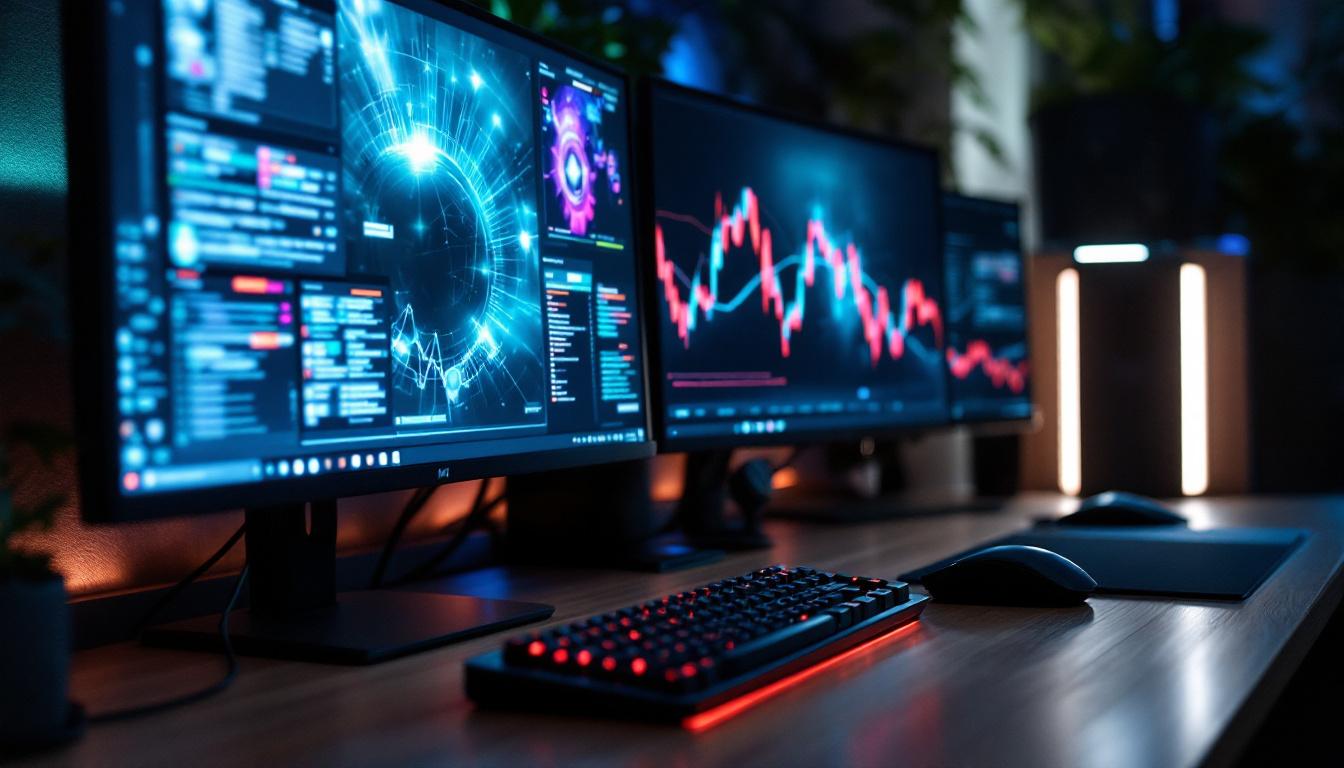
Using multiple monitors can significantly boost productivity by providing more screen real estate for multitasking. For example, a user might keep communication apps open on one screen, work documents on another, and reference materials on a third. Gamers and content creators also benefit from expanded views and easier workflow management.
Choosing Compatible LED Monitors
When building a multi-monitor setup, it’s advisable to select monitors with similar specifications to ensure a consistent viewing experience. Matching screen size, resolution, and panel type helps avoid jarring differences in color and brightness.
Managing Desk Space and Ergonomics
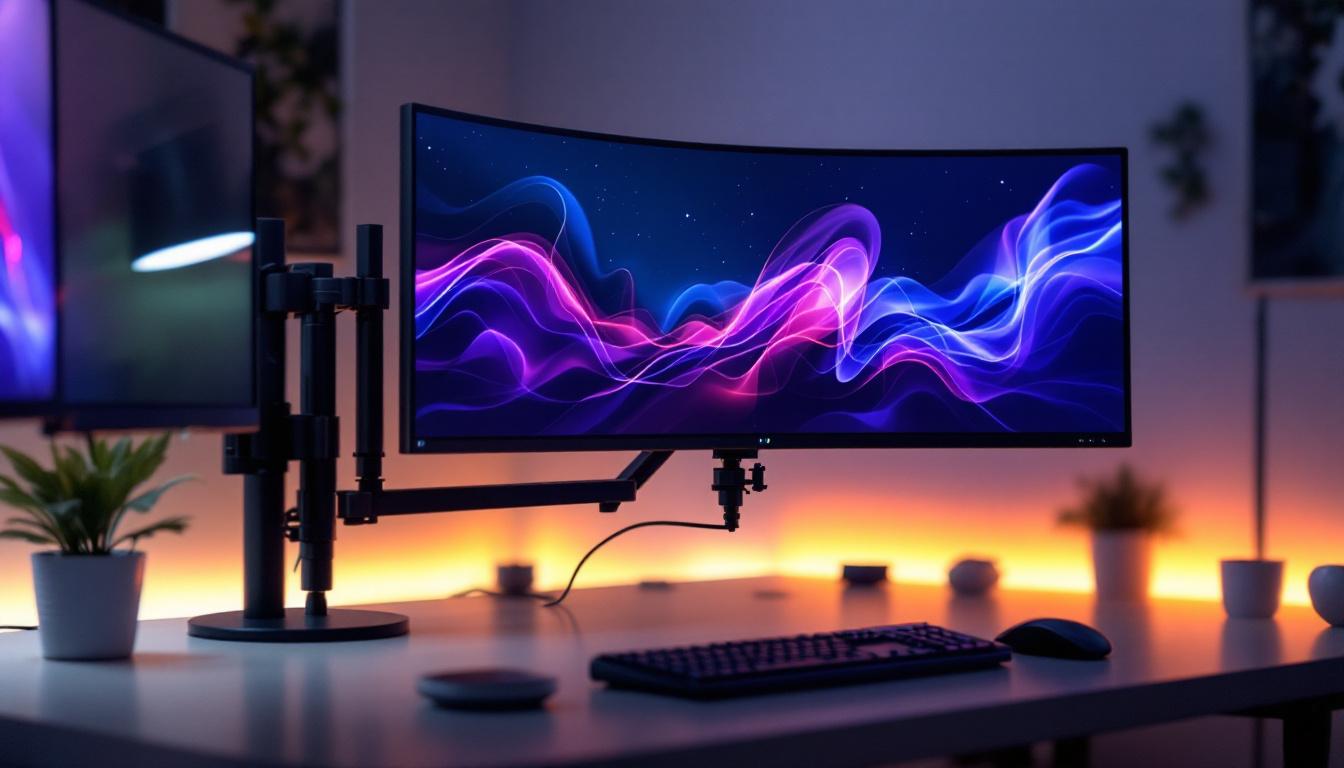
Desk space can become a constraint with multiple monitors. Opting for thin-bezel LED monitors helps create a seamless visual transition between screens. Adjustable stands or monitor arms improve ergonomics by allowing users to position each display at the ideal height and angle.
Connectivity and Graphics Card Considerations
Ensure your computer’s graphics card supports multiple displays and has the necessary ports. Many modern GPUs support three or more monitors, but it’s important to verify compatibility. USB-C hubs and docking stations can also simplify connections, especially for laptops.
Future Trends in LED Monitor Technology
Mini-LED and MicroLED Innovations
Mini-LED technology is rapidly gaining traction, offering thousands of tiny LEDs for backlighting. This allows for more precise local dimming zones, higher peak brightness, and improved contrast, rivaling OLED displays without the risk of burn-in.
MicroLED, still in early development for consumer monitors, promises self-emissive pixels like OLED but with greater brightness and longevity. This technology could revolutionize desktop displays in the coming years.
Higher Refresh Rates and Variable Refresh Technologies
Gaming and professional monitors continue to push refresh rates beyond 240Hz, combined with variable refresh rate technologies like NVIDIA G-Sync and AMD FreeSync. These features reduce screen tearing and stuttering, providing smoother visuals.
Integration of HDR (High Dynamic Range)
HDR-capable LED monitors are becoming more common, delivering a wider range of colors and brightness levels. This enhances the viewing experience for movies, games, and photo editing by providing more lifelike images.
Conclusion
LED displays have transformed the desktop monitor landscape, offering a compelling blend of energy efficiency, image quality, and design flexibility. Understanding the nuances of LED technology, from backlighting types to panel characteristics, empowers users to select monitors that best suit their needs—whether for professional work, entertainment, or gaming.
As technology advances, innovations like Mini-LED and HDR promise even better performance, making LED monitors a smart investment for the foreseeable future. Whether setting up a single desktop monitor or a multi-screen workstation, LED displays remain the cornerstone of modern computing environments.
Explore Cutting-Edge LED Displays with LumenMatrix
Ready to elevate your visual experience with the latest in LED display technology? LumenMatrix is at the forefront of innovation, offering a wide array of LED display solutions tailored to meet your needs. From captivating Indoor LED Wall Displays to dynamic Outdoor LED Wall Displays, and from versatile Vehicle LED Displays to sleek LED Poster Displays, our products are designed to revolutionize visual communication. Discover the perfect LED Sports Display, Floor LED Display, Custom LED Display, All-in-One LED Display, or LED Transparent Display to enhance engagement and convey your message with unparalleled clarity. Don’t miss out on the opportunity to transform your space. Check out LumenMatrix LED Display Solutions today and step into the future of digital signage.