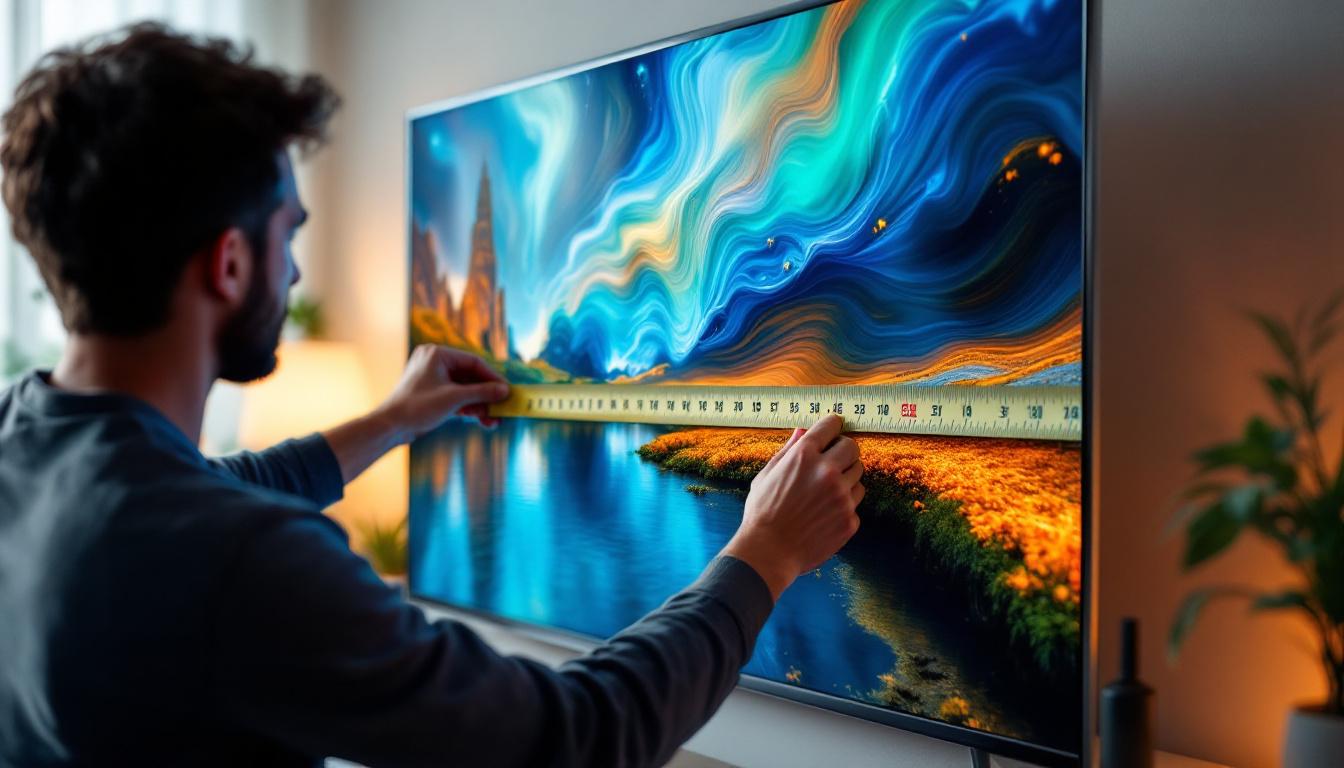
Do You Measure TVs Diagonally: LED Display Explained
When shopping for a new television, one of the first questions that comes to mind is, “How is the size of a TV measured?” It’s common knowledge that TV sizes are expressed in inches, but the way these measurements are taken can sometimes be confusing. Specifically, many wonder whether TVs are measured diagonally or by their width or height. This article dives deep into the standard practice of measuring TVs, especially LED displays, and explains why the diagonal measurement is used. Additionally, it explores the technology behind LED displays and how it influences the viewing experience.
Why Are TVs Measured Diagonally?
When you see a TV advertised as a “55-inch” or “65-inch” model, that number refers to the diagonal length of the screen, not the width or height. This standard has been in place for decades and applies to virtually all types of TVs, including LED, OLED, LCD, and plasma screens.
The diagonal measurement is taken from one corner of the visible screen to the opposite corner. For example, a 55-inch TV means that the screen measures 55 inches from the bottom left corner to the top right corner, or vice versa.
The Historical Reason Behind Diagonal Measurement
This method dates back to the era of cathode ray tube (CRT) televisions. CRT screens were housed in bulky cases, and the actual viewable screen area was smaller than the physical dimensions of the TV. Measuring diagonally offered a consistent way to describe screen size across different manufacturers and models.
Even though modern flat-panel TVs no longer have the same constraints, the diagonal measurement remains the industry standard. It provides a straightforward way for consumers to compare screen sizes regardless of the TV’s aspect ratio or bezel thickness. This consistency is particularly important in a market flooded with various brands and technologies, allowing consumers to make informed decisions based on size alone.
Aspect Ratio and Its Impact on Screen Dimensions
Most modern TVs have an aspect ratio of 16:9, meaning the width is 16 units for every 9 units of height. When you know the diagonal size and the aspect ratio, you can calculate the width and height of the screen using the Pythagorean theorem.
For example, a 55-inch TV with a 16:9 aspect ratio will have a width of approximately 47.9 inches and a height of about 27 inches. This calculation helps consumers understand how much physical space the TV will occupy and aids in planning room layouts. Additionally, understanding these dimensions can influence viewing distance; for optimal viewing, experts often recommend sitting at a distance of 1.5 to 2.5 times the diagonal size of the screen, ensuring a comfortable and immersive experience.
Moreover, as technology advances, the aspect ratio has begun to evolve, with some newer TVs adopting wider formats like 21:9 for a more cinematic experience. This shift means that consumers must not only consider diagonal measurements but also how these changes affect overall viewing comfort and compatibility with existing media formats. As a result, the conversation around TV dimensions is becoming increasingly nuanced, reflecting the diverse needs and preferences of modern viewers.
Understanding LED Displays: What Sets Them Apart?
LED TVs are among the most popular types of televisions on the market today. But what exactly is an LED display, and how does it differ from other technologies like LCD or OLED?
What Does LED Mean in TVs?
LED stands for Light Emitting Diode. However, when referring to LED TVs, the term is often used to describe LCD TVs that use LED backlighting rather than the older cold cathode fluorescent lamps (CCFLs) for illumination.
In an LED TV, the actual display panel is an LCD screen, which controls the image by blocking or allowing light to pass through pixels. The LEDs provide the light source behind the LCD panel, illuminating the image. This combination results in better brightness, contrast, and energy efficiency compared to older CCFL-backlit LCDs.
Types of LED Backlighting
There are two main types of LED backlighting used in LED TVs:
- Edge-Lit LED: LEDs are placed around the edges of the screen, and light is spread across the panel using light guides. This allows for thinner TVs but can sometimes result in uneven brightness.
- Full-Array LED: LEDs are distributed evenly across the entire back of the screen. This setup supports local dimming, where different zones can be dimmed or brightened independently, enhancing contrast and black levels.
Full-array LED TVs tend to be more expensive but offer superior picture quality, especially in dark scenes. The technology behind full-array backlighting has advanced significantly, with many models now incorporating advanced dimming techniques that can deliver stunning visuals, making them ideal for movie enthusiasts who crave cinematic experiences in their homes.
LED vs. OLED: Key Differences
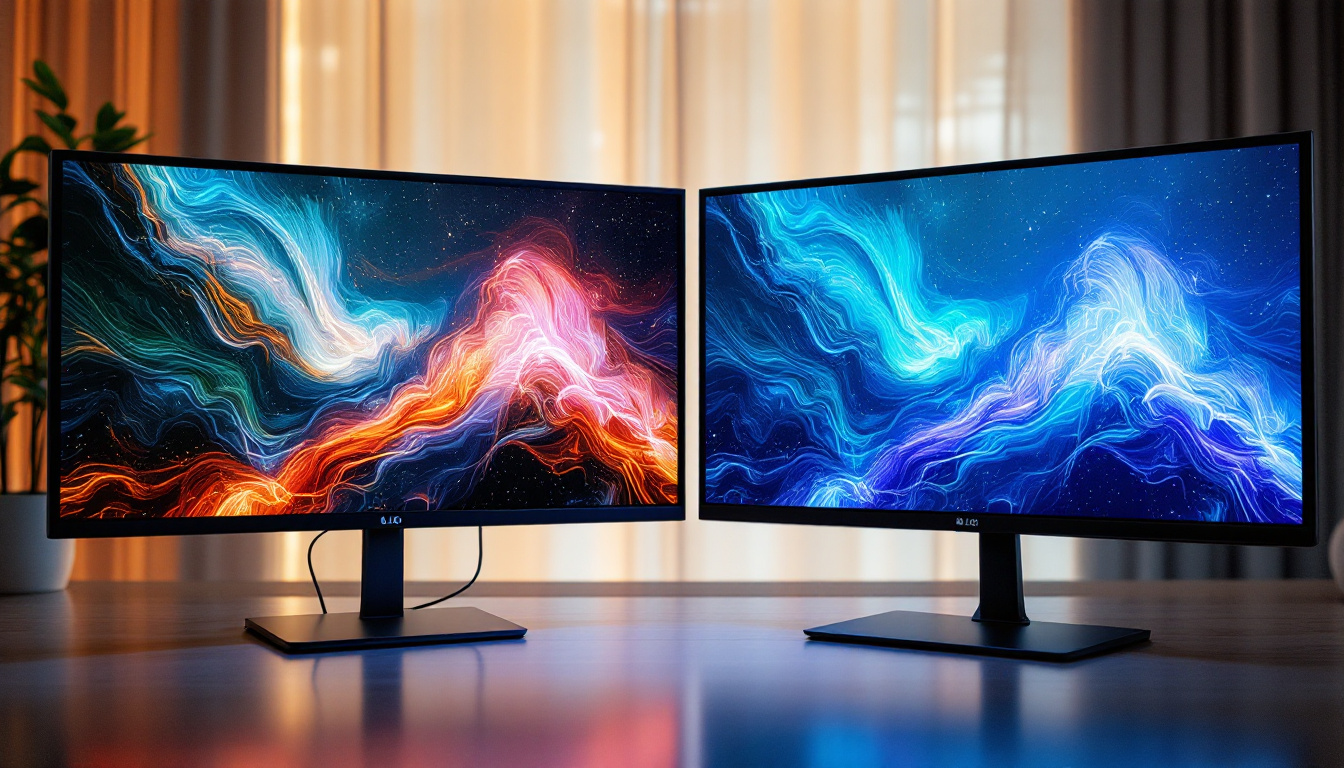
While LED TVs use an LCD panel with LED backlighting, OLED (Organic Light Emitting Diode) TVs use a fundamentally different technology. Each pixel in an OLED screen emits its own light, allowing for perfect blacks and incredible contrast ratios.
LED TVs, by contrast, rely on a backlight that shines through the LCD panel, which can limit contrast and black levels. However, LED TVs are generally more affordable and available in larger sizes, making them a popular choice for many consumers. Additionally, the lifespan of LED TVs tends to be longer than that of OLEDs, which can experience burn-in issues if static images are displayed for extended periods. This makes LED displays a more practical option for users who frequently watch news channels or play video games with static HUDs.
Moreover, the advancements in LED technology have led to the introduction of QLED (Quantum Dot LED) TVs, which utilize quantum dots to enhance color accuracy and brightness. This innovation further blurs the line between LED and OLED, as QLED TVs can produce vibrant colors and impressive brightness levels, making them a strong contender in the high-end market. As consumers continue to seek the best viewing experience, the competition between these technologies drives ongoing improvements and innovations in display quality.
How to Measure Your TV Space and Choose the Right Size
Knowing that TVs are measured diagonally is just the first step. Selecting the right size involves considering the viewing distance, room size, and personal preferences.
Measuring Your Available Space
Before purchasing a TV, it’s important to measure the space where the TV will be placed. This includes the width, height, and depth of the stand or wall mount area. Remember that the TV’s actual width and height will be less than the diagonal measurement, so use the aspect ratio calculations to estimate these dimensions.
For example, if you have a wall space that is 50 inches wide, a 55-inch TV (which is about 48 inches wide) would fit comfortably, but a 65-inch TV (approximately 57 inches wide) would not.
Optimal Viewing Distance
The ideal viewing distance depends on the TV size and resolution. For 4K UHD TVs, a common recommendation is to sit at a distance that is about 1 to 1.5 times the diagonal screen size. For a 55-inch TV, this means sitting between 4.5 and 6.5 feet away.
Sitting too close can cause eye strain or make pixels visible, while sitting too far reduces the immersive experience. Adjusting your seating arrangement based on the TV size can enhance your viewing pleasure.
Considerations for Different Room Types
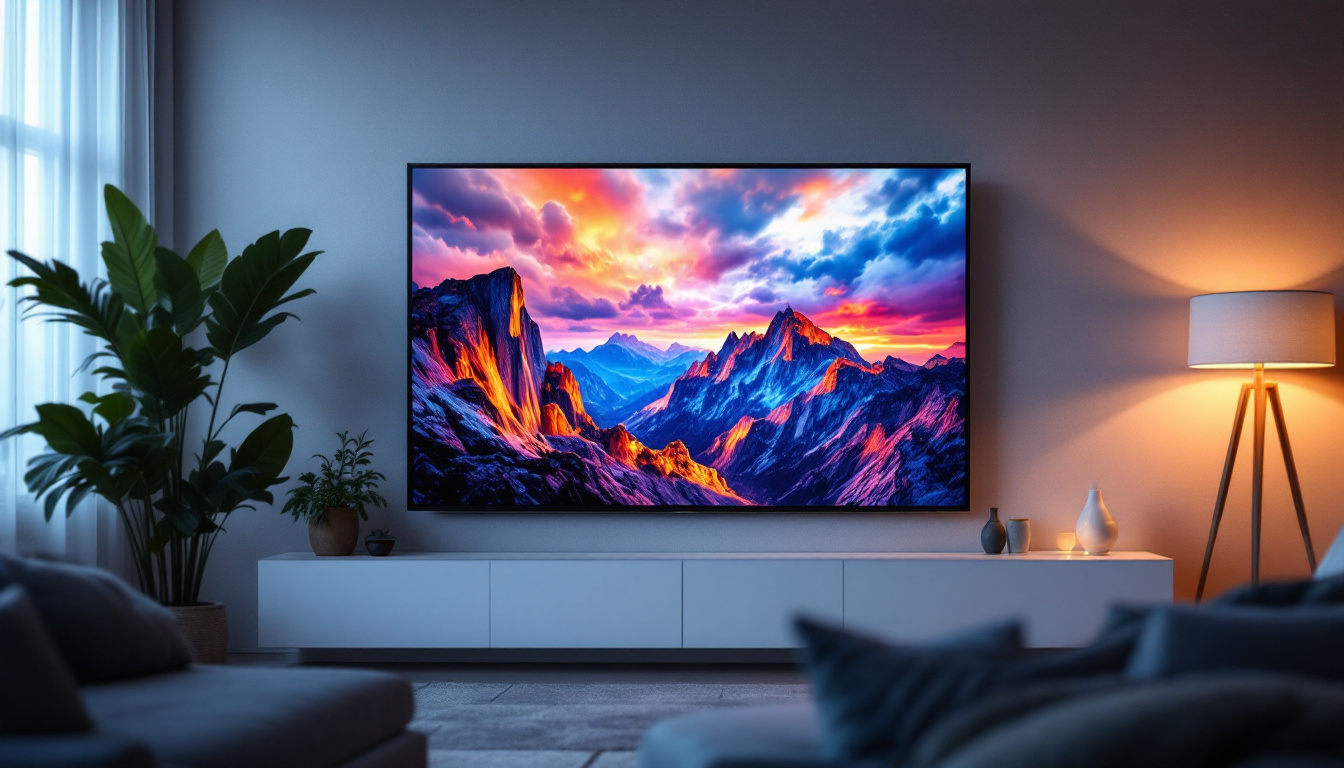
Living rooms, bedrooms, and home theaters all have different lighting conditions and space constraints. LED TVs with local dimming can perform better in darker rooms, while brighter edge-lit models may be preferable in well-lit spaces.
Additionally, consider the TV’s bezel size and thickness, especially if wall mounting. Slimmer TVs with minimal bezels provide a more modern look and can fit better in tight spaces.
Additional Factors Affecting TV Choice Beyond Size
While size and measurement are fundamental, other factors play a critical role in selecting the right TV.
Resolution and Picture Quality
Resolution refers to the number of pixels on the screen. Common resolutions include Full HD (1080p), 4K UHD (2160p), and 8K UHD. Higher resolution means more detail, especially on larger screens.
When choosing a TV size, consider the resolution to ensure the picture remains sharp at your preferred viewing distance. For example, a 4K TV allows for closer viewing distances without noticing pixelation compared to a 1080p TV of the same size.
Refresh Rate and Motion Handling
Refresh rate, measured in hertz (Hz), indicates how many times the image on the screen is updated per second. Higher refresh rates (such as 120Hz) provide smoother motion, which is particularly beneficial for watching sports or playing video games.
LED TVs often come with motion enhancement technologies to reduce blur, which can greatly improve the viewing experience.
Smart TV Features and Connectivity
Most modern LED TVs come with smart features, allowing access to streaming services, apps, and internet browsing. Consider the TV’s operating system, app availability, and ease of use.
Connectivity options such as HDMI ports, USB inputs, and Wi-Fi support are also important, especially if you plan to connect gaming consoles, soundbars, or other devices.
Conclusion: Measuring TVs Diagonally Is the Industry Standard
In summary, TVs are measured diagonally from corner to corner of the visible screen area. This method provides a consistent and easy way to compare screen sizes across different models and technologies. Understanding the diagonal measurement, along with the aspect ratio, helps consumers gauge the actual width and height of the TV and plan their space accordingly.
LED displays, which use LED backlighting behind an LCD panel, are among the most popular TV technologies today. They offer a balance of picture quality, energy efficiency, and affordability. Knowing the differences between LED, OLED, and other display types can help you make an informed choice.
When selecting a TV, consider not only the size but also the resolution, refresh rate, smart features, and your room’s layout to ensure the best viewing experience. With these insights, shopping for your next TV becomes a more confident and enjoyable process.
Discover the Perfect LED Display with LumenMatrix
Ready to elevate your viewing experience with the latest in LED technology? LumenMatrix offers an extensive range of innovative LED display solutions tailored to meet your needs. Whether you’re looking to enhance your home entertainment system with an Indoor LED Wall Display, make a bold statement outdoors with an Outdoor LED Wall Display, or captivate your audience with a Custom LED Display, LumenMatrix has you covered. Experience the future of visual communication and transform your space with vibrant, energy-efficient displays. Check out LumenMatrix LED Display Solutions today and see the difference for yourself.