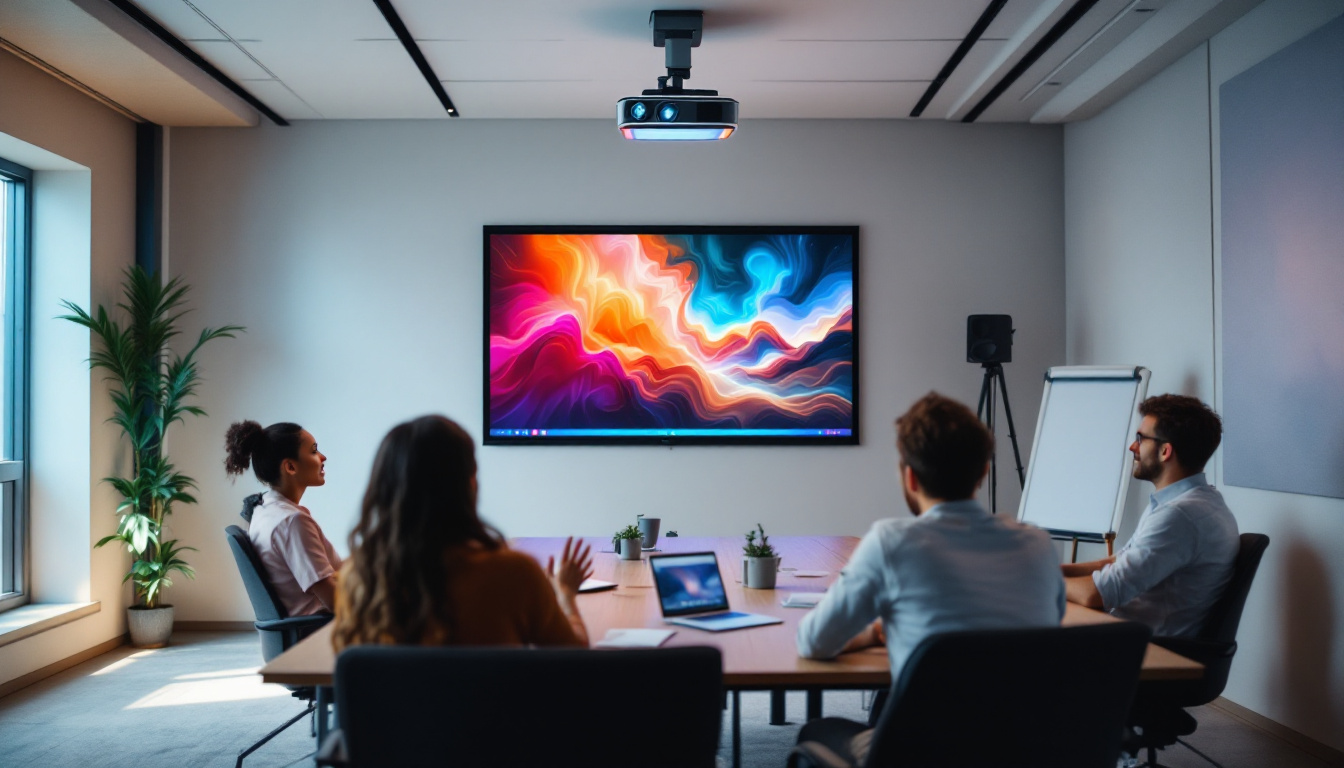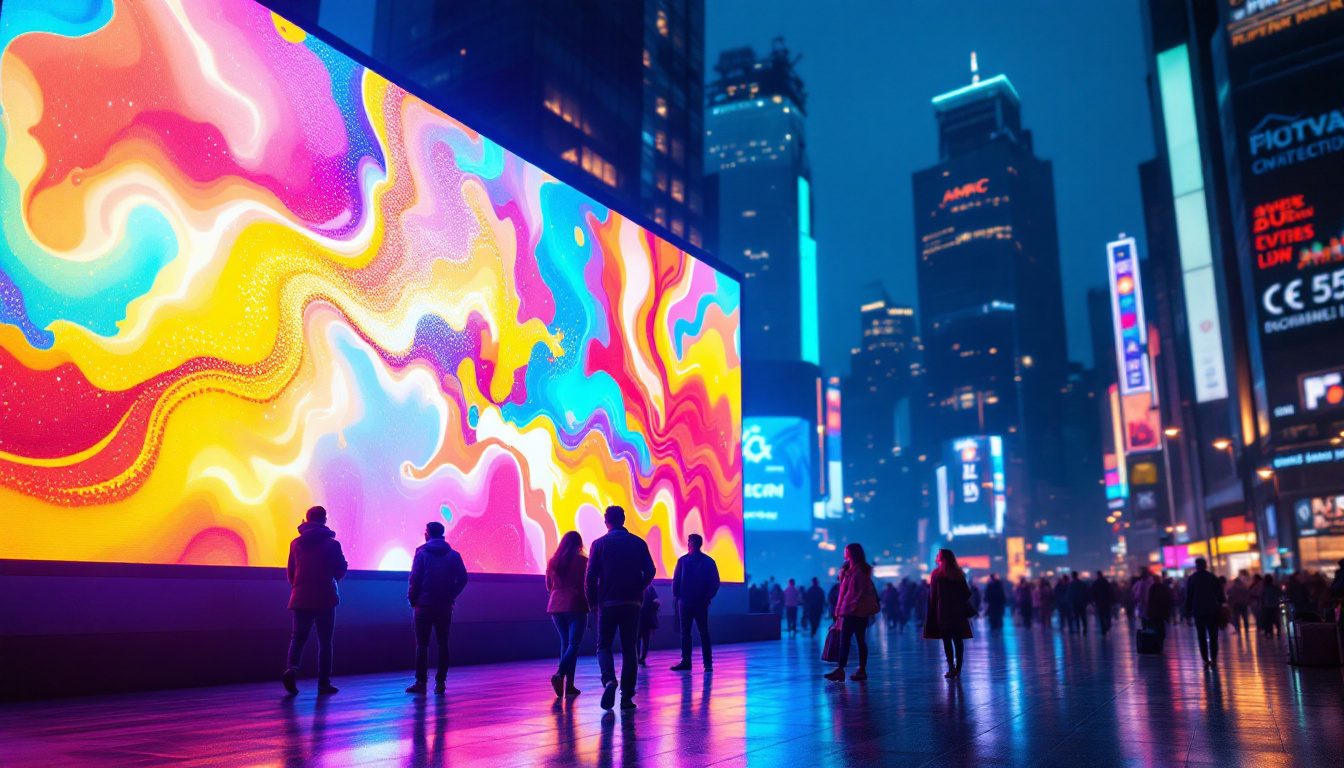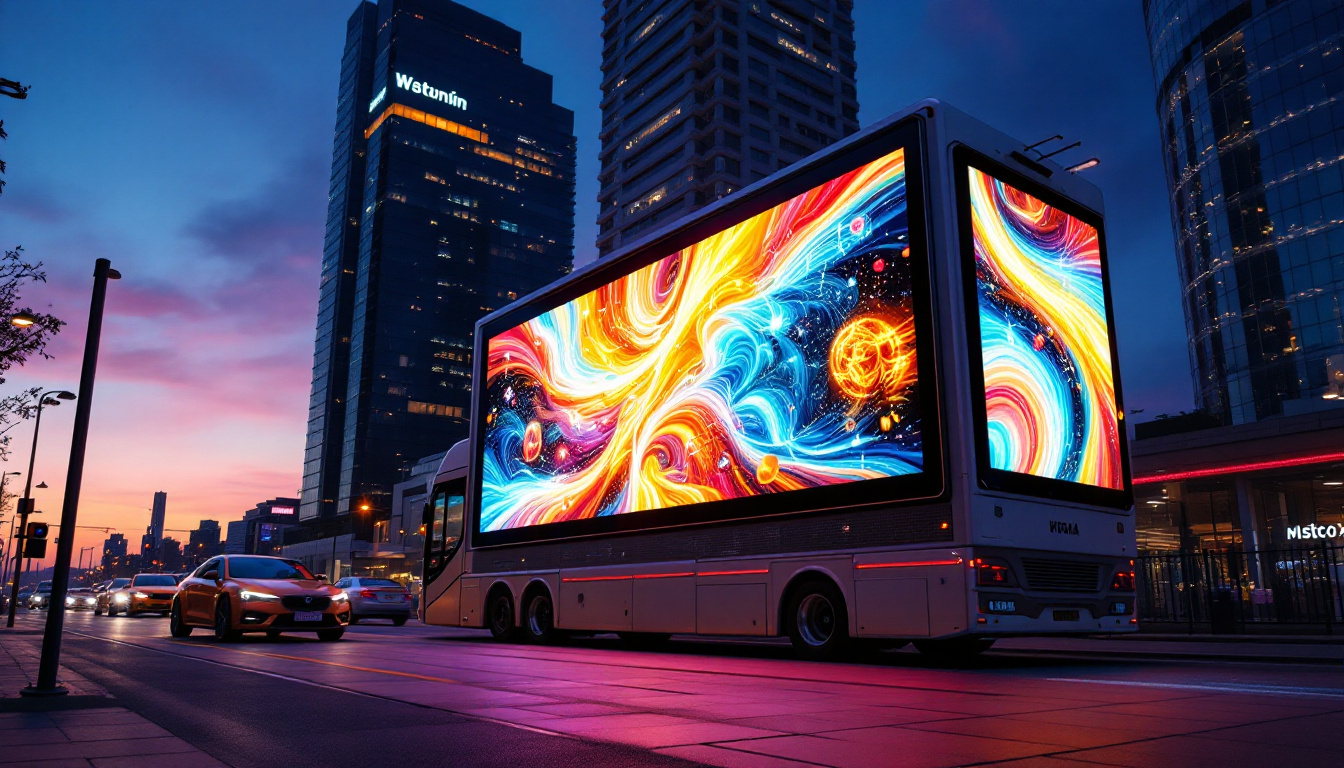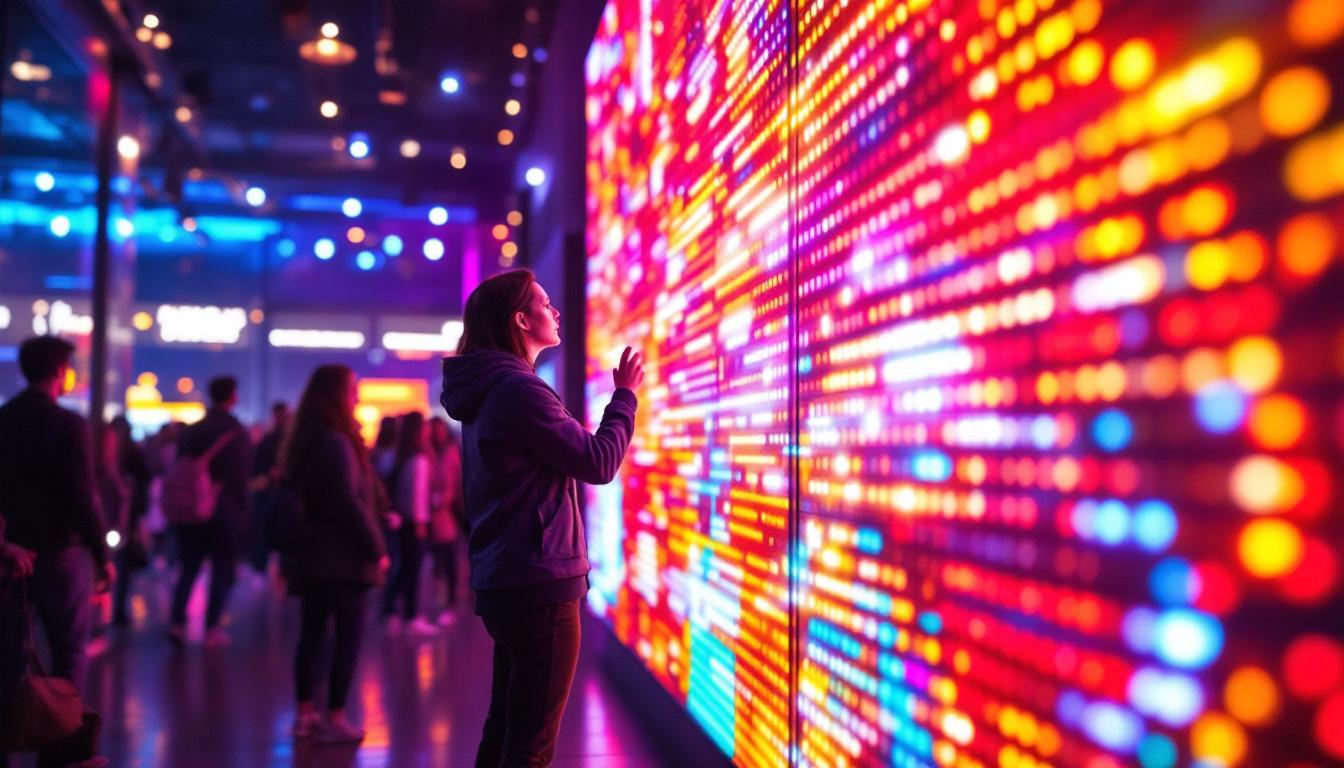
In today’s fast-evolving digital landscape, LED displays have become a cornerstone of visual communication, from advertising billboards to stadium screens and indoor signage. Behind the vibrant visuals and seamless animations lies a critical component often overlooked by end-users: the driver download program. This software ensures that LED displays operate at peak performance, delivering crisp images and smooth transitions. Understanding the role of driver download programs is essential for businesses and technicians who want to maintain, optimize, and troubleshoot LED display systems effectively.
What Is an LED Display Driver Download Program?
At its core, a driver download program is software designed to interface between the LED display hardware and the controlling computer or media player. It translates digital signals into commands that the LED panels can interpret, enabling the display to show images, videos, and text as intended.
Unlike generic software, LED display drivers are tailored specifically for the hardware model and configuration. They ensure compatibility, synchronize color outputs, manage refresh rates, and handle data transmission protocols. Without the correct driver, an LED display may exhibit issues such as flickering, incorrect colors, or failure to display content altogether.
Why Are Driver Download Programs Necessary?
LED displays are complex assemblies of light-emitting diodes arranged in matrices, controlled by integrated circuits and microcontrollers. The driver software acts as the translator and coordinator, ensuring that the hardware components work harmoniously with the input signals.
As LED technology advances, manufacturers release updated drivers to fix bugs, enhance performance, and add new features. Regularly downloading and installing these updates is crucial for maintaining display reliability and taking advantage of improvements in image processing and energy efficiency.
Moreover, the importance of these driver download programs extends beyond mere functionality; they can significantly impact the visual quality of the display. For instance, an updated driver can improve color accuracy and brightness uniformity, ensuring that the content displayed is not only vibrant but also true to the original source material. This is particularly vital in settings such as digital signage, where the visual impact can influence customer engagement and brand perception.
In addition to enhancing visual performance, LED display drivers often include features that allow for easier management of multiple displays. This is especially beneficial in environments such as concert venues or sports arenas, where synchronized displays are crucial for creating a cohesive viewing experience. With the right driver, users can control multiple LED panels from a single interface, adjusting settings like brightness, contrast, and even content playback seamlessly across all units, ensuring a polished and professional presentation.
Key Features of LED Display Driver Software
Modern LED display driver programs come equipped with a variety of features designed to optimize display performance and user experience. Understanding these features helps users select the right driver and utilize it effectively.
1. Compatibility and Customization
Driver software must be compatible with the specific LED panel’s hardware specifications, including resolution, pixel pitch, and control card type. Many manufacturers provide customized drivers tailored to their product lines, ensuring optimal communication and performance.
Customization options allow users to adjust brightness, contrast, color temperature, and gamma settings to suit different environments and content types. This flexibility is essential for achieving the desired visual impact in diverse settings, from brightly lit outdoor arenas to dim indoor conference rooms. Additionally, some advanced driver software includes preset modes for various scenarios, such as presentations, video playback, or art installations, allowing users to switch between configurations with ease.
2. Real-Time Monitoring and Diagnostics
Advanced driver programs offer real-time monitoring tools that provide feedback on the display’s operational status. This includes temperature readings, voltage levels, and signal integrity checks. Early detection of anomalies helps prevent hardware damage and reduces downtime.
Diagnostic features can automatically identify and isolate faulty modules or pixels, guiding technicians to precise repair points. This capability is invaluable for large-scale displays where manual inspection would be time-consuming and inefficient. Furthermore, some software solutions integrate predictive maintenance algorithms that analyze historical performance data, enabling proactive measures to be taken before issues arise, thereby enhancing the longevity and reliability of the display systems.
3. Firmware Updates and Remote Management
Firmware updates delivered through the driver program keep the LED display’s internal software current. These updates often improve processing algorithms, fix security vulnerabilities, and introduce new functionalities.
Remote management capabilities enable administrators to control multiple displays from a centralized location, schedule content playback, and perform maintenance tasks without physical access. This is particularly beneficial for digital signage networks spread across multiple sites. Additionally, some driver software includes user-friendly dashboards that provide insights into content performance metrics, allowing users to analyze viewer engagement and optimize their advertising strategies accordingly. The ability to remotely troubleshoot and configure settings also significantly reduces operational costs and enhances the overall efficiency of display management.
How to Download and Install LED Display Drivers Safely
Downloading and installing the correct driver is a critical step that requires attention to detail to avoid compatibility issues or security risks.
1. Identify Your LED Display Model and Specifications
Before initiating a download, gather detailed information about your LED display, including the manufacturer, model number, control card type, and resolution. This information is usually found on the product label or in the user manual.
Accurate identification ensures you download the correct driver version, preventing potential conflicts or malfunctions. Additionally, understanding the specifications can help you optimize the display settings for your specific use case, whether it’s for a vibrant advertising display or a more subdued presentation setup.
2. Use Official Manufacturer Websites
Always download drivers from the official manufacturer’s website or authorized distributors. Third-party sites may offer outdated or malicious software that can compromise your system’s security.
Manufacturers typically provide comprehensive support sections with driver downloads, installation guides, and FAQs to assist users. Furthermore, these official resources often include updates and patches that enhance performance or fix known issues, ensuring your display operates at its best.
3. Follow Installation Instructions Carefully
Driver installation often involves running executable files or using dedicated software tools. Follow the manufacturer’s step-by-step instructions to avoid errors.
It’s advisable to back up existing configurations and ensure the LED display is powered off or in a safe state during installation to prevent damage. Additionally, consider creating a system restore point before making changes, as this can provide a safety net should anything go wrong during the installation process.
4. Verify Driver Functionality Post-Installation
After installation, test the LED display with sample content to confirm that the driver is functioning correctly. Check for issues such as flickering, color distortion, or lag.
If problems arise, consult the troubleshooting section of the manufacturer’s support resources or contact technical support. It’s also beneficial to monitor the display over a few days to ensure consistent performance, as some issues may not present themselves immediately. Engaging with user forums or communities can also provide insights and solutions from others who have faced similar challenges.
Common Challenges and Solutions in Driver Download Programs
Despite advances in software design, users may encounter challenges when working with LED display drivers. Awareness of common issues and their remedies can save time and frustration.
Driver Incompatibility and Version Conflicts
Installing a driver version that does not match the hardware or operating system can cause the display to malfunction or fail to initialize. Always verify compatibility before updating drivers.
If a new driver causes problems, rolling back to a previous stable version is a practical solution until a compatible update is available.
Network Connectivity Issues in Remote Management
Remote control features depend on stable network connections. Interruptions or firewall restrictions can prevent the driver software from communicating with the display hardware.
Ensuring proper network configuration and security settings helps maintain uninterrupted remote management capabilities.
Firmware Update Failures
Firmware updates may fail due to power interruptions, incorrect update files, or hardware faults. Such failures can render the display inoperable.
To mitigate risks, perform firmware updates during scheduled maintenance windows, use uninterruptible power supplies (UPS), and verify file integrity before proceeding.
The Future of LED Display Driver Programs
As LED technology continues to evolve, driver software is expected to become more intelligent, adaptive, and user-friendly. Integration with artificial intelligence (AI) and Internet of Things (IoT) platforms will enable predictive maintenance, automated calibration, and enhanced content personalization.
Emerging trends include cloud-based driver management systems that provide seamless updates and diagnostics across global display networks. These innovations will reduce operational costs and improve the reliability of LED displays in diverse applications.
AI-Driven Optimization
AI algorithms can analyze environmental conditions, viewer behavior, and content types to dynamically adjust display settings for optimal visibility and energy efficiency. Driver programs incorporating AI will offer smarter, context-aware control.
Enhanced Security Features
With increasing connectivity, LED displays are vulnerable to cyber threats. Future drivers will incorporate robust encryption, authentication mechanisms, and intrusion detection to safeguard systems against unauthorized access and tampering.
Conclusion
Understanding the role and functionality of driver download programs is fundamental for anyone involved in the deployment, maintenance, or operation of LED displays. These programs are the linchpin that connects hardware capabilities with software control, ensuring vibrant, reliable, and efficient visual presentations.
By selecting the correct drivers, performing regular updates, and leveraging advanced features such as real-time diagnostics and remote management, users can maximize the lifespan and performance of their LED displays. As technology advances, staying informed about new developments in driver software will be key to harnessing the full potential of LED display systems in an increasingly digital world.
Explore Cutting-Edge LED Display Solutions with LumenMatrix
Ready to elevate your visual communication with the latest in LED display technology? LumenMatrix is at the forefront of innovation, offering a wide array of LED display solutions tailored to your needs. From captivating Indoor and Outdoor LED Wall Displays to dynamic Vehicle and Sports LED Displays, our state-of-the-art products are designed to enhance brand visibility and engage your audience. Discover the transformative power of our LED Poster Displays, Floor LED Displays, Custom LED Displays, All-in-One LED Displays, and LED Transparent Displays. Experience the future of digital signage with LumenMatrix and ensure your message resonates with impact and clarity. Check out LumenMatrix LED Display Solutions today and take the first step towards revolutionizing your visual displays.