In today’s fast-paced digital world, productivity and workspace efficiency are more important than ever. One of the most popular solutions to enhance both is the use of dual monitors. Whether for professional work, gaming, or creative projects, having two displays can significantly improve multitasking and visual comfort. However, the setup and choice of hardware play a crucial role in maximizing these benefits. This article delves into the concept of dual monitor deskstands, focusing particularly on LED displays, and explains how to choose and optimize such setups for the best user experience.
Understanding Dual Monitor Deskstands
What is a Dual Monitor Deskstand?
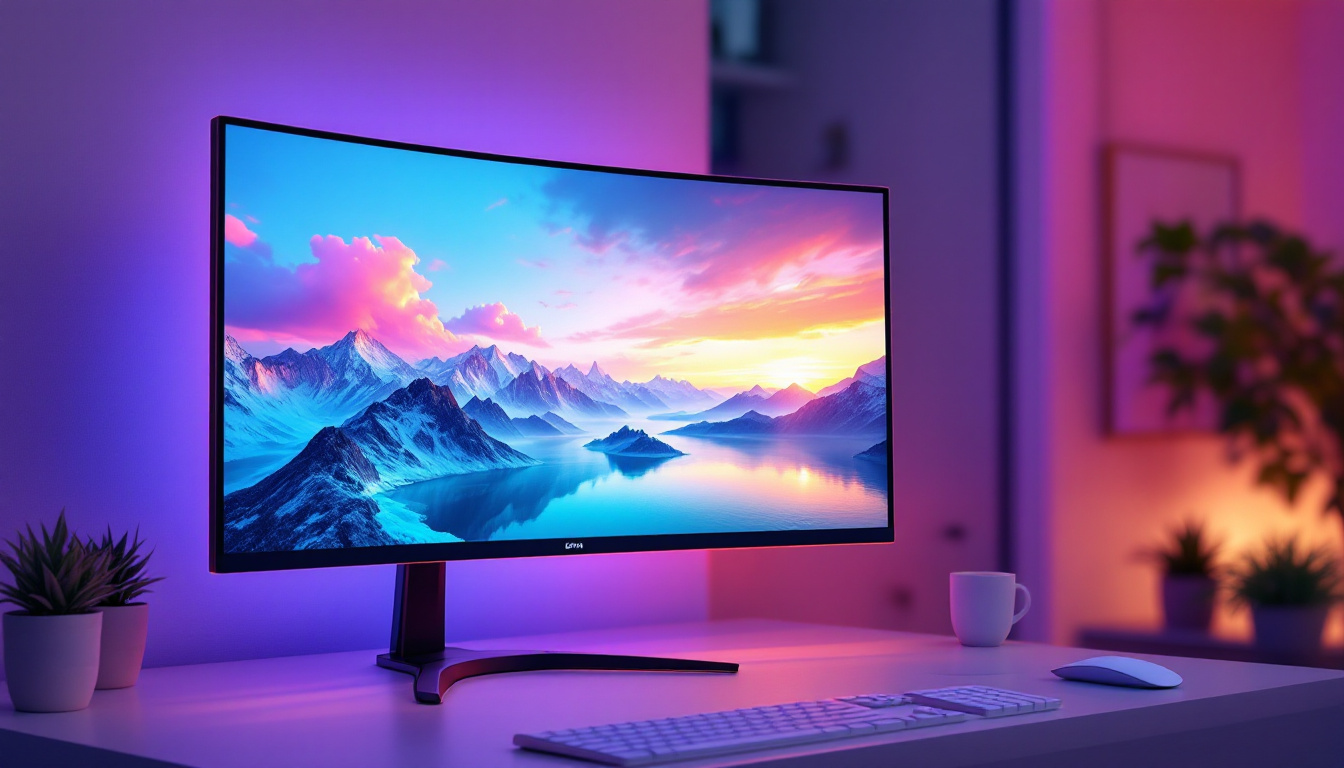
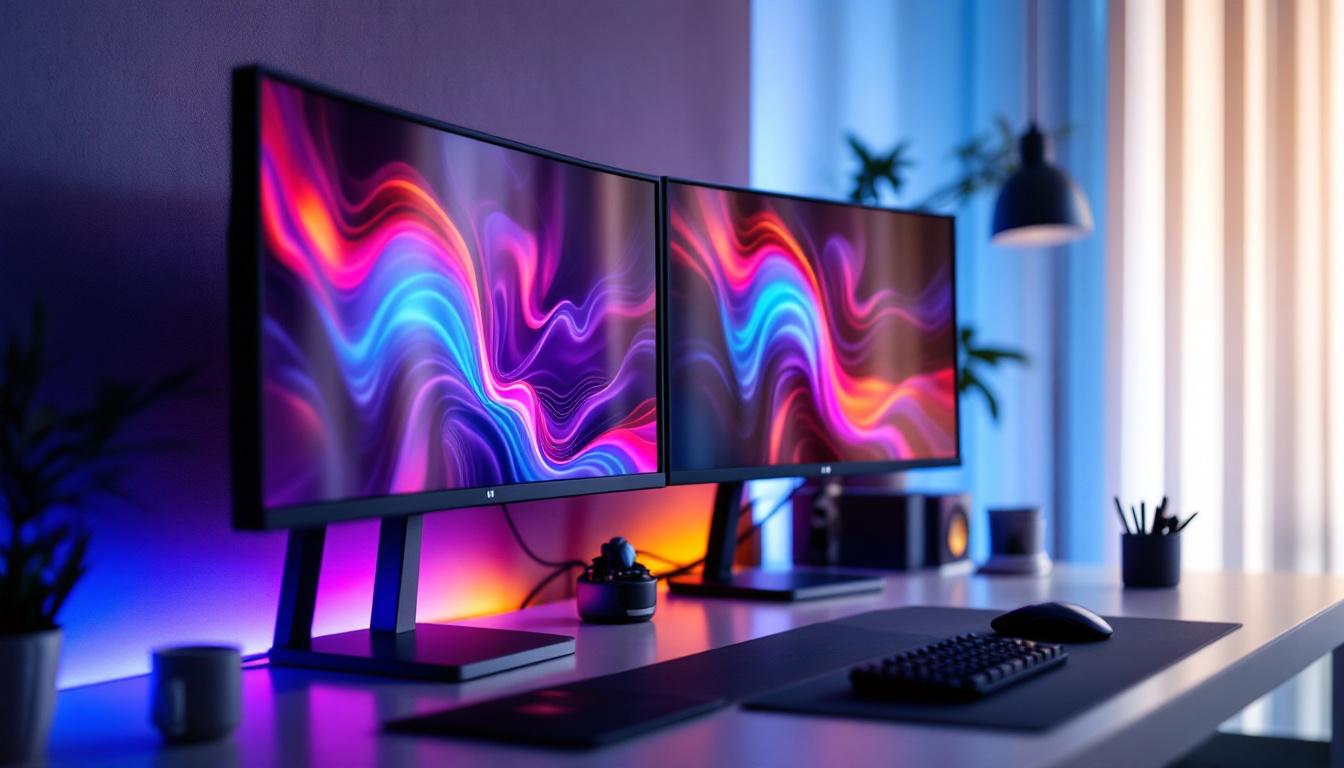
A dual monitor deskstand is a mounting solution designed to hold two monitors side by side, freeing up desk space and allowing for ergonomic positioning. Unlike traditional monitor stands that come attached to individual screens, deskstands provide a centralized base or arm system that supports multiple screens simultaneously.
These stands come in various designs, including fixed, adjustable, and fully articulating arms. The primary goal is to improve desk organization, reduce clutter, and enable users to position their monitors at optimal heights and angles, which can help reduce neck and eye strain during extended use. Many models also feature integrated cable management systems, which help keep cords neatly organized and out of sight, further enhancing the aesthetic of your workspace.
Why Use a Dual Monitor Setup?
Dual monitor setups have become increasingly popular across industries. According to a 2023 survey by TechPro Research, 78% of professionals reported increased productivity when using two or more monitors. This is because dual displays allow users to have multiple applications open simultaneously without constantly switching windows.
For example, a graphic designer can have design software on one screen and reference images or emails on the other. Programmers can code on one monitor while viewing documentation or testing results on the other. Even casual users benefit from the expanded digital workspace for browsing, streaming, or gaming. The versatility of dual monitors also extends to collaborative work; team members can share information more efficiently by displaying presentations or data side by side, which fosters better communication and teamwork.
Moreover, the benefits of a dual monitor setup are not limited to productivity alone. Studies have shown that having an additional screen can enhance focus and reduce the time spent searching for files or applications. This is particularly advantageous in fast-paced environments where quick access to information is crucial. Furthermore, the ability to customize the workspace layout according to personal preferences can lead to a more enjoyable and comfortable working experience, making long hours at the desk feel less tedious.
The Role of LED Displays in Dual Monitor Setups
What Makes LED Displays Ideal?
LED (Light Emitting Diode) displays have become the standard for modern monitors due to their superior brightness, energy efficiency, and color accuracy. Unlike older LCDs that used cold cathode fluorescent lamps (CCFLs) for backlighting, LED monitors use LEDs, which offer several advantages:
- Improved Energy Efficiency: LED displays consume less power, which is beneficial for both environmental reasons and reducing electricity costs over time.
- Better Brightness and Contrast: LEDs provide brighter displays with higher contrast ratios, enhancing image clarity and making content easier to view in various lighting conditions.
- Thinner and Lighter Designs: The compact nature of LEDs allows for slimmer monitor profiles, which is advantageous when mounting two monitors side by side on a deskstand.
These features make LED displays particularly well-suited for dual monitor setups, where image quality and ergonomic placement are critical.
Types of LED Displays Used in Dual Monitor Setups
There are several subtypes of LED displays, each with unique characteristics that can influence the user experience:
- Edge-Lit LED: LEDs are placed along the edges of the screen, allowing for thinner panels but sometimes resulting in uneven brightness.
- Direct-Lit LED: LEDs are distributed evenly behind the screen, offering better uniformity but often at a thicker profile.
- Mini-LED: A newer technology with thousands of tiny LEDs, providing superior contrast and brightness control, making it ideal for professional color work.
- OLED (Organic LED): While technically different from traditional LEDs, OLEDs offer exceptional color accuracy and contrast but are less common in dual monitor setups due to higher cost.
Choosing the right type depends on the user’s specific needs, budget, and the intended use of the dual monitor setup.
Choosing the Right Dual Monitor Deskstand for LED Displays
Key Features to Consider
When selecting a dual monitor deskstand for LED displays, several factors must be considered to ensure compatibility and ergonomic benefits:
- Weight Capacity: LED monitors vary in weight, especially larger models or those with advanced features. The deskstand should support the combined weight of both monitors safely.
- Adjustability: Look for stands that offer height adjustment, tilt, swivel, and rotation. This flexibility helps align monitors perfectly and reduces strain.
- Mounting Compatibility: Most monitors use the VESA mount standard (usually 75x75mm or 100x100mm). Verify that both the monitors and the deskstand support compatible mounting patterns.
- Desk Clamp vs. Grommet Mount: Deskstands can be attached using clamps or grommets. Clamps are easier to install without drilling, while grommet mounts provide a more permanent and stable solution.
- Cable Management: Integrated cable management systems help keep wires organized and out of sight, contributing to a cleaner workspace.
Popular Dual Monitor Deskstand Designs
Several designs cater to different user preferences and workspace constraints:
- Side-by-Side Arms: Two adjustable arms extend from a single base, allowing independent positioning of each monitor. This design offers maximum flexibility and is ideal for users who want to angle or height-adjust each screen separately.
- Fixed Horizontal Stand: A rigid bar holds both monitors side by side at a fixed height and angle. This is a budget-friendly option but offers less ergonomic customization.
- Freestanding Base: A heavy base supports the monitors without desk mounting. Suitable for desks where clamps or grommets are not feasible but takes up more desk space.
- Wall-Mounted Arms: For users with limited desk space, wall-mounted dual monitor arms can free up the entire desk surface and provide excellent adjustability.
Optimizing Your Dual Monitor LED Setup
Ergonomics and Positioning
Proper positioning of dual LED monitors on a deskstand is essential for comfort and productivity. Experts recommend the following guidelines:
- Height: The top of the screens should be at or slightly below eye level to prevent neck strain.
- Distance: Position monitors about an arm’s length away (20-30 inches), depending on screen size and resolution.
- Angle: Slightly angle the monitors inward to create a natural viewing curve, reducing eye movement and fatigue.
- Alignment: Align the monitors so that the primary display is directly in front, with the secondary slightly to the side, especially if one screen is used more frequently.
Color Calibration and Display Settings
LED displays, particularly those used in professional environments, benefit from regular color calibration to ensure accurate color representation. This is crucial for graphic designers, photographers, and video editors who rely on precise color fidelity.
Using hardware calibration tools or software solutions can help maintain consistent brightness, contrast, and color temperature across both monitors, creating a seamless visual experience.
Managing Power and Connectivity
Dual LED monitors require careful management of power sources and connectivity to avoid clutter and ensure stable performance. Consider the following tips:
- Use power strips with surge protection to safeguard your equipment from electrical spikes.
- Employ docking stations or USB hubs if you need to connect multiple peripherals alongside your monitors.
- Organize cables with clips or sleeves integrated into your deskstand to minimize tangling and maintain a tidy workspace.
Common Challenges and Solutions
Compatibility Issues
Not all monitors and deskstands are universally compatible. Some challenges include mismatched VESA mount sizes or monitors that are too heavy for certain arms. Always check the specifications of both your monitors and the deskstand before purchase.
For heavier or ultra-wide LED displays, consider deskstands with higher weight capacities or specialized mounts designed for large screens.
Screen Flicker and Eye Strain
LED monitors can sometimes cause eye strain due to flickering, especially at lower brightness levels. This is often related to the backlight dimming technology used.
To mitigate this, look for monitors with flicker-free technology and blue light filters. Additionally, adjusting ambient lighting and taking regular breaks can help reduce eye fatigue.
Space Constraints
Dual monitor setups can take up significant desk space, which can be a problem in smaller work areas. Choosing a deskstand with a small footprint or wall-mounted arms can help conserve space.
Alternatively, consider stacking monitors vertically if horizontal space is limited, though this may require a different type of deskstand and can affect ergonomics.
Future Trends in Dual Monitor LED Deskstands
Integration with Smart Technologies
As smart home and office technologies evolve, dual monitor deskstands are beginning to incorporate features like USB-C hubs, wireless charging pads, and integrated lighting. These innovations aim to streamline workflows and enhance the user experience.
Improved Materials and Sustainability
Manufacturers are increasingly focusing on eco-friendly materials and sustainable production methods. Deskstands made from recycled metals and plastics, as well as designs that prioritize durability and repairability, are becoming more common.
Advancements in Display Technology
The rise of mini-LED and micro-LED displays promises even better image quality and energy efficiency. As these technologies become more affordable, they will likely become standard in dual monitor setups, driving demand for compatible deskstands that support thinner, lighter, and more versatile displays.
Conclusion
Dual monitor deskstands paired with LED displays offer a powerful combination for enhancing productivity, comfort, and workspace aesthetics. Understanding the types of LED displays, the features of deskstands, and how to optimize your setup can make a significant difference in daily computer use.
By carefully selecting compatible hardware, paying attention to ergonomics, and staying informed about emerging trends, users can create a dual monitor environment that supports their professional and personal needs effectively. Whether upgrading an existing workspace or designing a new one, investing in a quality dual monitor deskstand and LED displays is a step toward a more efficient and enjoyable digital experience.
Enhance Your Workspace with LumenMatrix
Ready to take your productivity and workspace aesthetics to the next level? Discover the innovative LED display solutions from LumenMatrix, designed to bring your dual monitor setup to life. From captivating Indoor LED Walls to dynamic Outdoor Displays and beyond, LumenMatrix offers a range of options to suit your professional needs. Don’t just upgrade your deskstand—revolutionize your visual communication with our cutting-edge technology. Check out LumenMatrix LED Display Solutions today and experience the difference.