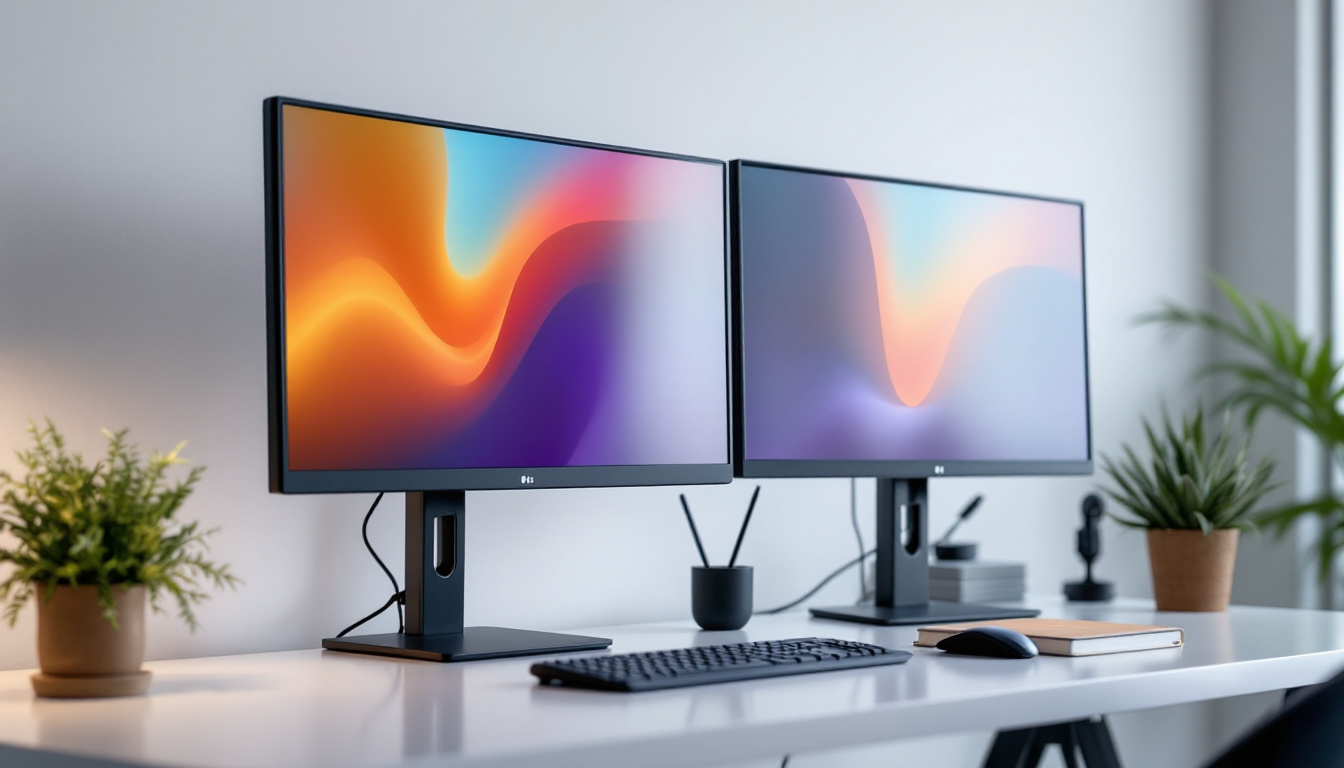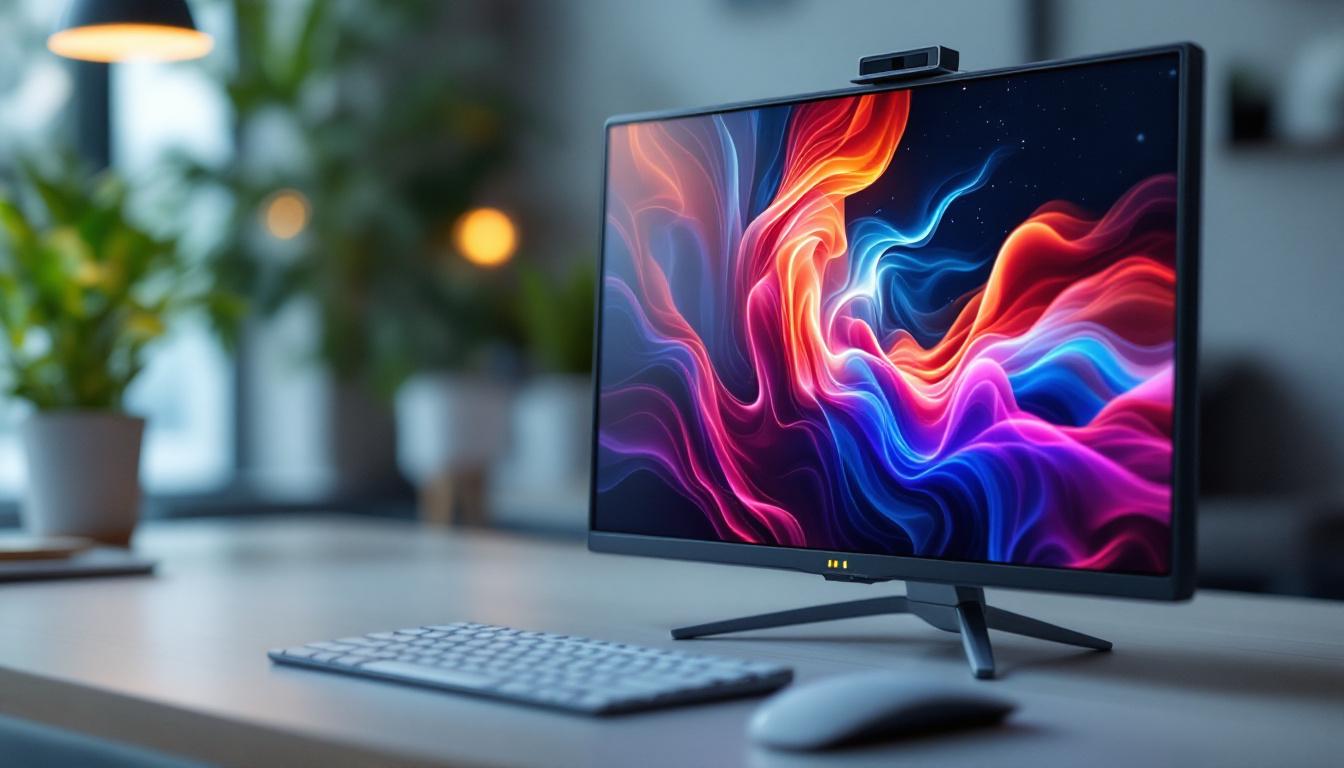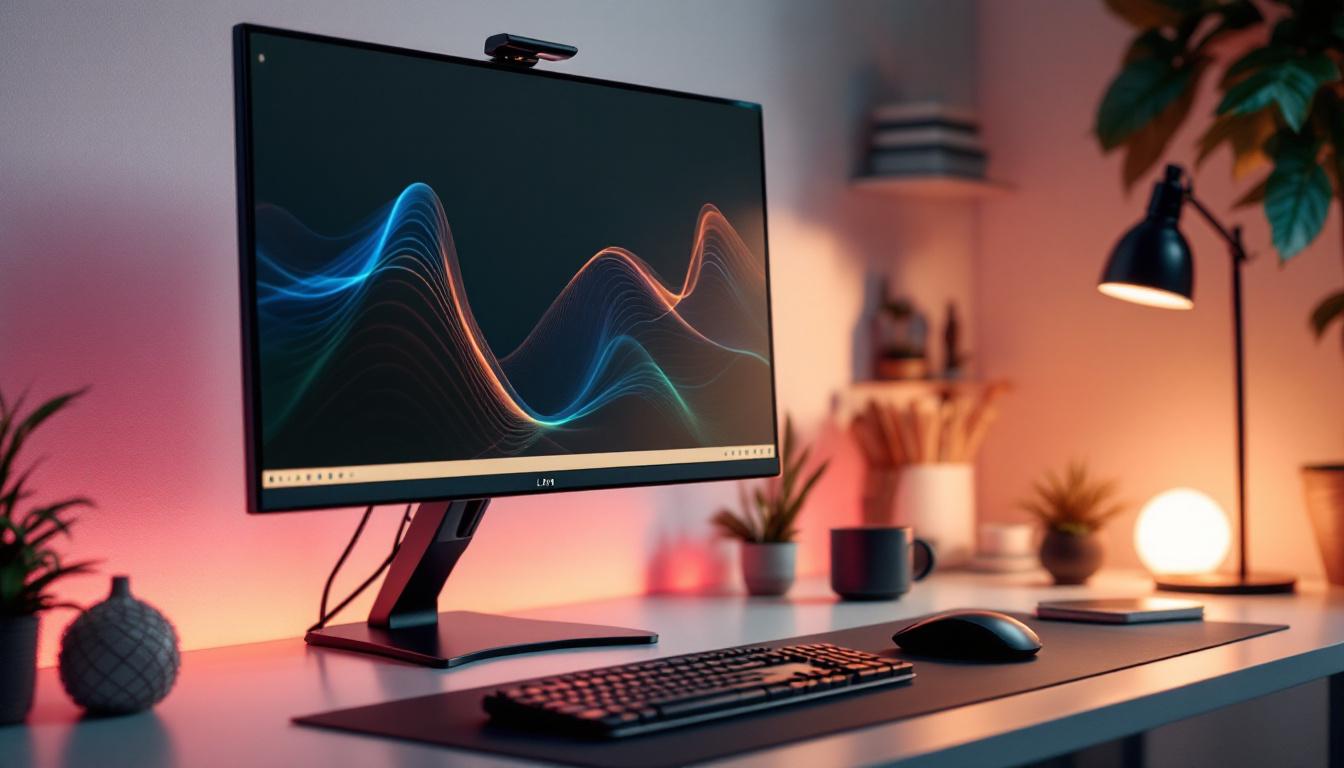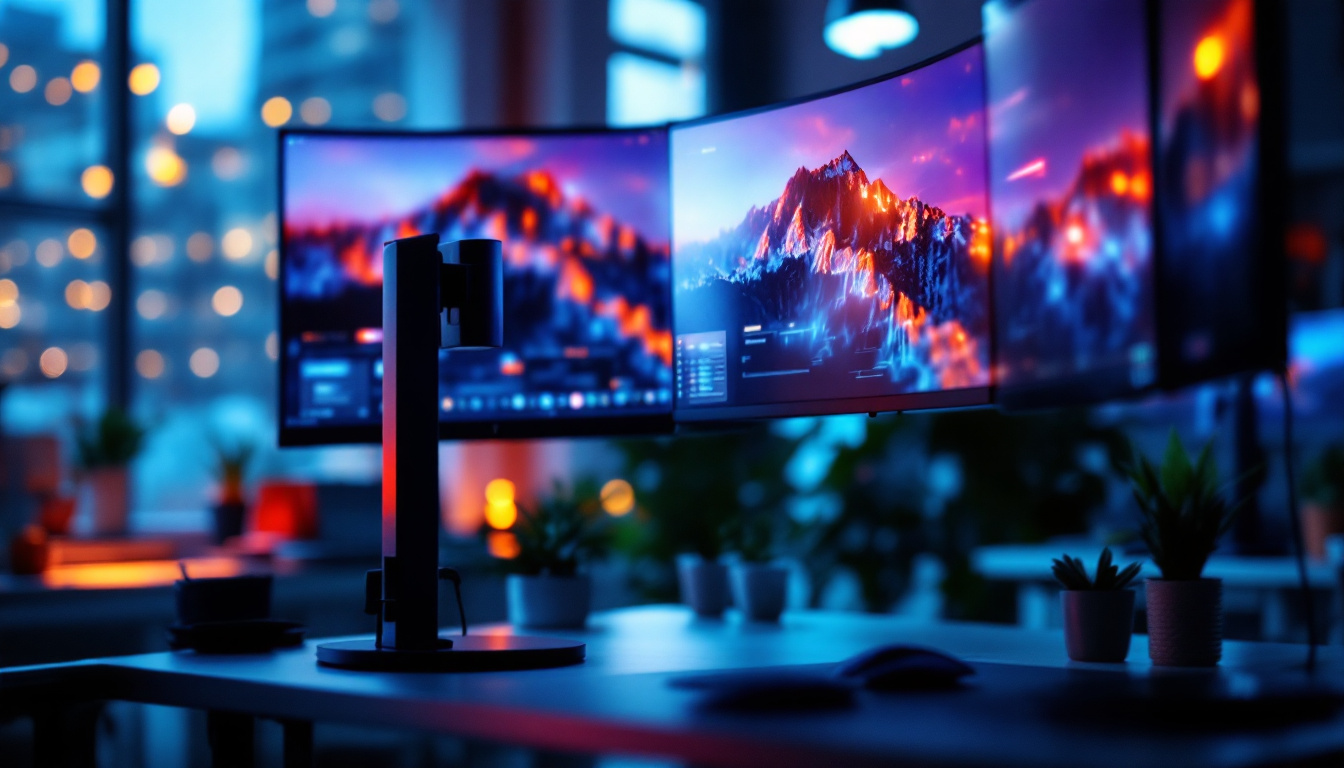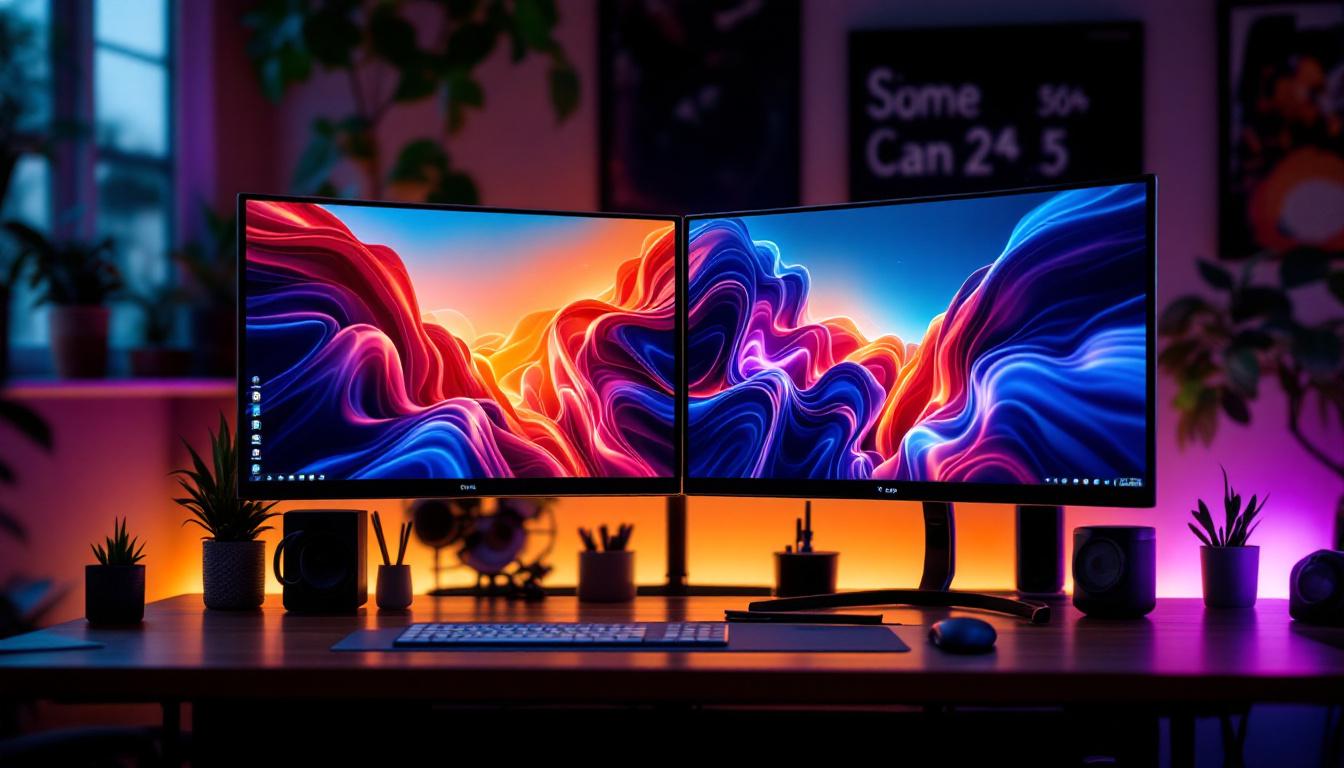
In today’s fast-paced digital environment, maximizing workspace efficiency is crucial for professionals, gamers, and creatives alike. Dual monitor setups have become increasingly popular, offering enhanced productivity and immersive experiences. A 24-inch LED display is often the sweet spot for many users, balancing screen real estate with desk space. However, to fully leverage the benefits of dual monitors, a reliable and ergonomic dual monitor stand is essential.
This article delves into the nuances of dual monitor stands designed for 24-inch LED displays, explaining their features, benefits, and what to consider when selecting the right one for your setup.
Why Choose a Dual Monitor Setup with 24-Inch LED Displays?
The 24-inch LED display size is widely regarded as ideal for a dual monitor configuration. It offers sufficient screen space for multitasking without overwhelming the user or consuming excessive desk area.
According to a 2023 study by the International Journal of Human-Computer Interaction, users with dual 24-inch monitors reported a 20-30% increase in productivity compared to single-monitor setups. This is largely attributed to the ability to view multiple applications side-by-side without constant window switching.
Optimal Screen Size for Productivity
While larger monitors provide more viewing area, 24-inch displays strike a balance between visibility and ergonomics. They are large enough to comfortably read text and view detailed graphics but compact enough to fit on most desks without requiring excessive head or eye movement. This ergonomic advantage is crucial, especially for professionals who spend long hours in front of their screens, as it helps reduce eye strain and neck discomfort. Additionally, the pixel density of 24-inch monitors ensures that images and text remain sharp and clear, enhancing the overall user experience.
Energy Efficiency and Visual Quality of LED Displays
LED (Light Emitting Diode) technology has become the standard for monitors due to its energy efficiency and superior display quality. Compared to older LCD models, LED displays consume up to 25% less power, reducing energy costs and environmental impact. This energy efficiency not only benefits the user’s wallet but also contributes to a greener planet, making it a responsible choice for eco-conscious consumers.
Moreover, LED backlighting offers better brightness, contrast, and color accuracy, which is vital for tasks such as graphic design, video editing, and gaming. The enhanced color gamut provided by LED technology allows for more vibrant visuals, making it easier for creatives to produce work that is true to life. Furthermore, many modern 24-inch LED monitors come equipped with features such as flicker-free technology and blue light filters, which help to minimize eye fatigue during extended use. This combination of visual quality and user-friendly features makes 24-inch LED displays an excellent choice for anyone looking to enhance their workspace.
Understanding Dual Monitor Stands: Key Features and Benefits
A dual monitor stand is more than just a holder; it is a tool that can transform your workspace ergonomics and efficiency. Here are the critical features to consider when choosing a dual monitor stand for 24-inch LED displays.
Ergonomic Adjustability
One of the primary advantages of a dual monitor stand is its ability to improve posture and reduce strain. Adjustable height, tilt, swivel, and rotation allow users to position monitors at eye level and at the optimal angle.
Ergonomic positioning helps prevent neck and back pain, which is a common complaint among office workers. The Occupational Safety and Health Administration (OSHA) recommends that the top of the monitor screen be at or just below eye level for comfortable viewing.
Furthermore, many dual monitor stands come equipped with gas spring mechanisms that enable smooth adjustments with minimal effort. This feature is particularly beneficial for users who frequently switch between sitting and standing positions, as it allows for quick and easy repositioning without disrupting workflow. By investing in a stand that prioritizes ergonomic adjustability, users can create a more comfortable and productive work environment, ultimately enhancing overall job satisfaction.
Space-Saving Design
Dual monitor stands free up valuable desk space by elevating monitors off the surface. This creates room for other essential items and promotes a clutter-free environment.
Many stands feature cable management systems that organize cords neatly, reducing distractions and potential hazards.
In addition to their space-saving benefits, these stands often incorporate additional shelving or compartments for storing office supplies, such as notepads, pens, or even small devices like tablets or smartphones. This multifunctional design not only maximizes the use of vertical space but also keeps everything within arm’s reach, enhancing efficiency during busy work hours. A well-organized desk can lead to improved focus and productivity, making the dual monitor stand an invaluable asset in any workspace.
Compatibility and Weight Capacity
When selecting a dual monitor stand, it’s crucial to ensure compatibility with your 24-inch LED displays. Most 24-inch monitors weigh between 7 to 12 pounds, and the stand should support this weight comfortably.
Additionally, check the VESA (Video Electronics Standards Association) mounting pattern on your monitors. The most common for 24-inch displays is 100×100 mm, but verifying this ensures a secure fit.
Moreover, some dual monitor stands are designed to accommodate a range of monitor sizes and weights, offering flexibility for future upgrades. This adaptability can be particularly advantageous for those who may want to switch to larger screens or different brands down the line. It’s also worth considering stands that allow for independent adjustment of each monitor, as this feature can cater to varying user preferences and tasks, providing a tailored experience that enhances productivity and comfort.
Types of Dual Monitor Stands Suitable for 24-Inch LED Displays
The market offers various dual monitor stands, each with unique features and installation methods. Understanding these types helps in making an informed decision tailored to your workspace.
Clamp Mount Stands
Clamp mount stands attach to the edge of your desk using a sturdy clamp mechanism. They are ideal for desks with a thickness ranging from 0.4 to 3.5 inches.
These stands are easy to install and remove without damaging the desk surface. They also provide excellent stability and allow for significant adjustability. Many models come with gas spring arms, enabling smooth height adjustments and effortless tilting, which can alleviate neck strain during long hours of work. Additionally, the sleek design of clamp mount stands often enhances the aesthetic appeal of your workspace, creating a more organized and modern look.
Grommet Mount Stands
Grommet mounts require a pre-drilled hole in the desk or the ability to drill one. The stand is secured through this hole, offering a clean and stable installation.
This type is especially useful for permanent setups where maximum stability is desired. Grommet mount stands often feature integrated cable management systems, which help keep your workspace tidy by concealing cables and reducing clutter. This not only improves the visual appeal of your desk but also minimizes distractions, allowing for a more focused work environment. Furthermore, many grommet mounts are designed to accommodate different monitor sizes, making them a versatile choice for users who may upgrade their displays in the future.
Freestanding Stands
Freestanding stands rest on the desk surface without the need for clamps or holes. They are portable and easy to reposition but may take up more desk space compared to clamp or grommet mounts.
These stands are suitable for users who frequently change their workspace or prefer not to alter their desks. Many freestanding models come equipped with adjustable arms that allow for a wide range of motion, including rotation and height adjustments. This flexibility is particularly beneficial for collaborative work environments, where monitors may need to be shared or adjusted for different users. Additionally, some freestanding stands include built-in USB hubs or additional storage options, providing added functionality and convenience right at your fingertips.
Additional Considerations When Choosing a Dual Monitor Stand
Beyond basic compatibility and adjustability, several other factors influence the effectiveness and satisfaction of your dual monitor setup.
Build Material and Durability
High-quality materials such as steel or aluminum ensure longevity and stability. Cheaper plastic stands may not withstand daily adjustments or the weight of dual monitors over time.
Rotation and Pivot Functions
Some stands offer rotation capabilities, allowing monitors to switch between landscape and portrait modes. This feature is beneficial for coding, document review, and social media management.
Integrated USB Hubs and Accessories
Advanced dual monitor stands sometimes include built-in USB hubs or charging ports, enhancing connectivity and reducing cable clutter.
Setting Up Your Dual Monitor Stand for Maximum Efficiency
Proper installation and configuration are key to reaping the full benefits of your dual monitor stand and 24-inch LED displays.
Positioning for Comfort and Productivity
Place the monitors at a comfortable viewing distance, typically between 20 to 30 inches from your eyes. Align the top of the screens at or slightly below eye level to minimize neck strain.
Angle the monitors inward to create a slight curve, which reduces eye movement and improves focus.
Cable Management Tips
Use the stand’s built-in cable management features or additional clips and ties to organize cables neatly. This prevents tangling and keeps your workspace tidy.
Calibrating Your LED Displays
For optimal visual quality, calibrate your LED monitors using built-in software tools or third-party calibration devices. Proper calibration ensures accurate colors and brightness, which is essential for professional work.
Conclusion
A dual monitor stand designed for 24-inch LED displays is an investment in both comfort and productivity. By understanding the features, types, and ergonomic benefits, users can create an efficient and visually pleasing workspace.
Whether for professional tasks, creative projects, or gaming, the right dual monitor stand enhances the capabilities of your 24-inch LED monitors, making multitasking seamless and reducing physical strain. Prioritizing quality, compatibility, and adjustability will ensure a setup that supports your needs for years to come.
Enhance Your Workspace with LumenMatrix
Ready to take your dual monitor setup to the next level? LumenMatrix is at the forefront of LED display technology, offering a wide range of innovative solutions that can transform your professional environment. From Indoor LED Wall Displays to Custom LED Displays, our products are designed to provide superior visual quality and seamless integration for a truly immersive experience. Elevate your workspace efficiency and aesthetic appeal with LumenMatrix’s cutting-edge LED display modules. Check out LumenMatrix LED Display Solutions today and experience the difference in clarity and engagement.