In today’s fast-paced digital workspace, maximizing productivity and maintaining ergonomic comfort are paramount. Dual screen desk stands equipped with LED displays have emerged as a popular solution for professionals, gamers, and creatives alike. This article delves into the technology behind these innovative stands, exploring their benefits, design considerations, and how LED displays enhance the overall user experience.
Understanding Dual Screen Desk Stands
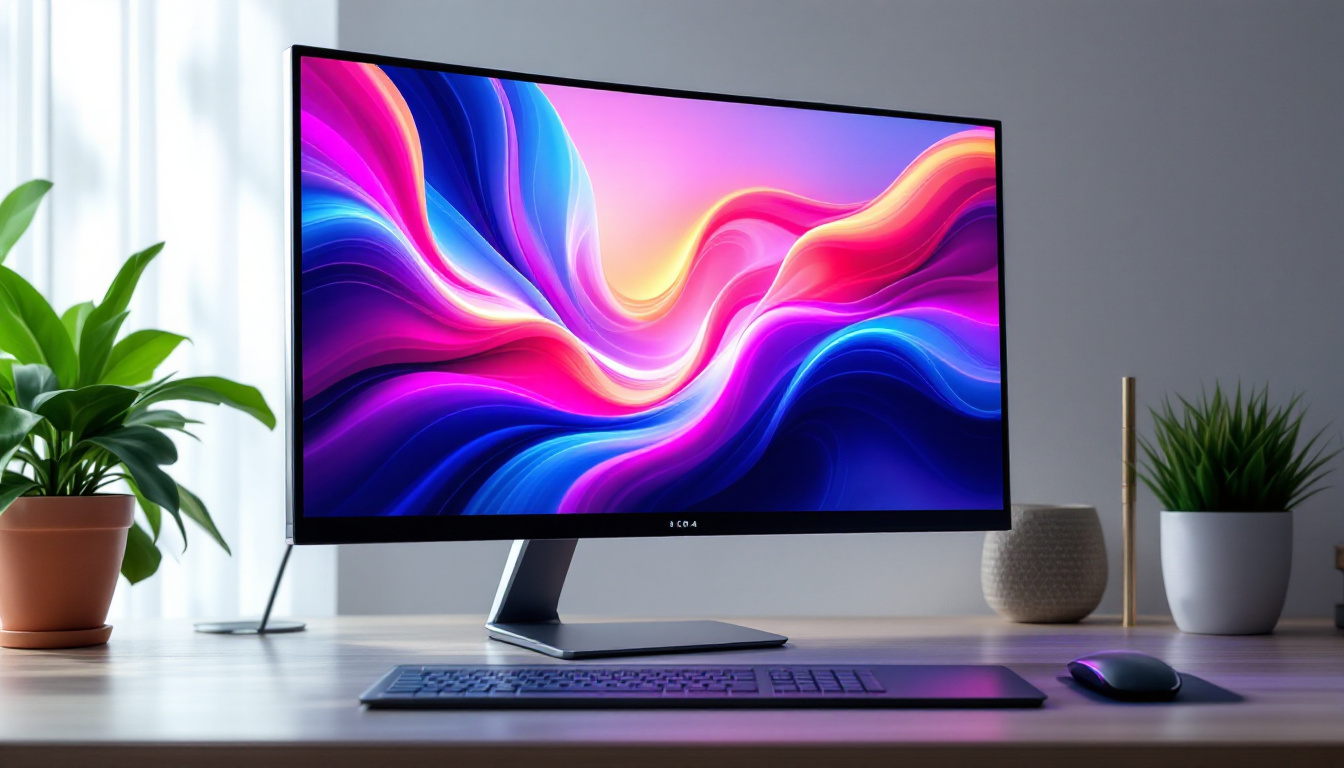
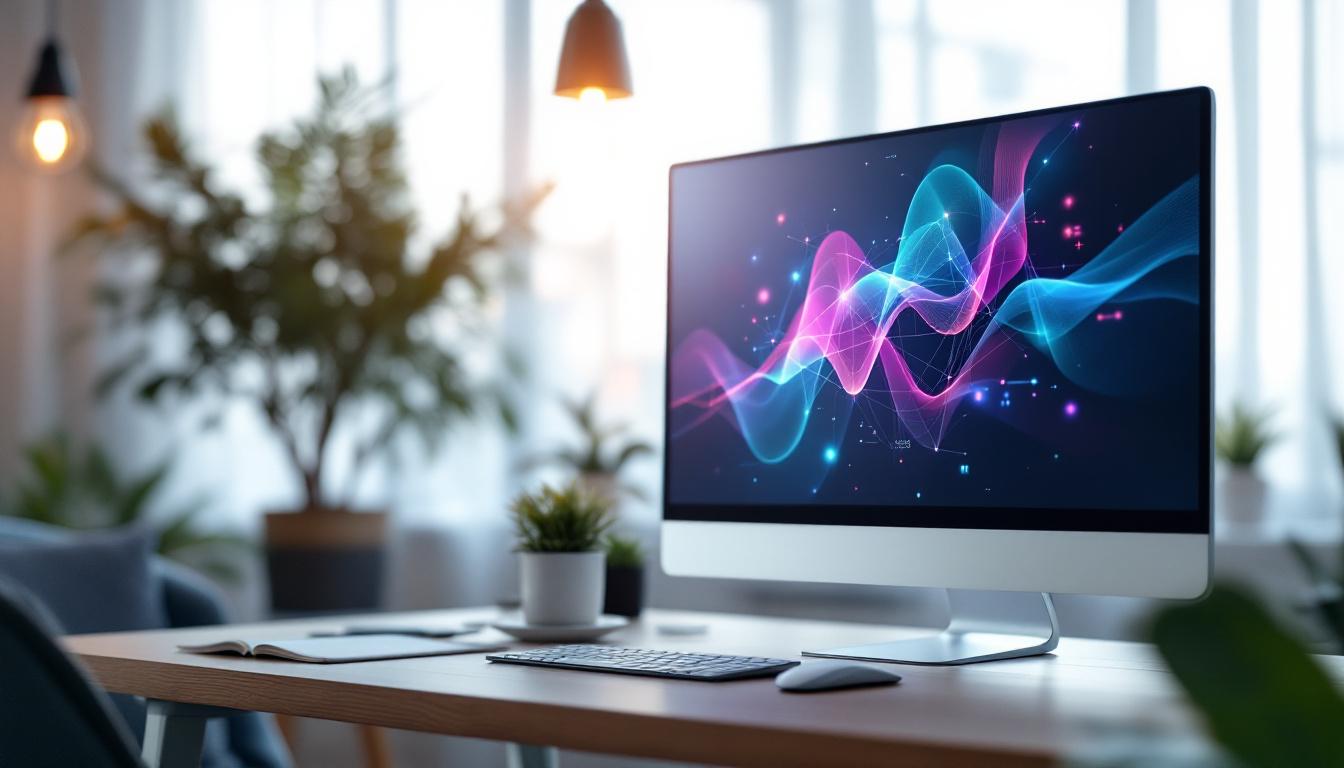
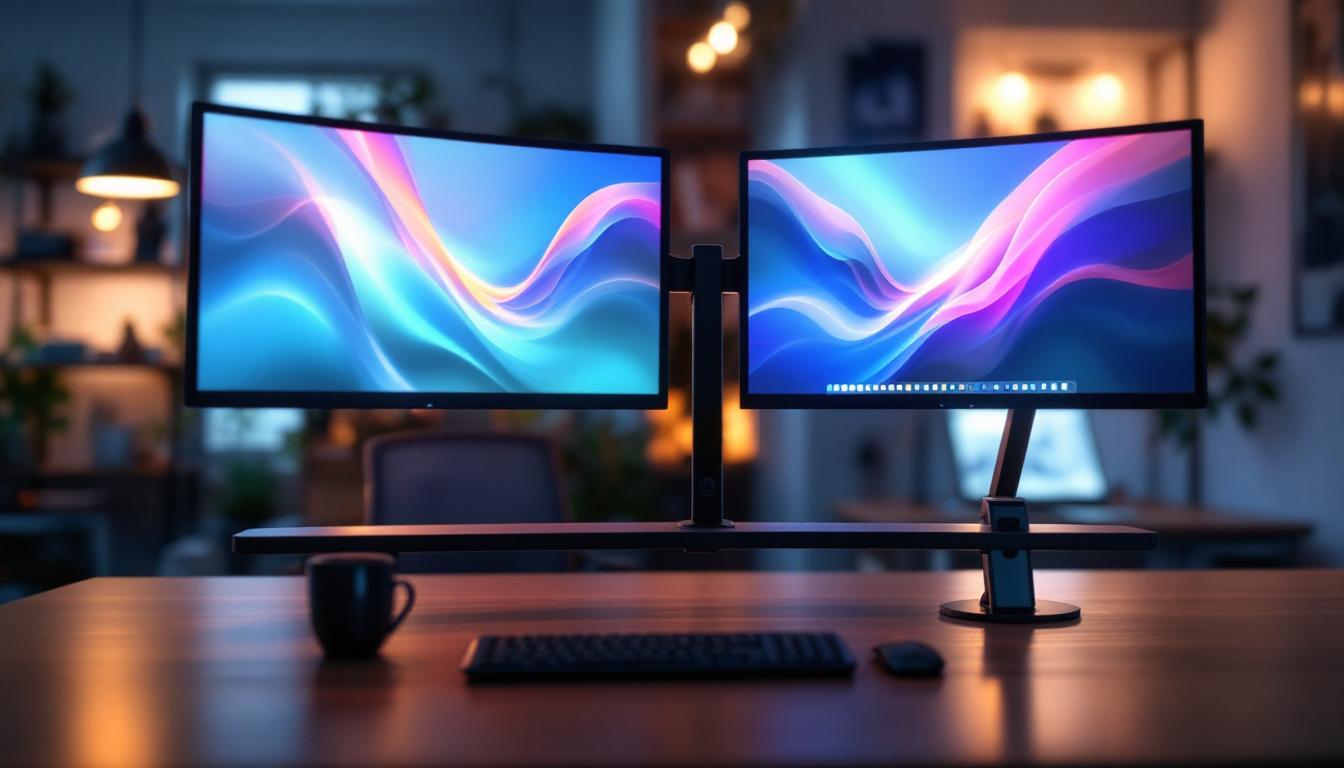
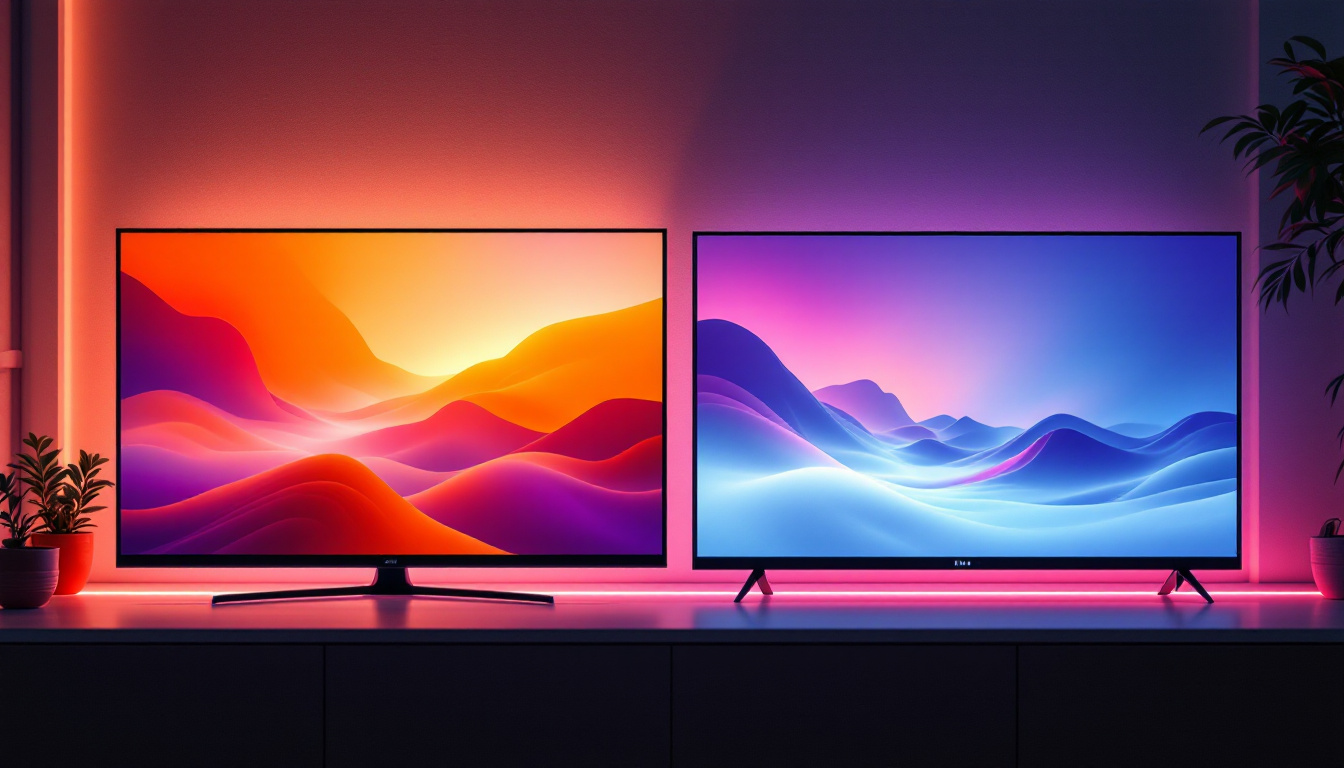
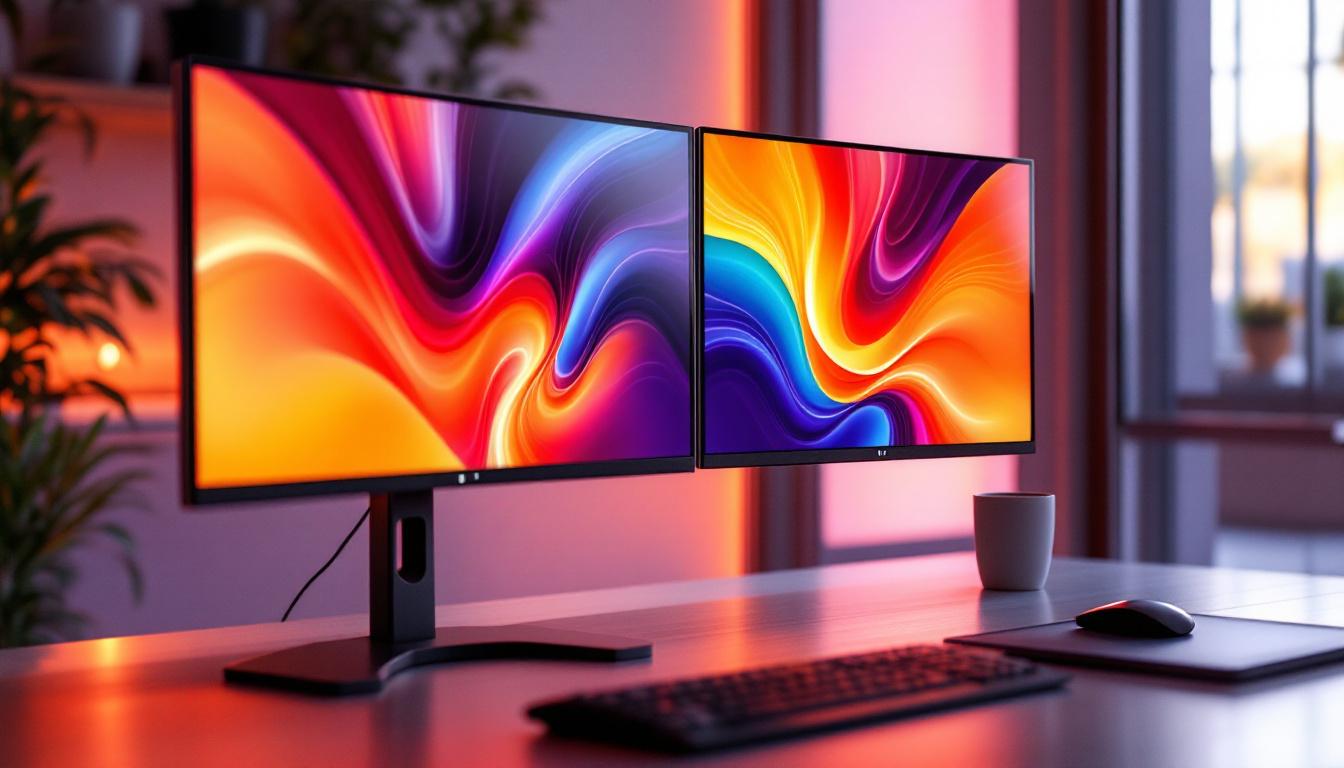
Dual screen desk stands are specialized mounts designed to hold two monitors simultaneously, allowing users to expand their visual workspace without cluttering their desks. Unlike traditional single-monitor setups, dual stands enable seamless multitasking by providing more screen real estate, which is particularly beneficial for tasks that require referencing multiple documents, coding, video editing, or trading stocks. The versatility of these stands can accommodate various monitor sizes and styles, making them suitable for a wide range of users, from casual gamers to professional graphic designers.
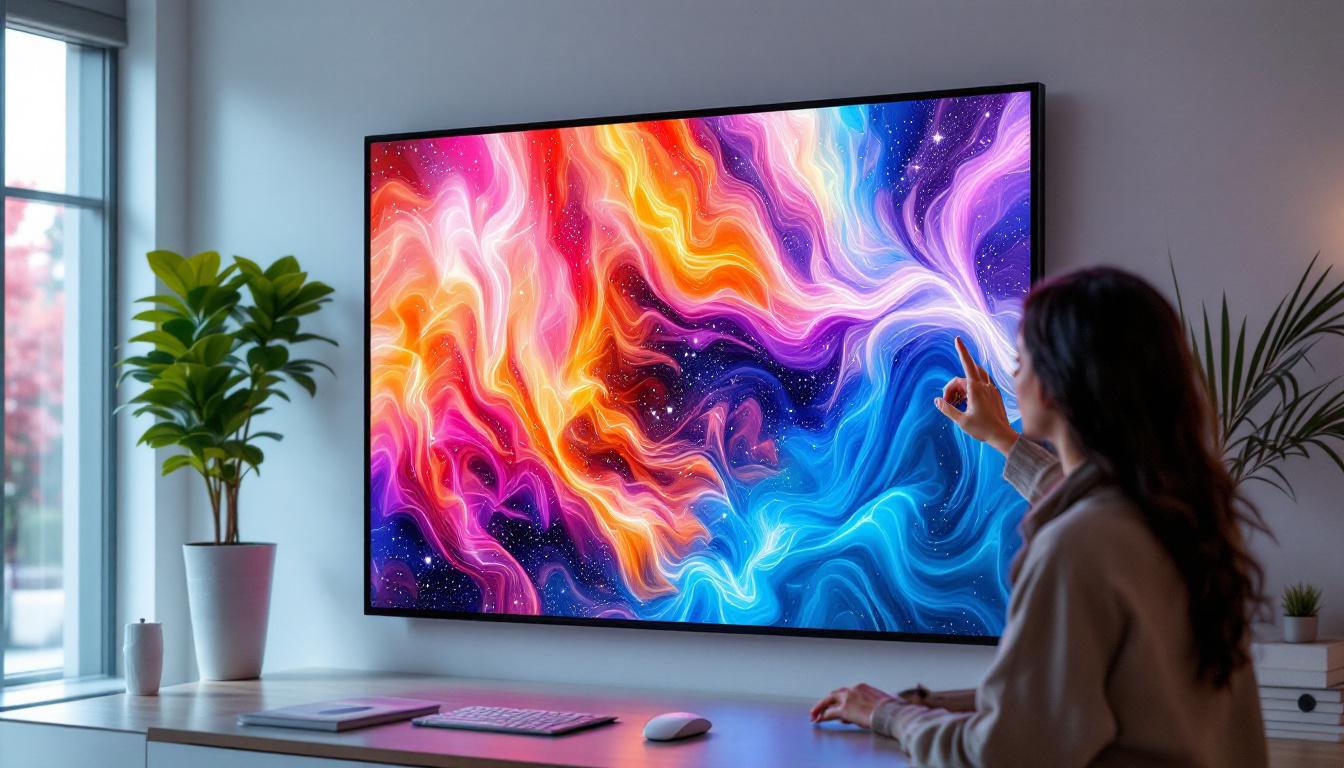
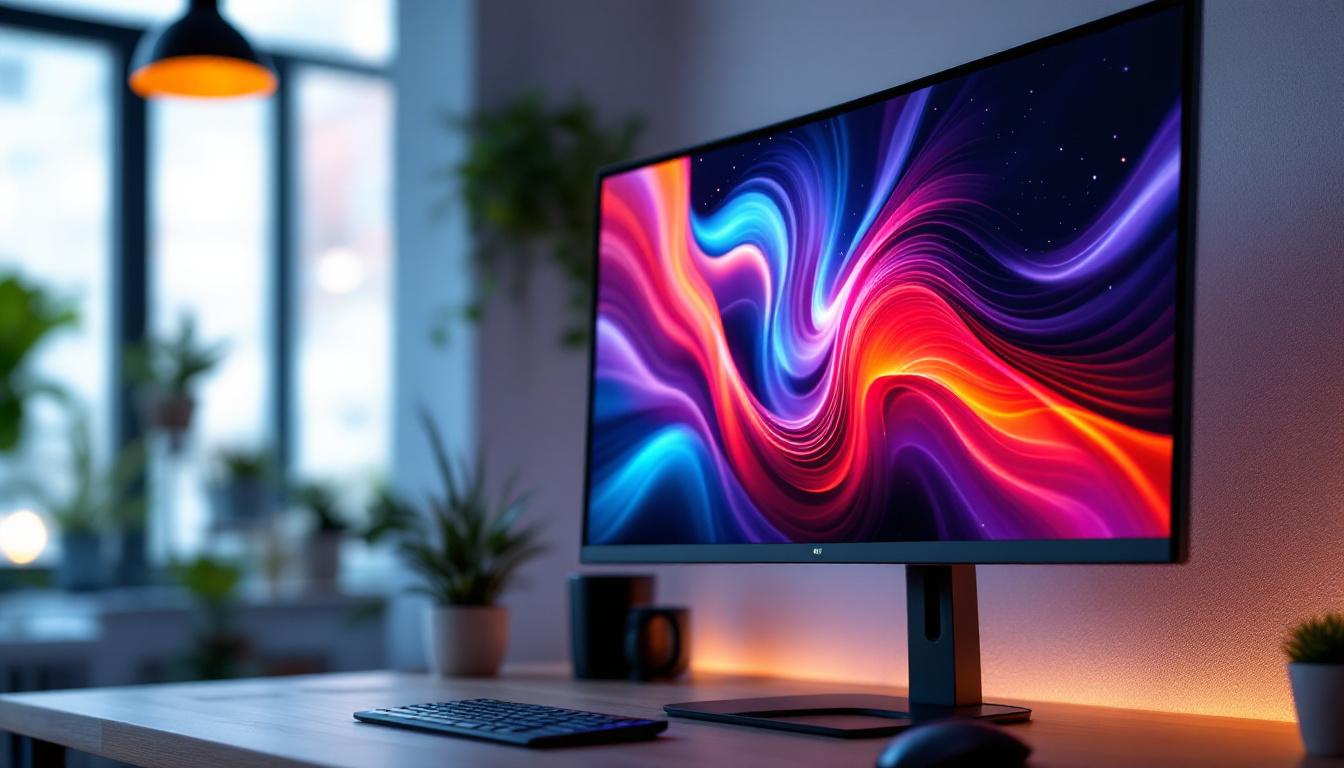
The integration of LED displays into these stands adds a layer of interactivity and information display that goes beyond simply holding screens. LED displays can provide real-time data, notifications, or customizable lighting that enhances both functionality and aesthetics. Some advanced models even offer programmable RGB lighting, allowing users to sync the colors with their desktop themes or to create an immersive gaming environment. This not only elevates the visual appeal of the workspace but also serves practical purposes, such as indicating system alerts or notifications.
Why Choose a Dual Screen Setup?
Research shows that dual monitor setups can increase productivity by up to 42%, according to a study by the University of Utah. This boost is attributed to reduced time spent switching between tabs and applications, as well as improved focus and workflow continuity. For professionals in fields such as finance, design, and software development, the ability to view multiple applications side-by-side is invaluable. In addition, the use of dual screens can facilitate collaborative work, allowing team members to share information more efficiently during meetings or brainstorming sessions, as both parties can view the same data simultaneously.
Moreover, dual screen setups help reduce physical strain. By positioning monitors at optimal angles and heights, users can maintain better posture, reducing neck and eye fatigue. This ergonomic benefit is one reason why desk stands, rather than simply placing monitors on the desk surface, have gained popularity. Many stands also come equipped with adjustable features, such as tilt, swivel, and height adjustments, enabling users to customize their viewing experience to suit their unique needs. This adaptability not only enhances comfort but also encourages longer periods of productive work without the discomfort that can come from poor monitor placement.
The Role of LED Displays in Dual Screen Desk Stands
LED (Light Emitting Diode) technology is widely known for its energy efficiency, brightness, and longevity. When integrated into dual screen desk stands, LED displays serve multiple purposes that enhance the user experience.
Information at a Glance
Some advanced dual screen desk stands feature built-in LED panels that display useful information such as system performance metrics, weather updates, calendar events, or notifications from connected devices. This allows users to stay informed without interrupting their workflow or switching focus away from their primary screens.
For example, a trader might monitor stock tickers on the LED display while conducting in-depth analysis on the main monitors. Similarly, a content creator could track rendering progress or system temperatures without opening additional software windows.
Ambient Lighting and Eye Comfort
LED lighting integrated into desk stands can provide adjustable ambient light that reduces eye strain, especially during extended working hours or in low-light environments. Bias lighting—soft light placed behind the monitors—improves contrast and reduces glare, making it easier to focus and reducing headaches associated with prolonged screen time.
Many dual screen desk stands with LED features offer customizable color temperatures and brightness levels, allowing users to tailor the lighting to their preferences and time of day. This adaptability supports circadian rhythms and can contribute to better sleep patterns.
Visual Appeal and Personalization
Beyond functionality, LED displays contribute to the aesthetic appeal of a workspace. RGB lighting effects, synchronized with on-screen content or music, create an immersive environment that can boost creativity and motivation. Gamers and streamers, in particular, value these features for their ability to enhance the visual atmosphere.
Customizable LED lighting also allows professionals to match their workspace décor or brand colors, fostering a sense of identity and professionalism.
Design and Ergonomics of Dual Screen Desk Stands with LED Displays
The design of dual screen desk stands must balance sturdiness, adjustability, and integration of LED technology to meet diverse user needs. Several key factors influence the effectiveness and appeal of these stands.
Build Quality and Materials
High-quality materials such as aluminum alloys and reinforced steel ensure stability and durability, preventing wobbling or sagging even with heavier monitors. A solid base or clamp system secures the stand to the desk, maximizing safety and minimizing desk footprint.
LED components are typically housed in sleek, minimalistic frames that complement modern office aesthetics. Attention to cable management is crucial, with many stands featuring integrated channels to conceal wiring and maintain a tidy workspace.
Adjustability and Range of Motion
Ergonomic flexibility is a hallmark of premium dual screen desk stands. Users should be able to tilt, swivel, rotate, and height-adjust each monitor independently to find the most comfortable viewing angles. This adaptability reduces the risk of musculoskeletal disorders and enhances long-term comfort.
LED displays incorporated into the stand often have adjustable brightness and positioning to avoid glare and ensure visibility without distraction.
Compatibility and Ease of Installation
Compatibility with various monitor sizes and VESA mount standards is essential. Most dual screen desk stands support monitors ranging from 13 to 32 inches, accommodating a broad spectrum of professional and personal setups.
Installation should be straightforward, with clear instructions and necessary hardware included. Tool-free assembly options are increasingly common, catering to users who prefer quick setup without technical assistance.
Practical Applications and User Scenarios
Understanding how dual screen desk stands with LED displays are used in real-world scenarios highlights their versatility and value.
Corporate and Remote Work Environments
With remote work becoming mainstream, home office setups demand efficient use of space and technology. Dual screen stands allow employees to replicate or even enhance their office environments at home. LED displays provide subtle notifications and lighting that help maintain focus and reduce fatigue during long virtual meetings or multitasking sessions.
Companies investing in ergonomic equipment report lower rates of workplace injuries and higher employee satisfaction, underscoring the importance of quality desk stands.
Creative Professionals and Content Creators
Graphic designers, video editors, and digital artists benefit immensely from dual screen setups. One screen can display editing tools and timelines, while the other shows the final output. LED displays integrated into the stand can show rendering progress or system resource usage, enabling smoother workflows.
The customizable RGB lighting also adds flair to creative studios, inspiring innovation and providing a visually stimulating environment.
Gaming and Streaming Setups
Gamers often require multiple screens for gameplay, chat, and streaming controls. Dual screen desk stands with LED displays offer both functional and aesthetic advantages, such as real-time performance stats and ambient lighting that syncs with game events.
This integration enhances immersion and provides streamers with easy access to alerts and notifications without disrupting gameplay.
Choosing the Right Dual Screen Desk Stand with LED Display
Selecting the ideal dual screen desk stand depends on individual needs, budget, and workspace constraints. Here are key considerations to guide the decision-making process.
Assess Your Workspace and Monitor Specifications
Measure available desk space and verify monitor sizes and weights to ensure compatibility. Consider the height and depth of the stand to avoid overcrowding or obstructing other desk elements.
Prioritize Ergonomic Features
Look for stands offering extensive adjustability to support healthy posture. Features like swivel, tilt, and height adjustment are essential for comfort during prolonged use.
Evaluate LED Display Functions
Decide which LED features are most valuable—whether it’s ambient lighting, informational displays, or aesthetic customization. Some stands offer app-controlled LED settings, providing greater flexibility and integration with other smart devices.
Consider Build Quality and Warranty
Investing in a sturdy, well-built stand ensures longevity and safety. Check for manufacturer warranties and customer reviews to gauge reliability and after-sales support.
Future Trends in Dual Screen Desk Stands and LED Technology
The evolution of dual screen desk stands with LED displays continues to be shaped by advances in technology and changing user demands.
Integration with Smart Home and Office Ecosystems
Future stands are expected to offer deeper integration with smart assistants and IoT devices, enabling voice control and automation of lighting and display settings. This will create more intuitive and responsive work environments.
Enhanced Display Technologies
Emerging LED technologies, such as mini-LED and micro-LED, promise higher brightness, better color accuracy, and thinner profiles. These advances will likely be incorporated into desk stands, improving both visual quality and design sleekness.
Modular and Customizable Designs
Modularity will allow users to upgrade or customize components, such as swapping LED panels or adding additional mounts. This flexibility will cater to evolving needs and extend the lifespan of desk stands.
Conclusion
Dual screen desk stands equipped with LED displays represent a significant advancement in workspace ergonomics and functionality. By combining the benefits of expanded screen real estate with informative and customizable LED technology, these stands enhance productivity, comfort, and aesthetic appeal.
Whether for professional, creative, or gaming purposes, investing in a quality dual screen desk stand with LED features can transform how users interact with their digital environments. As technology progresses, these stands will continue to evolve, offering even greater integration, adaptability, and user-centric design.
Enhance Your Workspace with LumenMatrix
Ready to take your dual screen setup to the next level? Discover the innovative LED display solutions from LumenMatrix, where cutting-edge technology meets stunning visual design. Whether you’re looking to elevate your professional workspace, create an immersive gaming station, or captivate an audience with dynamic visual content, LumenMatrix has the perfect LED display module for you. From Indoor and Outdoor LED Walls to Custom and All-in-One LED Displays, our products are designed to maximize your brand’s impact and visibility. Don’t just imagine the possibilities—experience them. Check out LumenMatrix LED Display Solutions today and transform your digital environment.