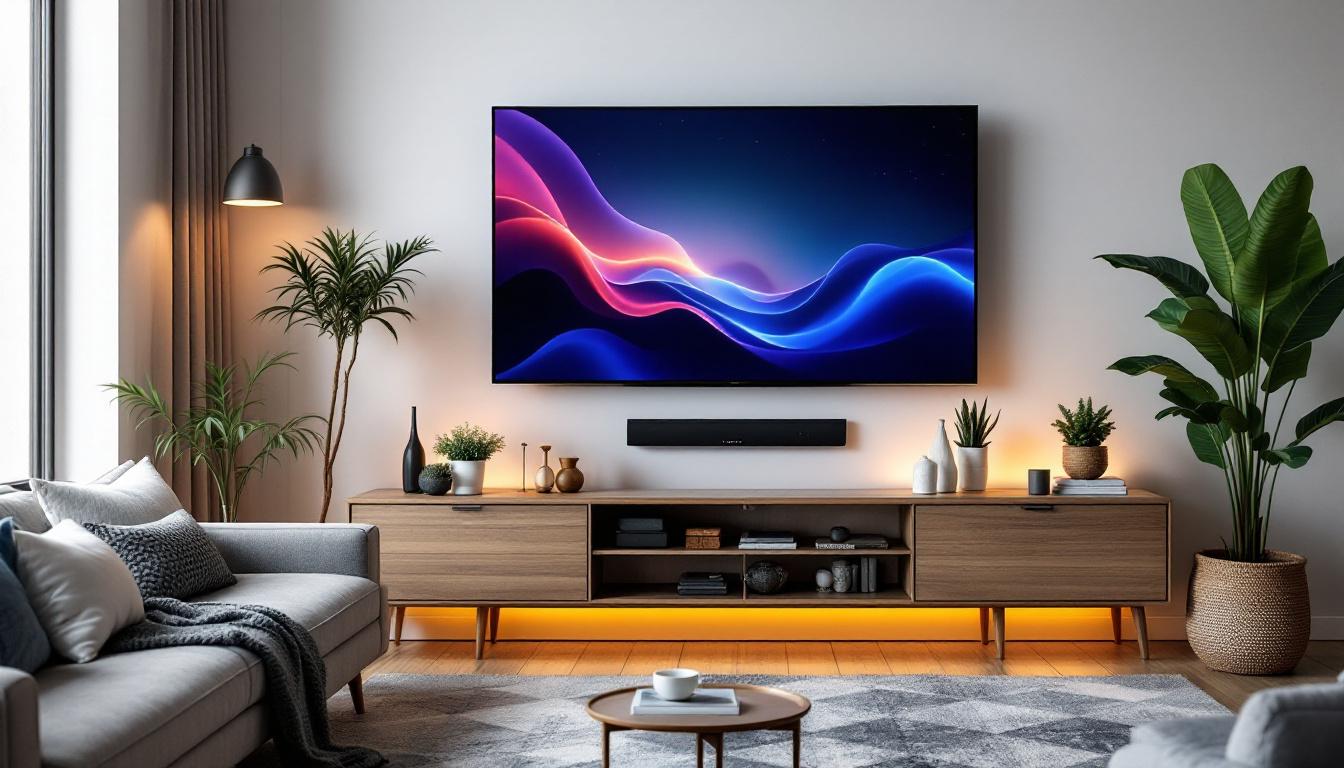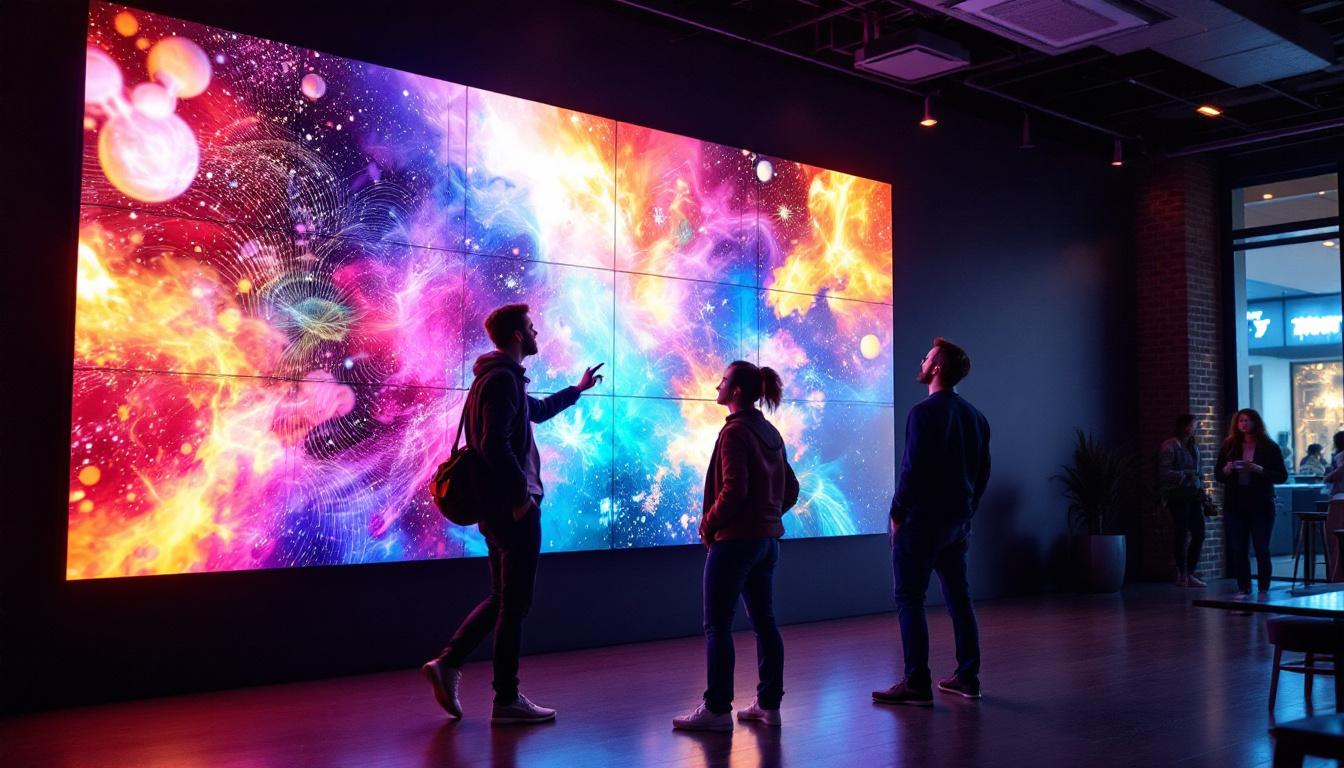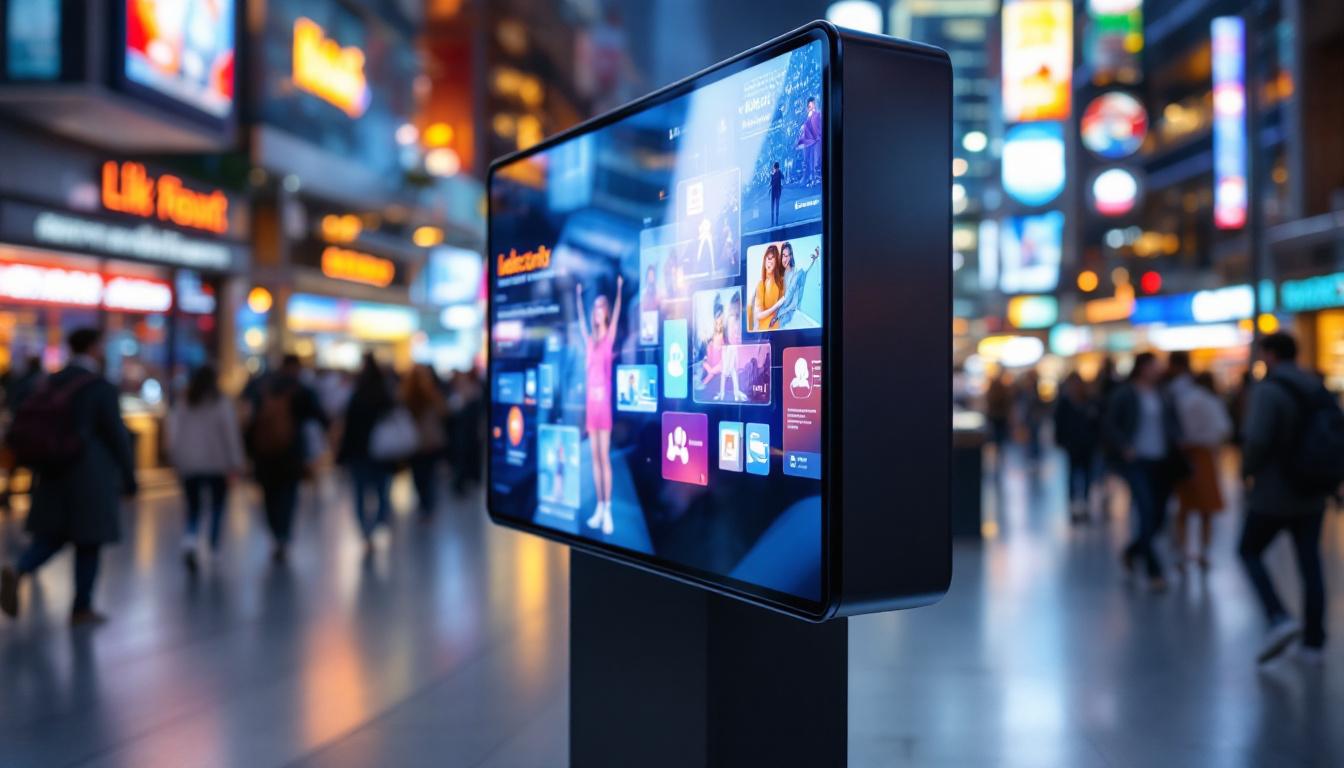
In today’s fast-paced digital environment, businesses and organizations are constantly seeking efficient ways to deliver information and engage their audiences. One increasingly popular solution is the use of LED displays combined with kiosk mode browsers, particularly Microsoft Edge’s Kiosk Mode. This combination offers a secure, streamlined, and visually impactful way to present content in public or semi-public spaces.
This article explores the concept of Edge Kiosk Mode, its integration with LED displays, and why this pairing is becoming a go-to choice for digital signage, interactive kiosks, and information terminals. Whether you’re a business owner, IT professional, or digital signage specialist, understanding how Edge Kiosk Mode works with LED displays can help you leverage this technology effectively.
Understanding Edge Kiosk Mode
What is Edge Kiosk Mode?
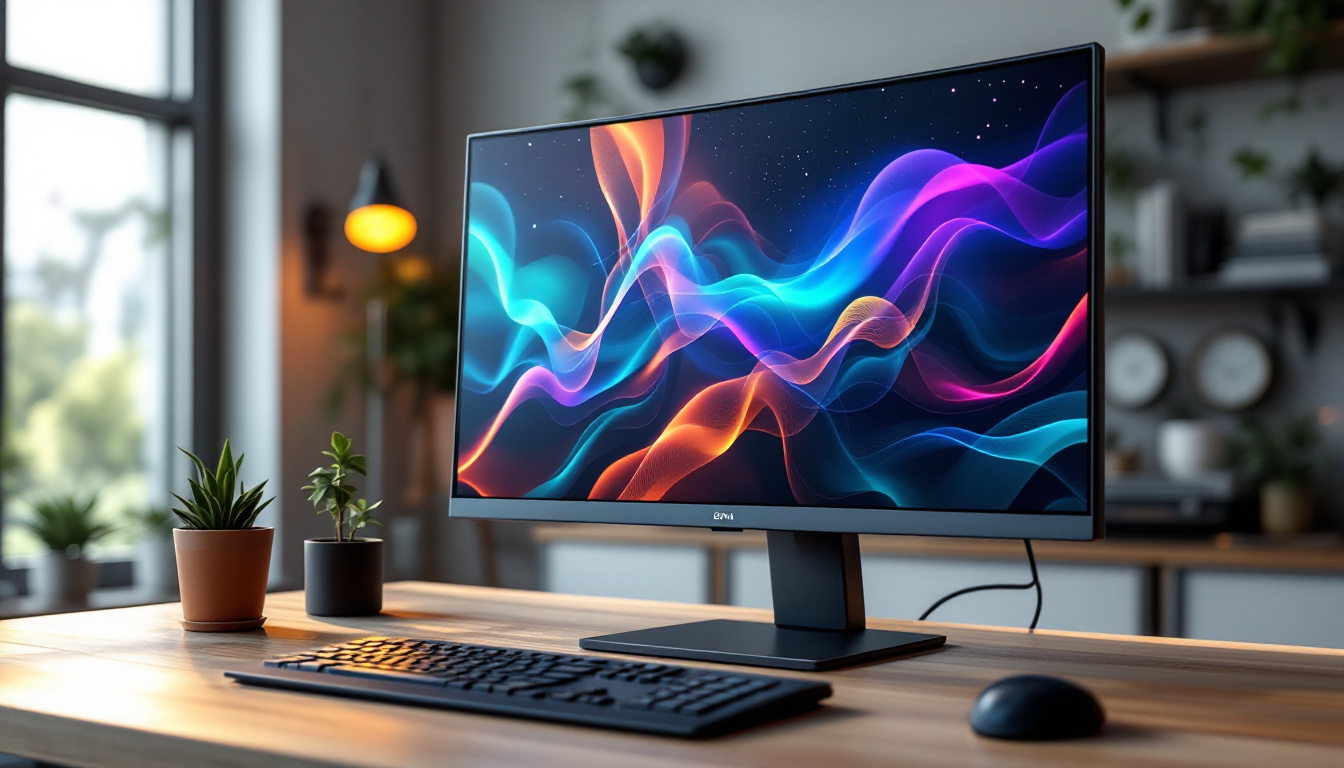
Microsoft Edge Kiosk Mode is a specialized browsing mode designed to run a single web application or website in a locked-down environment. This mode restricts user access to other system functions, preventing users from navigating away from the designated content or tampering with the device settings. It is particularly useful for public-facing devices such as information kiosks, digital signage, or interactive terminals.
Unlike a regular browser session, Kiosk Mode disables features like address bars, tabs, and navigation controls, creating a clean and distraction-free interface. This ensures that the content displayed remains consistent and secure, which is critical for public or commercial environments. By limiting the browsing capabilities, organizations can direct user attention to specific information, whether it’s wayfinding in a mall, product information in a retail store, or important announcements in a corporate lobby.
Key Features of Edge Kiosk Mode
Edge Kiosk Mode offers several features that make it ideal for LED display applications:
- Single-App Mode: Locks the device to a single website or web application, preventing users from switching away.
- Customizable User Interface: Allows administrators to configure the browser’s appearance, including hiding controls and toolbars.
- Automatic Relaunch: If the browser crashes or is closed, it automatically restarts in kiosk mode, ensuring continuous operation.
- Touchscreen Support: Optimized for touch input, making it suitable for interactive kiosks.
- Security: Restricts user access to the underlying operating system, reducing the risk of unauthorized changes or malware installation.
In addition to these features, Edge Kiosk Mode supports various deployment scenarios, allowing organizations to tailor their kiosk experiences to meet specific needs. For instance, businesses can utilize remote management tools to push updates or changes to multiple kiosks simultaneously, ensuring that all devices are running the latest version of their applications. This centralized control not only saves time but also enhances the overall user experience by maintaining consistency across all kiosks.
Why Choose Edge for Kiosk Mode?
Microsoft Edge is built on Chromium, the same open-source engine that powers Google Chrome. This means it supports modern web standards, offers fast performance, and integrates well with Windows environments. For organizations already invested in Microsoft technologies, Edge provides seamless management and deployment options through tools like Microsoft Endpoint Manager and Group Policy.
Moreover, Edge’s frequent updates ensure ongoing security improvements and feature enhancements, making it a reliable choice for mission-critical kiosk deployments. The browser’s compatibility with Progressive Web Apps (PWAs) further expands its utility, enabling businesses to create immersive, app-like experiences directly from the web without needing to install additional software. This flexibility allows for rapid development and deployment of new features, which can be critical in fast-paced environments where user needs may change frequently.
LED Displays in Kiosk Applications
What Are LED Displays?
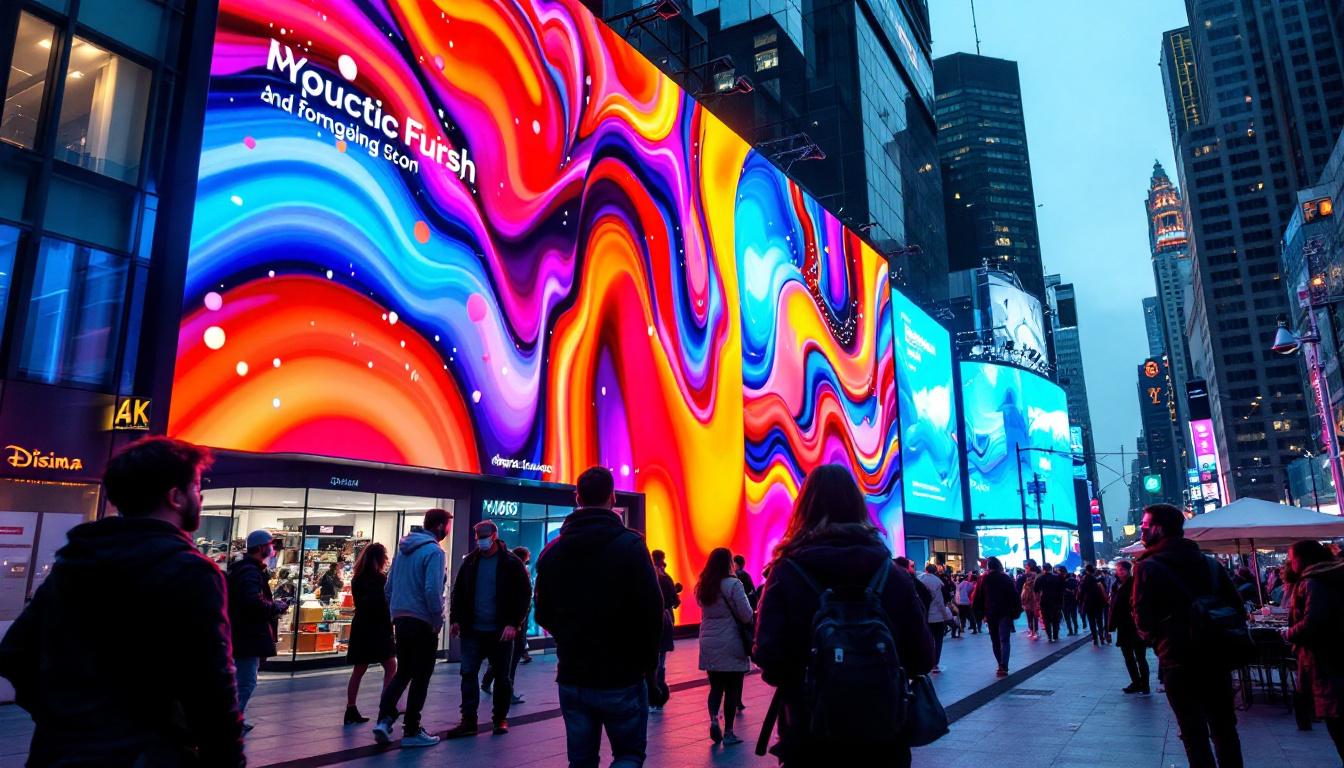
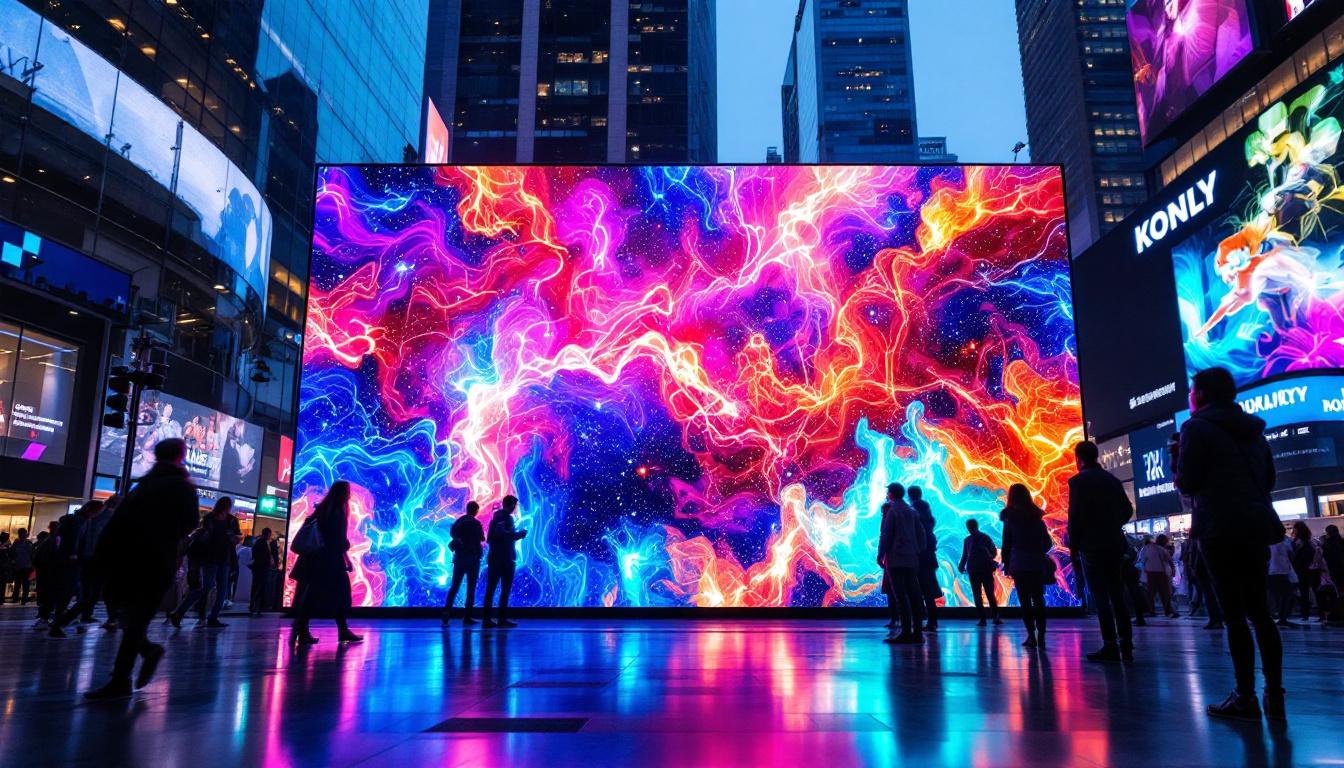
LED (Light Emitting Diode) displays are screens composed of numerous small LEDs that emit light when powered. They are widely used in digital signage due to their brightness, energy efficiency, and long lifespan. LED technology is versatile, supporting various sizes and resolutions, from small indoor panels to massive outdoor billboards.
LED displays are particularly well-suited for environments where visibility is crucial, such as retail stores, airports, transportation hubs, and corporate lobbies. Their ability to display vibrant colors and high contrast images makes them ideal for attracting attention and conveying information clearly.
Types of LED Displays for Kiosk Use
When integrating LED displays with kiosk systems, it’s important to select the right type of LED technology based on the intended use case:
- Indoor LED Displays: Designed for controlled lighting environments, these displays offer high resolution and color accuracy, perfect for interactive kiosks and information terminals.
- Outdoor LED Displays: Built to withstand weather conditions and direct sunlight, these displays feature higher brightness levels and rugged construction, suitable for outdoor kiosks and signage.
- Transparent LED Displays: These innovative panels allow light to pass through, enabling unique installations on glass surfaces or windows, enhancing aesthetic appeal.
Advantages of Using LED Displays in Kiosk Systems
LED displays bring several benefits to kiosk applications, including:
- High Visibility: Their brightness and contrast make content readable even in bright ambient light.
- Durability: LEDs have a long operational life and are resistant to shock and vibration.
- Energy Efficiency: Compared to other display technologies, LEDs consume less power, reducing operational costs.
- Scalability: LED panels can be tiled to create large-format displays without loss of image quality.
- Flexibility: Available in various sizes and shapes, allowing for creative kiosk designs.
Integrating Edge Kiosk Mode with LED Displays
Technical Considerations
Successfully deploying Edge Kiosk Mode on LED displays requires attention to both hardware and software aspects. The device running Edge must be capable of driving the LED display at the desired resolution and refresh rate. This often involves using specialized media players, mini PCs, or embedded systems with compatible graphics output.
On the software side, configuring Edge Kiosk Mode involves specifying the URL or web application to display, setting up automatic launch on startup, and locking down the device to prevent unauthorized access. Windows 10 and 11 provide native support for kiosk configurations, making deployment straightforward for IT teams.
Optimizing Content for LED Displays
Content displayed on LED kiosks should be designed with the display’s characteristics in mind. For instance, high brightness and wide viewing angles mean that vibrant colors and bold fonts work well. However, overly complex graphics or small text may reduce readability from a distance.
Responsive web design principles are essential, ensuring that the content scales properly to the display size and resolution. Additionally, because LED displays often operate continuously, content should be optimized for performance to prevent browser crashes or slowdowns.
Use Cases and Examples
Many industries leverage the combination of Edge Kiosk Mode and LED displays for diverse applications:
- Retail: Interactive product catalogs, promotional signage, and wayfinding kiosks enhance customer engagement and drive sales.
- Transportation: Real-time schedules, ticketing kiosks, and traveler information systems improve passenger experience.
- Healthcare: Patient check-in terminals, health information displays, and visitor guidance systems streamline operations.
- Hospitality: Digital concierge services, event information, and interactive maps assist guests effectively.
- Corporate: Lobby welcome screens, meeting room booking kiosks, and internal communications displays foster a connected workplace.
Security and Management Best Practices
Ensuring Device Security
Security is a paramount concern for kiosk deployments, especially when devices are accessible to the public. Edge Kiosk Mode inherently limits user interaction, but additional measures should be taken to protect the underlying system:
- Regular Updates: Keep the operating system and Edge browser up to date with the latest security patches.
- Restricted User Accounts: Use dedicated kiosk accounts with minimal privileges to prevent unauthorized access.
- Network Security: Secure network connections with firewalls and VPNs where appropriate to protect data transmission.
- Physical Security: Enclose devices in tamper-resistant casings and secure mounting to deter theft or vandalism.
Remote Monitoring and Management
Managing multiple kiosk devices across different locations can be challenging. Leveraging remote management tools allows IT teams to monitor device health, deploy updates, and troubleshoot issues without physical access. Microsoft Endpoint Manager and other enterprise mobility management (EMM) solutions integrate well with Edge Kiosk Mode, enabling centralized control.
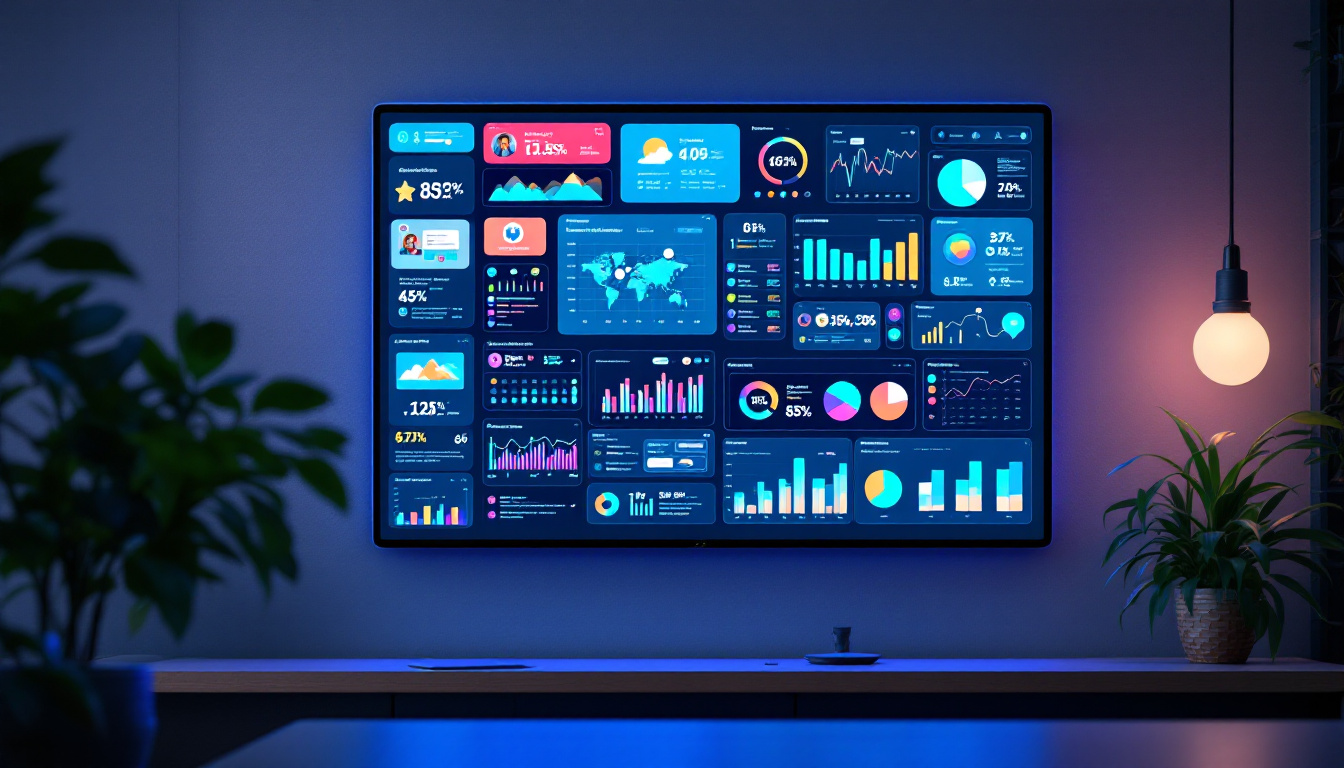
Additionally, analytics tools can track user interactions and content performance, providing valuable insights for optimizing kiosk deployments.
Future Trends and Innovations
Advancements in LED Technology
LED display technology continues to evolve rapidly. Innovations such as microLED and miniLED promise even higher brightness, better color accuracy, and thinner form factors. These developments will further enhance the visual impact and versatility of kiosk displays.
Moreover, flexible and curved LED panels are opening new possibilities for creative kiosk designs that blend seamlessly into architectural environments.
Enhanced Interactivity and AI Integration
Future kiosk solutions are expected to incorporate more advanced interactivity features, including gesture recognition, voice commands, and AI-powered chatbots. These technologies will make kiosks more intuitive and personalized, improving user engagement and satisfaction.
Edge Kiosk Mode’s compatibility with modern web technologies ensures it will support these innovations as they become mainstream.
Conclusion
Edge Kiosk Mode combined with LED displays offers a powerful platform for delivering engaging, secure, and visually striking content in public and commercial settings. Its ability to lock down devices, support modern web standards, and integrate with Windows management tools makes it an attractive choice for a wide range of kiosk applications.
By understanding the technical requirements, optimizing content, and following best practices for security and management, organizations can maximize the benefits of this technology. As LED display technology and interactive features continue to advance, the potential for Edge Kiosk Mode deployments will only grow, providing exciting opportunities for innovation in digital signage and kiosks.
Discover LumenMatrix’s Innovative LED Solutions
Ready to elevate your digital signage and kiosk experiences? LumenMatrix, a pioneer in LED display technology, offers a diverse range of solutions that bring your content to life. From vibrant Indoor and Outdoor LED Wall Displays to dynamic Vehicle and Sports LED Displays, our products are designed to captivate and engage your audience. Embrace the future of visual communication with our Floor, Custom, All-in-One, and Transparent LED Displays. Experience the transformative power of LumenMatrix and take the first step towards unparalleled brand visibility and audience interaction. Check out LumenMatrix LED Display Solutions today and see the difference for yourself.