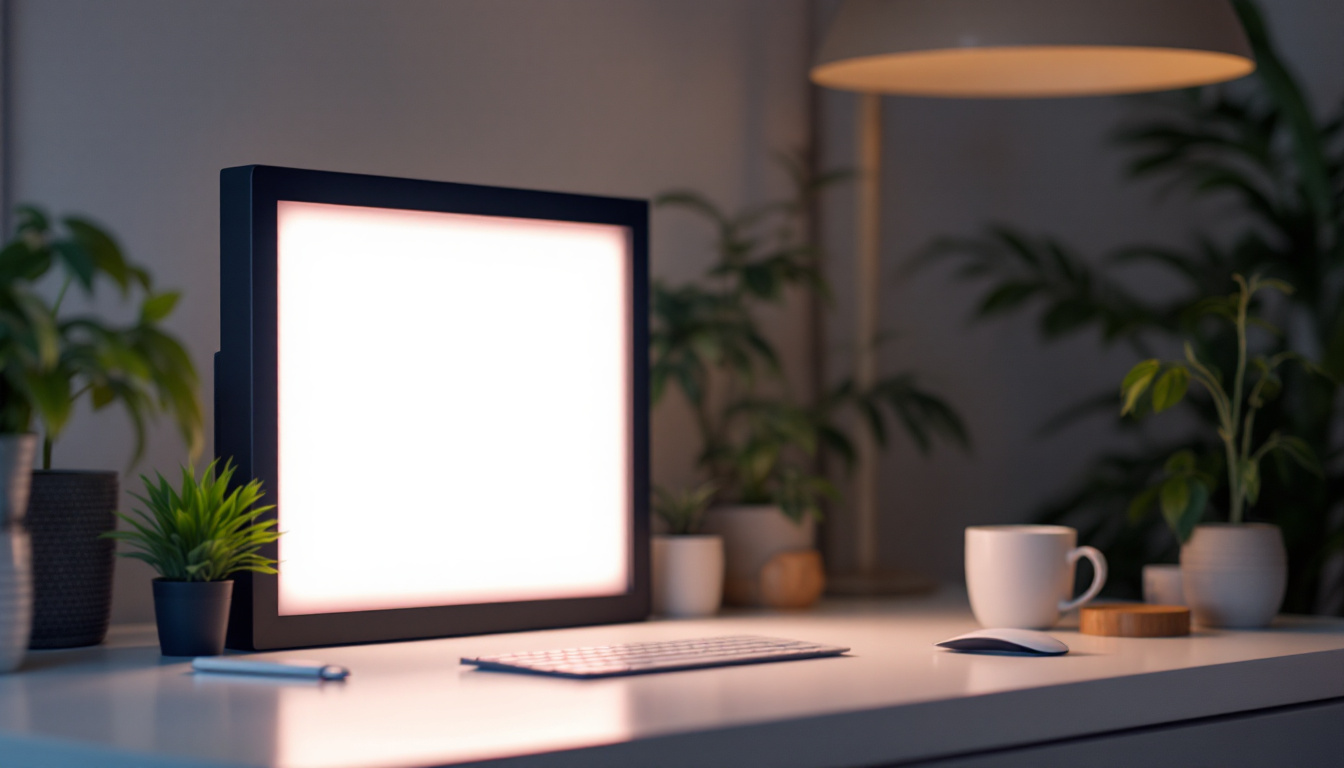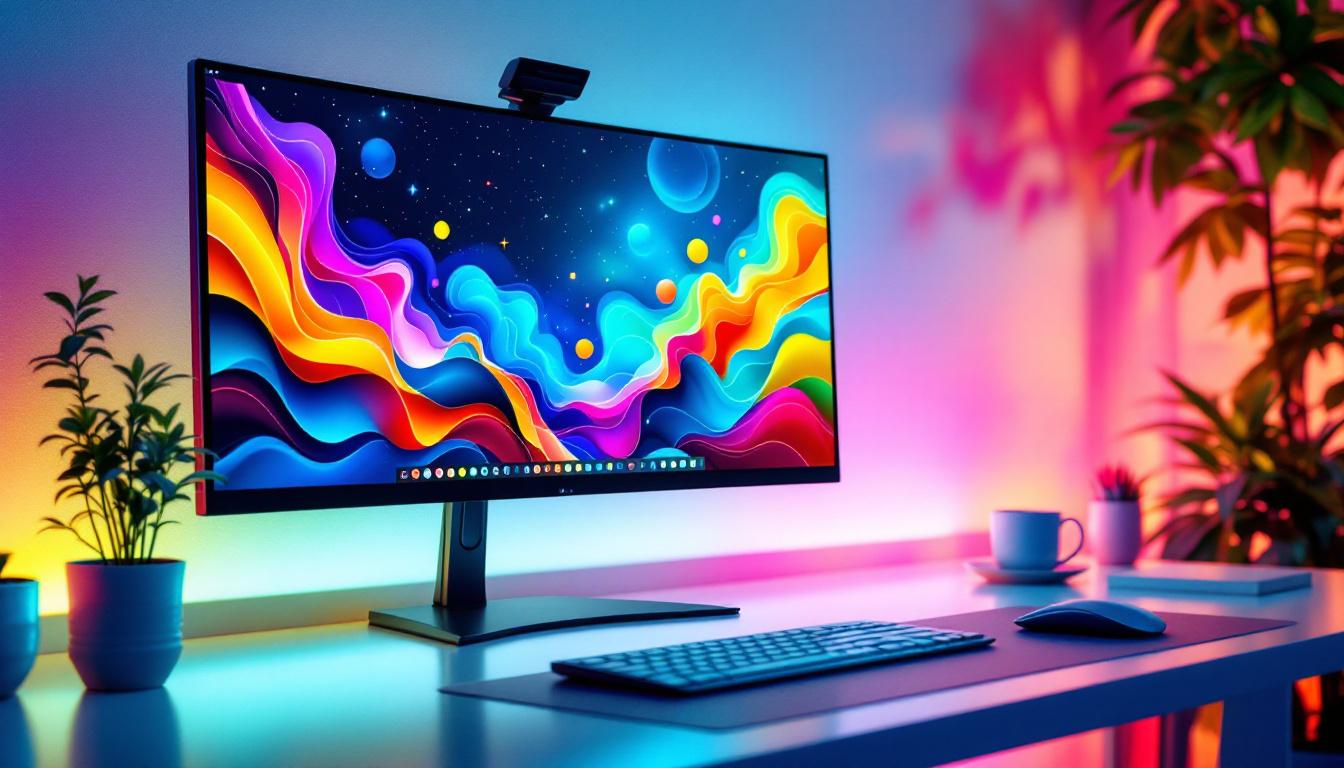
In today’s fast-paced digital environment, maximizing screen real estate is essential for productivity, creativity, and immersive experiences. The concept of an extended desktop using LED displays has revolutionized how professionals and casual users interact with their computers. This article explores the technology behind LED displays, the benefits of extended desktops, and practical applications that demonstrate why this setup is increasingly popular.
Understanding LED Display Technology
LED, or Light Emitting Diode, displays have become the standard for modern monitors and screens due to their efficiency, brightness, and color accuracy. Unlike traditional LCDs that rely on fluorescent backlighting, LED displays use tiny diodes that emit light when an electric current passes through them. This fundamental difference results in several advantages that make LED displays ideal for extended desktop setups.
How LED Displays Work
At the core of an LED display are millions of microscopic diodes that produce light. These diodes are arranged in a matrix and controlled to display images by varying their brightness and color. The technology allows for thinner panels, lower power consumption, and improved contrast ratios compared to older display types.
There are two main types of LED displays used in monitors: edge-lit and full-array. Edge-lit LED displays position LEDs along the edges of the screen, using light guides to distribute illumination evenly. Full-array LED displays place LEDs directly behind the screen, enabling more precise local dimming and better contrast. This local dimming capability allows for deeper blacks and brighter whites, enhancing the overall visual experience, especially in dark scenes or high-contrast images.
Advantages of LED Displays for Extended Desktops
When setting up an extended desktop, consistency and clarity across multiple screens are crucial. LED displays offer vibrant colors and sharp images, which help reduce eye strain during long hours of work. Their energy efficiency also means that running multiple monitors simultaneously is more sustainable and cost-effective. Furthermore, LED technology is less prone to image retention and burn-in compared to older display technologies, ensuring that your screens remain clear and vibrant over time.
Additionally, LED monitors often support higher refresh rates and resolutions, which are beneficial for tasks ranging from graphic design to data analysis. The slim design of LED displays makes it easier to arrange multiple screens ergonomically on a desk, enhancing the overall user experience. Many LED displays now come with advanced features such as adaptive sync technology, which synchronizes the display’s refresh rate with the graphics card output, resulting in smoother motion and reduced screen tearing during fast-paced activities like gaming or video editing. This adaptability not only improves performance but also contributes to a more immersive viewing experience, making LED displays a versatile choice for both work and play.
The Concept of Extended Desktop
An extended desktop setup involves connecting two or more monitors to a single computer, allowing the desktop workspace to span across multiple screens. This setup contrasts with mirrored displays, where the same content is shown on all screens.
How Extended Desktop Works
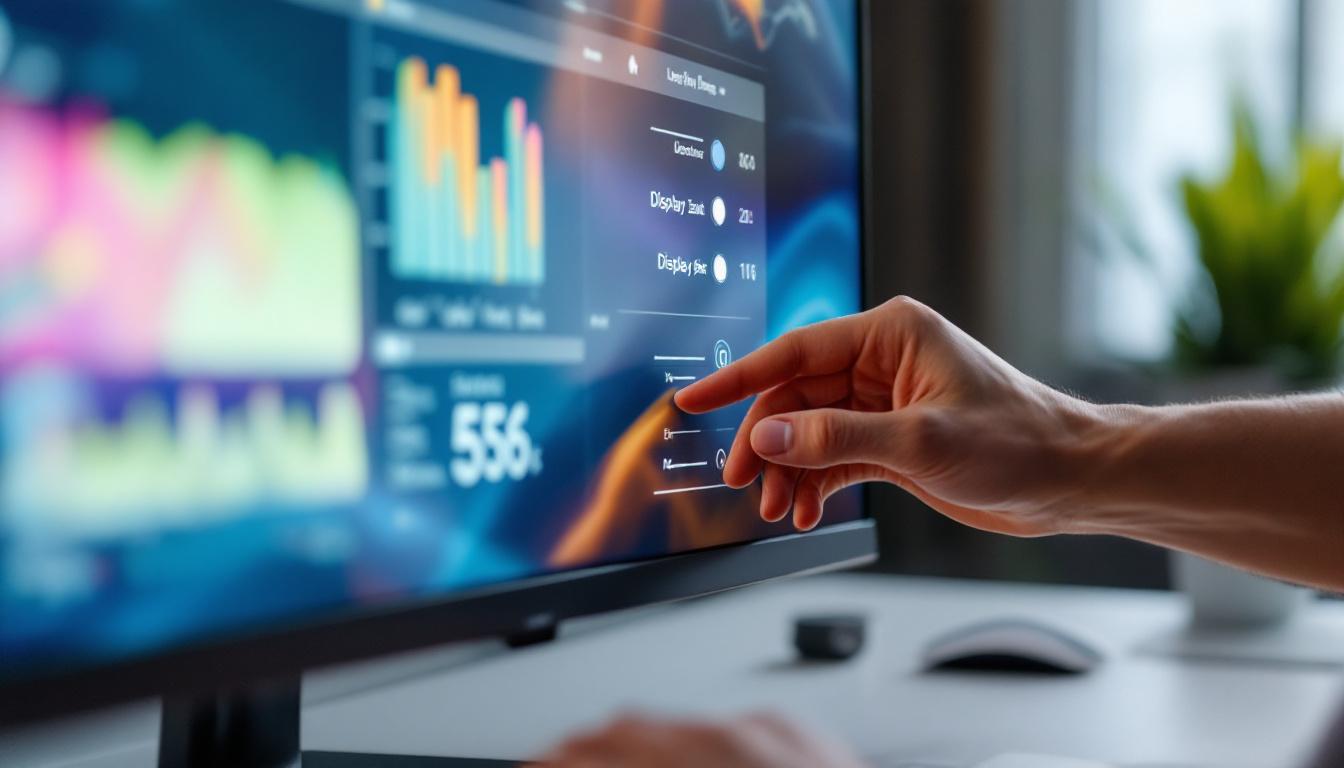
Operating systems such as Windows, macOS, and Linux support multi-monitor configurations natively. Once multiple monitors are connected, users can configure the display settings to extend the desktop. This means the mouse cursor and windows can move seamlessly from one screen to another, effectively increasing the available workspace.
For example, a user might have a spreadsheet open on one screen while referencing a document on another, or a developer might code on one monitor while testing applications on a second. This flexibility is one of the key reasons extended desktops have become popular in professional environments. Additionally, creative professionals, such as graphic designers and video editors, benefit immensely from extended desktops, as they can have their editing software on one screen while previewing their work on another, allowing for a more efficient workflow and enhanced productivity.
Technical Requirements and Setup
To create an extended desktop, a computer must have multiple video outputs, such as HDMI, DisplayPort, or USB-C with DisplayPort Alternate Mode. Graphics cards with multiple outputs are common in modern desktops and laptops, but users should verify compatibility before purchasing additional monitors.
Once the monitors are connected, the user can adjust settings such as resolution, orientation, and primary display through the operating system’s display preferences. Most modern operating systems allow easy drag-and-drop rearrangement of monitors to match their physical layout on the desk. Furthermore, users can enhance their experience by utilizing software tools designed for multi-monitor setups, which can help manage windows more effectively, create virtual desktops, or even customize wallpapers for each screen, providing a personalized touch to the workspace. These tools can significantly reduce the time spent organizing applications and improve overall efficiency, making the extended desktop not just a functional upgrade but also a visually appealing one.
Benefits of Using an Extended Desktop with LED Displays
Integrating LED displays into an extended desktop setup offers significant advantages across various use cases. The combination enhances productivity, creativity, and user comfort.
Increased Productivity
Studies have shown that multi-monitor setups can increase productivity by up to 42%. The ability to view multiple applications simultaneously reduces the need to switch between windows, which saves time and minimizes cognitive load.
Professionals in finance, programming, and research often rely on extended desktops to monitor real-time data, write code, and analyze results concurrently. For example, traders can track market movements on one screen while executing trades on another, ensuring swift and informed decisions.
Enhanced Creativity and Workflow
Creative professionals such as graphic designers, video editors, and photographers benefit greatly from extended desktops. Having a full-screen preview on one monitor while editing tools and timelines occupy another allows for a more intuitive and efficient workflow.
LED displays’ superior color accuracy and brightness are critical in these fields, ensuring that the final output matches the creator’s vision. Additionally, the larger combined screen area facilitates multitasking without clutter, helping maintain focus and organization.
Improved Ergonomics and Comfort
Extended desktops can be arranged to reduce repetitive strain and improve posture. Users can position monitors at eye level and adjust spacing to minimize neck and eye strain. The thin bezels of modern LED monitors also create a near-seamless visual experience, reducing distractions caused by gaps between screens.
Comfortable setups contribute to longer, more productive work sessions and reduce the risk of musculoskeletal issues associated with prolonged computer use.
Practical Applications of Extended Desktop LED Setups
The versatility of extended desktop setups with LED displays makes them suitable for a wide range of industries and personal uses.
Business and Office Environments
In corporate settings, employees frequently juggle emails, spreadsheets, presentations, and video conferencing. Extended desktops help streamline these tasks by allocating dedicated screens for communication, data analysis, and project management tools.
Many companies report improved collaboration and faster turnaround times when employees use multi-monitor setups. The investment in LED monitors pays off through enhanced efficiency and reduced errors.
Gaming and Entertainment
Gamers often use extended desktops to create immersive experiences. While some games support multi-monitor displays for panoramic views, others benefit from having additional screens for chat windows, streaming controls, or game guides.
LED displays with high refresh rates and low response times are particularly favored in gaming, providing smooth visuals and reducing motion blur. The extended desktop setup also supports multitasking during gameplay, such as monitoring system performance or social media.
Education and Remote Learning
With the rise of remote learning, students and educators use extended desktops to manage virtual classrooms, research materials, and note-taking simultaneously. LED monitors’ clarity and brightness improve readability, reducing eye fatigue during long study sessions.
Teachers can present lessons on one screen while monitoring student participation on another, enhancing engagement and control over the learning environment.
Choosing the Right LED Displays for Your Extended Desktop
Selecting the right monitors is critical to maximizing the benefits of an extended desktop. Several factors should be considered to ensure compatibility and optimal performance.
Resolution and Screen Size
Higher resolution monitors, such as 4K UHD, provide more workspace and sharper images, which are beneficial for detailed tasks. However, balancing resolution with screen size is important to avoid scaling issues that can make text and icons too small.
For most users, 24 to 27-inch monitors with 1080p or 1440p resolution offer a good balance between size and clarity. Professionals requiring detailed visuals may prefer larger screens with higher resolutions.
Color Accuracy and Refresh Rate
Color accuracy is essential for creative work, so monitors with wide color gamut support and factory calibration are recommended. For gaming and video editing, higher refresh rates (120Hz or above) and low response times enhance visual fluidity.
Extended desktop setups benefit from matching monitors with similar specifications to maintain a consistent viewing experience across screens.
Connectivity and Ergonomics
Ensure the monitors have compatible input ports with your computer’s outputs. USB-C monitors with power delivery can simplify cable management by combining video, data, and power in one cable.
Adjustable stands and VESA mount compatibility allow for ergonomic positioning, which is important for comfort during extended use.
Conclusion: Maximizing Your Workspace with Extended Desktop LED Displays
Extended desktop setups using LED displays offer a powerful solution for enhancing productivity, creativity, and comfort. The superior image quality, energy efficiency, and sleek design of LED monitors make them ideal for multi-monitor configurations.
Whether in professional environments, gaming, or education, the ability to expand the digital workspace across multiple screens transforms how users interact with their computers. By understanding the technology, benefits, and practical considerations outlined in this article, users can make informed decisions to optimize their setups and unlock new levels of efficiency and enjoyment.
Discover LumenMatrix LED Display Solutions
Ready to elevate your workspace and experience the full potential of extended desktops? LumenMatrix, a pioneer in LED display technology, offers a diverse range of innovative solutions tailored to meet your needs. From immersive Indoor LED Wall Displays to dynamic Outdoor LED Wall Displays, and from versatile Vehicle LED Displays to sleek LED Poster Displays, our products are designed to maximize your productivity and creativity. Explore our LED Sports Displays, interactive Floor LED Displays, Custom LED Displays, convenient All-in-One LED Displays, and stunning LED Transparent Displays. Embrace the future of visual communication with LumenMatrix and transform your environment with displays that captivate and engage. Check out LumenMatrix LED Display Solutions today and bring your vision to life with unparalleled clarity and impact.