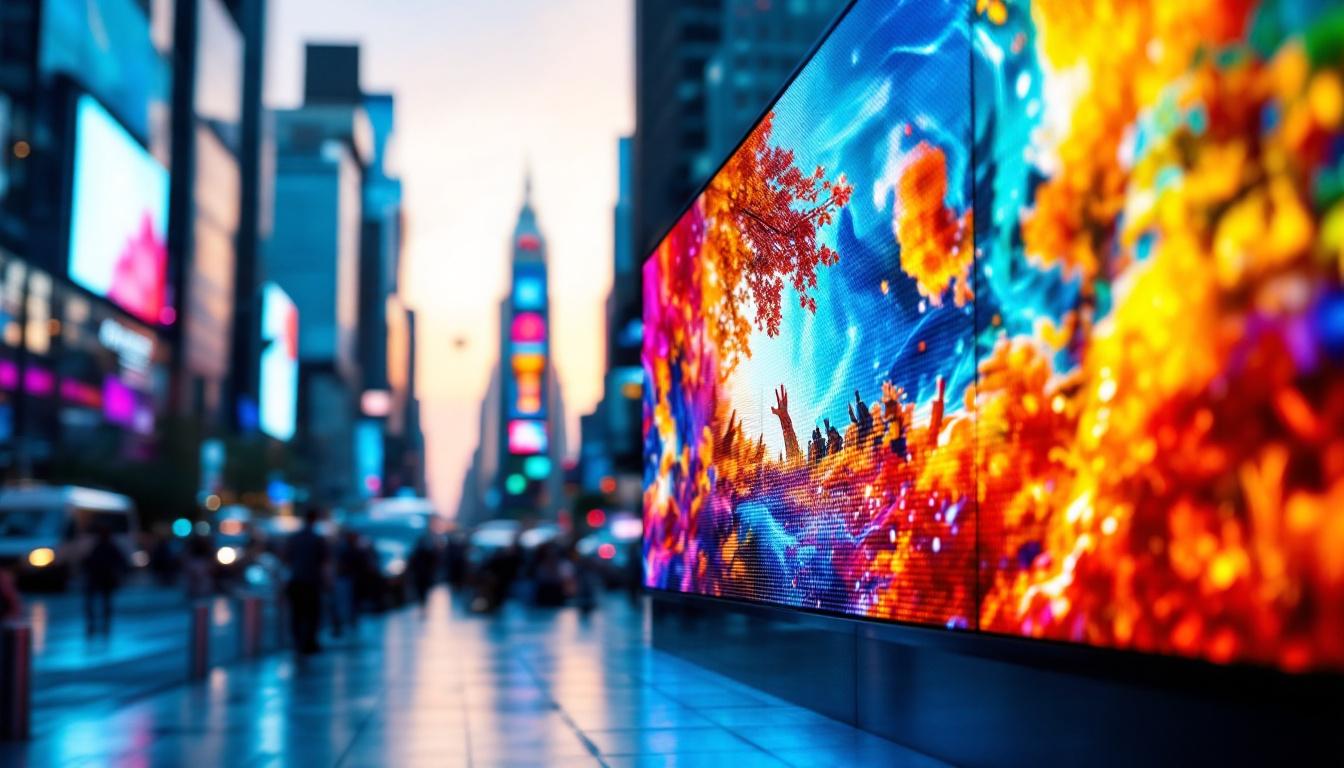
In today’s digital age, the terms “HD” and “LED” often come up when discussing display technology. Whether shopping for a new television, monitor, or digital signage, understanding these terms is crucial to making an informed decision. This article delves into the differences between HD and LED displays, clarifying what each term means, how they relate, and what to consider when choosing the right display for your needs.
Understanding the Basics: What Does HD Mean?
HD stands for High Definition, a term that primarily refers to the resolution of a display. Resolution is the number of pixels that make up the image on the screen, and higher resolution generally means a clearer, sharper picture.
The most common HD resolutions include:
- 720p (HD): 1280 x 720 pixels
- 1080p (Full HD): 1920 x 1080 pixels
- 4K UHD: 3840 x 2160 pixels, often referred to as Ultra HD
When a display is labeled as HD, it usually means it supports a resolution of at least 720p. Full HD (1080p) has become the standard for most modern displays, offering a significant improvement in image clarity over standard definition (SD) displays.
Why Resolution Matters
Resolution directly impacts the detail and sharpness of images and videos. For example, a 1080p display contains over 2 million pixels, allowing for finer details compared to a 720p display with just under 1 million pixels. This difference is especially noticeable on larger screens, where lower resolution can result in pixelation or blurry images.
For consumers, higher resolution means better viewing experiences for movies, gaming, and professional work such as photo and video editing. However, resolution alone does not determine overall picture quality; other factors like color accuracy, contrast, and refresh rate also play critical roles.
In addition to the technical specifications, the way content is produced can also affect the perceived quality of HD displays. Many streaming services, for instance, offer content in various resolutions, and the source quality can greatly influence the viewing experience. For example, a well-produced 1080p movie can look significantly better than a poorly mastered 4K video due to differences in compression and encoding techniques. This highlights the importance of not only having a high-resolution display but also accessing high-quality content to fully appreciate the capabilities of HD technology.
Moreover, as technology continues to evolve, the concept of HD is being redefined with the introduction of even higher resolutions such as 8K. With a staggering 7680 x 4320 pixel resolution, 8K offers four times the detail of 4K and sixteen times that of 1080p. While 8K content is still limited, the advancements in display technology are paving the way for a future where ultra-high-definition experiences become the norm, further enhancing how we consume visual media.
What Is LED? Exploring the Technology Behind the Display
LED stands for Light Emitting Diode, a type of technology used for backlighting in displays. Unlike older LCD (Liquid Crystal Display) screens that use cold cathode fluorescent lamps (CCFLs) for backlighting, LED displays use tiny light-emitting diodes to illuminate the screen. This shift to LED technology has not only improved energy efficiency but also enhanced the overall viewing experience, providing brighter images and more vibrant colors.
It’s important to note that LED refers to the backlighting technology rather than the resolution. Many LED displays are also HD or Full HD, but LED itself describes how the screen produces light. The advancements in LED technology have led to significant improvements in color accuracy and brightness levels, making it a preferred choice for everything from televisions to computer monitors and mobile devices.
Types of LED Displays
There are several variations of LED technology used in displays:
- LED-backlit LCD: The most common type, where an LCD panel is illuminated by LEDs placed either around the edges (edge-lit) or directly behind the screen (direct-lit or full-array). This method allows for thinner screens and can provide excellent brightness and color reproduction.
- OLED (Organic LED): A newer technology where each pixel emits its own light, allowing for deeper blacks and better contrast. OLED displays do not require backlighting, which results in a thinner profile and more flexible design options, making them ideal for curved or ultra-slim screens.
- MicroLED: An emerging technology similar to OLED but using inorganic LEDs, promising higher brightness and longer lifespan. MicroLED displays can achieve remarkable color accuracy and are less susceptible to burn-in, a common issue with OLED technology.
Understanding these distinctions helps consumers grasp what “LED display” means in different contexts. Each type of LED display comes with its own set of advantages and disadvantages, catering to different needs and preferences. For instance, while OLED displays are often favored for their superior contrast and color depth, LED-backlit LCDs may be more cost-effective for those seeking a reliable and bright display for everyday use. As technology continues to evolve, the competition among these display types drives innovation, leading to even better performance and user experiences.
Furthermore, the applications of LED technology extend beyond just consumer electronics. In the realm of advertising, large LED screens are increasingly used for billboards and public displays, capturing attention with their vivid colors and dynamic content. In architectural lighting, LEDs are employed to create stunning visual effects on buildings, enhancing aesthetics while being energy-efficient. This versatility showcases the transformative impact of LED technology across various industries, making it a cornerstone of modern display solutions.
HD vs. LED: Clarifying the Common Confusion
One of the most common misconceptions is treating HD and LED as mutually exclusive or directly comparable terms. In reality, they describe different aspects of a display.
Resolution vs. Backlighting
HD is about the number of pixels on the screen (resolution), while LED refers to the lighting technology used to illuminate those pixels. For example, a TV can be:
- HD (720p) with LED backlighting
- Full HD (1080p) with LED backlighting
- 4K UHD with LED backlighting
- 4K OLED (where LED technology is integrated differently)
This means a display can be both HD and LED simultaneously. When shopping, it’s essential to look at both resolution and the type of display technology to understand the overall quality.
Marketing Terminology and Its Impact
Manufacturers often use terms like “LED TV” to market their products, even though the display panel is technically an LCD screen with LED backlighting. This can confuse consumers who might assume LED refers to the resolution or a fundamentally different screen type.
Being aware of this marketing language helps buyers focus on the specifications that truly matter, such as resolution, panel type, refresh rate, and color accuracy, rather than just the LED label.
Advantages of LED Displays
LED technology has become the standard for modern displays due to several key benefits:
Energy Efficiency
LED backlighting consumes less power compared to traditional CCFL backlights. This translates to lower electricity bills and reduced environmental impact. For example, LED TVs can use up to 30-50% less energy than older LCD TVs with CCFL backlights.
Improved Brightness and Contrast
LED backlighting allows for higher brightness levels and better contrast ratios. Full-array LED displays with local dimming can selectively dim parts of the screen to produce deeper blacks and more vibrant colors, enhancing the viewing experience.
Slimmer and Lighter Design
LED backlighting enables thinner screen profiles, making modern displays sleeker and easier to mount on walls or fit into compact spaces.
Longer Lifespan and Durability
LEDs typically have a longer operational life compared to CCFLs, providing more years of reliable use without significant degradation in brightness or color.
When to Choose HD or LED Displays: Practical Considerations
Choosing the right display depends on your specific needs, budget, and intended use. Here are some key factors to consider:
Use Case and Viewing Distance
If you primarily watch TV from a distance of several feet, a 720p HD display might suffice for smaller screens. However, for larger screens or closer viewing distances, Full HD or 4K resolution is preferable to avoid pixelation and ensure crisp images.
Content Type
For gaming, video editing, or professional photography, higher resolution and color accuracy are critical. An LED-backlit Full HD or 4K display with good color reproduction will provide a better experience.
Budget Constraints
LED-backlit HD TVs are generally more affordable and offer decent quality for everyday use. However, investing in higher resolution and better panel technology can pay off in long-term satisfaction.
Energy Consumption and Environmental Impact
For users concerned about energy efficiency, LED displays are the better choice compared to older LCDs with CCFL backlights.
The Future of Display Technology: Beyond HD and LED
Display technology continues to evolve rapidly. While HD and LED remain foundational terms today, emerging innovations are shaping the future of visual experiences.
4K and 8K Resolutions
Ultra-high-definition displays with 4K and 8K resolutions are becoming more accessible, offering unprecedented detail and clarity. As content availability grows, these resolutions will become standard for many applications.
OLED and MicroLED Innovations
OLED technology, with its self-emissive pixels, provides superior contrast and color accuracy. MicroLED promises even higher brightness and durability, potentially revolutionizing large-format displays and digital signage.
HDR and Color Standards
High Dynamic Range (HDR) enhances the contrast and color range of displays, delivering more lifelike images. Standards like Dolby Vision and HDR10+ are increasingly supported across devices.
Smart and Interactive Displays
Integration of smart features, touch capabilities, and AI-driven enhancements are transforming how users interact with displays, making them more versatile and user-friendly.
Conclusion: Making Sense of HD and LED in Display Choices
Understanding the distinction between HD and LED is essential for anyone looking to purchase a display device. HD refers to the resolution, indicating the clarity and detail of the image, while LED describes the backlighting technology that illuminates the screen.
When evaluating displays, consider both resolution and display technology to ensure the best visual experience. LED-backlit displays offer numerous advantages in energy efficiency, brightness, and design, while higher resolution HD screens provide sharper images and better detail.
As technology advances, staying informed about the latest developments will help consumers make smarter choices and enjoy superior viewing experiences for years to come.
Discover the Future of Visual Experience with LumenMatrix
Ready to elevate your visual experience with the latest in LED display technology? LumenMatrix is at the forefront of innovation, offering a wide array of LED display solutions tailored to your needs. From captivating Indoor LED Wall Displays to dynamic Outdoor LED Wall Displays, and from versatile Vehicle LED Displays to sleek LED Poster Displays, our products are designed to make your brand stand out. Embrace the future with our LED Sports Displays, interactive Floor LED Displays, and the revolutionary All-in-One LED Display. Experience the clarity and impact of our Custom LED Displays and LED Transparent Displays. Check out LumenMatrix LED Display Solutions today and transform your space into a mesmerizing visual journey.