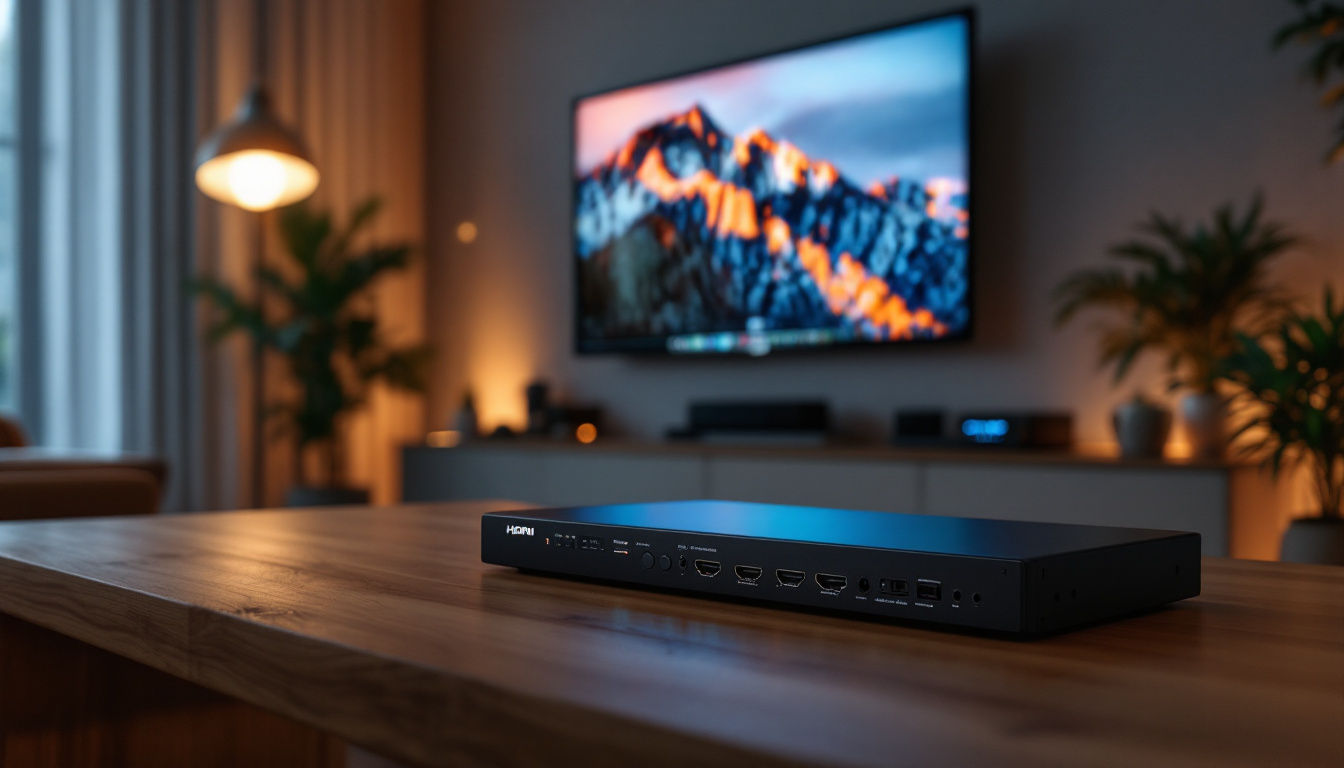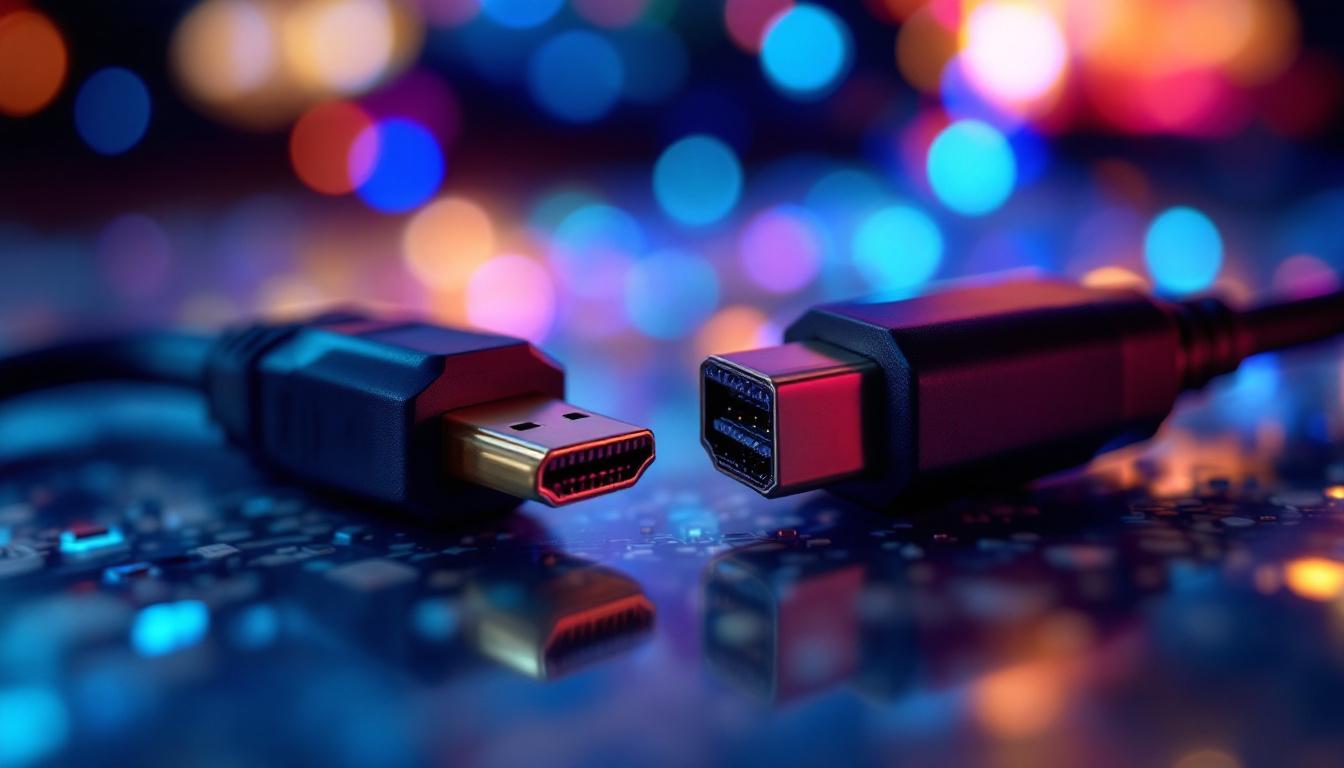
When it comes to connecting LED displays to computers, gaming consoles, or media players, choosing the right interface can significantly impact image quality, refresh rates, and overall user experience. Two of the most prevalent standards in the market are HDMI 1.4 and DisplayPort 1.2. Both have been widely adopted for high-definition video and audio transmission, but they differ in capabilities, compatibility, and performance.
This article provides a detailed comparison of HDMI 1.4 and DisplayPort 1.2, focusing on their technical specifications, real-world applications, and suitability for LED displays. Whether you are a professional video editor, a gamer, or just someone looking to optimize your home entertainment setup, understanding these differences will help you make an informed decision.
Understanding HDMI 1.4 and DisplayPort 1.2
What is HDMI 1.4?
High-Definition Multimedia Interface (HDMI) 1.4 was introduced in 2009 as an update to the earlier HDMI 1.3 standard. It became a popular choice for transmitting both high-definition video and audio through a single cable, simplifying connections between devices like Blu-ray players, gaming consoles, and HDTVs.
HDMI 1.4 brought several key features, including support for 4K resolution at 24Hz, an audio return channel (ARC), and Ethernet over HDMI. It also introduced 3D video support and expanded color spaces, making it versatile for a range of multimedia applications. One notable feature of HDMI 1.4 is its ability to support deep color, which enhances the richness and detail of images, providing a more immersive viewing experience. Additionally, the inclusion of an audio return channel allows for seamless audio transmission from the TV back to an audio receiver, eliminating the need for a separate audio cable and simplifying home theater setups.
Moreover, HDMI 1.4’s support for Ethernet over HDMI enables devices to share an internet connection, which is particularly useful for smart TVs and other connected devices. This means that users can enjoy streaming services without needing additional cables or connections. The standard also paved the way for future advancements, ensuring compatibility with emerging technologies and enhancing the overall user experience in home entertainment systems.
What is DisplayPort 1.2?
DisplayPort 1.2, released in 2010 by the Video Electronics Standards Association (VESA), is a digital display interface primarily used to connect PCs to monitors. It was designed to support higher resolutions and refresh rates, making it popular among professionals and gamers who demand superior display performance.
DisplayPort 1.2 supports multi-stream transport (MST), allowing multiple monitors to be connected through a single DisplayPort output. It also supports 4K resolution at 60Hz, higher bandwidth, and better support for adaptive sync technologies such as AMD FreeSync and NVIDIA G-Sync. This capability is particularly advantageous for gamers who wish to achieve smoother gameplay and reduce screen tearing, enhancing the overall gaming experience.
In addition to its impressive technical specifications, DisplayPort 1.2 includes features like support for audio and video transmission over a single cable, which simplifies setups and reduces cable clutter. The standard also supports a wide range of color depths and refresh rates, making it suitable for high-end graphics applications and professional video editing. Furthermore, DisplayPort’s ability to carry multiple audio streams allows for more complex audio setups, catering to users who require advanced sound configurations in their workstations or entertainment systems.
Technical Specifications Comparison
Bandwidth and Resolution
One of the most critical factors in choosing between HDMI 1.4 and DisplayPort 1.2 is their bandwidth capacity, which directly affects the maximum resolution and refresh rate they can support.
- HDMI 1.4: Offers a maximum bandwidth of 10.2 Gbps. It supports 4K resolution but only at 24Hz or 30Hz, which is suitable for video playback but less ideal for gaming or fast-moving content.
- DisplayPort 1.2: Provides a significantly higher bandwidth of 17.28 Gbps. This allows it to support 4K resolution at 60Hz, delivering smoother motion and better overall visual performance.
For LED displays, especially those used in gaming or professional environments, the higher refresh rate and bandwidth of DisplayPort 1.2 often translate to a noticeably better experience. This is particularly important for gamers who demand fluid motion and minimal input lag, as the difference between 30Hz and 60Hz can be quite pronounced. Furthermore, DisplayPort’s ability to handle higher bandwidth allows for future-proofing, accommodating advancements in display technology that may require even greater resolutions and refresh rates.
Audio Support
Both HDMI 1.4 and DisplayPort 1.2 support multi-channel audio transmission, but HDMI has traditionally been favored for home theater setups due to its widespread compatibility with AV receivers and soundbars.
HDMI 1.4 supports up to 8 channels of audio at 192 kHz, making it suitable for surround sound systems. DisplayPort 1.2 also supports multi-channel audio but is less commonly used in home theater environments. Instead, it finds its niche in professional audio setups and high-end gaming rigs, where users may prioritize the advanced features that DisplayPort offers, such as higher audio sample rates and the ability to transmit audio and video over a single cable without degradation.
Additional Features
- HDMI 1.4: Includes Audio Return Channel (ARC), Ethernet over HDMI, and 3D video support.
- DisplayPort 1.2: Supports Multi-Stream Transport (MST) for daisy-chaining multiple monitors, adaptive sync technologies, and is generally more flexible for multi-display setups.
In addition to these features, HDMI 1.4’s support for 3D video is particularly appealing for home theater enthusiasts who enjoy immersive cinematic experiences. The inclusion of Ethernet over HDMI also allows for a more streamlined setup, reducing the number of cables needed for internet connectivity. On the other hand, DisplayPort 1.2’s MST capability is a game-changer for professionals who require multiple monitors for enhanced productivity. This feature enables users to connect several displays to a single output, simplifying workspace organization and enhancing multitasking capabilities. Moreover, the adaptive sync technologies supported by DisplayPort are crucial for gamers, as they help eliminate screen tearing and stuttering, providing a smoother gaming experience overall.
Real-World Applications and Use Cases
Gaming
For gamers, refresh rate and latency are paramount. DisplayPort 1.2’s ability to deliver 4K at 60Hz and support adaptive sync technologies makes it the preferred choice for high-performance gaming monitors. It reduces screen tearing and stuttering, providing a smoother gameplay experience.
While HDMI 1.4 can handle 1080p gaming very well, its limitation to 4K at 24/30Hz makes it less suitable for serious gamers aiming for ultra-high resolutions and frame rates.
Professional Video and Photo Editing
Professionals working with high-resolution content benefit from DisplayPort 1.2’s higher bandwidth and support for multiple monitors via MST. This allows for expansive workspaces and better color accuracy, especially when paired with LED displays that offer wide color gamuts and high brightness.
HDMI 1.4 can be used effectively in this context but may require additional adapters or cables for multi-monitor setups, and its lower bandwidth can be a bottleneck for ultra-high-resolution workflows.
Home Entertainment
HDMI 1.4 remains the dominant interface for home entertainment systems due to its compatibility with TVs, sound systems, and streaming devices. Features like ARC and Ethernet over HDMI simplify wiring and improve audio-video synchronization.
DisplayPort 1.2 is less common in consumer TVs but is often found in high-end monitors and PC setups connected to media centers.
Compatibility and Connectivity Considerations
Device Support
Most modern TVs, projectors, and media players come equipped with HDMI ports, often supporting versions beyond 1.4. This makes HDMI a universal choice for consumer electronics.
DisplayPort is more prevalent in computer monitors and professional-grade equipment. Many graphics cards support DisplayPort 1.2, but it is less common on TVs and consumer media devices.
Cable Length and Signal Integrity
HDMI cables typically maintain signal integrity up to 15 meters for 1080p content, but longer cables may require active repeaters or higher-quality shielding to avoid degradation.
DisplayPort cables are generally recommended to be shorter than 3 meters for optimal performance at high resolutions and refresh rates. However, active DisplayPort cables can extend this range without loss of quality.
Adapters and Converters
Adapters exist to convert between HDMI and DisplayPort, but they often come with limitations. Passive adapters usually work only from DisplayPort to HDMI, not the other way around, and active adapters may be required for full functionality.
When connecting an LED display to a device with a different port type, it’s essential to consider these limitations to avoid compatibility issues or reduced performance.
Future-Proofing Your LED Display Setup
Emerging Standards
While HDMI 1.4 and DisplayPort 1.2 are still widely used, newer standards like HDMI 2.1 and DisplayPort 2.0 offer significantly higher bandwidths, supporting 8K resolutions, higher refresh rates, and advanced features such as dynamic HDR and enhanced audio return channels.
For users investing in new LED displays or upgrading their setups, considering devices and cables that support these newer standards can help ensure longevity and compatibility with future technologies.
Choosing the Right Interface for Your Needs
Ultimately, the decision between HDMI 1.4 and DisplayPort 1.2 depends on your specific use case:
- Choose HDMI 1.4 if: You primarily use consumer electronics like TVs, Blu-ray players, or gaming consoles, and value simplicity and audio features like ARC.
- Choose DisplayPort 1.2 if: You require higher refresh rates, multi-monitor setups, or are engaged in professional work or gaming that demands superior display performance.
Conclusion
Both HDMI 1.4 and DisplayPort 1.2 have played significant roles in the evolution of LED display connectivity. HDMI 1.4’s widespread adoption and audio-video integration make it a staple for home entertainment, while DisplayPort 1.2’s higher bandwidth and advanced features cater to demanding professional and gaming environments.
Understanding the technical differences and real-world implications of each standard helps users optimize their LED display setups for the best possible visual and audio experience. As technology advances, keeping an eye on emerging standards will ensure that investments in cables and devices remain relevant and effective.
Explore Cutting-Edge LED Display Solutions with LumenMatrix
Ready to elevate your visual experience with the latest in LED display technology? LumenMatrix offers a comprehensive range of innovative LED display solutions, from vibrant Indoor and Outdoor LED Wall Displays to dynamic Vehicle and Sports LED Displays. Whether you’re looking to create an immersive environment with a Floor LED Display, make a statement with a Custom LED Display, or captivate on-the-go audiences with an LED Poster Display, LumenMatrix has the expertise to bring your vision to life. Discover how our All-in-One and Transparent LED Displays can transform your space and engage your audience. Check out LumenMatrix LED Display Solutions today and join the revolution in visual communication.