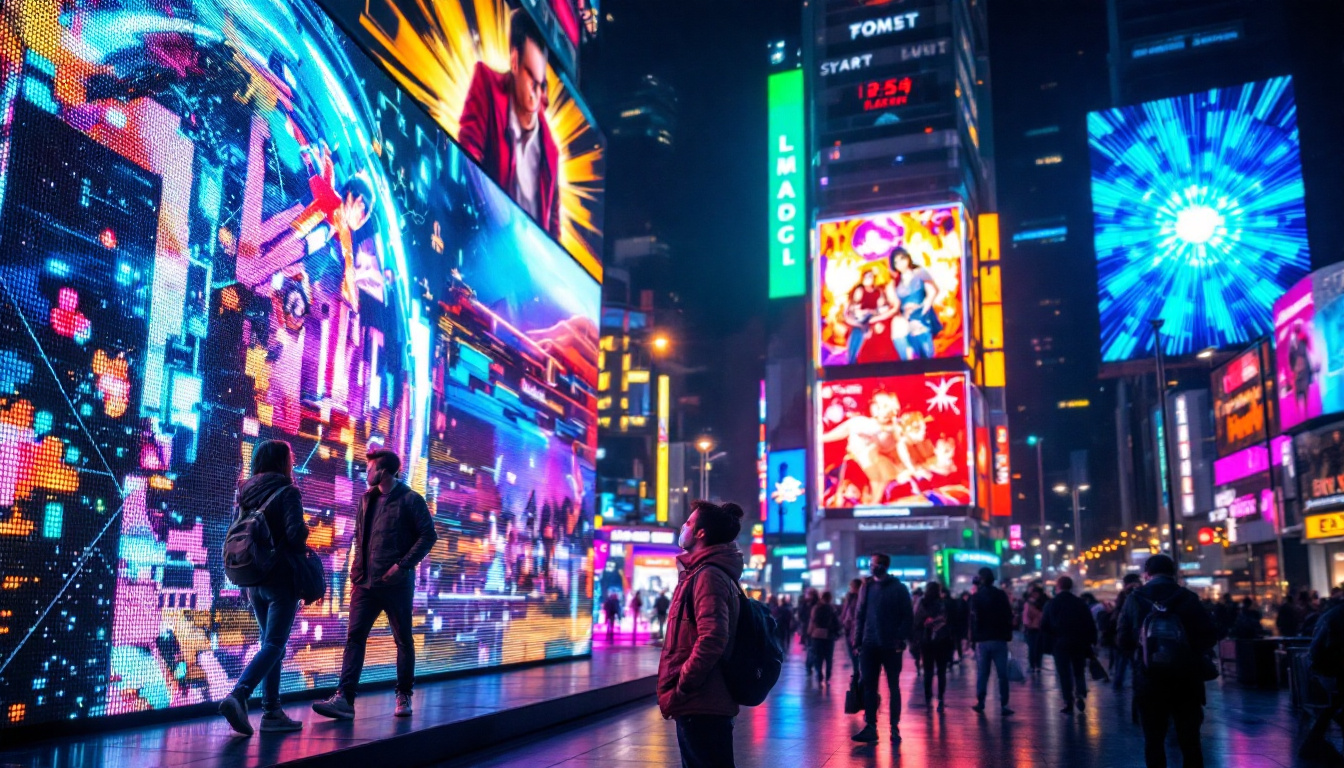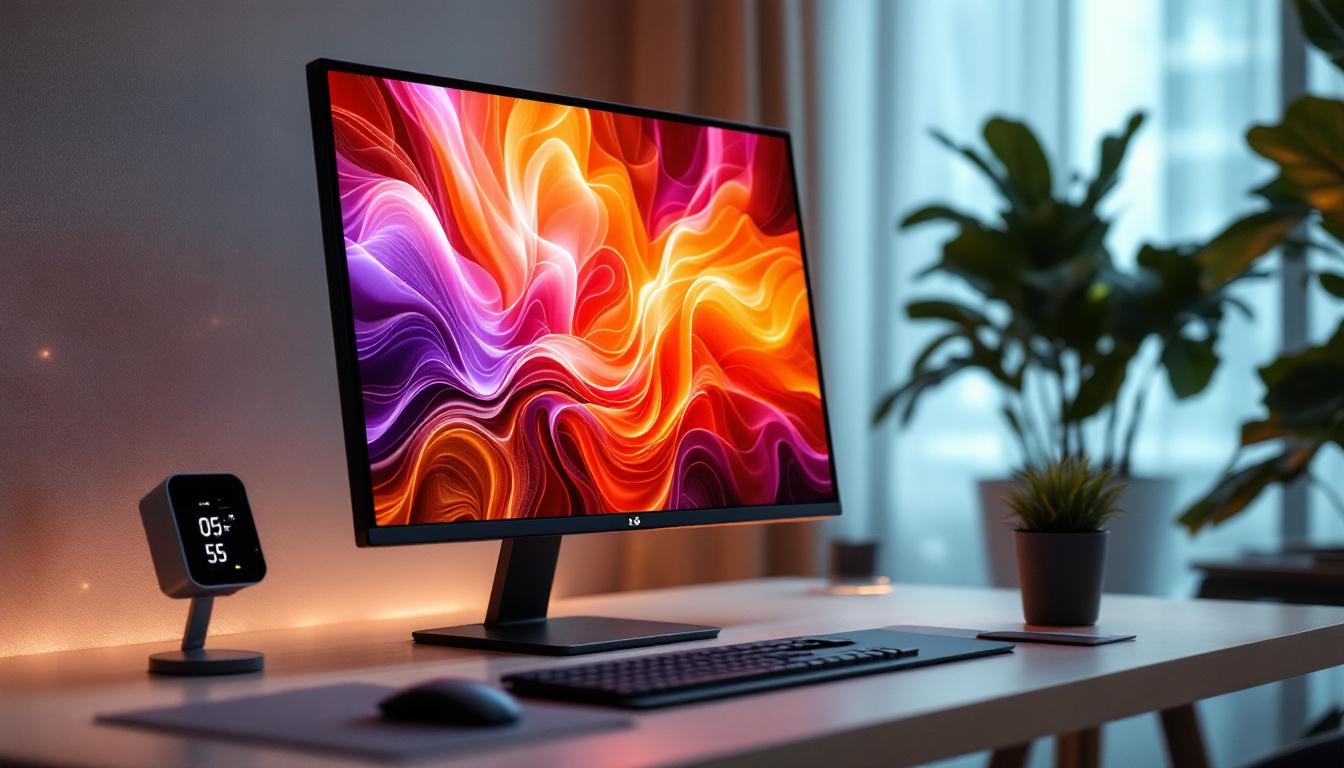
LED screens have become an integral part of modern life, from the smartphones in our pockets to the massive digital billboards lighting up city skylines. Their vibrant colors and sharp images make them a preferred choice for displays worldwide. However, maintaining their pristine condition requires proper cleaning techniques. This article delves into the best practices for cleaning LED screens safely and effectively, ensuring longevity and optimal performance.
Understanding LED Screens: What Makes Them Unique?
Before diving into cleaning methods, it’s essential to understand what an LED screen is and how it differs from other display types. LED stands for Light Emitting Diode, a semiconductor device that emits light when an electric current passes through it. LED screens use an array of these tiny diodes to produce images with exceptional brightness and color accuracy.
Unlike traditional LCD screens that rely on backlighting, LED displays can be either direct-emission or use LEDs as backlights, resulting in thinner, more energy-efficient screens. This technology is widely used in televisions, computer monitors, smartphones, and large-scale digital signage. The versatility of LED technology has led to its adoption in various applications, from indoor displays in shopping malls to outdoor billboards that can withstand the elements while delivering vibrant visuals.
Because of their delicate electronic components and specialized coatings, LED screens require careful handling during cleaning to avoid damage such as scratches, discoloration, or pixel failure. It’s also worth noting that the lifespan of an LED screen can vary significantly based on usage patterns and environmental factors, with many high-quality models lasting over 50,000 hours. This longevity, combined with the ability to produce stunning visuals, makes LED technology a popular choice for both consumers and businesses alike.
Furthermore, the advancements in LED technology have led to the development of OLED (Organic Light Emitting Diode) screens, which offer even deeper blacks and wider viewing angles by allowing each pixel to emit its own light. This innovation has sparked a new wave of interest in display technology, as consumers seek out the best possible viewing experiences for gaming, streaming, and professional applications. As the market continues to evolve, understanding the nuances of LED and OLED technologies will be crucial for making informed decisions about display purchases and maintenance.
Why Proper Cleaning of LED Screens Matters
Regular cleaning of LED screens is not just about aesthetics. Dust, fingerprints, oils, and other contaminants can degrade image quality by reducing brightness and contrast. Over time, accumulated dirt can cause permanent damage to the screen’s surface or internal components. This degradation can manifest as dull colors, blurred images, or even malfunctioning pixels, which can be frustrating for users who rely on these displays for high-quality visuals.
In commercial environments, such as retail stores or outdoor advertising, maintaining a clean LED display is crucial for brand image and viewer engagement. A smudged or dirty screen can deter customers and reduce the effectiveness of marketing campaigns. For instance, in a retail setting, a clear and vibrant display can draw in potential buyers, while a grimy screen may lead to missed sales opportunities and a negative perception of the brand. Moreover, in high-traffic areas, the visibility of the content being displayed can significantly impact foot traffic and customer interaction, making cleanliness a key factor in business success.
Furthermore, improper cleaning techniques can void warranties or shorten the lifespan of the device. Using harsh chemicals or abrasive materials can strip protective coatings or cause pixel burnout. Therefore, understanding the correct cleaning procedures is vital for both consumers and professionals. It is recommended to use microfiber cloths and specialized cleaning solutions designed for electronics, as these methods are gentle yet effective. Additionally, knowing the right frequency for cleaning can help maintain optimal performance; for example, screens in dusty environments may require more frequent attention than those in cleaner settings. This knowledge not only preserves the integrity of the screen but also ensures that it continues to deliver the best possible viewing experience over time.
Tools and Materials Needed for Cleaning LED Screens
Cleaning an LED screen requires specific tools and materials to ensure safety and effectiveness. Here is a list of recommended items:
- Microfiber Cloth: Soft, lint-free, and designed to trap dust without scratching surfaces.
- Distilled Water: Free from minerals and impurities that could leave residue or streaks.
- Isopropyl Alcohol (70% or less): Used sparingly as a disinfectant or to remove stubborn grime. Avoid concentrations above 70% to prevent damage.
- Screen Cleaning Solution: Commercially available, formulated specifically for LED and LCD screens. Always check manufacturer recommendations.
- Compressed Air Canister: Useful for blowing away dust from crevices without touching the screen.
Avoid using paper towels, abrasive cloths, household cleaners, ammonia-based products, or bleach, as these can harm the screen surface.
In addition to these essential tools, it’s beneficial to have a soft-bristled brush on hand. This can be particularly useful for gently dislodging dust and debris from around the edges of the screen and in any vents or ports, ensuring a thorough clean without the risk of scratching. Furthermore, consider using an anti-static spray specifically designed for electronics, as this can help reduce the buildup of dust and fingerprints over time, keeping your screen looking pristine longer.
When cleaning your LED screen, it’s also important to follow a systematic approach. Start by turning off the screen and unplugging it to avoid any electrical hazards. Use the microfiber cloth to gently wipe the surface in circular motions, applying the cleaning solution or distilled water sparingly to avoid drips. For stubborn spots, a little extra pressure may be necessary, but always be cautious not to press too hard, as this can lead to damage. Regular maintenance not only enhances the viewing experience but also prolongs the lifespan of the screen, making it a worthwhile investment of your time and effort.
Step-by-Step Guide to Cleaning an LED Screen
1. Power Down and Unplug the Device
Always turn off the LED screen and disconnect it from the power source before cleaning. This reduces the risk of electric shock and prevents damage to the screen’s electronics. It also makes smudges and dirt more visible against a dark background.
2. Remove Loose Dust and Debris
Use a can of compressed air or a soft brush to gently remove loose dust particles from the screen and its frame. Hold the can upright and spray short bursts to avoid moisture buildup. This step prevents scratching the screen during wiping.
3. Prepare the Cleaning Solution
If using a commercial screen cleaner, follow the instructions carefully. For a DIY solution, mix distilled water with a small amount of isopropyl alcohol (about 50/50 ratio). Never spray liquids directly onto the screen; instead, apply them to the microfiber cloth.
4. Wipe the Screen Gently
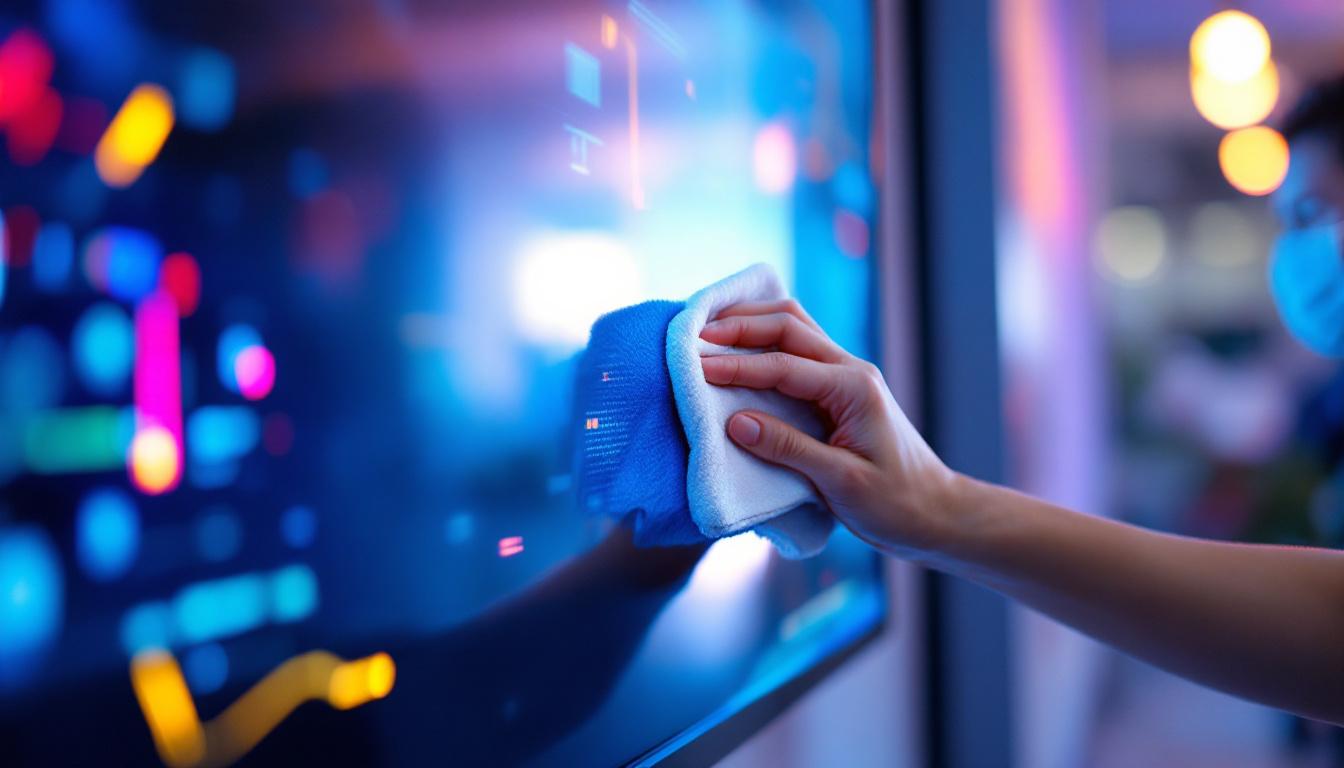
Using the dampened microfiber cloth, wipe the screen in a gentle, circular motion. Avoid pressing too hard, which can damage pixels. Focus on areas with fingerprints or smudges, but clean the entire surface to maintain uniform clarity.
5. Dry and Inspect
After wiping, use a dry microfiber cloth to remove any remaining moisture. Inspect the screen under good lighting to ensure no streaks or spots remain. If necessary, repeat the process with a fresh cloth.
Special Considerations for Different LED Screen Types
Smartphone and Tablet Screens
These devices often have oleophobic coatings that repel oils and fingerprints. Harsh cleaning agents can degrade these coatings, so it’s best to use only distilled water or manufacturer-approved cleaners. Avoid excessive moisture near ports and buttons.
Large LED Video Walls and Outdoor Displays
Commercial LED displays require specialized maintenance due to their size and exposure to environmental elements. Cleaning may involve professional services using pressure washing equipment or anti-static treatments. Regular inspections help detect damage from weather or vandalism.
LED Televisions and Monitors
For home or office screens, gentle cleaning with microfiber cloths and mild solutions is sufficient. Avoid spraying liquids directly on the screen and refrain from using paper towels or abrasive materials.
Common Mistakes to Avoid When Cleaning LED Screens
Many users unintentionally damage their LED screens by following improper cleaning habits. Here are some pitfalls to watch out for:
- Using Harsh Chemicals: Household cleaners containing ammonia, bleach, or acetone can strip coatings and cause discoloration.
- Spraying Liquids Directly: This can cause moisture to seep into the device, leading to electrical shorts or corrosion.
- Applying Excessive Pressure: Pressing hard on the screen can damage pixels or cause uneven brightness.
- Using Abrasive Materials: Paper towels, tissues, or rough cloths can scratch the delicate surface.
- Ignoring Manufacturer Guidelines: Each device may have specific cleaning recommendations that should be followed to maintain warranty and performance.
Maintaining Your LED Screen for Longevity
Besides regular cleaning, there are other practices to extend the life of an LED screen:
- Keep the Screen Covered When Not in Use: Use a dust cover or turn off the device to minimize dust accumulation.
- Control the Environment: Avoid exposing screens to extreme temperatures, humidity, or direct sunlight, which can degrade components.
- Use Screen Protectors: For portable devices, tempered glass or plastic protectors can shield against scratches and fingerprints.
- Handle with Care: Avoid dropping or applying pressure to the screen, which can cause internal damage.
Conclusion: Clean Smart to Preserve Your LED Display
LED screens are sophisticated devices that demand careful maintenance to perform at their best. Proper cleaning not only enhances visual clarity but also protects the investment in technology. By understanding the unique characteristics of LED displays and following recommended cleaning procedures, users can enjoy vibrant, sharp images for years to come.
Whether it’s a smartphone, television, or a massive outdoor LED billboard, the principles remain the same: use gentle tools, avoid harsh chemicals, and clean regularly but carefully. These habits ensure that LED screens continue to illuminate our digital world with brilliance and reliability.
Discover Cutting-Edge LED Display Solutions with LumenMatrix
Now that you understand the importance of maintaining your LED screens for optimal performance and longevity, it’s time to experience the pinnacle of LED display technology with LumenMatrix. As a pioneer in the industry, LumenMatrix offers a wide array of innovative LED display solutions, from Indoor and Outdoor LED Walls to specialized displays for vehicles, sports, and custom installations. Elevate your brand’s presence and captivate your audience with our state-of-the-art LED displays. Check out LumenMatrix LED Display Solutions today and transform your visual communication into an unforgettable experience.