Choosing the right TV screen size can dramatically enhance your viewing experience, whether you’re watching a blockbuster movie, streaming your favorite series, or gaming. With the rapid evolution of LED display technology, understanding how to change or select the ideal TV screen size has become more relevant than ever. This article delves into the essentials of LED TV screen sizes, how they impact your viewing, and practical guidance on adjusting or selecting the perfect screen size for your needs.
Understanding LED TV Screen Sizes
What Does Screen Size Mean?
When referring to a TV’s screen size, it typically means the diagonal measurement of the display panel, expressed in inches. For example, a 55-inch TV has a screen that measures 55 inches from one corner to the opposite corner diagonally. This measurement does not include the bezel or frame around the screen, just the visible display area.
The screen size directly affects the viewing experience, influencing how immersive the picture feels and how comfortably you can watch from different distances. Larger screens can provide a more cinematic experience, but they also require more space and a suitable viewing distance to avoid eye strain. For instance, the ideal viewing distance for a 55-inch TV is generally considered to be around 7 to 11.5 feet away, optimizing the visual experience without overwhelming the viewer’s field of vision. Conversely, smaller screens may be more appropriate for compact living spaces, where viewers can sit closer without sacrificing comfort.
LED Display Technology Basics
LED TVs are essentially LCD TVs that use Light Emitting Diodes (LEDs) for backlighting instead of traditional cold cathode fluorescent lamps (CCFLs). This technology allows for thinner panels, improved energy efficiency, better brightness, and enhanced contrast ratios.
LED TVs come in various types, including edge-lit, direct-lit, and full-array LED, each influencing picture quality and thickness. While LED technology itself doesn’t change the screen size, it affects how the image quality scales with size, making it important to consider when selecting or changing your TV screen size. For example, full-array LED TVs provide local dimming capabilities, which can enhance contrast by allowing specific areas of the screen to be dimmed independently, resulting in deeper blacks and more vibrant colors. This feature can significantly improve the viewing experience, especially in darker scenes, making it a crucial factor for movie enthusiasts and gamers alike.
Why Screen Size Matters: Viewing Distance and Resolution
Optimal Viewing Distance
One of the most important factors when choosing or adjusting your TV screen size is the distance from which you will watch. Sitting too close to a large screen can cause discomfort and make the pixels visible, while sitting too far from a small screen might reduce the immersive effect.
Experts often recommend a viewing distance of about 1.5 to 2.5 times the diagonal screen size for HD TVs. For example, if you have a 50-inch TV, the ideal viewing distance would be between 75 inches (6.25 feet) and 125 inches (10.4 feet). For 4K Ultra HD TVs, because of their higher resolution, you can sit closer without noticing pixelation, often as close as 1 to 1.5 times the screen size. This closer proximity can enhance the viewing experience, allowing you to appreciate the finer details in high-definition content, such as the intricate textures of a character’s costume or the subtle nuances in a landscape shot.
Additionally, the layout of your room plays a significant role in determining the optimal viewing distance. Factors such as furniture arrangement, the height of the TV, and ambient lighting can all influence how comfortable and engaging your viewing experience is. For instance, a well-placed TV that is at eye level can help reduce neck strain and improve focus, while a poorly positioned screen might lead to distractions and discomfort, detracting from your enjoyment of movies or shows.
Resolution and Screen Size Relationship
Resolution plays a crucial role in how screen size affects picture clarity. A 4K TV with a larger screen size will maintain sharpness even at closer viewing distances, while a lower resolution TV (like 1080p) might appear pixelated if the screen size is too large for the viewing distance.
When changing screen size, it’s essential to consider the resolution to ensure the image remains crisp. For example, upgrading from a 40-inch 1080p TV to a 65-inch 4K TV can provide a much more immersive experience without sacrificing image quality. This transition not only enhances clarity but also allows viewers to enjoy a wider range of content, including streaming services that offer 4K programming, which has become increasingly popular. Furthermore, the difference in color depth and contrast ratios between 1080p and 4K TVs can significantly affect the viewing experience, providing richer and more vibrant visuals that draw viewers into the story.
Moreover, as technology progresses, we are seeing the emergence of even higher resolutions, such as 8K, which promises to deliver an unprecedented level of detail. However, the benefits of such high resolutions are most noticeable on larger screens and at closer viewing distances. This means that for those considering future-proofing their home entertainment systems, investing in a larger screen with higher resolution capabilities might be a wise choice, especially as more content becomes available in these formats. Understanding the relationship between screen size and resolution is crucial for maximizing your viewing pleasure and ensuring that every movie night feels like an event.
How to Change Your TV Screen Size: Practical Approaches
Physically Replacing Your TV
The most straightforward way to change your TV screen size is to purchase a new TV with the desired dimensions. When doing so, consider the room size, viewing distance, and mounting options. Modern LED TVs come in sizes ranging from 24 inches to over 85 inches, offering flexibility for different spaces and budgets.
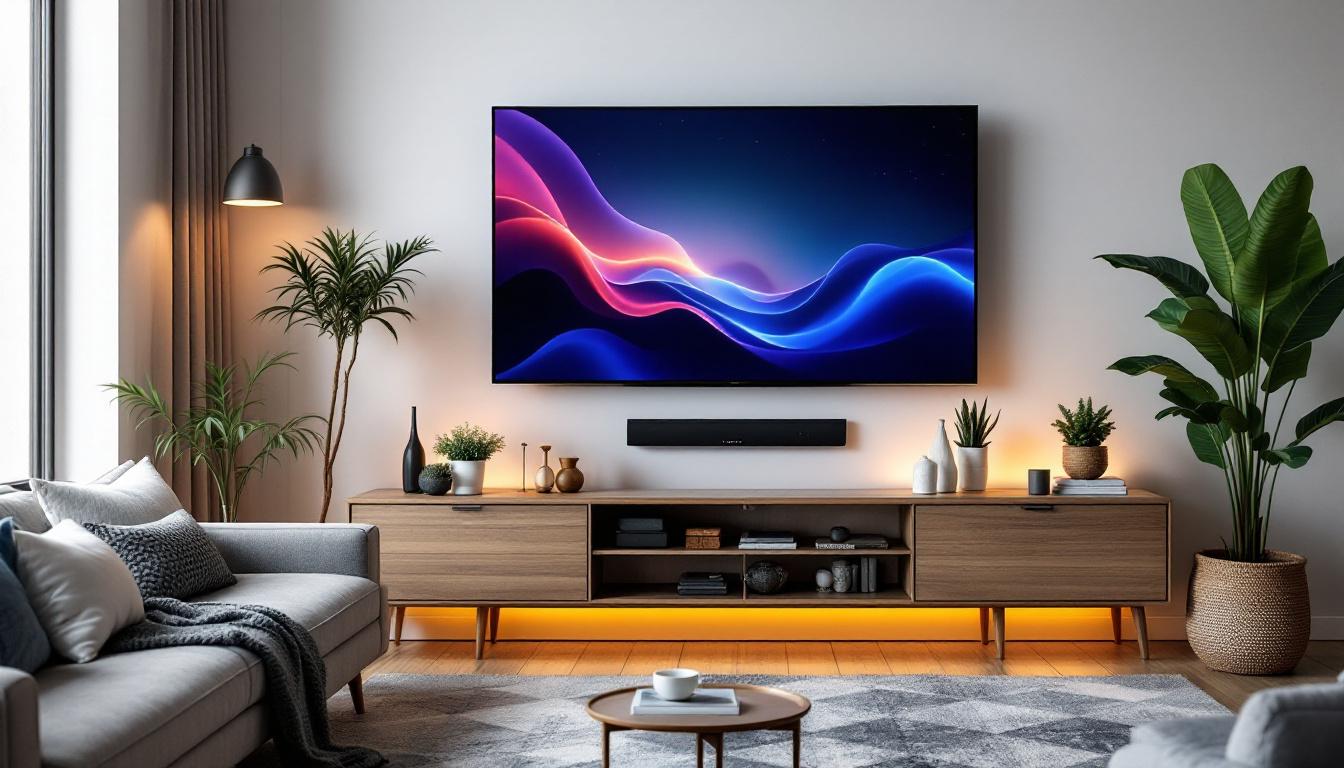
Before buying, measure your available space and consider whether the TV will be wall-mounted or placed on a stand. Wall mounting often allows for larger screens without taking up floor space, but the viewing height and angle must be carefully planned.
Adjusting Display Settings for Screen Size Perception
While you cannot physically change the screen size without replacing the TV, you can adjust certain settings to optimize how the image fits your screen and room. Many LED TVs offer aspect ratio adjustments, zoom, and picture size settings that can affect how content is displayed.
For example, if content appears stretched or has black bars, adjusting the aspect ratio or zoom settings can help fill the screen appropriately without distorting the image. However, these adjustments do not change the physical screen size but can enhance the perceived size and viewing comfort.
Using External Devices to Enhance Viewing Experience
Another way to influence your viewing experience is through external devices such as projectors or multi-screen setups. While this doesn’t change the TV screen size, it can effectively increase the display area or create a more immersive environment.
Projectors can display images much larger than traditional TVs, but they require controlled lighting and appropriate wall or screen surfaces. Multi-screen setups, often used in gaming or professional environments, combine multiple displays to create a larger composite screen.
Choosing the Right Screen Size for Your Space
Room Size and Layout Considerations
The size of your room and its layout are critical when selecting a TV screen size. A large TV in a small room can overwhelm the space and cause eye strain, while a small TV in a large room might not provide an engaging viewing experience.
Measure the distance between your seating area and where the TV will be placed. Use the recommended viewing distance guidelines to determine the ideal screen size. Additionally, consider the room’s lighting conditions, as very bright rooms may benefit from TVs with higher brightness levels, often found in larger or premium LED models.
Budget and Feature Trade-offs
Screen size often correlates with price, but it’s important to balance size with other features such as resolution, refresh rate, HDR support, and smart TV capabilities. Sometimes, opting for a slightly smaller screen with better picture quality and features can provide a superior overall experience.
For instance, a 55-inch 4K HDR TV with excellent color accuracy and smart features may be more enjoyable than a larger 65-inch TV with lower resolution and fewer capabilities. Prioritize what matters most for your usage patterns and budget.
Common Misconceptions About TV Screen Size
Bigger Is Always Better
While larger screens can offer a more immersive experience, bigger is not always better. Oversized TVs in small rooms can cause discomfort and reduce picture quality perception if the viewing distance is insufficient.
Choosing a screen size that fits your space and viewing habits ensures a comfortable and enjoyable experience. Sometimes, a medium-sized TV with excellent picture quality and features can outperform a larger but lower-quality display.
Screen Size Changes Affect Picture Quality
Changing the physical screen size by replacing the TV will affect your viewing experience, but adjusting settings or zoom functions on the same TV does not change the actual screen size or resolution. It only modifies how the content fits the screen.
For genuine improvements in picture quality and screen size, investing in a new TV with the desired specifications is necessary.
Future Trends in LED TV Screen Sizes
Ultra-Large and Flexible Displays
The future of LED TV screen sizes is moving toward ultra-large, flexible, and even rollable displays. Manufacturers are developing LED panels that can be curved or folded, allowing for innovative form factors and adaptable screen sizes.
These advancements will enable consumers to customize their viewing experience more than ever before, potentially changing how screen size is perceived and utilized in home entertainment setups.
MicroLED and Improved Pixel Density
Emerging technologies like MicroLED promise even higher pixel densities and brightness levels, allowing for larger screens without compromising image quality. This means that future TVs could be much larger while maintaining perfect clarity and color accuracy, even in bright rooms.
As these technologies become more affordable, consumers will have access to a wider range of screen sizes with premium picture quality, further expanding the options for changing TV screen size effectively.
Conclusion
Changing your TV screen size involves understanding the relationship between physical dimensions, viewing distance, resolution, and room conditions. LED display technology offers a wide range of screen sizes and types, making it easier to find the perfect fit for your space and preferences.
Whether you decide to upgrade to a larger LED TV, adjust your viewing setup, or explore future display technologies, knowing how screen size impacts your viewing experience is essential. By balancing size, resolution, and room layout, you can create an immersive and comfortable entertainment environment tailored to your needs.
Discover Your Perfect LED Display with LumenMatrix
Ready to elevate your viewing experience with a screen that fits your space and exceeds your expectations? LumenMatrix is at the forefront of LED display innovation, offering a diverse range of solutions tailored to your unique needs. From immersive Indoor LED Walls to dynamic Outdoor LED Displays, and from versatile Vehicle LED Displays to sleek LED Poster Displays, our mission is to transform your visual communication. Explore our cutting-edge LED Sports Displays, interactive Floor LED Displays, customizable Custom LED Displays, convenient All-in-One LED Displays, and stunning LED Transparent Displays. Don’t just change your TV screen size—revolutionize it with LumenMatrix. Check out LumenMatrix LED Display Solutions today and step into a world of vivid colors and sharp details that will captivate your audience and amplify your message.