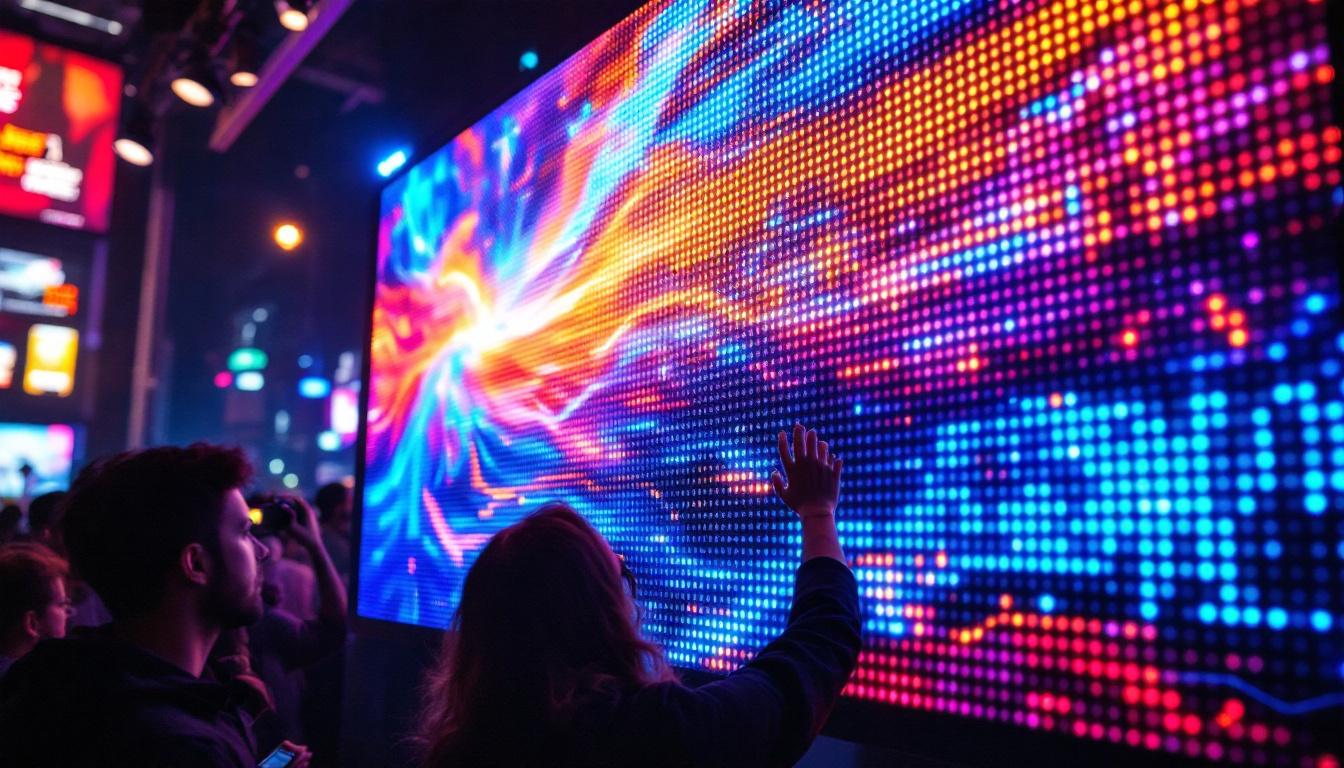
In the world of LED displays, the bezel setting plays a crucial role in defining the visual experience. Whether it’s a massive video wall in a stadium or a sleek digital billboard in a city center, the bezel—the frame surrounding each LED panel—affects both aesthetics and performance. Understanding how to make a bezel setting and the technical considerations behind it can empower designers, engineers, and installers to create seamless, high-impact LED displays.
What Is a Bezel Setting in LED Displays?
The bezel is the physical frame or border around an individual LED panel or module. In multi-panel LED displays, these bezels come together to form the edges between panels. The bezel setting refers to how these borders are designed, aligned, and minimized to create a continuous, immersive visual experience.
Traditionally, bezels were quite prominent, creating visible lines that interrupted the display image. However, advances in LED technology and manufacturing have led to ultra-narrow bezel designs, enabling near-seamless video walls. The bezel setting involves both the physical hardware design and the software calibration to compensate for any slight gaps or color differences.
Why Bezel Settings Matter
Bezel settings are critical because they impact:
- Visual continuity: A large bezel interrupts the image, breaking immersion and reducing the display’s effectiveness.
- Installation flexibility: Narrow bezels allow for creative configurations without compromising image quality.
- Maintenance and durability: The bezel protects the LEDs and internal components from damage.
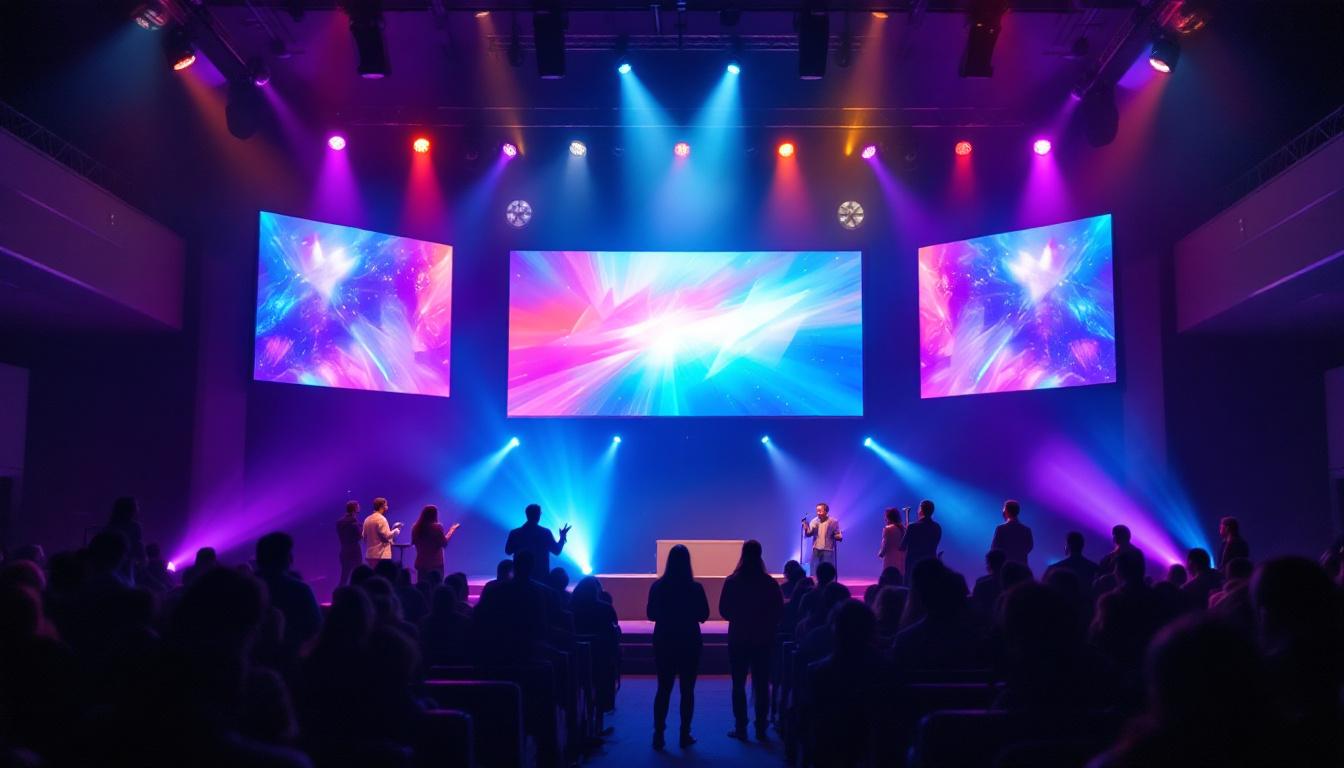
For example, in a sports arena, a bezel that is too wide can distract viewers and degrade the overall experience. On the other hand, a well-executed bezel setting can make a video wall appear as one giant, flawless screen.
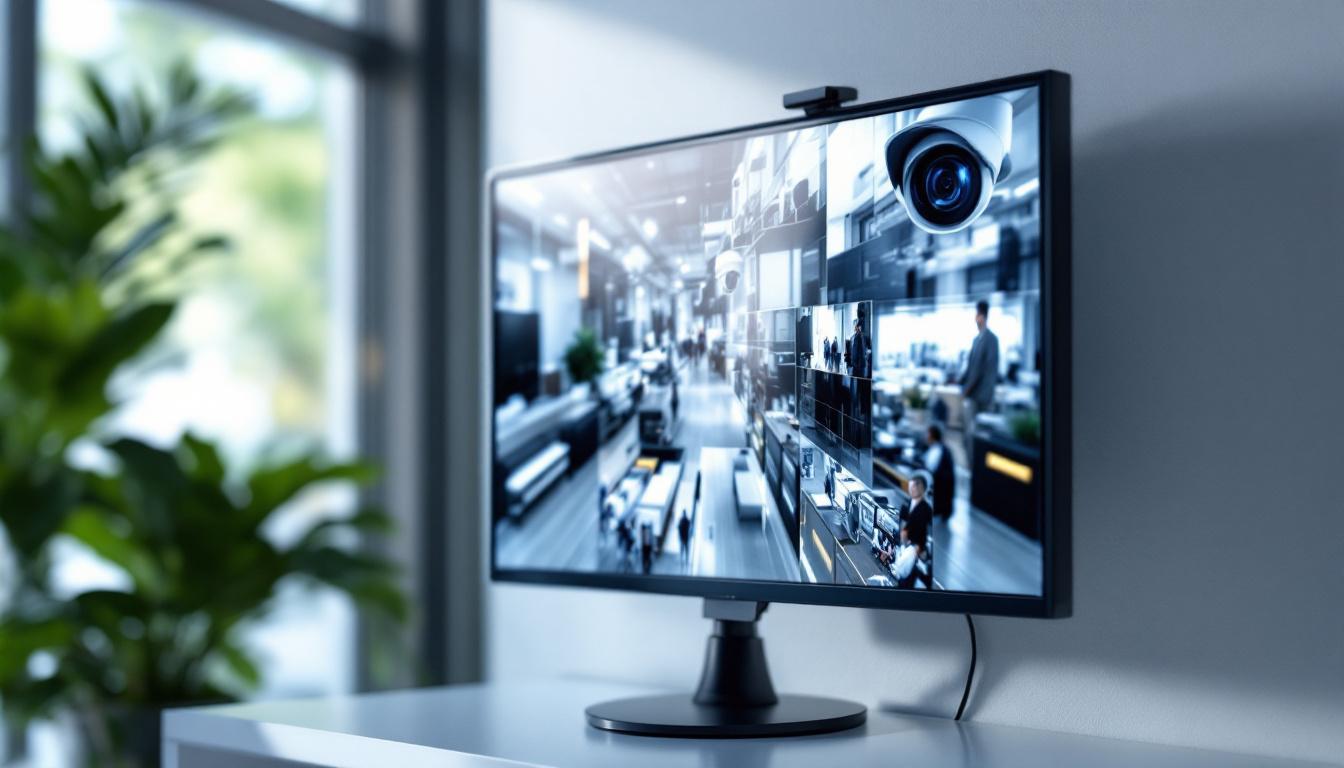
In addition to enhancing visual appeal, bezel settings also play a pivotal role in the overall functionality of LED displays. For instance, in environments such as control rooms or broadcasting studios, where multiple screens are often used in tandem, the precision of bezel alignment can significantly affect the clarity of the information being presented. A seamless display allows operators to monitor data and video feeds without the distraction of interruptions, thus improving their efficiency and decision-making capabilities.
Moreover, the evolution of bezel technology has also opened new avenues for creative design in various applications. Retail environments, for example, can leverage ultra-narrow bezels to create captivating digital signage that draws customers’ attention. By minimizing the visual disruption between panels, retailers can craft stunning displays that tell a cohesive story, whether showcasing products or promoting brand messages. This has led to innovative marketing strategies that utilize the full potential of LED technology, making the bezel setting an essential consideration for businesses looking to enhance their visual communication.
Types of Bezel Settings in LED Displays
Understanding the different types of bezel settings helps in selecting the right solution for specific applications. The main types include:
Standard Bezel
Standard bezels typically range from 10mm to 20mm in width. These are common in older or more cost-effective LED panels. While functional, they create visible lines between panels, which can be acceptable in applications where the display is viewed from a distance. In environments such as retail stores or conference rooms, the standard bezel can still provide adequate visibility for presentations or advertisements, especially when the focus is on the content rather than the display itself.
Narrow Bezel
Narrow bezel designs have reduced frame widths, often less than 5mm. This technology is popular in high-end video walls where image continuity is essential. Narrow bezel panels are more expensive but provide a much better visual experience. They are particularly favored in control rooms and broadcast studios, where seamless visuals are critical for monitoring and analysis. The reduced bezel width minimizes distractions, allowing viewers to immerse themselves fully in the content being displayed.
Bezel-less or Seamless Displays
Some modern LED displays use bezel-less or near-seamless designs. These involve edge-to-edge panels with minimal to no visible frames. Advanced manufacturing techniques and specialized mounting hardware enable these displays to appear as a single, uninterrupted surface. This design is ideal for applications where aesthetics are paramount, such as art installations or high-end retail environments. The seamless nature of these displays allows for stunning visual presentations, creating an illusion of depth and continuity that captivates viewers and enhances the overall experience.
Moreover, bezel-less displays are increasingly being integrated into digital signage solutions, where the goal is to create an immersive experience that draws in customers. The lack of bezels allows for larger-than-life visuals that can be particularly effective in crowded spaces, such as airports or shopping malls, where capturing attention is key. Additionally, these displays often come equipped with advanced calibration features, ensuring that colors remain consistent across multiple panels, further enhancing the seamless effect.
How to Make a Bezel Setting: Step-by-Step Guide
Creating an effective bezel setting requires attention to both hardware and software aspects. The following steps outline the process from panel selection to final calibration.
1. Select the Right LED Panels
Choosing panels with narrow bezel designs is the first step. Consider the pixel pitch, resolution, and brightness alongside bezel width. For example, a 1.5mm pixel pitch panel with a 3mm bezel is ideal for indoor environments requiring high resolution and minimal bezel impact.
When purchasing, verify the exact bezel dimensions from the manufacturer’s specifications. Some brands offer specialized “video wall” panels with ultra-narrow bezels designed specifically for seamless installations.
2. Plan the Display Layout
Design the video wall layout considering the bezel widths. Software tools like LED display design software can simulate the final appearance, including bezel lines. This planning helps in optimizing panel arrangement to minimize visual disruption.
For example, a 3×3 video wall with 3mm bezels will have more visible lines than a 5×5 wall with 1.5mm bezels. Balancing size, resolution, and bezel impact is key.
3. Prepare the Mounting Structure
The mounting frame or cabinet must support precise alignment of panels. Even a slight misalignment can cause noticeable gaps or uneven bezels. Use adjustable mounting brackets and laser alignment tools to ensure panels sit flush against each other.
Additionally, consider thermal expansion and environmental factors that might affect bezel alignment over time.
4. Install the Panels Carefully
During installation, handle panels with care to avoid damaging the bezels or LEDs. Align the panels precisely using the mounting hardware. Tighten screws gradually and evenly to prevent warping the frame.
It’s essential to maintain consistent spacing between panels as specified by the bezel design. Use spacers or shims if necessary to achieve uniform gaps.
5. Calibrate the Display
Once installed, calibrate the display to compensate for bezel effects. This includes:
- Color calibration: Ensure uniform brightness and color across all panels.
- Edge blending: Software can adjust pixels near the bezel to reduce the visual impact of gaps.
- Content alignment: Adjust the displayed image to avoid critical content falling on bezel lines.
Professional calibration tools and software are recommended to achieve the best results.
Technical Considerations for Bezel Settings
Several technical factors influence the effectiveness of bezel settings in LED displays.
Pixel Pitch and Resolution
Pixel pitch—the distance between the centers of two adjacent pixels—affects how noticeable bezels are. Smaller pixel pitches mean higher resolution and closer viewing distances, which make bezels more apparent if not minimized.
For instance, a 0.9mm pixel pitch display with a 5mm bezel will have more visible bezel lines than a 5mm pixel pitch display with the same bezel size when viewed up close.
Panel Thickness and Frame Design
Thinner panels with integrated mounting frames allow for tighter bezel settings. Some manufacturers use innovative materials and designs to reduce the bezel width without compromising structural integrity.
Edge masking and anti-reflective coatings on the bezel can also help reduce visual distractions.
Thermal Management
LED panels generate heat during operation. Proper thermal management ensures that panels expand uniformly, preventing bezel misalignment over time. Ventilation and heat sinks integrated into the bezel frame are common solutions.
Environmental Factors
Outdoor LED displays face challenges such as temperature fluctuations, humidity, and physical impacts. Bezel settings must account for these factors to maintain alignment and durability.
Examples of Bezel Settings in Real-World Applications
Examining real-world examples illustrates the importance of bezel settings and how they are implemented.
Sports Arenas and Stadiums
Large LED video walls in stadiums often use narrow bezel panels to create immersive experiences for fans. For example, the AT&T Stadium in Texas features a 160-foot-wide video board composed of multiple LED panels with ultra-narrow bezels, delivering crisp, continuous visuals visible from every seat.
Retail and Advertising
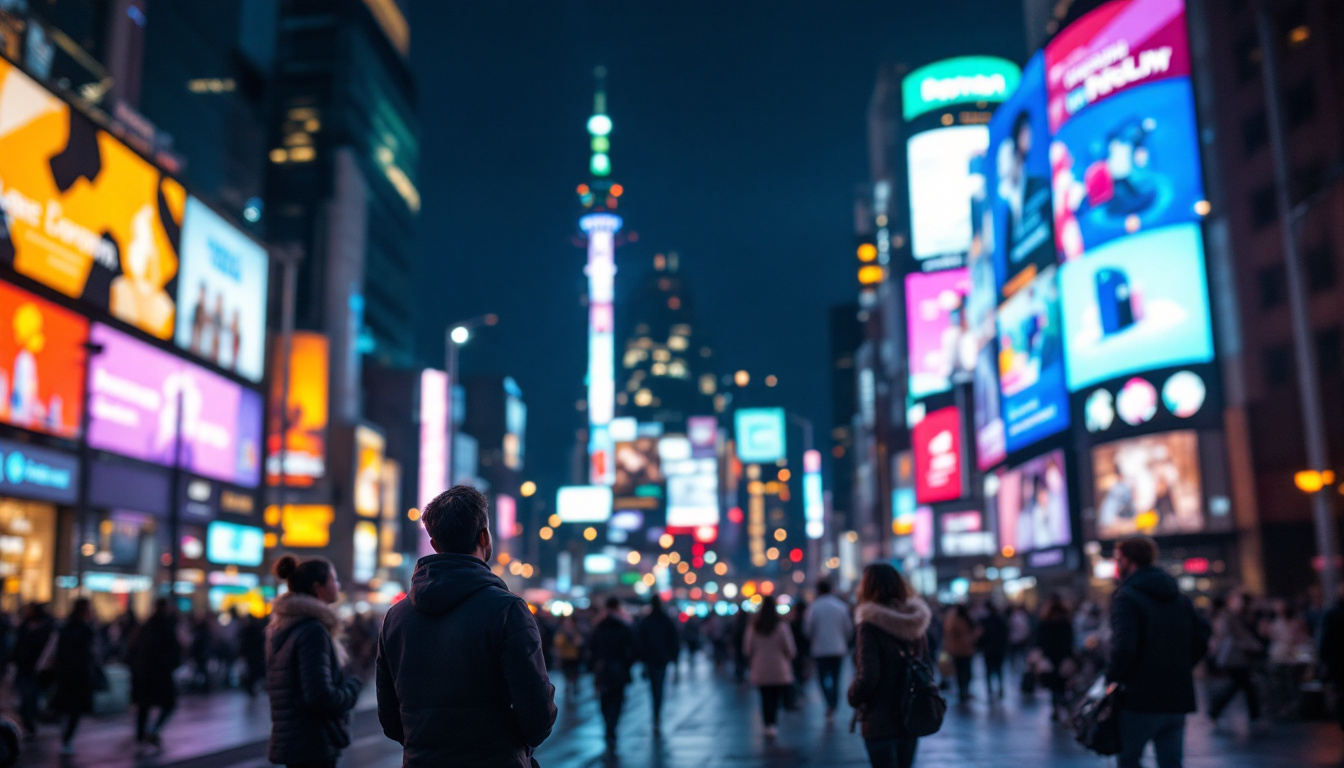
Retail stores and digital billboards rely on bezel settings to attract attention without distracting interruptions. Times Square in New York City showcases numerous LED displays with narrow bezel settings, making advertisements visually striking and seamless.
Control Rooms and Corporate Environments
In control rooms, bezel settings are critical for monitoring multiple data streams on video walls. Narrow bezels minimize visual breaks, allowing operators to focus on information without distraction.
Future Trends in Bezel Settings and LED Displays
The LED display industry continues to innovate, pushing bezel settings toward complete invisibility.
MicroLED and MiniLED Technologies
Emerging MicroLED and MiniLED technologies enable even smaller pixel pitches and thinner panels, facilitating bezel-less designs. These technologies promise higher brightness, better color accuracy, and longer lifespans.
Flexible and Curved Displays
Flexible LED panels allow for curved or irregularly shaped video walls. Bezel settings in these applications require specialized mounting and calibration to maintain seamless visuals.
Advanced Calibration Software
Artificial intelligence and machine learning are being integrated into calibration software to automatically adjust bezel effects and optimize display quality in real time.
Conclusion
Making an effective bezel setting for LED displays is both an art and a science. It requires careful selection of panels, precise installation, and detailed calibration to achieve seamless visuals. As technology advances, bezel widths continue to shrink, enabling more immersive and impactful digital experiences.
Understanding the technical aspects and practical considerations behind bezel settings empowers professionals to design and implement LED displays that captivate audiences and stand the test of time.
Discover Seamless LED Display Solutions with LumenMatrix
Ready to elevate your visual displays to the next level? LumenMatrix is at the forefront of LED display innovation, offering a wide range of solutions that transform any space into a dynamic visual experience. From Indoor and Outdoor LED Walls to specialized displays for vehicles, sports, and custom installations, our technology is designed to captivate and engage. Embrace the future of visual communication with LumenMatrix and let your brand shine like never before. Check out LumenMatrix LED Display Solutions today and see the difference for yourself.