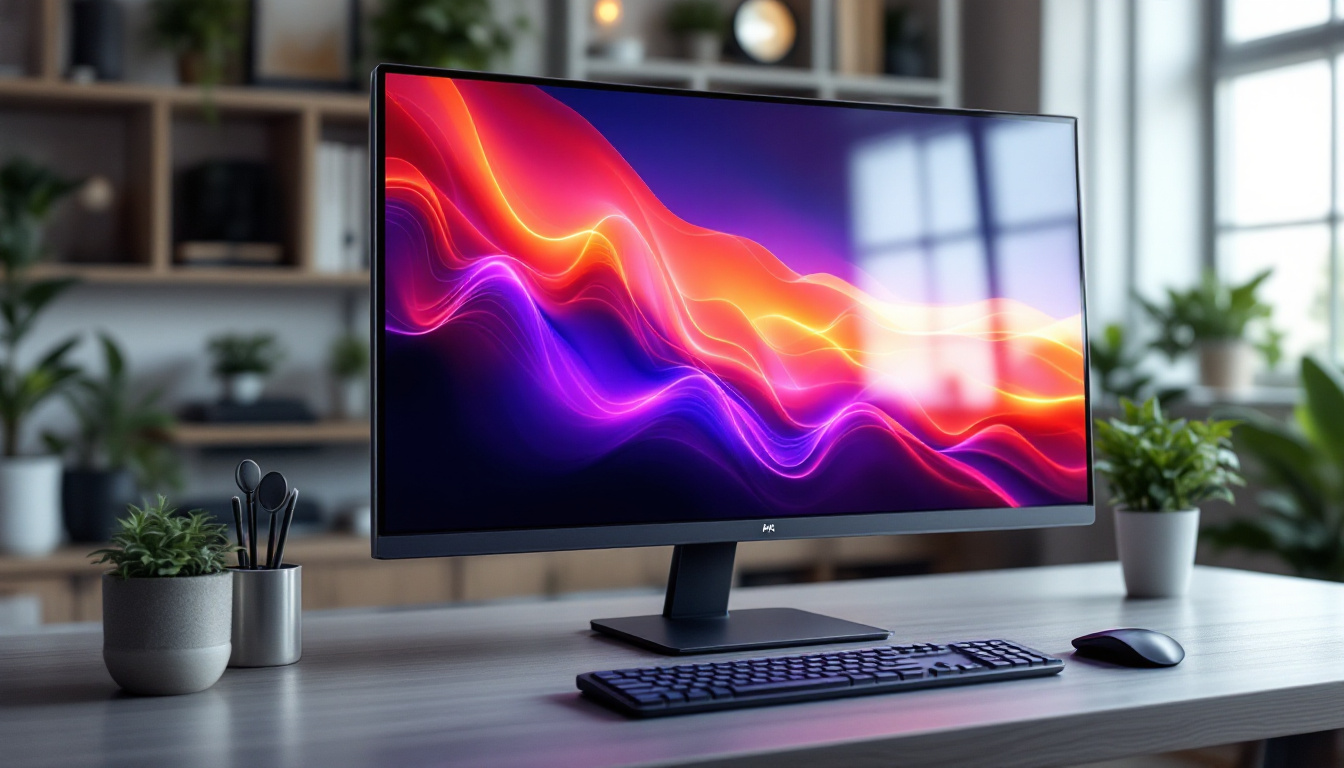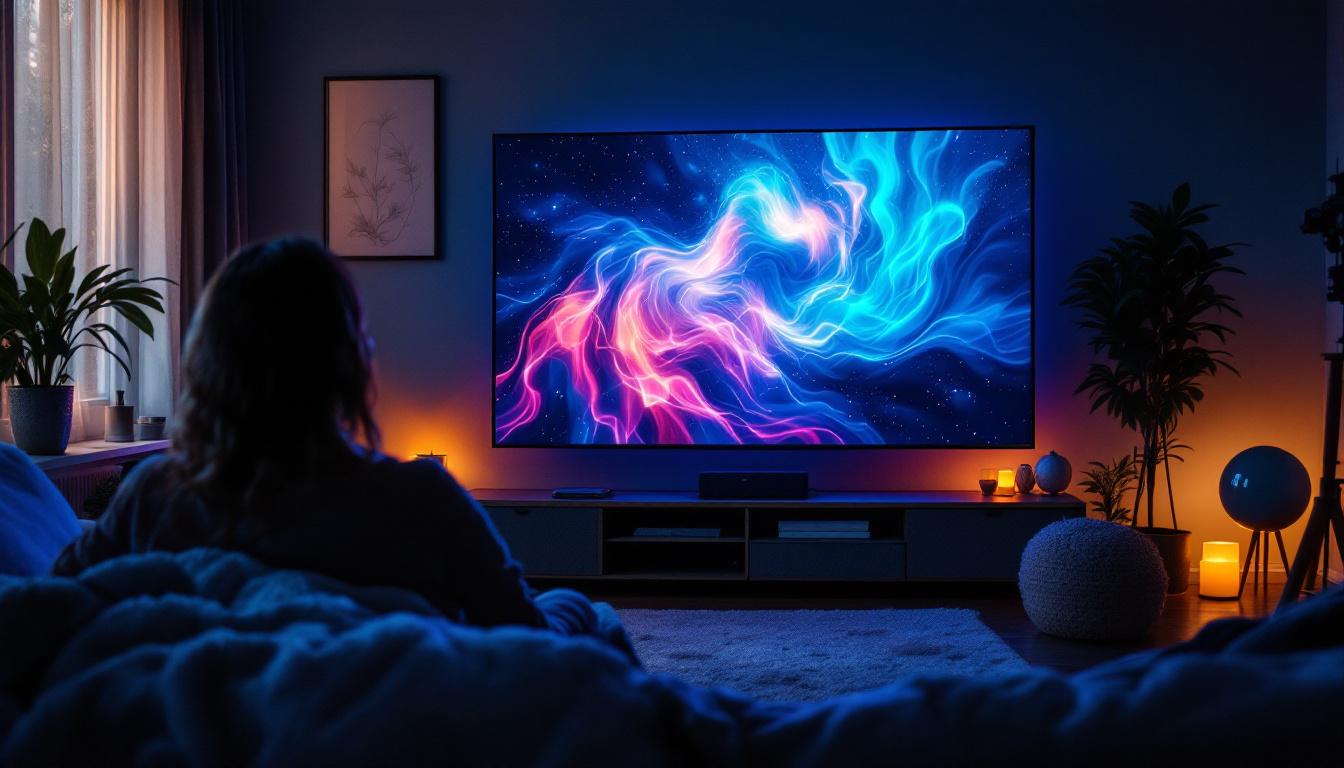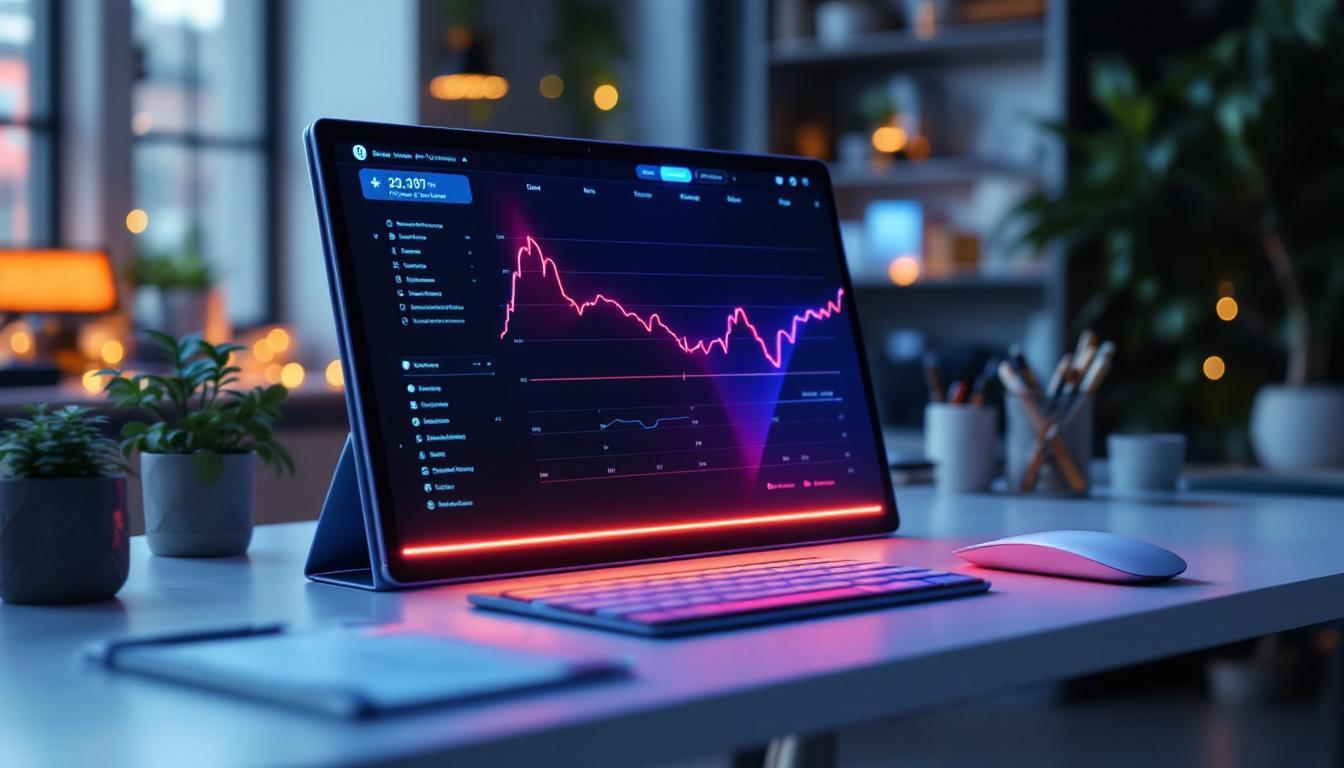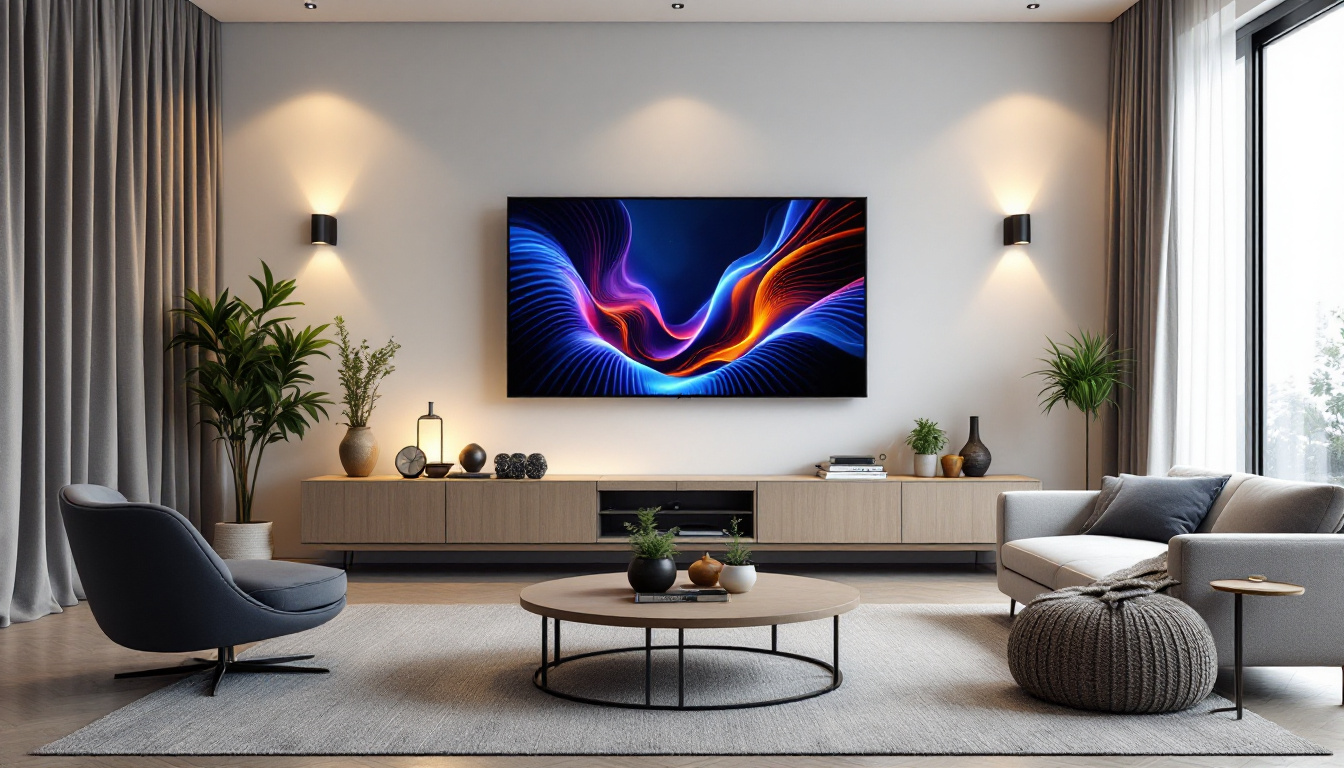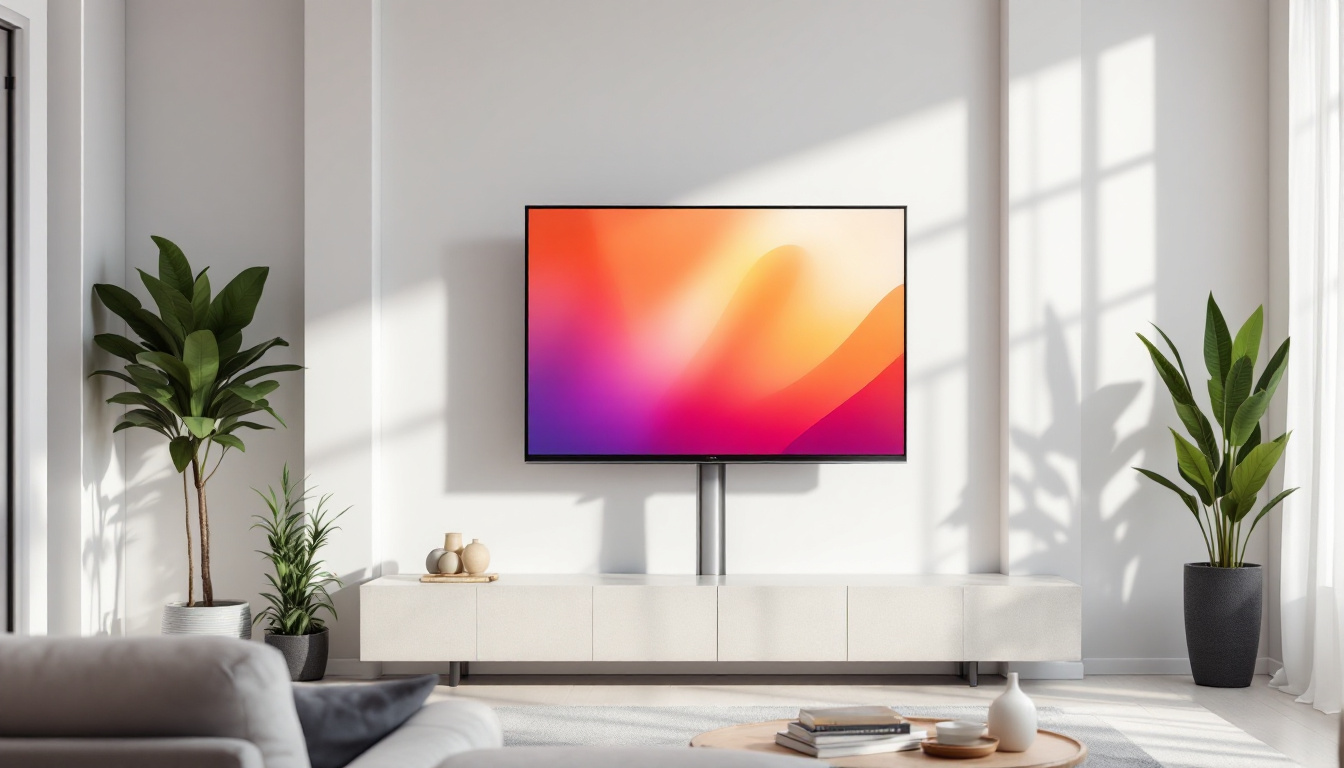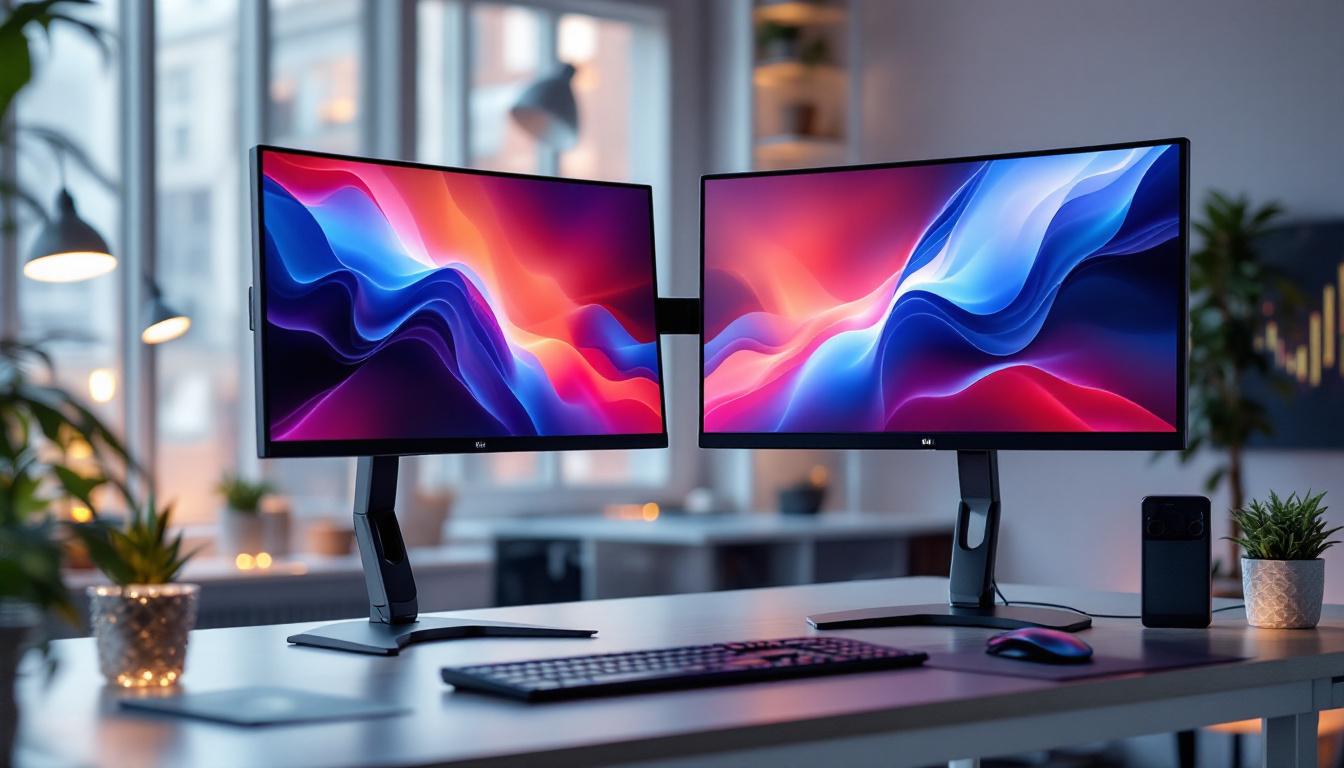
In the rapidly evolving world of technology, display screens have become a crucial component of our daily digital experience. Among the various types of displays available, LED computer screens have gained significant popularity due to their superior image quality, energy efficiency, and sleek design. This article delves into the fundamentals of LED displays, explaining how they work, their advantages, and what sets them apart from other screen technologies.
Understanding LED Display Technology
What Does LED Stand For?
LED stands for Light Emitting Diode. These are tiny semiconductor devices that emit light when an electric current passes through them. Unlike traditional LCD screens that rely on fluorescent backlighting, LED screens use these diodes as a light source, offering improved brightness and contrast. The efficiency of LEDs also means they consume less power, making them a more environmentally friendly option compared to older technologies.
How Do LED Screens Work?
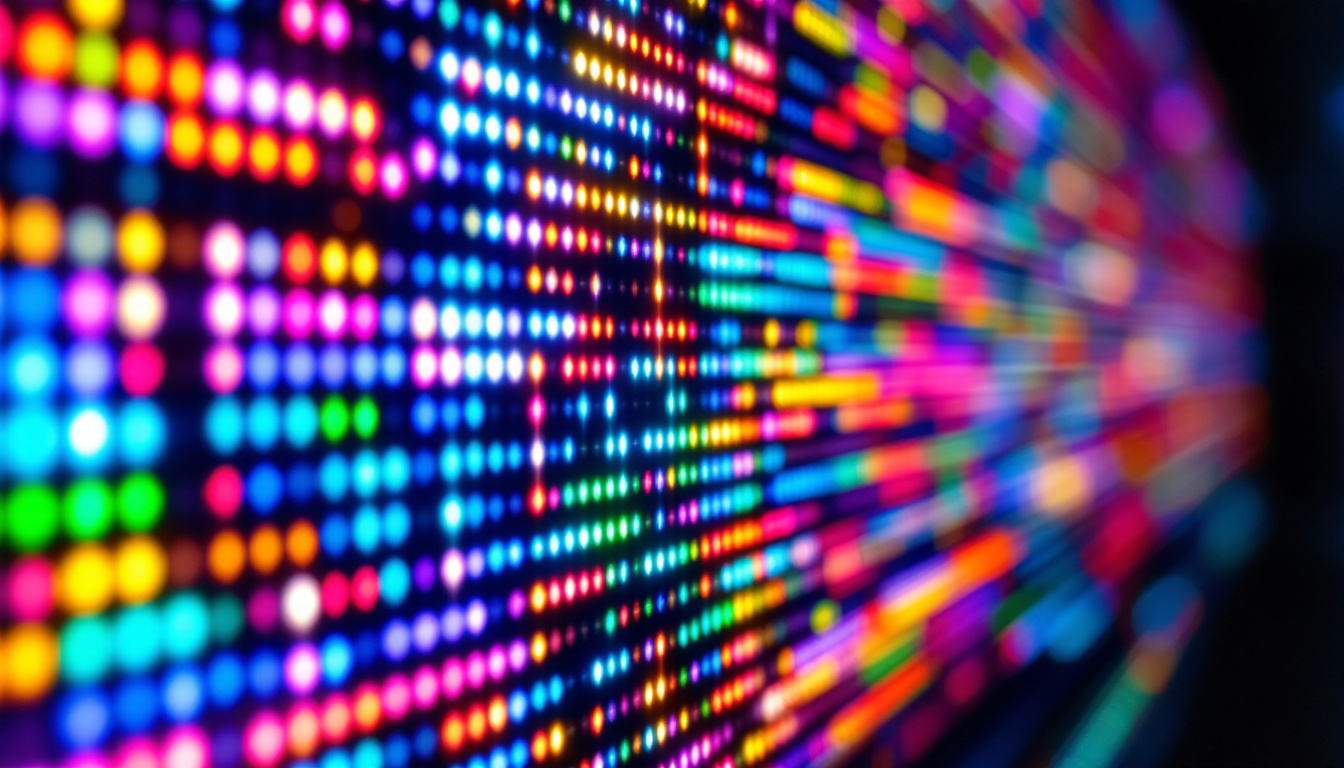
LED computer screens are essentially a type of LCD (Liquid Crystal Display) that uses LEDs for backlighting instead of the older cold cathode fluorescent lamps (CCFLs). The screen itself contains liquid crystals that modulate light to create images, but the illumination comes from an array of LEDs positioned either behind the screen (direct-lit) or along the edges (edge-lit). This innovative approach not only enhances the visual experience but also contributes to the longevity of the display.
When electricity passes through the LEDs, they emit light that passes through the liquid crystals and color filters to produce the images you see on the screen. Because LEDs can be controlled individually, they allow for better control of brightness and color accuracy compared to traditional backlighting methods. This capability is particularly beneficial in high-definition displays, where the precision of color reproduction can significantly impact the viewing experience, making images appear more vivid and lifelike.
Types of LED Backlighting
There are primarily two types of LED backlighting used in computer screens:
- Edge-Lit LED: LEDs are placed along the edges of the screen, and light is distributed across the display using light guides. This design allows for thinner and lighter screens but can sometimes lead to uneven brightness. Edge-lit displays are often found in ultra-slim televisions and monitors, where space-saving is a priority, and they can still deliver impressive picture quality for everyday use.
- Direct-Lit or Full-Array LED: LEDs are placed directly behind the screen in a grid pattern. This method provides more uniform lighting and enables local dimming, which enhances contrast by dimming parts of the screen independently. Full-array LED displays are especially popular in high-end televisions, as they can achieve deeper blacks and brighter highlights, creating a more dynamic range of colors that enhances the overall viewing experience.
Additionally, advancements in LED technology have led to the development of Mini-LED and Micro-LED displays. Mini-LED utilizes smaller diodes that allow for more precise local dimming zones, significantly improving contrast and brightness levels. Micro-LED, on the other hand, consists of tiny self-emissive LEDs that can produce their own light, eliminating the need for backlighting altogether. This technology promises even greater color accuracy and energy efficiency, paving the way for the next generation of display technology.
Advantages of LED Computer Screens
Superior Image Quality
One of the most compelling reasons users prefer LED computer screens is their superior image quality. LEDs provide higher brightness levels, enabling screens to perform well even in brightly lit environments. Additionally, the ability to implement local dimming with full-array LED backlighting results in deeper blacks and higher contrast ratios.
Color accuracy is another strong suit of LED displays. Many modern LED screens support wide color gamuts, such as Adobe RGB or DCI-P3, making them ideal for professional photo and video editing where color fidelity is critical.
Energy Efficiency and Environmental Impact
LED screens consume significantly less power than older CCFL-backlit LCDs. According to a 2023 report from the International Energy Agency (IEA), LED backlighting can reduce energy consumption by up to 30% in comparison to traditional LCDs. This efficiency not only lowers electricity bills but also reduces the environmental footprint of using such devices.
Moreover, LEDs do not contain mercury, a toxic substance present in CCFLs, making LED screens a more environmentally friendly choice when it comes to manufacturing and disposal.
Thin and Lightweight Design
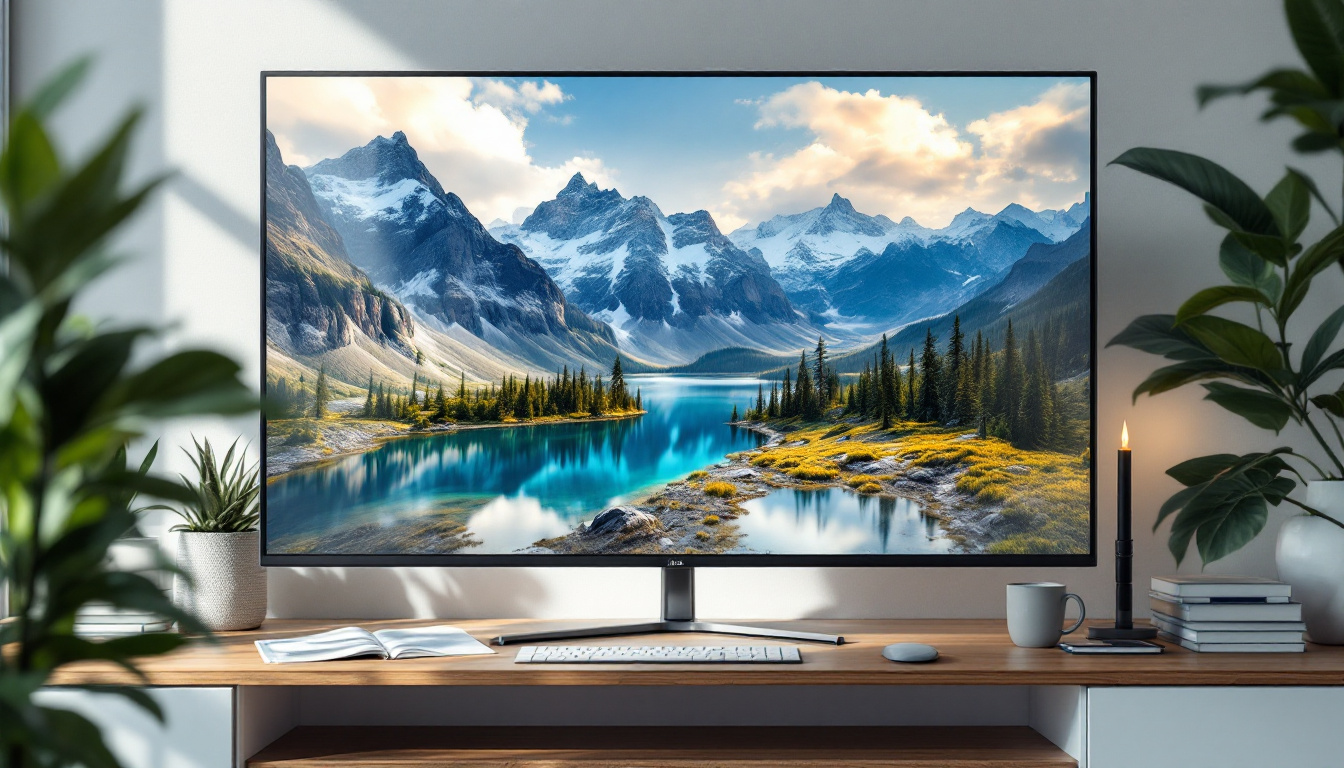
The compact size of LEDs allows manufacturers to produce thinner and lighter computer monitors. Edge-lit LED screens, in particular, have enabled ultra-slim designs that are aesthetically pleasing and convenient for both office and home setups. This slim profile also facilitates better heat dissipation, contributing to the longevity of the device.
Comparing LED Screens to Other Display Technologies
LED vs. OLED
Organic Light Emitting Diode (OLED) displays are often compared to LED screens due to their impressive image quality. Unlike LED screens that use a backlight, OLED pixels emit their own light, allowing for perfect blacks and infinite contrast ratios.
However, OLEDs are typically more expensive and can suffer from burn-in issues over time, where static images leave permanent marks. LED screens, especially those with local dimming, offer a more affordable and durable option for most users, particularly in computer monitors where static UI elements are common.
LED vs. Traditional LCD
Traditional LCD screens use CCFLs for backlighting, which are bulkier, less energy-efficient, and provide lower brightness compared to LEDs. LED-backlit LCDs have largely replaced CCFL LCDs in the market due to these advantages, offering better performance at a similar or lower cost.
LED vs. QLED
Quantum Dot LED (QLED) is a variation of LED technology that incorporates quantum dots to enhance color accuracy and brightness. QLED displays are essentially LED-backlit LCDs with an added quantum dot layer. They tend to offer better color volume and brightness than standard LED screens, making them popular in high-end monitors and TVs.
While QLED technology delivers improved visuals, it generally comes at a higher price point. For everyday computing needs, standard LED screens provide excellent performance at a more accessible cost.
Applications and Use Cases of LED Computer Screens
Professional and Creative Work
LED screens with high resolution and wide color gamuts are essential tools for professionals in graphic design, video editing, and photography. The accurate color reproduction and high contrast ratios enable precise work, ensuring that the final product looks consistent across different devices and media.
Many professional-grade monitors also feature calibration tools and factory calibration reports to guarantee color accuracy out of the box.
Gaming and Entertainment
Gamers benefit from LED screens due to their fast response times and high refresh rates, which reduce motion blur and provide smoother gameplay. Additionally, the high brightness and contrast enhance the immersive experience, especially in visually rich games.
Some LED monitors also support technologies like NVIDIA G-SYNC or AMD FreeSync, which synchronize the display’s refresh rate with the graphics card to minimize screen tearing and stuttering.
Everyday Computing and Office Use
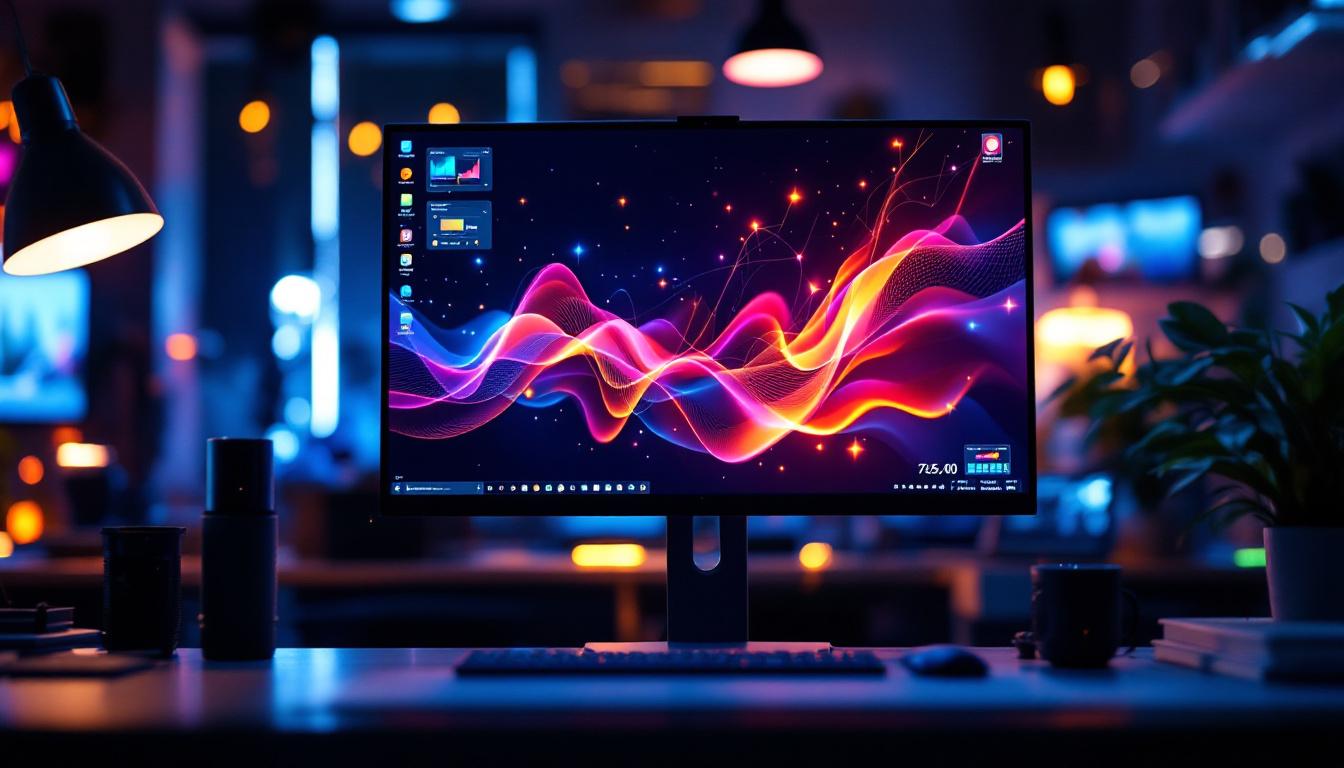
For general office work, browsing, and multimedia consumption, LED computer screens offer a comfortable and visually pleasing experience. Their energy efficiency helps reduce operational costs in large office environments, and their slim designs save valuable desk space.
Key Considerations When Choosing an LED Computer Screen
Resolution and Screen Size
Resolution determines the sharpness of the images displayed. Common resolutions include Full HD (1920×1080), Quad HD (2560×1440), and 4K UHD (3840×2160). Larger screens paired with higher resolutions provide more workspace and clearer visuals but may come at a higher price.
Refresh Rate and Response Time
A higher refresh rate (measured in Hz) results in smoother motion on the screen, which is particularly important for gaming and video playback. Response time, measured in milliseconds, indicates how quickly a pixel can change color. Lower response times reduce motion blur and ghosting effects.
Color Accuracy and Calibration
For users engaged in color-critical tasks, it is important to select monitors that support wide color gamuts and offer factory calibration or calibration tools. Look for certifications such as CalMAN Verified or Pantone Validated to ensure reliable color performance.
Connectivity Options
Modern LED monitors come with various ports including HDMI, DisplayPort, USB-C, and legacy VGA or DVI. USB-C ports with Power Delivery are increasingly popular as they allow video, data, and power to be transmitted through a single cable, simplifying setup.
Ergonomics and Build Quality
Adjustable stands that offer height, tilt, swivel, and pivot adjustments contribute to comfortable long-term use. Additionally, features like anti-glare coatings and blue light filters help reduce eye strain during extended screen time.
The Future of LED Display Technology
LED display technology continues to evolve, with innovations focused on improving brightness, color accuracy, and energy efficiency. Mini-LED and Micro-LED are emerging technologies that use smaller LEDs to provide even better contrast and thinner displays.
Mini-LED backlighting, for example, allows for thousands of tiny LEDs behind the screen, enabling more precise local dimming zones and enhanced HDR performance. Micro-LED takes this a step further by using microscopic LEDs as individual pixels, potentially combining the best features of OLED and LED technologies without the drawbacks.
As these technologies mature and become more affordable, they are expected to redefine the standards for computer screen performance, offering users unparalleled visual experiences.
Conclusion
LED computer screens represent a significant advancement in display technology, blending energy efficiency, superior image quality, and sleek design. Whether for professional use, gaming, or everyday computing, LED displays offer a versatile and reliable solution that meets a wide range of needs.
Understanding the underlying technology and key features can help consumers make informed decisions when selecting a monitor. With ongoing innovations like Mini-LED and Micro-LED on the horizon, the future of LED displays promises even more exciting developments that will continue to enhance how we interact with digital content.
Discover LumenMatrix’s Advanced LED Display Solutions
As you consider the future of LED technology and its impact on your digital interactions, LumenMatrix stands at the forefront of this evolution. With a commitment to innovation and quality, LumenMatrix offers a comprehensive range of LED display solutions tailored to meet diverse needs. From Indoor and Outdoor LED Wall Displays to specialized options like Vehicle LED Displays and LED Sports Displays, our products are designed to transform your visual communication and captivate your audience. Experience the difference with our state-of-the-art LED display modules and take the first step towards revolutionizing your brand’s visibility. Check out LumenMatrix LED Display Solutions today and see how we can help you create unforgettable visual experiences.