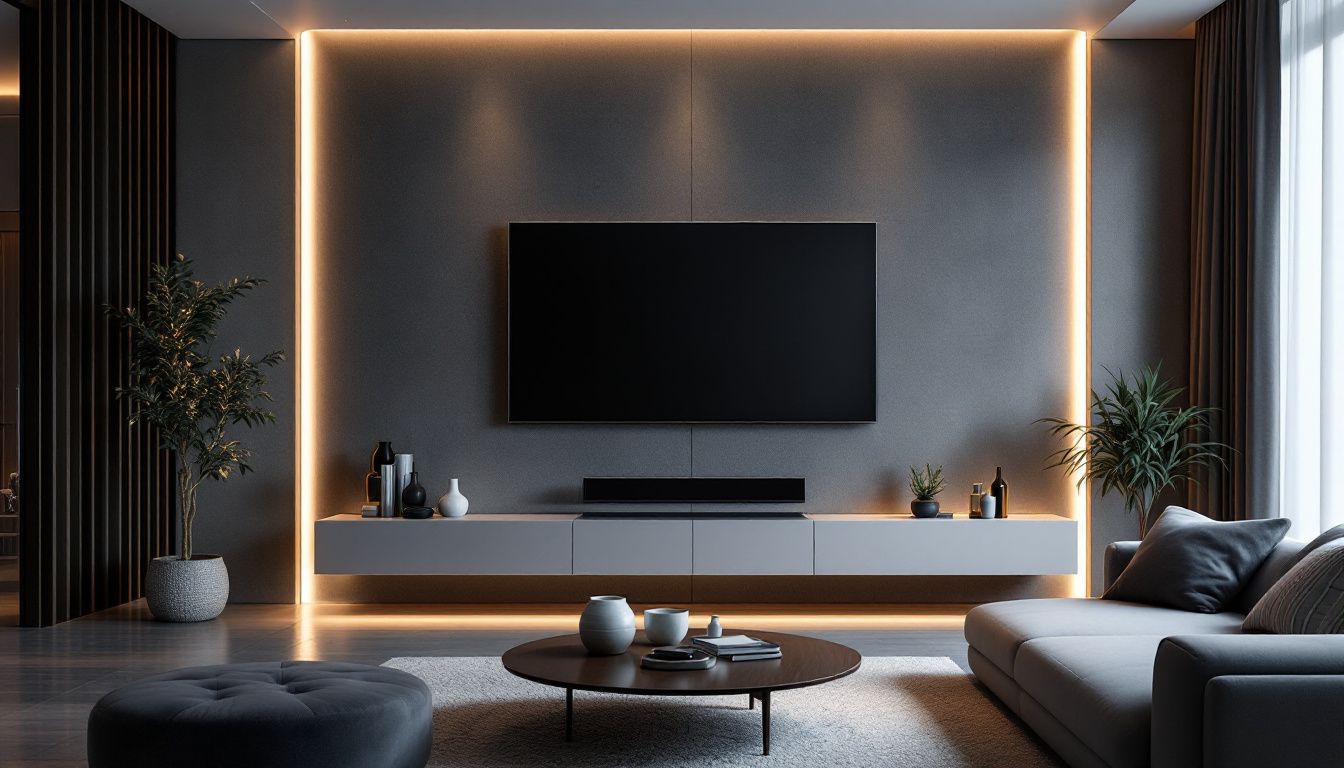
LED displays have become an integral part of modern visual communication, powering everything from smartphones and televisions to massive outdoor billboards and stadium screens. Their vibrant colors, energy efficiency, and long lifespan make them a preferred choice for both consumers and businesses. However, like any technology, LED screens can encounter issues that require troubleshooting and repair. Understanding how LED displays work and common problems that arise is essential for effective maintenance and fixing.
Understanding LED Display Technology
What is an LED Display?
LED stands for Light Emitting Diode, a semiconductor device that emits light when an electric current passes through it. An LED display is a flat panel that uses an array of these tiny LEDs as pixels to create images, videos, and text. Unlike traditional LCD screens, which rely on backlighting, LED displays generate their own light, resulting in higher contrast ratios and more vivid colors.
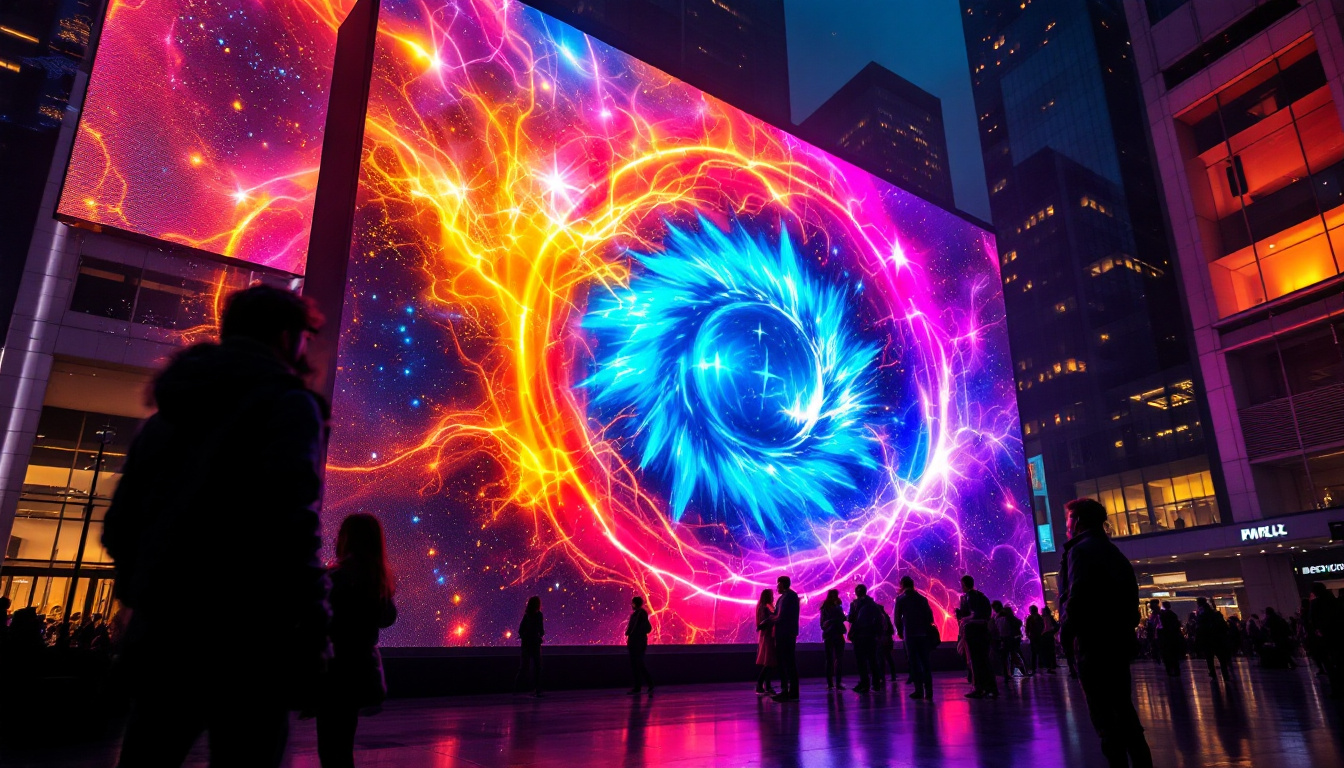
There are two main types of LED displays: direct-view LED and LED-backlit LCD. Direct-view LED displays use individual LEDs as pixels, often seen in large outdoor screens. LED-backlit LCDs use LEDs to illuminate an LCD panel, common in televisions and monitors. This article primarily focuses on direct-view LED displays, which are more complex and prone to specific issues. The versatility of LED technology has made it a popular choice for various applications, from advertising billboards to sports arenas, where dynamic visuals and bright colors are essential for capturing attention.
How Do LED Displays Work?
Each pixel on an LED display consists of one or more LEDs, typically red, green, and blue (RGB). By varying the intensity of these three colors, the display can produce a full spectrum of colors. The LEDs are controlled by a driver circuit that modulates the current to each diode, determining its brightness and color output. This precise control allows for stunning visual effects and the ability to display complex animations and high-definition video content seamlessly.
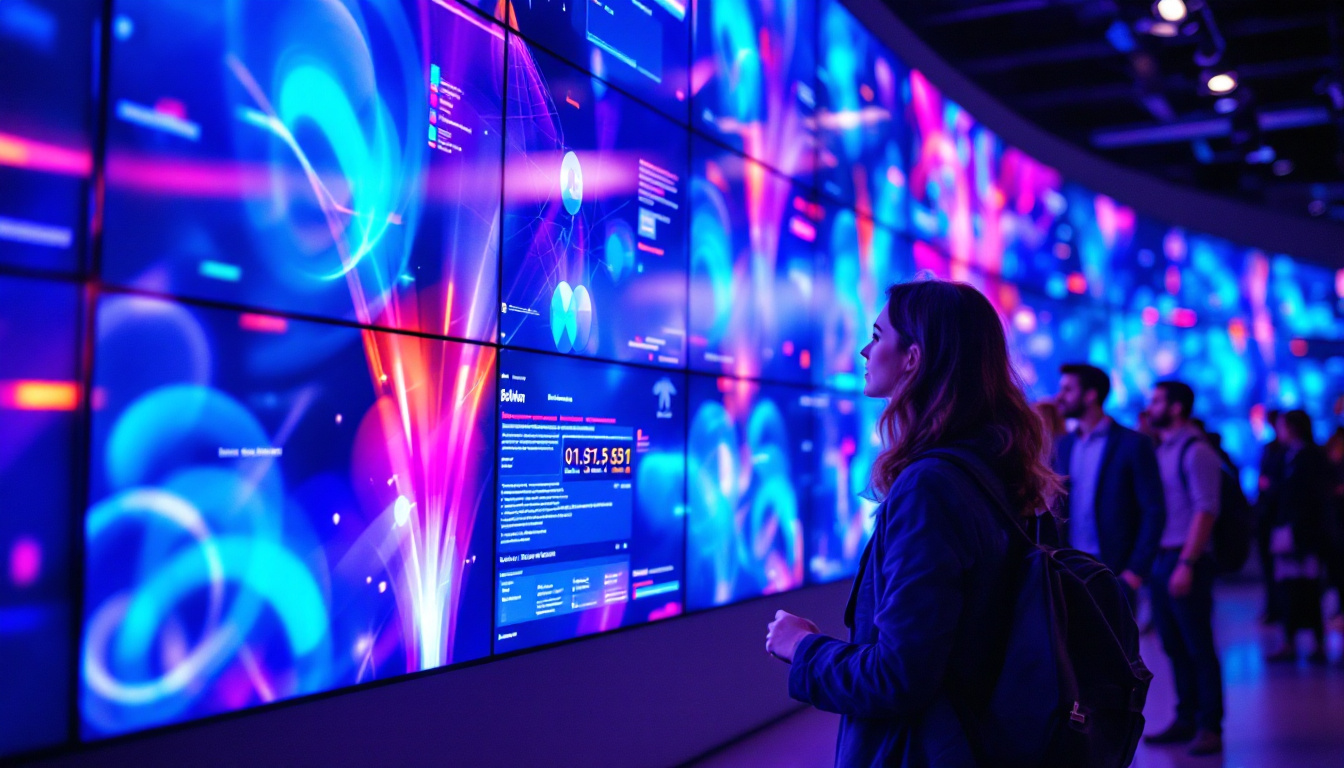
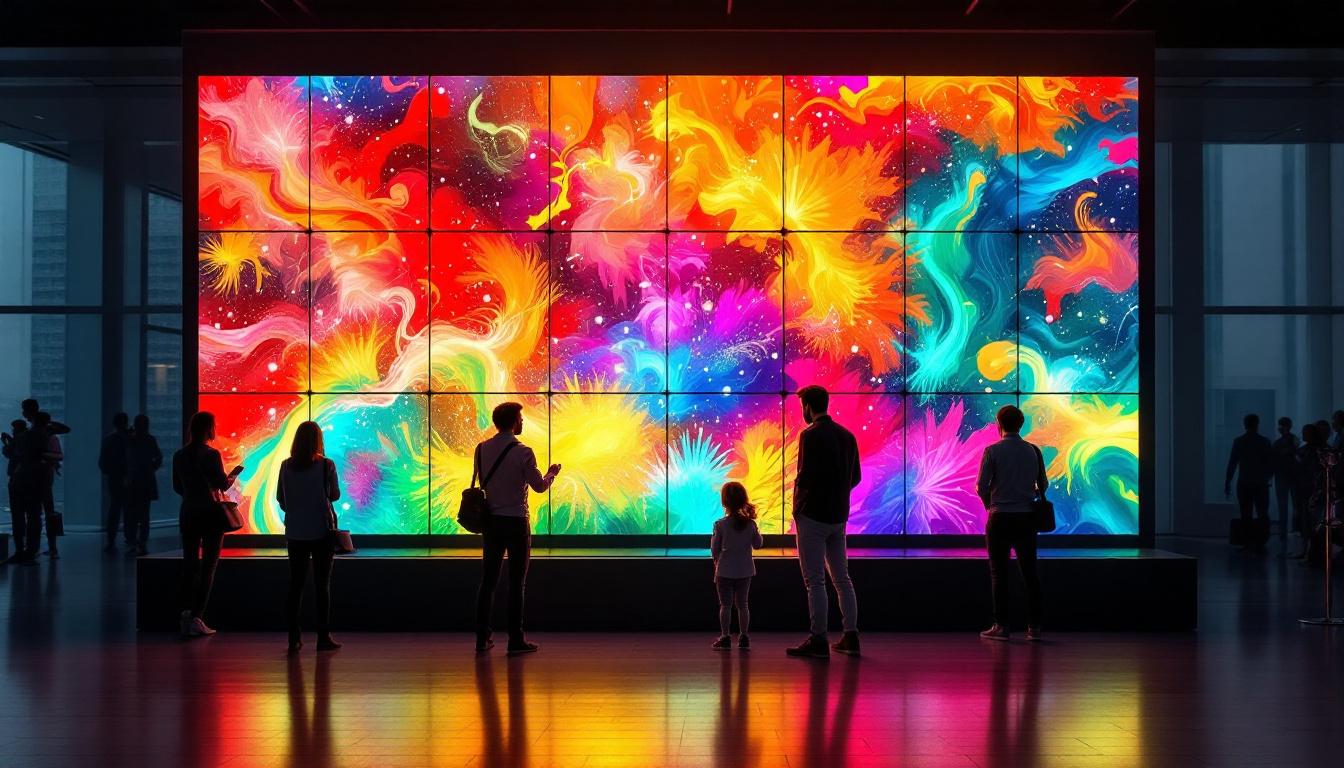
LED displays can be configured in different resolutions and sizes, from small indoor panels to giant outdoor billboards. The modular design allows for scalability and easy replacement of faulty sections, which is a key advantage in maintenance and repair. Additionally, advancements in LED technology have led to the development of finer pixel pitches, enabling high-resolution displays that can be viewed from closer distances without losing image quality. This evolution has opened new avenues for creative installations, such as immersive environments in museums and exhibitions, where the clarity and vibrancy of the visuals enhance the overall experience for viewers.
Common LED Display Problems and How to Fix Them
Dead or Stuck Pixels
One of the most frequent issues with LED displays is dead or stuck pixels. A dead pixel does not light up at all, appearing as a black spot on the screen, while a stuck pixel is permanently lit in one color. These defects can be distracting, especially on high-resolution displays.
Dead pixels are often caused by manufacturing defects or physical damage, and they are usually irreparable. However, stuck pixels may sometimes be fixed using software tools that cycle colors rapidly to stimulate the pixel. Applying gentle pressure or heat to the affected area can also help, but these methods carry risks and should be done cautiously. In some cases, users have reported success with the use of pixel-fixing videos available online, which display a series of colors and patterns designed to encourage stuck pixels to react. It’s worth noting that while these methods can be effective, they are not guaranteed, and patience is often required to see results.
Color Inconsistencies and Calibration Issues
Color accuracy is vital for LED displays, particularly in professional settings such as broadcasting or digital signage. Over time, LEDs can degrade unevenly, causing color shifts or inconsistencies across the screen. Environmental factors like humidity and temperature fluctuations can exacerbate these problems.
Regular calibration using colorimeters and specialized software ensures consistent color output. Some advanced LED displays come with built-in calibration systems that automatically adjust brightness and color balance to compensate for aging LEDs. For manual calibration, technicians must carefully measure and adjust settings to restore uniformity. Additionally, it is essential to consider the ambient lighting conditions in the environment where the display is used, as this can significantly impact perceived color accuracy. A display that looks perfect in a dim room may appear washed out in bright daylight, necessitating further adjustments to maintain optimal viewing experiences.
Flickering and Display Artifacts
Flickering, flashing, or other visual artifacts can indicate issues with the power supply, driver circuits, or signal input. Flickering may be caused by unstable voltage, loose connections, or interference from nearby electronic devices.
To fix flickering, it’s important to check all cables and connectors for secure attachment and signs of wear. Replacing faulty power supplies or driver boards often resolves the issue. In some cases, updating firmware or adjusting refresh rates can eliminate display artifacts. Furthermore, ensuring that the display is connected to a stable power source is crucial; using surge protectors can help safeguard against voltage spikes that might cause flickering. Regular maintenance checks can also preemptively identify potential issues before they escalate into more significant problems, ensuring that the display operates smoothly and consistently.
Module Failures and Pixel Clusters
Large LED displays are composed of multiple modules or panels. If a module fails, it can result in a cluster of dead pixels or a blacked-out section on the screen. Module failures are typically caused by hardware defects, water damage, or physical impact.
Replacing the faulty module is usually the most effective solution. Because LED displays are modular, technicians can swap out individual panels without dismantling the entire screen. Preventive measures such as weatherproof enclosures and regular inspections help minimize module failures. In addition, it is advisable to keep an inventory of spare modules on hand, especially for large installations, to facilitate quick repairs and minimize downtime. Regular training for technicians on the latest repair techniques and technologies can also enhance the efficiency of maintenance efforts, ensuring that any issues are addressed promptly and effectively.
Maintenance Best Practices for LED Displays
Routine Cleaning and Inspection
Dust, dirt, and moisture accumulation can degrade LED display performance and lead to hardware failures. Regular cleaning with appropriate, non-abrasive materials helps maintain brightness and prevents overheating. It’s essential to power down the display before cleaning and avoid using harsh chemicals that can damage the LEDs or protective coatings.
Visual inspections should be conducted periodically to identify early signs of damage, such as discoloration, loose cables, or corrosion. Early detection allows for timely repairs, extending the lifespan of the display.
Environmental Considerations
LED displays installed outdoors face challenges such as exposure to sunlight, rain, wind, and temperature extremes. Selecting displays with appropriate IP ratings (Ingress Protection) ensures resistance to dust and water. Additionally, installing protective covers or shades can shield the screen from direct sunlight and physical damage.
Indoor LED displays benefit from controlled environments with stable temperature and humidity levels. Avoiding exposure to excessive heat or moisture reduces the risk of component degradation.
Software Updates and Calibration
Firmware and software updates often include performance improvements, bug fixes, and enhanced calibration features. Keeping the display’s control system up to date ensures optimal operation and compatibility with new content formats.
Scheduled recalibration maintains color accuracy and brightness uniformity. For mission-critical applications, automated calibration systems provide continuous monitoring and adjustment, reducing manual intervention.
When to Seek Professional LED Screen Repair Services
Complex Electrical and Hardware Issues
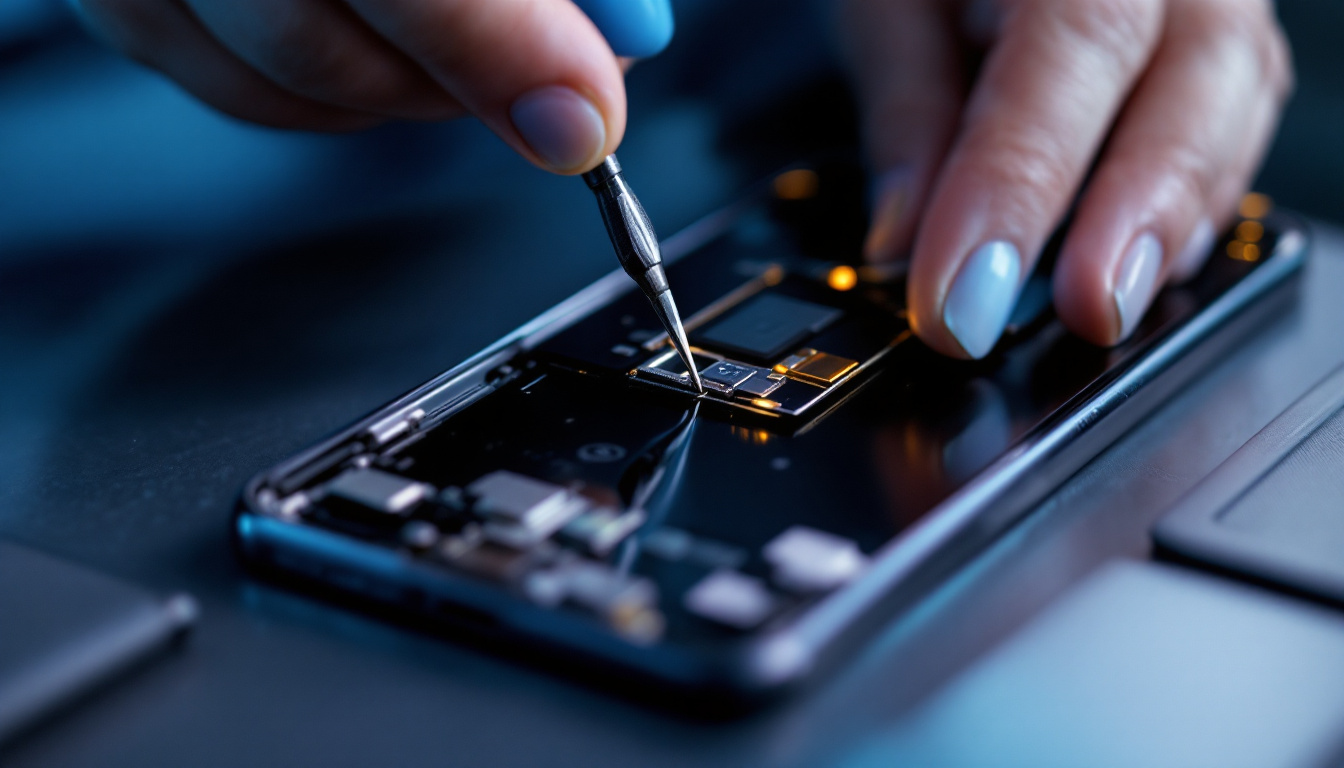
While some minor LED screen issues can be addressed with basic troubleshooting, complex electrical failures require specialized knowledge and equipment. Problems involving power supplies, driver boards, or signal processors should be handled by trained technicians to avoid further damage or safety hazards.
Warranty and Manufacturer Support
Many LED displays come with manufacturer warranties that cover defects and repairs within a specified period. Utilizing authorized repair services ensures that replacements and repairs meet quality standards and do not void warranties.
Cost-Benefit Analysis of Repair vs. Replacement
In some cases, extensive damage or outdated technology may make replacement more cost-effective than repair. Evaluating the age, condition, and performance requirements of the LED display helps determine the best course of action. Professional repair services can provide detailed assessments and recommendations tailored to specific situations.
Future Trends in LED Display Technology
MicroLED and MiniLED Innovations
Emerging technologies like MicroLED and MiniLED promise even higher brightness, better energy efficiency, and finer pixel control. These advances will enhance display quality and durability, reducing common issues seen in current LED screens.
Improved Repairability and Modular Designs
Manufacturers are increasingly focusing on modular designs that simplify maintenance and repair. Enhanced diagnostic tools and self-healing capabilities are also being developed to detect and correct faults automatically, minimizing downtime.
Integration with Smart Technologies
Smart LED displays equipped with IoT connectivity enable real-time monitoring and remote troubleshooting. This integration allows for predictive maintenance, reducing unexpected failures and optimizing performance.
Conclusion
LED displays are powerful tools for visual communication, offering vibrant imagery and versatile applications. Understanding the underlying technology and common issues is crucial for effective maintenance and repair. Routine care, timely troubleshooting, and professional support ensure that LED screens continue to deliver high-quality performance over their lifespan.
As LED technology evolves, new innovations will further enhance display quality and reliability, making LED screens an even more indispensable part of modern life. Staying informed about best practices and emerging trends empowers users and technicians to maximize the value and longevity of their LED displays.
Discover Cutting-Edge LED Solutions with LumenMatrix
Ready to elevate your visual communication with the latest in LED technology? Look no further than LumenMatrix, a pioneer in crafting immersive LED display modules designed to make your brand shine. From Indoor and Outdoor LED Walls to innovative solutions like Vehicle and Floor LED Displays, LumenMatrix offers a wide array of products to captivate your audience. Embrace the future of digital signage with our Custom, All-in-One, and Transparent LED Displays, each engineered to deliver unparalleled engagement and message clarity. Check out LumenMatrix LED Display Solutions today and transform your visual experience.