In the world of PC building and customization, Lian Li has established itself as a premier brand known for high-quality cases, cooling solutions, and innovative accessories. Among their standout features is the integration of customizable LED displays on select products, offering users a unique blend of aesthetics and functionality. To fully harness the potential of these LED displays, understanding the Lian Li software download process and how the software operates is essential.
This article delves into the details of Lian Li’s LED display technology, the software that powers it, and how users can optimize their setups for both visual appeal and practical use. Whether you are a seasoned PC builder or a newcomer interested in enhancing your rig’s appearance, this comprehensive guide will provide valuable insights.
Understanding Lian Li LED Displays: What Sets Them Apart?
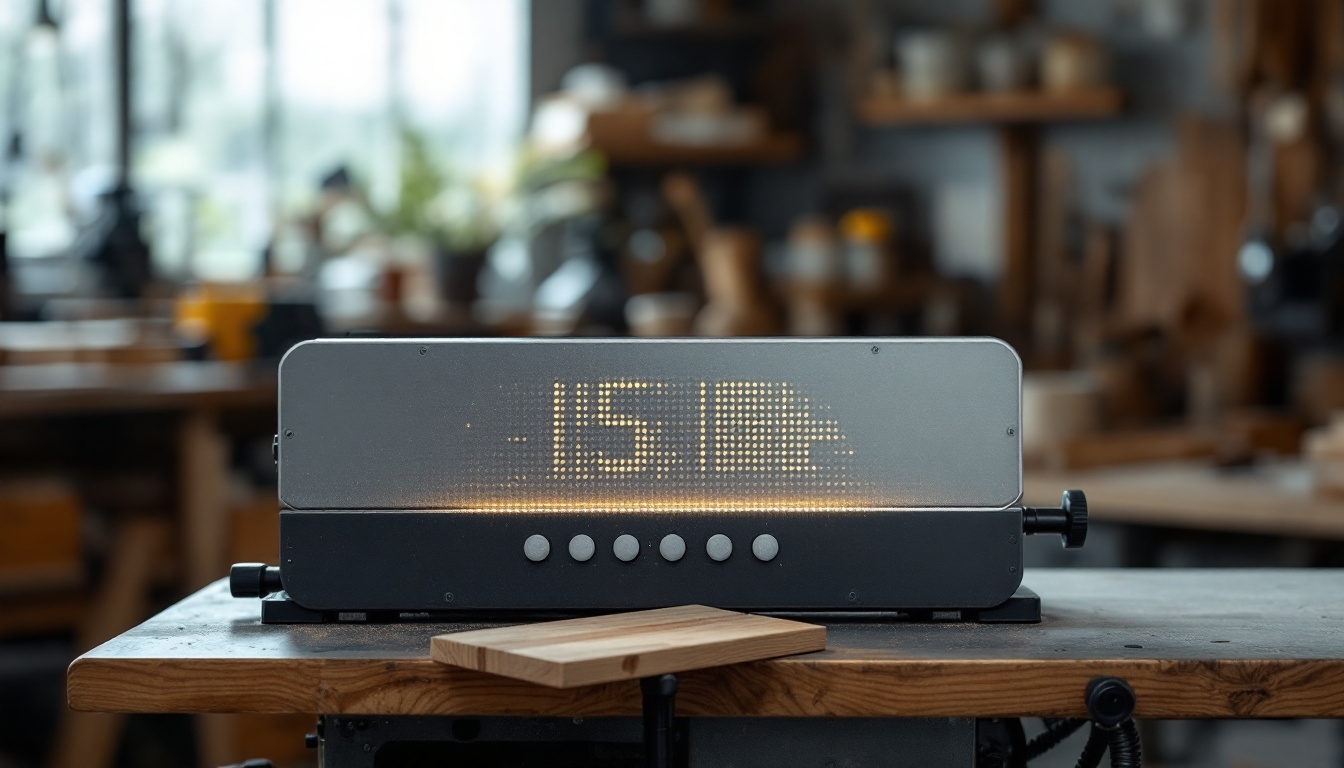
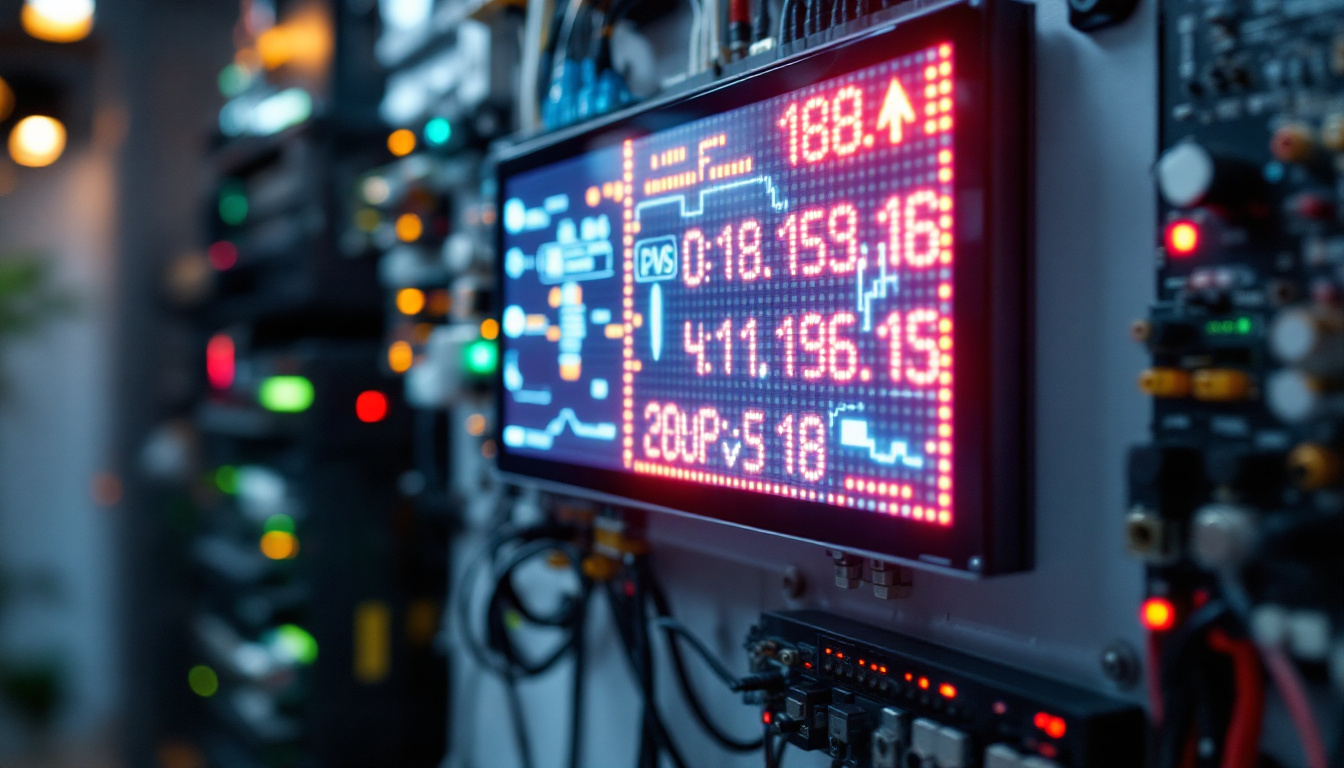
Lian Li’s LED displays are not just decorative elements; they represent a new wave of PC customization that blends utility with style. Unlike traditional RGB lighting strips or fans, these LED displays are capable of showing dynamic content such as system stats, custom animations, and even text messages.
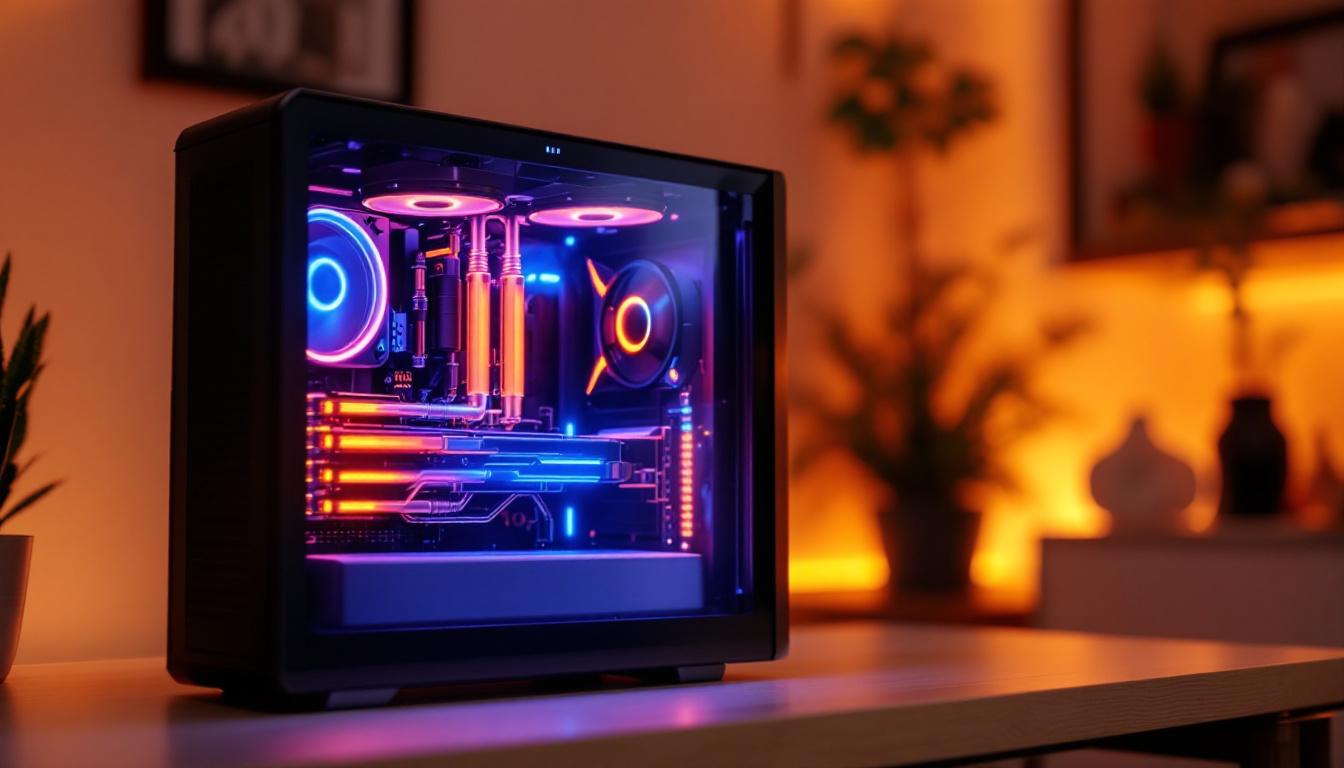
One of the most notable products featuring these LED displays is the Lian Li UNI FAN SL120 with the Lian Li UNI HUB, which supports synchronized lighting and display control. Another example is the Lian Li PC-O11 Dynamic EVO, which can be equipped with LED panels that display real-time information. This innovative approach not only enhances the aesthetic appeal of a gaming rig but also transforms it into a functional dashboard for monitoring performance metrics.
Key Features of Lian Li LED Displays
These displays offer several distinct advantages:
- Customizability: Users can upload personalized images, GIFs, or animations, tailoring the display to their preferences.
- Real-Time Monitoring: The display can show CPU temperature, fan speeds, or system load, providing at-a-glance diagnostics.
- Synchronization: When paired with other Lian Li RGB components, the LED display can synchronize colors and effects for a cohesive look.
- Ease of Use: The accompanying software provides an intuitive interface for managing the display content.
These features make Lian Li’s LED displays a compelling choice for enthusiasts who want their PC to stand out while also delivering practical information. Additionally, the integration of these displays into the overall PC design can enhance the user experience by providing a seamless interaction between hardware and software. For instance, gamers can set their displays to reflect the themes of their favorite games, creating an immersive environment that complements their gameplay.
Moreover, Lian Li’s commitment to quality is evident in the materials used for these displays. With a focus on durability and performance, the LED panels are designed to withstand the rigors of high-performance computing while maintaining vibrant colors and clear visuals. This attention to detail ensures that users not only enjoy a visually stunning setup but also one that is built to last, making it a worthwhile investment for anyone serious about their PC build.
The Lian Li Software: Download and Installation Guide
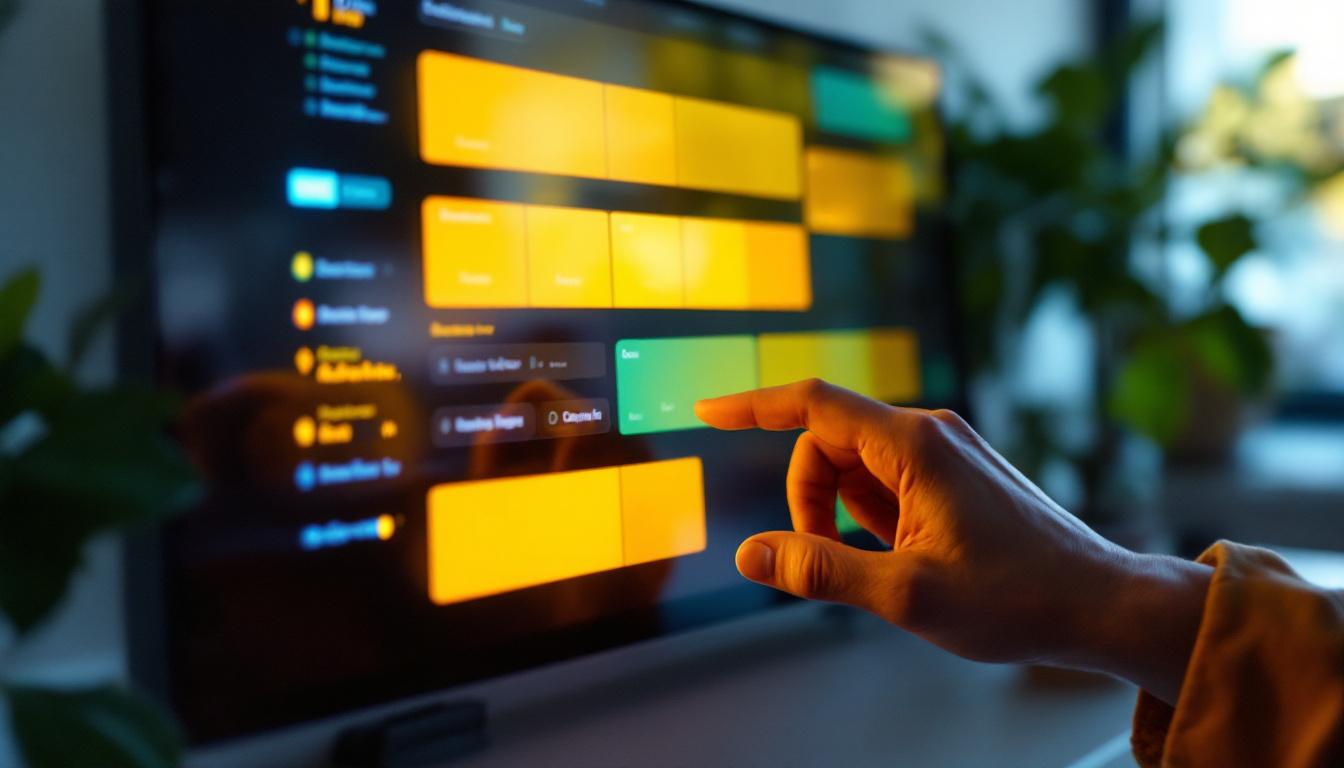
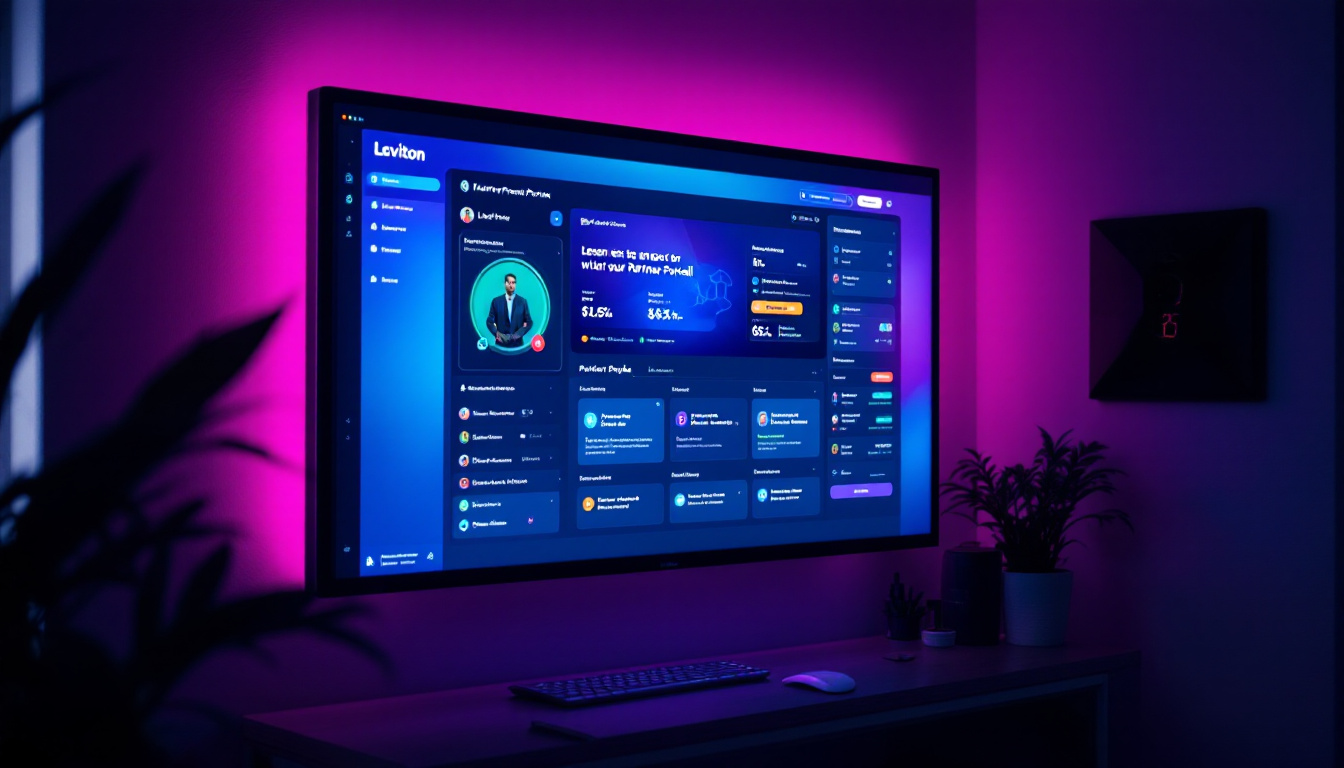
To unlock the full potential of Lian Li’s LED displays, the official software is a critical tool. This software acts as the command center for controlling lighting effects, display content, and synchronization with other components. With a user-friendly interface, it allows users to personalize their setups, creating stunning visual experiences that can enhance any gaming or workstation environment.
Where to Download the Software
The safest and most reliable source for the Lian Li software is the official Lian Li website. Navigate to the support or downloads section, where the latest version of the software is typically available. This ensures that you receive updates, bug fixes, and compatibility improvements directly from the manufacturer. Additionally, Lian Li often provides detailed release notes, so users can stay informed about new features and enhancements that may improve their experience.
As of 2024, the software is compatible with Windows 10 and Windows 11, and Lian Li is actively working on expanding support for future operating systems. This commitment to compatibility ensures that users can enjoy the latest advancements in technology without worrying about software limitations, allowing for a more seamless integration with their overall system setup.
Installation Steps
Installing the Lian Li software is straightforward:
- Download the Installer: Obtain the latest version from the official website.
- Run the Installer: Launch the executable file and follow the on-screen prompts.
- Connect Your Hardware: Ensure your Lian Li LED display device is connected via USB or the appropriate interface.
- Launch the Software: Open the application to begin configuring your LED display.
During installation, it’s advisable to close other programs to avoid conflicts, and ensure your system drivers are up to date for seamless operation. Once installed, users can explore various features such as preset lighting modes, custom color selections, and even the ability to sync with music for dynamic lighting effects that respond to audio cues. This level of customization not only enhances aesthetics but also allows for a more immersive experience during gameplay or content consumption.
Common Troubleshooting Tips
Users occasionally encounter issues such as the software not detecting the LED display or lighting effects not applying correctly. Common fixes include:
- Reconnecting the device and restarting the software.
- Updating motherboard BIOS and chipset drivers.
- Running the software as an administrator.
- Checking for conflicting RGB control software from other manufacturers.
Following these steps usually resolves most issues, ensuring a smooth user experience. If problems persist, users can also refer to the community forums or reach out to Lian Li’s customer support for further assistance. Engaging with the community can provide additional insights and tips from other users who may have encountered similar challenges, fostering a collaborative environment where solutions are readily shared.
Exploring Software Features: Customizing Your LED Display
The Lian Li software offers a rich suite of features designed to give users control over their LED displays. Understanding these features helps maximize the utility and aesthetics of your PC setup.
Lighting Effects and Animation Control
The software supports a variety of lighting modes, including static colors, breathing effects, color cycles, and reactive animations that respond to system activity or audio input. Users can create multi-layered effects, combining colors and animations for a unique look.
Additionally, the software allows for precise timing adjustments, brightness control, and speed modulation of animations, enabling fine-tuning that matches personal preferences or ambient lighting conditions.
Custom Content Upload
One of the standout features is the ability to upload custom images or GIFs to the LED display. This opens the door to endless personalization options, from displaying a favorite logo or mascot to showing motivational quotes or system alerts.
The software supports common image formats and includes tools to resize and preview content before applying it to the display, ensuring optimal visual quality.
System Monitoring Integration
For users interested in functionality beyond aesthetics, the software can integrate with system monitoring tools to display real-time data such as CPU temperature, GPU load, fan speeds, and network activity. This feature is particularly useful for overclockers and PC enthusiasts who want immediate feedback on their system’s performance.
The data is presented in a clear, customizable format, allowing users to prioritize which metrics are shown and how they appear on the LED display.
Why LED Display Customization Matters in Modern PC Builds
LED lighting has become a staple in PC builds, but Lian Li’s LED display technology elevates this trend by adding a new dimension of interactivity and information display. This section explores why this matters to modern PC builders and enthusiasts.
Enhancing Aesthetic Appeal
In an increasingly competitive market, PC builders seek ways to make their rigs stand out visually. Lian Li’s LED displays provide a canvas for creativity, allowing for dynamic and personalized designs that can complement other RGB components.
According to a 2023 survey by PC Gamer, over 65% of PC builders consider lighting customization a key factor when selecting components. Lian Li’s LED displays cater directly to this demand by offering more than just static lighting.
Improving User Experience and System Awareness
Beyond looks, the ability to display real-time system information on the LED panel improves the user experience by providing quick access to important data without needing to open software windows or monitoring apps.
This feature is especially valuable during intensive tasks such as gaming, video editing, or benchmarking, where system performance can fluctuate rapidly.
Supporting Community and Brand Identity
Customizable LED displays also foster a sense of community among Lian Li users, who often share their designs and configurations online. This engagement supports brand loyalty and encourages innovation in PC customization.
Moreover, for streamers and content creators, these displays can be used to showcase branding or messages, adding a professional touch to their setups.
Best Practices for Using Lian Li LED Display Software
To get the most out of the Lian Li LED display software, consider the following best practices:
Keep Software Updated
Lian Li regularly releases updates that improve functionality, add new features, and fix bugs. Regularly checking for and installing updates ensures compatibility with the latest hardware and operating systems.
Backup Custom Profiles
Before making significant changes, save your custom lighting profiles and display content. This prevents loss of configurations and allows easy restoration if needed.
Experiment with Effects
Don’t hesitate to try different lighting modes and animations. The software’s preview function makes it easy to test without applying changes immediately, encouraging creativity.
Monitor System Performance
If using the system monitoring features, verify that the displayed data matches readings from trusted third-party tools. This helps ensure accuracy and reliability.
Conclusion: Unlocking the Full Potential of Lian Li LED Displays
Lian Li’s LED display technology represents a significant advancement in PC customization, combining eye-catching visuals with practical system monitoring. The accompanying software is the key to unlocking these capabilities, offering a user-friendly interface and extensive customization options.
By downloading the latest version of the Lian Li software and exploring its features, users can transform their PC builds into personalized masterpieces that not only look stunning but also provide valuable real-time information. Whether for gaming, professional work, or general use, mastering this technology enhances both the form and function of modern PCs.
For those interested in pushing the boundaries of PC aesthetics and utility, Lian Li’s LED displays and software provide an exciting platform to innovate and express individuality.
Discover the Future of Visual Display with LumenMatrix
Ready to take your LED display experience to the next level? LumenMatrix is at the forefront of LED display innovation, offering a wide array of solutions that cater to any need—from Indoor and Outdoor LED Wall Displays to specialized options like Vehicle and Sports LED Displays. Embrace the power of LumenMatrix to create immersive environments and communicate with your audience like never before. Check out LumenMatrix LED Display Solutions today and see how they can transform your space with unparalleled clarity and impact.