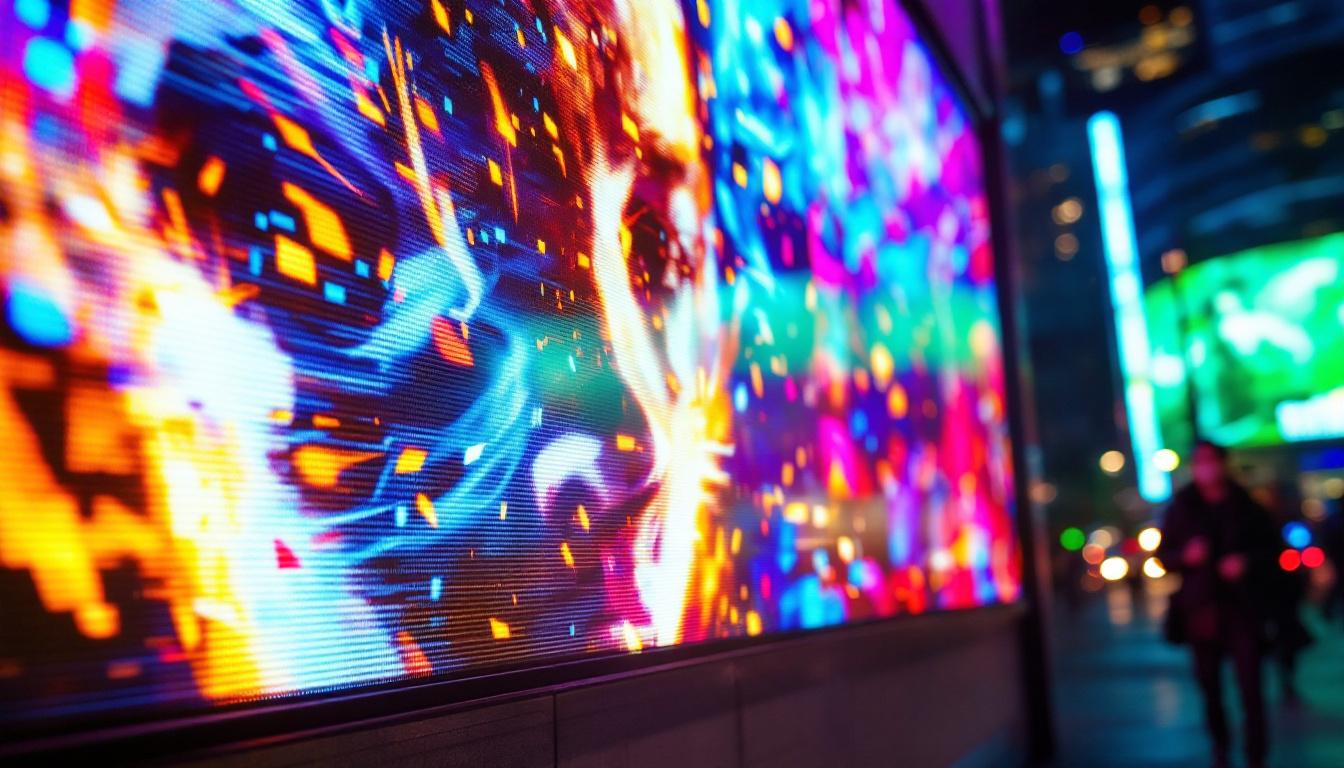
In today’s digital age, LED displays have become an integral part of our visual environment—from smartphones and televisions to massive outdoor billboards. Understanding how pixels (px) are measured on these screens is essential for designers, engineers, marketers, and tech enthusiasts alike. This article dives deep into the world of LED displays, explaining how pixels are measured on screen, why it matters, and how it impacts image quality and user experience.
Understanding Pixels and Their Role in LED Displays
Pixels, short for “picture elements,” are the smallest units of a digital image displayed on screens. Each pixel represents a single point of color, and collectively, millions of pixels form the images we see. In LED displays, pixels are composed of tiny light-emitting diodes that produce color and brightness.
The concept of measuring pixels on screen revolves around pixel density and resolution. Pixel density is often expressed in pixels per inch (PPI), which indicates how many pixels fit into a linear inch of a display. Resolution, on the other hand, refers to the total number of pixels horizontally and vertically, such as 1920×1080 (Full HD).
Why Pixel Measurement Matters
Pixel measurement is crucial because it directly affects image clarity, sharpness, and detail. Higher pixel density means more pixels are packed into the same physical space, resulting in crisper images and smoother text. For example, a smartphone with a 400 PPI display will show images and fonts more sharply than a screen with 150 PPI.
Moreover, understanding pixel measurement helps content creators optimize visuals for different devices. A design that looks perfect on a high-resolution LED monitor might appear pixelated or blurry on a lower-resolution screen if not properly scaled.
How Pixels Are Measured on LED Screens
Measuring pixels on LED displays involves several key factors: pixel pitch, pixel density, and resolution. Each plays a distinct role in determining the quality and characteristics of the display.
Pixel Pitch: The Physical Distance Between Pixels
Pixel pitch is the distance between the centers of two adjacent pixels, typically measured in millimeters. It is a critical metric for LED displays, especially large-format ones like stadium screens or digital billboards. A smaller pixel pitch means pixels are closer together, resulting in higher resolution and finer image quality.
For instance, a pixel pitch of 1.5 mm is common in high-definition indoor LED displays, while outdoor LED billboards might have a pixel pitch ranging from 6 mm to 20 mm or more. The larger the pixel pitch, the lower the resolution, but the more suitable the display is for viewing from a distance.
Pixel Density (PPI) and Its Calculation
Pixel density, or pixels per inch (PPI), is a measure of how many pixels are packed into one inch of screen space. It is calculated by dividing the number of pixels along one dimension by the physical length of that dimension in inches. For example, a 5-inch display with a horizontal resolution of 1080 pixels has a horizontal PPI of 1080 ÷ 5 = 216 PPI.
Higher PPI values indicate sharper images, as more pixels are used to represent the same area. This measurement is particularly important for devices held close to the eyes, such as smartphones and tablets, where pixel density significantly impacts perceived image quality.
Screen Resolution: Total Pixel Count
Resolution refers to the total number of pixels displayed on the screen, usually expressed as width × height. Common resolutions include 1920×1080 (Full HD), 3840×2160 (4K UHD), and 7680×4320 (8K UHD). The resolution determines how much detail can be displayed but must be considered alongside screen size and pixel pitch to understand the overall image quality.
For example, a 4K resolution on a 27-inch monitor will appear sharper than the same resolution on a 65-inch TV because the pixels are more densely packed on the smaller screen.
LED Display Technologies and Pixel Arrangement
LED displays come in various forms, and the way pixels are arranged can influence both measurement and visual output. Understanding these technologies helps clarify how pixels function on different LED screens.
Direct-View LED Displays
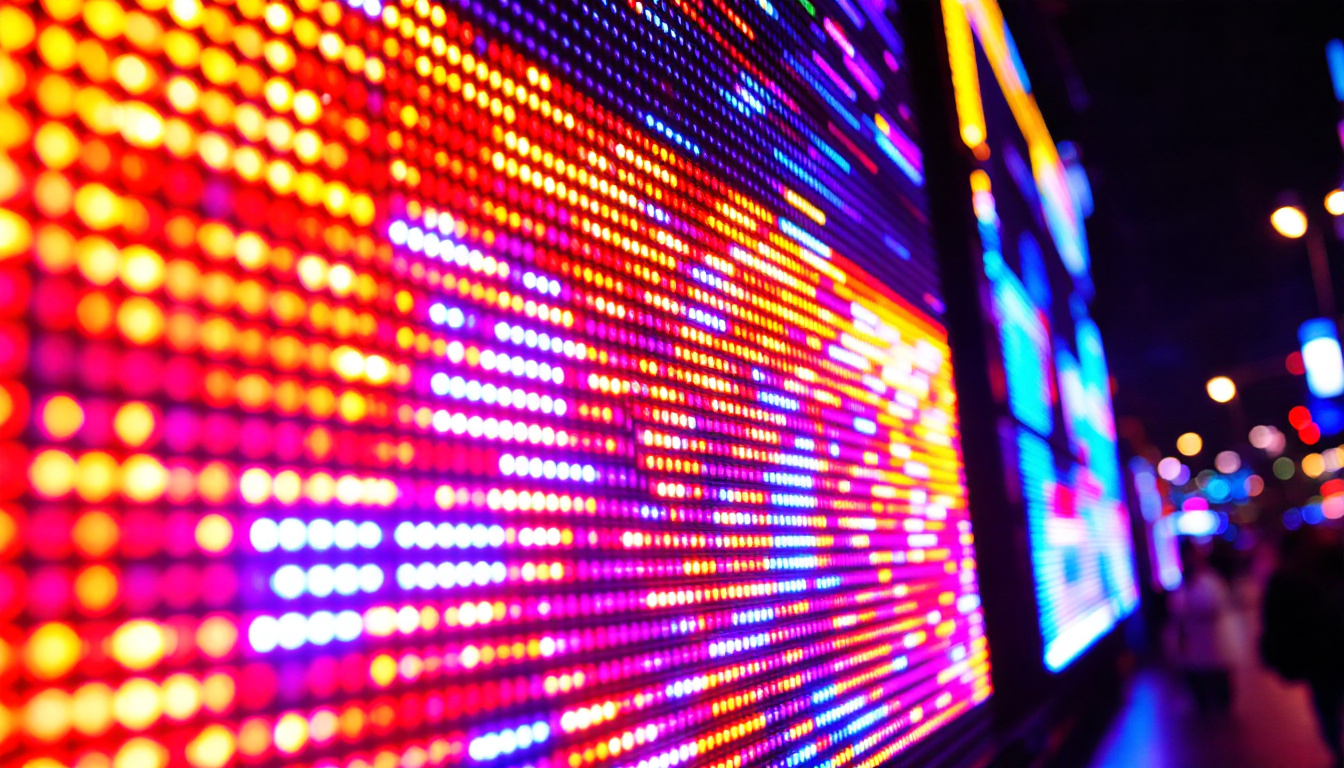
Direct-view LED (DVLED) displays consist of individual LEDs arranged in a grid to form pixels. Each pixel typically contains red, green, and blue LEDs that combine to produce a wide range of colors. These displays are popular for large-scale installations such as concert screens, sports arenas, and outdoor advertising due to their brightness and scalability.
Pixel pitch is a key consideration here, as it determines the optimal viewing distance. For example, a 2 mm pixel pitch LED screen is ideal for indoor use where viewers are close, while a 10 mm pixel pitch screen suits outdoor environments where viewers are farther away.
LED-Backlit LCD Displays
Many consumer devices use LED-backlit LCD screens, where LEDs provide the backlight behind an LCD panel that controls pixel color and brightness. In this case, pixels are controlled by liquid crystals, and the LED backlight affects overall brightness and contrast but not pixel arrangement directly.
Pixel measurement on these screens follows traditional LCD standards, focusing on resolution and pixel density rather than pixel pitch.
MicroLED Displays: The Future of Pixel Precision
MicroLED technology represents a new frontier in display technology, where microscopic LEDs form each pixel with incredible precision. This allows for extremely high pixel densities, superior brightness, and energy efficiency compared to traditional LED or OLED displays.
MicroLED displays can achieve pixel pitches as low as 0.5 mm, making them ideal for applications requiring ultra-high resolution and color accuracy. While still emerging in the consumer market, MicroLEDs promise to redefine pixel measurement standards in the near future.
Practical Applications: Why Measuring Pixels on LED Screens Matters
Accurate pixel measurement is not just a technical detail—it has real-world implications across various industries and use cases.
Design and Content Creation
Graphic designers, video producers, and UI/UX professionals must understand pixel measurements to create visuals that look sharp and consistent across devices. For example, designing a website or app interface requires knowledge of common screen resolutions and pixel densities to ensure elements scale correctly and remain legible.
In the advertising industry, knowing the pixel pitch of an LED billboard helps content creators optimize images and videos for maximum impact without losing clarity when viewed from different distances.
Display Manufacturing and Quality Control
For manufacturers, precise pixel measurement is essential to maintain quality standards and meet customer expectations. Pixel pitch and density influence manufacturing costs, power consumption, and display lifespan. Ensuring uniform pixel spacing and color accuracy across the screen is critical for producing high-quality LED displays.
Consumer Electronics and User Experience
Consumers benefit from devices with optimal pixel measurements through improved visual experiences. High pixel density screens reduce eye strain and enhance readability, especially for prolonged use. Understanding pixel measurement also helps consumers make informed decisions when purchasing devices, balancing screen size, resolution, and price.
How to Measure Pixels on Your LED Screen
Measuring pixels on an LED screen can be straightforward with the right tools and knowledge. Here are practical steps to determine pixel density and pitch on your device.
Using Software Tools to Determine Resolution and PPI
Most operating systems provide information about screen resolution in the display settings. Once you know the resolution and physical screen size, you can calculate PPI using the formula:
PPI = √(width² + height²) ÷ diagonal screen size (in inches)
For example, a 15.6-inch laptop with a resolution of 1920×1080 pixels has a PPI of approximately 141, calculated as:
√(1920² + 1080²) ÷ 15.6 ≈ 141 PPI
Measuring Pixel Pitch on Large LED Displays
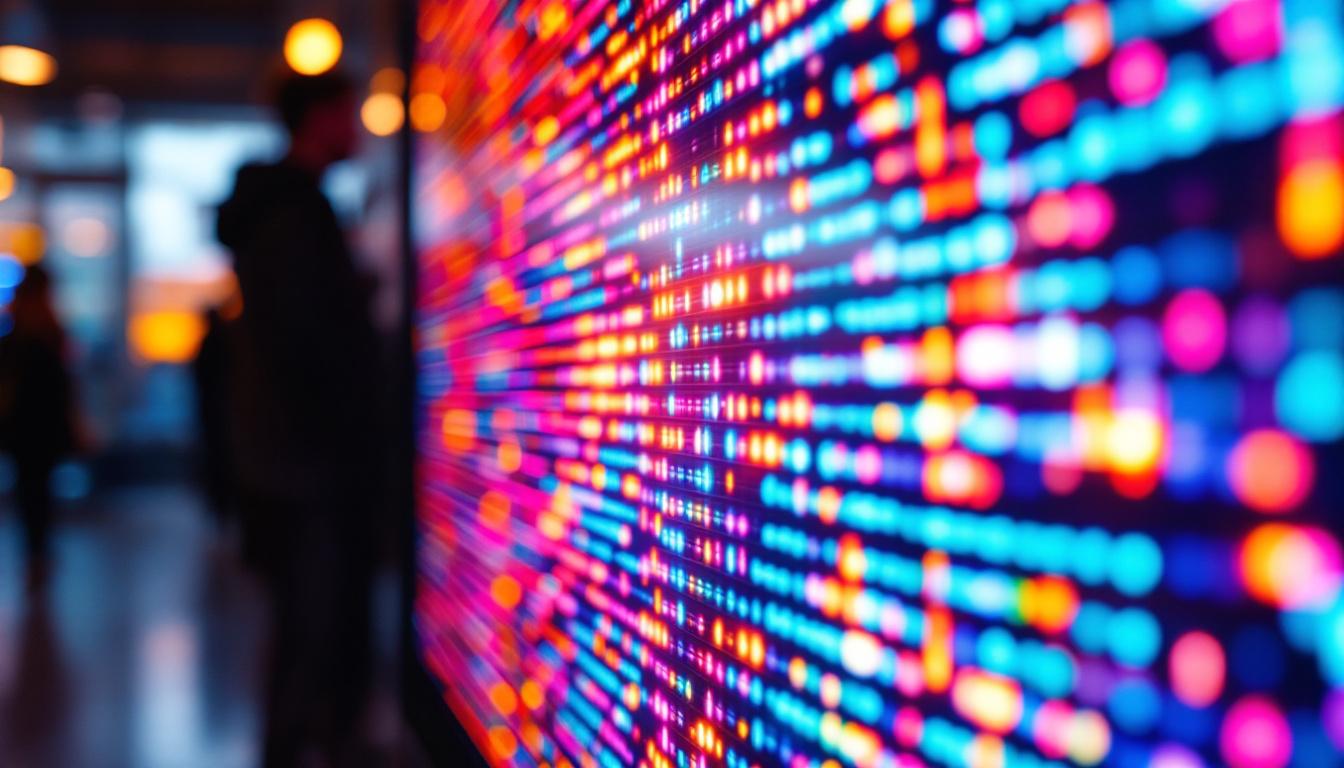
For large LED panels, pixel pitch is often specified by the manufacturer. However, if you need to measure it manually, use a ruler to measure the distance between the centers of two adjacent pixels (usually visible as clusters of red, green, and blue LEDs) and record that distance in millimeters.
This measurement helps determine the optimal viewing distance and image quality for the display.
Using Calibration and Testing Tools
Professional calibration tools and software can analyze pixel arrangement and density more precisely. These tools are widely used in display manufacturing and quality assurance to ensure screens meet technical specifications.
Future Trends in Pixel Measurement and LED Displays
The world of LED displays is rapidly evolving, driven by advances in technology and increasing demand for higher resolution and better image quality.
Higher Pixel Densities and Smaller Pixel Pitches
As manufacturing techniques improve, pixel pitches continue to shrink, enabling ultra-high-definition displays with stunning clarity. This trend benefits applications ranging from virtual reality headsets to large-scale digital signage.
Integration of AI and Adaptive Pixel Control
Emerging technologies are incorporating artificial intelligence to dynamically adjust pixel brightness and color based on content and ambient lighting. This adaptive control enhances visual quality while conserving energy.
Expansion of MicroLED and Flexible Displays
MicroLED technology is expected to become more mainstream, offering unparalleled pixel precision and durability. Additionally, flexible LED displays with variable pixel arrangements will open new possibilities for wearable devices and innovative form factors.
Conclusion
Measuring pixels on LED screens is a foundational concept that impacts everything from device design to user experience. By understanding pixel pitch, pixel density, and resolution, professionals and consumers alike can appreciate the complexities behind the vibrant images displayed on LED screens.
As LED technology advances, pixel measurement will continue to play a crucial role in shaping the future of digital displays, delivering sharper, brighter, and more immersive visual experiences across all platforms.
Explore Cutting-Edge LED Displays with LumenMatrix
Ready to experience the future of LED technology and elevate your visual communication? LumenMatrix is at the forefront of LED display innovation, offering a wide range of solutions tailored to your needs. From captivating Indoor LED Wall Displays to dynamic Outdoor LED Wall Displays, and from versatile Vehicle LED Displays to engaging LED Sports Displays, our products are designed to make your brand shine. Discover the difference that high-quality, custom LED displays can make in engaging your audience. Check out LumenMatrix LED Display Solutions today and transform your visual storytelling with clarity and impact.