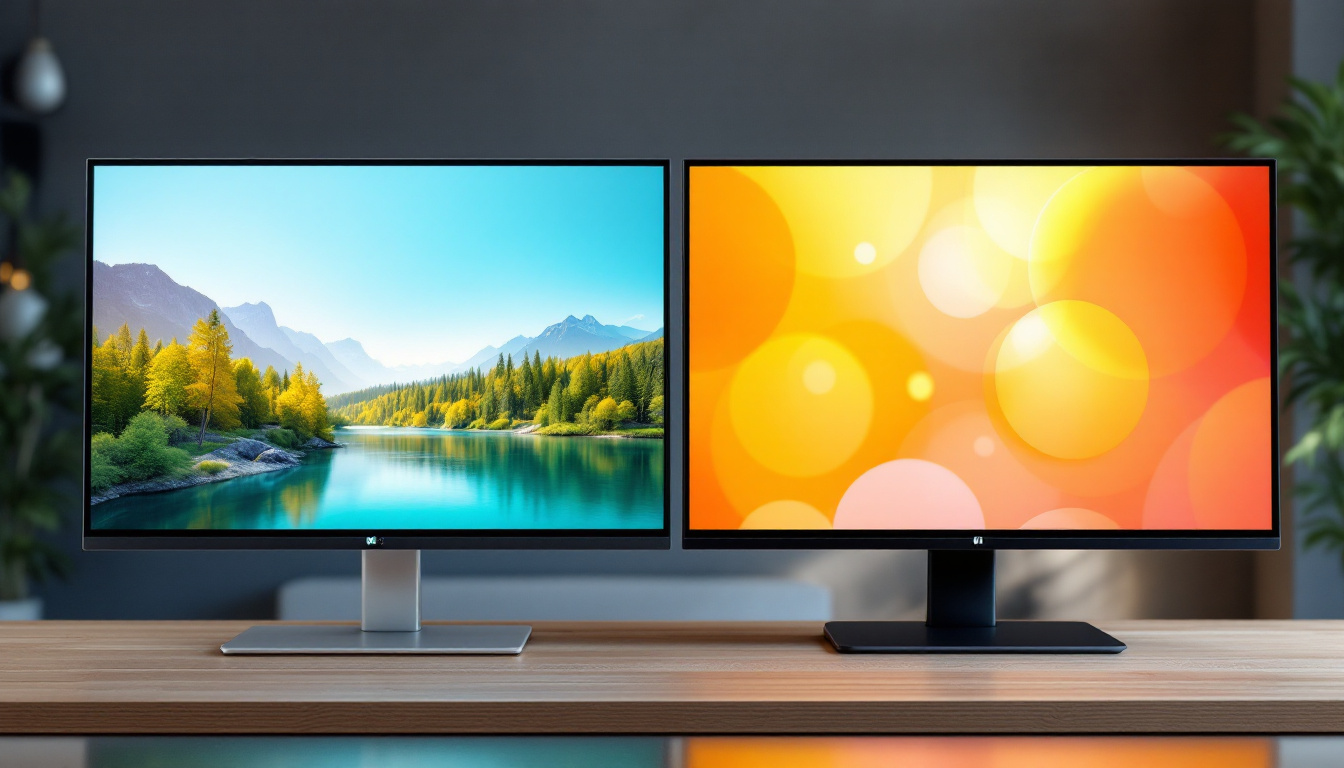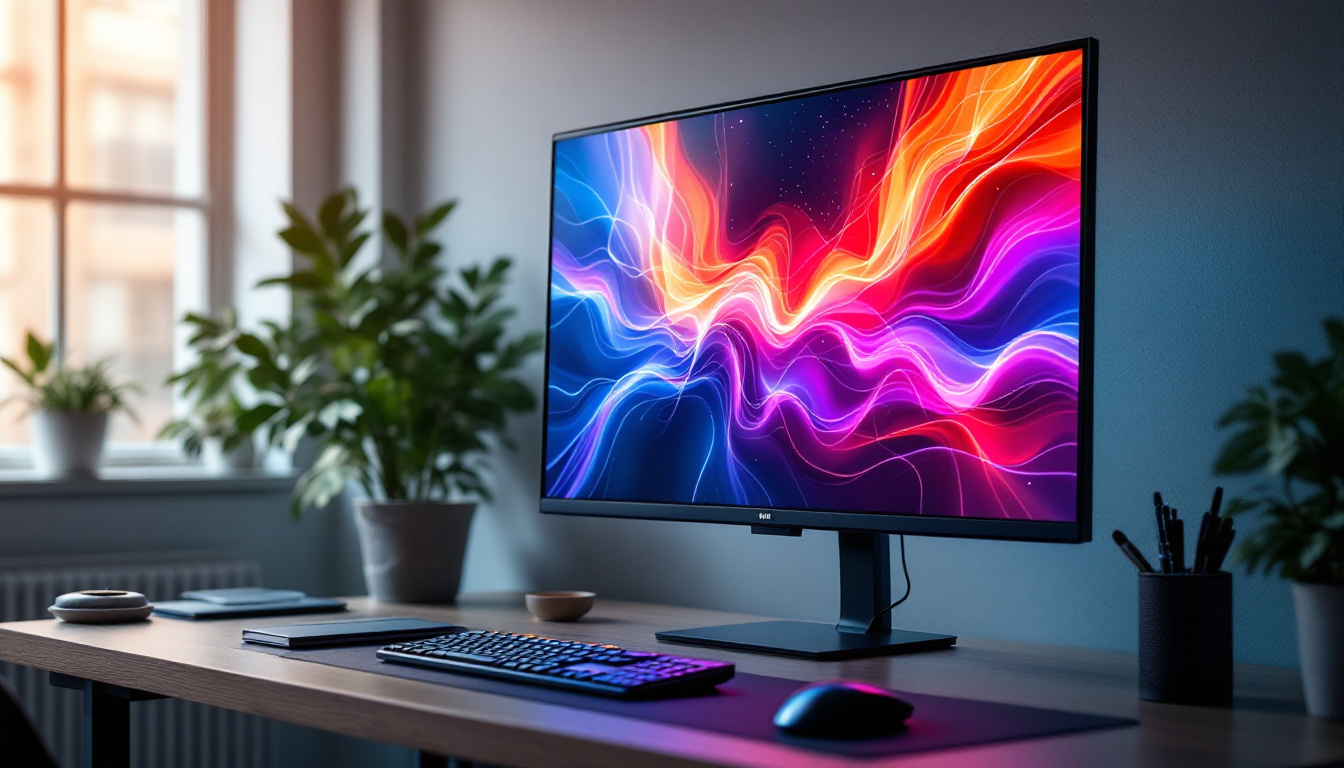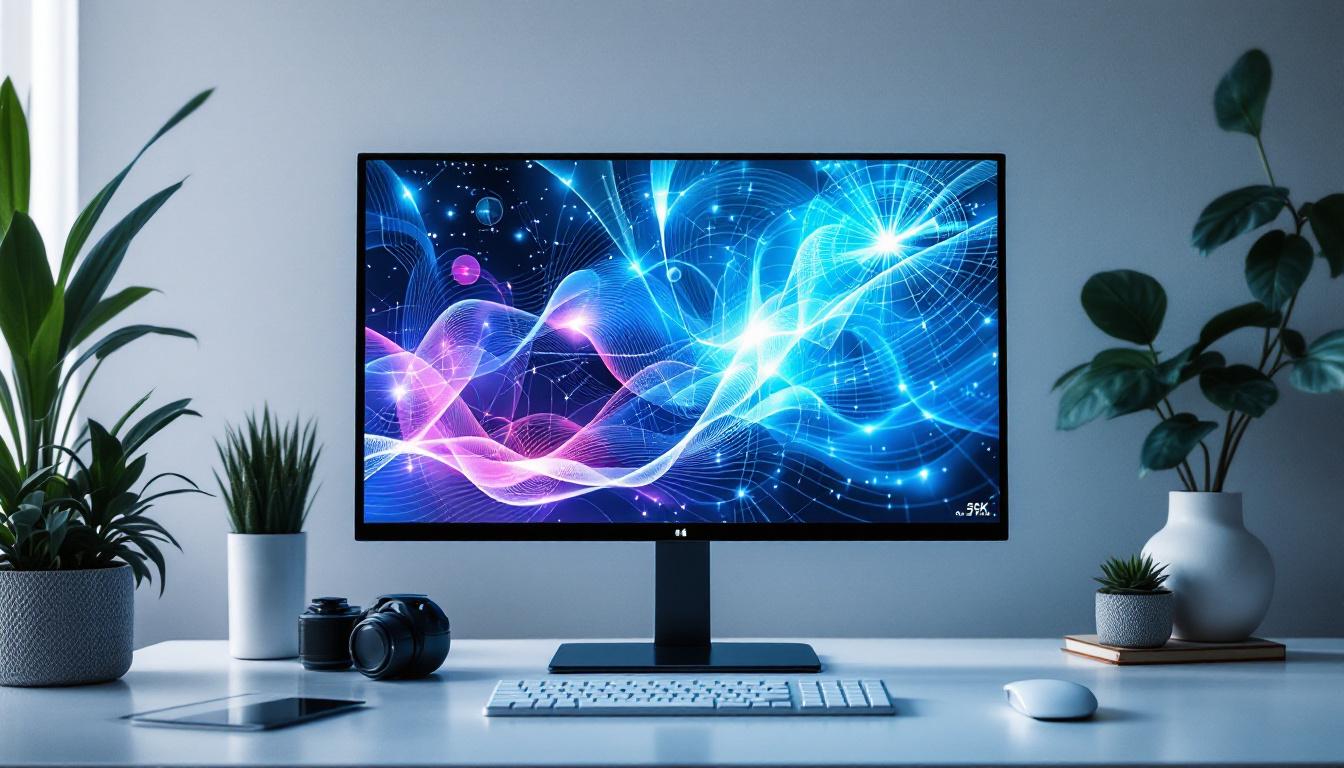
In today’s fast-paced digital world, touch screen monitors have become an essential component of many computing setups, from personal desktops to professional workstations. Among the various types of display technologies available, LED displays stand out for their vibrant visuals, energy efficiency, and sleek design. This article delves into the intricacies of PC touch screen monitors with LED displays, explaining how they work, their advantages, and what to consider when choosing one.
Understanding LED Display Technology
What is an LED Display?
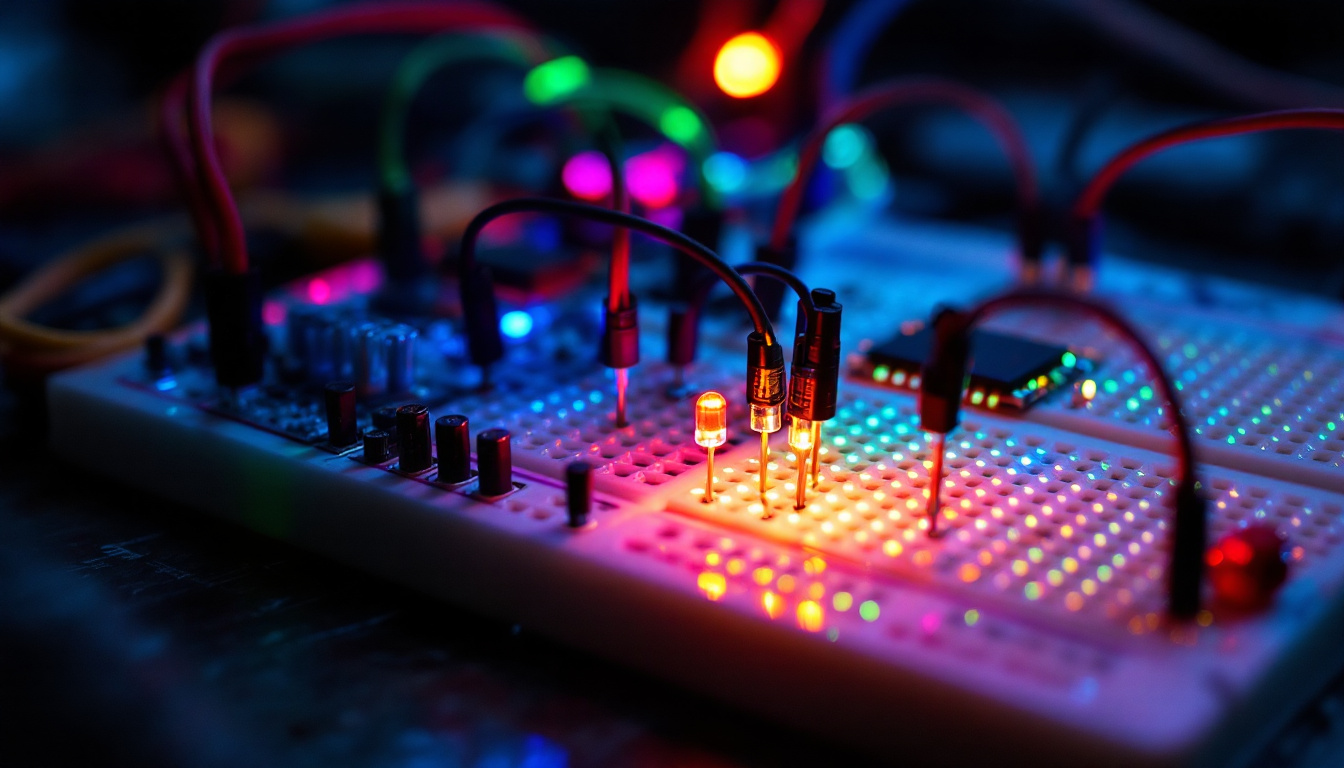
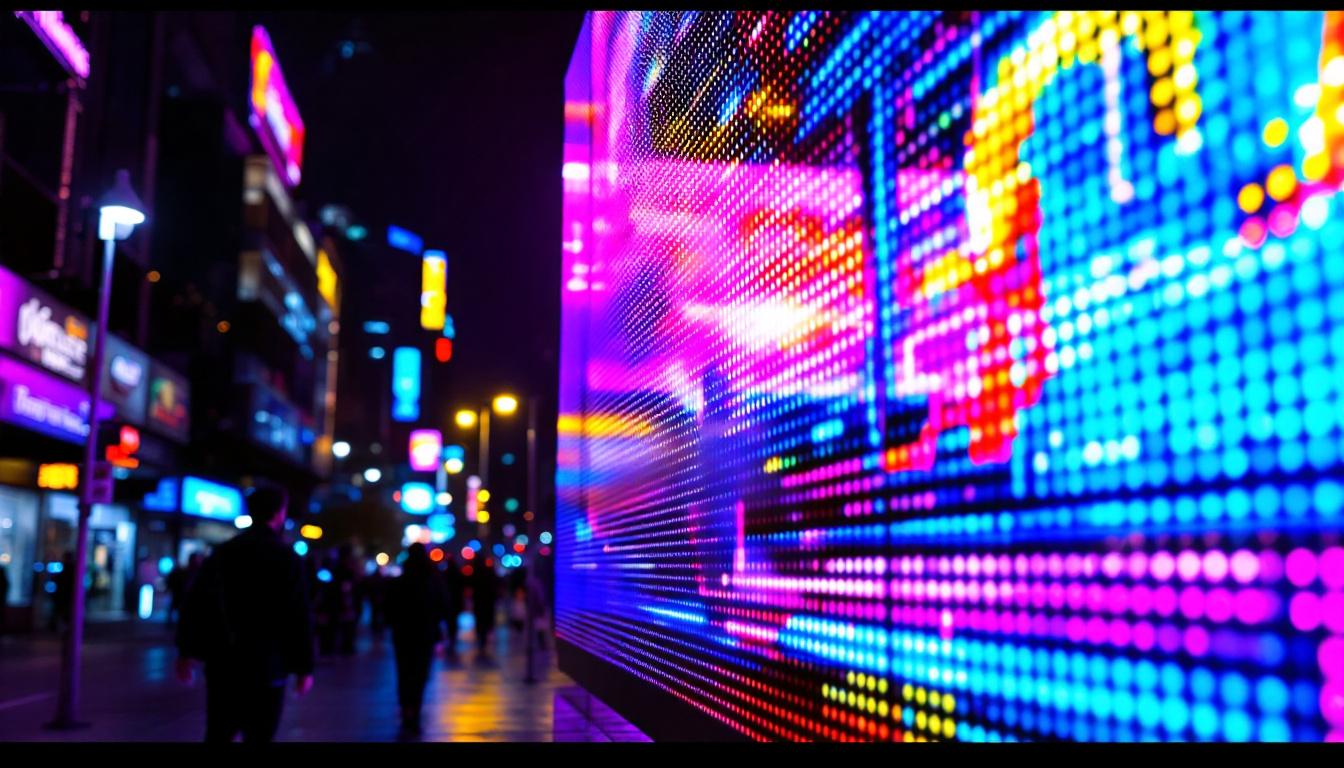
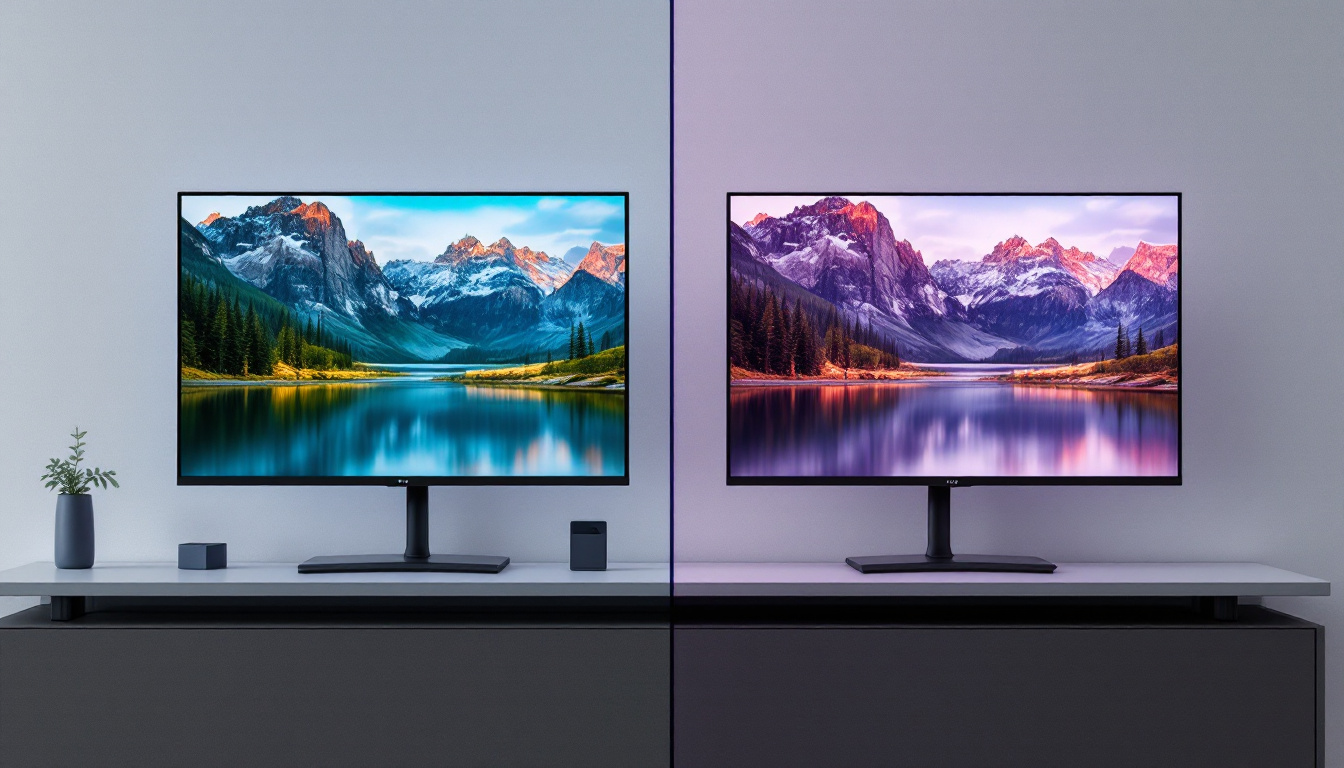
LED stands for Light Emitting Diode, a semiconductor device that emits light when an electric current passes through it. LED displays use these tiny diodes to illuminate pixels on the screen, producing images that are bright, sharp, and energy-efficient. Unlike traditional LCDs that rely on cold cathode fluorescent lamps (CCFLs) for backlighting, LED displays use LEDs, which offer better control over brightness and contrast.
LED technology has revolutionized the display industry by providing thinner, lighter, and more power-efficient screens. This shift has made LED displays the standard for modern monitors, televisions, and even mobile devices. The advancements in LED technology have also led to improvements in color accuracy and response times, making them ideal for a variety of applications, from gaming to professional graphic design.
Furthermore, the longevity of LED displays is another significant advantage. With a lifespan that can exceed 50,000 hours, these displays can outlast many other technologies, reducing the frequency of replacements and contributing to lower overall costs for consumers and businesses alike. As energy consumption continues to be a critical concern, the efficiency of LED displays not only helps in minimizing electricity bills but also plays a role in reducing the carbon footprint associated with electronic devices.
Types of LED Displays in PC Monitors
When it comes to PC monitors, LED displays can be further categorized based on their backlighting and panel technology. The most common types include:
- Edge-Lit LED: LEDs are placed along the edges of the screen, and light is distributed across the display using light guides. This design allows for thinner monitors but can sometimes lead to uneven brightness.
- Full-Array LED: LEDs are placed directly behind the screen in a grid pattern, enabling local dimming for better contrast and deeper blacks. This technology enhances the viewing experience, especially in dark scenes, by allowing certain areas of the screen to dim while others remain bright.
- OLED (Organic LED): Although not as common in PC monitors due to cost, OLED displays use organic compounds that emit light individually, offering superior color accuracy and contrast. The ability of OLED to achieve true blacks by turning off individual pixels makes it a favorite among professionals in photography and video editing.
In addition to these types, there are also variations like Mini-LED and Micro-LED technologies that are gaining traction. Mini-LED uses smaller LEDs for backlighting, allowing for more precise control over lighting zones, which can significantly enhance HDR performance. Micro-LED, on the other hand, is an emerging technology that combines the benefits of OLED and LED, offering self-emissive pixels with incredible brightness and energy efficiency. As these technologies continue to evolve, they promise to push the boundaries of what is possible in display quality and performance.
The Integration of Touch Screen Technology
How Touch Screens Work on LED Monitors
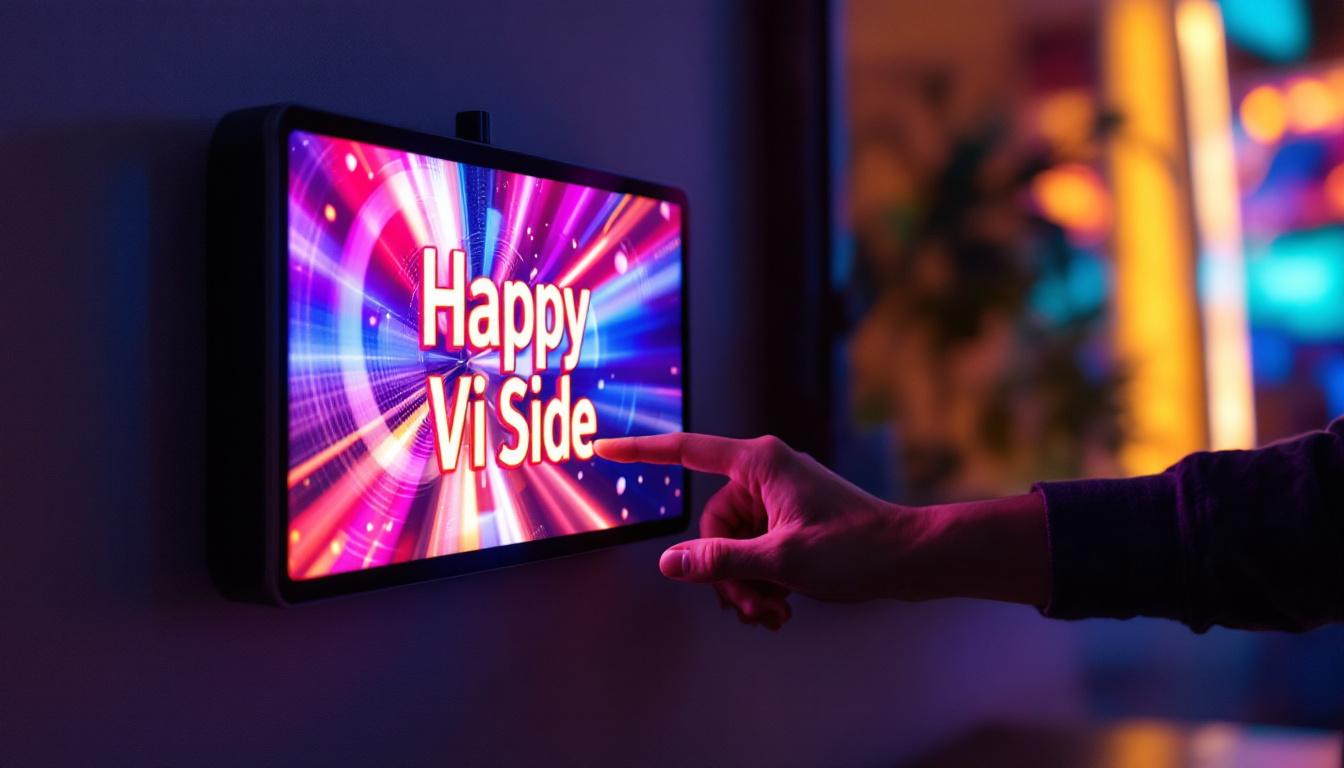
Touch screen functionality on LED monitors is achieved by overlaying a touch-sensitive layer on the display panel. There are several technologies used to detect touch input:
- Resistive Touch: Consists of two flexible layers that register touch when pressed together. It supports stylus input but offers lower clarity and durability compared to other types.
- Capacitive Touch: Uses the electrical properties of the human body to detect touch. It provides multi-touch support, higher sensitivity, and better image clarity, making it the preferred technology for modern touch screens.
- Infrared Touch: Employs an array of infrared LEDs and sensors around the screen’s edges to detect touch by interruption of the light beams. This technology is durable and works with any input device but can be more expensive.
Most contemporary PC touch screen monitors use capacitive touch technology combined with LED displays to deliver responsive, accurate, and visually appealing interfaces.
Advantages of Touch Screen LED Monitors
Integrating touch functionality with LED displays offers several benefits:
- Enhanced User Interaction: Touch screens allow for intuitive navigation, making tasks like drawing, editing, and browsing more natural.
- Space Efficiency: By combining input and display in one device, touch screen monitors reduce the need for peripherals like a mouse or keyboard in certain applications.
- Improved Accessibility: Touch screens can be easier to use for individuals with mobility challenges or those unfamiliar with traditional input devices.
- Vibrant Visuals: LED technology ensures that the touch screen maintains high brightness and color accuracy, critical for professional work such as graphic design and video editing.
Key Features to Consider When Choosing a Touch Screen LED Monitor
Screen Size and Resolution
The size of the monitor and its resolution directly impact the user experience. For detailed work, such as photo editing or CAD applications, a larger screen with at least 1080p (Full HD) resolution is recommended. Many professionals opt for 4K (3840×2160) resolution monitors to benefit from greater clarity and workspace.
Touch screen monitors typically range from 15 inches to 27 inches or more. The choice depends on the intended use; smaller screens are suitable for point-of-sale systems or kiosks, while larger screens enhance productivity in office environments.
Touch Technology and Responsiveness
As mentioned earlier, capacitive touch is the most common and preferred technology for PC monitors due to its accuracy and multi-touch capabilities. When selecting a monitor, check the touch response time and the number of simultaneous touch points supported. For example, a 10-point multi-touch screen allows more complex gestures and collaborative use.
Connectivity Options
Modern touch screen LED monitors come with various connectivity ports such as HDMI, DisplayPort, USB-C, and USB-A. USB-C is particularly valuable as it can transmit video, data, and power through a single cable, simplifying setup and reducing clutter.
Additionally, some monitors include built-in USB hubs, allowing users to connect peripherals directly to the monitor, enhancing convenience.
Durability and Build Quality
Touch screen monitors are often used in environments where durability is critical, such as retail, healthcare, and industrial settings. Look for features like tempered glass panels, anti-glare coatings, and IP ratings indicating resistance to dust and moisture.
Monitors with robust build quality ensure longevity and consistent performance, especially in high-traffic or demanding applications.
Applications of Touch Screen LED Monitors
Professional and Creative Work
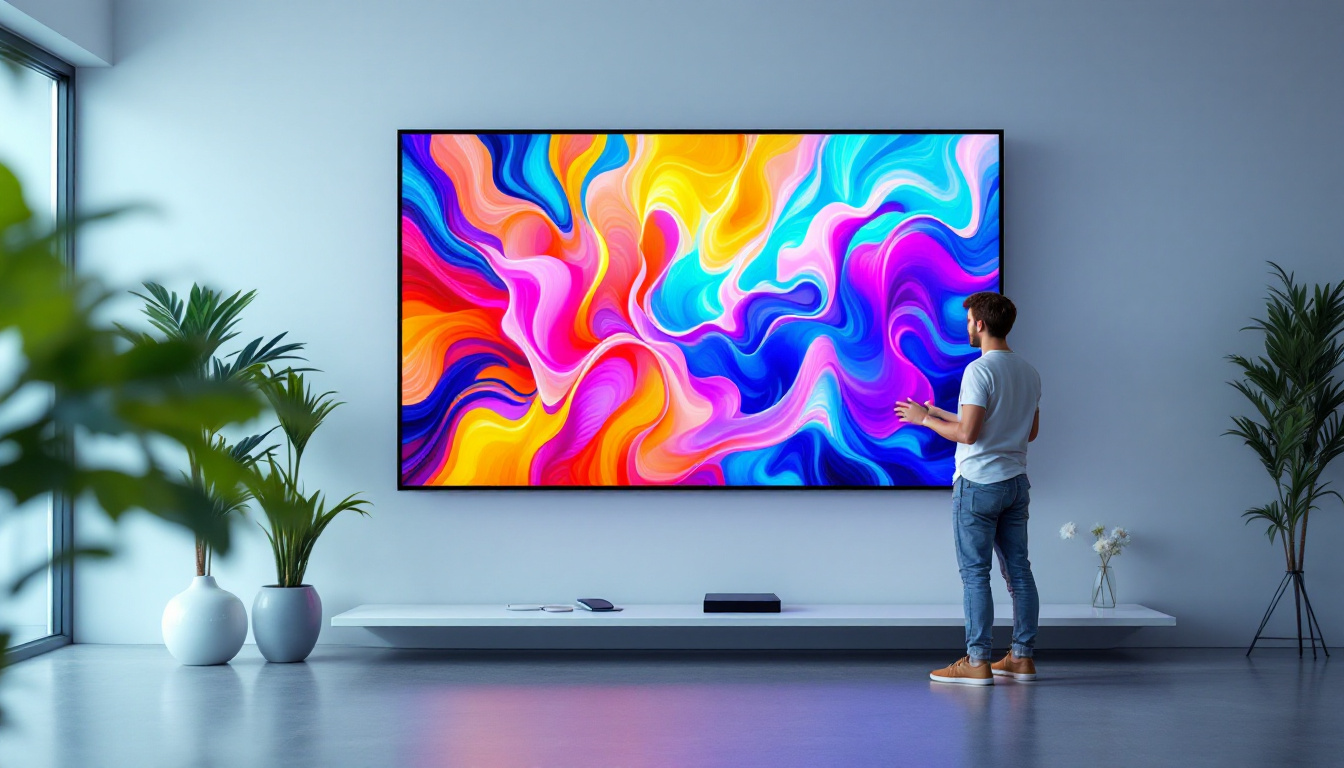
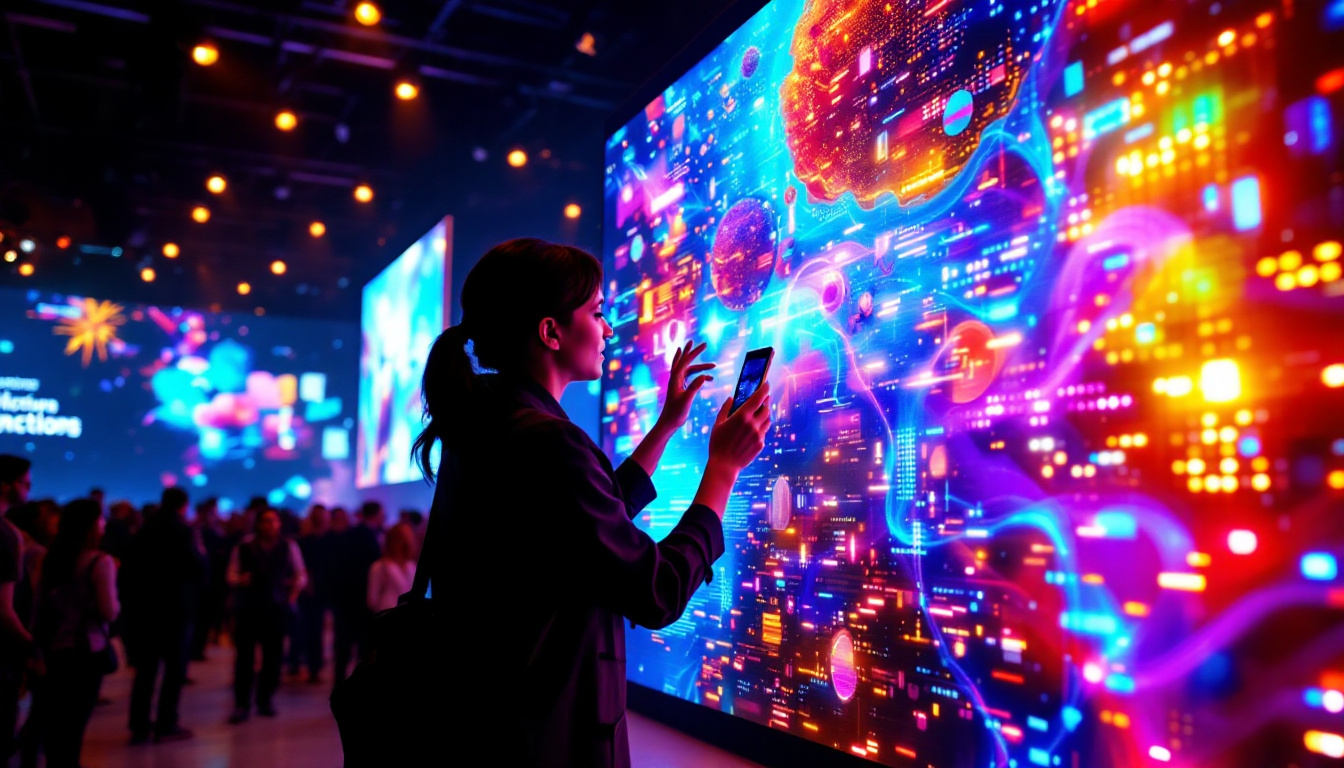
Graphic designers, architects, and video editors benefit greatly from touch screen LED monitors. The combination of precise touch input and vibrant LED displays enables detailed work with natural gestures such as pinch-to-zoom and rotate.
Many creative professionals use stylus pens with capacitive touch screens for digital drawing and annotation, making these monitors a versatile tool in their workflow.
Business and Retail Environments
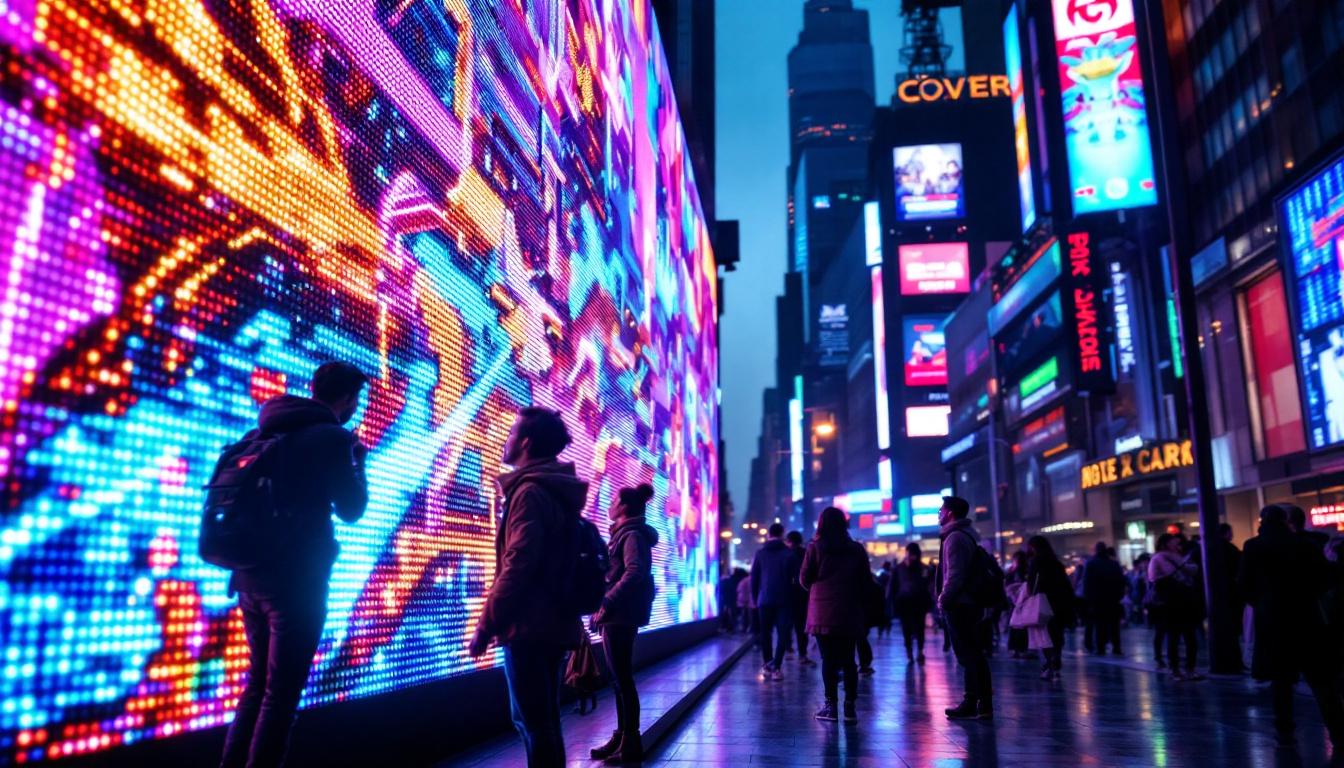
Touch screen LED monitors are widely used in point-of-sale (POS) systems, kiosks, and interactive displays in retail and hospitality sectors. Their responsiveness and durability improve customer experience and streamline operations.
In offices, touch screens facilitate presentations, collaborative work, and interactive meetings, fostering engagement and productivity.
Education and Healthcare
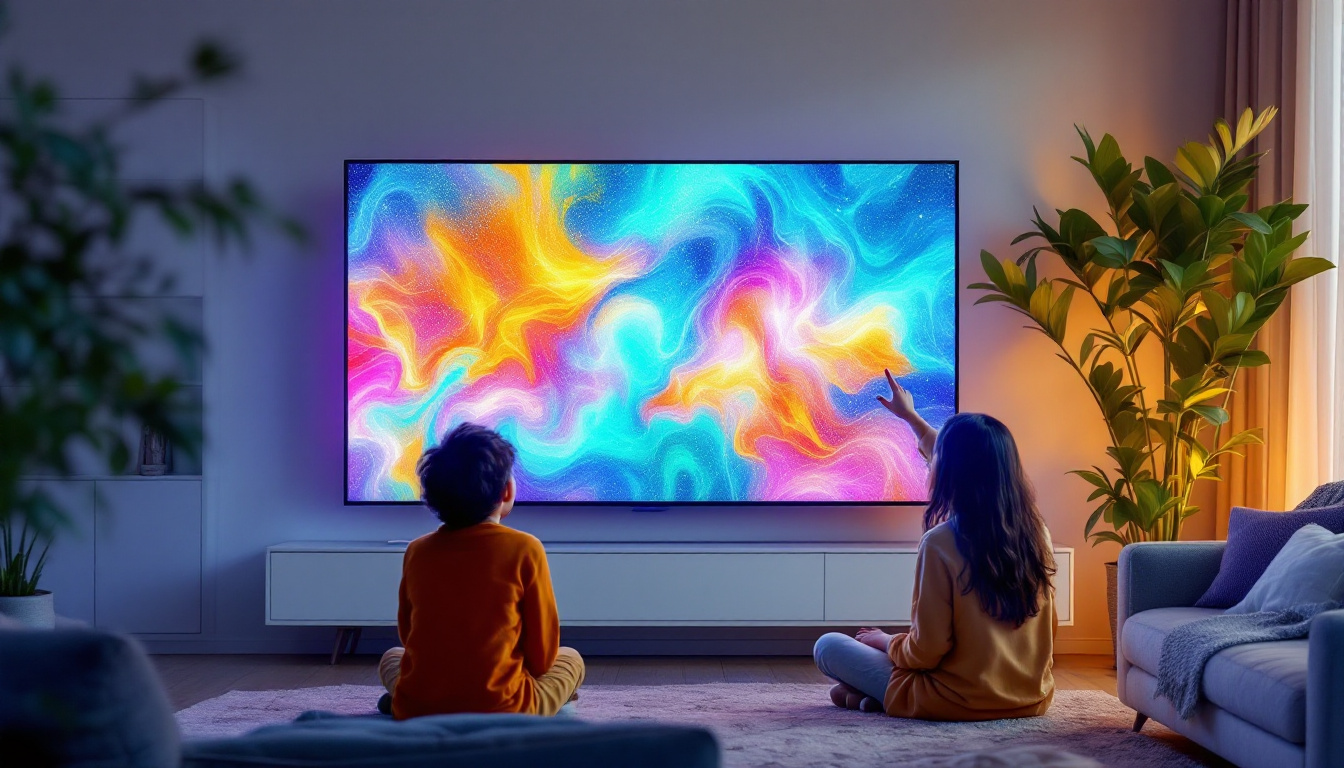
In education, touch screen monitors support interactive learning, enabling students and teachers to engage with digital content dynamically. The bright, clear LED displays ensure visibility in various lighting conditions.
Healthcare professionals use touch screen monitors for patient check-ins, medical imaging, and electronic health record management, benefiting from the ease of use and hygienic surfaces that are easy to clean.
Energy Efficiency and Environmental Impact
LED Displays and Power Consumption
One of the significant advantages of LED displays over older technologies is their energy efficiency. LEDs consume less power than CCFL backlit LCDs, reducing electricity costs and environmental impact. According to the U.S. Department of Energy, LED monitors can use up to 25-30% less energy than traditional LCD monitors.
Many manufacturers also incorporate energy-saving features such as automatic brightness adjustment and sleep modes to further reduce power consumption.
Environmental Considerations
LED technology is more environmentally friendly due to the absence of mercury, a toxic substance used in CCFL backlighting. Additionally, LED monitors have longer lifespans, reducing electronic waste.
When purchasing a touch screen LED monitor, looking for certifications such as ENERGY STAR and EPEAT can help ensure the product meets environmental and energy efficiency standards.
Future Trends in Touch Screen LED Monitors
Advancements in Display Quality
Display technology continues to evolve rapidly. Emerging trends include higher refresh rates (up to 240Hz and beyond), wider color gamuts supporting HDR (High Dynamic Range), and improved brightness levels exceeding 1000 nits for better outdoor visibility.
These advancements will enhance the visual experience on touch screen monitors, making them suitable for gaming, professional content creation, and immersive applications.
Integration with AI and Gesture Recognition
Future touch screen monitors are expected to incorporate AI-driven features such as gesture recognition and eye-tracking. These technologies will enable users to interact with their devices more naturally and efficiently, potentially reducing the need for physical touch in some scenarios.
Flexible and Foldable Displays
Research into flexible and foldable LED displays is progressing, promising new form factors for touch screen monitors. Such innovations could lead to portable, multi-screen setups or monitors that adapt to different working environments.
Conclusion
Touch screen PC monitors with LED displays represent a convergence of cutting-edge technologies that enhance user interaction, visual quality, and energy efficiency. Understanding the underlying LED technology, the types of touch screens available, and the key features to consider can help users make informed decisions tailored to their needs.
Whether for professional creative work, business applications, education, or healthcare, touch screen LED monitors offer versatility and performance that continue to evolve with technological advancements. As display technology progresses, these monitors will become even more integral to the way people interact with digital content in their daily lives.
Discover LumenMatrix’s Innovative LED Display Solutions
Ready to experience the future of touch screen LED monitors? LumenMatrix is at the forefront of LED display technology, offering a wide array of solutions that bring your digital interactions to life. From captivating Indoor and Outdoor LED Wall Displays to dynamic Vehicle and Sports LED Displays, our products are designed to revolutionize visual communication. Embrace the power of cutting-edge technology with our LED Poster Displays, Floor LED Displays, and Custom LED solutions, all crafted to enhance engagement and deliver your message with unparalleled clarity. Don’t miss out on our All-in-One and Transparent LED Displays that are transforming the way businesses and creatives showcase their content. Check out LumenMatrix LED Display Solutions today and step into a world of vivid imagery and interactive brilliance.