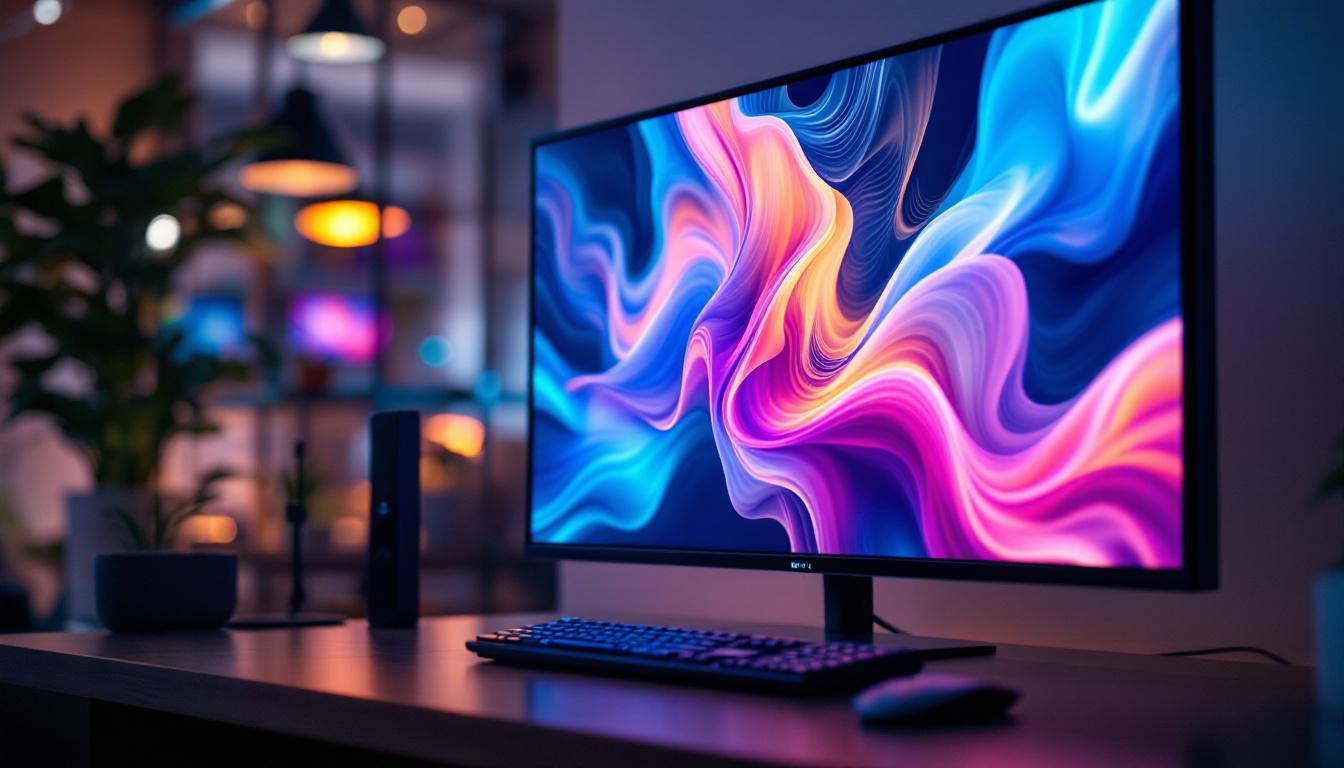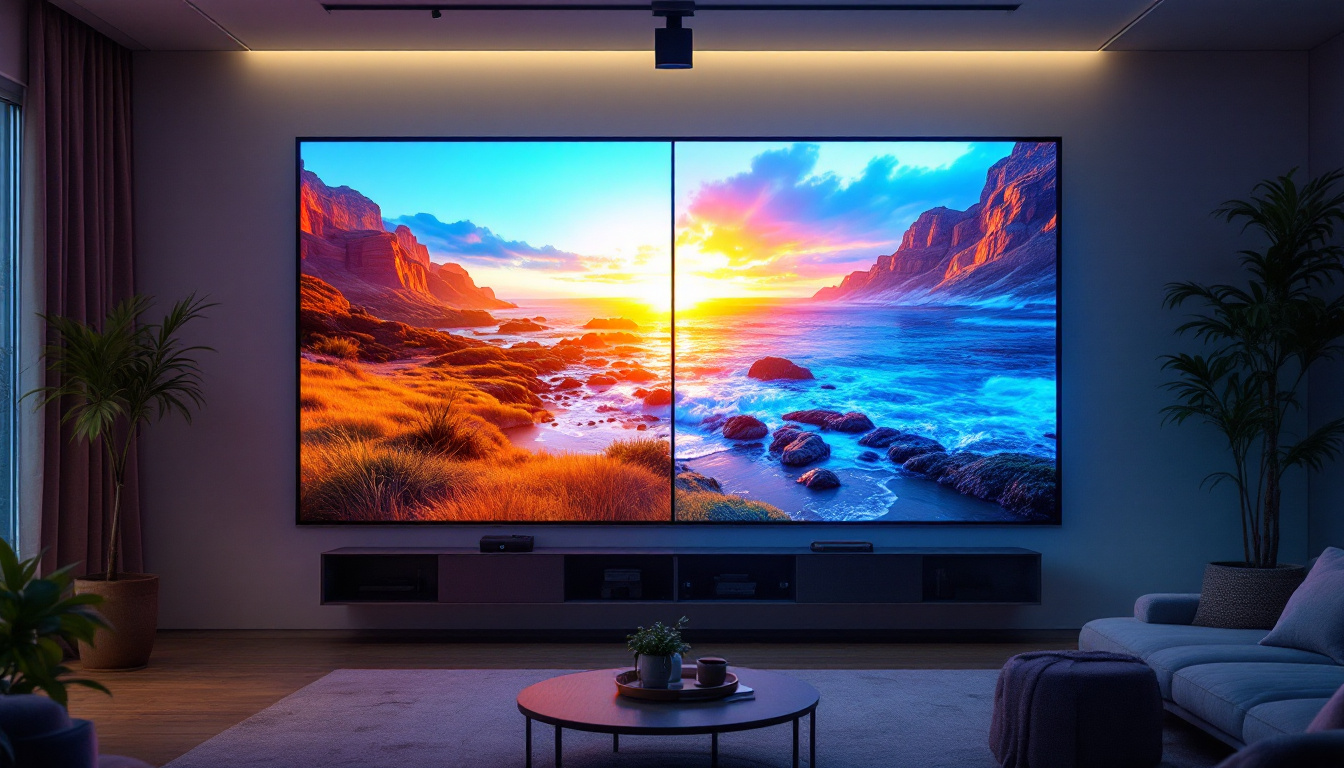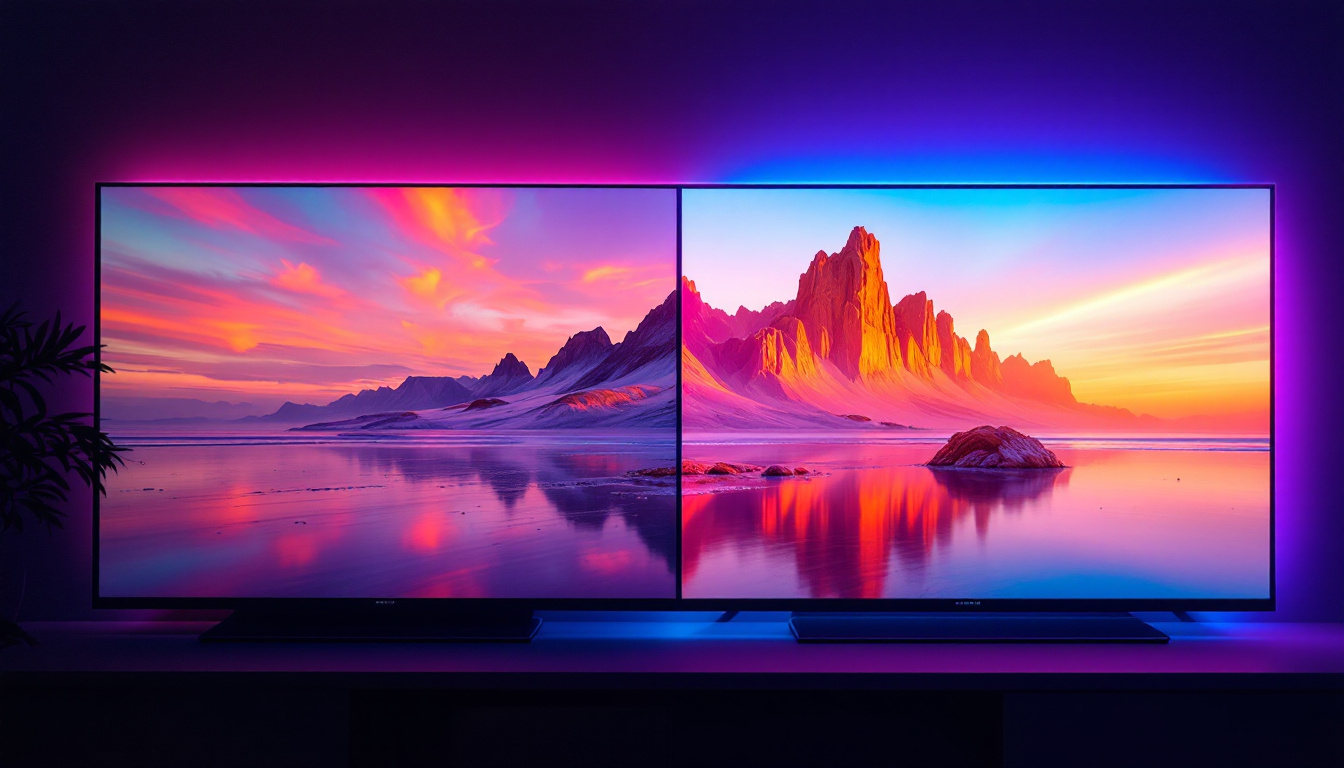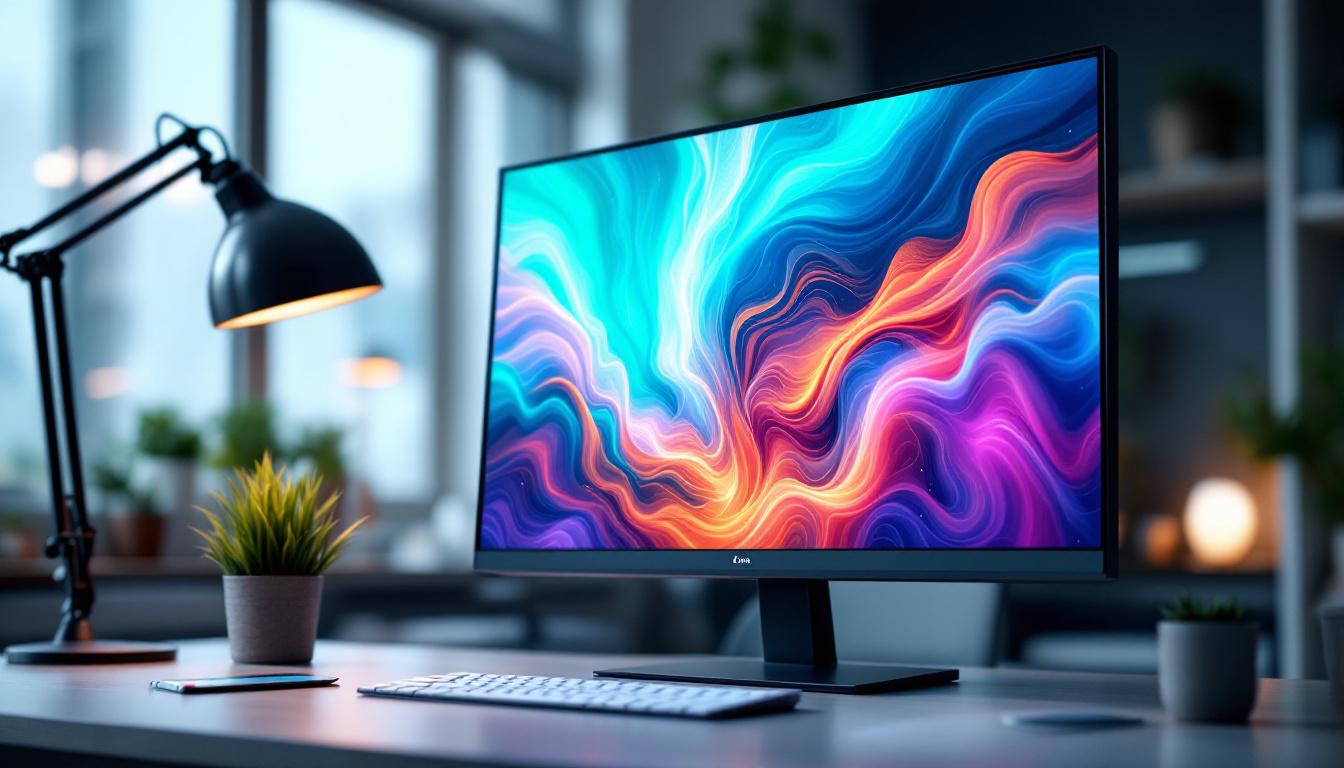
In today’s digital landscape, the demand for versatile and high-performance monitors continues to grow. Among the most popular choices for both professional and personal use are 27-inch touch screen monitors with LED displays. These devices combine the convenience of touch interactivity with the vivid visuals of LED technology, making them ideal for a wide range of applications from creative work to business environments.
This article delves into the key aspects of 27-inch touch screen LED monitors, exploring their technology, benefits, and practical uses. Whether you’re considering an upgrade for your workstation or seeking a comprehensive understanding of how these monitors work, this guide will provide valuable insights.
Understanding LED Display Technology in 27-Inch Monitors
What is an LED Display?
LED stands for Light Emitting Diode, a technology used to illuminate the pixels on a screen. Unlike older LCD monitors that use cold cathode fluorescent lamps (CCFL) for backlighting, LED monitors utilize LEDs, which are more energy-efficient and capable of producing brighter, more vibrant images.
In a 27-inch LED monitor, thousands of tiny LEDs are arranged behind or along the edges of the screen to provide uniform backlighting. This results in better contrast ratios, deeper blacks, and more accurate color reproduction compared to traditional LCD displays. The advancements in LED technology have also led to improvements in response times, making these monitors ideal for fast-paced gaming and high-definition video playback, where every millisecond counts.
Types of LED Backlighting
There are primarily two types of LED backlighting used in monitors: edge-lit and full-array. Edge-lit LED monitors place LEDs along the edges of the screen, using light guides to distribute light evenly. This design allows for thinner monitors but can sometimes result in uneven brightness. While edge-lit displays are often more affordable and lightweight, they may not perform as well in scenarios where consistent brightness across the screen is crucial.
Full-array LED monitors have LEDs distributed directly behind the entire screen, enabling local dimming zones that enhance contrast by dimming dark areas without affecting bright parts. This technology is particularly beneficial for users who require high image quality for tasks such as photo editing or video production. The ability to control brightness in specific areas of the screen allows for a more dynamic viewing experience, making full-array monitors a popular choice among professionals in creative fields.
Advantages of LED Displays in 27-Inch Monitors
LED displays offer several advantages that make them a preferred choice for 27-inch touch screen monitors:
- Energy Efficiency: LEDs consume less power than CCFL backlights, reducing electricity costs and environmental impact.
- Slim Design: LED backlighting enables thinner and lighter monitors, which are easier to position and aesthetically pleasing.
- Improved Brightness and Color: LED technology supports higher brightness levels and wider color gamuts, enhancing visual clarity and vibrancy.
- Longer Lifespan: LEDs generally last longer than traditional backlighting methods, ensuring durability and reliability.
Additionally, LED displays are less prone to screen burn-in, a common issue with older technologies, making them more resilient for varied usage scenarios. This resilience is particularly advantageous for users who engage in multitasking or use their monitors for extended periods, as it ensures that the display maintains its quality over time. Furthermore, the rapid advancements in LED technology have led to the development of features such as HDR (High Dynamic Range), which allows for a broader range of colors and contrasts, further enhancing the viewing experience.
Moreover, the versatility of 27-inch LED monitors extends beyond just visual performance. Many models now incorporate features such as built-in speakers, USB-C connectivity, and adjustable stands, catering to the diverse needs of users—from gamers to professionals. This adaptability makes them suitable for a variety of environments, whether in a home office, a creative studio, or a gaming setup, ensuring that users can enjoy high-quality visuals without compromising on functionality.
The Role of Touch Screen Technology in 27-Inch Monitors
How Touch Screens Work
Touch screen monitors integrate a touch-sensitive layer over the display, allowing users to interact directly with the screen using fingers or a stylus. The most common touch technologies in 27-inch monitors include capacitive and infrared (IR) touch.
Capacitive touch screens detect changes in the electrical field caused by a finger’s conductive properties, offering high responsiveness and multi-touch support. Infrared touch screens use an array of IR LEDs and sensors to detect touch by interruption of light beams, which can work with fingers, gloves, or styluses.
Benefits of Touch Screens on 27-Inch Monitors
Integrating touch capability into a 27-inch monitor provides several benefits:
- Enhanced Productivity: Direct manipulation of on-screen elements speeds up workflows, especially in design, data analysis, and interactive presentations.
- Intuitive Interaction: Touch screens reduce the learning curve for new users and support natural gestures like pinch-to-zoom and swipe.
- Versatility: Touch monitors are ideal for collaborative environments such as classrooms, meeting rooms, and retail kiosks.
- Accessibility: Touch interfaces can be easier to use for individuals with mobility challenges compared to traditional mouse and keyboard setups.
Considerations When Choosing a Touch Screen Monitor
While touch screen monitors offer many advantages, there are some factors to consider before purchasing:
- Screen Surface: Touch screens often have a glossy finish, which can cause reflections or glare in brightly lit environments.
- Touch Accuracy: The precision of touch input varies by technology; capacitive screens typically provide better accuracy than infrared.
- Price Premium: Touch-enabled monitors generally cost more than their non-touch counterparts, so it’s important to assess whether the added functionality justifies the investment.
Why Choose a 27-Inch Monitor? Size and Resolution Considerations
The Sweet Spot for Productivity and Comfort
The 27-inch screen size has become a popular choice among professionals and casual users alike. It strikes a balance between providing ample screen real estate and maintaining a manageable physical footprint on a desk.
For many users, a 27-inch monitor offers enough space to comfortably view multiple windows side-by-side, work on detailed graphics, or enjoy immersive multimedia content without requiring excessive head movement.
Resolution and Pixel Density
Screen resolution plays a crucial role in the clarity and sharpness of images. Common resolutions for 27-inch monitors include Full HD (1920×1080), Quad HD (2560×1440), and 4K UHD (3840×2160).
Quad HD is often considered the ideal resolution for 27-inch displays, providing a crisp image with a pixel density that balances readability and workspace. 4K UHD monitors offer even higher detail, which is beneficial for professionals working with high-resolution content, though they may require scaling adjustments to maintain interface usability.
Ergonomics and Viewing Experience
When selecting a 27-inch touch screen monitor, ergonomics should not be overlooked. Adjustable stands that allow height, tilt, swivel, and pivot adjustments help users maintain a comfortable posture, reducing eye strain and musculoskeletal discomfort during extended use.
Additionally, features such as blue light filters and flicker-free technology contribute to a healthier viewing experience, especially for those who spend long hours in front of the screen.
Applications and Use Cases for 27-Inch Touch Screen LED Monitors
Creative and Design Work
Graphic designers, digital artists, and video editors benefit greatly from the combination of a large, high-resolution LED display and touch interactivity. The ability to directly manipulate images and use styluses on a responsive touch screen enhances precision and creativity.
Many 27-inch touch monitors support color calibration and wide color gamuts such as Adobe RGB, making them suitable for color-critical work.
Business and Productivity Environments
In office settings, 27-inch touch screen monitors facilitate dynamic presentations, interactive data analysis, and collaborative workflows. Touch input allows users to quickly annotate documents, navigate complex software interfaces, and engage with digital whiteboards.
Industries such as finance, healthcare, and education increasingly rely on touch-enabled displays to streamline operations and improve user engagement.
Retail and Public Kiosks
Touch screen monitors of this size are also popular in retail environments and public information kiosks. Their large display area attracts attention, while touch interactivity enables customers to browse products, access information, or complete transactions without assistance.
Durability and ease of cleaning are important considerations in these scenarios, with many monitors featuring reinforced glass and anti-fingerprint coatings.
Key Features to Look for When Buying a 27-Inch Touch Screen LED Monitor
Touch Technology and Responsiveness
Choose a monitor with a touch technology that suits your usage patterns—capacitive for smooth multi-touch gestures and high accuracy, or infrared for compatibility with gloves and styluses.
Responsiveness is critical; a low latency touch response ensures that the screen reacts instantly to input, providing a seamless user experience.
Display Quality and Color Accuracy
Look for monitors with high brightness (typically 300 nits or more), wide color gamut coverage (such as sRGB or Adobe RGB), and factory calibration for color accuracy. These features are essential for professional visual work and enjoyable media consumption.
Connectivity Options
A versatile monitor should offer multiple input ports, including HDMI, DisplayPort, and USB-C. USB-C connectivity is particularly valuable as it can deliver video, data, and power through a single cable, reducing desk clutter.
Additional USB ports for peripherals and touch input data transmission enhance convenience.
Build Quality and Ergonomics
Sturdy construction and ergonomic adjustability improve the overall user experience. Features like VESA mount compatibility allow for flexible installation options.
Additional Features
Some monitors include built-in speakers, ambient light sensors, or anti-glare coatings, which can add value depending on your environment and preferences.
Conclusion: Making the Most of a 27-Inch Touch Screen LED Monitor
27-inch touch screen LED monitors represent a compelling blend of size, interactivity, and visual quality. Their versatility makes them suitable for a broad spectrum of users—from creative professionals and business teams to retail operators and casual consumers.
Understanding the underlying LED technology, touch screen types, and ergonomic considerations helps in selecting a monitor that aligns with specific needs and maximizes productivity and enjoyment. As technology continues to advance, these monitors are likely to become even more integrated into everyday workflows and entertainment setups.
When choosing a 27-inch touch screen LED monitor, prioritize display quality, touch responsiveness, and ergonomic features to ensure a satisfying and efficient user experience. With the right choice, this investment can significantly enhance how users interact with digital content.
Discover the Future of Touch Screen LED Displays with LumenMatrix
Ready to elevate your interactive display experience? LumenMatrix, a pioneer in LED display technology, offers a vast array of innovative solutions tailored to meet your needs. From captivating Indoor and Outdoor LED Wall Displays to versatile Vehicle and Floor LED Displays, our products are designed to transform your space and engage your audience. Embrace the revolution in visual communication with our All-in-One and Custom LED Displays, and see your message come to life with unparalleled clarity. Don’t miss out on the opportunity to create immersive visual experiences. Check out LumenMatrix LED Display Solutions today and step into a world where every pixel counts!