In today’s fast-evolving digital landscape, touch screen PCs with LED displays have become a cornerstone of interactive technology. From retail environments and healthcare to education and creative industries, these devices offer a seamless blend of functionality and user-friendly interfaces. Understanding the nuances of LED display technology within touch screen PCs is essential for businesses and consumers alike to make informed decisions when selecting the right device for their needs.
What Is a Monitor Touch Screen PC?
A monitor touch screen PC combines the functionality of a traditional computer monitor with a touch-sensitive interface, allowing users to interact directly with the display through touch gestures. Unlike conventional monitors that rely solely on peripherals like a mouse and keyboard, touch screen PCs enable more intuitive control, often supporting multi-touch capabilities such as pinch-to-zoom, swipe, and tap.
These devices typically integrate the display panel, touch sensors, and computing hardware into a single unit or a closely connected system. This integration streamlines workflows, reduces desktop clutter, and enhances accessibility, particularly in environments where quick, direct interaction is beneficial.
Common Use Cases for Touch Screen PCs
Touch screen PCs are widely adopted across various sectors. In retail, they serve as point-of-sale (POS) systems that speed up transactions and improve customer engagement. Healthcare professionals use them for patient check-ins and accessing medical records efficiently. Educational institutions leverage touch screen monitors for interactive learning, while creative professionals benefit from precise touch input for design and multimedia projects.
Understanding LED Display Technology
At the heart of most modern touch screen PCs lies the LED display, a technology that has revolutionized visual performance and energy efficiency. LED, or Light Emitting Diode, displays use an array of tiny diodes that emit light when electrically stimulated, creating bright, vibrant images with excellent contrast ratios.
How LED Displays Work
LED displays function by illuminating pixels using light-emitting diodes. These diodes can be arranged in various configurations, but the most common in monitors are LED-backlit LCDs (Liquid Crystal Displays). In this setup, an LCD panel modulates light from an LED backlight to produce the image. The LED backlight replaces older cold cathode fluorescent lamps (CCFLs), offering better brightness, color accuracy, and energy efficiency.
There are also OLED (Organic LED) displays, which differ by using organic compounds that emit light when an electric current passes through. OLEDs provide superior contrast and viewing angles but are less common in standard touch screen PCs due to higher costs.
Advantages of LED Displays in Touch Screen PCs
LED displays bring multiple benefits to touch screen PCs:
- Brightness and Clarity: LED backlighting provides higher brightness levels, making screens easier to view in various lighting conditions, including bright office environments or outdoor settings.
- Energy Efficiency: LEDs consume less power than CCFL backlights, contributing to lower energy costs and extended device lifespan.
- Thin and Lightweight Design: LED technology allows for slimmer monitors that are easier to mount or transport.
- Improved Color Accuracy: Enhanced color reproduction supports tasks requiring precise visuals, such as graphic design or medical imaging.
Types of Touch Screen Technologies in LED Monitor PCs
Touch screen PCs can employ several different technologies to detect user input. Each has unique characteristics influencing responsiveness, durability, and cost.
Resistive Touch Screens
Resistive touch screens consist of two flexible layers separated by a thin gap. When pressure is applied, the layers make contact, registering the touch location. These screens are highly durable and work with any input device, including fingers, styluses, or gloves.
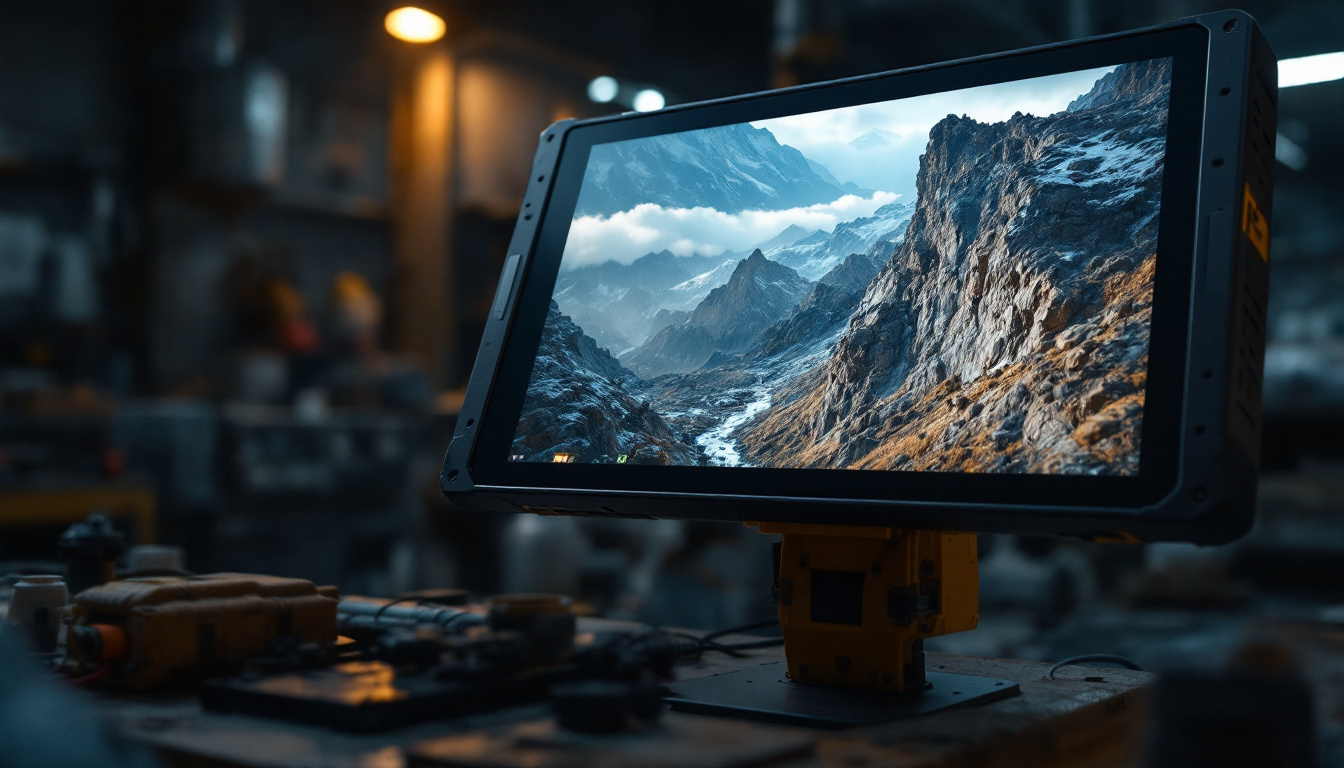
However, resistive screens generally offer lower clarity compared to other technologies because the additional layers can reduce light transmission. They are less common in modern touch screen PCs but still found in industrial or rugged environments where durability is paramount.
Capacitive Touch Screens
Capacitive touch screens detect touch through changes in the electrical field caused by the conductive properties of the human skin. They provide excellent image clarity and support multi-touch gestures, making them the preferred choice for consumer electronics and many professional applications.
Capacitive screens are highly responsive and durable but typically require direct finger contact or specialized capacitive styluses. They are less effective when used with gloves or non-conductive objects unless specifically designed for such use.
Infrared and Optical Touch Screens
Infrared (IR) and optical touch screens use sensors around the edges of the display to detect interruptions in an invisible light grid. These technologies do not require screen overlays, preserving image quality and allowing for large-format touch screens.
They are highly durable and can detect any input type, including gloved fingers or styluses. IR and optical touch screens are often used in kiosks, digital signage, and large interactive displays.
Key Specifications to Consider in LED Touch Screen PCs
Selecting the right LED touch screen PC involves evaluating several technical specifications that impact performance and user experience.
Resolution and Screen Size
Resolution determines the sharpness and detail of the display. Common resolutions include Full HD (1920×1080), Quad HD (2560×1440), and 4K UHD (3840×2160). Higher resolutions offer crisper images, beneficial for detailed work such as photo editing or CAD applications.
Screen size typically ranges from 15 inches for compact systems up to 27 inches or more for immersive workstations. The choice depends on workspace constraints and the nature of tasks performed.
Touch Points and Responsiveness
The number of simultaneous touch points supported affects the complexity of gestures the device can recognize. Modern touch screen PCs often support 10 or more touch points, enabling multi-finger commands like pinch, rotate, and multi-user interaction.
Responsiveness is critical for a smooth user experience. Latency should be minimal to avoid lag between touch input and on-screen response.
Brightness and Contrast Ratio
Brightness, measured in nits, influences visibility under different lighting conditions. For indoor use, 250-350 nits is generally sufficient, while outdoor or brightly lit environments may require 500 nits or more.
The contrast ratio defines the difference between the darkest black and brightest white the display can produce. Higher contrast ratios enhance image depth and readability.
Durability and Surface Coatings
Touch screen monitors often feature protective coatings such as anti-glare or anti-fingerprint layers. These coatings reduce reflections and smudges, maintaining screen clarity and ease of cleaning.
For public or industrial use, displays may also have reinforced glass, such as Gorilla Glass, to resist scratches and impacts.
Benefits of Integrating LED Touch Screen PCs in Business Environments
Incorporating LED touch screen PCs into business operations can yield significant advantages, enhancing productivity, customer engagement, and operational efficiency.
Enhanced User Interaction and Accessibility
Touch screen interfaces simplify navigation and reduce the learning curve for users unfamiliar with traditional input devices. This accessibility is especially valuable in customer-facing applications such as self-service kiosks, where intuitive interaction minimizes the need for staff assistance.
Space-Saving and Aesthetic Appeal
Combining the monitor and touch interface into a single device reduces desktop clutter and creates a sleek, modern workspace. This can positively influence employee satisfaction and brand perception.
Improved Workflow and Speed
Direct touch input can accelerate tasks such as data entry, design adjustments, and inventory management. For example, in healthcare settings, clinicians can quickly access patient records or imaging results without navigating multiple devices.
Versatility Across Industries
LED touch screen PCs are adaptable to various applications, from interactive digital signage in retail to control panels in manufacturing. Their versatility makes them a valuable investment for businesses seeking flexible technology solutions.
Challenges and Considerations When Choosing an LED Touch Screen PC
Despite their advantages, touch screen PCs with LED displays also present challenges that buyers should consider to ensure optimal deployment.
Cost Implications
Touch screen PCs generally carry a premium price compared to traditional monitors and desktops. High-resolution displays, multi-touch capabilities, and durable materials can increase costs. Organizations must balance budget constraints with performance requirements.
Maintenance and Cleaning
Touch screens require regular cleaning to maintain responsiveness and visual clarity. Improper cleaning methods may damage screen coatings or sensors. It is important to follow manufacturer guidelines and use appropriate cleaning materials.
Potential for Screen Damage
Although many touch screens are designed to be robust, they remain vulnerable to scratches, cracks, or damage from heavy impact. Protective accessories or enclosures may be necessary in high-traffic or industrial environments.
Compatibility and Software Support
Ensuring that the touch screen PC is compatible with existing software and operating systems is crucial. Some applications may require customization to fully leverage touch capabilities, and driver support must be reliable to avoid input issues.
Future Trends in LED Touch Screen PC Technology
The evolution of LED touch screen PCs continues to accelerate, driven by advances in display technology, user interface design, and computing power.
Mini-LED and Micro-LED Displays
Emerging technologies such as Mini-LED and Micro-LED promise even greater brightness, contrast, and energy efficiency. These displays use smaller diodes to achieve finer control over backlighting, enabling deeper blacks and more vivid colors.
Flexible and Transparent Displays
Research into flexible and transparent LED displays could lead to innovative form factors for touch screen PCs, including foldable or rollable monitors and see-through interfaces for augmented reality applications.
Integration with AI and Gesture Recognition
Future touch screen PCs may incorporate artificial intelligence to enhance touch accuracy and enable advanced gesture recognition beyond simple taps and swipes. This could create more natural and immersive user experiences.
Conclusion
LED display technology is a fundamental component of modern touch screen PCs, delivering bright, energy-efficient, and visually impressive interfaces. Understanding the different touch technologies, specifications, and practical considerations helps users and businesses select the right device tailored to their needs.
As the market continues to innovate, LED touch screen PCs will play an increasingly vital role in facilitating interactive, efficient, and engaging digital experiences across a broad spectrum of industries.
Discover LumenMatrix’s Advanced LED Display Solutions
Ready to elevate your interactive digital experiences with the latest in LED display technology? LumenMatrix is at the forefront of innovation, offering a diverse range of LED display modules designed to captivate your audience and amplify your brand’s message. From Indoor and Outdoor LED Wall Displays to specialized solutions like Vehicle, Sports, and Floor LED Displays, our products are crafted to deliver unparalleled visual impact. Explore our Custom, All-in-One, and Transparent LED Displays to see how we can transform your visual communication. Check out LumenMatrix LED Display Solutions today and step into the future of engaging, efficient digital signage.