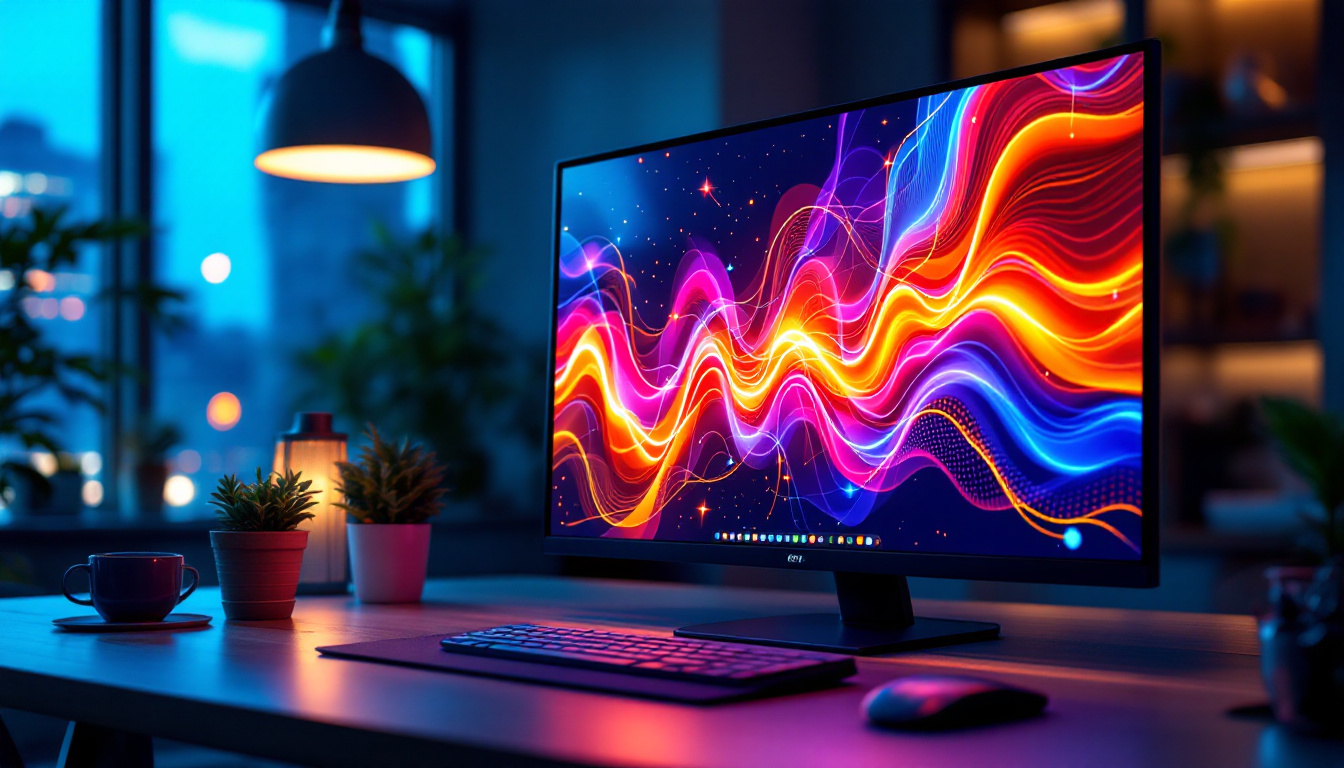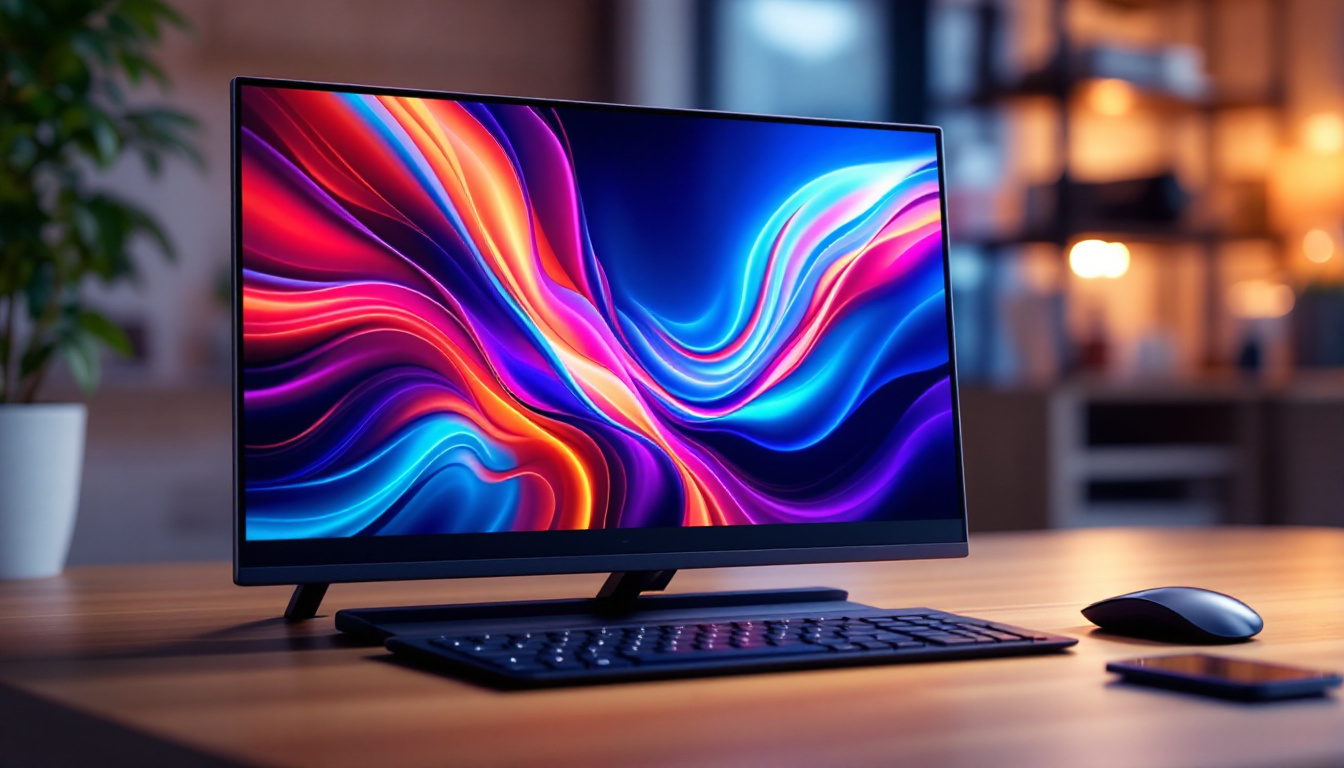
In today’s digital age, the quality of your desktop monitor plays a pivotal role in your computing experience. Whether you’re a professional designer, a gamer, or someone who spends hours working from home, understanding the technology behind your monitor can significantly influence your choice and satisfaction. Among the various types of display technologies, LED displays have become the most popular and widely used. This article delves into the intricacies of LED monitors, explaining how they work, their benefits, and what to consider when selecting one for your desktop setup.
Understanding LED Display Technology
What Does LED Mean?
LED stands for Light Emitting Diode, a semiconductor device that emits light when an electric current passes through it. In the context of desktop monitors, LED refers to the type of backlighting used in Liquid Crystal Display (LCD) panels. Unlike older LCD monitors that used Cold Cathode Fluorescent Lamps (CCFL) for backlighting, LED monitors use an array of LEDs to illuminate the screen.
This shift to LED backlighting has revolutionized display technology by improving energy efficiency, brightness, and color accuracy. It’s important to note that LED monitors are not a different type of display technology from LCD; rather, they are LCD monitors that use LED backlights instead of fluorescent ones. Furthermore, the increased lifespan of LED technology compared to CCFLs means that users can enjoy their devices for longer periods without the need for frequent replacements, making LED monitors a more sustainable choice in the long run.
How LED Displays Work
At the core, an LED monitor consists of an LCD panel that controls the image formation by manipulating light. The LEDs serve as the backlight, shining light through the liquid crystal layer, which then modulates the light to create images. The light passes through color filters and the liquid crystal matrix to produce the desired colors and brightness on the screen. This intricate process allows for a wide range of color reproduction, making LED displays ideal for graphic design, photography, and gaming.
There are two main types of LED backlighting used in monitors:
- Edge-lit LED: LEDs are placed along the edges of the screen, and light is distributed across the panel using light guides. This design allows for thinner monitors but may have uneven brightness in some cases. Edge-lit displays are often more affordable and can be found in various consumer electronics, making them popular for everyday use.
- Full-array LED: LEDs are placed directly behind the entire screen area, allowing for more precise control of brightness and contrast, especially when paired with local dimming technology. This type of backlighting can enhance the viewing experience by providing deeper blacks and more vibrant colors, making it a preferred choice for high-end monitors and televisions.
Additionally, advancements in LED technology have led to the development of Quantum Dot displays, which utilize tiny semiconductor particles to enhance color accuracy and brightness even further. These displays can produce a wider color gamut, resulting in more lifelike images that are particularly beneficial for content creators and professionals in visual fields. As the demand for high-quality visual experiences continues to grow, the evolution of LED display technology remains at the forefront of innovation in the electronics industry.
Advantages of LED Monitors for Desktop Use
Energy Efficiency and Environmental Impact
One of the most significant benefits of LED monitors is their energy efficiency. Compared to CCFL-backlit LCDs, LED monitors consume up to 30-50% less power. This reduction not only lowers electricity bills but also contributes to a smaller carbon footprint, making LED monitors an environmentally friendly choice.
For businesses and individuals who operate multiple monitors or use their computers for extended periods, this energy saving can be substantial over time. Additionally, LEDs have a longer lifespan, often exceeding 50,000 hours, which means fewer replacements and less electronic waste.
Improved Brightness and Color Accuracy
LED backlighting provides superior brightness levels compared to older technologies. This enhancement allows users to work comfortably in brightly lit environments without straining their eyes. Moreover, LED monitors typically offer better color reproduction, essential for professionals in graphic design, video editing, and photography.
Modern LED monitors often support wider color gamuts such as sRGB, Adobe RGB, or DCI-P3, enabling more vibrant and accurate colors. This precision is crucial for tasks that demand color fidelity, ensuring that what you see on the screen closely matches the final output.
Thinner and Lighter Designs
Because LEDs are smaller and more efficient than fluorescent tubes, manufacturers can produce thinner and lighter monitors. This factor is particularly beneficial for users with limited desk space or those who prefer sleek, modern aesthetics. The slim profiles also make it easier to mount monitors on walls or adjustable arms, enhancing ergonomic setups.
Key Features to Consider When Choosing an LED Monitor
Resolution and Screen Size
Resolution determines the clarity and detail of images displayed on the screen. Common desktop monitor resolutions include Full HD (1920×1080), Quad HD (2560×1440), and 4K Ultra HD (3840×2160). Higher resolutions provide sharper images and more screen real estate, which is advantageous for multitasking and detailed work.
Screen size is equally important and should be chosen based on your workspace and usage. For general office work, a 24 to 27-inch monitor is typically sufficient. For creative professionals or gamers, larger screens—up to 32 inches or more—can enhance immersion and productivity.
Refresh Rate and Response Time
Refresh rate, measured in Hertz (Hz), indicates how many times per second the screen updates its image. Standard monitors have a 60Hz refresh rate, which is adequate for most tasks. However, gamers and video editors often prefer monitors with 120Hz, 144Hz, or even higher refresh rates for smoother motion and reduced blur.
Response time refers to how quickly a pixel can change from one color to another, typically measured in milliseconds (ms). Lower response times reduce ghosting effects and improve the clarity of fast-moving images. For gaming and fast-paced video work, response times of 1-5 ms are ideal.
Panel Type: IPS, TN, and VA
The type of LCD panel used in an LED monitor greatly affects image quality and viewing angles:
- IPS (In-Plane Switching): Offers excellent color accuracy and wide viewing angles, making it the preferred choice for professionals and general users seeking high-quality visuals.
- TN (Twisted Nematic): Known for fast response times and higher refresh rates, TN panels are favored by competitive gamers but generally have poorer color reproduction and narrower viewing angles.
- VA (Vertical Alignment): Provides better contrast ratios and deeper blacks than IPS and TN but may have slower response times. VA panels are good for multimedia consumption and general use.
Connectivity Options
Modern LED monitors come equipped with a variety of ports to ensure compatibility with different devices. Common connections include HDMI, DisplayPort, USB-C, and legacy ports like VGA or DVI. USB-C ports are particularly useful as they can carry video, audio, and power through a single cable, simplifying cable management.
When selecting a monitor, consider your existing hardware and future needs to ensure seamless integration. For instance, if you plan to connect multiple peripherals or use a laptop with USB-C output, a monitor with multiple USB ports and USB-C input can enhance convenience.
Emerging Trends and Technologies in LED Monitors
Mini-LED and Micro-LED Innovations
While traditional LED monitors have improved significantly, newer technologies like Mini-LED and Micro-LED are pushing the boundaries further. Mini-LED monitors use thousands of tiny LEDs as backlights, enabling more precise local dimming zones. This results in better contrast ratios, deeper blacks, and reduced halo effects around bright objects.
Micro-LED technology, still in its early stages for consumer monitors, promises self-emissive pixels like OLED but with higher brightness and longer lifespan. These advancements could redefine display quality in the near future, offering unparalleled image fidelity and energy efficiency.
HDR Support for Enhanced Visual Experience
High Dynamic Range (HDR) is becoming a standard feature in premium LED monitors. HDR enhances the contrast and color range, making images appear more lifelike and vibrant. For users working with HDR content or gamers seeking immersive visuals, monitors with HDR10 or Dolby Vision support provide a significant upgrade.
When choosing an HDR monitor, look for peak brightness levels above 600 nits and wide color gamut coverage to fully benefit from HDR content.
Practical Tips for Maintaining Your LED Monitor
Proper Cleaning and Care
Maintaining the longevity and performance of your LED monitor involves regular cleaning and careful handling. Use a soft, lint-free microfiber cloth to wipe the screen gently. Avoid using harsh chemicals or abrasive materials that can damage the screen’s coating.
For stubborn smudges, a mixture of distilled water and isopropyl alcohol (in a 1:1 ratio) applied lightly to the cloth—not directly to the screen—is recommended. Regular cleaning prevents dust buildup, which can affect display clarity and heat dissipation.
Optimizing Display Settings
Adjusting your monitor’s brightness, contrast, and color settings can reduce eye strain and improve image quality. Many monitors come with preset modes like “Reading,” “Gaming,” or “Movie” that optimize these parameters for specific uses.
Additionally, calibrating your monitor using software tools or hardware calibrators ensures accurate color representation, especially important for professional work. Maintaining appropriate ambient lighting and taking regular breaks can further enhance comfort during extended use.
Conclusion
LED monitors have become the cornerstone of modern desktop computing, offering a blend of energy efficiency, superior image quality, and sleek design. Understanding the technology behind LED displays empowers users to make informed decisions tailored to their needs—whether for professional work, gaming, or everyday use.
As display technologies continue to evolve, staying informed about emerging trends like Mini-LED, Micro-LED, and HDR will help users select monitors that not only meet current demands but also future-proof their setups. Investing time in choosing the right LED monitor and maintaining it properly ensures a rewarding visual experience for years to come.
Discover LumenMatrix’s Advanced LED Display Solutions
Ready to elevate your visual experience with the latest in LED technology? Look no further than LumenMatrix, a pioneer in crafting immersive LED displays for any application. From vibrant Indoor LED Walls to dynamic Outdoor LED Displays, and from sleek LED Posters to customizable solutions, LumenMatrix offers a comprehensive range of products designed to bring your content to life. Embrace the future of visual communication with our cutting-edge displays that promise to captivate your audience and amplify your message. Check out LumenMatrix LED Display Solutions today and transform the way you see the world.