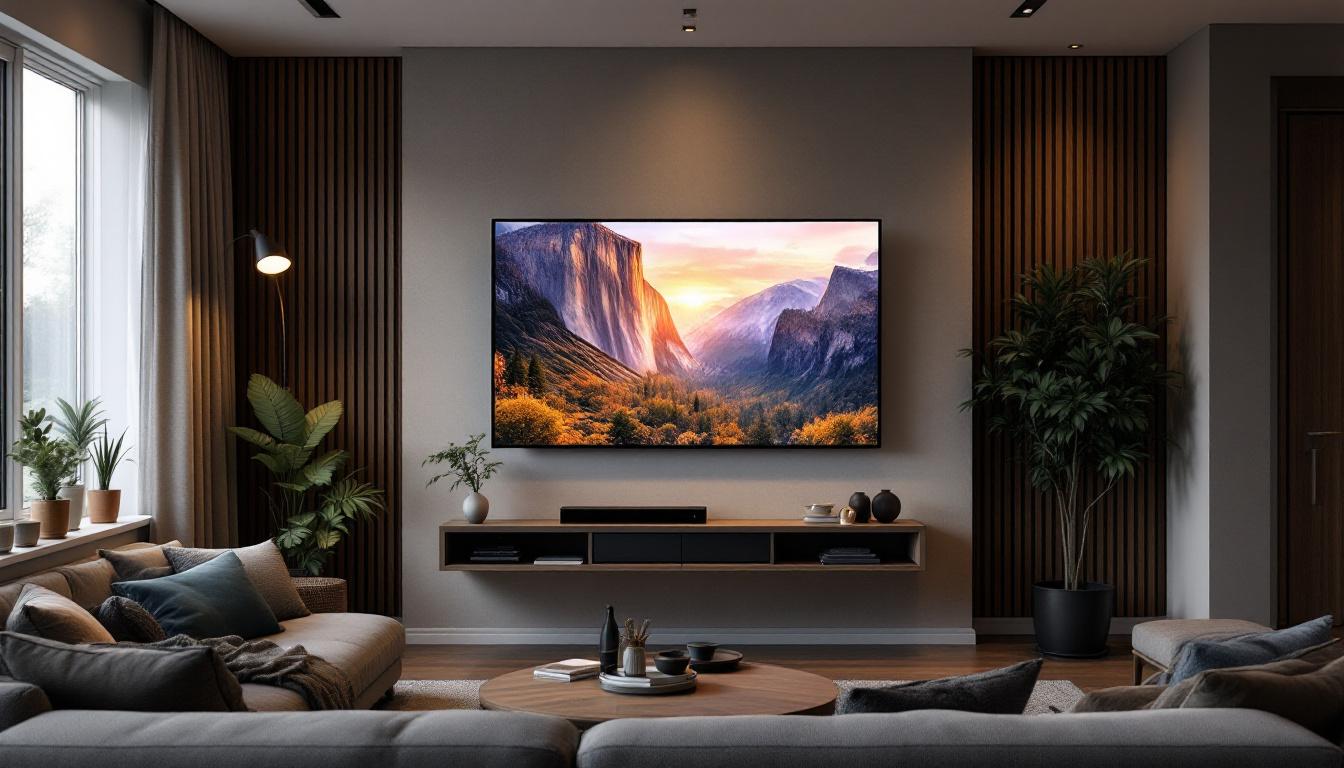
Installing a television on the wall has become a popular choice for homeowners and businesses alike, offering a sleek, modern look while saving valuable floor space. Among the various display technologies available today, LED displays stand out for their vibrant colors, energy efficiency, and versatility. This article delves into the essentials of LED displays in the context of on-the-wall TV installations, helping you understand what makes them a preferred choice and how to optimize your setup.
Understanding LED Display Technology
LED, or Light Emitting Diode, technology has revolutionized the way screens display images. Unlike traditional LCDs that rely on fluorescent backlighting, LED displays use individual diodes to emit light, resulting in brighter colors and deeper blacks. This shift not only enhances the visual experience but also allows for more dynamic and vivid imagery, making LED displays the preferred choice for a wide range of applications, from home entertainment systems to professional signage.
There are two primary types of LED displays: edge-lit and direct-lit (or full-array). Edge-lit LEDs position the diodes around the screen’s perimeter, allowing for thinner panels but sometimes uneven brightness. Direct-lit LED displays distribute diodes evenly behind the screen, offering superior brightness and contrast, albeit at a slightly thicker profile. The choice between these two types often depends on the specific needs of the user, such as the viewing environment and the desired picture quality. For instance, edge-lit displays might be more suitable for spaces where wall depth is a concern, while direct-lit displays are favored in settings where optimal image quality is paramount.
More recently, advancements like Mini-LED and Micro-LED technology have emerged, pushing the boundaries of brightness, contrast, and energy efficiency even further. Mini-LED technology utilizes smaller diodes to create more precise local dimming zones, which enhances contrast and detail in both bright and dark scenes. Micro-LED takes this a step further by employing microscopic LEDs that can be arranged in virtually any configuration, allowing for modular displays that can be customized to fit any space. These innovations are particularly relevant for large on-wall installations where image quality is paramount, such as in commercial displays, art installations, and high-end home theaters.
Why LED Displays Are Ideal for Wall Mounting
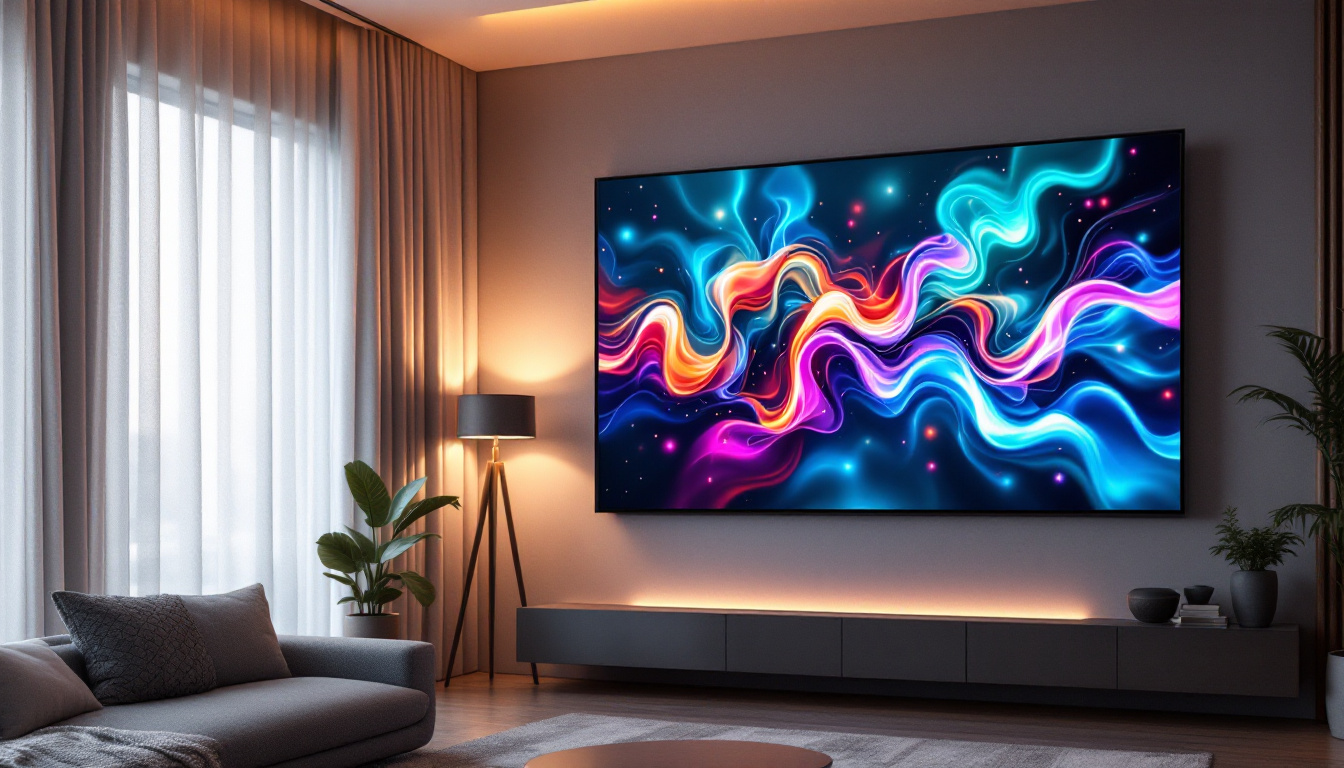
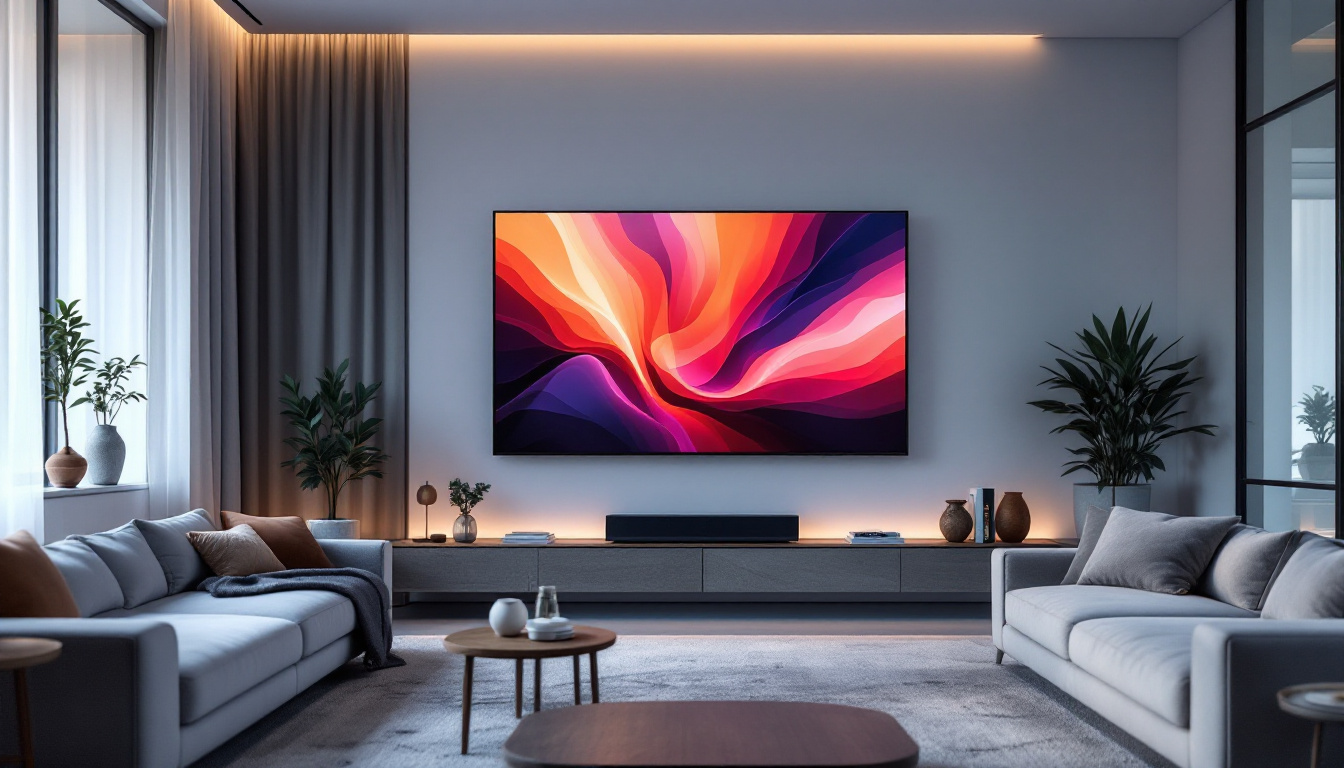
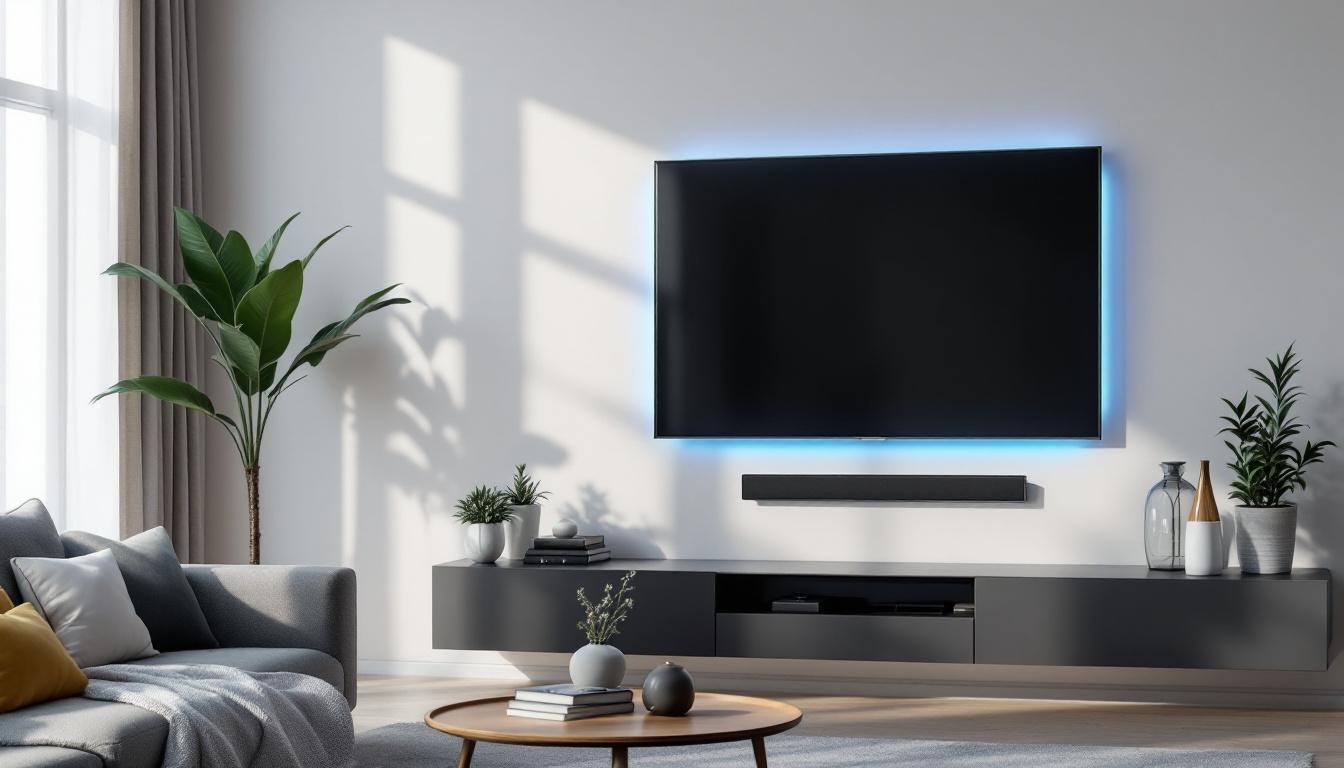
LED TVs are inherently slim and lightweight compared to older plasma or CRT models, making them easier to mount securely on walls. Their thin profile allows for a near-flush installation, enhancing the aesthetics of any room or commercial space. This sleek design not only contributes to a modern look but also maximizes the available floor space, which is especially beneficial in smaller living areas or crowded commercial environments.
Additionally, LED displays consume less power and generate less heat, reducing the risk of damage to wall materials and ensuring safer installation conditions. This efficiency also translates to lower energy bills and a smaller environmental footprint. Furthermore, many LED displays come equipped with smart technology, allowing for seamless integration with home automation systems. This means users can control their displays remotely, adjust settings with ease, and even stream content directly from the internet, making LED displays not just a visual upgrade but also a technological enhancement for any space.
Benefits of On-Wall LED TV Installation
Mounting an LED TV on the wall offers numerous advantages beyond just saving space. It creates a clean, organized look and can significantly improve the viewing experience.
Enhanced Viewing Angles and Comfort
With the TV positioned at eye level, viewers enjoy a more comfortable and immersive experience. LED displays typically offer wide viewing angles, ensuring consistent picture quality even when watched from the side. This is especially important in living rooms or conference rooms where multiple viewers are present. Furthermore, the optimal height for a wall-mounted TV can reduce neck strain, allowing viewers to relax and enjoy their favorite shows or movies for extended periods without discomfort.
Space Optimization and Safety
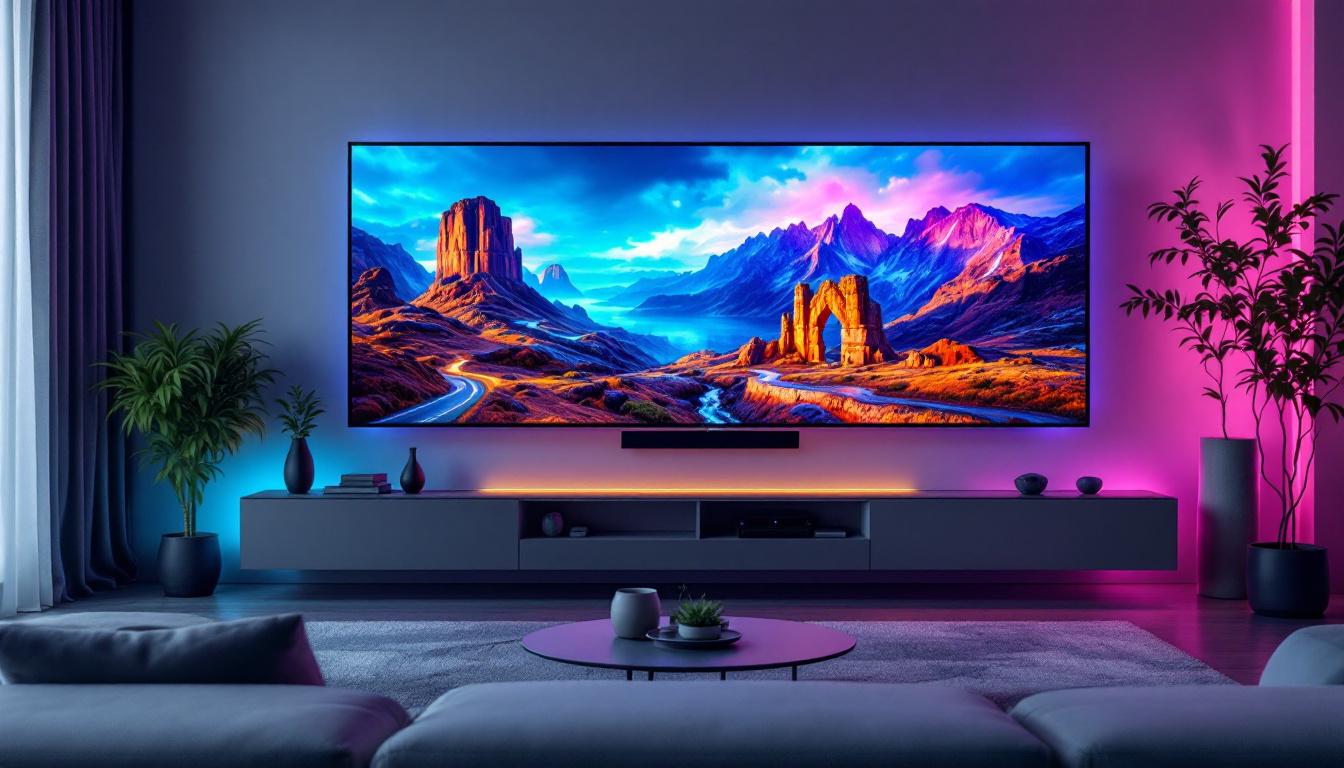
Wall-mounted TVs free up floor space, allowing for better furniture arrangement and reducing clutter. This is particularly beneficial in smaller rooms or commercial environments where maximizing usable space is critical. By eliminating bulky furniture pieces like TV stands, homeowners can create a more open and inviting atmosphere, making rooms feel larger and more functional. Additionally, this setup can enhance the overall aesthetic of a room, lending a modern touch that complements contemporary interior design trends.
Moreover, securing the TV to the wall minimizes the risk of accidental tipping or damage, which is a common hazard with freestanding units, especially in homes with children or pets. This added safety feature not only protects the investment in the television but also provides peace of mind for parents and pet owners alike, knowing that their loved ones are safe from potential accidents.
Improved Cable Management
Wall installations often include solutions for hiding cables within the wall or using specialized conduits. This not only enhances the visual appeal but also prevents cables from becoming tripping hazards or getting damaged. A clean installation can make a significant difference in the overall look of your entertainment area, allowing for a more streamlined appearance that draws attention to the screen rather than the clutter of wires. Many homeowners also appreciate the ability to integrate additional devices, such as soundbars or gaming consoles, into the wall-mounted setup, creating a cohesive and organized entertainment center.
In addition to aesthetics, effective cable management can also extend the lifespan of your devices. By reducing exposure to dust and minimizing the risk of tangling or pinching, you can ensure that your electronics function optimally for years to come. This thoughtful approach to installation not only enhances the viewing experience but also contributes to a more efficient and enjoyable home entertainment system.
Choosing the Right LED TV for Wall Installation
Selecting the appropriate LED TV depends on several factors, including room size, viewing distance, lighting conditions, and intended use.
Screen Size and Resolution
Screen size should be proportional to the viewing distance. A general guideline is that the optimal viewing distance is about 1.5 to 2.5 times the diagonal screen size. For example, a 55-inch TV is best viewed from approximately 6.5 to 11 feet away.
Resolution is equally important. While 4K Ultra HD has become the standard for most modern TVs, 8K displays are emerging for those seeking ultra-high-definition content. Higher resolution is especially noticeable on larger screens, where pixel density enhances image sharpness.
Brightness and Contrast Ratio
Brightness, measured in nits, affects how well the TV performs in well-lit environments. LED TVs typically range from 300 to 1000 nits, with higher values providing better visibility in bright rooms.
Contrast ratio determines the difference between the darkest blacks and the brightest whites. LED displays with local dimming features can achieve higher contrast ratios, delivering more dynamic and lifelike images.
Smart Features and Connectivity
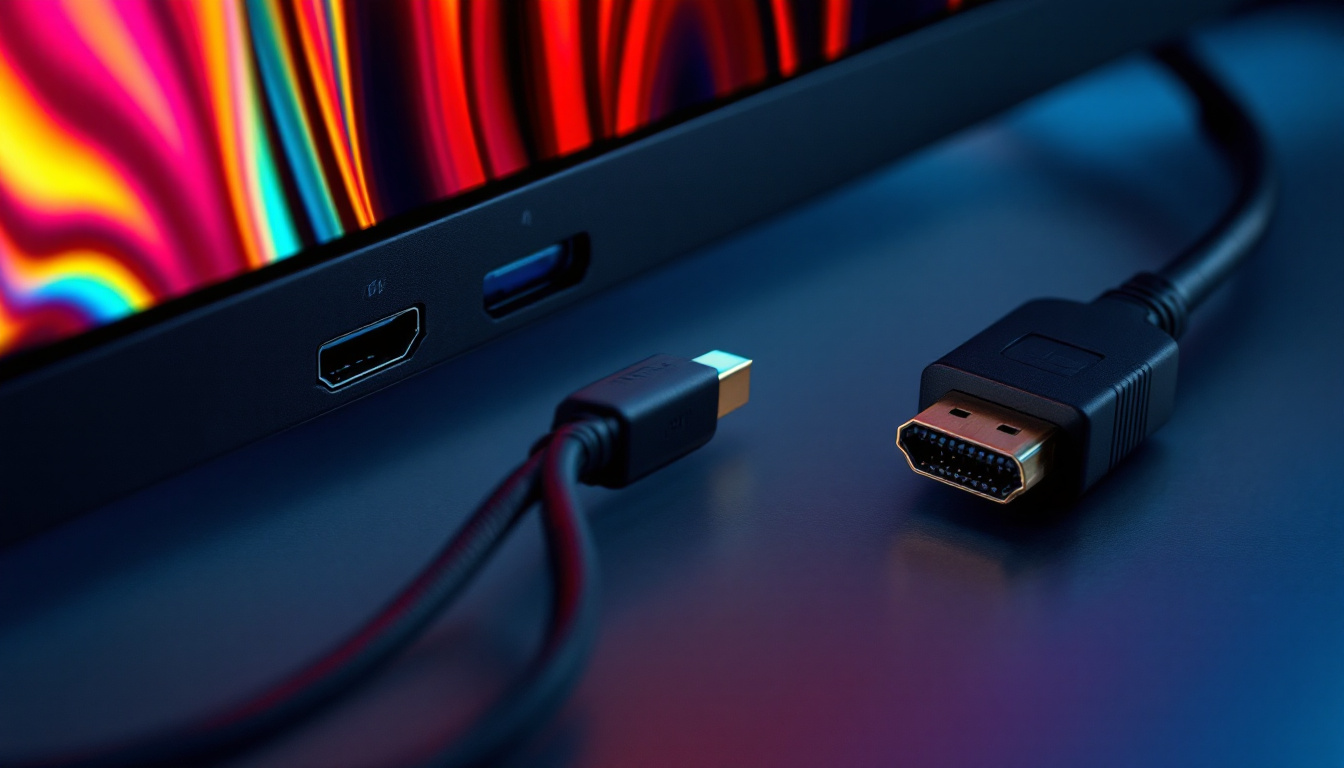
Modern LED TVs come equipped with smart capabilities, including built-in apps, voice control, and multiple HDMI and USB ports. These features enhance usability and allow seamless integration with other devices like gaming consoles, soundbars, and streaming devices.
Preparing for the Installation
Proper preparation is key to a successful on-wall LED TV installation. This involves assessing the wall structure, gathering the right tools, and planning cable management.
Assessing Wall Compatibility
Not all walls are suitable for mounting heavy TVs. Drywall alone may not support the weight, so locating studs or using specialized anchors is essential. For brick or concrete walls, appropriate masonry anchors are required.
It’s also important to consider the wall’s proximity to power outlets and cable connections to minimize visible wiring.
Tools and Materials Needed
Essential tools include a stud finder, level, drill, screwdriver, measuring tape, and the mounting bracket compatible with your TV model. Many TVs come with mounting hardware, but investing in a high-quality bracket can improve stability and ease of installation.
Planning Cable Management
Decide whether cables will be routed externally using cable covers or concealed within the wall. In-wall cable management kits are available and comply with electrical codes to ensure safety.
Step-by-Step Guide to Installing an LED TV on the Wall
While professional installation is recommended for large or complex setups, many users can successfully mount their LED TVs by following these steps carefully.
Step 1: Locate and Mark Studs
Use a stud finder to locate the wooden studs behind the drywall. Mark their positions with a pencil, as these will provide the necessary support for the mounting bracket.
Step 2: Attach the Mounting Bracket to the Wall
Hold the bracket against the wall, aligning it with the stud marks. Use a level to ensure it’s perfectly horizontal. Drill pilot holes and secure the bracket with lag bolts or screws designed for the wall type.
Step 3: Attach the Mounting Plate to the TV
Most LED TVs have mounting points on the back. Attach the corresponding plate or arms from the bracket kit using the screws provided, making sure they are tight but not over-tightened.
Step 4: Mount the TV on the Wall Bracket
With assistance, lift the TV and hook or secure it onto the wall bracket. Ensure it locks into place according to the manufacturer’s instructions.
Step 5: Connect Cables and Test
Connect power, HDMI, and other necessary cables. Test the TV to confirm it powers on and displays correctly. Adjust the tilt or swivel if the mount allows.
Maintenance and Troubleshooting Tips
Maintaining your wall-mounted LED TV ensures longevity and optimal performance.
Regular Cleaning
Use a soft, dry microfiber cloth to clean the screen and remove dust. Avoid harsh chemicals or abrasive materials that can damage the display.
Check Mount Stability
Periodically inspect the mounting bracket and screws to ensure they remain secure. This is especially important in homes with vibrations or frequent movement.
Troubleshooting Common Issues
If the TV fails to power on, check the power source and cable connections. For display issues like flickering or color distortion, verify input sources and update the TV’s firmware if available.
Conclusion: Making the Most of Your On-Wall LED TV
Choosing and installing an LED TV on the wall combines aesthetic appeal with practical benefits. Understanding the technology behind LED displays and following best practices for installation ensures a safe, durable, and visually stunning setup.
Whether upgrading a home entertainment system or outfitting a commercial space, LED displays provide vibrant images, energy efficiency, and versatile design options. With careful planning and execution, an on-wall LED TV installation can transform any environment into a modern, engaging space for viewing enjoyment.
Discover LumenMatrix’s Innovative LED Solutions
Ready to elevate your space with the latest in LED display technology? LumenMatrix offers a comprehensive range of cutting-edge LED solutions tailored to your needs. From vibrant Indoor and Outdoor LED Wall Displays to dynamic Vehicle and Sports LED Displays, our products are designed to captivate and engage. Experience the future of visual communication with our All-in-One LED Displays, LED Transparent Displays, and more. Transform your environment and make a lasting impression with LumenMatrix. Check out LumenMatrix LED Display Solutions today and bring your vision to life.