In an era where mobility and efficiency are paramount, portable touch screen monitors have emerged as essential tools for professionals, creatives, and tech enthusiasts alike. These devices combine the convenience of portability with the intuitive interface of touch technology, all wrapped in the vibrant clarity of LED displays. This article delves into the intricacies of portable touch screen monitors, focusing particularly on their LED display technology, to help you understand why they are becoming indispensable in today’s digital landscape.
Understanding Portable Touch Screen Monitors
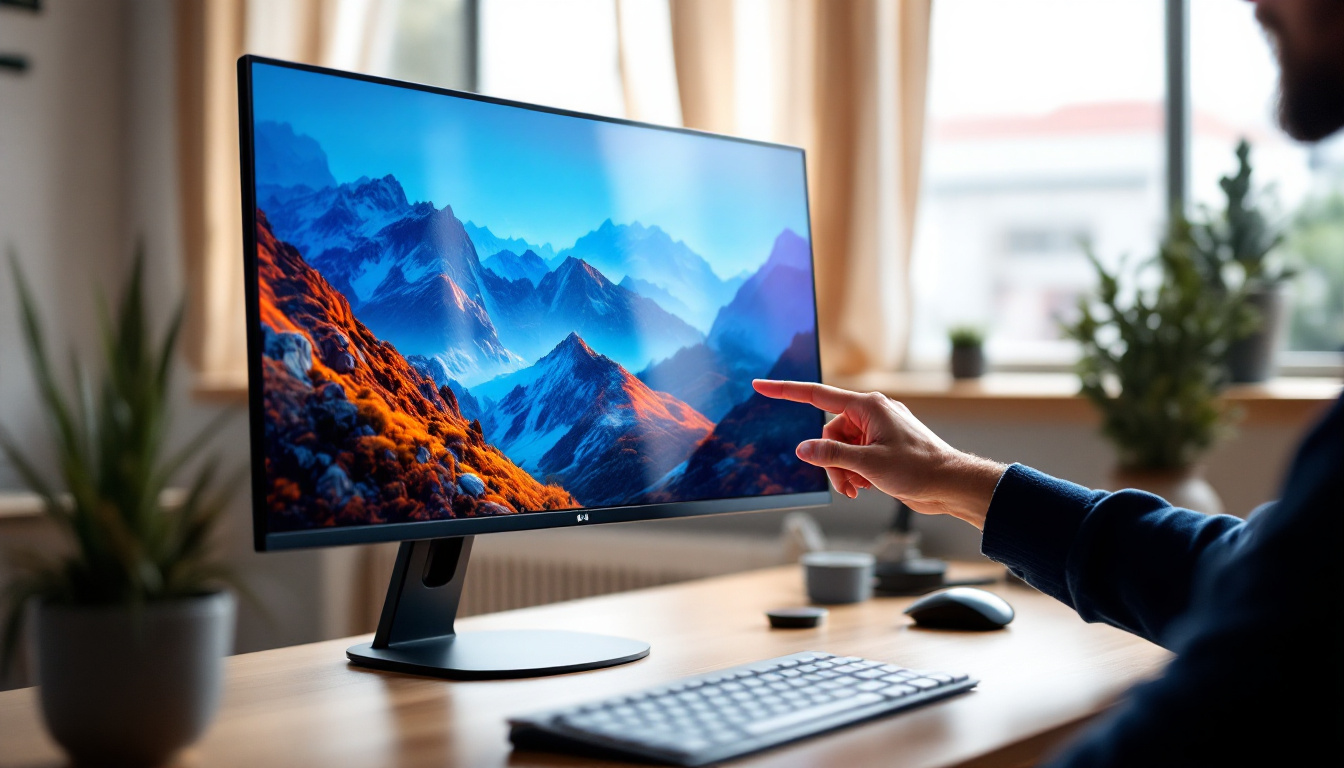
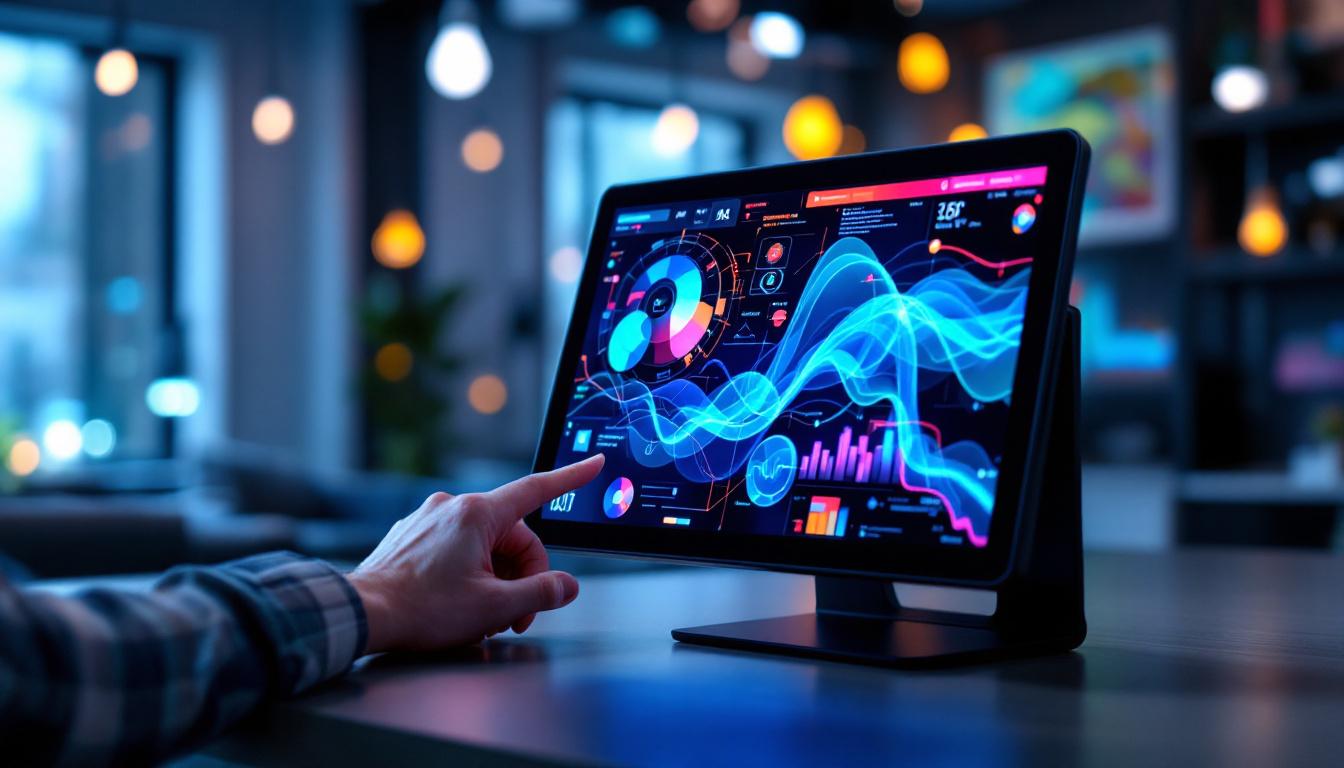
Portable touch screen monitors are compact, lightweight displays that connect to various devices such as laptops, smartphones, gaming consoles, and even cameras. Their primary appeal lies in their ability to provide an additional screen space without sacrificing portability, making them ideal for remote work, presentations, gaming, and creative projects on the go.
Unlike traditional monitors, these devices integrate touch sensitivity, allowing users to interact directly with the screen through taps, swipes, and gestures. This feature enhances usability, especially when paired with compatible software, enabling smoother workflows and more dynamic presentations.
The portability factor is crucial. Most portable touch screen monitors weigh between 1.5 to 3 pounds and feature slim profiles, often under 0.5 inches thick. This makes them easy to slip into a backpack or laptop bag, ensuring that users can maintain productivity wherever they are.
Key Use Cases for Portable Touch Screen Monitors
Professionals in fields such as graphic design, video editing, and software development benefit greatly from the added screen real estate and touch capabilities. For example, a graphic designer can use a portable touch screen monitor as a digital drawing pad, enhancing precision and creativity.
Remote workers and digital nomads use these monitors to create dual-screen setups, which studies show can increase productivity by up to 42%. Gamers appreciate the ability to extend their gaming environment, while photographers and videographers use them as external displays for better previewing and editing on location.
LED Display Technology: The Heart of Portable Touch Screens
At the core of most portable touch screen monitors lies LED display technology, a critical factor that determines image quality, power efficiency, and overall user experience. Understanding how LED displays work and their benefits can help users make informed decisions when selecting a portable monitor.
What is an LED Display?
LED stands for Light Emitting Diode. In the context of monitors, LED displays use an array of tiny LEDs to illuminate the screen. These LEDs serve as backlights for LCD (Liquid Crystal Display) panels, which manipulate light to create images. This combination is often referred to as LED-LCD technology.
Unlike older CCFL (Cold Cathode Fluorescent Lamp) backlighting, LED backlights are more energy-efficient, produce less heat, and allow for thinner display designs. This is particularly important for portable monitors where battery life and compactness are key considerations.
Types of LED Backlighting
LED backlighting comes mainly in two forms: edge-lit and direct-lit (or full-array). Edge-lit LEDs are placed around the edges of the screen, shining light across the display. This design enables thinner monitors but can sometimes result in uneven brightness. Direct-lit LEDs are positioned directly behind the screen, offering better brightness uniformity and contrast but often at the cost of increased thickness.
Many high-end portable touch screen monitors use edge-lit LED technology to balance slimness with display quality. Some models incorporate local dimming zones in their backlighting to enhance contrast ratios, improving the viewing experience in darker scenes.
Advantages of LED Displays in Portable Touch Screen Monitors
LED technology brings several advantages that make portable touch screen monitors more appealing and effective for users across various applications.
1. Enhanced Brightness and Color Accuracy
LED displays typically offer higher brightness levels compared to older technologies, often reaching 300 to 500 nits in portable monitors. This brightness is crucial for outdoor or brightly lit environments, ensuring the screen remains visible and vibrant.
Moreover, LED backlighting supports a wider color gamut, enabling more accurate and vivid color reproduction. For professionals in photography, video editing, and design, this translates to better color fidelity and more reliable work outcomes.
2. Energy Efficiency and Longer Battery Life
LEDs consume less power than traditional backlighting methods, which helps extend the battery life of portable monitors. This efficiency is vital for users who rely on battery-powered devices during travel or remote work scenarios.
Some portable touch screen monitors integrate power-saving features such as automatic brightness adjustment, which further optimizes energy consumption based on ambient lighting conditions.
3. Slim and Lightweight Design
The compact nature of LED backlighting allows manufacturers to produce thinner and lighter monitors without compromising display quality. This design benefit aligns perfectly with the portability demands of modern users.
For example, many portable touch screen monitors today measure less than 8mm in thickness, making them easy to carry alongside laptops or tablets.
Touch Screen Technology in Portable Monitors
The touch interface is a defining feature of portable touch screen monitors, enhancing interactivity and user engagement. Several touch technologies are commonly used, each with its own strengths and limitations.
Capacitive vs. Resistive Touch Screens
Capacitive touch screens are the most prevalent in modern portable monitors. They detect touch by sensing the electrical properties of the human finger, supporting multi-touch gestures and offering high sensitivity and responsiveness. These screens are generally more durable and provide better image clarity since they do not require an additional layer on top of the display.
Resistive touch screens, on the other hand, rely on pressure applied to the screen. While they can be operated with a stylus or gloved hand, resistive screens typically offer lower clarity and less sensitivity. They are less common in portable monitors but may still be found in budget models or specialized industrial applications.
Multi-Touch and Stylus Support
Many portable touch screen monitors support multi-touch input, allowing users to perform gestures such as pinch-to-zoom, rotate, and swipe. This capability enhances navigation and productivity, especially when paired with compatible software.
Stylus support is another valuable feature, particularly for creative professionals. Active styluses provide pressure sensitivity and precision, transforming the portable monitor into a versatile drawing or note-taking device.
Choosing the Right Portable Touch Screen Monitor
Selecting the ideal portable touch screen monitor involves balancing several factors, including display quality, touch technology, connectivity, and budget. Understanding these aspects can help users find a device that meets their specific needs.
Display Resolution and Size
Resolution significantly impacts the sharpness and clarity of images. Common resolutions for portable monitors include Full HD (1920 x 1080 pixels) and 4K UHD (3840 x 2160 pixels). While 4K offers superior detail, it also demands more processing power and battery life.
Screen size typically ranges from 12 to 17 inches. Smaller screens enhance portability but may limit workspace, whereas larger screens provide more room for multitasking but are less convenient to carry.
Connectivity Options
USB-C has become the standard for portable monitors due to its ability to transmit video, power, and data through a single cable. This simplifies setup and reduces cable clutter. Some monitors also include HDMI ports for compatibility with a broader range of devices.
Wireless connectivity options, such as Wi-Fi or Bluetooth, are emerging but are less common and may introduce latency or compatibility issues.
Build Quality and Portability Features
Durability is important for devices intended for travel. Look for monitors with sturdy metal or reinforced plastic casings. Features like foldable stands, protective sleeves, and anti-glare coatings add to the usability and longevity of the device.
Price Considerations
Portable touch screen monitors vary widely in price, from around $150 for basic models to over $600 for high-end devices with 4K resolution and advanced touch features. Evaluating the intended use case and required specifications helps justify investment and avoid overspending.
Future Trends in Portable Touch Screen Monitors
The portable monitor market continues to evolve rapidly, driven by advances in display and touch technology, as well as changing user demands.
Mini-LED and OLED Displays
Mini-LED technology, which uses thousands of tiny LEDs for backlighting, promises improved contrast ratios and brightness control compared to traditional LED displays. This technology is beginning to appear in portable monitors, offering richer visuals and better HDR performance.
OLED (Organic Light Emitting Diode) displays, which do not require backlighting, provide perfect blacks and vibrant colors. Although currently more expensive, OLED portable monitors are expected to become more accessible, delivering superior image quality and thinner designs.
Enhanced Touch and Pen Input
Future portable touch screen monitors are likely to incorporate more advanced touch sensors, including haptic feedback and higher pressure sensitivity for stylus input. These improvements will enhance the creative and interactive experience for users.
Integration with Mobile and Cloud Ecosystems
As cloud computing and mobile workflows expand, portable monitors will increasingly support seamless integration with smartphones, tablets, and cloud services. Wireless display technologies and smart software will enable more flexible and collaborative work environments.
Conclusion
Portable touch screen monitors with LED displays represent a significant leap forward in mobile computing and digital interaction. Their blend of vibrant LED visuals, responsive touch interfaces, and lightweight design makes them invaluable tools for a wide range of users—from professionals seeking enhanced productivity to creatives requiring precise input on the go.
Understanding the underlying LED technology and touch screen options empowers buyers to select devices that best fit their needs, ensuring a satisfying and efficient user experience. As display technologies continue to advance, portable touch screen monitors will become even more powerful, versatile, and integral to the way people work and create in the digital age.
Explore Cutting-Edge Portable LED Solutions with LumenMatrix
Ready to elevate your digital experience with the latest in portable touch screen technology? Discover LumenMatrix’s innovative LED display solutions, designed to bring your visual communications to life. Whether you’re looking to boost productivity, enhance creative projects, or captivate your audience, LumenMatrix offers a diverse range of LED display modules, including Indoor and Outdoor LED Walls, Vehicle Displays, LED Posters, Sports Displays, and more. Experience the future of visual engagement with our All-in-One and Custom LED Displays. Check out LumenMatrix LED Display Solutions today and transform the way you share your message with the world.