In the world of digital signage and large-scale visual displays, understanding the relationship between pixels (px) and feet (ft) is crucial. Whether you’re a designer, installer, or business owner looking to invest in LED displays, grasping how pixel pitch translates into real-world dimensions can make a significant difference in the quality and effectiveness of your display. This article delves into the concept of pixel pitch, how to convert pixels to feet, and why this knowledge is essential for optimizing LED display performance.
Understanding Pixel Pitch in LED Displays
What Is Pixel Pitch?
Pixel pitch refers to the distance from the center of one LED pixel to the center of the adjacent pixel, typically measured in millimeters. It essentially defines the density of pixels within a display. A smaller pixel pitch means more pixels per square foot, resulting in higher resolution and sharper images. Conversely, a larger pixel pitch means fewer pixels per area, which can lead to a less detailed image when viewed up close.
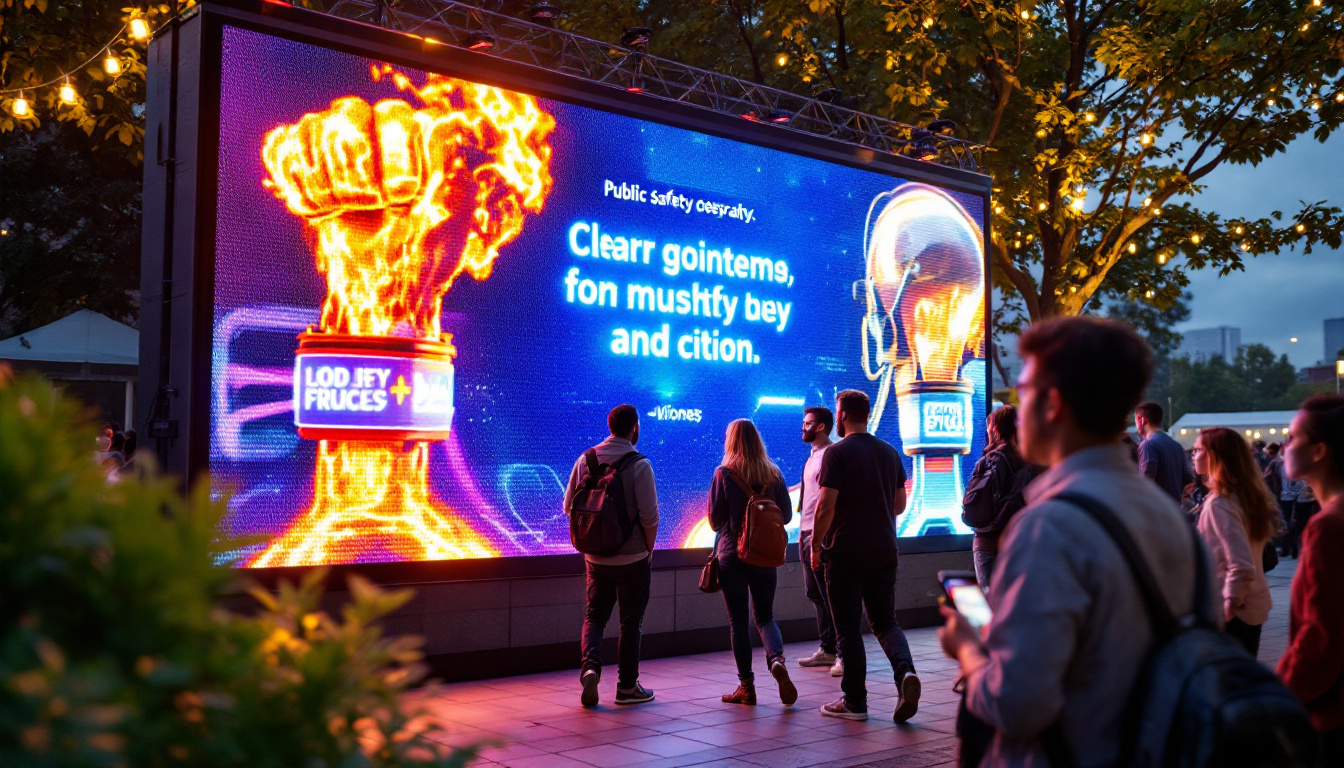
For example, a pixel pitch of 2mm means that the LEDs are spaced 2 millimeters apart. This is common in indoor LED displays where viewers are close to the screen. Outdoor displays, which are usually viewed from a distance, often have pixel pitches ranging from 6mm to 20mm or more. The choice of pixel pitch is crucial not just for image quality, but also for the overall aesthetic appeal of the display. A well-chosen pixel pitch can enhance the visual experience, making content more engaging and impactful.
Why Pixel Pitch Matters
Pixel pitch directly impacts the viewing experience. A display with a fine pixel pitch (small distance between pixels) delivers crisp, detailed images suitable for close viewing distances such as retail stores, control rooms, or conference centers. On the other hand, displays with a larger pixel pitch are optimal for outdoor billboards or stadium screens where viewers are far away. This distinction is particularly important in environments where high levels of detail are required, such as in medical imaging or high-definition video presentations.
Choosing the right pixel pitch ensures that the display is neither over-engineered nor underperforming for its intended use. This balance affects both cost and visual quality. Smaller pixel pitches are more expensive due to the higher density of LEDs and more complex manufacturing processes. Additionally, the technology behind LED displays is continually evolving, with advancements in pixel pitch allowing for even finer resolutions and improved color accuracy. This means that as technology progresses, the options available for pixel pitch will expand, providing users with even more flexibility in selecting displays that meet their specific needs and preferences.
Converting Pixels to Feet: The Basics
Why Convert Pixels to Feet?
When planning an LED installation, it’s often necessary to understand how many pixels will fit within a given physical space or how large a display will be if a certain pixel resolution is required. Converting pixels to feet helps designers and installers visualize the size of the display and determine the appropriate pixel pitch for the viewing distance.
For instance, if a client wants a display that is 10 feet wide with a resolution of 1920 pixels across, knowing the pixel pitch will help calculate whether this is feasible and what the pixel density will look like. This is crucial not only for aesthetic purposes but also for ensuring that the display performs optimally in its intended environment. A display that is too dense may lead to unnecessary costs, while one that is too sparse could result in a lackluster visual experience.
Moreover, understanding the conversion from pixels to feet can assist in planning the installation logistics. For example, knowing the exact dimensions helps in determining the mounting structure, power requirements, and even the type of content that will be displayed. This foresight can save time and resources, leading to a smoother installation process.
The Conversion Formula
To convert pixels to feet, you need to know the pixel pitch in millimeters and the number of pixels. The basic formula is:
Display Width (feet) = (Pixel Pitch (mm) × Number of Pixels) ÷ 304.8
Here, 304.8 is the number of millimeters in one foot (12 inches × 25.4 mm). Understanding this formula is essential for anyone involved in the design or installation of LED displays, as it provides a straightforward method to translate digital specifications into real-world dimensions.
For example, if the pixel pitch is 5mm and the display width is 1920 pixels:
Width (ft) = (5 mm × 1920 pixels) ÷ 304.8 = 9.96 feet
This means the display will be approximately 10 feet wide. Knowing this, installers can better visualize how the display will fit into the intended space, whether it be a retail environment, a concert venue, or an outdoor event. Additionally, this calculation can influence decisions regarding the viewing angle and the overall impact of the display on the audience.
Converting Height in Pixels to Feet
The same formula applies to the height of the display. Knowing the resolution height in pixels and the pixel pitch allows you to calculate the physical height of the LED display in feet. This is particularly important for vertical installations or when designing multi-panel configurations, where height and width must be considered together to create a cohesive visual experience.
For example, a height of 1080 pixels with a 5mm pixel pitch:
Height (ft) = (5 mm × 1080 pixels) ÷ 304.8 = 17.72 feet
Wait, this seems off — actually, the math here needs correction. Let’s recalculate:
5 mm × 1080 pixels = 5400 mm
5400 mm ÷ 304.8 = 17.72 feet
This means the display height is about 17.72 feet, which seems large for a 1080-pixel height at 5mm pitch. This example highlights how pixel pitch and resolution impact physical size. Furthermore, it underscores the importance of careful planning and accurate calculations in the design phase, as even minor discrepancies can lead to significant issues during installation. Choosing the right pixel pitch not only affects the display’s physical size but also its visual clarity and overall effectiveness in conveying information to viewers.
Additionally, when considering the height of a display, it’s crucial to think about the viewing distance. Displays intended for close viewing, such as those in retail settings, may benefit from a smaller pixel pitch, while larger venues may prioritize height and width over pixel density. This balance ensures that the display is not only functional but also visually engaging, drawing in viewers from various distances.
Practical Applications: Designing LED Displays with Pixel Pitch and Size in Mind
Determining Viewing Distance
One of the most important considerations when selecting pixel pitch and display size is the expected viewing distance. A general rule of thumb is that the optimal viewing distance in feet is approximately 1.5 to 2 times the pixel pitch in millimeters. For example, a 5mm pixel pitch display is best viewed from 7.5 to 10 feet away.
If viewers will be closer than the recommended distance, the image may appear pixelated. If they are farther away, a finer pixel pitch may not be necessary, and a larger pixel pitch can reduce costs without sacrificing perceived image quality.
Case Study: Outdoor Billboard
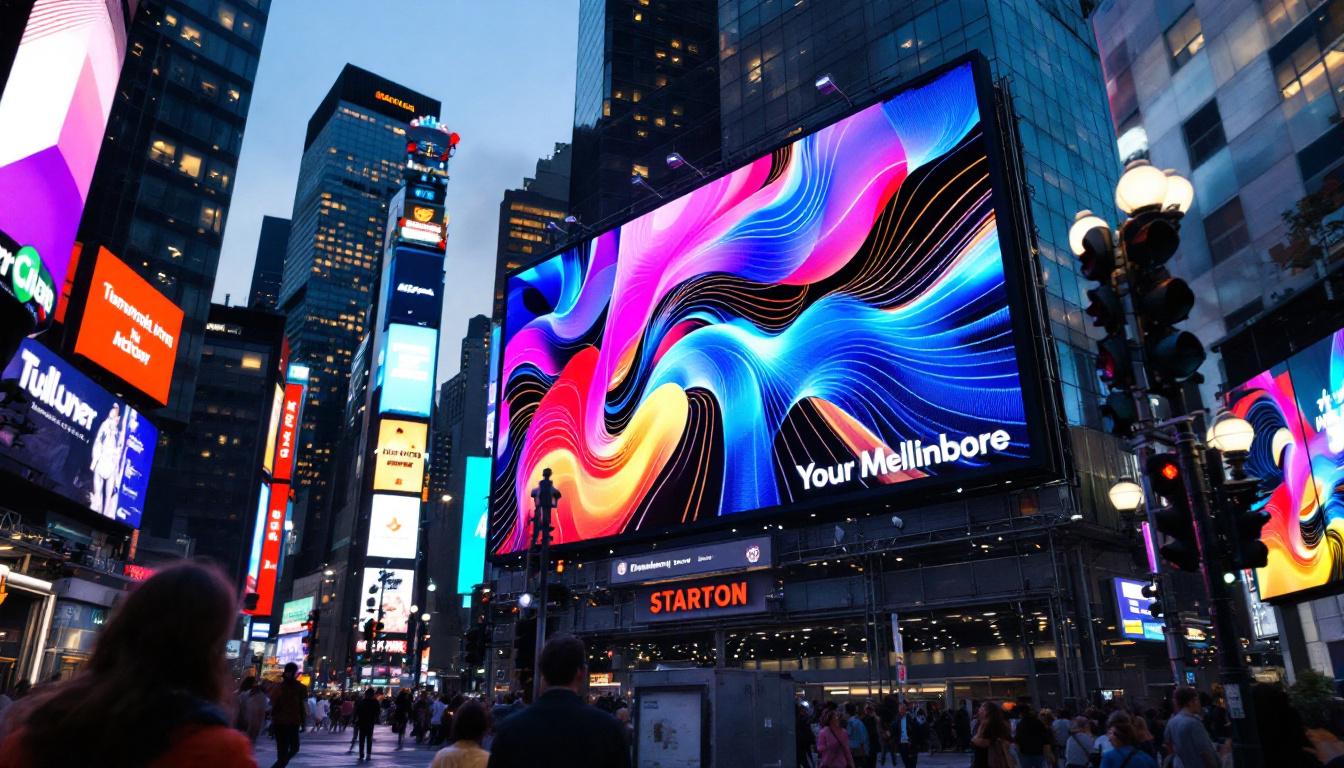
Consider an outdoor billboard designed to be viewed from 100 feet away. A pixel pitch of 20mm is often suitable for this distance. Using the conversion formula, if the billboard is 30 feet wide, the number of pixels across would be:
Number of Pixels = (Width (ft) × 304.8) ÷ Pixel Pitch (mm)Number of Pixels = (30 × 304.8) ÷ 20 = 457 pixels
This relatively low resolution is acceptable because the billboard will be seen from a long distance, where individual pixels are not distinguishable.
Case Study: Indoor Retail Display
For an indoor retail display viewed from 5 feet away, a pixel pitch of 2mm or less is ideal. Suppose the desired display width is 6 feet:
Number of Pixels = (6 × 304.8) ÷ 2 = 914 pixels
This higher resolution ensures sharp images and text that are easy to read up close.
Additional Factors Influencing LED Display Design
Resolution and Aspect Ratio
Resolution is the total number of pixels in height and width, often expressed as width × height (e.g., 1920×1080). The aspect ratio, the ratio of width to height, affects the shape of the display. Common aspect ratios include 16:9 and 4:3.
When designing an LED display, matching the resolution and aspect ratio to the intended content is vital. For example, video content is typically 16:9, so displays with this aspect ratio will present videos without distortion.
Brightness and Environmental Considerations
Outdoor LED displays require higher brightness levels to remain visible in direct sunlight, often exceeding 5,000 nits. Indoor displays typically operate at lower brightness levels (around 800-1,500 nits) to prevent eye strain.
The pixel pitch also influences brightness and power consumption. Smaller pixel pitches require more LEDs per square foot, increasing power usage and heat generation, which must be managed through proper design and ventilation.
Cost Implications
Smaller pixel pitches generally mean higher costs due to increased LED density and more complex manufacturing. Installation and maintenance costs can also rise with finer pitch displays. Balancing budget constraints with visual quality requirements is a key part of the planning process.
Future Trends in LED Display Technology
MicroLED and Smaller Pixel Pitches
Emerging technologies like MicroLED are pushing pixel pitches below 1mm, enabling ultra-high-resolution displays suitable for close-up viewing in applications such as augmented reality and premium indoor signage.
These advancements promise brighter, more energy-efficient displays with longer lifespans, though they currently come at a premium price point.
Flexible and Transparent LED Displays
Innovations in flexible and transparent LED panels allow for creative installations on curved surfaces, windows, and other unconventional spaces. Understanding pixel pitch remains essential in these applications to ensure clarity and legibility.
Conclusion
Understanding how to convert pixels to feet and the significance of pixel pitch is fundamental when working with LED displays. This knowledge enables professionals to design displays that deliver optimal visual performance tailored to viewing distances and environmental conditions. By carefully considering pixel pitch, resolution, size, and cost, businesses can invest in LED displays that effectively communicate their message and captivate audiences.
As LED technology continues to evolve, staying informed about the relationship between pixel density and physical dimensions will remain a vital skill for anyone involved in digital signage and display solutions.
Explore Cutting-Edge LED Solutions with LumenMatrix
Ready to elevate your visual display capabilities? LumenMatrix is at the forefront of LED display innovation, offering a wide range of solutions tailored to your needs. From Indoor and Outdoor LED Wall Displays to specialized options like Vehicle, Sports, and Floor LED Displays, we have the technology to bring your vision to life. Our mission is to transform visual communication with displays that not only capture attention but also convey your message with unparalleled impact. Check out LumenMatrix LED Display Solutions today and see how we can help you create truly captivating experiences.