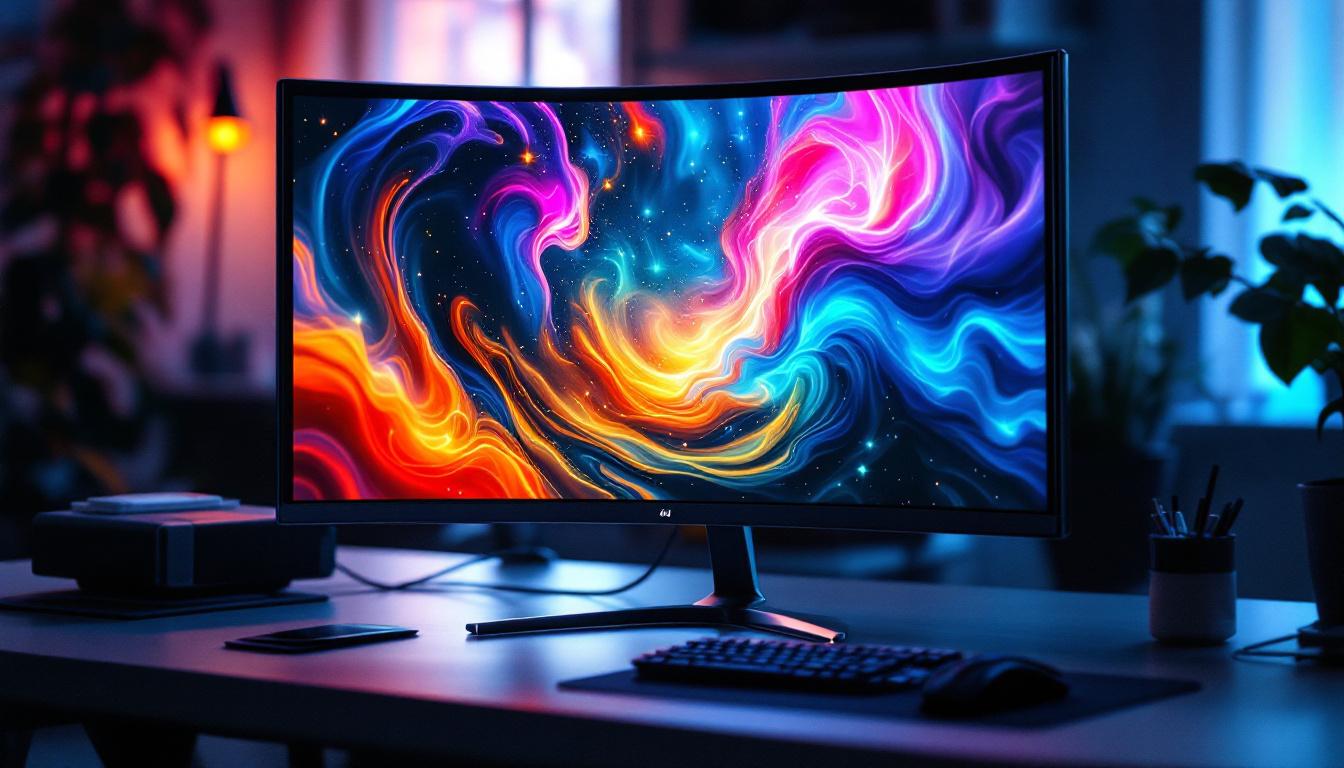
Understanding the size and dimensions of LED displays is essential for consumers, manufacturers, and professionals working with screens. Whether selecting a television, monitor, or digital signage, knowing how to calculate the screen diagonal and interpret its implications can help make informed decisions. This article delves into the fundamentals of screen diagonal measurement, the technology behind LED displays, and how to use a screen diagonal calculator effectively.
What Is Screen Diagonal and Why Does It Matter?
The screen diagonal is the measurement from one corner of a display to the opposite corner, typically expressed in inches or centimeters. It is the standard way to describe the size of screens, including televisions, computer monitors, smartphones, and LED panels used in commercial settings.
While it might seem straightforward, the screen diagonal plays a critical role in understanding the viewing experience. It helps consumers gauge the physical size of a screen, which affects viewing distance, resolution perception, and overall usability. For manufacturers and engineers, accurate diagonal measurements are vital for designing enclosures, mounting systems, and ensuring compatibility with various applications.
How Screen Diagonal Is Measured
Measuring the screen diagonal involves calculating the straight-line distance between two opposite corners of the visible display area. This excludes any bezels or borders around the screen. For rectangular screens, this is a simple application of the Pythagorean theorem:
Diagonal = √(Width² + Height²)
For example, a screen that is 48 inches wide and 27 inches tall will have a diagonal of:
Diagonal = √(48² + 27²) = √(2304 + 729) = √3033 ≈ 55 inches
This measurement provides a consistent way to compare screen sizes across different aspect ratios and manufacturers. Understanding the implications of screen diagonal is particularly important in today’s multimedia-rich environment. For instance, a larger screen diagonal can enhance the experience of watching movies or playing video games, as it allows for a more immersive experience. This is especially true for high-definition and 4K content, where larger screens can display finer details and provide a more engaging visual experience.
Moreover, the choice of screen size can also influence ergonomics and workspace design. In office settings, the screen diagonal can determine how far away a user should sit for optimal viewing comfort, which is crucial for reducing eye strain and maintaining productivity. As remote work becomes more prevalent, understanding the nuances of screen diagonal can aid individuals in selecting the right equipment for their home offices, ensuring that they create a comfortable and efficient workspace tailored to their needs.
Understanding LED Display Technology
LED (Light Emitting Diode) displays have become the dominant technology for screens in recent years. They offer superior brightness, energy efficiency, and color accuracy compared to older LCD and plasma technologies. Understanding how LED displays work provides context for why screen diagonal measurements are essential and how they relate to image quality.
Types of LED Displays
There are primarily two types of LED displays: edge-lit and direct-lit (or full-array). Both use LEDs as the light source but differ in how the LEDs are arranged behind the screen.
- Edge-lit LED: LEDs are positioned around the edges of the screen, and light is distributed across the display using light guides. This design allows for thinner panels but may result in less uniform brightness.
- Direct-lit LED: LEDs are placed directly behind the screen in a grid pattern. This allows for better control of brightness and contrast, especially when combined with local dimming technology.
Additionally, modern OLED (Organic LED) displays use a different principle where each pixel emits its own light, allowing for perfect blacks and infinite contrast ratios. This technology is particularly favored for high-end televisions and professional displays, as it provides a more immersive viewing experience with vibrant colors and deep shadows.
Why Screen Size Impacts LED Display Performance
The physical size of an LED display affects not only the viewing experience but also technical aspects such as pixel density, power consumption, and heat dissipation. Larger screens require more LEDs or pixels to maintain image quality, which can increase costs and complexity.
Pixel density, measured in pixels per inch (PPI), is a crucial factor. A 55-inch 4K TV has a higher pixel density than a 75-inch 4K TV, meaning the smaller screen can display finer detail at the same resolution. Consumers should consider the balance between screen size and resolution to ensure optimal viewing quality. Furthermore, the viewing distance plays a significant role; for instance, a larger screen may be more suitable for a spacious living room, while a smaller screen can be ideal for closer viewing in a bedroom or office setting.
In addition to pixel density, larger displays often incorporate advanced technologies such as HDR (High Dynamic Range) to enhance color and contrast. HDR allows for a broader range of colors and brightness levels, making images appear more lifelike. This is particularly beneficial in cinematic experiences where dark scenes can reveal intricate details without losing depth. As a result, the combination of screen size, resolution, and HDR capabilities can significantly elevate the overall viewing experience, making it essential for consumers to evaluate these factors when selecting an LED display.
How to Use a Screen Diagonal Calculator
A screen diagonal calculator is a handy tool that simplifies the process of determining the diagonal measurement from width and height inputs or vice versa. This is particularly useful for custom display installations, digital signage projects, or when comparing products with different aspect ratios.
Calculating Diagonal from Width and Height
To calculate the screen diagonal, input the width and height of the visible screen area into the calculator. The tool applies the Pythagorean theorem to provide the diagonal measurement quickly and accurately. This is helpful when you know the physical dimensions of a screen but want to understand its size classification.
Finding Width and Height from Diagonal and Aspect Ratio
Sometimes, the diagonal size and aspect ratio are known, but the width and height are not. A screen diagonal calculator can reverse-engineer these dimensions using the following formulas:
Given the diagonal (D) and aspect ratio expressed as width:height (W:H), the width and height can be calculated as:
Width = D × (W / √(W² + H²))
Height = D × (H / √(W² + H²))
For example, for a 65-inch screen with a 16:9 aspect ratio:
Width = 65 × (16 / √(16² + 9²)) ≈ 56.65 inches
Height = 65 × (9 / √(16² + 9²)) ≈ 31.87 inches
This calculation helps in planning for physical space requirements and mounting hardware.
Common Aspect Ratios and Their Impact
Aspect ratio is the proportional relationship between the width and height of a display. The most common aspect ratios in LED displays are:
- 16:9 – The standard for HDTVs, computer monitors, and most consumer electronics.
- 4:3 – Older standard, still used in some professional and industrial displays.
- 21:9 – Ultra-wide displays, popular for cinematic viewing and gaming.
The aspect ratio influences how content is displayed and how the screen fits into a given space. Understanding this alongside the diagonal measurement ensures the chosen display meets both aesthetic and functional needs.
Practical Applications of Screen Diagonal Calculations
Screen diagonal calculations are more than academic exercises; they have real-world applications across various industries and use cases. Accurate screen size knowledge helps in purchasing, installation, and content creation.
Choosing the Right TV or Monitor Size
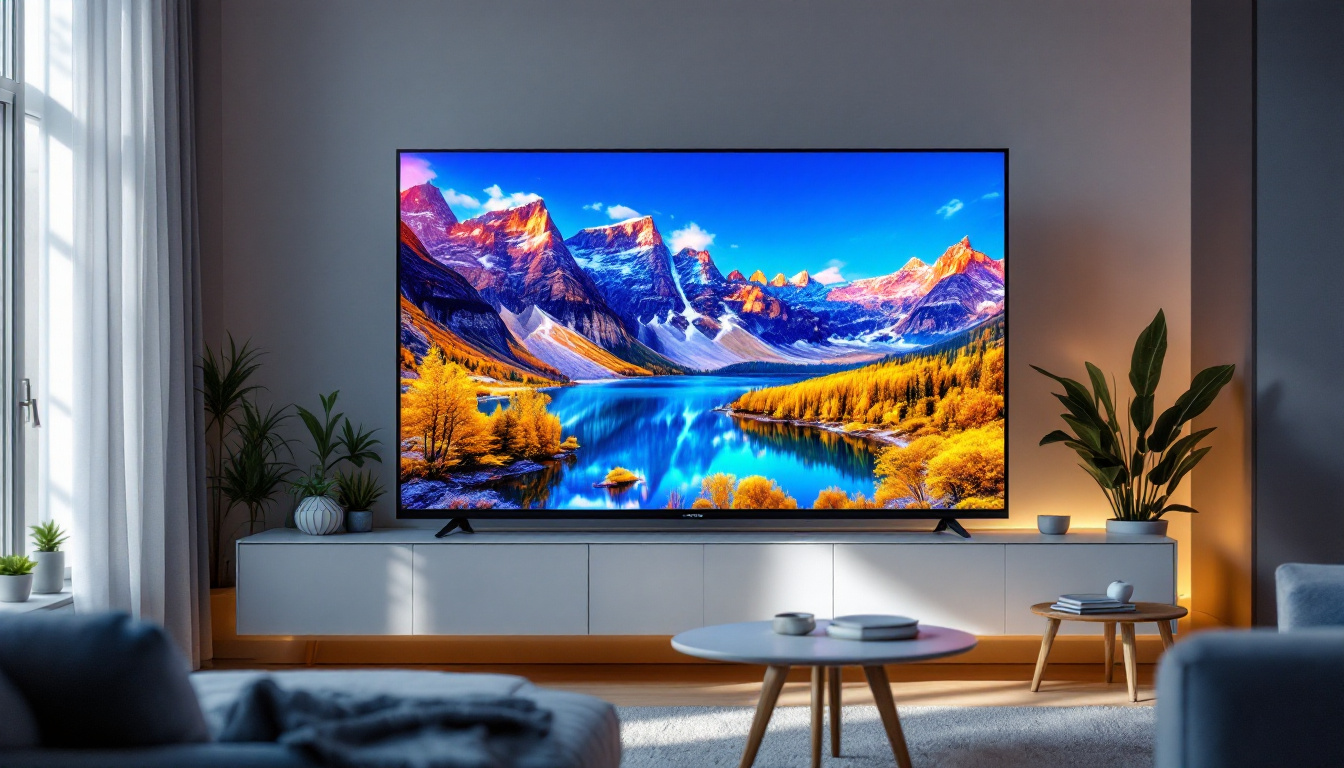
For consumers, selecting the right screen size is a balance between room size, viewing distance, and content type. Experts often recommend a viewing distance of about 1.5 to 2.5 times the diagonal size for HD content and closer for 4K content to maximize detail perception.
Using a screen diagonal calculator can help shoppers visualize how different screen sizes will fit in their living rooms or offices, avoiding costly mistakes.
Designing Digital Signage and Video Walls
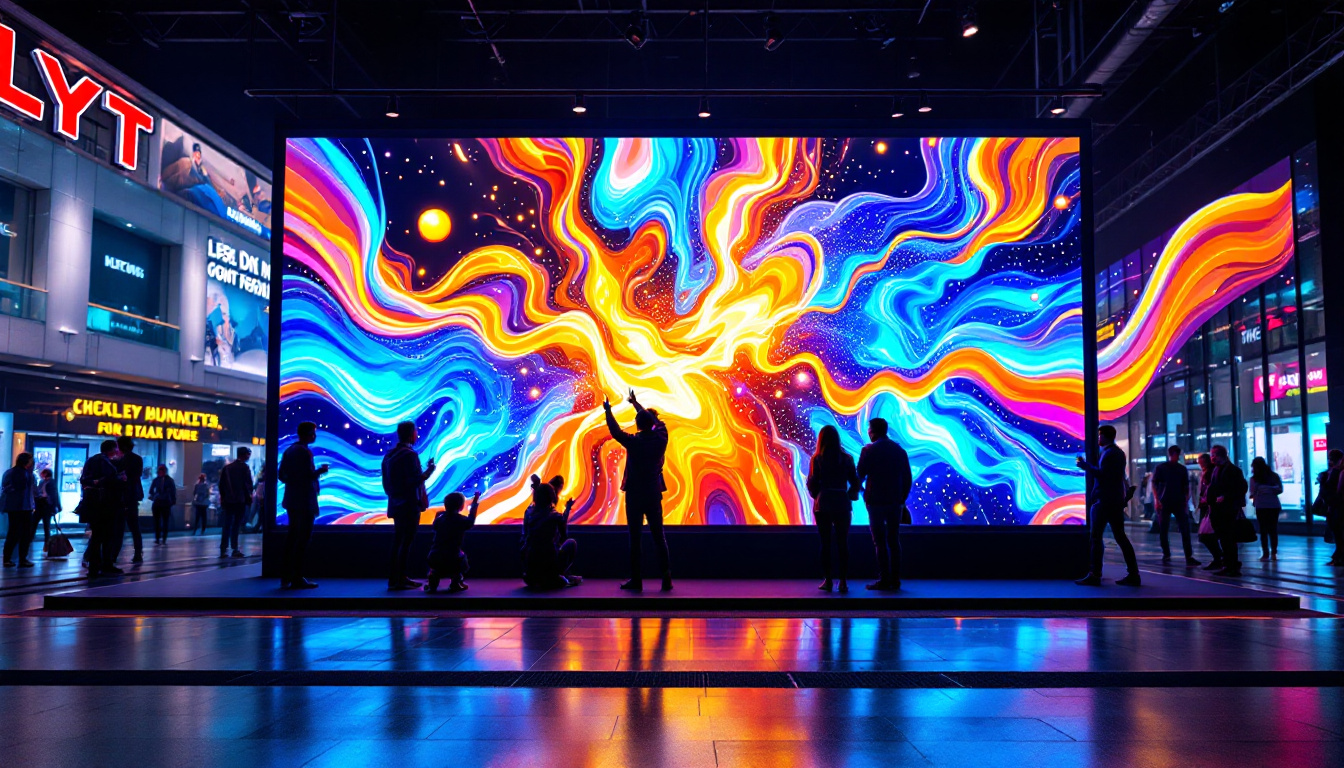
In commercial environments, LED displays are used for advertising, information dissemination, and entertainment. Large video walls composed of multiple LED panels require precise measurements to ensure seamless integration and optimal visual impact.
Screen diagonal calculations assist designers and installers in planning the layout, ensuring that the combined display meets size specifications and fits the physical space.
Custom Display Manufacturing and Engineering
Manufacturers of LED displays rely on accurate diagonal and dimension calculations to design products that meet client specifications. This includes everything from consumer electronics to specialized industrial displays used in aviation, medical imaging, and control rooms.
Understanding the relationship between screen size, aspect ratio, and pixel density is critical to delivering high-performance products that align with user expectations.
Future Trends in LED Display Sizes and Technologies
The LED display market continues to evolve rapidly, driven by advancements in technology and changing consumer preferences. Screen sizes are trending larger, with 75-inch and even 85-inch TVs becoming more common in households.
MicroLED and MiniLED Innovations
Emerging technologies like MicroLED and MiniLED promise even better image quality and efficiency. MicroLED displays use microscopic LEDs for each pixel, offering unparalleled brightness and contrast without the burn-in risks associated with OLEDs.
These technologies also enable modular display designs where screen size can be customized by combining multiple panels seamlessly, making screen diagonal calculations even more important for planning and installation.
Flexible and Transparent Displays
Flexible LED displays are entering the market, allowing screens to bend or curve around surfaces. Transparent LED displays are also being developed for retail and architectural applications. These innovations challenge traditional notions of screen size and shape, requiring new measurement approaches that still rely on diagonal calculations for reference.
Conclusion
Understanding screen diagonal measurements and LED display technology is essential for anyone involved in selecting, designing, or using screens. A screen diagonal calculator simplifies the process of determining screen size and dimensions, enabling better decision-making.
As LED technology advances and screen sizes continue to grow, mastering these fundamentals will remain crucial for optimizing viewing experiences and ensuring compatibility across diverse applications.
Discover the Future of Visual Experience with LumenMatrix
Ready to elevate your visual communication to the next level? LumenMatrix is at the forefront of LED display innovation, offering a wide array of solutions tailored to your needs. From captivating Indoor and Outdoor LED Wall Displays to dynamic Vehicle and Sports LED Displays, our technology is designed to make your brand stand out. Experience the versatility of our Custom LED Displays, the convenience of All-in-One solutions, and the cutting-edge appeal of LED Transparent Displays. Don’t miss the opportunity to transform your space with our advanced LED modules. Check out LumenMatrix LED Display Solutions today and join the revolution in visual storytelling.