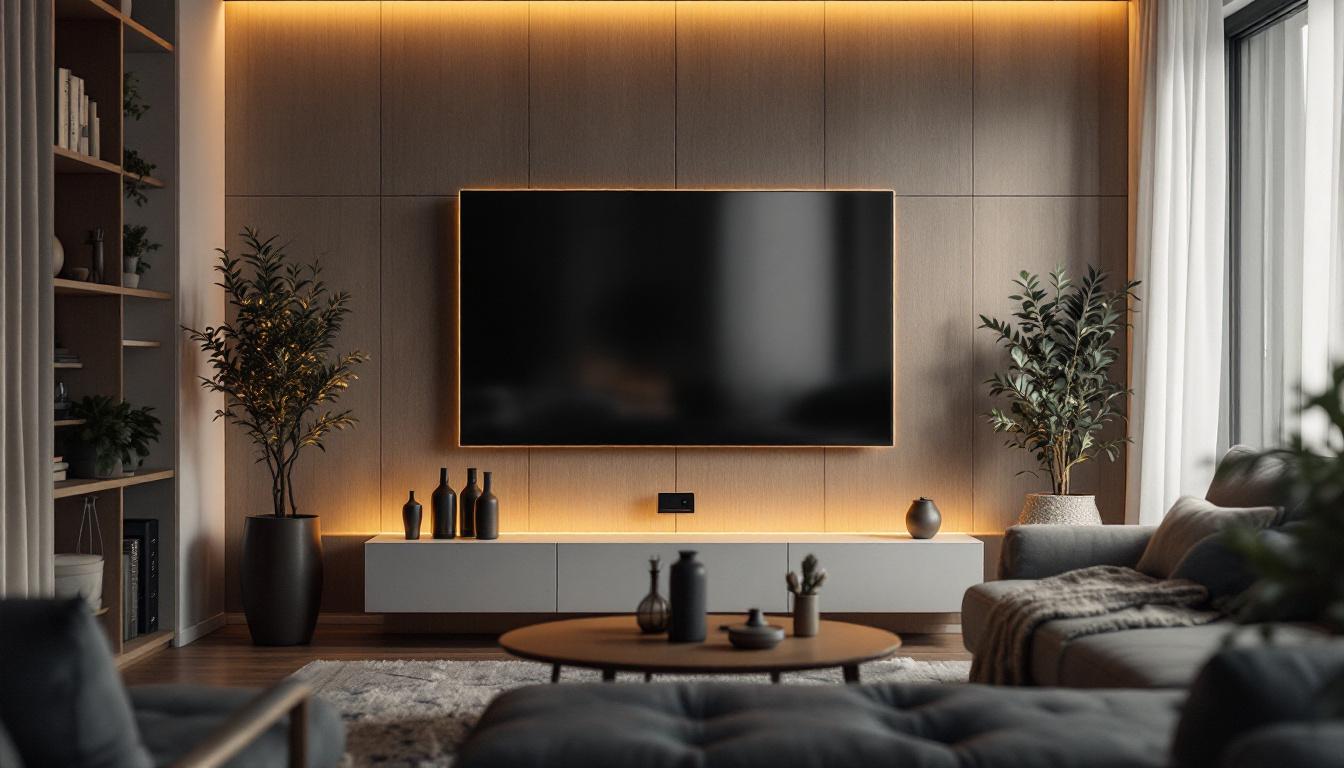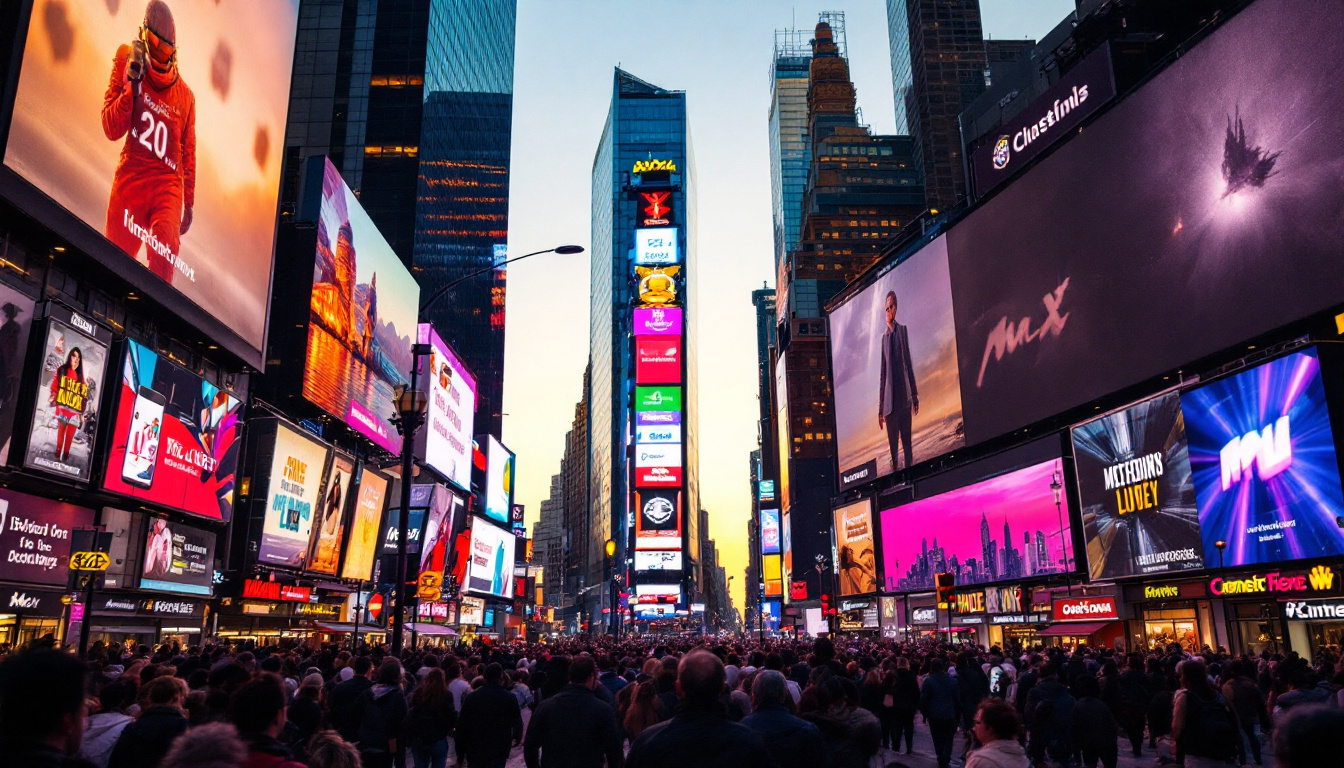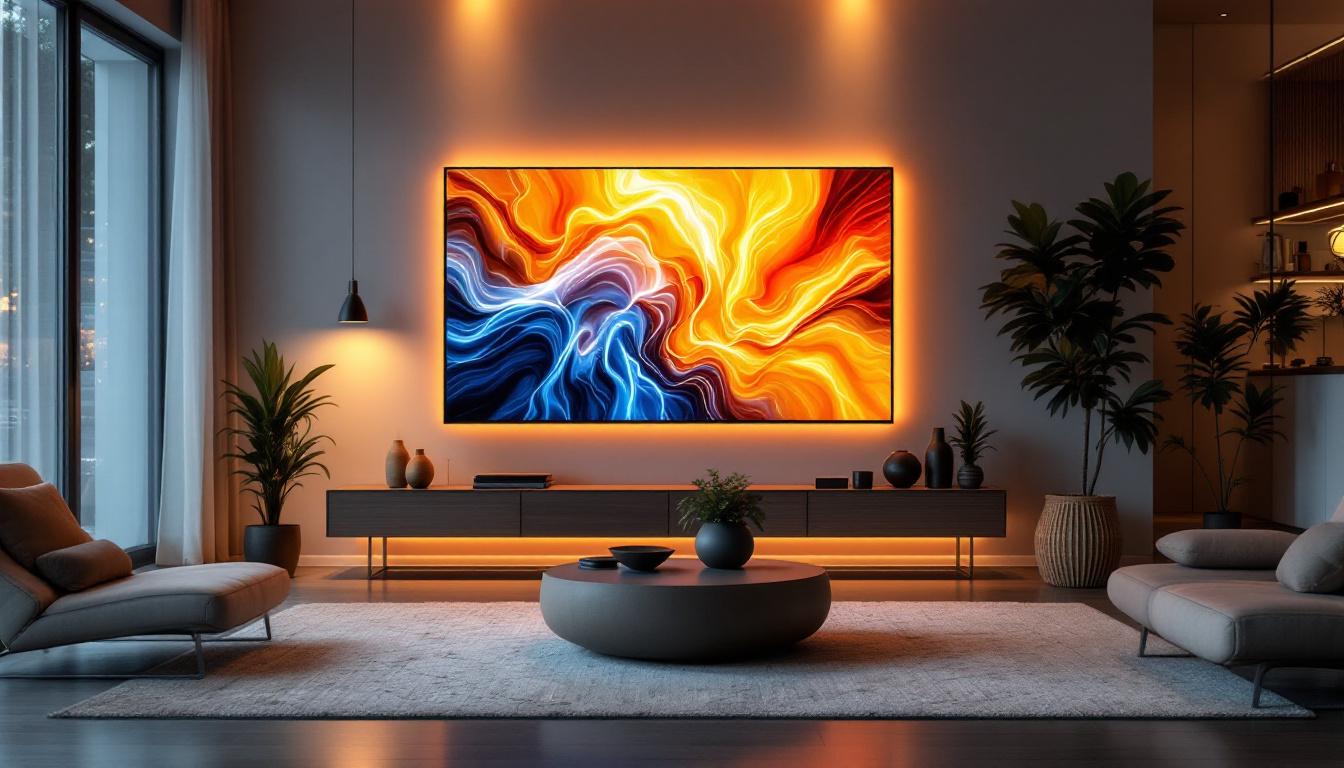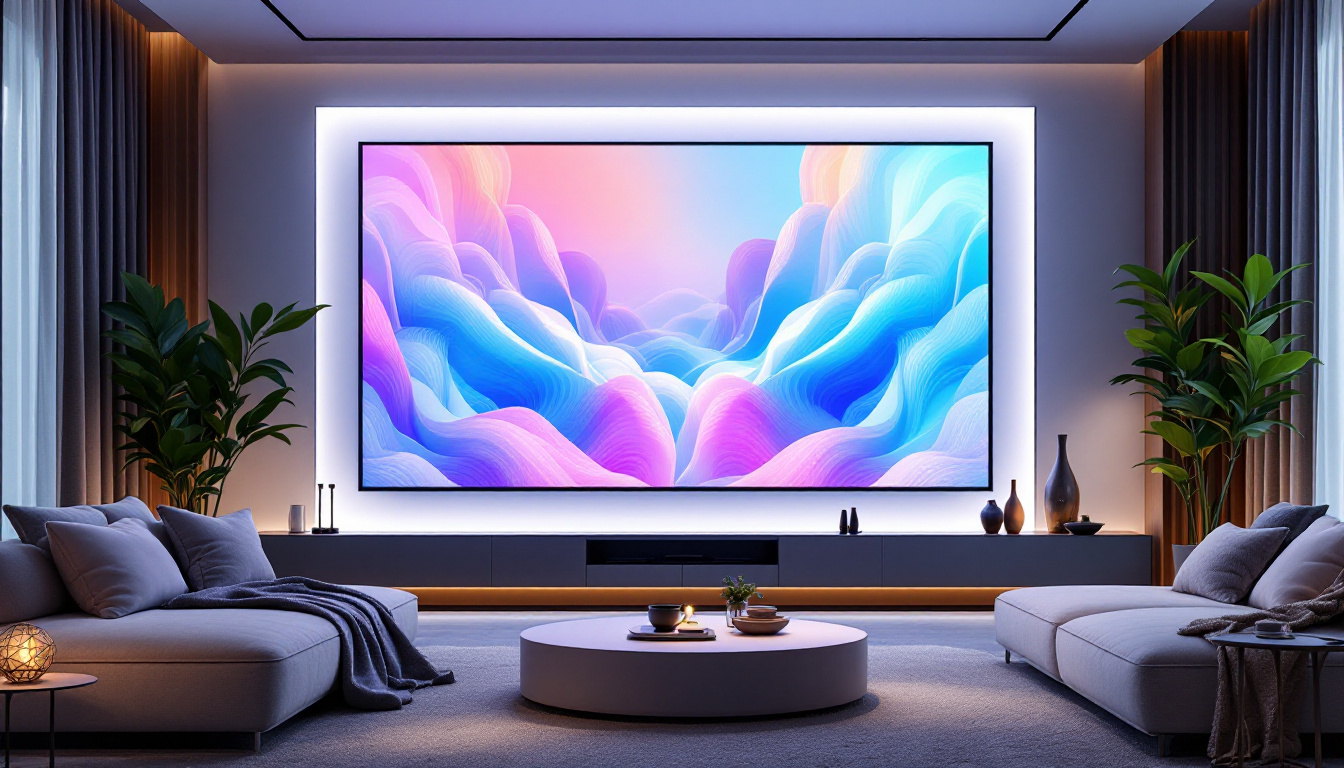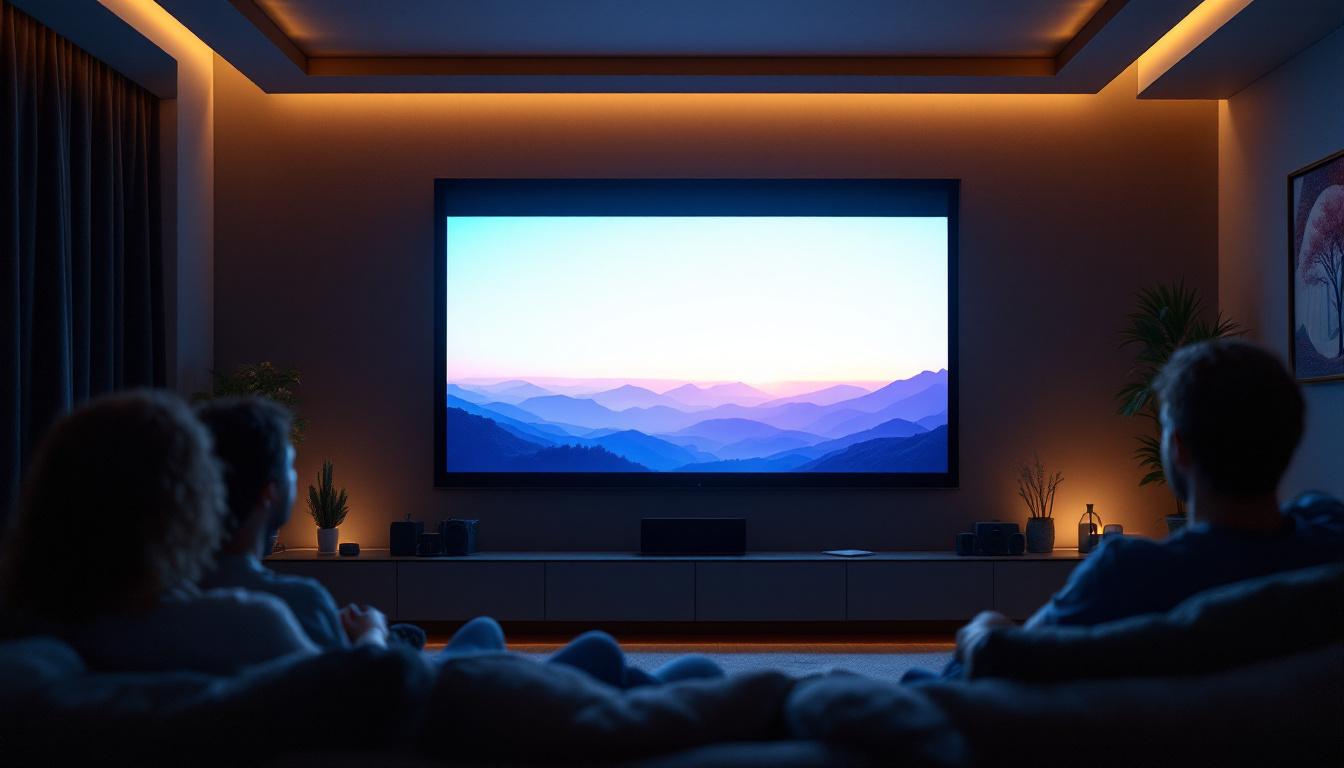
In the world of visual presentations and home entertainment, choosing the right display technology and screen size is crucial. While traditional projector screens have long been the go-to for cinemas, conference rooms, and classrooms, LED displays are rapidly gaining traction due to their vibrant colors, brightness, and versatility. Understanding standard projector screen sizes and how LED displays compare is essential for anyone looking to optimize their viewing experience. This article delves into the nuances of projector screen sizing and explains how LED displays fit into the modern visual landscape.
Understanding Standard Projector Screen Sizes
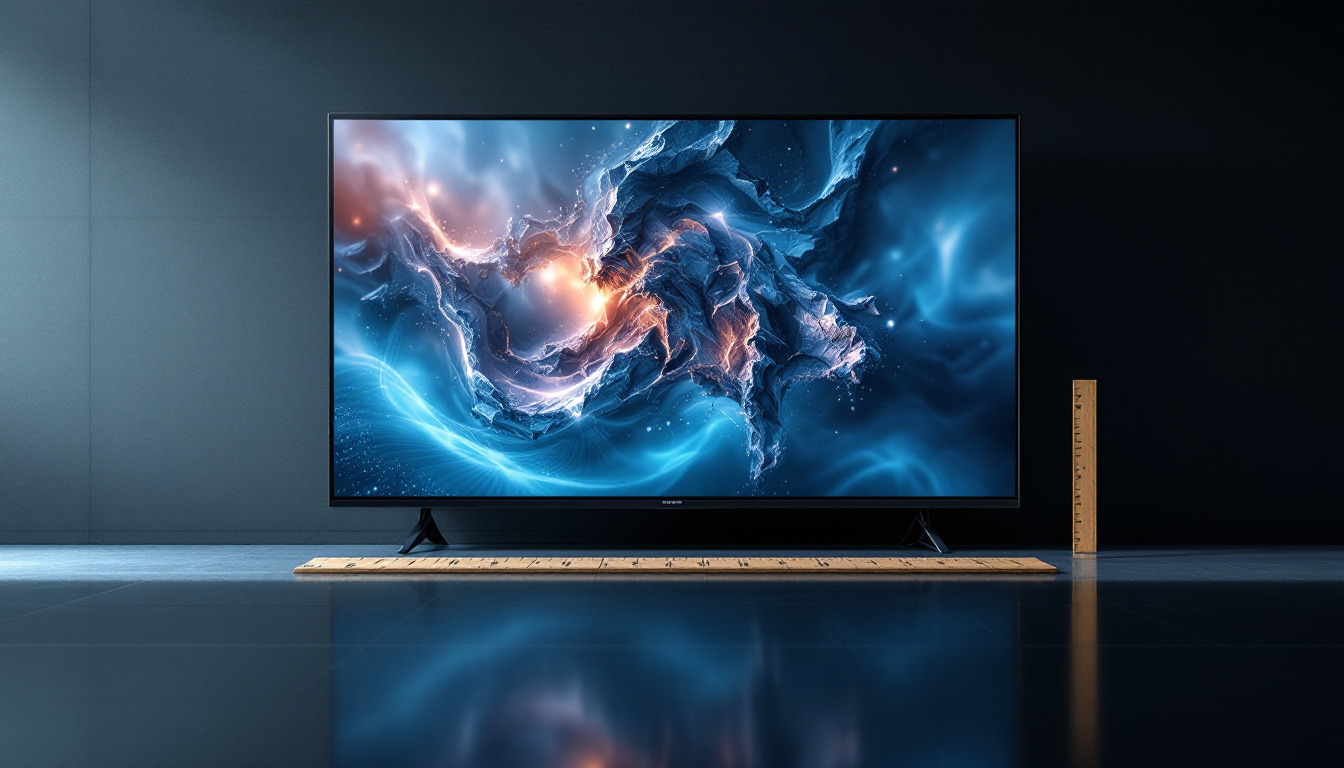
Projector screens come in a variety of sizes, each designed to suit different environments and purposes. The size of a projector screen is typically measured diagonally, just like televisions, and ranges from small portable screens to massive fixed installations. This variety allows users to select a screen that best fits their specific needs, whether for a cozy home theater setup or a large conference room presentation.
Common Screen Size Dimensions
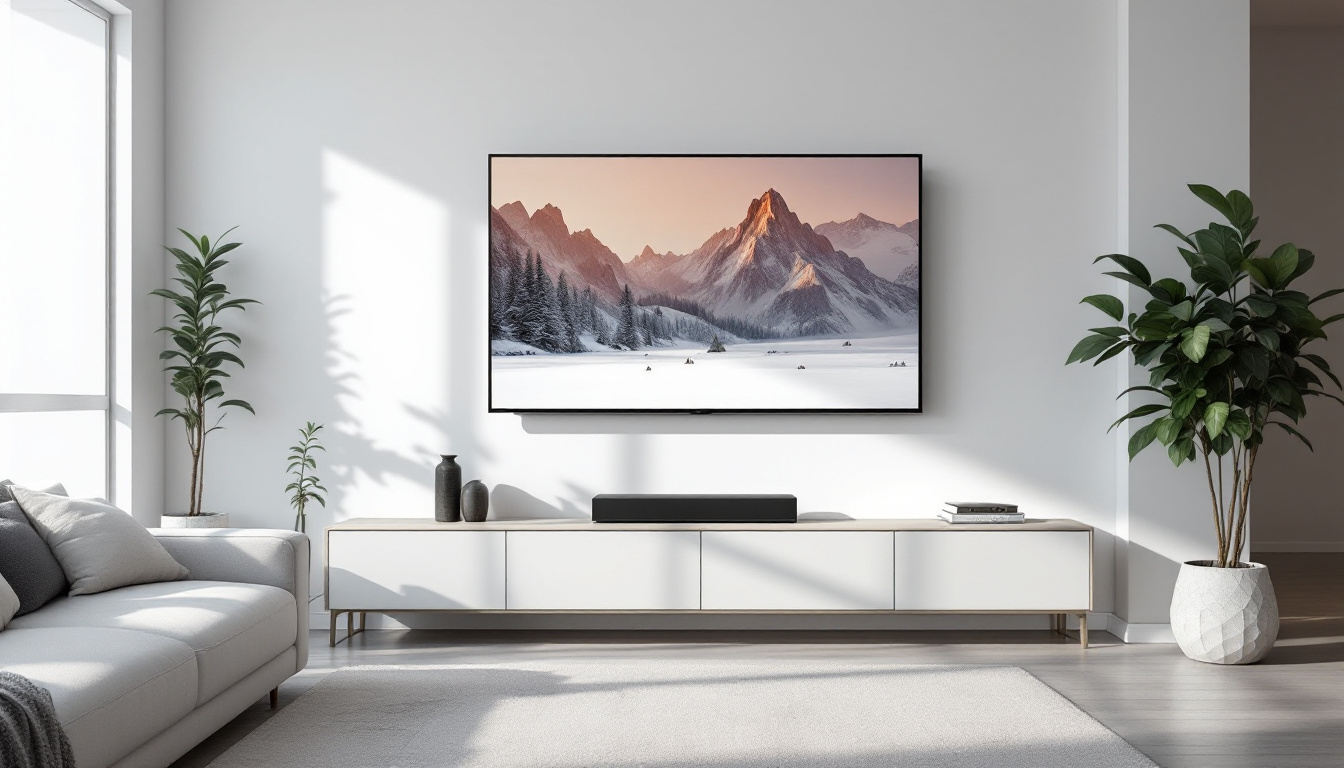
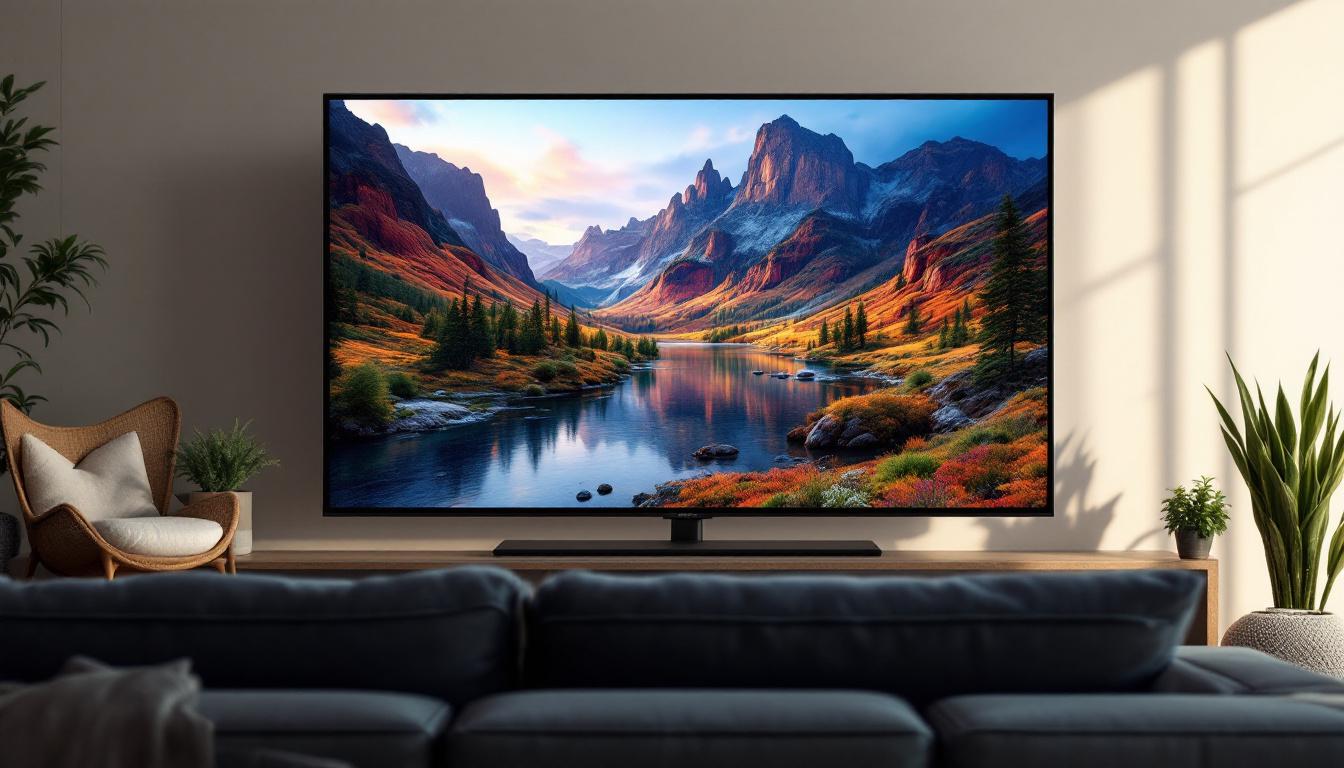
Standard projector screen sizes generally range from 60 inches to 150 inches diagonally. For home theaters, a 100-inch screen is often considered ideal, balancing immersive viewing without overwhelming the room. In contrast, commercial and educational settings might use screens that are 120 inches or larger to accommodate larger audiences. The choice of size can significantly affect the viewing experience, as larger screens can enhance engagement and retention during presentations.
For example, a 100-inch screen usually measures about 87 inches wide by 49 inches tall in a 16:9 aspect ratio, which is the most common format for HD content. Meanwhile, a 120-inch screen measures approximately 105 inches wide by 59 inches tall. These dimensions provide ample viewing area for detailed presentations and cinematic experiences. Additionally, the distance from the screen to the viewer is crucial; a general rule of thumb is to sit at a distance that is 1.5 to 2.5 times the diagonal size of the screen to ensure optimal clarity and comfort.
Aspect Ratios and Their Impact
Aspect ratio plays a significant role in determining screen size and content compatibility. The two most prevalent aspect ratios for projector screens are 16:9 and 4:3. The 16:9 ratio, also known as widescreen, is standard for HDTV and most modern video content. The 4:3 ratio is more traditional and used in older presentations and some business applications. Understanding these ratios is essential for anyone looking to maximize their viewing experience, as they dictate how content is displayed on the screen.
Choosing the correct aspect ratio ensures that the projected image fits the screen without distortion or black bars. For instance, using a 16:9 projector screen for a 4:3 presentation results in black bars on the sides, reducing the effective viewing area. This can be particularly frustrating in professional settings where every detail matters. Moreover, some projector screens come with adjustable aspect ratios, allowing users to switch between formats depending on the content being displayed. This versatility can be invaluable for educators and corporate presenters who frequently use a mix of video types and presentation styles.
Factors Influencing the Choice of Projector Screen Size
Choosing the right projector screen size is not just about the size itself but also about how it fits into the environment and meets the viewer’s needs. Several factors influence this decision, including room size, projector capabilities, and viewing distance.
Room Size and Layout
The physical dimensions of the room significantly impact the optimal screen size. A large auditorium can support a 150-inch screen or larger, while a small conference room might only accommodate a 60-inch screen comfortably. It’s important to ensure that the screen size does not overwhelm the space or cause viewers to strain their necks or eyes.
Additionally, the layout of seating and the position of the projector must be considered. A screen placed too close to the audience can cause discomfort, while one placed too far may reduce image clarity and engagement.
Viewing Distance Recommendations
One of the most critical factors in screen size selection is the viewing distance — the distance between the screen and the viewer. Industry standards suggest that the ideal viewing distance for a projector screen is roughly 1.5 to 2.5 times the diagonal screen size.
For example, for a 100-inch screen, viewers should ideally be seated between 12.5 feet and 20.8 feet away. Sitting too close can cause eye strain and make it difficult to view the entire image comfortably, while sitting too far can diminish the immersive experience.
Projector Resolution and Brightness
The projector’s resolution and brightness capabilities also influence the effective screen size. Higher resolution projectors (such as 4K models) can support larger screens without losing image clarity, while lower resolution projectors might appear pixelated on bigger screens.
Brightness, measured in lumens, determines how well the image can be seen in various lighting conditions. A projector with higher lumens can maintain image quality on larger screens or in brighter rooms, whereas a lower lumen projector requires a smaller screen or darker environment for optimal viewing.
LED Displays: A Modern Alternative to Projector Screens
While projector screens have been the traditional choice for large-format displays, LED (Light Emitting Diode) displays are revolutionizing the market. LED displays offer several advantages that make them an attractive option for both commercial and residential applications.
What Are LED Displays?
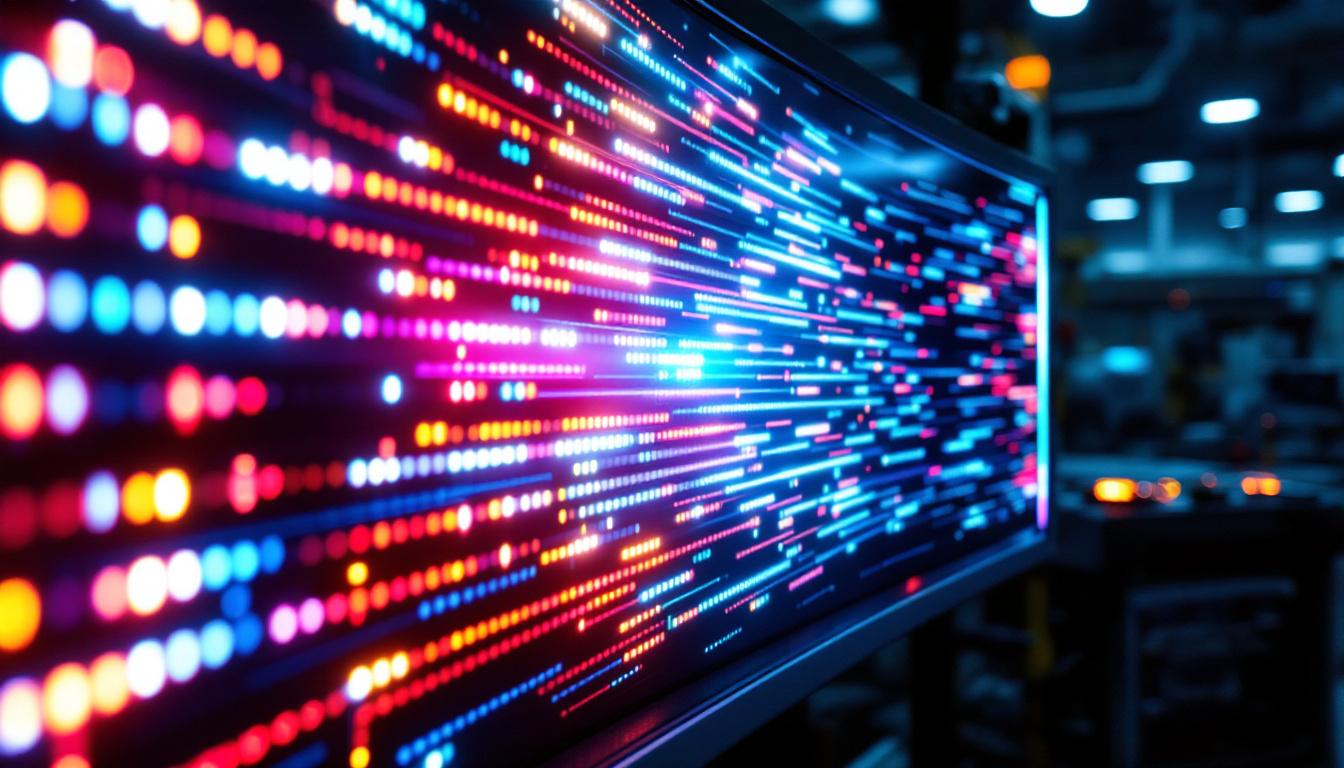
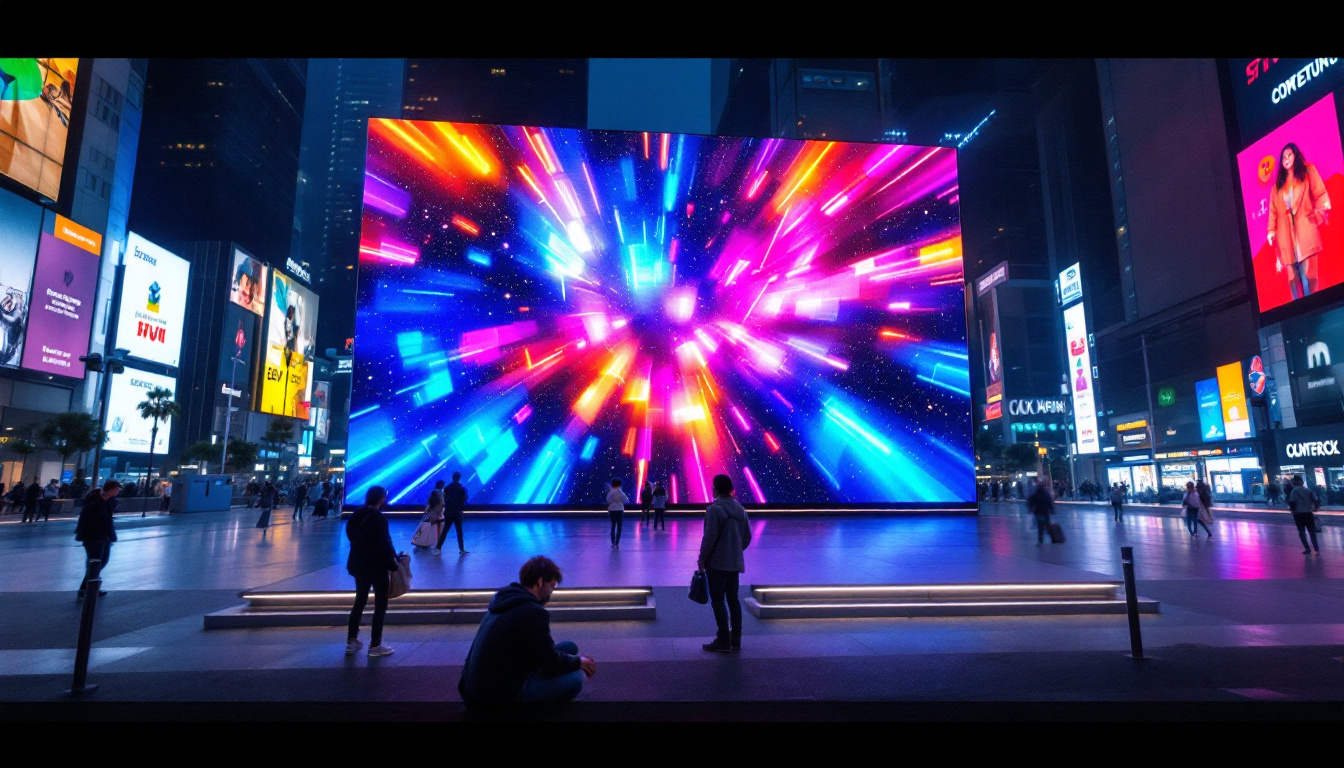
LED displays consist of an array of tiny light-emitting diodes that create an image by illuminating in different colors and intensities. Unlike projectors, which rely on reflected light, LED displays produce their own light, resulting in brighter images with higher contrast ratios.
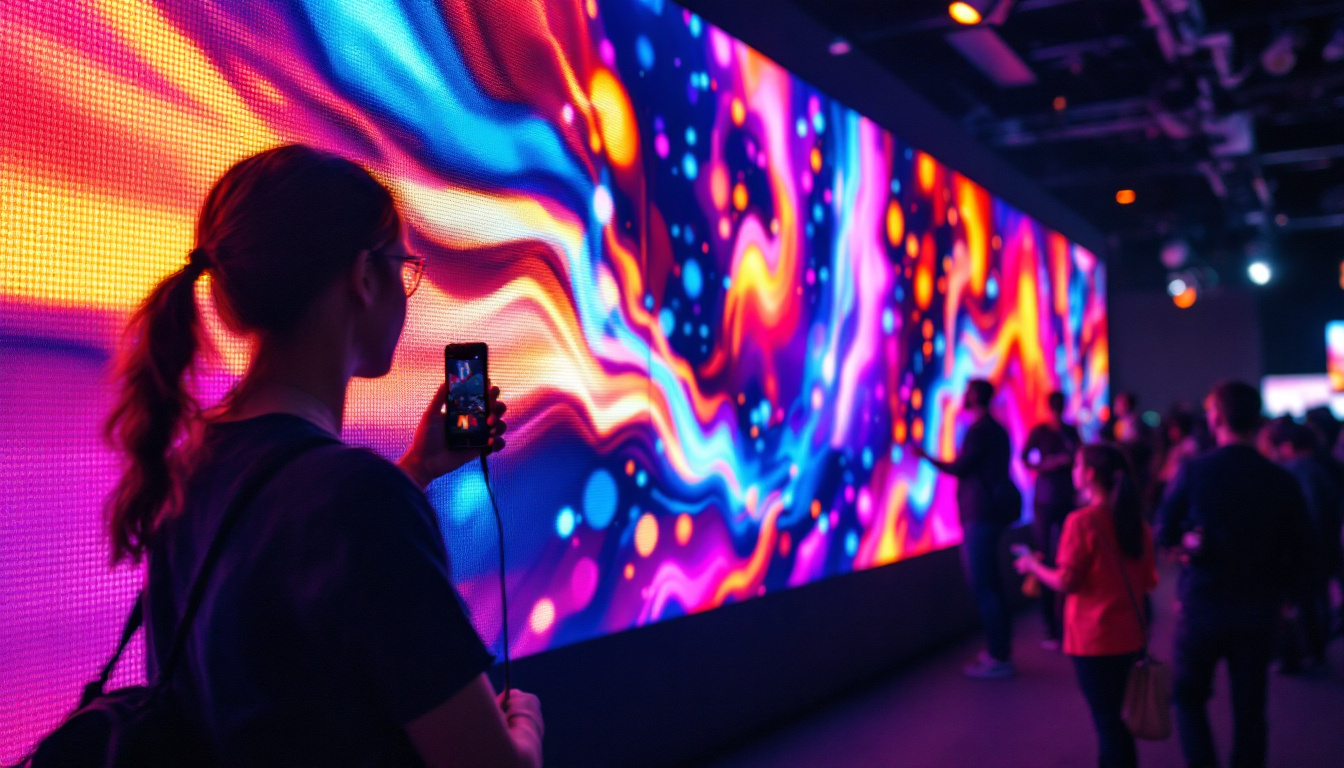
These displays come in various forms, including direct-view LED walls, LED panels, and modular screens that can be assembled to custom sizes. This flexibility allows for tailored solutions that fit specific spaces and requirements.
Advantages Over Traditional Projector Screens
One of the primary benefits of LED displays is their brightness. LED screens can achieve brightness levels exceeding 1,000 nits, making them easily visible even in well-lit environments. This contrasts sharply with projectors, which often require dimmed lighting for optimal image quality.
Additionally, LED displays offer superior color accuracy and contrast. Blacks appear truly black rather than grayish, and colors are vivid and consistent across viewing angles. This makes LED displays particularly well-suited for environments where image quality is paramount, such as digital signage, control rooms, and high-end home theaters.
Maintenance is another factor. LED displays generally require less upkeep compared to projectors, which may need regular bulb replacements and calibration.
Considerations When Choosing LED Displays
Despite their advantages, LED displays come with considerations that buyers should keep in mind. Cost is a significant factor; LED displays typically have a higher upfront price than projector setups, especially for large sizes.
Moreover, LED displays require sufficient power and ventilation due to heat generation. Installation can also be more complex, particularly for large modular screens that need precise assembly.
Standard Sizes for LED Displays
Unlike projector screens, which have well-established standard sizes, LED displays are more customizable. However, certain standard sizes and pixel pitches are common in the industry to balance image quality and cost.
Pixel Pitch and Resolution
Pixel pitch—the distance between the centers of two adjacent pixels—is a critical specification for LED displays. Smaller pixel pitches mean higher resolution and sharper images, which is especially important for close viewing distances.
For indoor LED displays, pixel pitches typically range from 1.2mm to 4mm. For example, a 2.5mm pixel pitch LED wall measuring 100 inches diagonally can deliver crisp images suitable for conference rooms and retail spaces.
Modular and Custom Sizes
LED displays are often built from modular panels that can be combined to create screens of virtually any size and shape. This flexibility allows businesses and consumers to design displays that perfectly fit their space and visual requirements.
Standard panel sizes are often around 500mm x 500mm or 640mm x 640mm, but manufacturers offer a range of options. By assembling these panels, users can create ultra-wide displays, video walls, or even curved screens.
Choosing Between a Projector Screen and an LED Display
Deciding whether to opt for a traditional projector screen or an LED display depends on several factors, including budget, environment, usage, and desired image quality.
Use Case and Environment
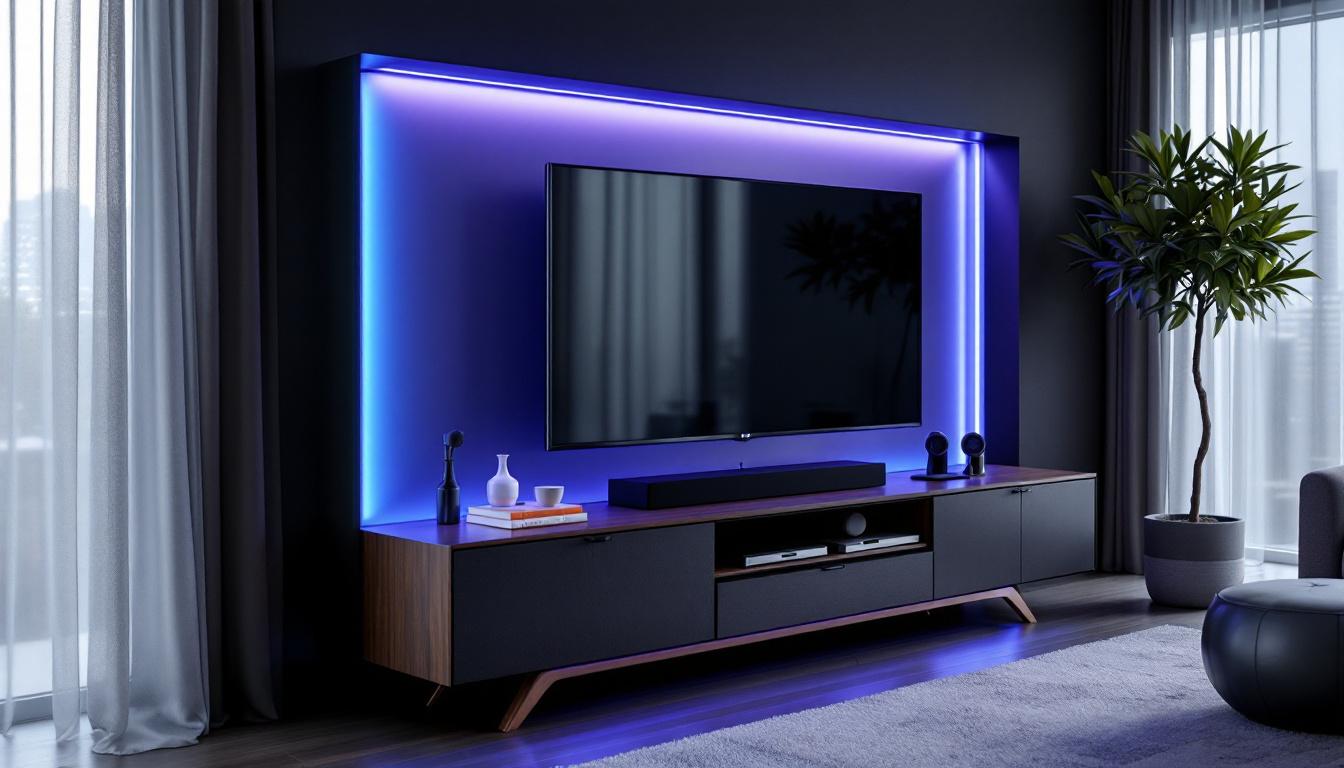
Projector screens remain a popular choice for home theaters, classrooms, and conference rooms where controlled lighting is possible and budget constraints exist. They provide large images at a relatively low cost and are easy to transport and install.
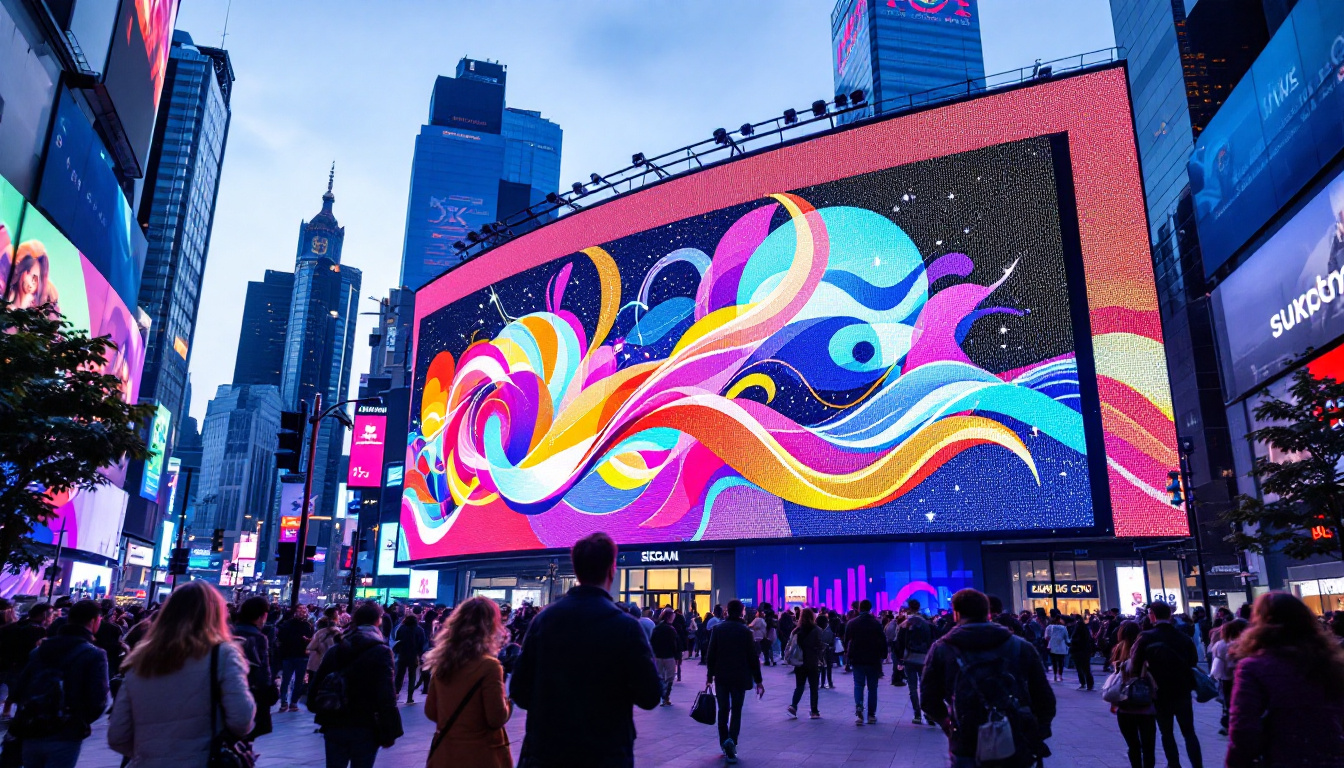
LED displays, on the other hand, excel in bright environments such as retail stores, outdoor events, and large venues where ambient light cannot be controlled. Their brightness and durability make them ideal for continuous use and high-impact visuals.
Cost and Maintenance
Initial investment is typically lower for projector setups, but ongoing maintenance costs—such as bulb replacements and potential repairs—should be factored in. LED displays have higher upfront costs but generally lower maintenance requirements and longer lifespans.
Image Quality and Viewing Experience
For the highest image quality, especially in terms of brightness, contrast, and color accuracy, LED displays are superior. Projectors can still deliver excellent images but require careful calibration and controlled lighting conditions.
Conclusion
Understanding standard projector screen sizes and the capabilities of LED displays is vital for making informed decisions about visual display solutions. While projector screens offer cost-effective and flexible options for many applications, LED displays provide unmatched brightness, color fidelity, and adaptability for modern environments.
Choosing the right display technology involves considering room size, viewing distance, budget, and the nature of the content to be displayed. As LED technology continues to advance and prices become more accessible, it is poised to become an increasingly popular alternative to traditional projector screens in both commercial and residential settings.
Ultimately, the best choice depends on the specific needs and constraints of the user, but having a clear understanding of the differences and standards ensures an optimal viewing experience.
Discover LumenMatrix LED Display Solutions
Ready to elevate your visual experience with the latest in display technology? LumenMatrix offers a comprehensive range of LED display solutions tailored to meet your unique needs. Whether you’re looking to enhance your brand visibility, create immersive environments, or deliver dynamic content with precision, our cutting-edge LED displays are designed to captivate and engage. From Indoor and Outdoor LED Walls to innovative Custom and Transparent Displays, our mission is to transform your visual communication. Check out LumenMatrix LED Display Solutions today and step into the future of vibrant, high-impact displays.