In the rapidly evolving world of computing technology, the integration of touch screen capabilities with all-in-one (AIO) computer monitors has revolutionized how users interact with their devices. Among the various display technologies available, LED displays have become the standard due to their efficiency, brightness, and versatility. This article delves into the intricacies of touch screen computer monitor all-in-one systems, focusing on the LED display technology that powers them. Whether you are a tech enthusiast, a professional seeking to upgrade your workspace, or a business owner considering digital solutions, understanding the fundamentals and benefits of these devices is essential.
Understanding All-In-One Touch Screen Computer Monitors
What is an All-In-One Computer?
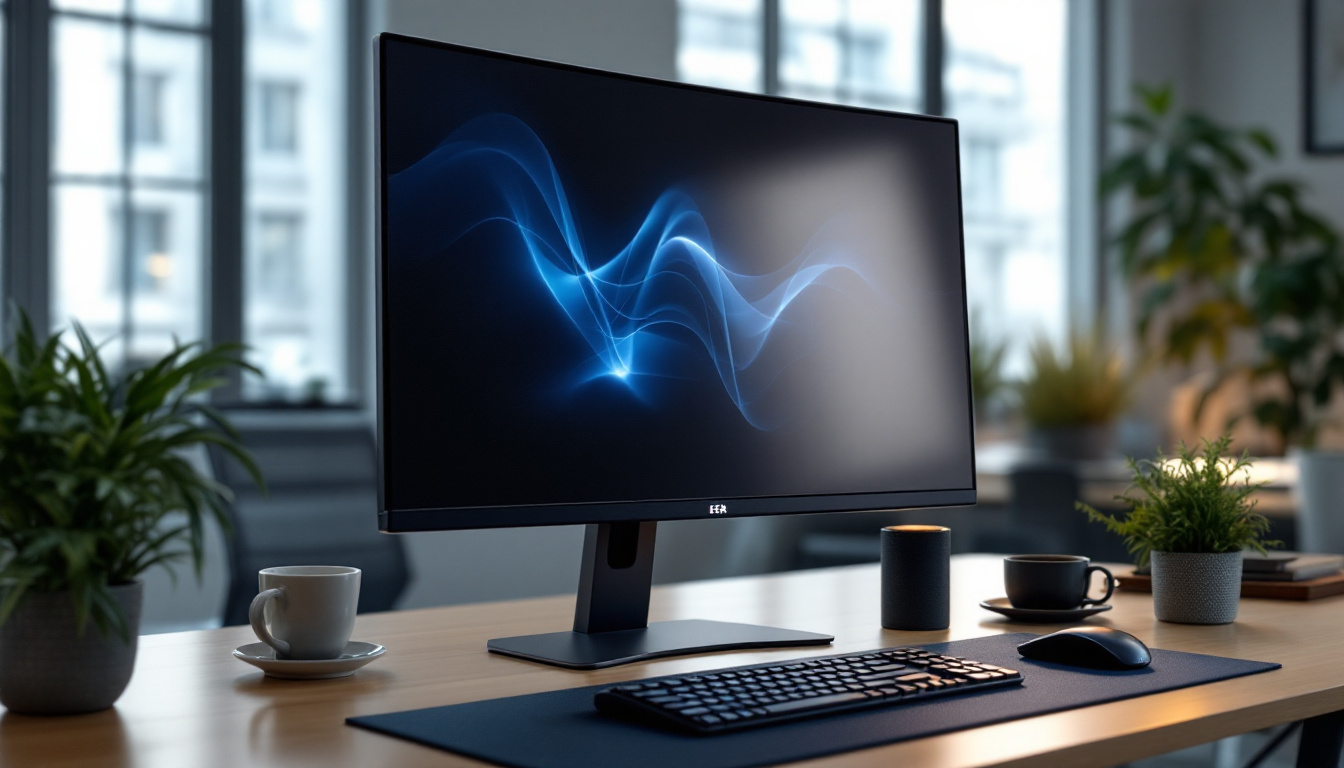
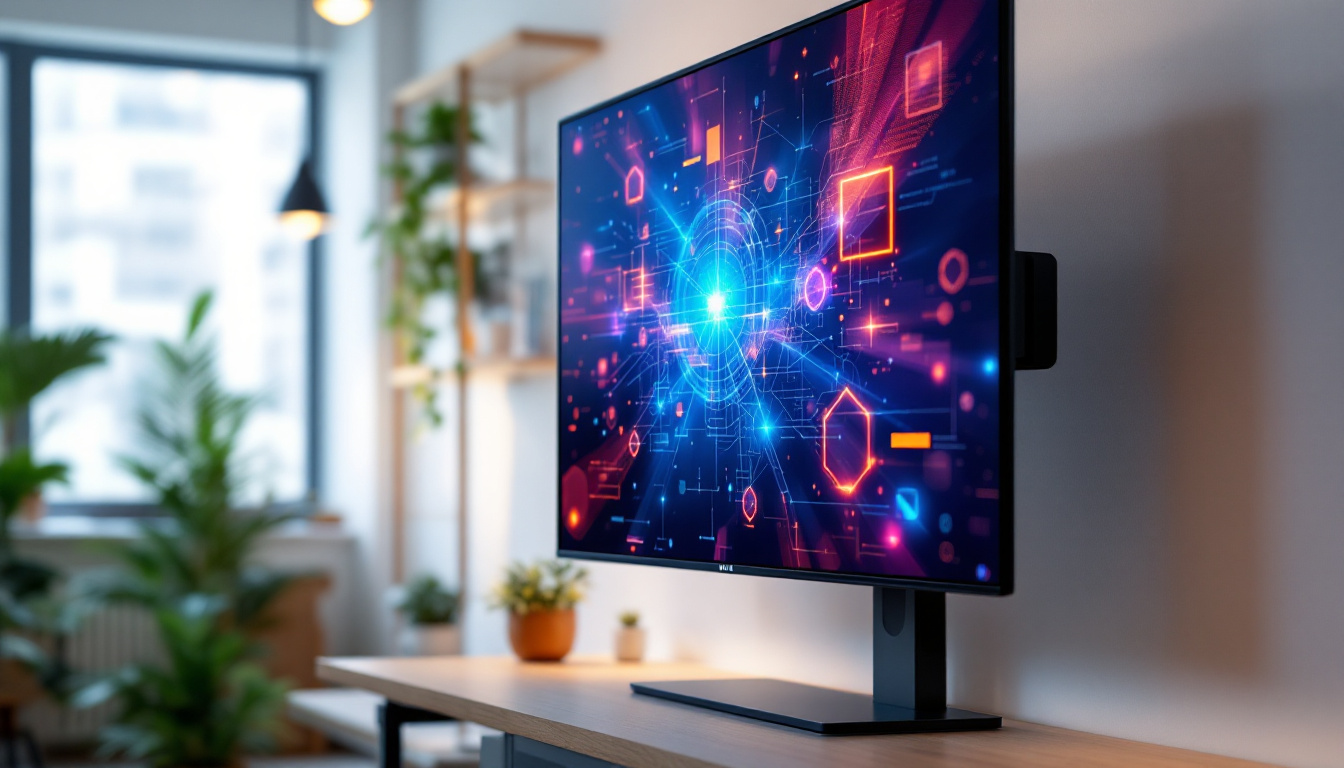
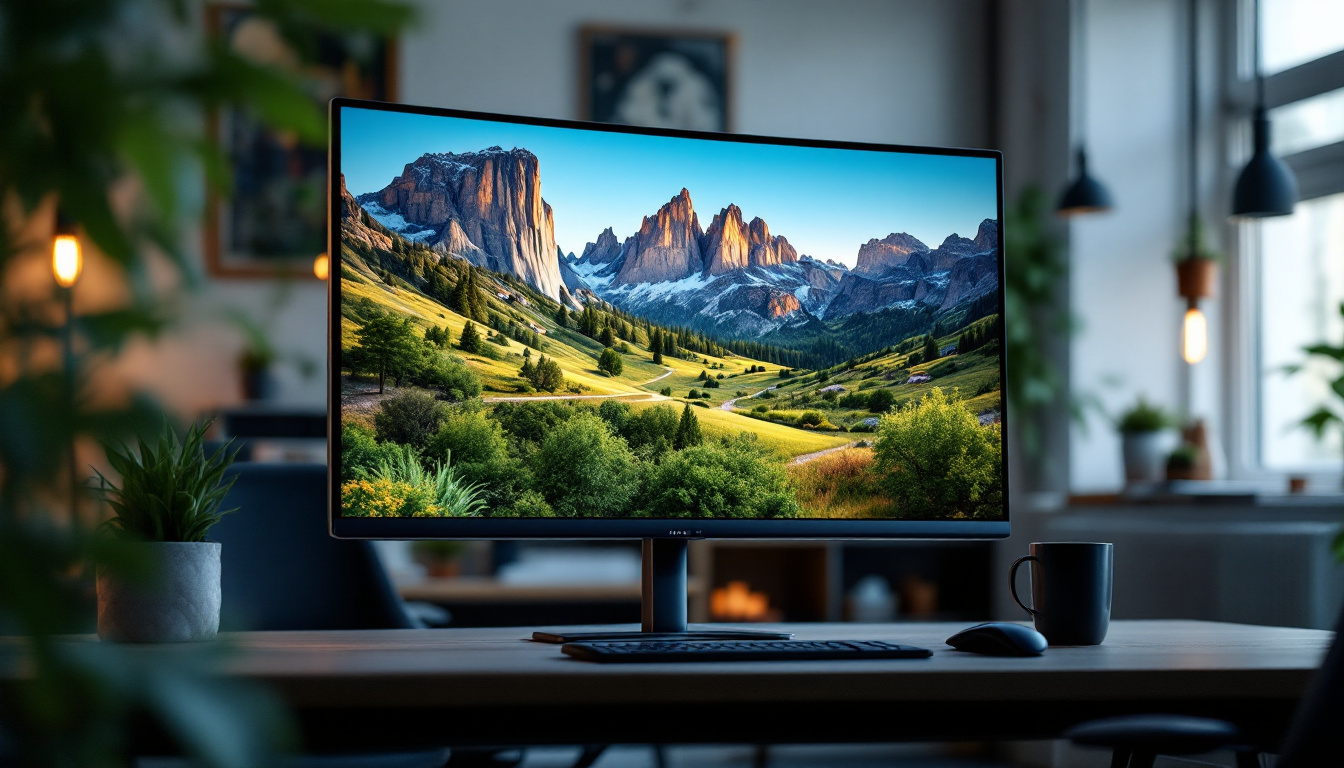
An all-in-one (AIO) computer integrates the core components of a desktop computer—such as the CPU, memory, storage, and display—into a single unit. Unlike traditional desktop setups that require a separate tower and monitor, AIOs combine these elements into a sleek, space-saving design. This integration simplifies setup, reduces cable clutter, and often results in a more aesthetically pleasing workstation.
When these systems incorporate touch screen technology, they allow users to interact directly with the display using fingers or a stylus. This capability enhances usability, making AIO computers ideal for various applications, from professional environments to educational settings and creative studios. The versatility of AIOs makes them suitable for tasks ranging from basic web browsing and document editing to more demanding applications like video editing and 3D modeling, catering to a wide range of users.
Key Features of Touch Screen AIO Monitors
Touch screen AIO monitors typically feature multi-touch support, enabling gestures such as pinch-to-zoom, swipe, and tap. This interactivity can increase productivity by providing intuitive navigation and control. Many models also support stylus input, which is particularly valuable for graphic designers and digital artists. The ability to draw directly on the screen can lead to a more natural and fluid creative process, allowing artists to sketch and edit with precision.
Additionally, these devices often come equipped with high-resolution LED displays, integrated webcams, microphones, and speakers, making them all-encompassing solutions for communication, collaboration, and content creation. The inclusion of advanced display technologies, such as IPS panels, ensures vibrant colors and wide viewing angles, enhancing the overall user experience. Furthermore, many AIOs are designed with energy efficiency in mind, often consuming less power than traditional desktop setups, which not only helps reduce electricity bills but also contributes to a more sustainable workspace.
LED Display Technology: The Backbone of Modern Touch Screen Monitors
What is an LED Display?
LED stands for Light Emitting Diode, a semiconductor device that emits light when an electric current passes through it. In the context of computer monitors, LED displays refer to LCD (Liquid Crystal Display) panels that use LED backlighting instead of traditional cold cathode fluorescent lamps (CCFLs). This shift has brought about significant improvements in display quality and energy efficiency.
LED backlighting allows for thinner panels, better brightness, and enhanced color accuracy. There are several types of LED backlighting, including edge-lit and full-array, each with distinct characteristics impacting display performance. The evolution of LED technology has not only transformed the aesthetics of monitors but also their functionality, making them more adaptable to various environments, from dimly lit rooms to brightly sunlit spaces.
Advantages of LED Displays in Touch Screen AIO Monitors
LED displays offer numerous benefits that make them the preferred choice for touch screen AIO monitors:
- Energy Efficiency: LED backlighting consumes less power than CCFLs, contributing to lower energy bills and longer device lifespan.
- Brightness and Contrast: LEDs provide higher brightness levels and better contrast ratios, improving visibility in various lighting conditions.
- Color Accuracy: Enhanced color reproduction ensures vivid and true-to-life images, essential for creative professionals.
- Thin and Lightweight Design: LED technology enables slimmer monitors, which complements the compact nature of AIO systems.
- Durability: LEDs have a longer operational life and are more resistant to shock and vibration compared to CCFLs.
Moreover, the rapid advancements in LED technology have led to the development of features like flicker-free backlighting and blue light reduction, which are increasingly important for users who spend extended periods in front of screens. These innovations not only enhance user comfort but also contribute to better eye health, making LED displays a more appealing option for both casual users and professionals alike.
Types of LED Backlighting
Understanding the types of LED backlighting can help users make informed decisions when selecting a touch screen AIO monitor:
- Edge-Lit LED: LEDs are placed along the edges of the screen, and light is diffused across the display. This design allows for ultra-thin monitors but may have uneven brightness distribution.
- Full-Array LED: LEDs are distributed evenly behind the entire screen, providing uniform brightness and superior contrast. Some full-array displays feature local dimming, which enhances black levels and overall picture quality.
- Mini-LED: A more recent innovation, mini-LEDs are smaller LEDs that allow for even more precise backlighting control, resulting in improved contrast and HDR performance.
Additionally, the rise of OLED (Organic Light Emitting Diode) technology has sparked discussions about the future of LED displays. While OLED offers superior contrast and color depth due to its ability to turn off individual pixels, LED technology continues to dominate the market due to its cost-effectiveness and energy efficiency. As manufacturers continue to innovate and refine LED technology, it’s likely we will see hybrid models that combine the best features of both technologies, offering users even more options for their display needs.
Benefits of Touch Screen AIO Monitors with LED Displays in Various Use Cases
Business and Professional Environments
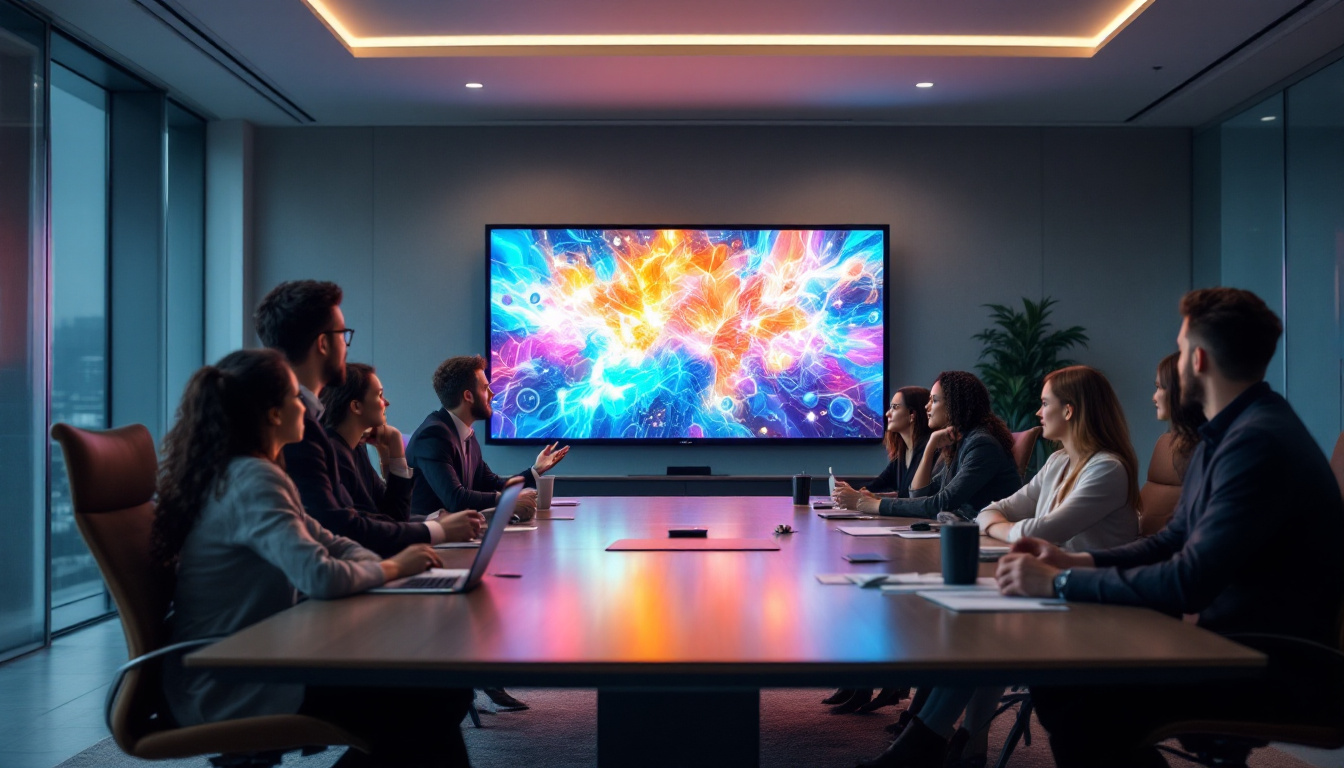
Touch screen AIO monitors with LED displays have become indispensable in modern workplaces. Their space-saving design and intuitive interface streamline workflows, especially in industries such as retail, healthcare, and hospitality.
For example, in retail, these devices serve as point-of-sale (POS) terminals, enabling quick and efficient customer transactions. In healthcare, touch screen AIOs facilitate patient check-ins, digital charting, and telemedicine consultations. The clarity and responsiveness of LED displays ensure that critical information is easily accessible and readable.
Education and Training
Educational institutions increasingly adopt touch screen AIO monitors to enhance interactive learning. LED displays provide bright, clear visuals that make multimedia content engaging and accessible. Teachers can use touch capabilities to navigate presentations, annotate documents, and collaborate with students in real time.
Moreover, the durability and low maintenance of LED displays make them well-suited for classroom environments, where devices are subject to frequent use.
Creative and Design Workstations
For graphic designers, video editors, and digital artists, touch screen AIO monitors with high-quality LED displays offer a powerful combination of precision and convenience. The accurate color reproduction and high resolution of LED panels ensure that creative work is represented faithfully.
Touch input and stylus support enable natural drawing and editing experiences, reducing reliance on peripheral devices and streamlining the creative process.
Choosing the Right Touch Screen AIO Monitor: Key Considerations
Display Size and Resolution
The size and resolution of the LED display significantly impact user experience. Common sizes range from 21 to 32 inches, with resolutions from Full HD (1920×1080) to 4K UHD (3840×2160). Larger, higher-resolution displays provide more screen real estate and sharper images, which are beneficial for multitasking and detailed work.
Touch Technology Types
Touch screen monitors employ various technologies, including:
- Capacitive Touch: Offers high responsiveness and supports multi-touch gestures. It is the most common technology in modern touch screens.
- Resistive Touch: Works with any input device but typically supports only single-touch and is less sensitive.
- Infrared Touch: Uses an array of IR sensors; it is durable and supports multi-touch but can be more expensive.
Capacitive touch is generally preferred for AIO monitors due to its smooth and accurate response.
Performance and Connectivity
Since AIO computers house the processing unit within the monitor, it is crucial to assess CPU power, RAM, and storage options based on intended use. For professional or creative tasks, higher specifications are necessary to ensure smooth operation.
Connectivity options such as USB ports, HDMI, DisplayPort, and wireless capabilities (Wi-Fi and Bluetooth) enhance the versatility of the device, allowing seamless integration with peripherals and networks.
Ergonomics and Build Quality
Adjustable stands, anti-glare coatings, and durable materials contribute to user comfort and device longevity. Given that touch interaction involves frequent physical contact, a sturdy build and easy-to-clean surfaces are important considerations.
Future Trends in Touch Screen AIO Monitors and LED Displays
Advancements in Display Technology
Emerging technologies such as OLED (Organic LED) and microLED promise even better color accuracy, contrast, and energy efficiency. While currently more expensive, these displays may become mainstream in AIO devices within the next few years.
Enhanced Touch and Interaction Methods
Beyond traditional touch, innovations like haptic feedback, gesture recognition, and voice control are being integrated to create more immersive and intuitive user experiences. These advancements will further expand the applications of touch screen AIO monitors.
Integration with Smart and IoT Devices
As workplaces and homes become smarter, touch screen AIO monitors will increasingly serve as hubs for controlling Internet of Things (IoT) devices, managing smart environments, and facilitating remote collaboration.
Conclusion
Touch screen computer monitor all-in-one systems equipped with LED displays represent a significant leap forward in computing technology. They combine sleek design, powerful performance, and intuitive interaction to meet the demands of diverse user groups. Understanding the underlying LED technology and the features of these devices enables consumers and professionals to make informed choices that enhance productivity, creativity, and engagement.
With ongoing advancements in display and touch technologies, the future of touch screen AIO monitors looks promising, offering even more dynamic and versatile computing experiences.
Discover the Future of Visual Engagement with LumenMatrix
Ready to elevate your interactive experience? LumenMatrix invites you to explore our comprehensive range of LED display solutions, designed to bring your visual communication to life. From captivating Indoor LED Walls to dynamic All-in-One LED Displays, our products are crafted to transform your space and engage your audience. Whether for business, education, or creative endeavors, LumenMatrix is your partner in creating immersive visual experiences. Check out LumenMatrix LED Display Solutions today and step into the future of display technology.