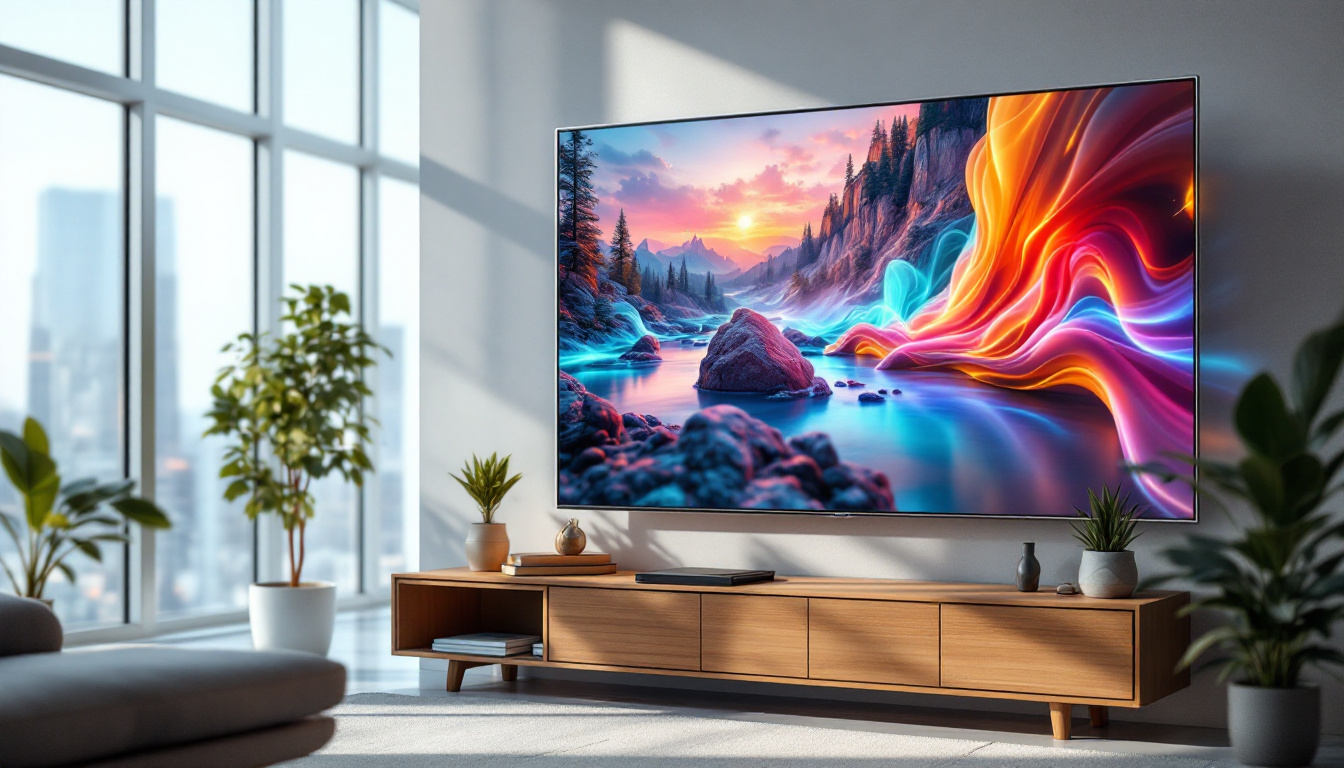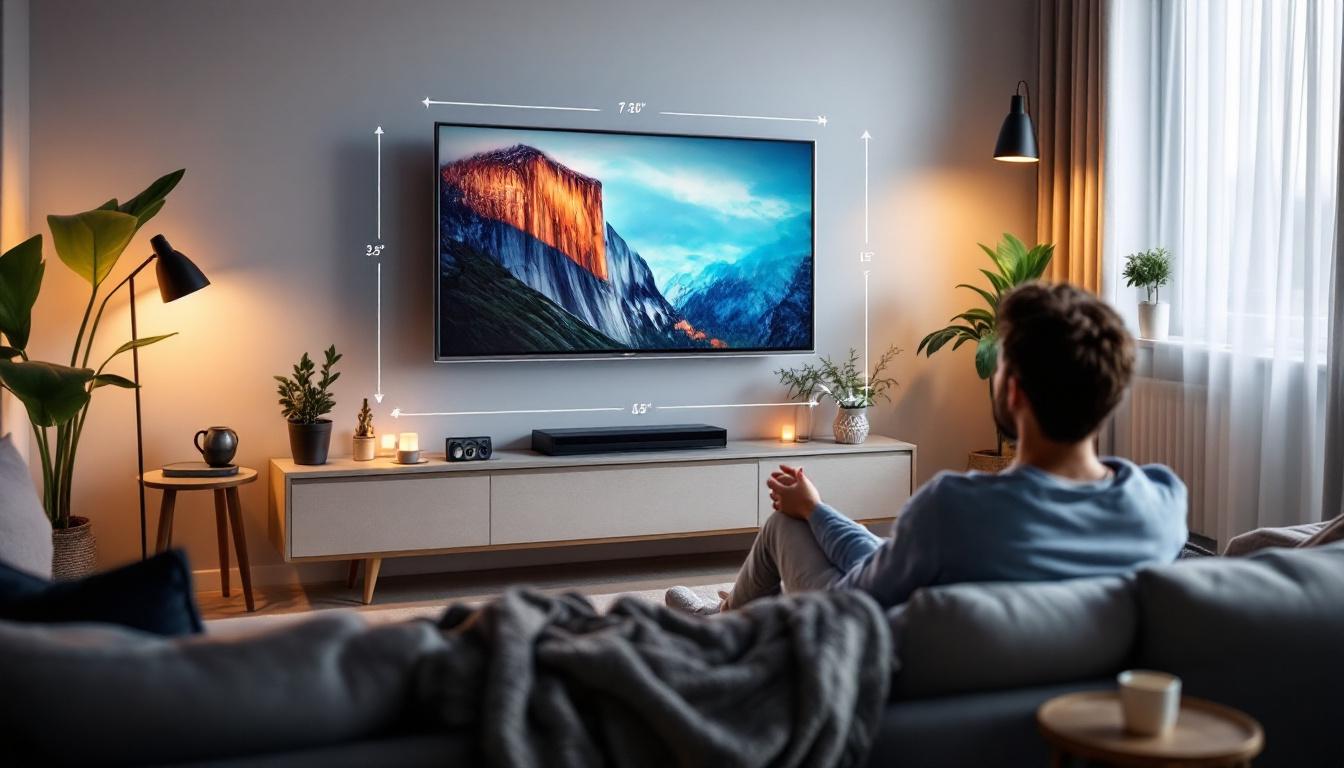
Choosing the right TV for your living space involves more than just picking a screen size or brand. One of the most critical factors that influence your viewing experience is the distance between your seating area and the television. This is especially true for LED displays, which dominate the market due to their vibrant colors, energy efficiency, and affordability. Understanding the ideal TV viewing distance can enhance picture clarity, reduce eye strain, and maximize your entertainment enjoyment.
This article delves into the science and practical guidelines behind TV viewing distances, focusing on LED displays. It provides a comprehensive chart to help you determine the optimal distance based on your TV size and resolution, explains why these distances matter, and offers tips to create the best home theater setup.
Why Viewing Distance Matters for LED TVs
Viewing distance is the space between the viewer’s eyes and the television screen. While it might seem trivial, this distance plays a significant role in how you perceive picture quality, sharpness, and overall comfort.
LED TVs, which use light-emitting diodes to illuminate pixels, offer bright images and high contrast ratios. However, sitting too close or too far from an LED screen can compromise the viewing experience in different ways:
- Sitting Too Close: When viewers sit too close, individual pixels may become visible, leading to a “screen door” effect where the grid of pixels distracts from the image. This can cause eye strain and reduce immersion.
- Sitting Too Far: Sitting too far diminishes the perceived detail and sharpness, making the image appear smaller and less engaging. This is particularly noticeable with high-resolution displays like 4K and 8K.
Therefore, finding the sweet spot for viewing distance ensures that the picture appears crisp and immersive without causing discomfort. Ideally, this distance can be calculated based on the screen size and resolution, with guidelines suggesting that for 4K TVs, the optimal distance is approximately 1 to 1.5 times the diagonal screen size, while for Full HD TVs, it should be around 1.5 to 2.5 times the screen size. This mathematical approach can help viewers create a more enjoyable viewing environment.
The Role of Screen Resolution
Resolution refers to the number of pixels displayed on the screen. Common resolutions include Full HD (1920×1080), 4K UHD (3840×2160), and 8K UHD (7680×4320). Higher resolution TVs pack more pixels into the same screen size, allowing viewers to sit closer without noticing pixelation.
For example, a 55-inch Full HD TV will require a farther viewing distance than a 55-inch 4K TV to avoid seeing individual pixels. As 4K and 8K TVs become more affordable and widespread, understanding how resolution affects viewing distance is essential. Moreover, the advancements in technology have led to improvements in pixel density, which not only enhances clarity but also provides a more immersive experience. This is particularly beneficial for content that features intricate details, such as nature documentaries or high-action sports, where every pixel contributes to the overall visual storytelling.
Additionally, the type of content being viewed can also influence the ideal viewing distance. For instance, cinematic films often utilize a wider aspect ratio, which can create a more enveloping experience when viewed from a closer distance. Conversely, standard television shows or news broadcasts might not require the same level of detail, allowing for a more relaxed viewing distance. Understanding these nuances can help viewers tailor their setup to maximize enjoyment, ensuring that every movie night or binge-watching session becomes a memorable experience.
Understanding the TV Viewing Distance Chart
A TV viewing distance chart provides recommended distances based on screen size and resolution. These guidelines help optimize your viewing experience by balancing immersion and comfort. Proper viewing distance is crucial not only for enjoying the visual quality of your favorite shows and movies but also for reducing eye strain during prolonged viewing sessions.
Below is a detailed chart outlining ideal viewing distances for LED TVs, categorized by screen size and resolution:
| Screen Size (inches) | Full HD (1080p) Viewing Distance (feet) | 4K UHD Viewing Distance (feet) | 8K UHD Viewing Distance (feet) |
|---|---|---|---|
| 32″ | 4.0 – 6.5 | 2.0 – 4.0 | 1.5 – 3.0 |
| 40″ | 5.0 – 8.0 | 2.5 – 5.0 | 2.0 – 4.0 |
| 50″ | 6.5 – 10.0 | 3.0 – 6.5 | 2.5 – 5.0 |
| 55″ | 7.0 – 11.0 | 3.5 – 7.0 | 3.0 – 5.5 |
| 65″ | 8.0 – 13.0 | 4.0 – 8.0 | 3.5 – 6.5 |
| 75″ | 9.0 – 15.0 | 4.5 – 9.5 | 4.0 – 7.5 |
| 85″ | 10.0 – 17.0 | 5.0 – 10.5 | 4.5 – 8.5 |
These ranges represent minimum and maximum distances that account for different viewer preferences and room layouts. Sitting closer to the minimum distance increases immersion, while the maximum distance is more comfortable for casual viewing. Additionally, factors such as room lighting, screen glare, and the type of content being viewed can also influence the optimal distance. For example, watching a fast-paced action movie may benefit from a closer distance to fully engage with the visuals, while a documentary might be enjoyed from farther away.
How to Use the Chart
To use the chart effectively, first determine your TV’s screen size and resolution. Then, measure your seating distance to see if it falls within the recommended range. If it doesn’t, consider adjusting your seating arrangement or choosing a different TV size. It’s also important to consider the layout of your room; for instance, if you have a wide living room, you might want to arrange your seating to face the TV directly, ensuring that everyone has a good view.
For instance, if you have a 65-inch 4K LED TV, the ideal viewing distance is between 4 and 8 feet. Sitting closer than 4 feet might reveal pixels, while sitting farther than 8 feet could reduce image sharpness. Furthermore, the viewing angle plays a significant role; ideally, your eyes should be level with the center of the screen for the best experience. This means that if your TV is mounted on a wall, you may need to adjust your seating height or angle to ensure optimal viewing comfort.
Factors Influencing Optimal Viewing Distance
While the chart provides general guidelines, several other factors can influence the best viewing distance for your LED TV setup.
Room Size and Layout
Physical constraints of your room often dictate how far you can sit from the TV. Small living rooms may limit seating distance, making higher-resolution TVs more suitable. Conversely, large rooms allow for more flexibility in seating arrangements.
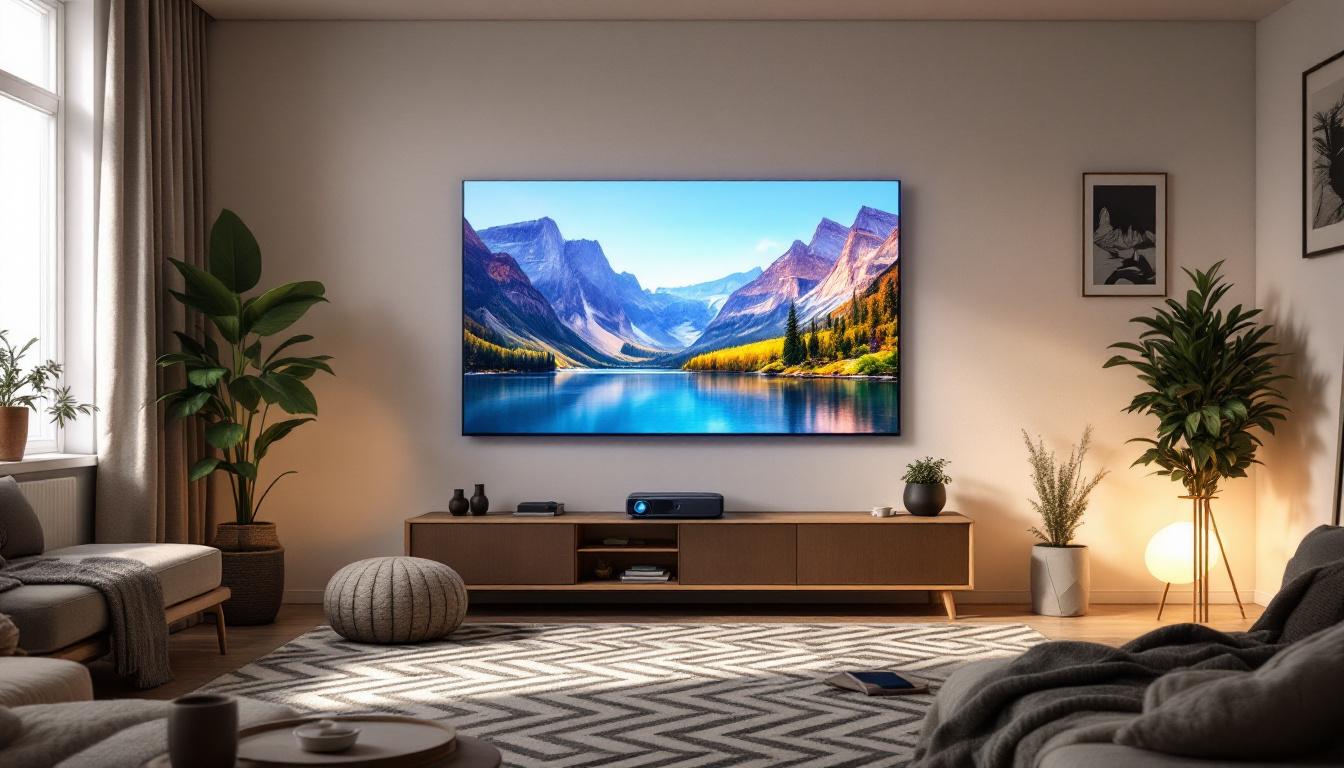
Consider the placement of furniture, lighting conditions, and wall space. Wall-mounting the TV can free up space and help position the screen at eye level, enhancing comfort.
Viewing Angle and Eye Level
The ideal viewing angle for LED TVs is generally within 30 degrees from the center of the screen. Sitting too far off to the side can distort colors and reduce contrast. Additionally, the TV should be positioned so that the center of the screen is at eye level when seated.
Improper angles or height can cause neck strain and diminish picture quality, regardless of viewing distance.
Content Type and Viewing Preferences
Different types of content may influence your preferred viewing distance. For example, watching fast-paced sports or action movies benefits from sitting closer to catch more detail and feel immersed. Casual TV watching or news programs might not require as close a distance.
Personal preferences also play a role. Some viewers prefer a more cinematic experience with a larger field of view, while others prioritize comfort and relaxed viewing.
How to Measure and Adjust Your Viewing Distance
Measuring your current viewing distance is straightforward. Use a tape measure or laser distance measurer to find the space between your seating position and the TV screen’s surface.
If the distance falls outside the ideal range, consider the following adjustments:
- Move Seating: Shift sofas or chairs closer or farther from the TV to achieve optimal distance.
- Change TV Size: If space is limited, opt for a smaller screen or higher resolution to maintain quality at shorter distances.
- Wall Mounting: Mount the TV on an adjustable bracket to fine-tune its position and save floor space.
Taking the time to optimize your viewing distance can significantly improve your overall TV experience.
Additional Tips for Enhancing LED TV Viewing Experience
Beyond distance, several other factors contribute to a superior LED TV viewing setup.
Lighting Conditions
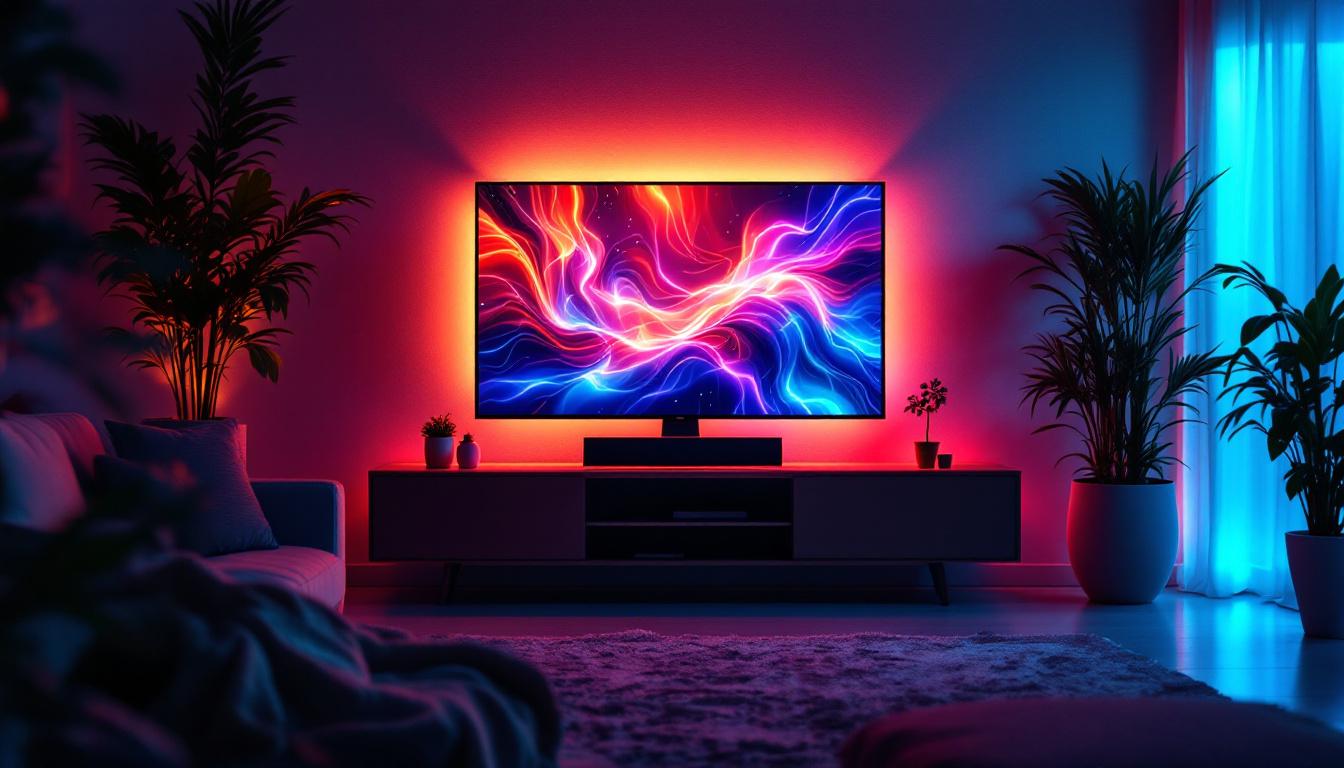
Ambient lighting affects how your eyes perceive the screen. Avoid placing the TV opposite bright windows or direct light sources that cause glare. Use curtains or blinds to control natural light and consider bias lighting behind the TV to reduce eye strain.
Calibration and Picture Settings
Properly calibrating your LED TV enhances color accuracy, brightness, and contrast. Many modern TVs offer presets like “Cinema” or “Game” modes tailored for different content. Professional calibration can further optimize the picture for your specific room conditions.
Sound Quality
While picture quality is paramount, sound is equally important for immersion. Position speakers or soundbars appropriately and minimize background noise to create a theater-like experience.
Conclusion: Balancing Size, Resolution, and Distance
Understanding the relationship between TV size, resolution, and viewing distance is key to maximizing the benefits of your LED display. Using the TV viewing distance chart as a guide helps ensure that you enjoy sharp, vibrant images without discomfort.
As LED technology continues to evolve, with higher resolutions and improved panel designs, viewers have more options to tailor their home entertainment setups. By considering room size, seating arrangement, and personal preferences alongside the chart recommendations, anyone can create an optimal viewing environment.
Investing time in selecting the right TV and configuring your space accordingly will pay dividends in viewing pleasure for years to come.
Discover Your Perfect LED Display with LumenMatrix
Ready to elevate your home entertainment experience with the ideal LED display? LumenMatrix offers a wide array of innovative LED display solutions tailored to your viewing needs. From immersive Indoor LED Wall Displays to dynamic Outdoor LED Wall Displays, and from versatile Vehicle LED Displays to sleek LED Poster Displays, our technology is designed to bring your visual communication to life. Embrace the future of visual engagement with our LED Sports Displays, Floor LED Displays, Custom LED Displays, All-in-One LED Displays, and LED Transparent Displays. Transform your space and captivate your audience with a LumenMatrix display that promises clarity, impact, and state-of-the-art design. Check out LumenMatrix LED Display Solutions today and find the perfect match for your viewing distance and resolution needs.