In today’s fast-paced digital world, having the right display setup can significantly enhance productivity, gaming experiences, and multimedia consumption. Dual monitor setups have become increasingly popular, offering users more screen real estate to multitask efficiently. Among the various display technologies available, LED monitors stand out for their superior image quality, energy efficiency, and sleek design. This article delves into the intricacies of LED displays, explores the benefits of using two monitors, and guides you through what to consider when purchasing dual LED monitors.
Understanding LED Display Technology
What is an LED Monitor?
LED stands for Light Emitting Diode, a technology used to illuminate the pixels on a screen. Unlike older LCD monitors that use cold cathode fluorescent lamps (CCFL) for backlighting, LED monitors utilize tiny LEDs to provide light. This shift in backlighting technology has led to improvements in brightness, contrast, color accuracy, and energy consumption.
LED monitors are essentially a type of LCD screen with LED backlighting. The LEDs can be arranged in different ways, such as edge-lit or full-array, influencing the display’s uniformity and contrast levels. This technology is widely adopted across various devices, from smartphones to large television screens, due to its versatility and performance. Furthermore, the rapid advancement in LED technology has allowed manufacturers to create displays that not only consume less power but also produce vibrant colors and sharp images, making them ideal for both casual viewing and professional applications.
Types of LED Backlighting
Understanding the types of LED backlighting can help buyers make informed decisions. The two primary types are:
- Edge-Lit LED: LEDs are placed along the edges of the screen, and light is diffused across the panel. This design allows for thinner monitors but may suffer from uneven brightness or contrast.
- Full-Array LED: LEDs are distributed evenly behind the entire screen, enabling better local dimming and improved contrast ratios. These monitors tend to be thicker but offer superior image quality.
Some high-end monitors also use Mini-LED technology, which involves thousands of tiny LEDs for even more precise backlighting control, resulting in deeper blacks and brighter highlights. This technology not only enhances the visual experience but also allows for a more immersive viewing environment, particularly beneficial for gamers and film enthusiasts. Additionally, advancements in Quantum Dot technology are being integrated with LED displays, further enhancing color reproduction and expanding the color gamut, making images appear more lifelike than ever before.
Moreover, as the demand for high-definition content continues to rise, manufacturers are increasingly focusing on improving the refresh rates and response times of LED monitors. This is particularly important for fast-paced gaming and action-packed movies, where screen tearing and motion blur can detract from the overall experience. With features like variable refresh rate (VRR) and high dynamic range (HDR) becoming more common, users can expect a smoother and more vibrant display that adapts to the content being viewed, ensuring that every detail is captured with stunning clarity.
The Advantages of Using Two Monitors
Boosting Productivity and Workflow
For professionals, whether in graphic design, programming, finance, or content creation, having two monitors can dramatically improve workflow. Studies have shown that dual monitor setups can increase productivity by up to 20-30% by reducing the time spent switching between windows and applications.
With two screens, users can dedicate one monitor to primary tasks, such as coding or editing, while using the second for reference materials, communication tools, or monitoring real-time data. This setup minimizes distractions and enhances focus, making multitasking more manageable and efficient.
Enhanced Gaming and Entertainment Experience
Gamers and multimedia enthusiasts also benefit from dual monitors. One screen can display the game or video content, while the other can be used for streaming controls, chat windows, or browsing. This arrangement allows for a seamless and immersive experience without interrupting the primary activity.
Additionally, many modern games support multi-monitor setups, enabling panoramic views and a more engaging gameplay environment. The wide field of vision provided by two monitors can be a game-changer in competitive gaming scenarios.
Ergonomics and Comfort
Using two monitors can also contribute to better ergonomics. Instead of overcrowding a single screen with multiple windows, users can spread out their workspace, reducing eye strain and neck movement. Properly arranged dual monitors encourage a natural head position, which can help prevent musculoskeletal issues associated with prolonged computer use.
Key Features to Consider When Buying Two LED Monitors
Screen Size and Resolution
Choosing the right screen size depends on the user’s desk space and intended use. Common sizes for dual setups range from 24 to 27 inches, offering a balance between visibility and space efficiency. Larger monitors can provide more immersive experiences but may require more desk real estate and higher resolution to maintain image sharpness.
Resolution is equally important. Full HD (1920×1080) is standard for many users, but higher resolutions like 2560×1440 (QHD) or 3840×2160 (4K) provide sharper images and more workspace. When pairing two monitors, matching resolutions helps maintain consistency and reduces scaling issues.
Refresh Rate and Response Time
Refresh rate, measured in Hertz (Hz), indicates how many times the screen updates per second. A higher refresh rate (e.g., 75Hz, 120Hz, or 144Hz) results in smoother motion, which is especially beneficial for gaming and video editing. Response time, measured in milliseconds (ms), reflects how quickly a pixel changes color. Lower response times reduce motion blur and ghosting effects.
For general productivity, a standard 60Hz refresh rate and response time of 5ms or less are sufficient. Gamers should look for monitors with at least 120Hz and 1-3ms response time for optimal performance.
Color Accuracy and Panel Type
Color reproduction is crucial for professionals in photography, design, and video production. Look for monitors with high color accuracy, wide color gamut coverage (such as sRGB, AdobeRGB), and factory calibration. IPS (In-Plane Switching) panels generally offer better color consistency and viewing angles compared to TN (Twisted Nematic) or VA (Vertical Alignment) panels.
While TN panels often boast faster response times, IPS panels strike a better balance between speed and color fidelity, making them the preferred choice for most users.
Connectivity Options
Modern LED monitors come with various ports, including HDMI, DisplayPort, USB-C, and legacy VGA or DVI connectors. When purchasing two monitors, ensure your computer supports multiple outputs or consider using docking stations or adapters.
USB-C connectivity is gaining popularity due to its ability to transmit video, audio, data, and power through a single cable, simplifying cable management and reducing clutter.
Ergonomics and Adjustability
Adjustable stands that offer height, tilt, swivel, and pivot controls allow users to customize their viewing angles for maximum comfort. Some monitors also support VESA mounting, enabling attachment to monitor arms or wall mounts to save desk space.
Considering ergonomics during purchase can prevent discomfort and long-term health issues associated with poor posture.
Popular Dual Monitor Configurations and Use Cases
Office and Professional Use
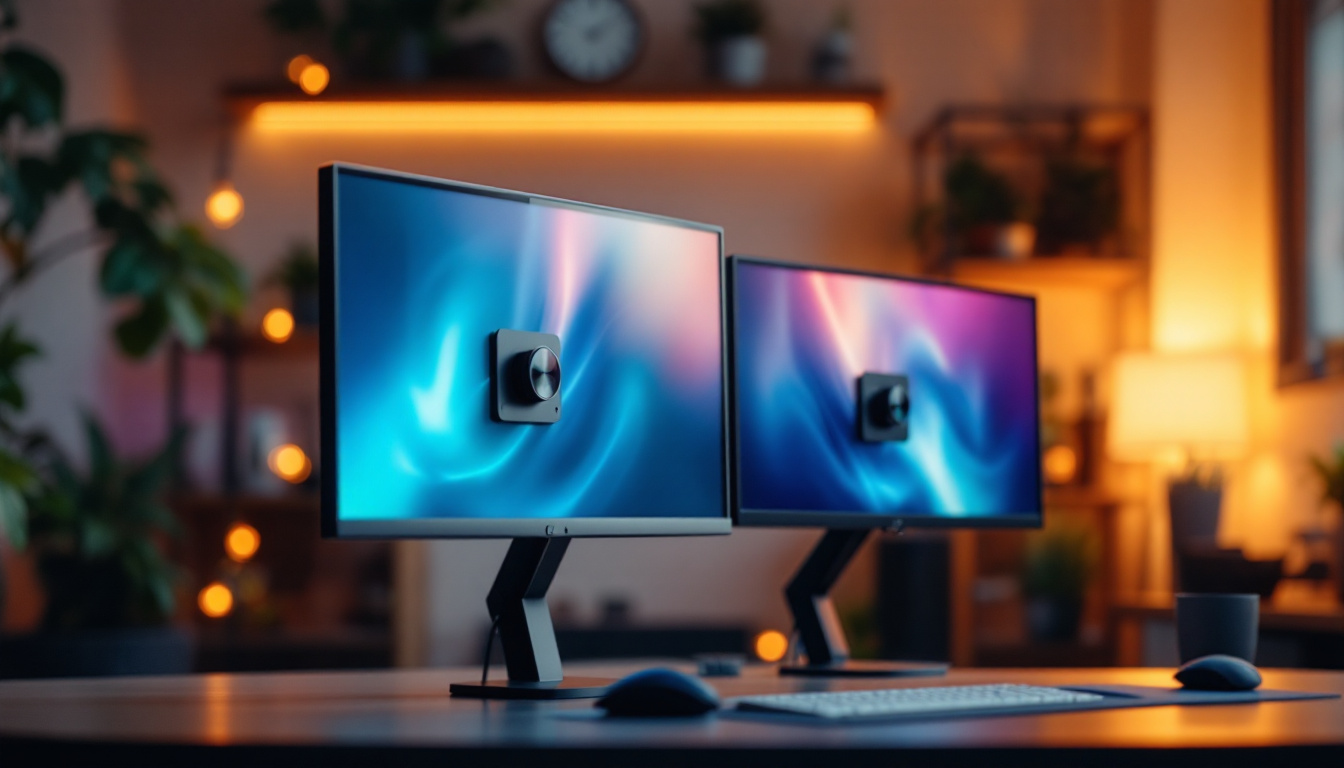
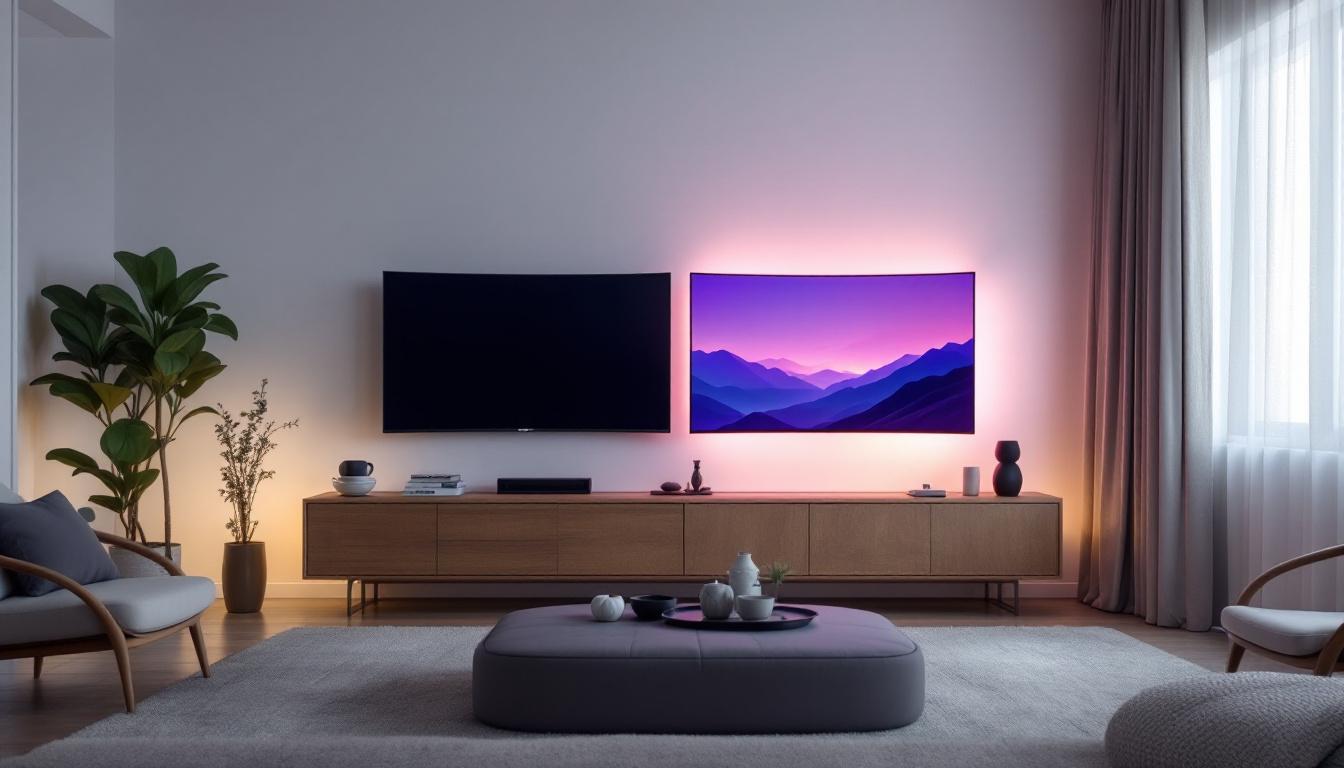
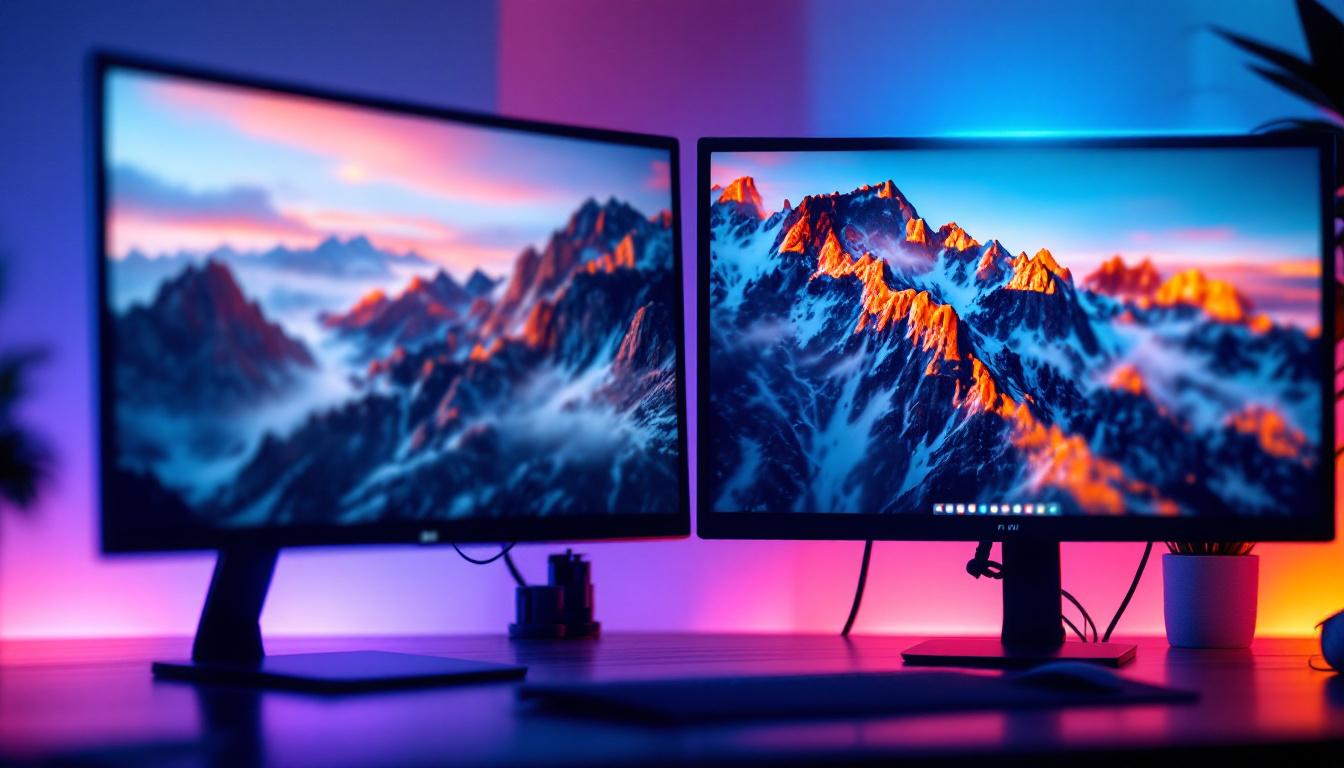
In office environments, dual LED monitors are often configured side-by-side with matching sizes and resolutions to create a seamless workspace. Professionals like accountants, analysts, and writers benefit from having spreadsheets, documents, and communication tools visible simultaneously.
For creative professionals, one monitor might be dedicated to editing software, while the second displays reference images or tool palettes, enhancing workflow efficiency.
Gaming and Streaming Setups
Gamers often pair a high-refresh-rate LED monitor with a secondary display optimized for chat, streaming software, or system monitoring. This setup allows uninterrupted gameplay while managing live streams or interacting with viewers.
Some enthusiasts use ultrawide monitors combined with a standard LED monitor to maximize immersion and multitasking capabilities.
Home and Educational Use
Students and remote workers can use dual monitors to attend virtual classes or meetings on one screen while taking notes or researching on the other. This arrangement fosters better organization and reduces the need to toggle between tabs.
For casual users, dual monitors can enhance entertainment options, such as watching videos on one screen while browsing social media or reading articles on the other.
Tips for Setting Up and Maintaining Two LED Monitors
Optimizing Monitor Placement
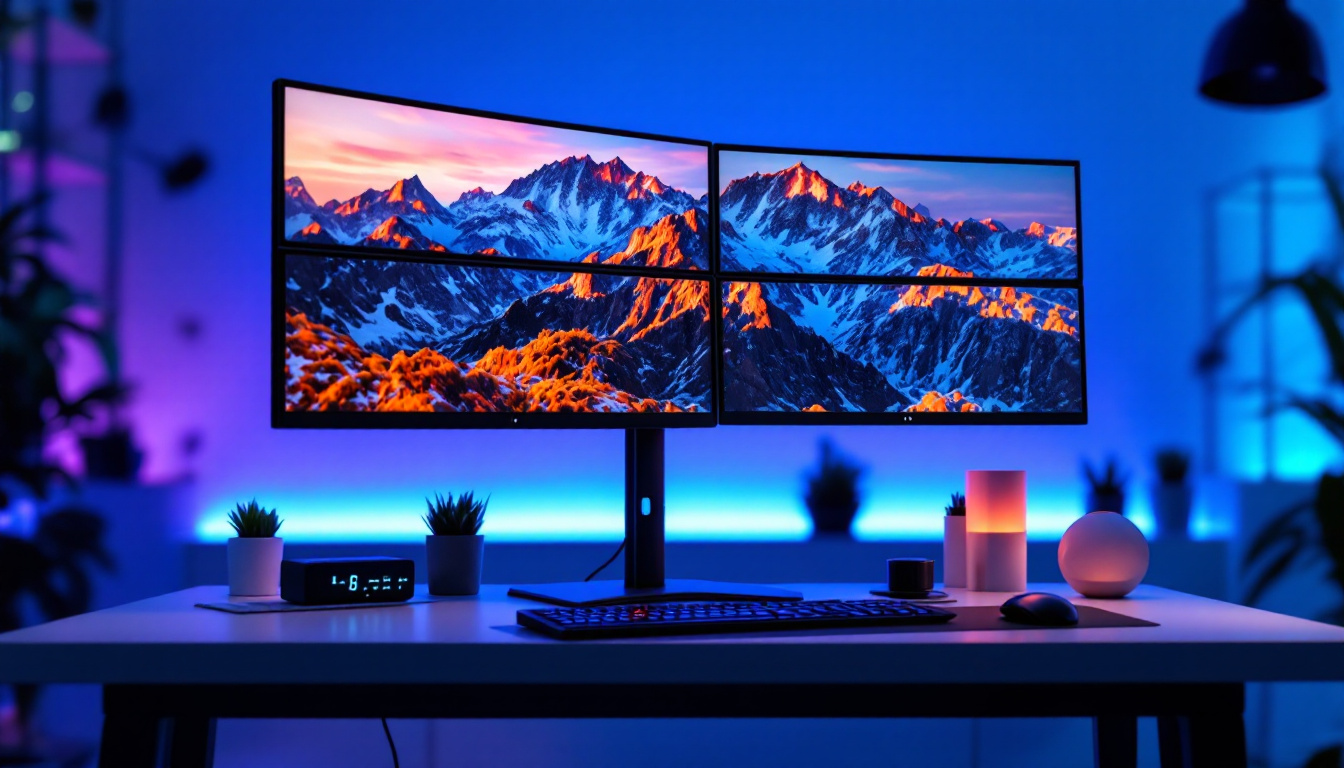
Position monitors at eye level and about an arm’s length away to reduce strain. Align the monitors so that the bezels are close together, minimizing the gap between screens. For users who frequently switch focus between monitors, placing the primary display directly in front and the secondary slightly angled can improve comfort.
Calibrating Displays for Consistency
To ensure color and brightness consistency across both monitors, use calibration tools or software. Many operating systems include built-in calibration utilities, but hardware calibrators provide more precise adjustments. Consistent calibration is essential for design professionals and anyone requiring accurate color representation.
Maintaining Your Monitors
Regularly clean screens with a microfiber cloth and appropriate screen cleaner to avoid scratches and maintain clarity. Avoid harsh chemicals or abrasive materials. Keep monitors in a dust-free environment and ensure adequate ventilation to prevent overheating.
Conclusion: Making the Most of Two LED Monitors
Investing in two LED monitors can transform how you work, play, and interact with digital content. The combination of LED technology’s vibrant display quality and the expanded workspace provided by dual monitors offers undeniable advantages across various use cases. Whether for professional productivity, immersive gaming, or enhanced entertainment, understanding the technology and features behind LED monitors helps buyers make informed decisions tailored to their needs.
When selecting two monitors for sale, consider factors such as screen size, resolution, refresh rate, panel type, and connectivity to ensure a harmonious and efficient setup. Proper placement and calibration will maximize the benefits of your dual LED display system, delivering a seamless and enjoyable user experience.
Discover the Future of Visual Displays with LumenMatrix
Ready to elevate your visual experience with the latest in LED technology? Look no further than LumenMatrix, a pioneer in crafting mesmerizing LED displays that bring your content to life. Whether you’re looking to enhance your professional workspace or create an unforgettable entertainment setup, our extensive range of LED display solutions – from Indoor and Outdoor LED Walls to innovative Transparent Displays – is designed to meet your every need. Embrace the future of digital storytelling and check out LumenMatrix LED Display Solutions today to transform your visual communication with unparalleled clarity and impact.