When it comes to LED displays, understanding the relationship between pixels (px) and inches is essential for anyone involved in digital signage, screen manufacturing, or even consumers looking to purchase the right display. The terms “pixels” and “inches” are often used interchangeably in casual conversation, but they represent fundamentally different concepts. This article explores the distinctions and connections between pixels and inches in LED displays, helping you make informed decisions whether you’re designing content, buying a screen, or simply curious about display technology.
Understanding Pixels and Inches: The Basics
What Is a Pixel?
A pixel, short for “picture element,” is the smallest unit of a digital image or display. It is a single point of color that, when combined with thousands or millions of other pixels, forms the images and videos seen on screens. In LED displays, each pixel typically consists of three sub-pixels: red, green, and blue (RGB). These sub-pixels blend together to produce the full spectrum of colors.
Pixels are a measure of resolution, which defines how many individual points of light or color a display can show. For example, a display with a resolution of 1920×1080 has 1,920 pixels horizontally and 1,080 pixels vertically, totaling over 2 million pixels. The clarity and detail of an image are directly influenced by the pixel density, often measured in pixels per inch (PPI). Higher pixel density means more pixels are packed into a given area, resulting in sharper images and finer details. This is particularly important in applications such as graphic design, photography, and gaming, where visual fidelity is paramount.
What Is an Inch?
An inch is a unit of physical length used primarily in the United States and a few other countries. It is a fixed measurement equal to 2.54 centimeters. When referring to LED displays, inches describe the physical size of the screen, typically measured diagonally from one corner to the opposite corner.
Unlike pixels, inches are a tangible measurement of space. For example, a 55-inch LED display refers to the physical dimension of the screen, not how many pixels it contains. The size of the screen can significantly impact the viewing experience; larger screens can enhance immersion, particularly for movies and gaming. However, the relationship between screen size and resolution is crucial—if a large screen has a low resolution, the image may appear pixelated or blurry. Therefore, understanding both inches and pixels is essential for selecting the right display for your needs, whether for home entertainment, professional use, or casual viewing.
Pixels vs Inches: Why the Difference Matters
Resolution vs Physical Size
The critical distinction between pixels and inches lies in resolution versus physical size. Pixels define the detail and clarity of the image, while inches describe the actual size of the display. Two displays can have the same number of pixels but vastly different physical sizes, leading to different image qualities and viewing experiences.
For instance, a 24-inch monitor and a 55-inch television might both have a 1920×1080 resolution. The smaller monitor will have a higher pixel density (pixels per inch), resulting in a sharper image. Conversely, the larger TV will have a lower pixel density, which may make images appear less crisp if viewed up close.
Pixel Density (PPI) Explained
Pixel density, measured in pixels per inch (PPI), bridges the gap between pixels and inches. It indicates how many pixels are packed into each inch of the display. The higher the PPI, the sharper and more detailed the image appears.
For example, a smartphone with a 5.5-inch screen and a resolution of 1920×1080 will have a PPI of approximately 400, making images and text extremely sharp. In contrast, a 55-inch LED display with the same resolution will have a PPI closer to 40, which is suitable for viewing from a distance but not for close-up use.
How Pixel Pitch Influences LED Display Quality
Defining Pixel Pitch
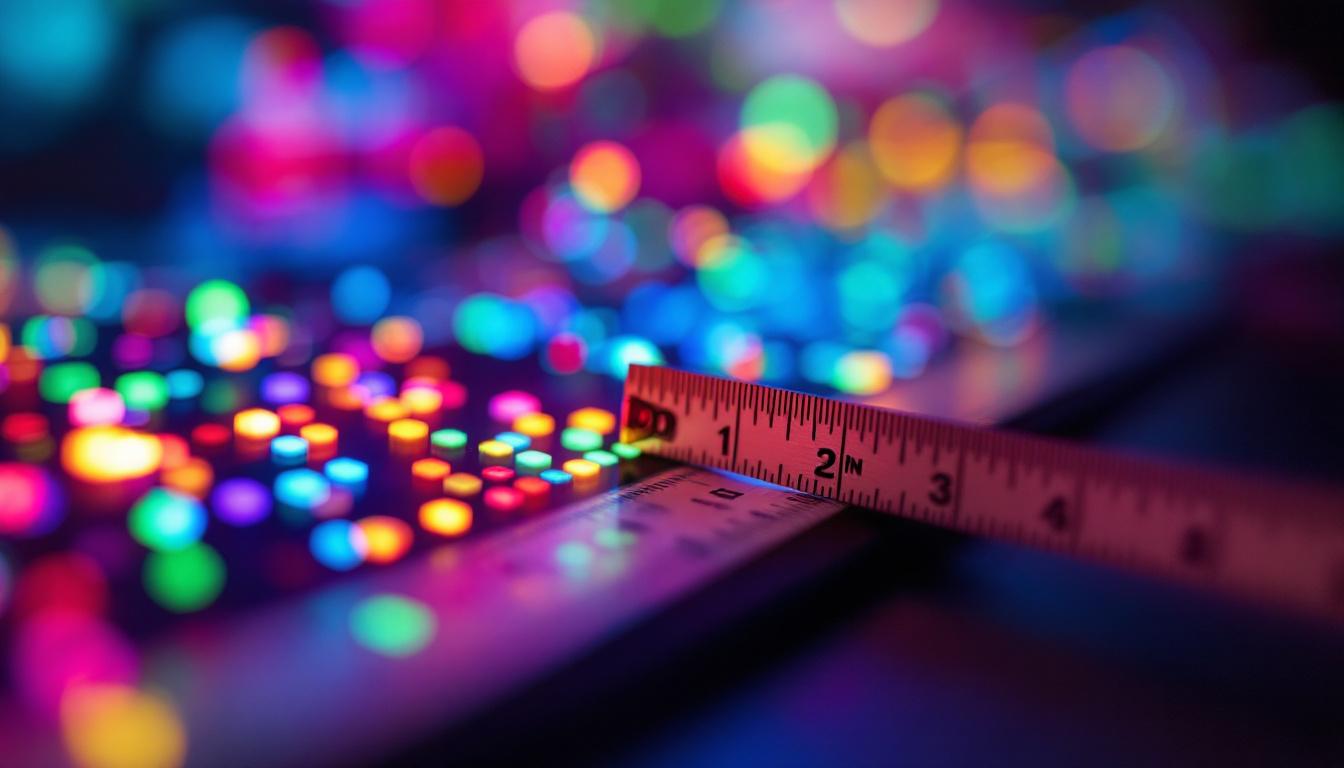
Pixel pitch is a term specific to LED displays that refers to the distance between the centers of two adjacent pixels, usually measured in millimeters. It is a physical measurement that directly affects the resolution and viewing distance of the display.
Smaller pixel pitch means pixels are closer together, resulting in higher resolution and better image clarity, especially at close viewing distances. Larger pixel pitch means pixels are spaced further apart, which lowers resolution but can be more cost-effective for large displays viewed from far away.
Pixel Pitch vs Pixel Density
While pixel density (PPI) is commonly used for devices like monitors and smartphones, pixel pitch is more relevant for large-scale LED displays such as billboards, stadium screens, and outdoor signage. Pixel pitch provides a physical measurement, whereas PPI is a calculated density based on resolution and screen size.
For example, an LED display with a pixel pitch of 1.5mm offers much finer detail and is suitable for indoor environments where viewers are close to the screen. A display with a 10mm pixel pitch is better suited for outdoor advertising, where viewers are typically much farther away.
Choosing the Right LED Display: Pixels and Inches in Context
Consider Viewing Distance
One of the most important factors when selecting an LED display is the intended viewing distance. The pixel pitch and pixel density should align with how close or far the audience will be from the screen.
For close-up viewing, such as in retail stores or control rooms, a smaller pixel pitch and higher pixel density are essential to ensure crisp images and legible text. For large outdoor displays or stadium screens, a larger pixel pitch is acceptable because viewers are typically much farther away, and the human eye cannot distinguish individual pixels at a distance.
Balancing Resolution and Screen Size
When purchasing or designing an LED display, it’s important to strike a balance between resolution and physical size. A large screen with low resolution can appear pixelated and blurry, while a small screen with extremely high resolution might be unnecessarily expensive and difficult to view comfortably.
For example, a 4K resolution (3840×2160 pixels) on a 65-inch LED display provides excellent clarity for home theaters and professional presentations. However, the same resolution on a 100-inch screen might not deliver the same sharpness unless the pixel pitch is adjusted accordingly.
Applications and Use Cases
Different applications demand different pixel and inch configurations. Indoor LED displays used for digital signage, conference rooms, or retail environments typically require high resolution and small pixel pitch for detailed images and text. Outdoor LED billboards prioritize brightness and durability, often with larger pixel pitch and lower resolution, optimized for long-distance viewing.
Understanding these requirements helps businesses and consumers select the right display technology for their specific needs, avoiding overspending on unnecessary features or compromising on image quality.
Technical Considerations: DPI, Resolution, and Scaling
DPI vs PPI: Clarifying the Terms
Dots per inch (DPI) and pixels per inch (PPI) are often confused but serve different purposes. DPI refers to the number of printed dots per inch on physical media, such as paper. PPI refers to the number of pixels per inch on a digital screen.
In LED displays, PPI is the more relevant term, as it directly affects how images and text appear on the screen. High PPI means more pixels are packed into each inch, resulting in finer detail and smoother images.
Resolution and Scaling in LED Displays
Resolution defines the total number of pixels on a display, but how that resolution is scaled to fit the physical size of the screen impacts image quality. Scaling adjusts the size of content to match the screen’s resolution and physical dimensions.
Improper scaling can lead to blurry images or distorted graphics. For example, displaying a 1080p video on a 4K LED screen without proper scaling may cause pixelation or artifacts. Modern LED display controllers and software help manage scaling to maintain image integrity.
Future Trends: Higher Resolution and Smaller Pixel Pitch
Advancements in LED Technology
LED display technology continues to evolve rapidly, with manufacturers pushing the boundaries of resolution and pixel pitch. Advances in micro-LED and mini-LED technologies are enabling even smaller pixel pitches, higher brightness, and improved color accuracy.
These innovations make it possible to create LED displays with ultra-high resolution suitable for close-up viewing, such as in smartphones, tablets, and high-end monitors, while also expanding the capabilities of large-format displays for advertising and entertainment.
Impact on Content Creation and Viewing Experience
As pixel density increases and pixel pitch decreases, content creators must adapt by producing higher-resolution images and videos to take full advantage of the improved display quality. This shift demands more powerful hardware and software tools for editing and rendering.
For viewers, the result is a more immersive and visually stunning experience, with sharper images, richer colors, and smoother motion. The distinction between pixels and inches will remain crucial as display sizes grow and resolutions climb, ensuring the right technology is applied to each use case.
Conclusion: Making Sense of Pixels and Inches in LED Displays
Understanding the difference between pixels and inches is fundamental when dealing with LED displays. Pixels define the resolution and image detail, while inches describe the physical size of the screen. Pixel density (PPI) and pixel pitch further clarify how these two measurements interact to influence display quality.
Choosing the right LED display requires careful consideration of resolution, screen size, pixel pitch, and viewing distance to ensure optimal image clarity and cost efficiency. As LED technology advances, these factors will continue to shape the future of digital displays, offering richer visual experiences across a wide range of applications.
Discover the Future of Visual Engagement with LumenMatrix
Ready to elevate your visual experience with the latest in LED display technology? LumenMatrix is at the forefront of innovation, offering an extensive range of LED display solutions tailored to your unique needs. From immersive Indoor LED Walls to dynamic Outdoor LED Displays, and from versatile Vehicle LED Displays to sleek LED Poster Displays, our products are designed to captivate and engage your audience. Embrace the revolution in visual communication with LumenMatrix and transform your space into a vibrant canvas of possibilities. Check out LumenMatrix LED Display Solutions today and see your vision come to life.