Used LCD Monitor: LED Display Explained
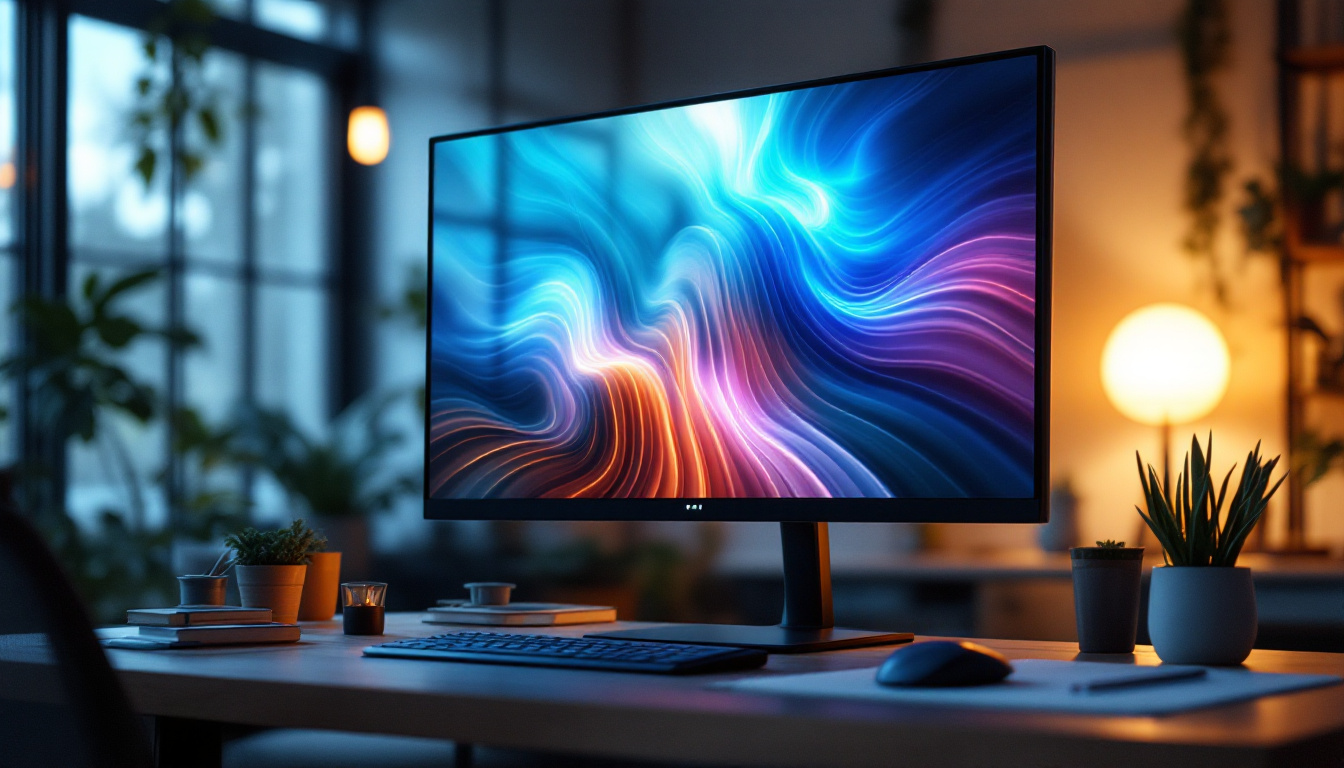
In today’s digital era, monitors are an essential component of both professional and personal computing setups. Whether for work, gaming, or multimedia consumption, the quality and type of display can significantly impact user experience. Among the various types of monitors available, LCD monitors with LED backlighting have become a popular choice due to their balance of performance, efficiency, and affordability. This article delves into the world of used LCD monitors, focusing on the LED display technology that powers them, helping buyers make informed decisions when considering a used monitor purchase.
Understanding LCD and LED Technology
What is an LCD Monitor?
LCD stands for Liquid Crystal Display. It is a flat-panel display technology that uses liquid crystals sandwiched between two layers of glass or plastic. These crystals do not emit light themselves; instead, they manipulate light passing through them to create images. The technology became widely adopted in the late 1990s and early 2000s, replacing older CRT (Cathode Ray Tube) monitors due to its slimmer profile, lower power consumption, and better image quality.
LCD monitors rely on a backlight to illuminate the screen. Early LCDs used Cold Cathode Fluorescent Lamps (CCFLs) as their light source. These lamps provided uniform lighting but were bulkier and less energy-efficient compared to modern alternatives. As technology advanced, manufacturers began to innovate with various types of LCD panels, including Twisted Nematic (TN), In-Plane Switching (IPS), and Vertical Alignment (VA) panels, each offering different benefits in terms of color reproduction, viewing angles, and response times. This diversification has allowed consumers to choose monitors that best fit their specific needs, whether for gaming, graphic design, or general office use.
Moreover, the evolution of LCD technology has also led to enhancements in resolution and refresh rates. With the introduction of high-definition (HD), full HD (FHD), and ultra-high-definition (UHD) displays, users can now enjoy sharper images and more detailed visuals. This has made LCD monitors a popular choice not only for everyday computing but also for professional applications where precision and clarity are paramount.
What Does LED Mean in Monitors?
LED stands for Light Emitting Diode. When paired with LCD technology, LEDs serve as the backlight source instead of CCFLs. This combination is often referred to as LED-backlit LCD monitors. It’s important to clarify that the display itself is still LCD; the LEDs only provide the illumination behind the liquid crystal layer.
LED backlighting offers several advantages over CCFLs, including lower power consumption, thinner panels, higher brightness levels, and better color accuracy. Additionally, LEDs can be arranged in different configurations, such as edge-lit or full-array, which can impact the display’s contrast and uniformity. Full-array backlighting, for example, allows for local dimming, which enhances contrast by dimming parts of the screen that display darker images while keeping brighter areas illuminated. This results in deeper blacks and more vibrant colors, making LED-backlit monitors particularly appealing for watching movies or playing video games.
Furthermore, the introduction of Quantum Dot technology has further improved the capabilities of LED monitors. Quantum Dots are tiny semiconductor particles that emit specific colors when illuminated by a light source, enhancing color accuracy and expanding the color gamut. This advancement has made LED monitors not only more energy-efficient but also capable of producing stunning visuals that are closer to what the human eye perceives in the real world. As a result, professionals in fields such as photography and video editing are increasingly turning to these advanced displays to ensure their work is represented with the utmost fidelity.
Why Choose a Used LCD Monitor with LED Backlighting?
Cost-Effectiveness and Value
One of the primary reasons consumers opt for used LCD monitors is cost savings. New monitors with LED backlighting can range from $150 to over $1000 depending on size, resolution, and features. Purchasing a used monitor can reduce this cost by 30% to 60%, making it an attractive option for budget-conscious buyers, small businesses, or educational institutions.
Used monitors often come from corporate upgrades or refurbished inventory, meaning they may have been lightly used and professionally tested. This can provide excellent value, especially if the monitor is from a reputable brand known for durability and image quality.
Environmental Impact
Buying used electronics, including monitors, contributes to reducing electronic waste. The global e-waste generation reached approximately 57.4 million metric tons in 2021, according to the Global E-waste Monitor 2023 report. Extending the life cycle of devices by purchasing used or refurbished products helps mitigate this growing environmental challenge.
Furthermore, LED-backlit LCD monitors are more energy-efficient than older CCFL models, so even used units tend to consume less power, which is beneficial for both electricity bills and carbon footprint.
Performance and Features
Used LCD monitors with LED backlighting can still offer excellent performance. Many models support Full HD (1920×1080) or higher resolutions, fast response times, and wide viewing angles. Modern LED-backlit monitors also tend to have better color reproduction and brightness than their CCFL predecessors.
Features such as adjustable stands, multiple input ports (HDMI, DisplayPort, VGA), and built-in speakers are often retained in used monitors, providing a versatile user experience. For users who do not require the latest high-refresh-rate gaming monitors or 4K displays, a used LED-backlit LCD monitor can be a practical and reliable choice.
Key Specifications to Consider When Buying a Used LCD Monitor
Resolution and Screen Size
The resolution determines the clarity and detail of the images displayed. Full HD (1920×1080) remains the most common resolution for used monitors, offering a good balance between sharpness and performance. For professional photo editing or video work, higher resolutions such as 2560×1440 (QHD) or 3840×2160 (4K UHD) may be desirable but are less common in used monitors due to their higher cost.
Screen size typically ranges from 19 to 27 inches in used monitors, with 24 inches being a popular sweet spot for productivity and multimedia. Larger screens provide more workspace but may require higher resolutions to maintain image sharpness.
Panel Type: IPS vs. TN vs. VA
The panel type affects color accuracy, viewing angles, and response times. The three main panel technologies used in LCD monitors are:
- IPS (In-Plane Switching): Offers superior color reproduction and wide viewing angles, making it ideal for graphic design, video editing, and general use.
- TN (Twisted Nematic): Known for fast response times and lower cost but has narrower viewing angles and less accurate colors.
- VA (Vertical Alignment): Provides better contrast ratios and deeper blacks than TN or IPS but may have slower response times.
When buying used, identifying the panel type is crucial to ensure the monitor meets your specific needs.
Refresh Rate and Response Time
Refresh rate, measured in hertz (Hz), indicates how many times per second the monitor updates the image. Standard monitors typically have a 60Hz refresh rate, which is sufficient for office work and casual use. Gamers or users working with fast-moving visuals may prefer monitors with 75Hz, 120Hz, or higher.
Response time, measured in milliseconds (ms), is the time it takes for a pixel to change from one color to another. Lower response times reduce motion blur and ghosting, which is important for gaming and video playback. Used monitors often have response times ranging from 1ms (TN panels) to 5ms or more (IPS and VA panels).
Connectivity Options
Modern monitors typically include HDMI and DisplayPort inputs, with some older models featuring VGA or DVI ports. When purchasing a used monitor, check that the available ports are compatible with your computer or other devices. Some monitors also offer USB hubs or audio output jacks, which can enhance convenience.
Common LED Backlighting Configurations
Edge-Lit LED
Edge-lit LED monitors have LEDs positioned along the edges of the screen, which shine light across the display using light guides. This design allows for thinner and lighter monitors and is more cost-effective. However, edge-lit displays can suffer from uneven brightness or “clouding” in some cases, especially in darker scenes.
Full-Array LED
Full-array LED monitors have LEDs spread evenly behind the entire screen. This configuration enables better local dimming, where specific zones of LEDs can be dimmed or brightened independently. The result is improved contrast ratios and deeper blacks, enhancing image quality, especially for HDR content.
Full-array LED backlighting is more common in higher-end monitors and TVs, and may be less prevalent in the used monitor market due to cost.
Mini-LED and OLED Alternatives
While mini-LED and OLED displays represent the cutting edge of display technology, they are relatively rare in the used monitor market due to their high cost and newer release dates. Mini-LED uses thousands of tiny LEDs for even more precise backlighting, while OLED (Organic LED) displays emit light at the pixel level, offering perfect blacks and exceptional color accuracy.
For buyers focused on used LCD monitors, understanding that LED-backlit LCDs remain the mainstream technology is important, with mini-LED and OLED being premium alternatives.
Tips for Buying a Used LCD Monitor with LED Backlighting
Inspect the Physical Condition
Check the monitor for any visible damage such as scratches, cracks, or discoloration. Pay close attention to the screen surface and bezel. Minor cosmetic damage may not affect performance but can impact aesthetics and resale value.
Test Image Quality and Functionality
Whenever possible, test the monitor in person. Look for dead pixels, backlight bleeding, color uniformity, and brightness levels. Verify that all input ports work correctly and that the on-screen display (OSD) menu is responsive.
Verify Warranty and Return Policies
Purchasing from reputable sellers or refurbishers who offer warranties or return policies can provide peace of mind. Even used monitors can come with limited warranties, which can be valuable if defects appear after purchase.
Consider the Monitor’s Age and Usage History
Monitors generally have a long lifespan, often exceeding 50,000 hours of use. However, older monitors may have diminished backlight brightness or other wear-related issues. Ask the seller about the monitor’s age, previous usage, and any repairs or refurbishments performed.
Conclusion: Is a Used LED-Backlit LCD Monitor Right for You?
Used LCD monitors with LED backlighting offer a compelling mix of affordability, performance, and environmental benefits. For users who need reliable displays for everyday computing, office work, or multimedia consumption, these monitors can deliver excellent value without sacrificing quality.
Understanding the underlying technology, key specifications, and what to look for when buying used will empower consumers to make smart choices. Whether upgrading a home office, outfitting a classroom, or building a budget-friendly gaming setup, used LED-backlit LCD monitors remain a practical and popular option in the evolving landscape of display technology.
Discover Cutting-Edge LED Displays with LumenMatrix
Ready to elevate your visual experience with the latest in LED display technology? LumenMatrix, a pioneer in the field, offers an extensive range of innovative LED display solutions tailored to meet your needs. From captivating Indoor LED Wall Displays to dynamic Outdoor LED Wall Displays, and from versatile Vehicle LED Displays to engaging LED Sports Displays, LumenMatrix has it all. Embrace the future of visual communication with our Custom LED Displays, All-in-One LED Displays, and LED Transparent Displays. Don’t just take our word for it; check out LumenMatrix LED Display Solutions today and see how you can transform your space into a mesmerizing visual journey.