Television has become an integral part of modern life, offering entertainment, news, and connection to the world. However, one of the most frustrating experiences for TV owners is when the screen suddenly goes black. This issue, especially common with LED TVs, can leave viewers puzzled and concerned about the health of their device. Understanding why TV screens go black, particularly in LED displays, is essential for diagnosing problems and knowing when to seek repair or replacement.
Understanding LED TV Technology
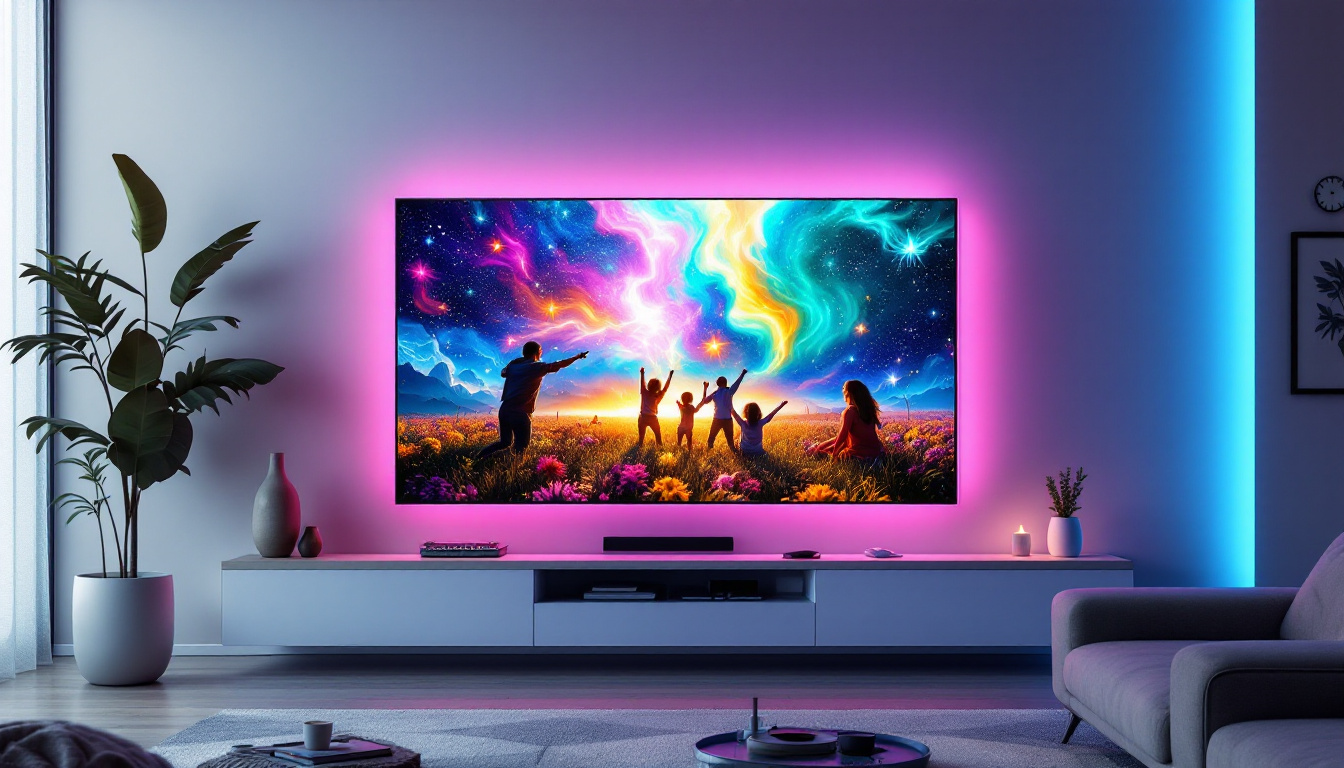
LED TVs, or Light Emitting Diode televisions, are a type of LCD TV that uses LEDs for backlighting instead of the traditional cold cathode fluorescent lamps (CCFL). This technology allows for thinner screens, better energy efficiency, and improved picture quality. The LED backlight shines through liquid crystal layers to create the images seen on the screen.
Unlike older CRT or plasma TVs, LED TVs rely heavily on their backlighting system. If the backlight fails, the screen may appear completely black even though the TV itself is powered on. This fundamental reliance on LEDs for illumination is a key reason why black screen issues are common in these models.
How LED Backlighting Works
The LED backlight is composed of numerous tiny diodes arranged either along the edges of the screen (edge-lit) or directly behind the screen (full-array). These LEDs emit light that passes through the LCD panel, which modulates the light to produce images. The brightness and color accuracy depend on the quality and functionality of these LEDs.
When the backlight is functioning correctly, viewers see vibrant images. However, if the LEDs fail or the power supply to the backlight is interrupted, the screen can go completely black while the TV’s other functions, like sound, may still operate.
In addition to the basic functionality of LED backlighting, advancements in technology have led to the development of local dimming features in full-array LED TVs. This allows specific zones of the backlight to be dimmed or brightened independently based on the content being displayed. As a result, scenes with deep blacks can achieve greater contrast and depth, enhancing the overall viewing experience. This feature is particularly beneficial for watching movies in dark environments, where the subtleties of shadow and light can be more pronounced.
Furthermore, LED TVs often come equipped with various image enhancement technologies such as HDR (High Dynamic Range) and wide color gamut support. These features work in tandem with the LED backlighting to deliver a more immersive visual experience. HDR technology allows for a greater range of brightness levels, making bright areas even more luminous while preserving detail in the darker parts of the image. This combination of advanced backlighting and image processing capabilities positions LED TVs as a popular choice for consumers seeking high-quality home entertainment systems.
Common Reasons Why TV Screens Go Black
Several factors can cause an LED TV screen to go black. Some are related to hardware, while others stem from software or user settings. Identifying the root cause is crucial to resolving the issue effectively.
1. Backlight Failure
As mentioned, the backlight is essential for image visibility. Over time, LEDs can wear out or experience damage due to power surges, overheating, or manufacturing defects. When the backlight fails completely, the screen appears black, but the TV might still produce sound or respond to remote commands.
Backlight failure is one of the most common reasons for black screens in LED TVs. Repairing this issue often involves replacing the LED strips or the entire backlight assembly, which can be costly depending on the TV model.
2. Power Supply Issues
The power supply board in an LED TV converts the electrical current from your outlet into usable voltages for the TV’s components, including the backlight. If this board malfunctions, it may fail to deliver power to the LEDs, causing the screen to go black.
Signs of power supply problems include flickering lights, unusual noises, or the TV not turning on at all. Diagnosing power supply issues usually requires professional testing and replacement of faulty components.
3. Faulty T-Con Board
The Timing Control (T-Con) board controls the signals that tell the LCD panel how to display images. If the T-Con board is defective, the screen might remain black or display distorted images. However, the TV may still power on and produce sound.
Issues with the T-Con board can sometimes be resolved by reseating the cables or replacing the board. This component is often located behind the TV panel, making DIY repairs challenging.
4. Software or Firmware Glitches
Modern smart TVs rely on complex software to operate. Occasionally, software bugs or corrupted firmware can cause the screen to go black. This is often accompanied by symptoms such as freezing, delayed responses, or failure to load apps.
Performing a factory reset or updating the TV’s firmware can sometimes resolve these issues. It’s advisable to check the manufacturer’s website for firmware updates or troubleshooting guides.
5. HDMI or External Device Problems
Sometimes the black screen is not caused by the TV itself but by the connected devices or cables. Faulty HDMI cables, incompatible devices, or incorrect input settings can result in no picture being displayed.
Testing the TV with different cables, inputs, or devices can help isolate this problem. Ensuring that the TV is set to the correct input source is also an easy but often overlooked step.
Diagnosing the Black Screen Problem
Before jumping to conclusions or expensive repairs, it’s important to perform some basic troubleshooting steps to identify the cause of the black screen.
Check for Backlight Functionality
A simple way to test if the backlight is working is to shine a flashlight very closely on the TV screen while it is powered on. If faint images or menus are visible under the light, it indicates that the LCD panel is functioning but the backlight is not.
Listen for Audio and Look for Indicator Lights
If the TV produces sound or the power indicator light is on, it suggests that the TV is receiving power and the issue is more likely related to the display components rather than a total power failure.
Inspect Cables and Connections
Loose or damaged HDMI cables and other connections can cause the screen to go black. Reconnecting or replacing cables can often restore the picture.
Reset the TV
Power cycling the TV by unplugging it for several minutes and then plugging it back in can sometimes clear temporary glitches. Additionally, performing a factory reset through the TV’s menu (if accessible) can help resolve software-related issues.
Preventing Black Screen Issues in LED TVs
While some causes of black screens are unavoidable due to component aging or defects, several preventative measures can extend the lifespan of an LED TV and reduce the risk of screen failures.
Maintain Proper Ventilation
Overheating is a common factor that accelerates LED and electronic component degradation. Ensuring that the TV has adequate ventilation and is not placed in enclosed spaces or near heat sources can help maintain optimal operating temperatures.
Use Surge Protectors
Power surges can damage the TV’s internal circuits, including the backlight and power supply. Using a high-quality surge protector can safeguard the TV from voltage spikes caused by lightning or electrical faults.
Regular Firmware Updates
Manufacturers often release firmware updates to fix bugs and improve performance. Keeping the TV’s software up to date can prevent software-related black screen issues and enhance overall stability.
Handle with Care
Physical damage to the screen or internal components can cause black screens. Avoid dropping or striking the TV, and be cautious when moving or cleaning it.
When to Seek Professional Repair or Replacement
Determining whether to repair or replace an LED TV after a black screen issue depends on several factors, including the age of the TV, the cost of repair, and the severity of the problem.
Cost of Repair vs. Replacement
Replacing the backlight or power supply can be expensive, sometimes approaching the cost of a new TV, especially for older models. It’s important to get a professional diagnosis and quote before deciding.
Warranty Considerations
If the TV is still under manufacturer warranty, repairs related to black screen issues caused by defects may be covered. Checking warranty status before attempting repairs can save money.
Signs It’s Time to Replace
Frequent black screen occurrences, multiple component failures, or outdated technology may justify purchasing a new TV. Modern LED TVs offer improved features such as higher resolution, better color accuracy, and smart capabilities that can enhance the viewing experience.
The Future of LED TV Technology and Black Screen Prevention
Advancements in LED technology continue to improve the durability and performance of TVs. Innovations such as mini-LED and micro-LED backlighting offer better brightness control and longer lifespans, reducing the likelihood of black screen issues.
Additionally, enhanced diagnostics and self-repair features integrated into smart TVs can alert users to potential problems before they result in a black screen, allowing for proactive maintenance.
Conclusion
Black screens on LED TVs can be caused by a variety of factors, from backlight failures and power supply issues to software glitches and external device problems. Understanding the underlying technology and common causes helps in diagnosing and addressing these frustrating issues effectively.
While some problems may require professional repair, many can be prevented or resolved through proper maintenance, careful handling, and basic troubleshooting. As LED TV technology evolves, the incidence of black screen problems is expected to decline, ensuring a more reliable and enjoyable viewing experience for consumers.
Explore Cutting-Edge LED Solutions with LumenMatrix
Don’t let a black screen disrupt your viewing experience. As a leader in LED display technology, LumenMatrix is committed to innovation and quality, offering a wide range of LED display solutions tailored to your needs. From captivating Indoor and Outdoor LED Wall Displays to dynamic Vehicle and Sports LED Displays, our products are designed to deliver exceptional visual communication. Embrace the future of display technology and check out LumenMatrix LED Display Solutions today to see how we can enhance your brand visibility and audience engagement.