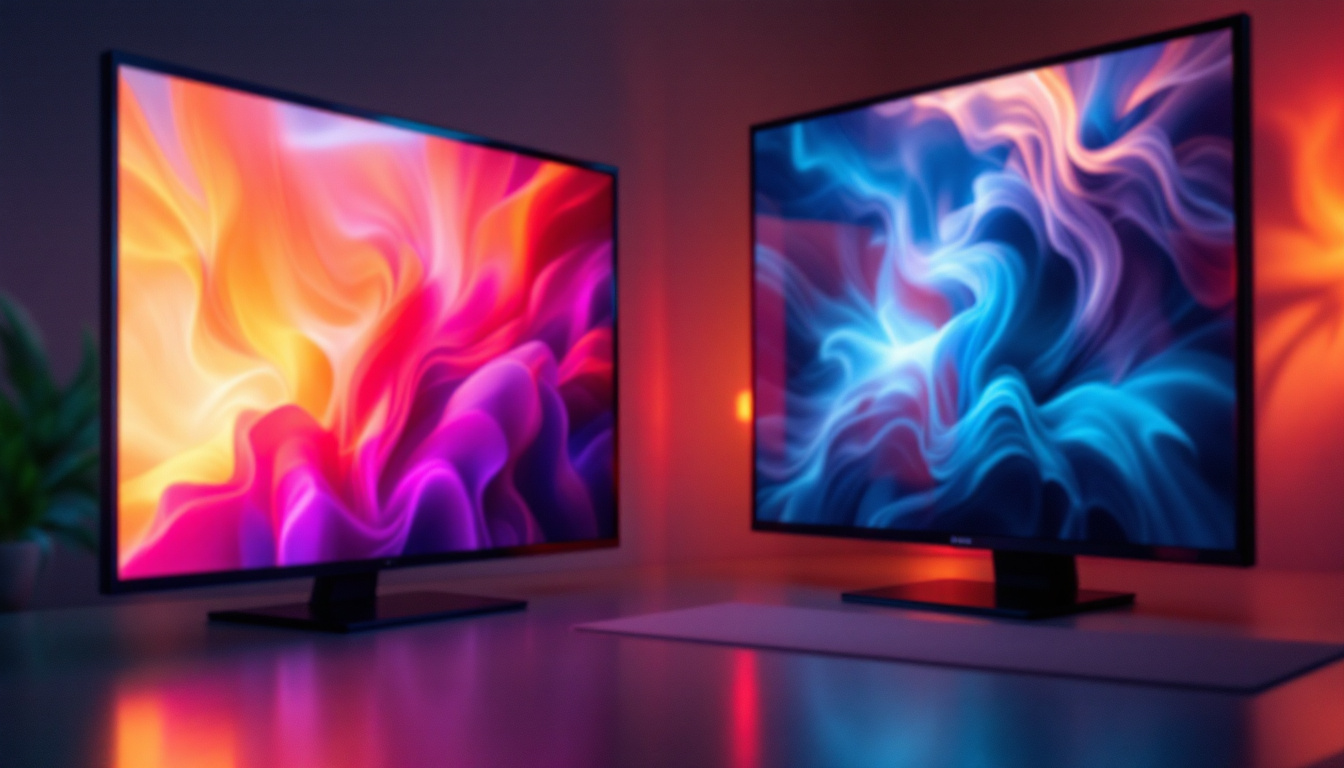
When selecting a monitor, whether for professional graphic design, gaming, or everyday use, one specification often highlighted is the contrast ratio. But what exactly does the contrast ratio indicate, especially in LED displays? Understanding this key feature can significantly impact your viewing experience, helping you choose a monitor that delivers vivid images, deep blacks, and crisp details.
This article delves into the meaning of contrast ratio, how it affects image quality on LED monitors, and why it matters for different users. Additionally, it explores the technical nuances behind contrast ratio measurements and offers practical advice on interpreting these numbers in real-world scenarios.
Understanding Contrast Ratio: The Basics
What Is Contrast Ratio?
The contrast ratio of a monitor refers to the difference in luminance between the brightest white and the darkest black that the display can produce. It is expressed as a ratio, such as 1000:1, which means the brightest white is 1,000 times brighter than the darkest black.
In simpler terms, contrast ratio measures how well a monitor can display differences in brightness levels. A higher contrast ratio generally means that the display can show more distinct shades between black and white, contributing to richer, more dynamic images. This is particularly important in environments where color accuracy and detail are paramount, such as graphic design studios or photography exhibitions, where professionals rely on precise color representation to make informed decisions about their work.
Why Contrast Ratio Matters
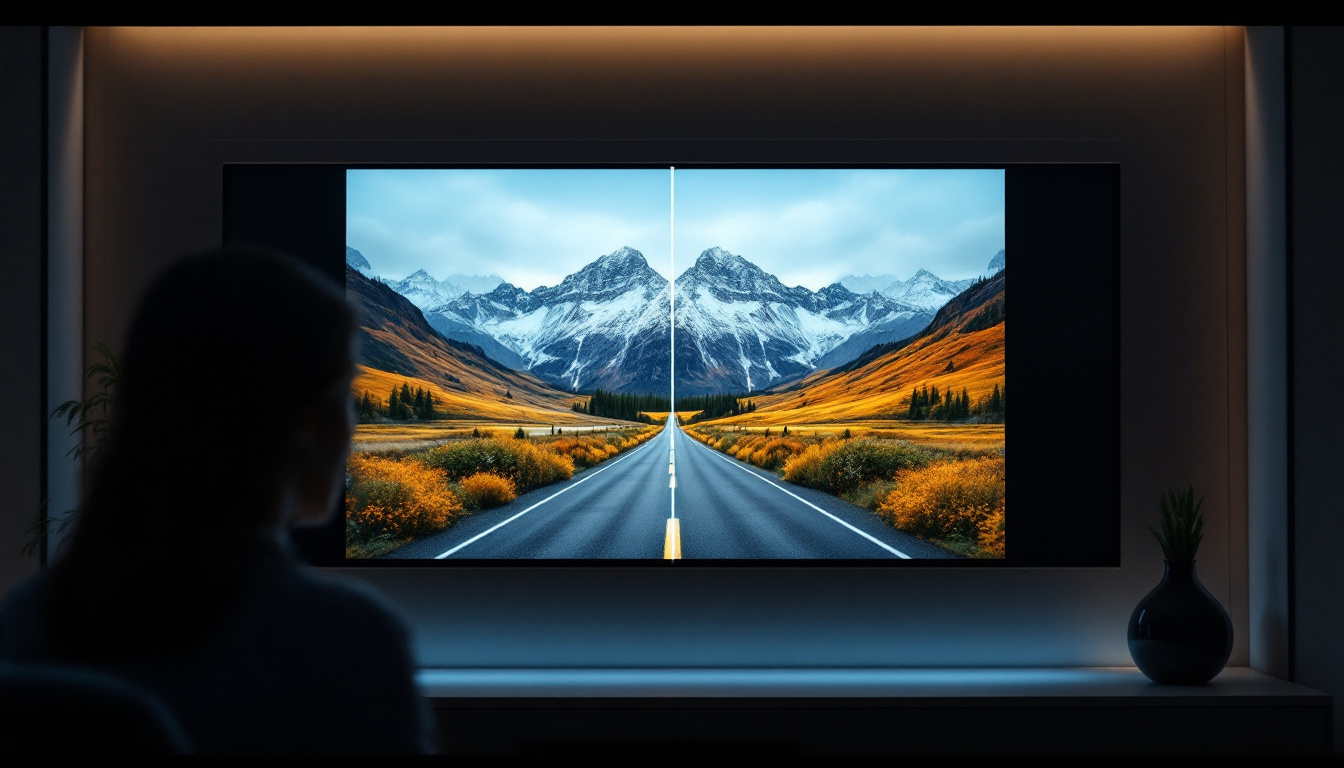
Contrast ratio directly influences the perceived quality of images and videos. A display with a low contrast ratio may produce washed-out images where dark areas appear grayish, and bright areas lack vibrancy. Conversely, a high contrast ratio results in deeper blacks and brighter whites, enhancing overall picture depth and realism. This quality is especially noticeable when watching films or playing video games, where the visual storytelling relies heavily on the interplay of light and shadow to create atmosphere and mood.
For users engaged in photo editing, video production, or gaming, an accurate and high contrast ratio is crucial. It ensures that subtle details in shadows and highlights are visible, which can be the difference between a mediocre and an exceptional visual experience. Furthermore, displays with superior contrast ratios can reduce eye strain during prolonged use, as they allow for easier differentiation between colors and brightness levels. This is particularly beneficial for those who spend long hours in front of their screens, as it can lead to a more comfortable and enjoyable viewing experience, ultimately enhancing productivity and creativity.
Contrast Ratio in LED Displays: How It Works
LED Backlighting and Its Impact
LED monitors use Light Emitting Diodes (LEDs) as their backlight source, replacing older CCFL (Cold Cathode Fluorescent Lamp) technology. This shift has improved energy efficiency, brightness, and color accuracy. However, the type of LED backlighting also affects contrast ratio.
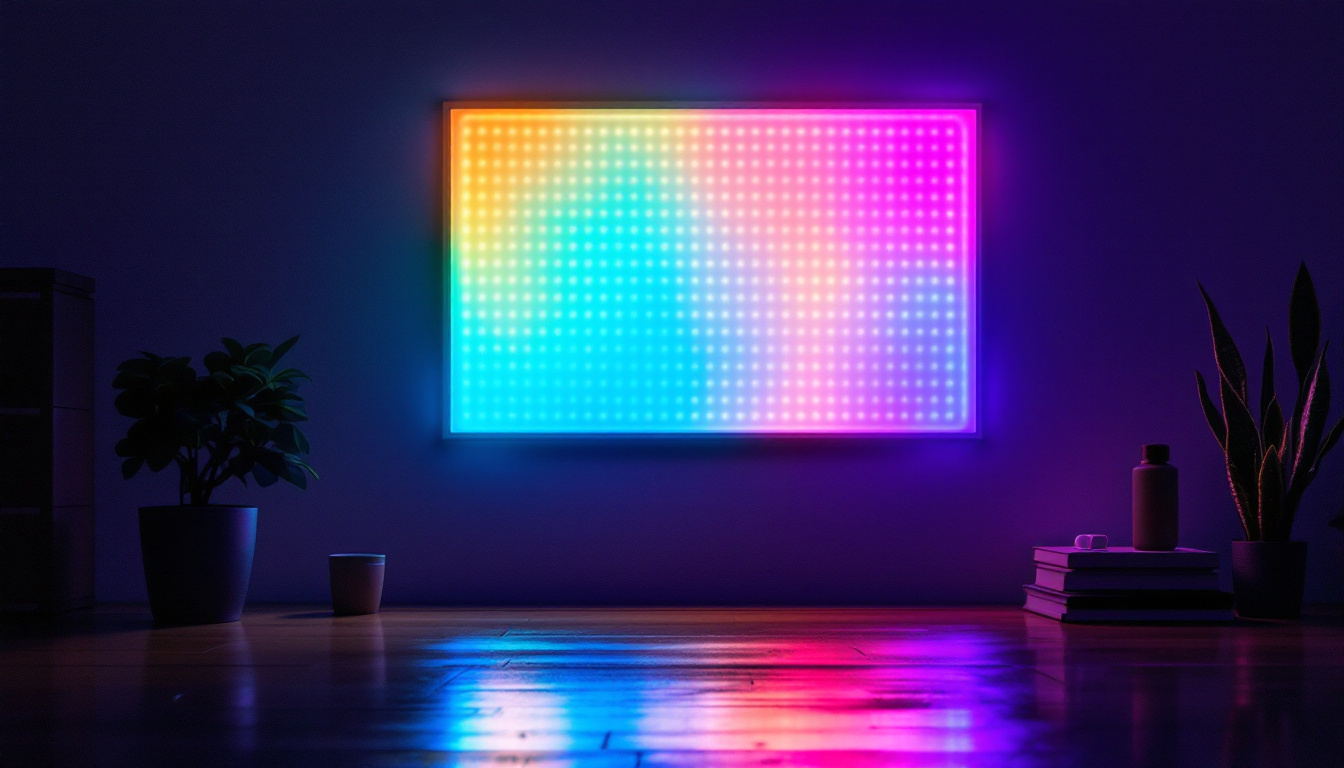
There are primarily two types of LED backlighting: edge-lit and full-array. Edge-lit LEDs position the light sources around the edges of the screen, while full-array LEDs have a grid of LEDs directly behind the panel. Full-array LED monitors typically offer better local dimming capabilities, which can enhance contrast by dimming specific areas of the screen to achieve deeper blacks. This is particularly beneficial for viewing content in darker environments, where the ability to display true blacks can significantly enhance the overall viewing experience.
Local Dimming and Contrast Enhancement
Local dimming is a technology that dynamically adjusts the brightness of different screen zones to improve contrast ratio. In LED displays with local dimming, dark areas can be dimmed independently from bright areas, resulting in more pronounced blacks and brighter whites simultaneously. This feature is crucial for high-definition content, where the subtleties of shadow and light play a vital role in storytelling and visual impact.
Monitors with advanced local dimming can achieve contrast ratios far exceeding those without it. For example, a full-array LED monitor with local dimming might boast contrast ratios of 5,000:1 or higher, compared to 1,000:1 for typical edge-lit models. Additionally, the effectiveness of local dimming can vary based on the number of dimming zones; more zones generally lead to better performance, as they allow for finer control over the brightness in different areas of the screen. This technology not only enhances the viewing experience for movies and video games but also improves productivity in professional settings, where accurate color representation and detail are essential for graphic design and video editing tasks.
Types of Contrast Ratios and Their Measurement
Static vs. Dynamic Contrast Ratio
It is essential to distinguish between static and dynamic contrast ratios, as manufacturers often quote the higher dynamic contrast ratio to make their products appear more impressive.
- Static Contrast Ratio: This measures the luminance difference between the brightest white and darkest black the monitor can produce at the same time, under fixed conditions. It is a more reliable indicator of real-world performance.
- Dynamic Contrast Ratio: This measures the difference when the monitor adjusts the backlight dynamically depending on the content displayed. While it can produce extremely high numbers (sometimes in the millions to one), it is less representative of everyday use.
For consumers, focusing on the static contrast ratio is more practical, as it reflects the monitor’s consistent ability to display contrast without relying on backlight tricks. Understanding this distinction is crucial for anyone looking to invest in a new display, as it can significantly impact the viewing experience. A monitor with a high static contrast ratio will often provide deeper blacks and more vibrant colors, enhancing everything from gaming to movie watching. In contrast, a monitor that boasts a high dynamic contrast ratio may not deliver the same level of detail in darker scenes, which can lead to a less satisfying visual experience.
How Contrast Ratio Is Measured
Measuring contrast ratio involves using specialized equipment to assess the luminance of pure white and pure black screens. However, the methodology can vary, leading to discrepancies in reported values.
Factors influencing measurement include ambient light conditions, the specific test patterns used, and whether the measurement accounts for local dimming. Because of this variability, contrast ratio figures on manufacturer specifications should be taken as guidelines rather than absolutes. Additionally, the type of display technology—such as OLED, LCD, or LED—can also affect how contrast ratios are perceived. For instance, OLED displays are known for their ability to achieve true blacks by turning off individual pixels, which can create a striking contrast that is often unmatched by traditional LCDs. This difference in technology highlights the importance of not only looking at the numbers but also considering the overall quality and type of display when evaluating contrast ratios.
Contrast Ratio in Practical Use: What to Expect
Impact on Different Types of Content
Contrast ratio plays a significant role depending on the content type. For movies and games with dark scenes, a high contrast ratio ensures that shadow details are visible without losing the depth of blacks. This enhances immersion and visual storytelling.
For productivity tasks such as document editing or web browsing, contrast ratio is less critical but still contributes to overall screen comfort and readability. Monitors with poor contrast can cause eye strain over extended periods.
Comparing LED Monitors with Other Technologies
While LED monitors have improved contrast ratios compared to older LCDs with CCFL backlighting, they generally cannot match the infinite contrast ratio of OLED displays. OLED pixels emit their own light and can turn off completely to produce true blacks, resulting in contrast ratios that are effectively unlimited.
However, OLED monitors are more expensive and less common in larger screen sizes, making LED displays with high contrast ratios a practical choice for most users.
Choosing a Monitor Based on Contrast Ratio
What Contrast Ratio Should You Look For?
For general use, a static contrast ratio of around 1000:1 is standard and sufficient. This level provides decent image quality for everyday tasks and casual media consumption.
For professionals in photography, video editing, or graphic design, a higher static contrast ratio (2000:1 or above) is preferable to ensure accurate color and detail representation.
Gamers and movie enthusiasts benefit from monitors with local dimming and dynamic contrast ratios that enhance dark scenes without compromising bright areas.
Balancing Contrast Ratio with Other Features
While contrast ratio is important, it should not be the sole factor in monitor selection. Other specifications such as color accuracy, refresh rate, resolution, and panel type (IPS, VA, TN) also significantly affect performance.
For instance, VA panels typically offer higher contrast ratios than IPS panels but may have slower response times. IPS panels provide better color accuracy and viewing angles but often at the expense of contrast.
Understanding your primary use case will help balance these factors effectively.
Common Misconceptions About Contrast Ratio
Higher Numbers Always Mean Better Quality?
It is a common misconception that a higher contrast ratio number automatically means a better display. As discussed, dynamic contrast ratios can be artificially inflated through backlight manipulation, which may not translate to better real-world performance.
Always look for reviews and tests that measure static contrast ratio and real-world image quality rather than relying solely on manufacturer specifications.
Contrast Ratio Alone Determines Image Quality
Contrast ratio is just one aspect of image quality. Factors such as color gamut, brightness, calibration, and panel uniformity also play crucial roles. A monitor with a high contrast ratio but poor color accuracy may still deliver subpar visuals.
Conclusion: The Role of Contrast Ratio in Monitor Selection
The contrast ratio of an LED monitor is a fundamental specification that indicates how well the display can differentiate between light and dark areas. It affects the depth, realism, and clarity of images, making it particularly important for media consumption, gaming, and professional content creation.
Understanding the difference between static and dynamic contrast ratios, as well as the impact of LED backlighting and local dimming, empowers consumers to make informed decisions. While a high contrast ratio enhances the viewing experience, it should be considered alongside other key features to find a monitor that truly meets individual needs.
In the evolving landscape of display technology, LED monitors with good contrast ratios remain a versatile and accessible choice, balancing performance and affordability for a wide range of users.
Explore High-Contrast LED Displays with LumenMatrix
Now that you understand the importance of contrast ratio in monitors and how it can elevate your visual experience, it’s time to see the difference firsthand. LumenMatrix, a leader in LED display technology, offers a comprehensive range of solutions tailored to meet your needs. From captivating Indoor LED Walls to dynamic Outdoor LED Displays, and innovative Custom LED solutions, LumenMatrix is committed to enhancing your brand’s visibility and audience engagement. Experience the pinnacle of contrast and clarity with our advanced LED displays. Check out LumenMatrix LED Display Solutions and transform your visual communication today.