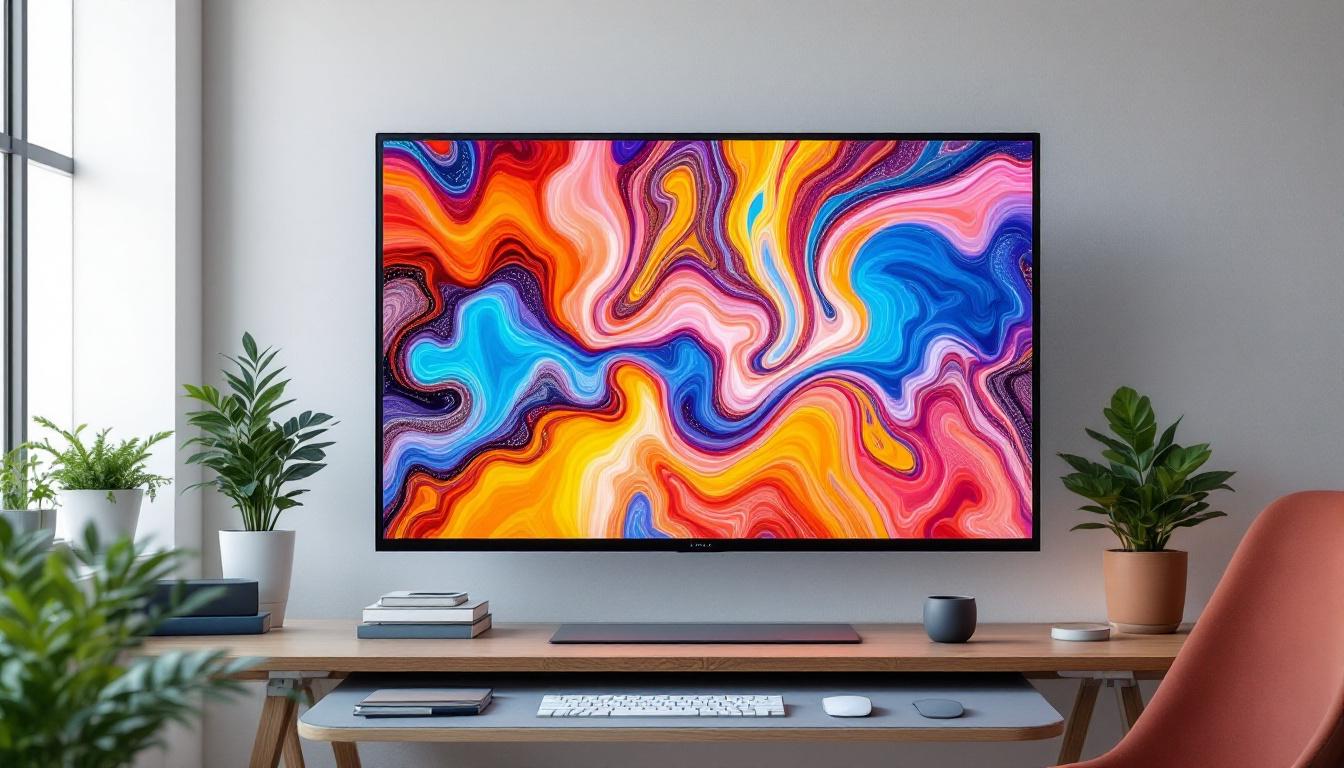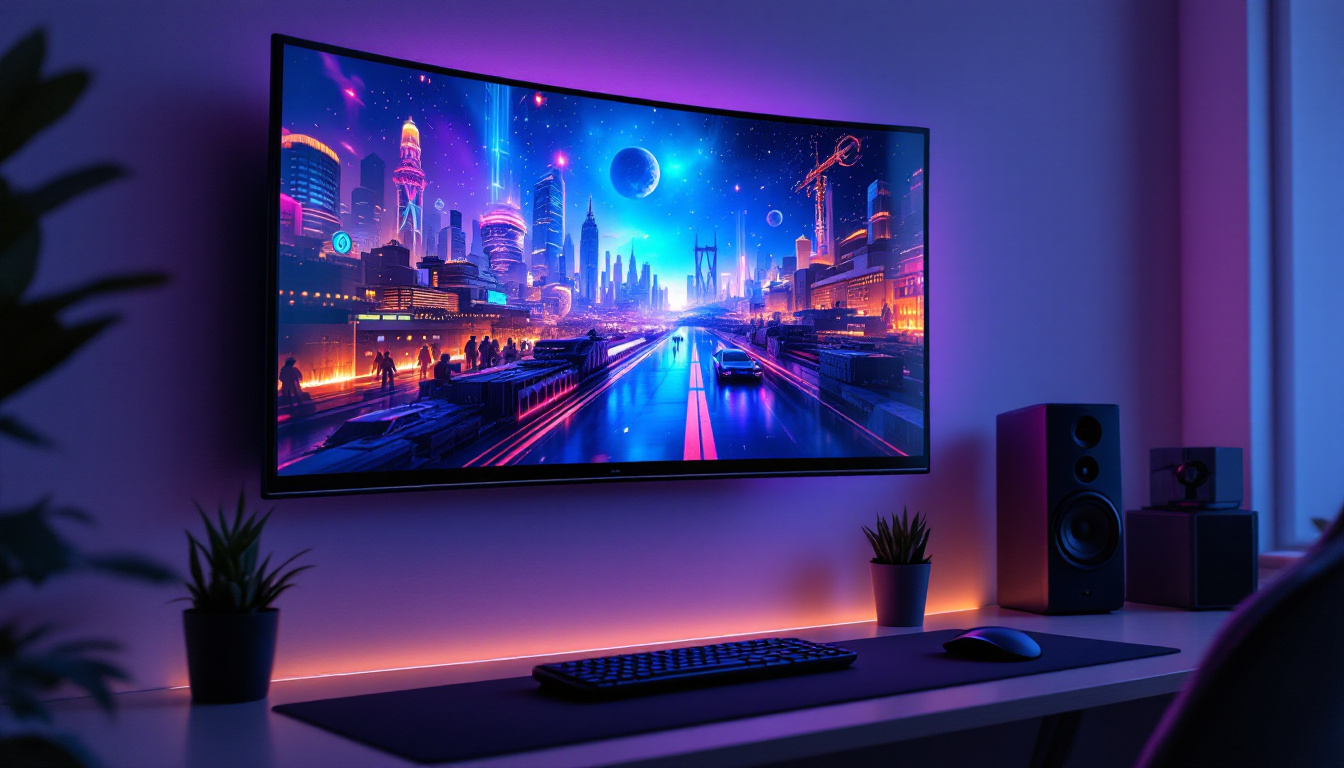
In today’s digital age, the computer monitor is an essential component of any workspace, whether for professional use, gaming, or casual browsing. However, the monitor’s performance and user experience are not solely dependent on its screen technology but also on how it is positioned and supported. This is where computer monitor stands come into play. This article delves into the world of computer monitor stands, focusing on three popular types, and explains the intricacies of LED display technology that powers most modern monitors.
Understanding Computer Monitor Stands: Why They Matter
Choosing the right computer monitor stand is more than just an aesthetic decision. It affects ergonomics, desk space management, and even the longevity of your monitor. With the rise of multi-monitor setups and ergonomic workstations, understanding the benefits and features of different stands is crucial.
Ergonomics and Health Benefits
Proper monitor positioning can significantly reduce neck, shoulder, and eye strain. According to the Occupational Safety and Health Administration (OSHA), the top of the screen should be at or slightly below eye level, and the monitor should be about an arm’s length away. Adjustable monitor stands help achieve this ideal setup, promoting better posture and reducing the risk of repetitive strain injuries. Moreover, investing in a high-quality stand can lead to long-term health benefits, as it encourages users to maintain a more natural alignment of the spine and reduces the likelihood of developing chronic pain conditions associated with poor workstation ergonomics.
Space Optimization and Desk Organization
Cluttered desks can hinder productivity. Monitor stands, especially those with built-in storage or adjustable height, allow users to free up valuable desk space. Some stands elevate the monitor, creating room underneath for keyboards, documents, or other peripherals. This is particularly beneficial in smaller workspaces or home offices where maximizing space is a priority. Additionally, many modern monitor stands come equipped with cable management features, which help keep cords organized and out of sight, further enhancing the overall aesthetic of your workspace. By reducing visual clutter, you can create a more focused environment that fosters creativity and efficiency.
Variety of Styles and Features
When selecting a monitor stand, it’s important to consider the variety of styles and features available in the market. From sleek, minimalist designs to more robust, multi-functional units, there is a stand to suit every taste and requirement. Some stands offer features like tilt, swivel, and rotation, allowing users to customize their viewing angles for optimal comfort. Others may include integrated USB ports or wireless charging capabilities, adding convenience to your setup. With the increasing emphasis on remote work and home offices, choosing a stand that complements your personal style while offering practical benefits can enhance your overall work experience.
Top 3 Types of Computer Monitor Stands
There are numerous monitor stands available on the market, but three types stand out due to their popularity, functionality, and user satisfaction: fixed stands, adjustable stands, and monitor arms. Each has unique features catering to different needs and preferences.
1. Fixed Monitor Stands
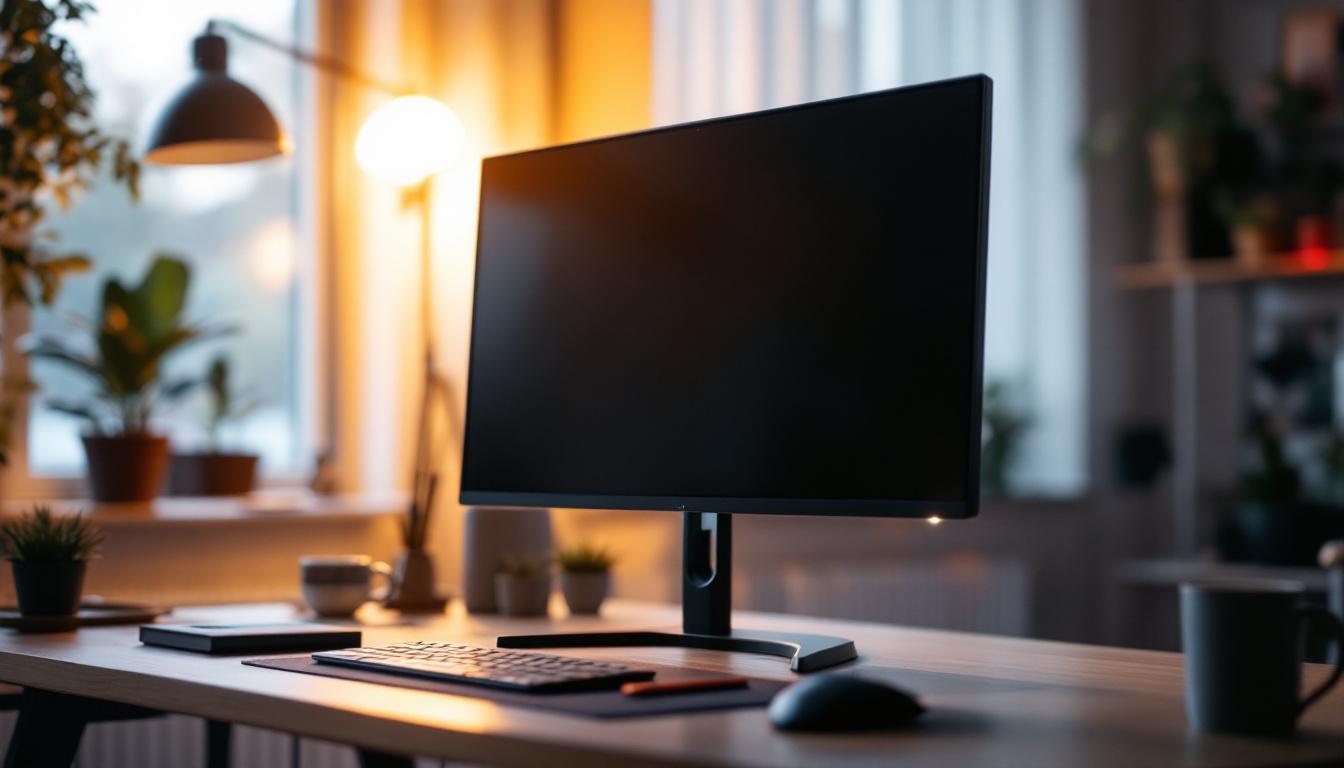
Fixed stands are the most basic type, usually included with the monitor itself. They provide a stable base but lack height or angle adjustability. While they’re suitable for users with a fixed desk setup or those who don’t require ergonomic adjustments, they can limit flexibility.
These stands are typically made of plastic or metal and designed to support the monitor’s weight securely. For users who prefer simplicity and minimal adjustments, fixed stands are a cost-effective solution. However, they may not be ideal for long-term use if ergonomic comfort is a priority. Additionally, fixed stands can sometimes contribute to poor posture, as users may find themselves leaning forward or straining their necks to view the screen comfortably, particularly if the monitor is positioned too low or too high for their eye level.
2. Adjustable Monitor Stands
Adjustable stands offer height, tilt, swivel, and sometimes rotation adjustments. These features allow users to customize the monitor position to their ergonomic needs. This flexibility is especially important for people who spend long hours in front of a screen or share workstations.
Many adjustable stands also include cable management systems, helping to keep the workspace tidy. Some models feature additional storage compartments or USB hubs, enhancing functionality. Brands like Ergotron and AmazonBasics provide popular adjustable stands that balance affordability with quality. Furthermore, adjustable stands can benefit users with specific health concerns, such as back pain or eye strain, by promoting better posture and reducing the risk of repetitive strain injuries. This adaptability makes them a wise investment for both home and office environments, where comfort and efficiency are paramount.
3. Monitor Arms
Monitor arms are the most versatile option, attaching to the desk or wall and allowing full freedom of movement. They enable height, tilt, swivel, and rotation adjustments, and can support single or multiple monitors. This flexibility makes them ideal for multi-monitor setups, gaming stations, or professional environments requiring frequent repositioning.
Monitor arms help maximize desk space by lifting monitors off the surface entirely. They also facilitate easy switching between landscape and portrait orientations. High-quality monitor arms often include gas spring mechanisms for smooth movement and robust build quality to support heavier displays. Additionally, many monitor arms are designed with aesthetics in mind, featuring sleek, modern designs that can enhance the overall look of a workspace. With the ability to position monitors at eye level, users can create a more comfortable viewing experience, which can significantly boost productivity and focus during long working hours. Moreover, the installation of monitor arms is typically straightforward, allowing users to quickly set up their workspace without the need for professional assistance.
LED Display Technology: The Heart of Modern Monitors
While the stand supports and positions the monitor, the LED display technology determines the visual quality. LED (Light Emitting Diode) displays have become the standard for computer monitors due to their superior brightness, energy efficiency, and color accuracy compared to older technologies like CCFL (Cold Cathode Fluorescent Lamp) backlights.
How LED Displays Work
LED monitors use light-emitting diodes to illuminate the screen. These diodes serve as backlights behind an LCD (Liquid Crystal Display) panel. The LCD controls the passage of light to create images by manipulating pixels. Unlike traditional CCFL backlights, LEDs provide more uniform lighting and can be turned on and off rapidly for better contrast.
There are two main types of LED backlighting: edge-lit and full-array. Edge-lit LEDs place diodes along the edges of the screen, allowing for thinner monitors but sometimes uneven brightness. Full-array LED backlighting distributes diodes evenly behind the screen, offering better contrast and local dimming capabilities, which enhance black levels and overall image quality.
Advantages of LED Displays
LED displays offer several benefits that make them the preferred choice for computer monitors:
- Energy Efficiency: LEDs consume less power than CCFL backlights, reducing electricity bills and environmental impact.
- Brightness and Contrast: LED monitors typically have higher brightness levels and better contrast ratios, improving visibility in various lighting conditions.
- Color Accuracy: Advanced LED monitors can cover wide color gamuts like Adobe RGB or DCI-P3, essential for professional photo and video editing.
- Thin and Lightweight Design: LED backlighting allows for slimmer monitor profiles, making them easier to mount on stands or arms.
- Longer Lifespan: LEDs tend to last longer and maintain brightness better over time compared to older backlighting technologies.
Common LED Display Terms Explained
Understanding LED display specifications can help users choose the right monitor for their needs:
- Refresh Rate: Measured in Hertz (Hz), this indicates how many times the screen updates per second. Higher refresh rates (e.g., 120Hz, 144Hz) provide smoother motion, important for gaming and video editing.
- Response Time: The time it takes for a pixel to change color, usually measured in milliseconds (ms). Lower response times reduce motion blur.
- Resolution: The number of pixels displayed on the screen, such as 1920×1080 (Full HD), 2560×1440 (QHD), or 3840×2160 (4K UHD). Higher resolutions offer sharper images.
- HDR (High Dynamic Range): Enhances contrast and color range for more realistic images, increasingly common in high-end LED monitors.
Choosing the Right Monitor Stand for Your LED Display
When selecting a monitor stand for an LED display, several factors should be considered to ensure compatibility and optimal performance.
Weight and Size Compatibility
LED monitors come in various sizes and weights, from compact 21-inch screens to expansive 34-inch ultrawides. It’s essential to choose a stand or arm that supports the monitor’s weight and size. Exceeding the recommended limits can lead to instability or damage.
Adjustability Features
Depending on your use case, adjustability might be crucial. For office work, ergonomic height and tilt adjustments reduce fatigue. For creative professionals, the ability to rotate the screen to portrait mode can enhance workflow. Gamers may prioritize quick swivel and height adjustments for comfort during long sessions.
Desk Space and Setup Considerations
Evaluate your workspace size and layout. If desk space is limited, a monitor arm that clamps to the desk or mounts on the wall can free up surface area. For multi-monitor setups, stands that accommodate two or three screens can simplify cable management and positioning.
Build Quality and Aesthetics
High-quality materials like aluminum or steel provide durability and a premium feel. Additionally, the stand’s design should complement your workspace aesthetics, whether you prefer minimalist, industrial, or modern styles.
Conclusion: Enhancing Your Viewing Experience
The combination of a well-chosen computer monitor stand and a high-quality LED display can transform your computing environment. Ergonomic stands improve comfort and productivity, while LED technology delivers vibrant, energy-efficient visuals that meet the demands of modern users.
Whether you opt for a simple fixed stand, a versatile adjustable model, or a fully flexible monitor arm, understanding your specific needs and monitor specifications is key. Paired with the benefits of LED displays, the right setup ensures a comfortable, efficient, and visually pleasing workspace tailored to your professional or personal requirements.
Upgrade Your Visual Experience with LumenMatrix
Ready to take your workspace to the next level? LumenMatrix is at the forefront of LED display innovation, offering a wide array of solutions to meet your professional and personal needs. From captivating Indoor LED Walls to dynamic Outdoor LED Displays, and even specialized options like Vehicle and Sports LED Displays, LumenMatrix has the technology to revolutionize your visual communication. Experience the difference with our LED Poster Displays, Floor LEDs, Custom configurations, and more. Elevate your environment with vibrant, energy-efficient displays designed for maximum impact. Check out LumenMatrix LED Display Solutions today and transform your space into a hub of productivity and visual flair.