Desktop Monitor PC: LED Display Explained
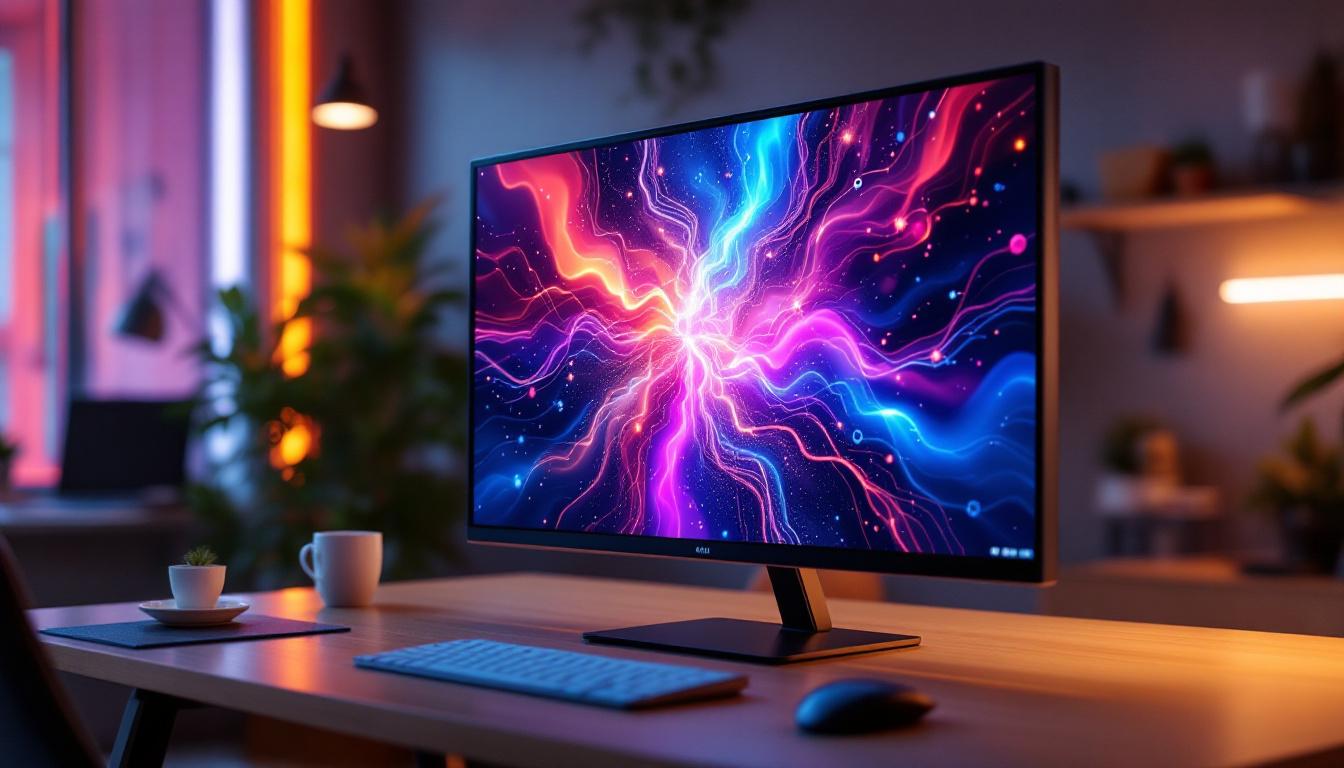
In today’s digital age, the desktop monitor is an essential component of any PC setup, whether for work, gaming, or creative pursuits. Among the various display technologies available, LED displays have become the dominant choice due to their superior performance, energy efficiency, and versatility. This article delves into the world of LED desktop monitors, explaining their technology, benefits, and what to consider when selecting one for your PC.
Understanding LED Display Technology
LED, or Light Emitting Diode, technology has revolutionized the way screens are illuminated and displayed. Unlike older LCD monitors that used cold cathode fluorescent lamps (CCFL) for backlighting, LED monitors utilize tiny light-emitting diodes to illuminate the screen, resulting in better brightness, contrast, and energy efficiency. This advancement has not only improved the visual quality of displays but has also contributed to a more sustainable approach to technology, as LED lights consume significantly less power compared to their fluorescent counterparts.
How LED Displays Work
At the core, an LED monitor is still an LCD (Liquid Crystal Display) panel. The key difference lies in the backlighting method. Traditional LCDs use fluorescent lamps to light the pixels, whereas LED monitors use an array of LEDs behind or along the edges of the screen. These LEDs shine light through the liquid crystal layer, which modulates the light to create images. The ability to control the intensity of the LEDs allows for a wider range of brightness levels, enhancing the overall viewing experience, especially in varied lighting conditions.
There are two main types of LED backlighting:
- Edge-lit LED: LEDs are placed along the edges of the screen. Light is diffused across the panel to illuminate the display. This method allows for thinner monitors but may suffer from uneven brightness in some cases. Edge-lit displays are often favored for their sleek design and lightweight construction, making them ideal for wall-mounted setups.
- Direct-lit or Full-array LED: LEDs are placed directly behind the entire screen. This allows for better uniformity and enables local dimming, where specific zones can be dimmed or brightened independently, improving contrast and black levels. This technology is particularly beneficial for watching movies or playing video games, where deep blacks and vibrant colors can enhance the immersive experience.
LED vs. OLED: What’s the Difference?
While LED monitors use LEDs for backlighting an LCD panel, OLED (Organic Light Emitting Diode) displays are fundamentally different. OLED pixels emit their own light, eliminating the need for backlighting. This results in deeper blacks and more vibrant colors but often comes at a higher cost and with potential longevity concerns. The self-emissive nature of OLED technology allows for pixel-level control, enabling displays to turn off individual pixels completely, which leads to true black levels that are unattainable with LED backlighting.
For desktop monitors, LED-backlit LCDs remain the most common due to their balance of cost, performance, and availability. OLED monitors are emerging but are still niche products primarily aimed at professionals or enthusiasts. Additionally, the market for LED displays continues to evolve, with advancements in mini-LED and micro-LED technologies promising even greater improvements in color accuracy and energy efficiency. Mini-LED, for instance, uses smaller LEDs for backlighting, allowing for more precise control over local dimming zones, while micro-LED technology offers the potential for self-emissive displays without the drawbacks of OLED, such as burn-in issues.
Benefits of LED Desktop Monitors
LED technology offers several advantages that have made it the preferred choice for desktop monitors across various use cases.
Energy Efficiency and Environmental Impact
LED backlighting consumes significantly less power compared to CCFL backlighting. According to studies, LED monitors can use up to 30-40% less energy, which not only reduces electricity bills but also lessens the environmental footprint of your computing setup. This efficiency is particularly important for businesses and individuals who use multiple monitors or run systems for extended periods.
Improved Display Quality
LED monitors typically provide higher brightness levels, which enhances visibility in well-lit environments. They also offer better contrast ratios, especially when paired with full-array local dimming, resulting in deeper blacks and more vivid colors. This makes LED monitors excellent for tasks requiring color accuracy, such as photo editing, video production, and gaming.
Slimmer and Lighter Designs
The compact size of LEDs allows manufacturers to design thinner and lighter monitors. This not only saves desk space but also improves portability and aesthetic appeal. Modern LED monitors often feature sleek bezels and minimalist designs, fitting well in both professional and home office settings.
Longer Lifespan and Durability
LED backlights generally have a longer lifespan than CCFLs, often rated for 30,000 to 60,000 hours of use. They are also more durable and less prone to damage from shocks or vibrations, making them a reliable choice for everyday use.
Key Specifications to Consider When Choosing an LED Monitor
Understanding the technical specifications of LED monitors can help you make an informed purchase that aligns with your needs.
Resolution and Screen Size
The resolution determines the amount of detail the monitor can display. Common resolutions include Full HD (1920×1080), Quad HD (2560×1440), and 4K UHD (3840×2160). Higher resolutions offer sharper images but require more powerful graphics hardware.
Screen size is equally important. Typical desktop monitors range from 21 to 32 inches. Larger screens provide more workspace and immersive experiences but require more desk space and may increase cost.
Refresh Rate and Response Time
Refresh rate, measured in Hertz (Hz), indicates how many times the screen updates per second. Higher refresh rates (120Hz, 144Hz, or even 240Hz) are crucial for smooth motion in gaming and video playback. For general office work, 60Hz is usually sufficient.
Response time refers to how quickly a pixel can change color, measured in milliseconds (ms). Lower response times reduce motion blur, which is especially important for fast-paced gaming.
Color Accuracy and Gamut
For professionals in photography, design, and video editing, color accuracy is paramount. Look for monitors that cover a wide color gamut such as Adobe RGB or DCI-P3 and offer factory calibration or support hardware calibration tools.
Connectivity Options
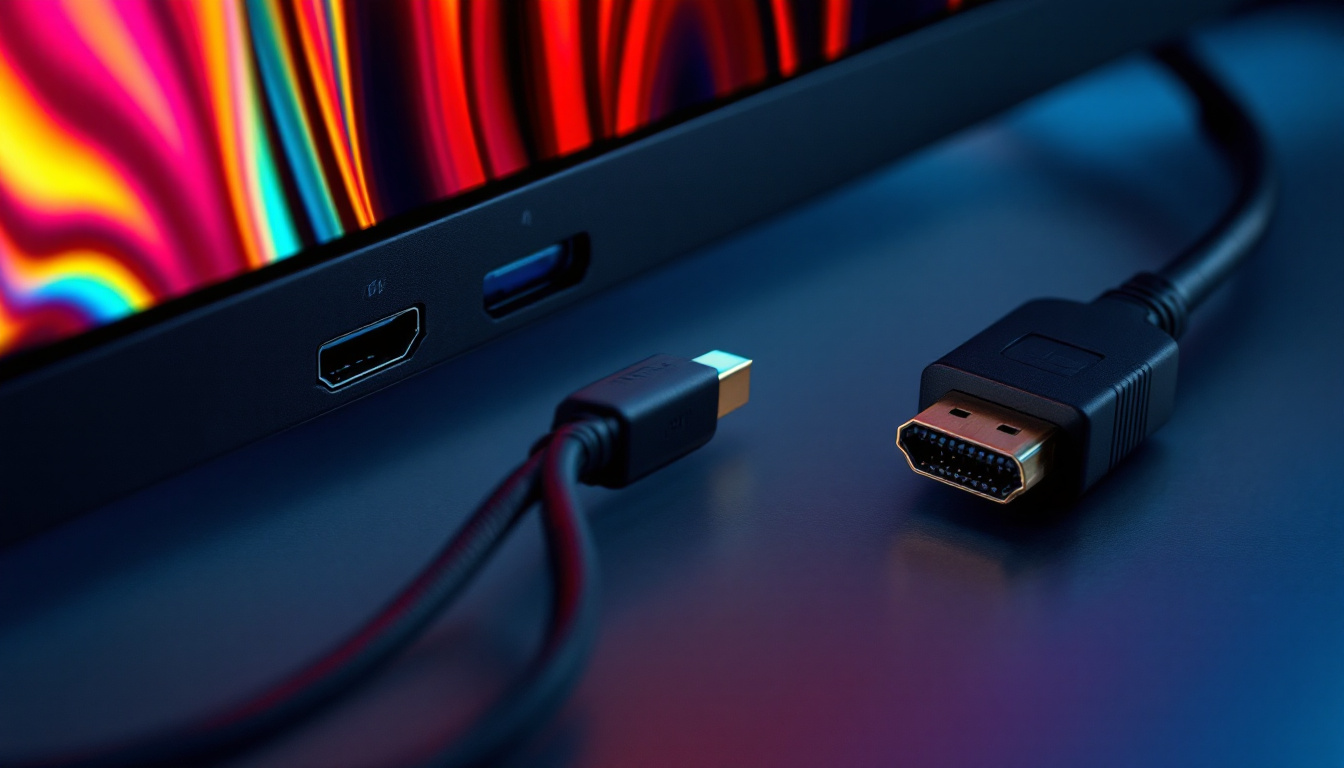
Modern LED monitors come with a variety of ports including HDMI, DisplayPort, USB-C, and legacy VGA or DVI connectors. USB-C ports are increasingly popular as they can deliver video, data, and power through a single cable, simplifying setups.
Additional Features
Some LED monitors include built-in speakers, adjustable stands, blue light filters, and flicker-free technology to reduce eye strain during prolonged use. These features can enhance comfort and usability.
Popular Use Cases for LED Desktop Monitors
LED monitors cater to a broad spectrum of users, each with unique requirements and preferences.
Office and Productivity
For general office tasks such as document editing, web browsing, and video conferencing, LED monitors provide crisp text and clear visuals. Monitors with anti-glare coatings and ergonomic stands help reduce eye strain and improve comfort during long work hours.
Creative Professionals
Graphic designers, photographers, and video editors benefit from LED monitors with high resolution, wide color gamut, and excellent color accuracy. Brands like Dell UltraSharp and Eizo ColorEdge offer professional-grade LED monitors tailored for color-critical work.
Gaming
Gamers prioritize refresh rates, response times, and adaptive sync technologies like NVIDIA G-Sync or AMD FreeSync, which reduce screen tearing and stuttering. LED monitors with 144Hz or higher refresh rates and low input lag deliver a competitive edge and immersive experience.
Entertainment and Multimedia
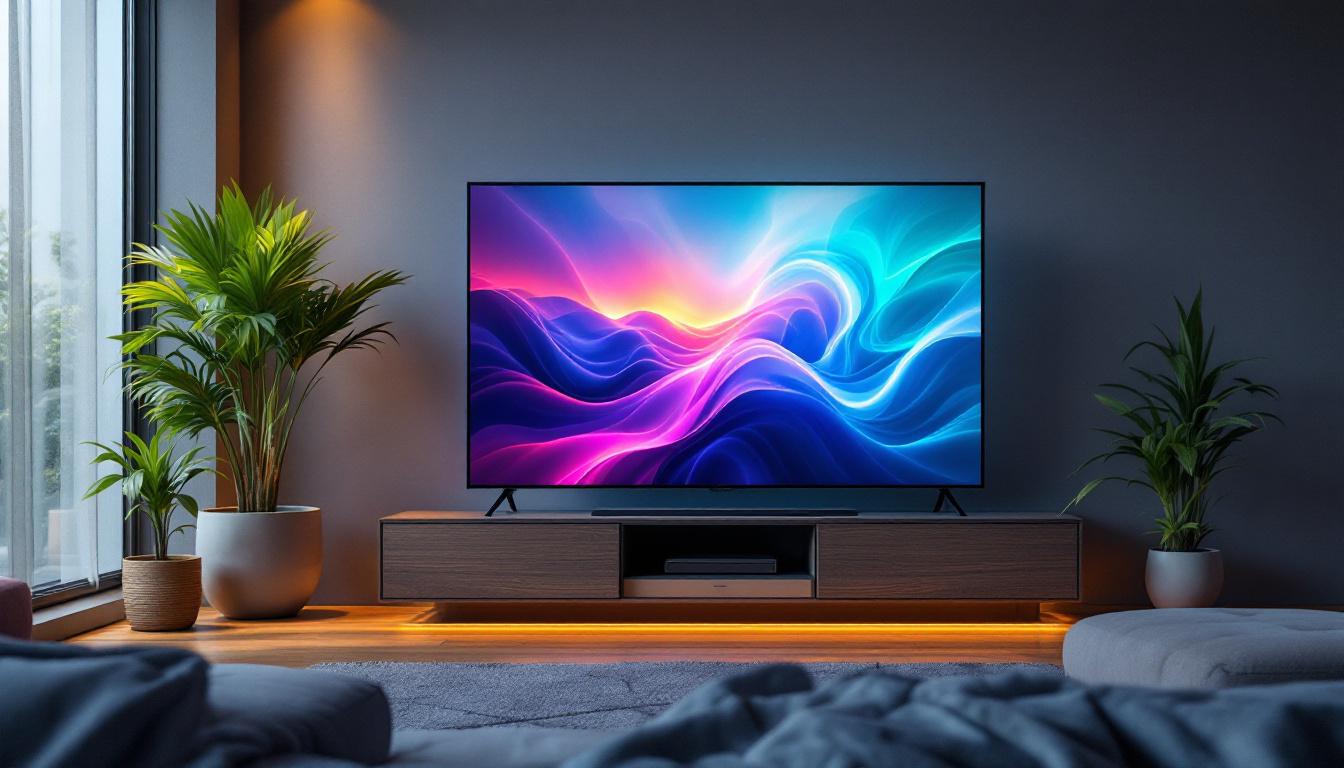
For watching movies or streaming content, LED monitors with high brightness, wide viewing angles, and HDR (High Dynamic Range) support provide vibrant and lifelike images. Many LED monitors now support HDR10, enhancing contrast and color depth.
Maintaining and Caring for Your LED Monitor
Proper maintenance can extend the life and preserve the quality of your LED desktop monitor.
Cleaning Tips
Use a soft, lint-free microfiber cloth to clean the screen. Avoid harsh chemicals or abrasive materials that can damage the anti-reflective coating. For stubborn smudges, a mixture of distilled water and isopropyl alcohol in a 50:50 ratio can be used sparingly.
Optimal Usage Conditions
Keep the monitor in a well-ventilated area to prevent overheating. Avoid exposing the screen to direct sunlight for prolonged periods, which can cause discoloration or damage. Adjust brightness and contrast settings to comfortable levels to reduce eye fatigue.
Software and Firmware Updates
Some monitors support firmware updates that can improve performance or fix bugs. Check the manufacturer’s website periodically for updates and instructions.
The Future of LED Desktop Monitors
LED technology continues to evolve, with innovations aimed at improving display quality, energy efficiency, and user experience.
Mini-LED and Micro-LED Technologies
Mini-LED monitors use thousands of tiny LEDs for backlighting, enabling even more precise local dimming zones and superior contrast ratios. This technology bridges the gap between traditional LED and OLED displays, offering better black levels without some OLED drawbacks.
Micro-LED, still in early stages for desktop monitors, promises self-emissive pixels like OLED but with higher brightness, longer lifespan, and no burn-in risk. These advancements could redefine desktop display standards in the coming years.
Integration with Smart and Adaptive Features
Future LED monitors are expected to incorporate AI-driven features such as adaptive brightness and color calibration based on ambient lighting and user preferences. Enhanced connectivity and integration with smart home and office ecosystems will also become more common.
Conclusion
LED desktop monitors represent a mature and versatile display technology that balances performance, efficiency, and cost. Understanding the underlying technology, benefits, and key specifications helps users select the right monitor tailored to their needs—whether for professional work, gaming, or everyday use. As LED technology continues to advance with innovations like Mini-LED and Micro-LED, the future promises even more impressive and immersive desktop display experiences.
Discover LumenMatrix’s Advanced LED Display Solutions
Ready to elevate your visual experience with the latest in LED display technology? Look no further than LumenMatrix, a pioneer in crafting innovative LED display modules designed to amplify your brand’s presence and captivate your audience. From the immersive Indoor LED Wall Display to the dynamic Outdoor LED Wall Display, and from the mobile versatility of Vehicle LED Displays to the sleek design of LED Poster Displays, LumenMatrix offers a comprehensive range of solutions tailored to your unique needs. Embrace the future of visual communication with our cutting-edge digital signage and LED displays that promise to enhance engagement and deliver your message with unparalleled impact. Check out LumenMatrix LED Display Solutions today and transform the way you connect with your audience.