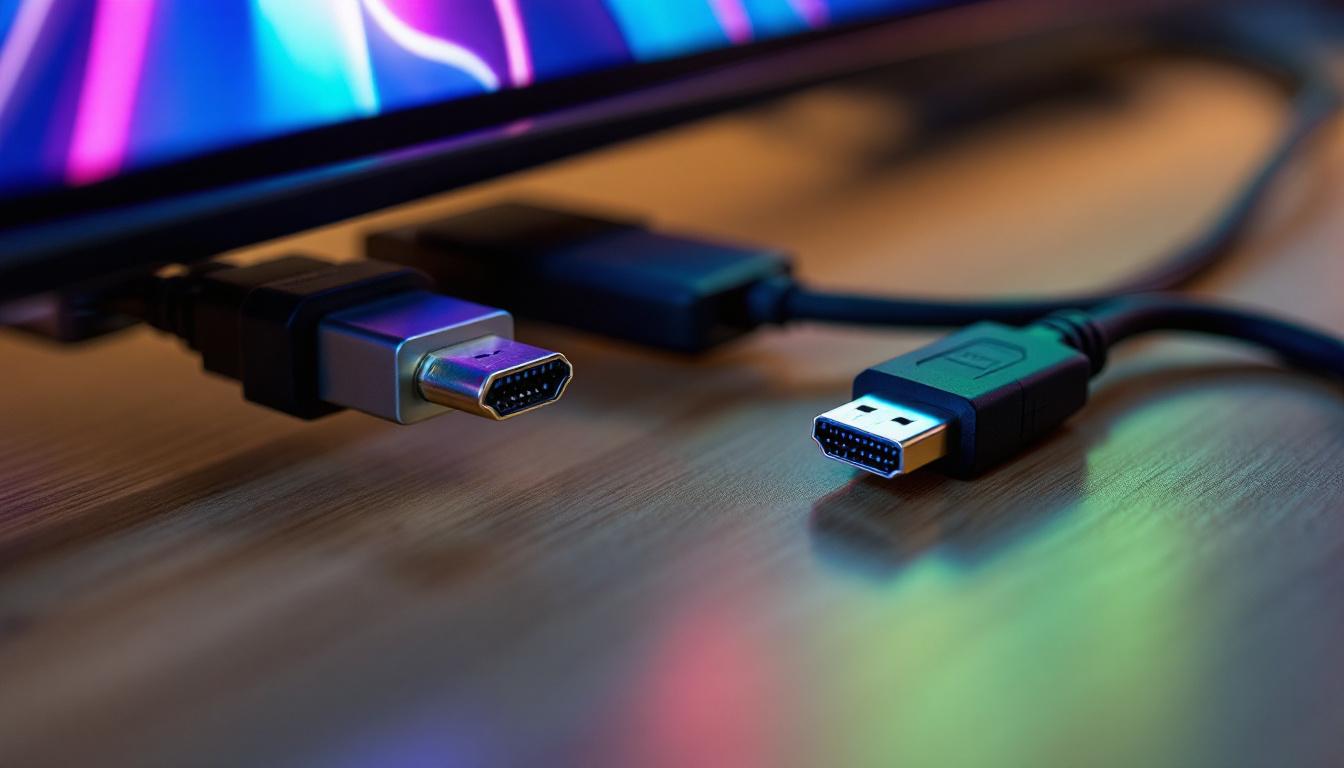
Choosing the right connection type for your LED display can be a daunting task, especially with the variety of options available today. Two of the most common interfaces—DisplayPort and HDMI—are often compared for their performance, compatibility, and suitability for different use cases. This article dives deep into the technical aspects, practical applications, and future trends of DisplayPort and HDMI, helping you make an informed decision for your LED display setup.
Understanding LED Displays and Their Connection Needs
LED displays have become the standard for vibrant, high-resolution visuals in everything from home entertainment systems to professional digital signage. Unlike traditional LCDs, LED displays use light-emitting diodes to illuminate pixels, resulting in brighter images, better contrast ratios, and energy efficiency.
However, the quality of the display is only as good as the signal it receives. This is where the choice between DisplayPort and HDMI becomes critical. Both interfaces transmit audio and video signals, but their design philosophies and capabilities differ significantly. Understanding these differences is essential for maximizing your LED display’s performance.
The Role of Video Interfaces in LED Displays
Video interfaces serve as the communication bridge between your source device—such as a computer, gaming console, or media player—and the LED display. They determine the maximum resolution, refresh rate, color depth, and audio quality that can be transmitted. A mismatch between the display’s capabilities and the interface can lead to suboptimal performance, such as lower resolution or screen flickering.
Why Connection Choice Matters
With LED displays supporting resolutions up to 8K and refresh rates exceeding 120Hz, the bandwidth and feature set of the connection interface become crucial. Choosing the wrong interface can limit your display’s potential, cause compatibility issues, or result in unnecessary expenses on adapters and converters.
DisplayPort: A Closer Look
Developed by the Video Electronics Standards Association (VESA), DisplayPort is a digital display interface primarily designed for computer monitors but increasingly used in TVs and projectors. It was introduced in 2006 to replace older standards like VGA and DVI, offering higher bandwidth and more advanced features.
Technical Specifications and Capabilities
DisplayPort 1.4, the most widely adopted version as of 2024, supports a maximum bandwidth of 32.4 Gbps. This allows it to handle 4K resolution at 120Hz with HDR or 8K at 60Hz with compression technologies like Display Stream Compression (DSC). The latest iteration, DisplayPort 2.0, pushes the bandwidth to an impressive 80 Gbps, enabling uncompressed 8K at 60Hz or 4K at 240Hz.
DisplayPort supports multiple data lanes (up to four), each transmitting 8.1 Gbps, which contributes to its high throughput. It also supports daisy chaining, allowing multiple monitors to be connected in series from a single output port, a feature highly valued in professional environments.
Advantages of DisplayPort for LED Displays
- Higher Bandwidth: Ideal for ultra-high resolutions and refresh rates, making it perfect for gaming, professional editing, and advanced digital signage.
- Daisy Chaining: Simplifies multi-monitor setups without requiring multiple cables or ports on the source device.
- Adaptive Sync Support: Technologies like AMD FreeSync and NVIDIA G-Sync are natively supported, reducing screen tearing and stuttering in gaming.
- Robust Security: DisplayPort supports content protection standards like HDCP 2.2, ensuring secure transmission of copyrighted content.
Considerations and Limitations
Despite its strengths, DisplayPort is less common on consumer TVs and many media devices, which predominantly use HDMI. Additionally, the cable length for DisplayPort is generally shorter compared to HDMI without signal boosters, which can be a limitation in large-scale LED installations.
HDMI: The Ubiquitous Standard
High-Definition Multimedia Interface (HDMI) is the most widely used interface for consumer electronics, introduced in 2002. It has become the default connection for TVs, gaming consoles, Blu-ray players, and many laptops, making it a familiar choice for most users.
Technical Specifications and Capabilities
HDMI 2.1, the latest standard as of 2024, supports bandwidth up to 48 Gbps. This enables 4K resolution at 120Hz, 8K at 60Hz, and even 10K for specialized applications. It also supports Dynamic HDR, enhanced audio return channel (eARC), and variable refresh rate (VRR), features that enhance both video and audio quality.
HDMI cables come in various categories, such as Standard, High-Speed, Premium High-Speed, and Ultra High-Speed, each supporting different bandwidths and features. Choosing the right cable is vital to fully utilize HDMI’s capabilities.
Advantages of HDMI for LED Displays
- Wide Compatibility: Supported by virtually all consumer electronics, making it easy to connect multiple devices without adapters.
- Audio and Video in One Cable: Simplifies setup by carrying both signals, reducing cable clutter.
- Consumer-Friendly Features: Includes Consumer Electronics Control (CEC) for device interoperability and automatic input switching.
- Longer Cable Lengths: HDMI cables can run longer distances without signal degradation, beneficial for large room setups.
Considerations and Limitations
While HDMI is versatile, it lacks some of the advanced features favored by professionals, such as daisy chaining and higher bandwidth for uncompressed 8K at high refresh rates. Additionally, HDMI’s licensing fees can make cables and devices slightly more expensive.
Comparing DisplayPort and HDMI for LED Displays
When deciding between DisplayPort and HDMI for your LED display, several factors come into play, including your specific use case, device compatibility, and future-proofing needs.
Resolution and Refresh Rate Support
Both DisplayPort 1.4 and HDMI 2.1 support 4K at 120Hz and 8K at 60Hz, but DisplayPort 2.0 surpasses HDMI 2.1 in bandwidth, enabling higher resolutions and refresh rates with less compression. For gamers and professionals requiring ultra-smooth motion and crisp visuals, DisplayPort 2.0 is the superior choice—if supported by their hardware.
Compatibility and Device Ecosystem
HDMI’s ubiquity makes it the default for most consumer electronics, ensuring plug-and-play convenience. DisplayPort is more common in PCs, high-end monitors, and professional AV equipment. If your LED display is primarily used with a PC or workstation, DisplayPort might offer better performance and features. For TVs, gaming consoles, and streaming devices, HDMI is generally the better option.
Audio Transmission
Both interfaces support multi-channel audio, but HDMI has a slight edge with eARC, which allows for higher-quality audio formats like Dolby Atmos and DTS:X to be transmitted with minimal latency. This is particularly important for home theater setups using LED TVs.
Cable Length and Installation Flexibility
HDMI cables can reliably transmit signals over longer distances (up to 15 meters or more with Ultra High-Speed cables) without active boosters. DisplayPort cables typically max out around 3 meters for passive cables, though active cables can extend this range. For large venues or complex installations, HDMI might offer more flexibility.
Practical Recommendations for Different Use Cases
Home Entertainment and Gaming
For most home users, HDMI 2.1 is the preferred choice due to its compatibility with TVs, consoles like PlayStation 5 and Xbox Series X, and streaming devices. Its support for 4K at 120Hz, VRR, and eARC makes it ideal for immersive gaming and cinematic experiences.
However, PC gamers with high-end monitors that support DisplayPort 1.4 or 2.0 may benefit from DisplayPort’s superior bandwidth and adaptive sync technologies, which can reduce input lag and screen tearing.
Professional and Creative Workflows
Graphic designers, video editors, and CAD professionals often require high resolutions, accurate color reproduction, and multi-monitor setups. DisplayPort’s higher bandwidth, daisy chaining capabilities, and support for HDR make it the go-to interface in these scenarios.
Many professional-grade LED displays and monitors come equipped with DisplayPort inputs to accommodate these needs.
Digital Signage and Large-Scale Installations
In commercial environments, where LED walls and video walls are common, DisplayPort’s ability to daisy chain multiple displays simplifies cabling and reduces hardware requirements. However, HDMI’s longer cable lengths and widespread device support can also be advantageous, especially when integrating various content sources.
Future Trends and Emerging Technologies
Both DisplayPort and HDMI continue to evolve, driven by the demand for higher resolutions, faster refresh rates, and enhanced features.
DisplayPort 2.0 and Beyond
DisplayPort 2.0, ratified in 2019 but gaining traction in 2023-2024, represents a significant leap in bandwidth and capabilities. It supports uncompressed 8K at 60Hz with 30-bit color and HDR, as well as 4K at 240Hz, making it future-proof for the next generation of LED displays.
Additionally, DisplayPort is exploring USB-C integration, allowing video, data, and power delivery over a single cable, which could simplify setups further.
HDMI 2.1 and the Push for Higher Resolutions
HDMI 2.1 adoption is accelerating, especially in consumer electronics. New features like Quick Frame Transport (QFT) and Auto Low Latency Mode (ALLM) enhance gaming responsiveness. The industry is also looking toward HDMI 2.2 and beyond, which may increase bandwidth and support for emerging display technologies.
The Rise of Wireless Display Technologies
While wired connections remain the gold standard for reliability and quality, wireless standards like Wi-Fi 6 and Wi-Fi 7 are enabling high-bandwidth, low-latency streaming to LED displays. Technologies such as Wireless Display (WiDi) and Miracast are improving but are not yet replacements for DisplayPort or HDMI in professional or high-performance contexts.
Conclusion: Making the Right Choice for Your LED Display
Choosing between DisplayPort and HDMI for your LED display depends on your specific needs, device compatibility, and future plans. HDMI offers unmatched compatibility and ease of use, making it ideal for most consumer applications, including home entertainment and gaming consoles.
DisplayPort, with its higher bandwidth and advanced features, excels in professional environments and high-performance PC setups. Its support for daisy chaining and adaptive sync technologies make it a favorite among content creators and gamers seeking the best visual experience.
Ultimately, understanding the strengths and limitations of each interface will empower you to optimize your LED display setup, ensuring vibrant visuals, smooth performance, and a future-proof investment.
Explore Cutting-Edge LED Display Solutions with LumenMatrix
Now that you understand the importance of selecting the right interface for your LED display, take the next step with LumenMatrix. As a pioneer in LED display technology, we offer an extensive range of innovative solutions tailored to your needs. From Indoor and Outdoor LED Wall Displays to specialized options like Vehicle, Sports, and Floor LED Displays, our products are designed to elevate your visual communication and audience engagement. Experience the future of vibrant and dynamic digital signage with LumenMatrix. Check out LumenMatrix LED Display Solutions today and transform the way you share your message.