Monitors Vs TVs: LED Display Explained
In today’s digital age, choosing the right display device is crucial whether for work, gaming, or entertainment. The market is flooded with options, but two of the most common types of screens are LED monitors and LED TVs. While both use similar underlying technology, their design, features, and intended uses differ significantly. Understanding these differences can help consumers make informed decisions tailored to their specific needs.
Understanding LED Display Technology
Both LED monitors and LED TVs utilize Light Emitting Diodes (LEDs) to illuminate their screens. This technology replaced older CCFL (Cold Cathode Fluorescent Lamp) backlighting methods, offering improved energy efficiency, better brightness, and thinner panel designs.
LED displays come in two primary forms: direct LED backlighting and edge-lit LED backlighting. Direct LED uses an array of LEDs placed directly behind the screen, providing more uniform brightness and better contrast. Edge-lit LED places LEDs along the edges of the panel, allowing for thinner screens but sometimes at the cost of even lighting.
While the LED technology itself is similar, the way it’s implemented in monitors and TVs can vary, affecting performance characteristics such as color accuracy, refresh rates, and viewing angles.
In addition to these foundational differences, LED displays have evolved to include advanced technologies such as Quantum Dot and OLED (Organic Light Emitting Diode) enhancements. Quantum Dot technology utilizes tiny semiconductor particles that emit specific colors when illuminated by a light source, resulting in a wider color gamut and improved brightness. This innovation is particularly beneficial for high dynamic range (HDR) content, where vibrant colors and deep contrasts are essential for an immersive viewing experience.
Moreover, the gaming industry has also seen significant advancements in LED technology with the introduction of high refresh rate monitors that utilize LED panels. These monitors can achieve refresh rates of 120Hz or higher, providing smoother motion and reduced lag, which is crucial for fast-paced gaming. Features like variable refresh rates (VRR) and low input lag further enhance the gaming experience, making LED monitors a popular choice among gamers seeking competitive advantages.
Key Differences Between LED Monitors and LED TVs
Resolution and Pixel Density
One of the most important distinctions lies in resolution and pixel density. Monitors typically have higher pixel density than TVs because they are designed to be viewed from a much shorter distance—often just a couple of feet away. This means that a 27-inch monitor with a 2560×1440 resolution will appear sharper and more detailed than a 50-inch TV with the same resolution.
TVs, on the other hand, are generally viewed from several feet away, so manufacturers often prioritize larger screen sizes over pixel density. For example, a 4K (3840×2160) resolution is common in modern TVs to maintain image clarity at bigger sizes, but the pixels per inch (PPI) remain lower compared to monitors. This difference in viewing distance and pixel density can significantly affect the overall experience, especially when it comes to tasks that require fine detail, such as graphic design or video editing. Additionally, the advancements in display technology, including HDR (High Dynamic Range), have further blurred the lines between monitors and TVs, as both strive to deliver richer colors and deeper contrasts.
Refresh Rates and Response Times
Refresh rate and response time are critical for applications requiring smooth motion, such as gaming or video editing. Monitors often boast higher refresh rates—ranging from 75Hz to 360Hz—and faster response times, sometimes as low as 1ms. These features reduce motion blur and input lag, providing a more responsive experience.
In contrast, most LED TVs have refresh rates between 60Hz and 120Hz, with response times generally slower than monitors. Although some high-end TVs offer gaming modes and variable refresh rate technologies like HDMI 2.1 VRR or AMD FreeSync, they still may not match the performance of dedicated gaming monitors. Furthermore, the technology behind refresh rates has evolved, with features such as motion interpolation being used in TVs to enhance the smoothness of video playback. However, this can sometimes lead to a “soap opera effect,” which may not be desirable for all viewers, particularly those who prefer a more cinematic experience.
Color Accuracy and Calibration
Color accuracy is paramount for professionals in photography, video production, and graphic design. Monitors designed for these purposes often come factory-calibrated with wide color gamut support (such as AdobeRGB or DCI-P3) and can be further calibrated using hardware tools.
LED TVs are optimized for vibrant, eye-catching colors suitable for movies and TV shows, often enhancing saturation and contrast to appeal to general consumers. While this makes content look more vivid, it can result in less accurate color reproduction, which is less ideal for professional work. Moreover, the varying quality of panels used in TVs can lead to inconsistencies in color performance, particularly when viewed from different angles. This is where high-end models, featuring OLED or QLED technology, can offer superior color accuracy and viewing angles, making them more suitable for both entertainment and casual creative work.
Connectivity and Features
Monitors generally offer a range of connectivity options tailored to computers, including DisplayPort, USB-C, and multiple HDMI ports. Many also include USB hubs, adjustable stands, and ergonomic features like pivot, swivel, and height adjustment.
LED TVs focus on multimedia connectivity, featuring HDMI ports, USB inputs, and smart TV capabilities such as built-in streaming apps, voice assistants, and Wi-Fi. These features make TVs more versatile for home entertainment but less specialized for desktop computing tasks. Additionally, the rise of smart home technology has led to TVs being integrated into broader ecosystems, allowing for seamless control of other devices, such as smart speakers and lighting systems. This integration enhances the user experience for those who prioritize convenience and connectivity in their home entertainment setup, further differentiating the roles of monitors and TVs in modern households.
When to Choose an LED Monitor Over an LED TV
Professional and Productivity Use
For office work, content creation, programming, and other productivity tasks, LED monitors are the preferred choice. Their higher pixel density ensures crisp text and detailed images, reducing eye strain during long hours of use. Adjustable stands and ergonomic designs further enhance comfort and usability.
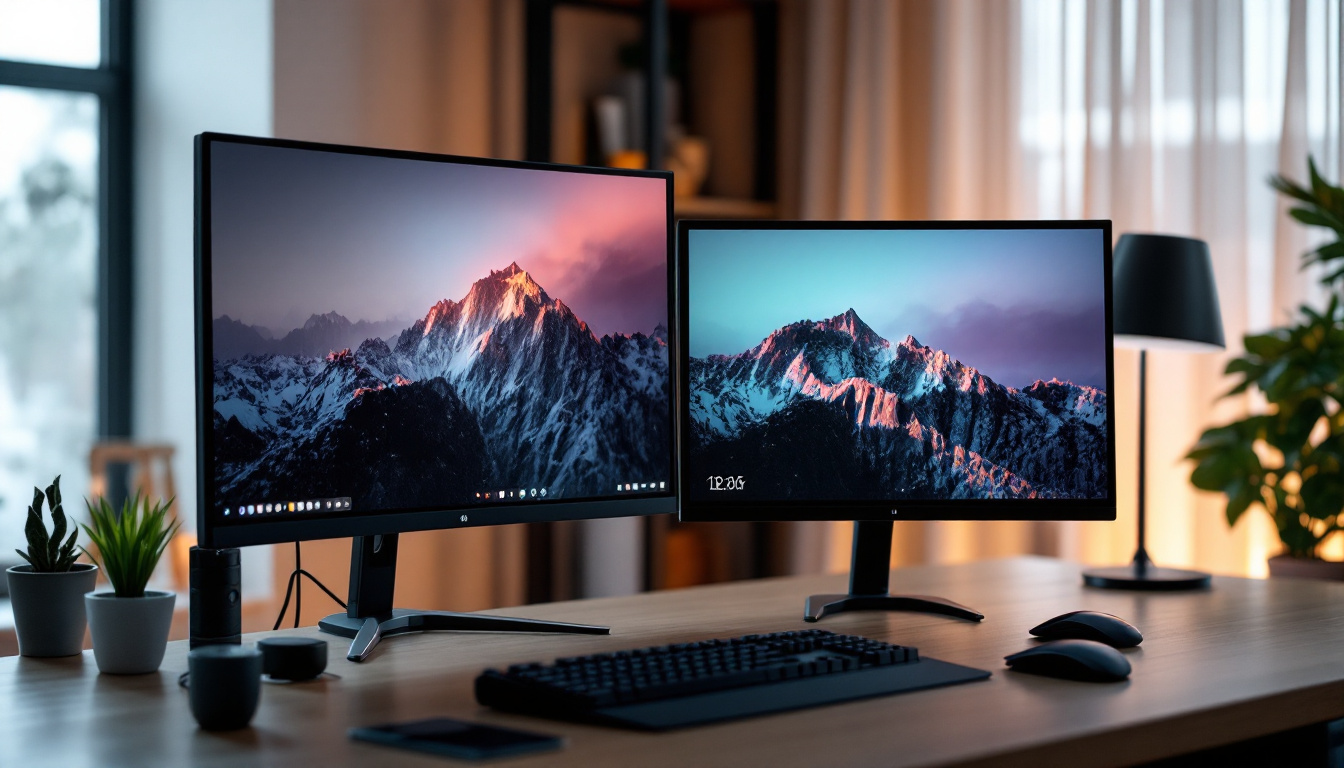
Moreover, monitors often support multiple displays, allowing users to expand their workspace efficiently. This multi-monitor setup is rarely practical with TVs due to size and desk space constraints.
Gaming
Competitive and serious gamers benefit from the faster refresh rates and lower input lag of LED monitors. Features like G-Sync and FreeSync compatibility help eliminate screen tearing and stuttering, providing a smoother gaming experience. The smaller size and closer viewing distance also make monitors more suitable for fast-paced gaming.
Color-Critical Work
Photographers, video editors, and graphic designers require displays with precise color accuracy and consistency. Professional-grade monitors offer factory calibration, hardware calibration support, and wide color gamut coverage, making them indispensable tools for creative professionals.
When to Choose an LED TV Over an LED Monitor
Home Entertainment and Media Consumption
LED TVs excel in delivering immersive viewing experiences for movies, TV shows, and sports. Their larger screen sizes and built-in speakers make them ideal for living rooms and shared spaces. Smart TV features also provide easy access to streaming platforms without needing additional devices.
Casual Gaming and Console Use
For casual gamers or those who primarily use gaming consoles like PlayStation or Xbox, LED TVs can be a practical choice. Many modern TVs support features such as low latency modes and variable refresh rates, improving the gaming experience. The larger screen size also enhances immersion, especially for multiplayer or party games.
Budget and Space Considerations
In some cases, consumers may opt for an LED TV due to budget constraints or limited desk space. TVs often provide larger screen sizes at a lower cost per inch compared to monitors. However, this comes with trade-offs in pixel density and input responsiveness.
Additional Factors to Consider
Viewing Distance and Environment
The optimal viewing distance varies between monitors and TVs. Monitors are designed for close-up use, typically within 20 to 30 inches, whereas TVs are meant to be viewed from several feet away. Using a TV as a monitor at close distance can result in visible pixels and reduced image clarity.
Ambient lighting also plays a role. Monitors often include anti-glare coatings to reduce reflections in brightly lit rooms, while TVs may rely on higher brightness levels to combat glare.
Power Consumption and Energy Efficiency
LED monitors generally consume less power than LED TVs due to their smaller size and lower brightness requirements. For users conscious about energy usage or operating multiple displays, this difference can be significant over time.
Price and Value
Price points vary widely depending on size, resolution, and features. While a large LED TV may cost less per inch than a high-resolution monitor, the specialized capabilities of monitors often justify their higher cost for professional or gaming use.
Conclusion: Making the Right Choice
Choosing between an LED monitor and an LED TV ultimately depends on the intended use case. Monitors are engineered for close-up viewing, high pixel density, fast response times, and color accuracy, making them ideal for productivity, professional work, and competitive gaming. TVs, with their larger screens, integrated multimedia features, and smart capabilities, are better suited for casual viewing, home entertainment, and console gaming.
Understanding the technical differences and practical implications of LED display technology empowers consumers to select the device that best fits their lifestyle and requirements. Whether prioritizing sharp visuals and responsiveness or immersive entertainment and screen size, the right LED display can significantly enhance the digital experience.
Discover the Perfect LED Display with LumenMatrix
Now that you understand the key differences between LED monitors and TVs, it’s time to elevate your visual experience with LumenMatrix. As a pioneer in LED display technology, LumenMatrix offers a comprehensive range of solutions tailored to your unique needs. From immersive Indoor and Outdoor LED Wall Displays to dynamic Vehicle and Sports LED Displays, each product is designed to maximize brand visibility and audience engagement. Whether for professional settings, gaming, or captivating home entertainment, LumenMatrix has the cutting-edge technology to bring your vision to life. Check out LumenMatrix LED Display Solutions today and transform the way you share your message with the world.