In the evolving world of computer displays, pixel density remains a critical factor determining image clarity, sharpness, and overall visual experience. As technology advances, LED monitors with increasingly higher pixel densities have become accessible, catering to professionals, gamers, and everyday users who demand superior image quality. This article delves into the concept of pixel density, explores the highest pixel density computer monitors available today, and explains the role of LED displays in achieving these impressive specifications.
Understanding Pixel Density and Its Importance
What Is Pixel Density?
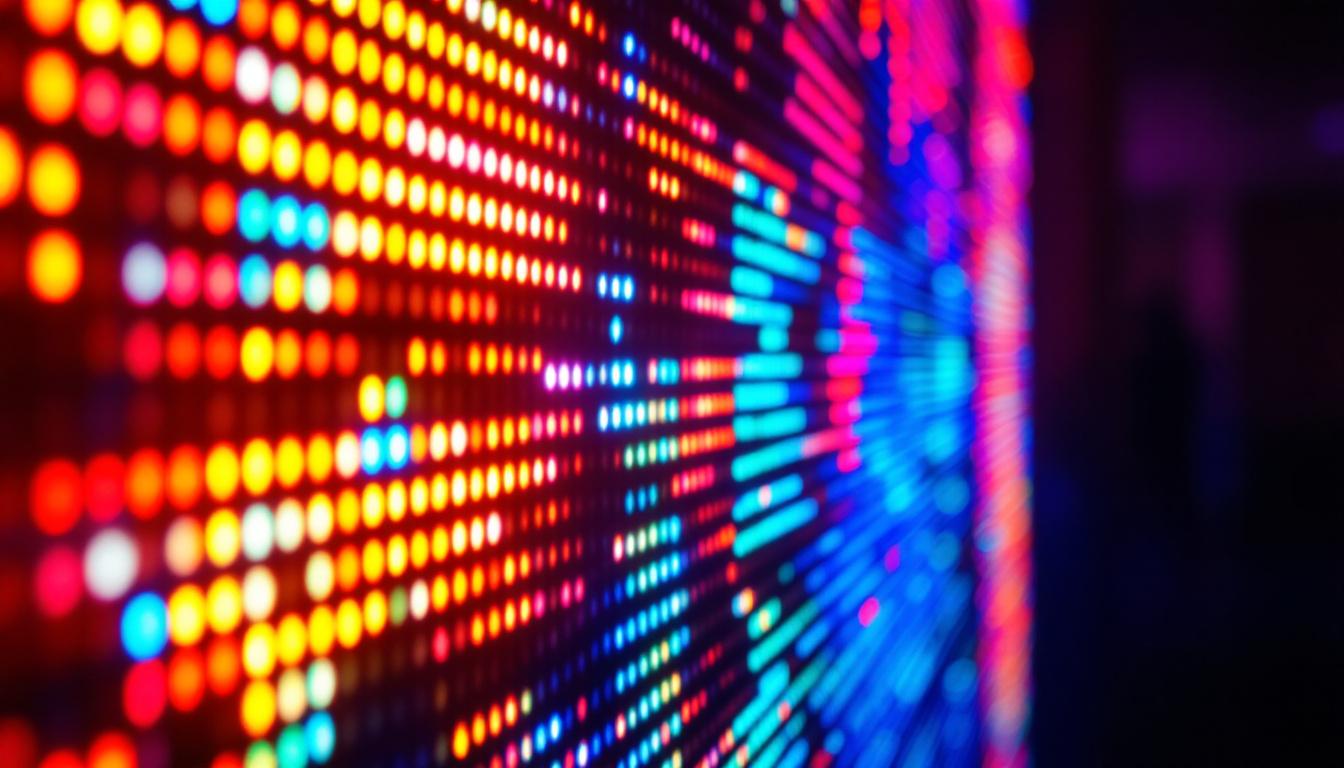
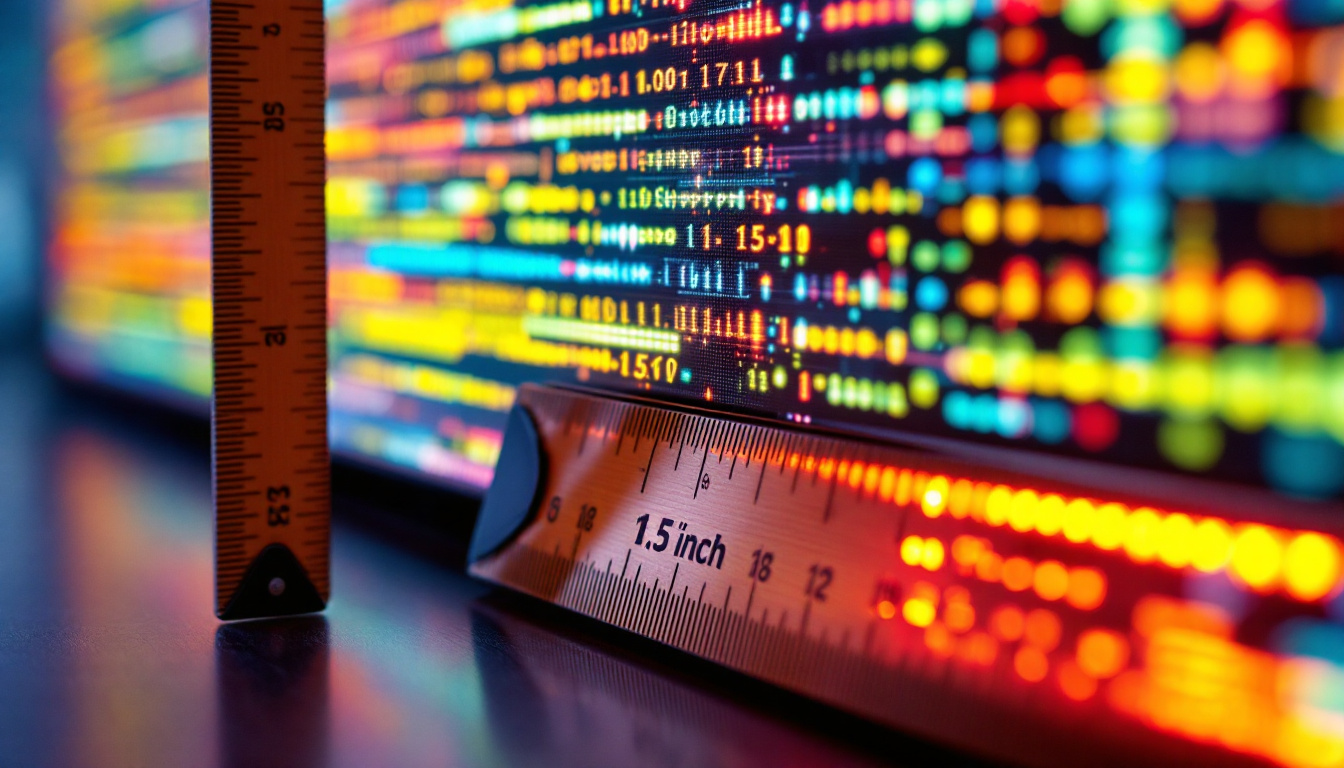
Pixel density, commonly measured in pixels per inch (PPI), refers to the number of pixels packed within one inch of a display. The higher the PPI, the more pixels are crammed into that inch, resulting in finer detail and sharper images. Unlike resolution alone, which only counts the total number of pixels on a screen (e.g., 3840 x 2160), pixel density considers the physical size of the display, making it a more accurate indicator of image clarity.
For example, two monitors with the same resolution but different screen sizes will have very different pixel densities. A 27-inch 4K monitor will have a lower PPI than a 15-inch 4K laptop screen, meaning the smaller screen will display crisper images and text. This difference can be particularly noticeable when viewing high-definition content or when working with intricate designs, where the clarity of each pixel can significantly affect the overall quality of the visual output.
Why Pixel Density Matters
High pixel density is crucial for several reasons. First, it enhances image sharpness, making text easier to read and graphics more detailed. This is particularly important for professionals working in fields like graphic design, photography, video editing, and CAD modeling, where precision and clarity are paramount. For instance, a graphic designer may need to zoom in on images to edit fine details, and a higher pixel density allows for a clearer view of those details without losing quality.
Second, higher pixel density reduces eye strain during prolonged use by providing smoother edges and less pixelation. For gamers and multimedia consumers, it translates to more immersive and visually stunning experiences. The difference is palpable when playing fast-paced games or watching high-definition films, where every pixel contributes to the overall realism of the scene. Moreover, as 4K and even 8K content becomes more common, high pixel density monitors ensure that this content is displayed at its best, without visible pixels or blurriness. With the rise of virtual reality and augmented reality applications, where immersion is key, the importance of pixel density cannot be overstated; it directly influences the quality of the experience, making it more engaging and lifelike.
The Role of LED Technology in High Pixel Density Displays
What Is an LED Display?
LED stands for Light Emitting Diode, a technology used to illuminate displays. In computer monitors, LED refers to the backlighting method rather than the display panel itself. Most modern LCD monitors use LED backlights, which have largely replaced older CCFL (Cold Cathode Fluorescent Lamp) backlights due to their superior energy efficiency, brightness, and color accuracy.
LED backlighting allows for thinner panels, better brightness control, and improved contrast ratios. This technology is fundamental in enabling ultra-high-resolution displays with high pixel densities, as it supports consistent illumination across the screen without compromising image quality.
Types of LED Displays
There are several types of LED displays, including edge-lit LED, full-array LED, and OLED (Organic LED). Edge-lit LED monitors have LEDs placed around the edges of the screen, allowing for thinner designs but sometimes uneven brightness. Full-array LED monitors feature LEDs spread uniformly behind the screen, providing better local dimming and contrast.
OLED displays, although not strictly LED in the traditional sense, use organic compounds that emit light when electrically stimulated. They offer exceptional contrast ratios and color accuracy but are currently less common and more expensive for computer monitors. For the highest pixel density monitors, LCD panels with LED backlighting remain the dominant technology.
Exploring the Highest Pixel Density Computer Monitors Available
Current Leaders in Pixel Density
As of 2024, some of the highest pixel density monitors on the market are found in the 4K and 5K resolution categories, particularly in smaller screen sizes where pixel density naturally increases. For instance, Apple’s Pro Display XDR boasts a 32-inch screen with a 6K resolution (6016 x 3384), resulting in a pixel density of approximately 218 PPI. This is significantly higher than typical 27-inch 4K monitors, which average around 163 PPI.
Another example is the Dell UltraSharp UP3218K, an 8K monitor with a 32-inch screen and a resolution of 7680 x 4320, delivering an astounding pixel density of roughly 280 PPI. This monitor is designed for professionals who require extreme detail, such as video editors working with 8K footage or medical imaging specialists.
High Pixel Density in Smaller Displays
Laptop displays and portable monitors often achieve even higher pixel densities due to their smaller size. For example, the 14-inch Dell XPS 14 4K display offers a pixel density exceeding 315 PPI. While these are not desktop monitors, they demonstrate how screen size influences pixel density and why smaller screens can appear sharper even at the same resolution.
In the desktop monitor segment, ultra-high pixel density is still a challenge due to manufacturing costs and the need for powerful graphics hardware to drive such resolutions smoothly. However, as GPU technology advances and prices decrease, higher PPI monitors are becoming more accessible to consumers.
Benefits and Challenges of High Pixel Density LED Monitors
Benefits
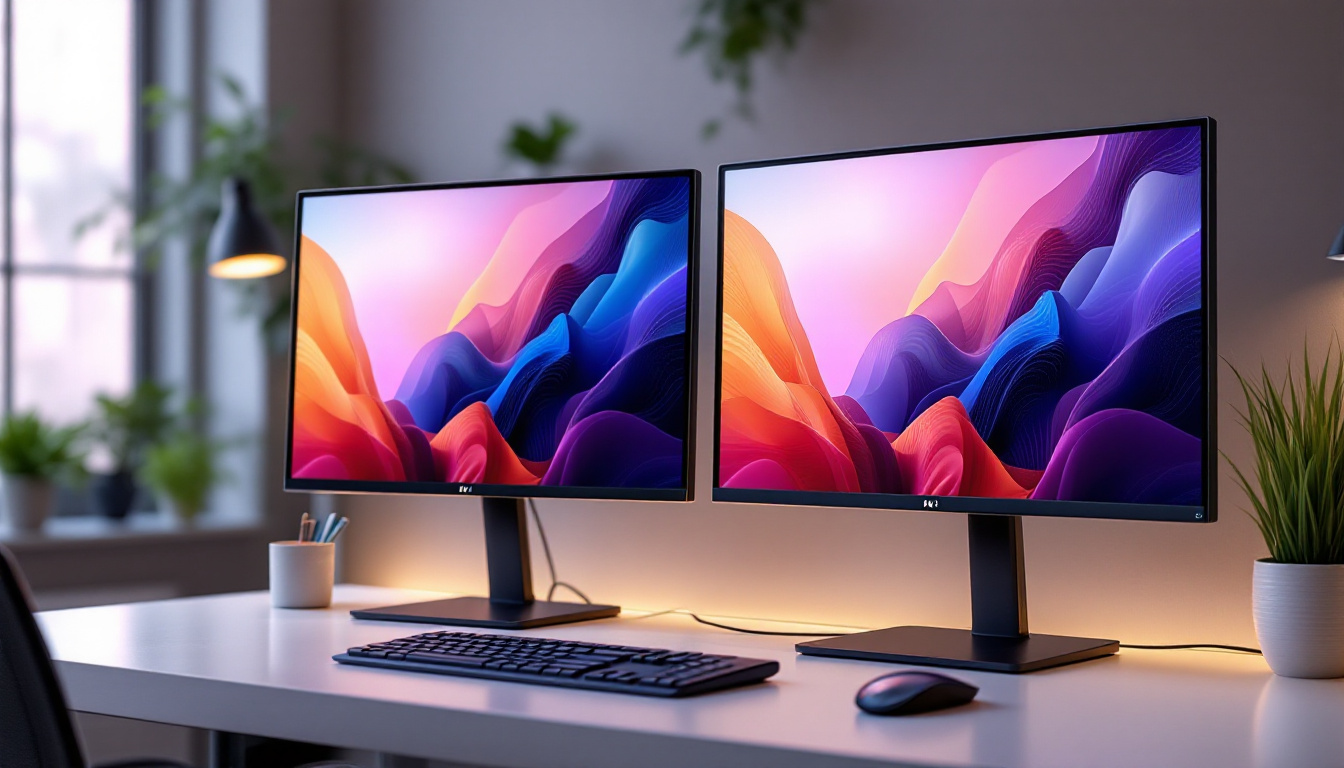
High pixel density LED monitors provide several advantages beyond just sharper images. They enable more screen real estate with clearer details, allowing users to work with multiple windows or intricate designs without losing clarity. This is invaluable for productivity and creative workflows.
Additionally, LED backlighting contributes to better color reproduction and energy efficiency. Many high-end LED monitors support wide color gamuts (such as AdobeRGB and DCI-P3), HDR (High Dynamic Range), and high refresh rates, enhancing both professional and entertainment experiences.
Challenges and Considerations
Despite their benefits, high pixel density monitors come with challenges. The most notable is the increased demand on the computer’s graphics processing unit (GPU). Driving 4K, 5K, or 8K resolutions at high refresh rates requires powerful hardware, which can be costly.
Another consideration is scaling. Operating systems and applications must support high-DPI scaling to ensure that user interfaces and text appear at comfortable sizes. Poor scaling can result in tiny, unreadable text or blurry images, negating the advantages of high pixel density.
Price is also a factor. High pixel density monitors with LED backlighting and advanced features often carry premium price tags, making them less accessible for casual users. However, prices are gradually decreasing as technology matures.
Choosing the Right High Pixel Density LED Monitor for Your Needs
Assessing Your Use Case
When selecting a high pixel density monitor, it’s essential to consider your primary use case. Creative professionals benefit from monitors with wide color gamuts, accurate color calibration, and high resolution for detailed work. Gamers might prioritize high refresh rates and low response times alongside pixel density.
For general productivity, a balance between resolution, screen size, and price is key. Monitors with 4K resolution around 27 to 32 inches offer an excellent compromise between sharpness and usability, with pixel densities typically between 160 and 220 PPI.
Connectivity and Compatibility
Ensure that your computer supports the chosen monitor’s resolution and refresh rate. Modern monitors often use DisplayPort 1.4 or HDMI 2.1 to handle high bandwidth requirements. USB-C connectivity with DisplayPort Alternate Mode is increasingly common, simplifying connections for laptops and portable devices.
Compatibility with operating system scaling settings is also vital to avoid usability issues. Windows, macOS, and Linux have varying degrees of support for high-DPI displays, so checking for software compatibility is recommended.
Additional Features to Consider
Beyond pixel density and LED backlighting, other features can enhance the monitor experience. HDR support improves contrast and color depth, while factory calibration ensures color accuracy out of the box. Adjustable stands, anti-glare coatings, and blue light filters contribute to comfort during extended use.
For professionals, hardware calibration support and wide viewing angles (offered by IPS panels) are important. Gamers may look for adaptive sync technologies like NVIDIA G-Sync or AMD FreeSync to reduce screen tearing and input lag.
The Future of High Pixel Density LED Monitors
Emerging Technologies
Looking ahead, the trend toward higher pixel densities will continue, driven by advances in display manufacturing and graphics processing. MicroLED technology, which combines the benefits of LED and OLED, promises even better brightness, contrast, and energy efficiency while supporting ultra-high resolutions.
Flexible and foldable displays may also influence monitor designs, allowing for larger screens with high pixel densities in more compact forms. Additionally, AI-driven upscaling and image enhancement technologies will help deliver crisp visuals even on lower resolution content.
Impact on User Experience
As pixel densities climb, users can expect more immersive and detailed visual experiences across all computing tasks. This will benefit not only professionals and gamers but also everyday users who consume high-definition media or engage in remote work and learning.
Moreover, improvements in software scaling and GPU performance will make high pixel density monitors more accessible and easier to use, reducing current barriers related to cost and compatibility.
Conclusion
High pixel density computer monitors, particularly those utilizing advanced LED backlighting technologies, represent the pinnacle of display clarity and image quality. Understanding pixel density and its relationship with resolution and screen size is essential for selecting the right monitor for specific needs. While challenges such as cost, hardware demands, and scaling remain, ongoing technological advancements continue to push the boundaries of what LED displays can offer.
Whether for professional content creation, immersive gaming, or simply enjoying the sharpest visuals possible, investing in a high pixel density LED monitor can significantly enhance the computing experience. As the market evolves, these displays will become increasingly mainstream, delivering stunning visuals that redefine how users interact with digital content.
Discover the Future of High Pixel Density Displays with LumenMatrix
Ready to experience the ultimate in display clarity and image quality? LumenMatrix is at the forefront of LED display innovation, offering a wide range of solutions that cater to your every need. From immersive Indoor LED Wall Displays to dynamic Outdoor LED Wall Displays, and from versatile Vehicle LED Displays to sleek LED Poster Displays, LumenMatrix has the technology to transform your visual communication. Embrace the future with our LED Sports Displays, Floor LED Displays, Custom LED Displays, All-in-One LED Displays, and LED Transparent Displays. Elevate your visual experience and share your message with unparalleled impact. Check out LumenMatrix LED Display Solutions today and join the revolution in high pixel density visual technology.